
Yuka Mini Airtag Holder
Print Profile(1)

Description
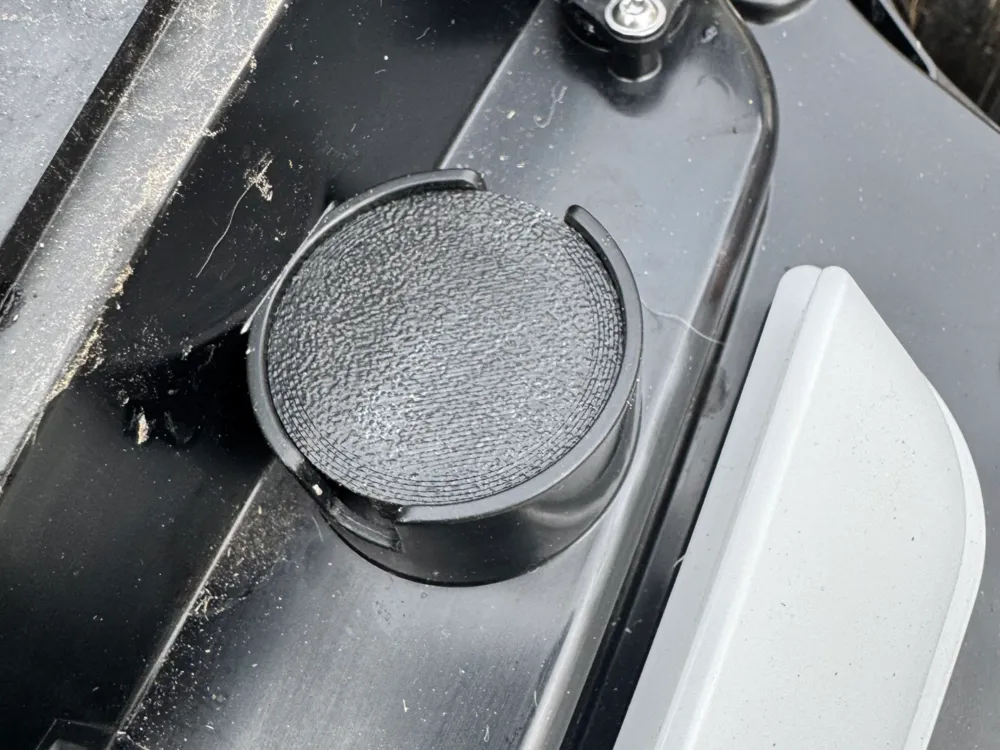
The Yuka Mini doesn't include the 4G Module (though it can be added separately), which had me worried about it getting stolen and taken out of my Wi-Fi range. Fortunately, Mammotion had the foresight to put a small spot right under the removable cover where an AirTag can sit loosely. In order to better hide the AirTag as well as to hold it securely in place, I built this holder.
To remove the cover on the Yuka Mini, there's a small space in each of the front corners where you can get your fingers under. Pull firmly on both sides of the front cover and it should come off without too much trouble allowing you to access the mounting point for this holder.
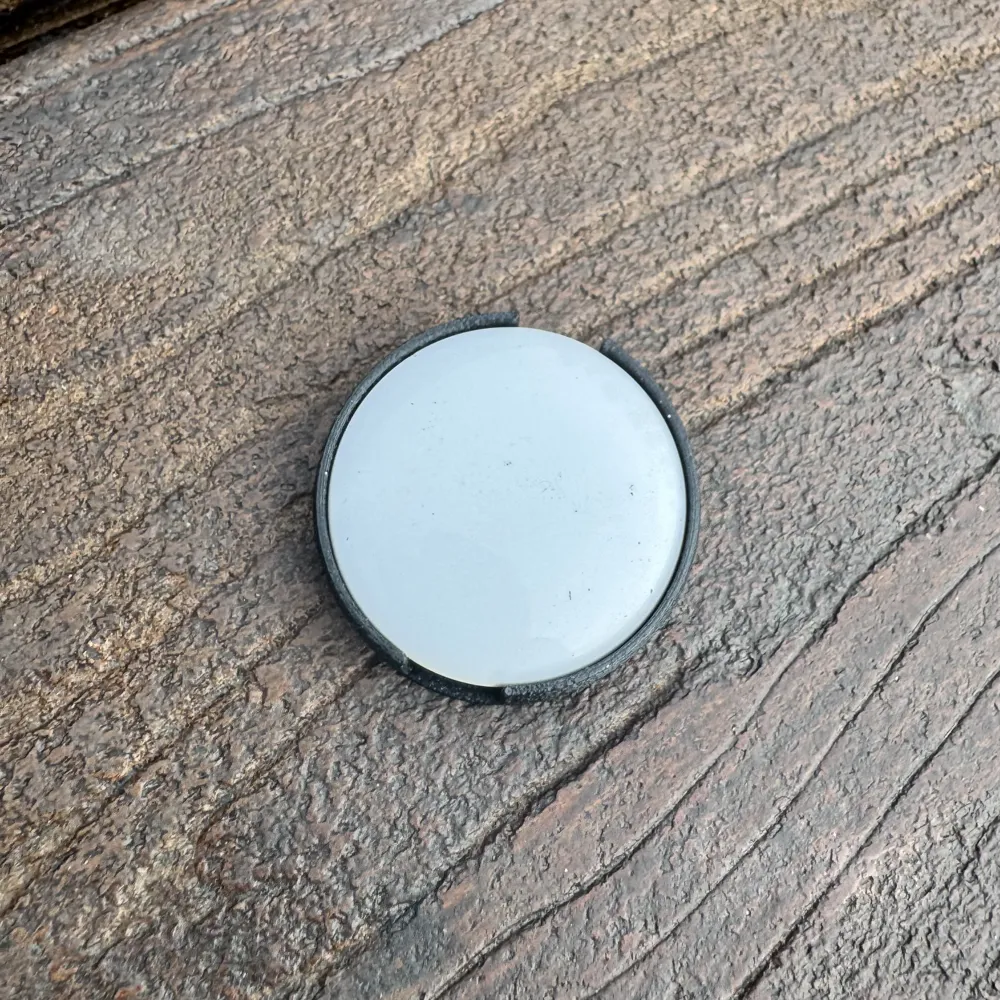
The AirTag will press nicely into place, then you can just press this into the slot on the Yuka Mini, no screws or tools required. It's a tight fit, so be sure to align it so that the open area on the sides of the holder aligns with the slot in the Yuka Mini, allowing you to remove it when it's time to replace the battery.
I printed it in black PETG-GF so it blends in better and stays nice and rigid and is not as easy to spot. You could likely get away with printing this in PLA as it's hidden under the cover of the robot mower and won't be directly exposed to the sun, but just the same, it's better to go with a material that will last outdoors.
License



Comment & Rating (4)