
Parametric: Simple Box with Lid
Print Profile(2)





Description
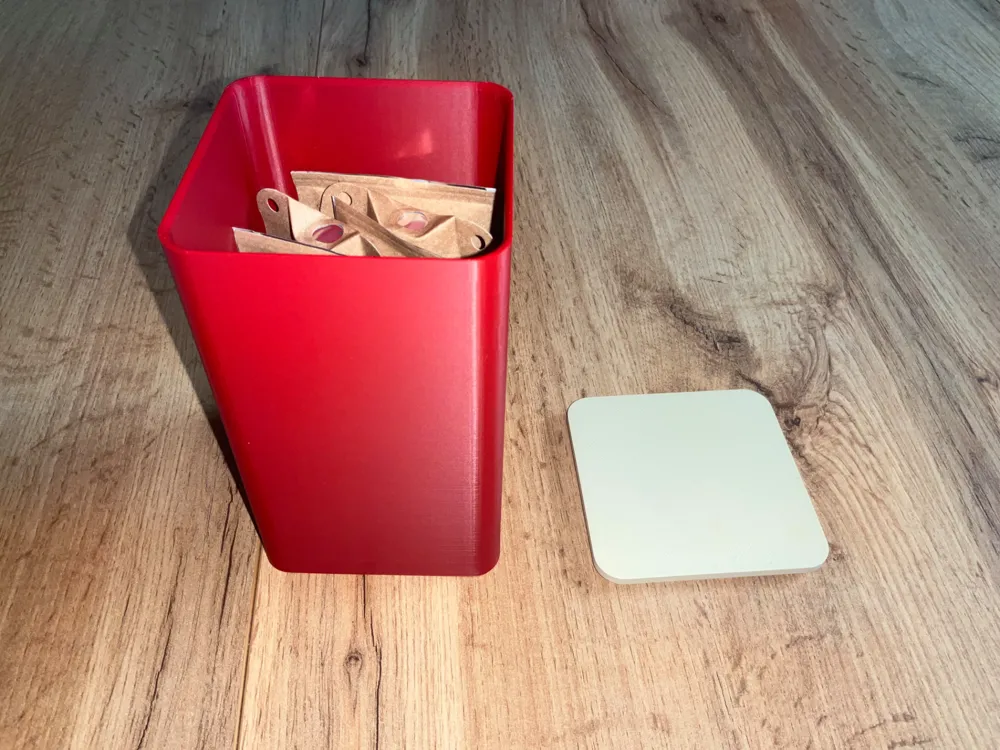
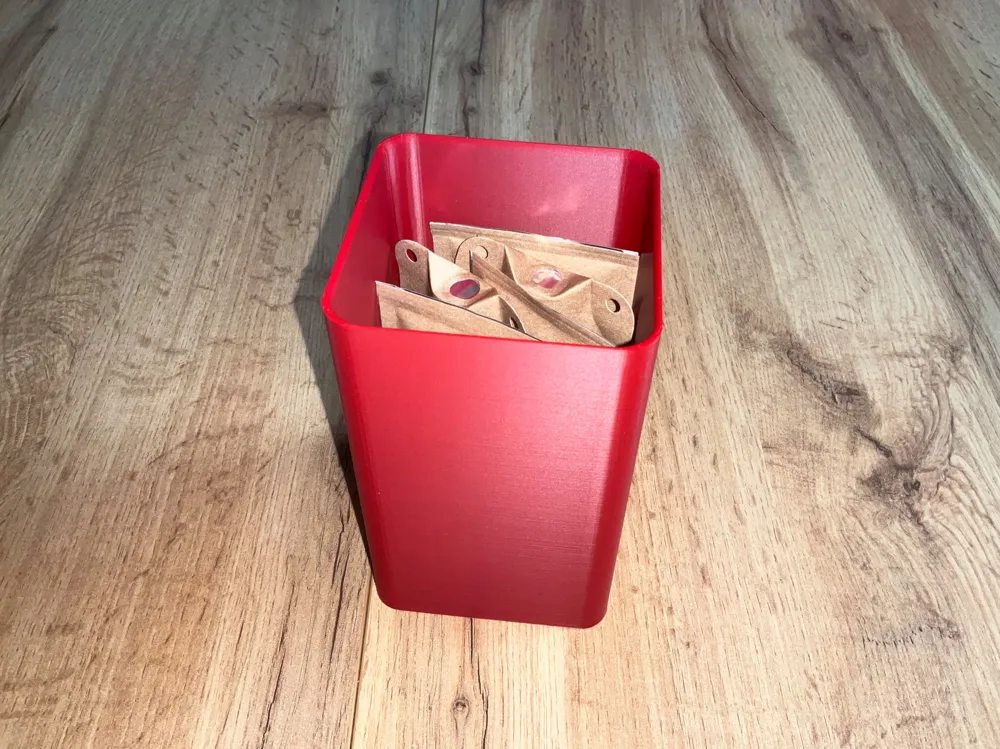
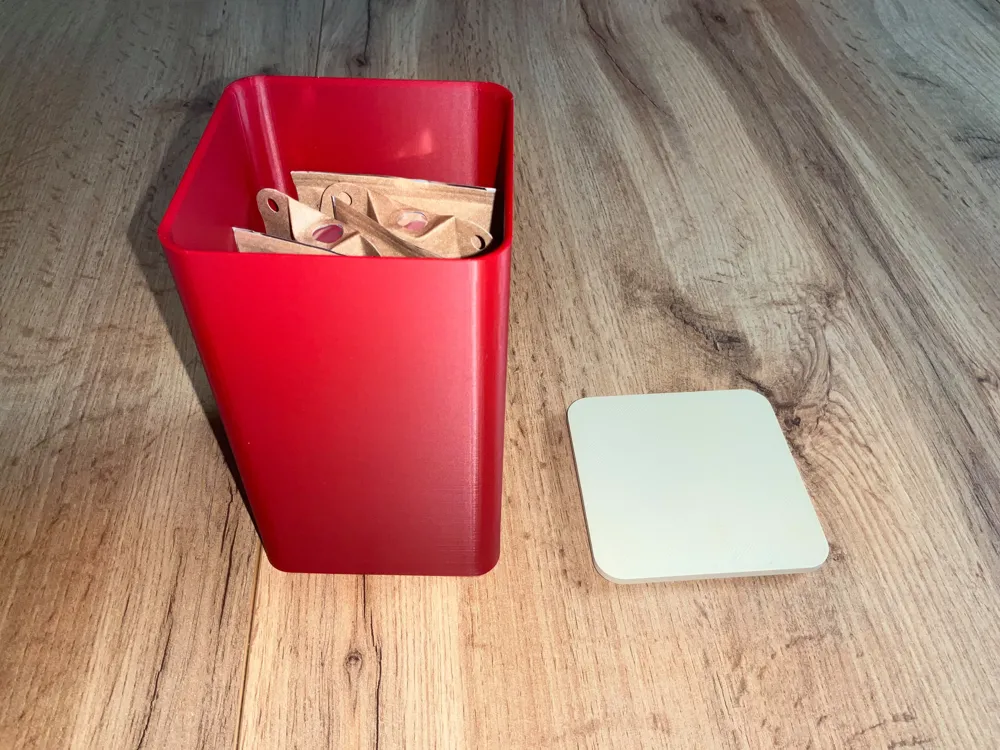
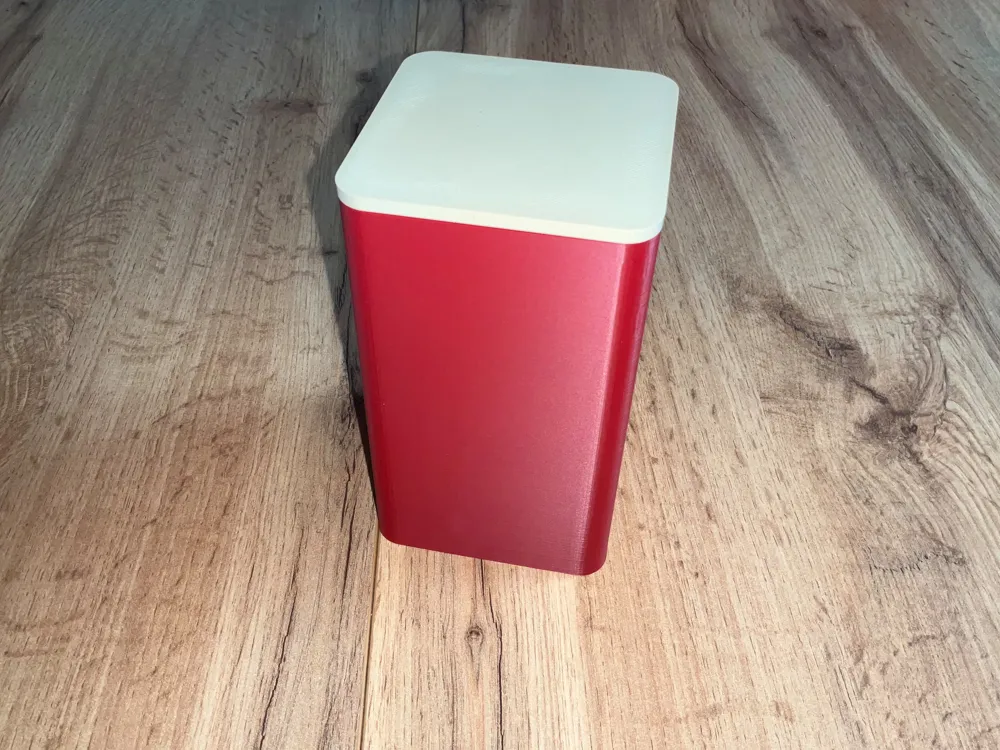
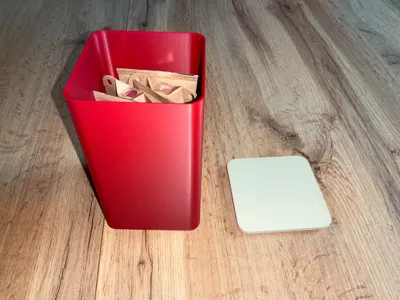
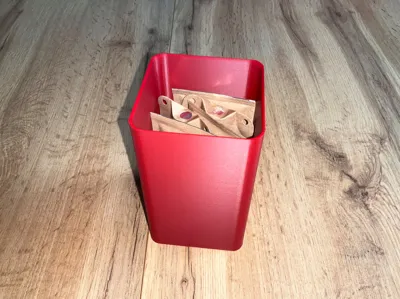
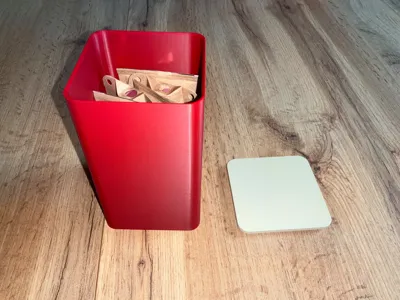
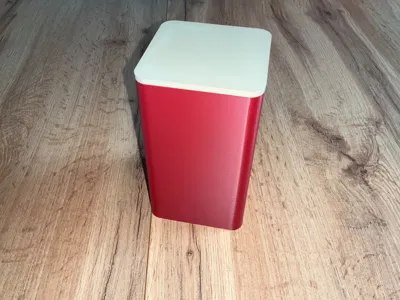
This is a parametric storage box with a lid, ideal for storing various small, simple items. I primarily use it in the kitchen.
It comprises several parts:
- A base
- A lid
No supports are needed. The images show the model printed at 0.12 mm
To generate your model, click on 
You can customize the model using these parameters
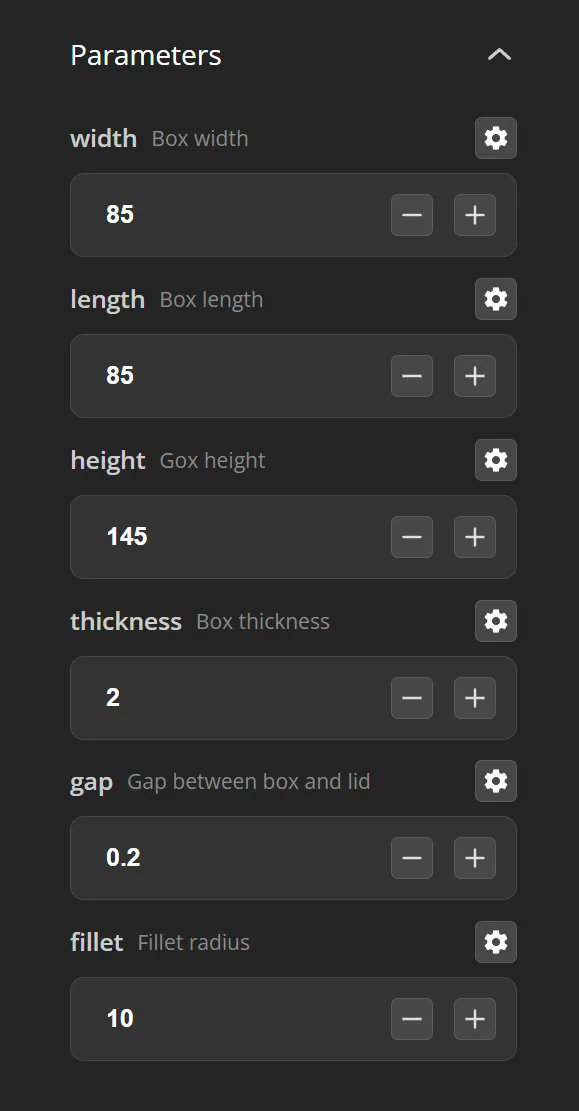
Once you've entered your parameters, click on the button 
After generation is complete, click on the button  to download your model as a .3mf or .stl file
Note: Modify the included print profile to integrate your objects. Currently, the .3mf configuration isn't fully supported by the generator, and if a timeout occurs during .3mf generation, export as an STL instead.
Video tutorial on modifying the print profile in Bambu Studio (for those unfamiliar with the slicer): Bambu studio: openscad parametric box how to import object
After customizing and generating your .3mf or .stl model via Openscad,
- Download one of the print profiles
- Open the profile in Bambu Studio
- Delete all objects except one
 Click this icon to import the objects generated via Openscad, selecting your generated file
- Choose the "Import Geometry Only" option
- The imported objects will be grouped; select them, right-click, and split them
- Delete the placeholder object you left to import additional objects
- Delete any unnecessary objects (inserts and/or containers)
- Arrange the objects across the two build plates
- Select the objects, right-click, and choose your desired filament
License: personal use only. No resale, remix or hosting without authorization.
💛 A small like is always appreciated 😊
🛠️ Need an adapted profile or a modification? Say it in the comments, I respond quickly!
Boost Me (for free)
Even more of a boost ^^, that gives me sparkles in my eyes all day long.
License

You shall not share, sub-license, sell, rent, host, transfer, or distribute in any way the digital or 3D printed versions of this object, nor any other derivative work of this object in its digital or physical format (including - but not limited to - remixes of this object, and hosting on other digital platforms). The objects may not be used without permission in any way whatsoever in which you charge money, or collect fees.


Comment & Rating (0)