Search models, users, collections, and posts


Print Profile(1)

0.2mm layer, 2 walls, 15% infill
Designer
2.6 h
1 plate
Open in Bambu Studio
Boost
71
131
1
0
130
13
Released
Description
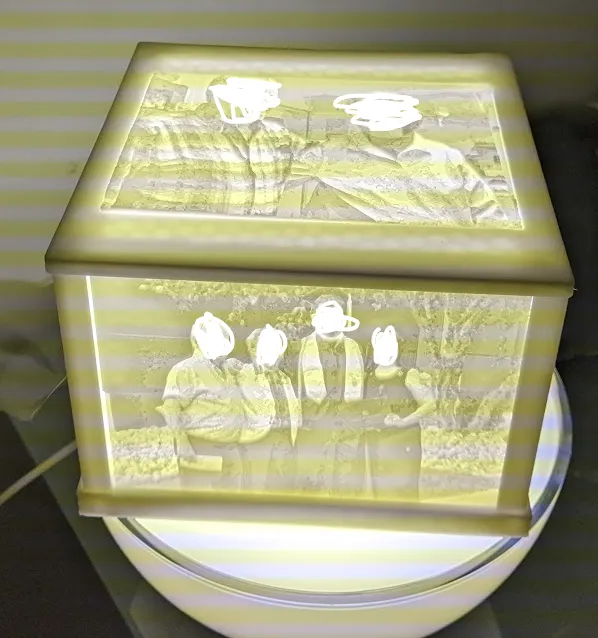
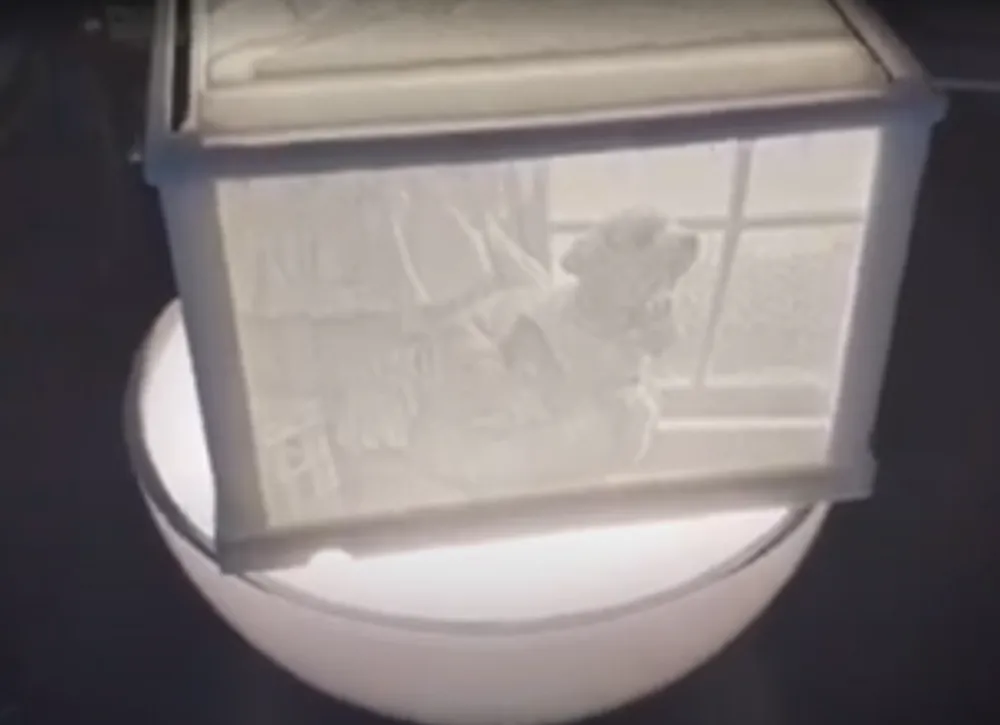
This is a light box that I've been working on for some time.
Steps
- Go to a site like this https://tool.itslitho.com/CreateModel and set the size to 100x75mm with a max thickness of 3mm. Upload your photos and let it create a lithophane from it. Do this for 5 or more pictures. I made this in a way where you can switch out the pictures whenever.
- After getting the models of your photos, print them.
- Print the box (this)
- Put the parts together and place on a light source or place a light source inside it.
- Enjoy
Some things I've successfully tested this on is those spinning light stands. This shines different colors and slips the box around.
For added flair, you can use the color feature on sites like I linked. Print the color version on paper, stick it to the back of your lithophane, and enjoy.
Side note: I found on some photos a 0.2 nozzle is best. Play around with things because sometimes you can get away with a 0.4 nozzle just fine.
Important: I wouldn't glue anything. Again I made this where you can switch out the pictures if wanted/needed. Once you glue it, you have what you have.
License

This user content is licensed under a
Creative Commons Attribution-Noncommercial-Share Alike


Comment & Rating (1)