
Montessori Multiplication Board
Print Profile(1)

Bill of Materials

Description
📚 Montessori Multiplication Board
I'd like to share with you an incredible Montessori resource that I'm using with excellent results in learning multiplication: the Montessori Multiplication Board.
✅ What is it?
The Multiplication Board is a sensory material used in the Montessori method to help children understand multiplication in a concrete and visual way.
With it, the student can "see" the multiplications forming, manipulating the elements with their hands and making learning much more meaningful.
🧩 Material components:
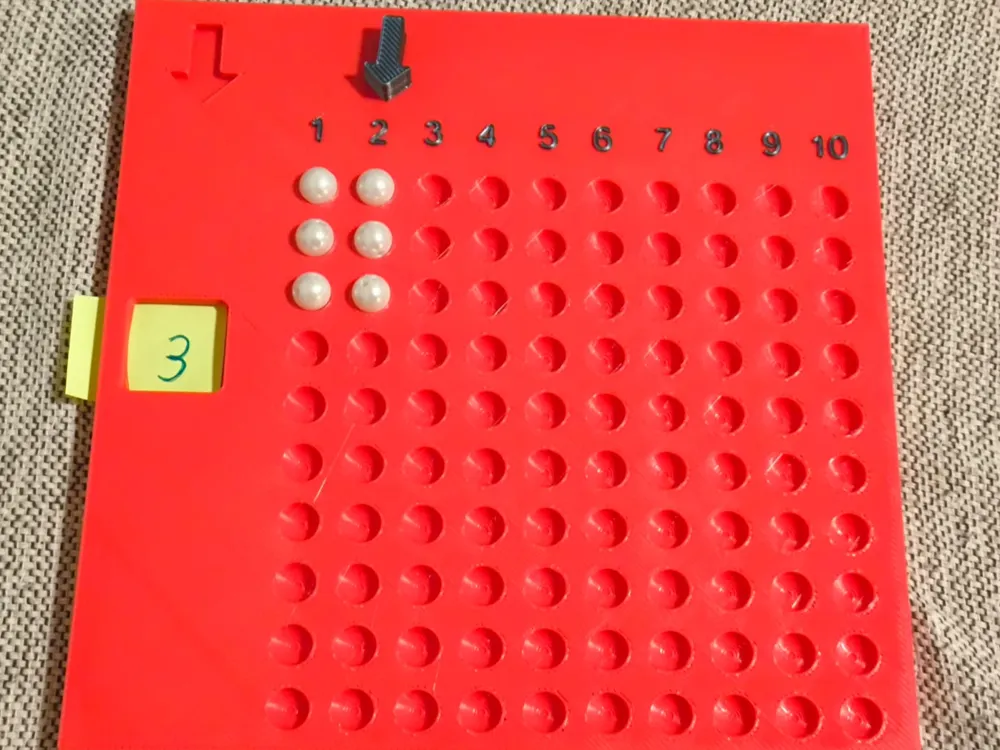
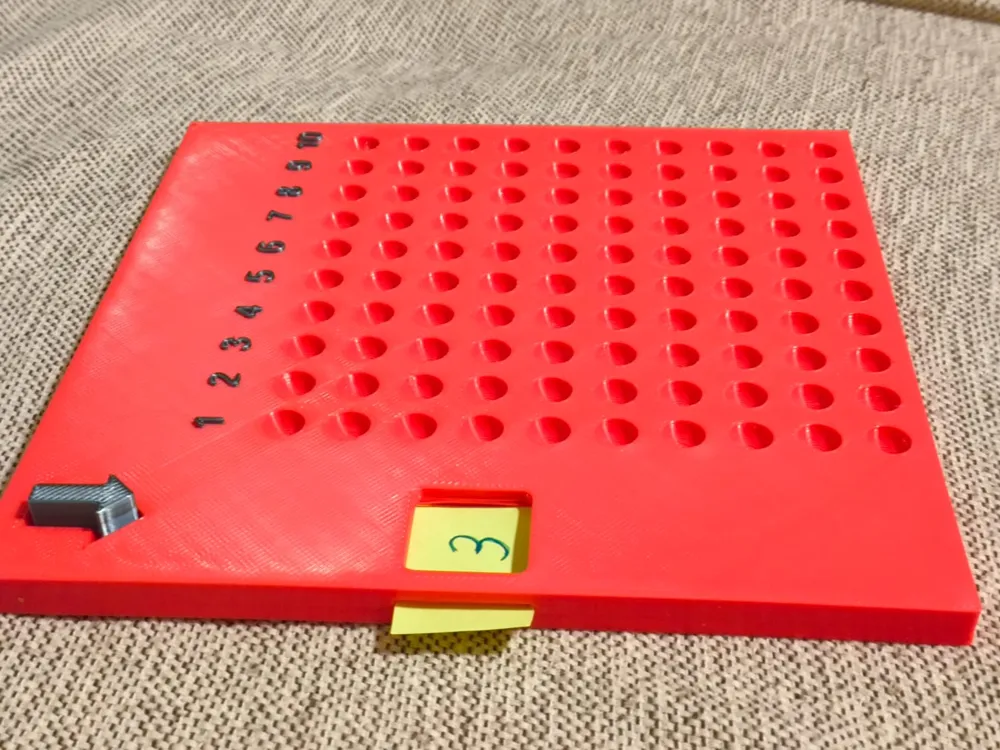
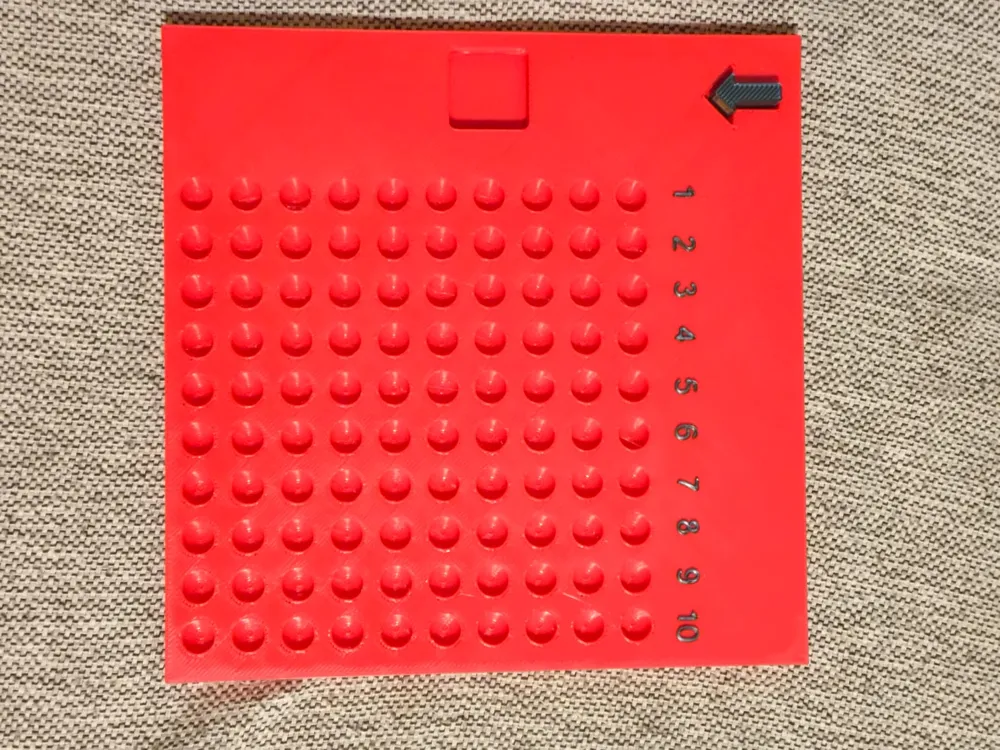
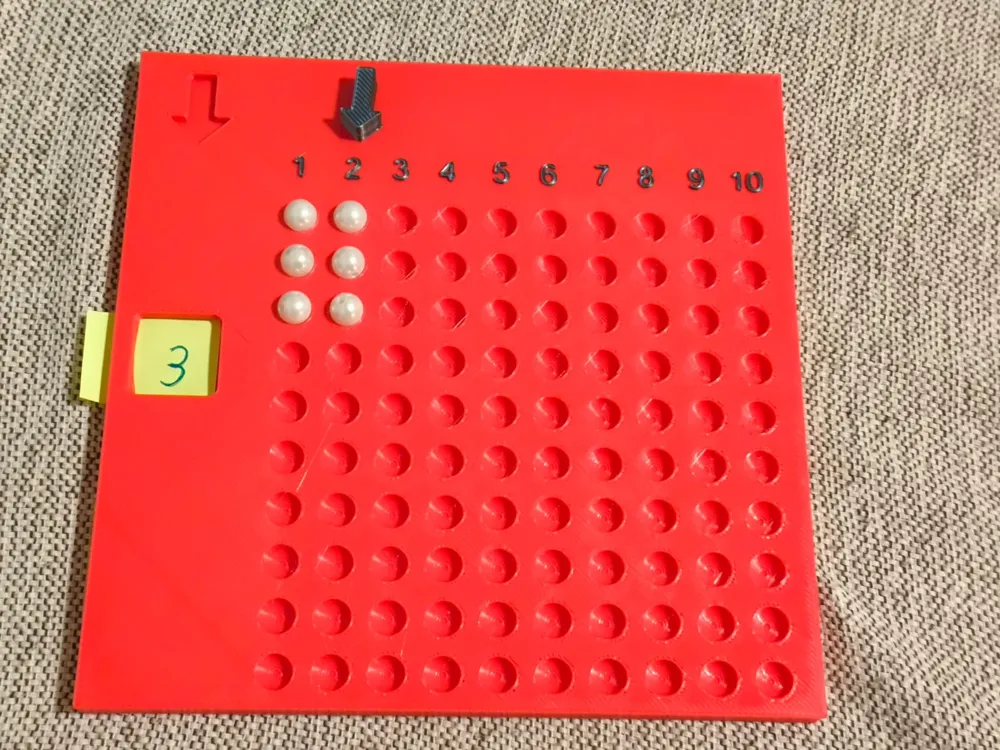
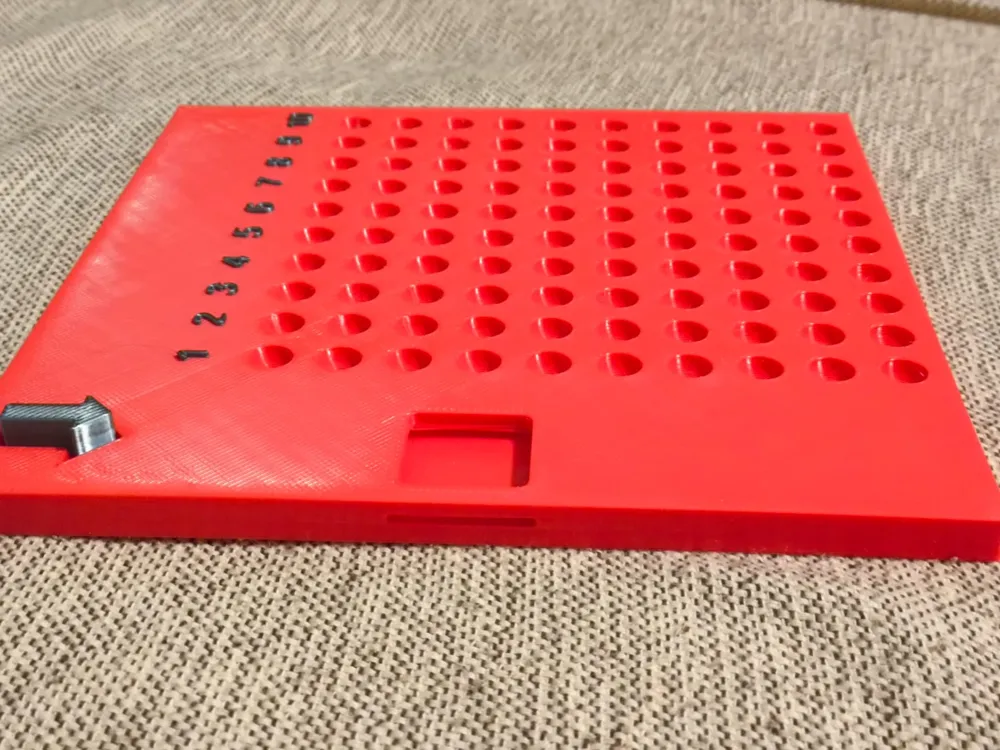
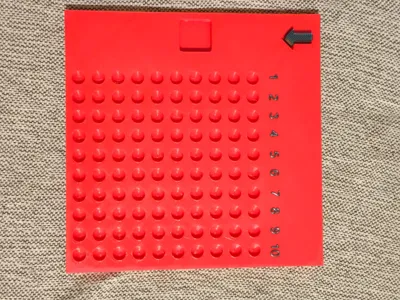
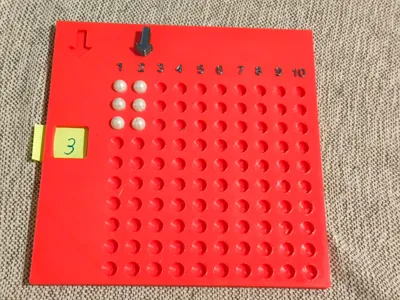
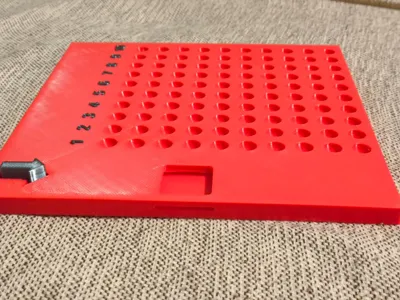
A board with holes arranged in rows and columns (10x10);
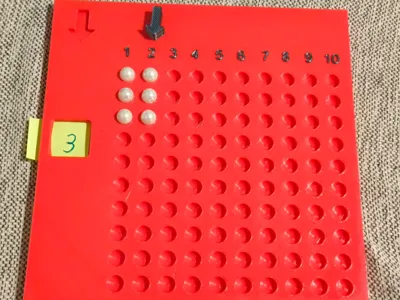
markers: I used bead-like balls to fill the holes;
A set of cards with multiplications (eg: 3 x 4);
A number strip from 1 to 10 at the top;
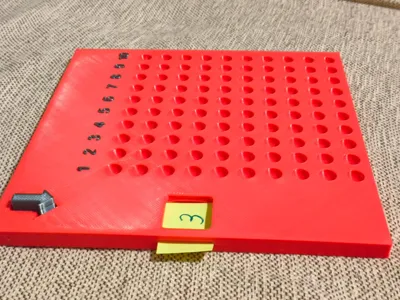
A side marker to show the number to be multiplied.
🎯 How it works in practice:
The child chooses a card (example: 3 x 4), positions the number 3 on the side and the number 4 at the top, and inserts 4 pins in each line of the number 3 — totaling 12 pins.
This allows visualizing 3 groups of 4, building the concept of multiplication naturally.
🎨 Materials I used:
I made the board in PLA, I recommend PETG for greater durability
9mm bead-like balls in a contrasting color;
Adhesive or embossed number strip;
Approximate measurements: 20cm x 20cm x 12mm.
👶 Age indication:
Ideal for children from 5 or 6 years old, or according to the child's individual development.
💬 Tips and suggestions:
Can be adapted to work with division as well;
Great for use at home, schools, offices or therapies;
I don't have the AMS, I added a pause in the first layer of the numbers and did the color change manually. This way the numbers are visible.
License



Comment & Rating (1)