
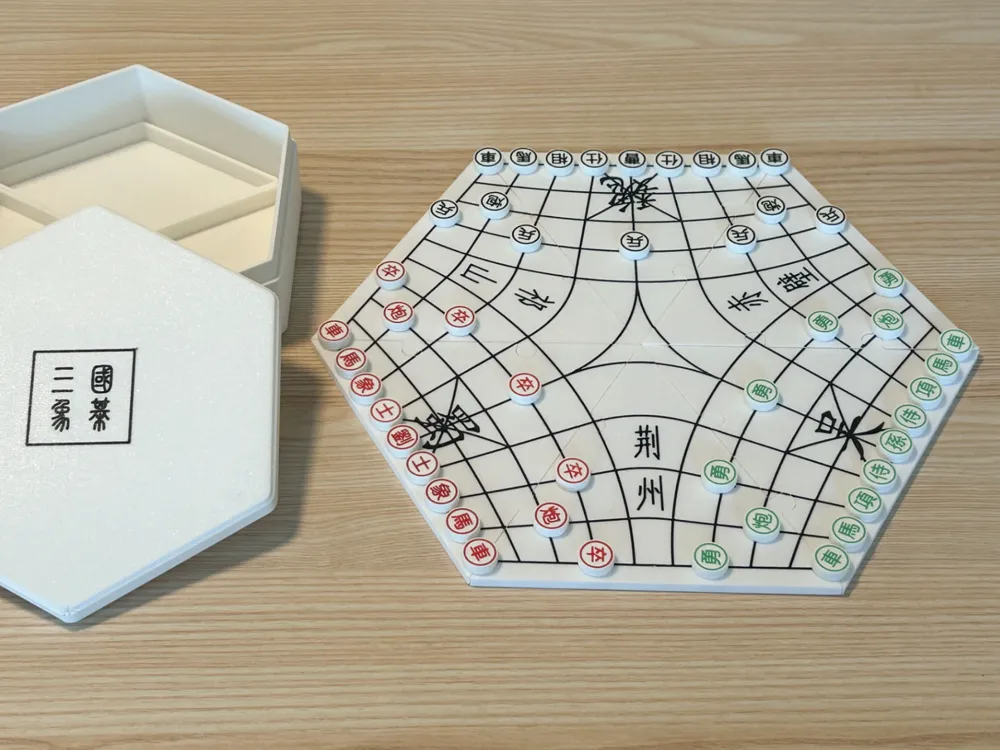
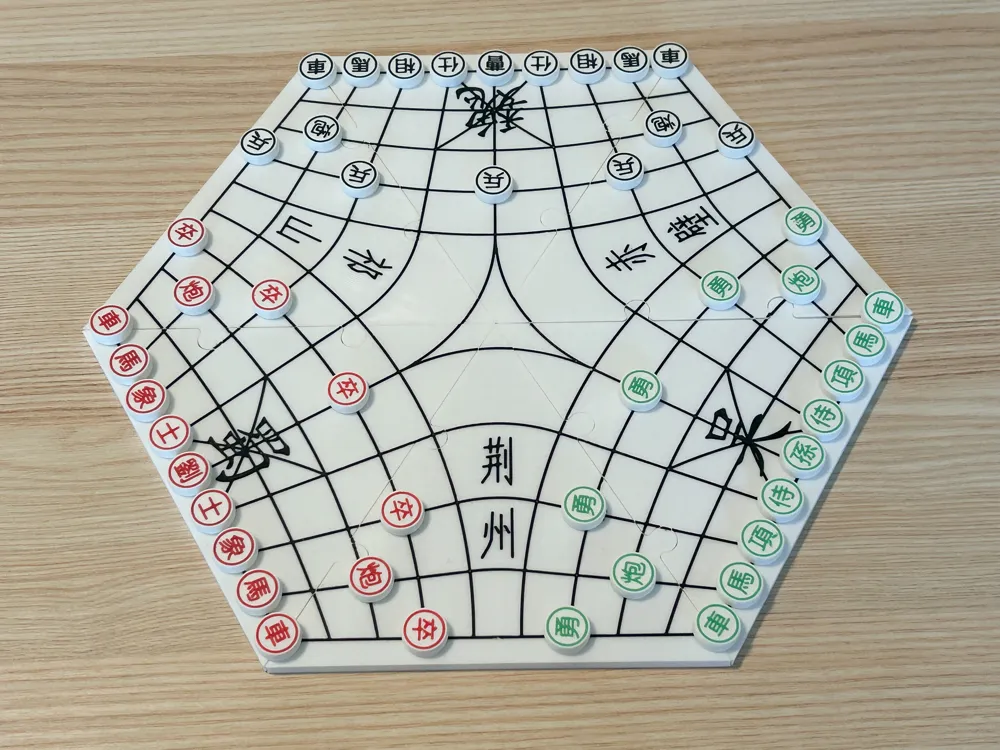
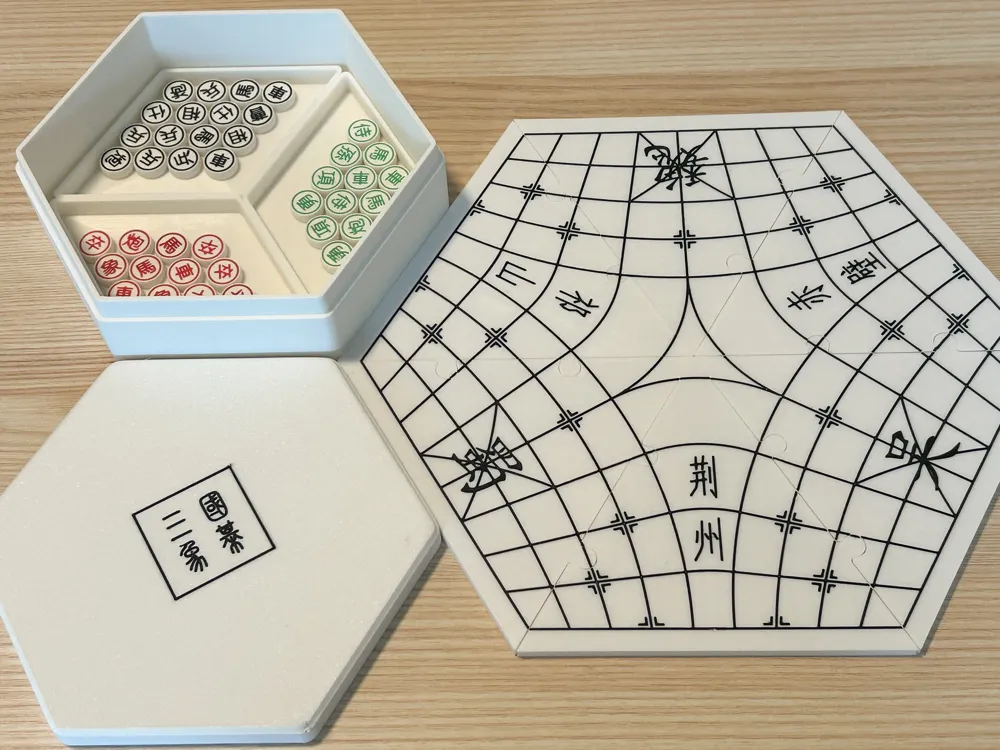
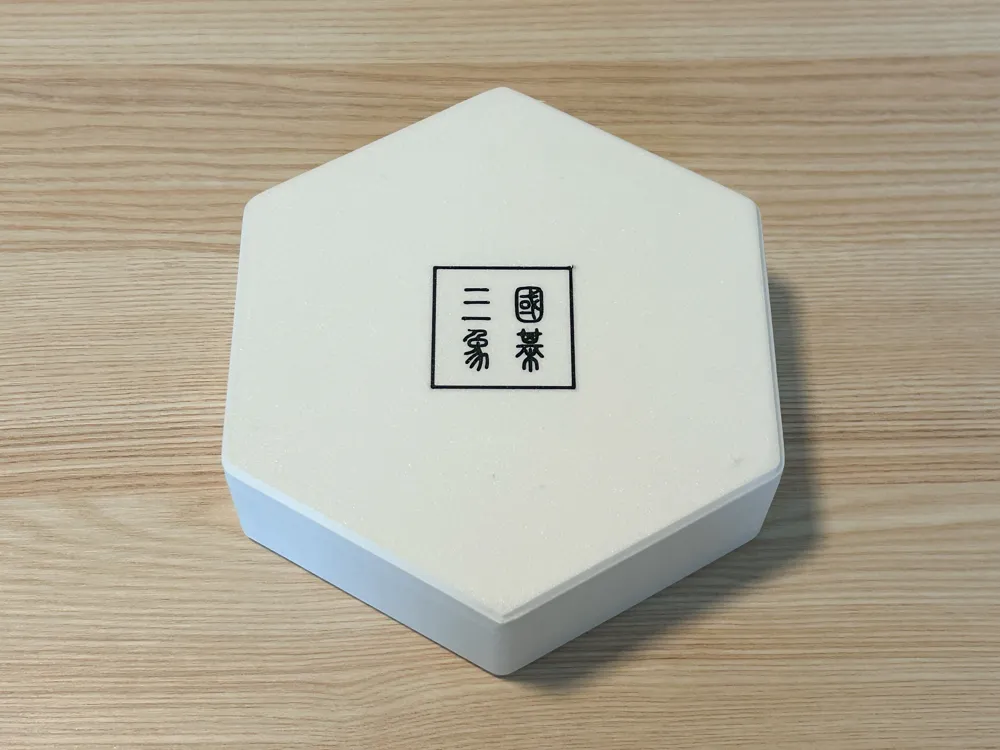
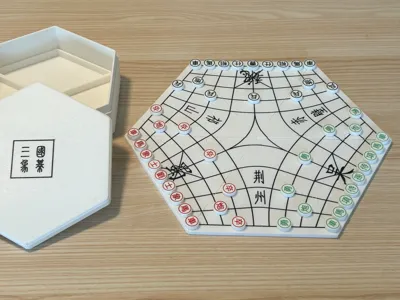
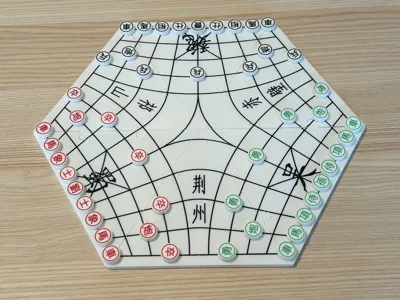
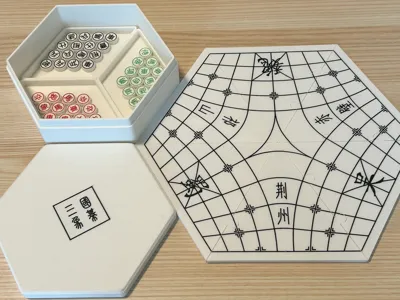
Three Kingdoms Three-player Chess (no AMS)
Print Profile(3)

Description
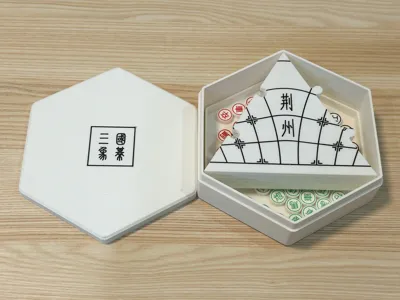
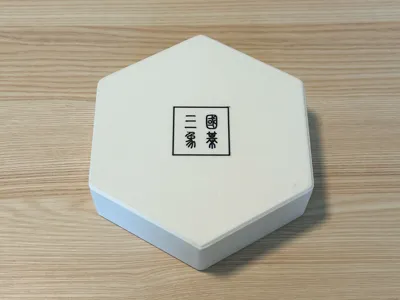
I. About the Model
There are 4 models in this series, and the comparison of different models is as follows, in mm:
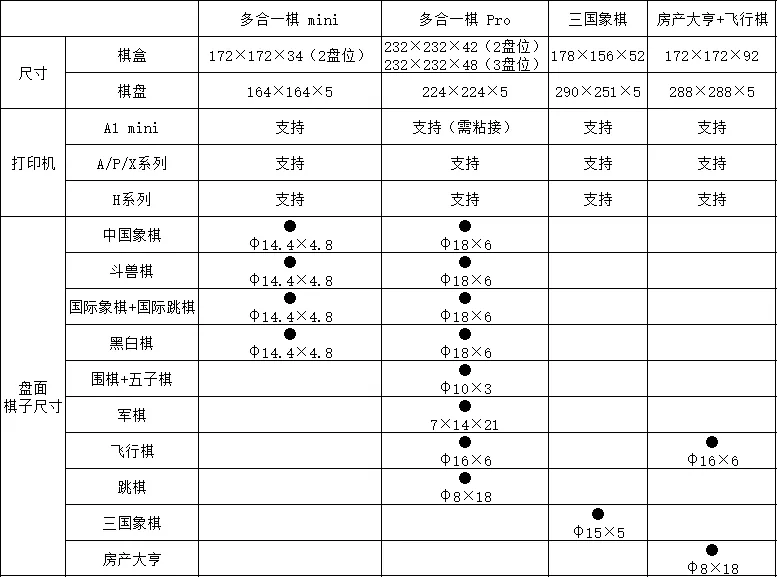
This link is for Three Kingdoms Chess, and other models can be accessed by clicking the links below:
II. Game Play Reference
- Game Logic
- Victory conditions:
- Method 1: Three-way melee, the last winning party wins, and the remaining pieces of the eliminated party are controlled by the occupying party
- Method 2: Protect the upstream opponent and attack the downstream opponent. The first player to capture the downstream opponent's General wins. Both the player and the upstream opponent are defeated if their Generals are captured
- Order: Pieces are placed clockwise in sequence
- Check: Pieces are placed in order, and it counts only when the General is captured
- Victory conditions:
- Piece Movement Logic:
- Basic logic: Same as traditional Chinese chess
- Soldier: Can only cross the river once, and can choose any direction to cross in the triangular area
- Facing Generals: If passively facing Generals, the player who captures the opponent's General in the order of play wins
- Two-player Mode
- Two players can battle using the initial setup of Three Kingdoms Chess, and can also attack the pieces or Generals of the third party. After capturing a General, the remaining pieces can be controlled
III. Printing Method
- Without AMS:
- Chessboard: Print white first. When the last layer starts, approximately ten minutes later, manually pause the printer when it reaches the wipe tower, change to black, and resume printing
- Chess pieces: Print white first. When the last layer starts, approximately ten minutes later, manually pause the printer each time it reaches the wipe tower, change the color, and resume printing. The color change sequence is black, red, green
- Chess box lid: Print black first. When it reaches the wipe tower, manually pause, change to white, and resume printing
- After some models upgrade their firmware and Bambu Studio on PC, on the PC printing task interface, you can select 'Multi-color printing with external spool'. It will automatically pause when a color change is needed. For details, see Multi-color printing with external spool | Bambu Lab Wiki
- With AMS: Print directly after selecting the correct color mapping
- After printing large parts like the chessboard and chess box, let them cool for a period before removing them to prevent warping and unevenness
Boost Me (for free)
If you like it, please give a boost to support
IV. Update Log
- December 18, 2025: Increased chess piece size from φ13mm to φ15mm
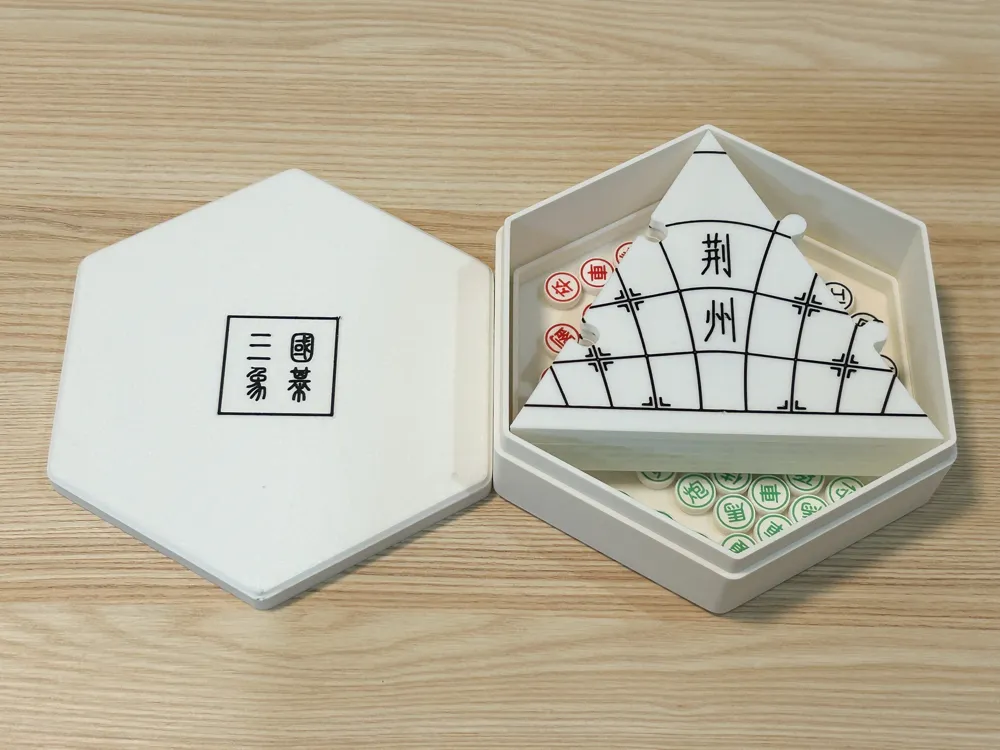
- April 4, 2026: Added chess box
- June 9, 2026: Removed pause layers, updated printing instructions for without AMS
License

You shall not share, sub-license, sell, rent, host, transfer, or distribute in any way the digital or 3D printed versions of this object, nor any other derivative work of this object in its digital or physical format (including - but not limited to - remixes of this object, and hosting on other digital platforms). The objects may not be used without permission in any way whatsoever in which you charge money, or collect fees.


Comment & Rating (4)