
Xtool S1 Dog Tag Jig
Print Profile(1)

Description
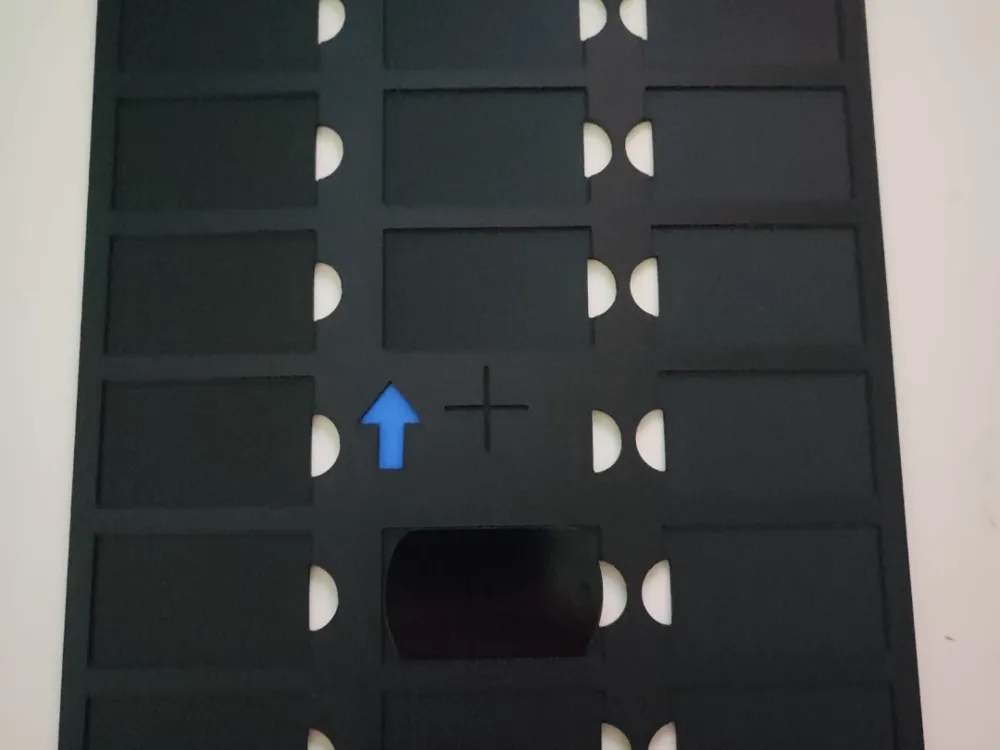
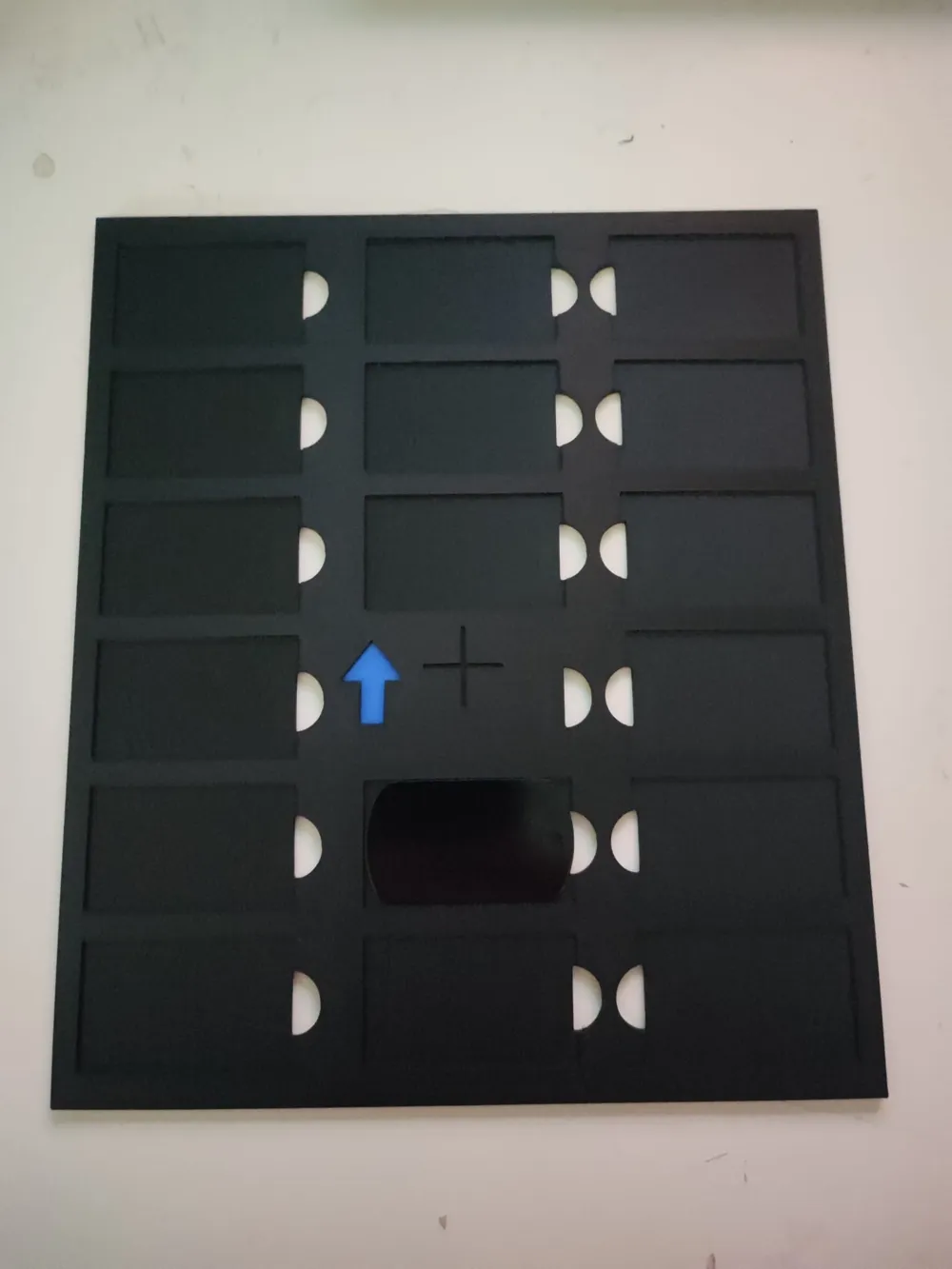
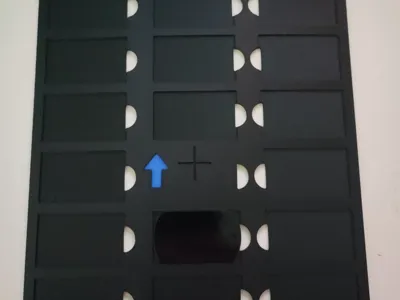
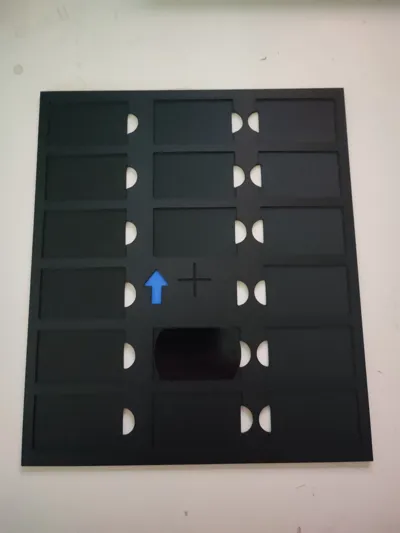
Hello everyone, here is my jig for engraving dog tags for the Xtool S1. My dog tag dimensions were 29.5x50 mm (allowing for a small margin of error)
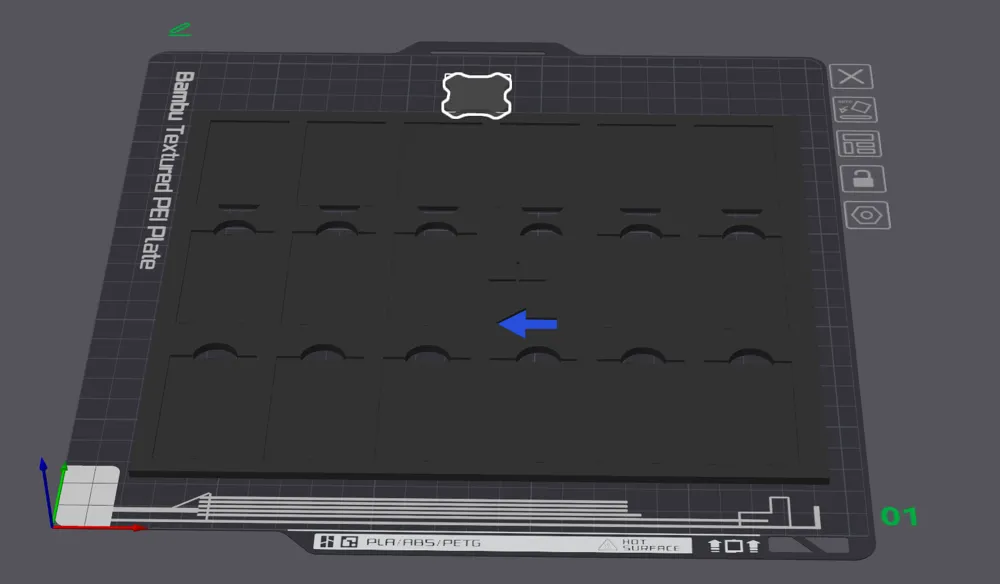
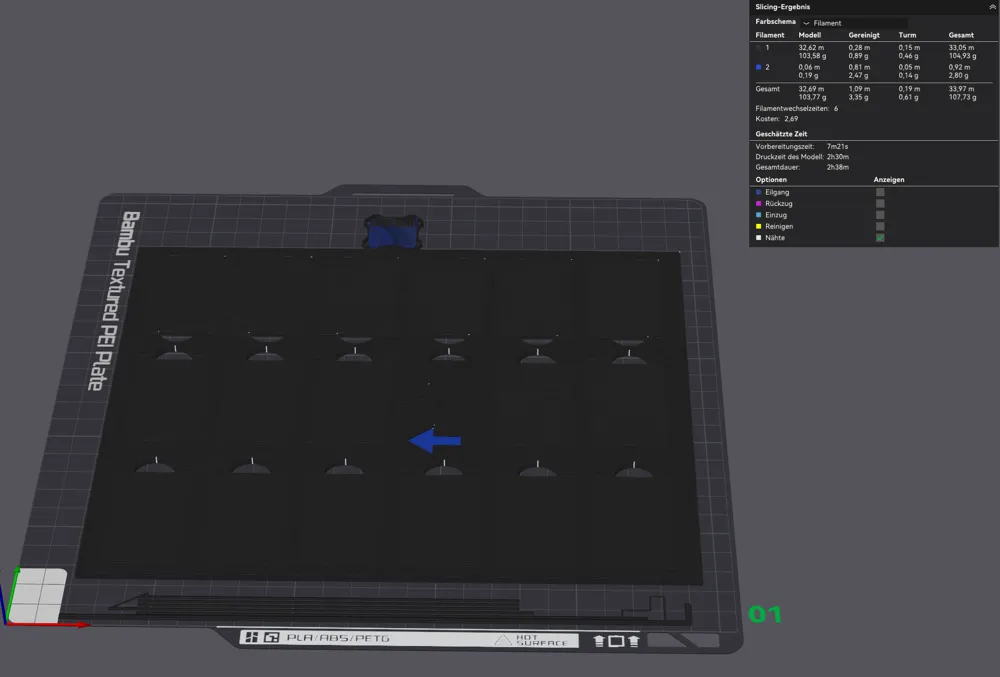
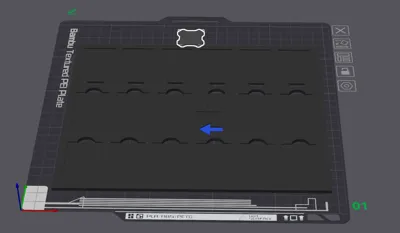
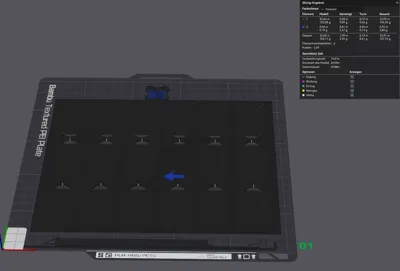
Simply print the template for your Xtool S1 and engrave 17 dog tags simultaneously.
The included files contain a .dxf file. Open this in your XCS software (from Xtool), position it as desired, and set it to Ignore. Then, right-click the file in the image and lock it to prevent accidental movement.
Next, use the red crosshair to locate the center of the print piece at the small cross, thereby determining its center point. Remember to measure the height.
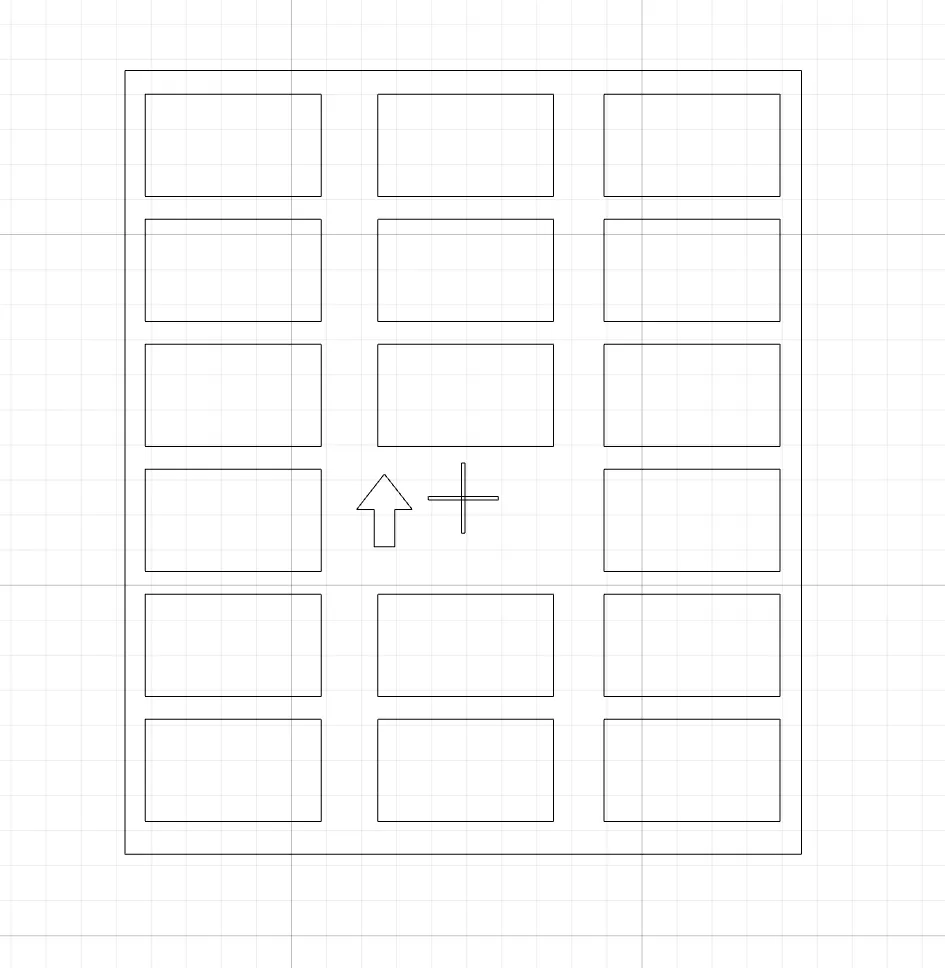
You are now ready to prepare the file for laser engraving. Drag and drop text, images, or similar elements into the designated area for engraving.
Enjoy!
Your Maker
Boost Me (for free)
Boost me for free
License

You shall not share, sub-license, sell, rent, host, transfer, or distribute in any way the digital or 3D printed versions of this object, nor any other derivative work of this object in its digital or physical format (including - but not limited to - remixes of this object, and hosting on other digital platforms). The objects may not be used without permission in any way whatsoever in which you charge money, or collect fees.


Comment & Rating (3)