
Wall Mounted Timer - Arduino UNO w/ Touch Screen
Print Profile(1)

Description
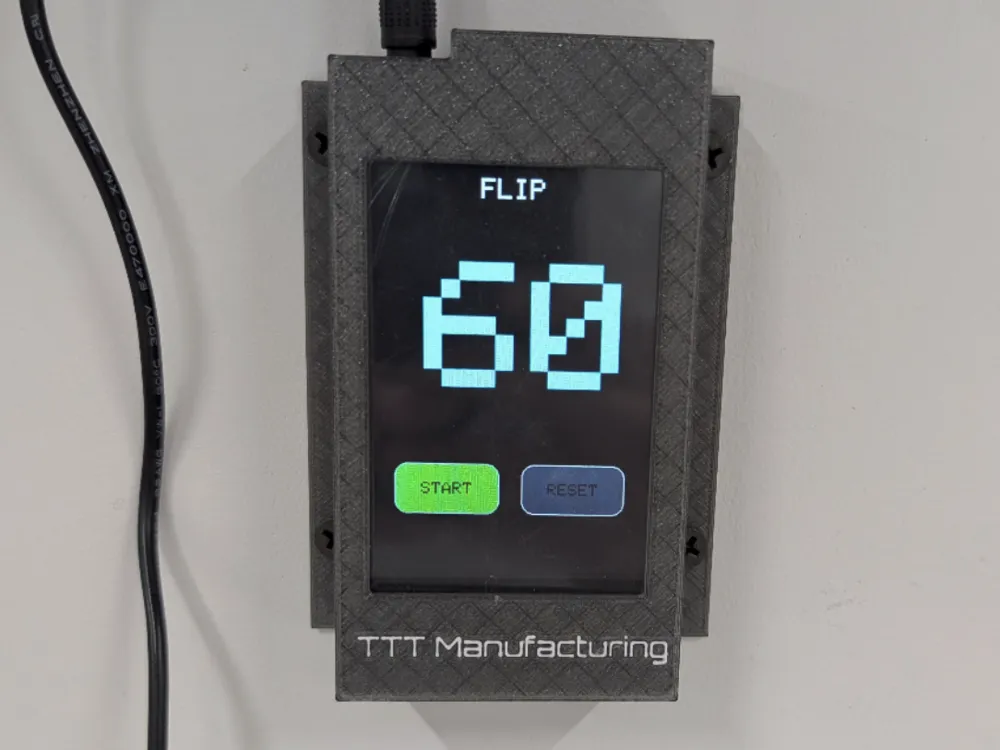
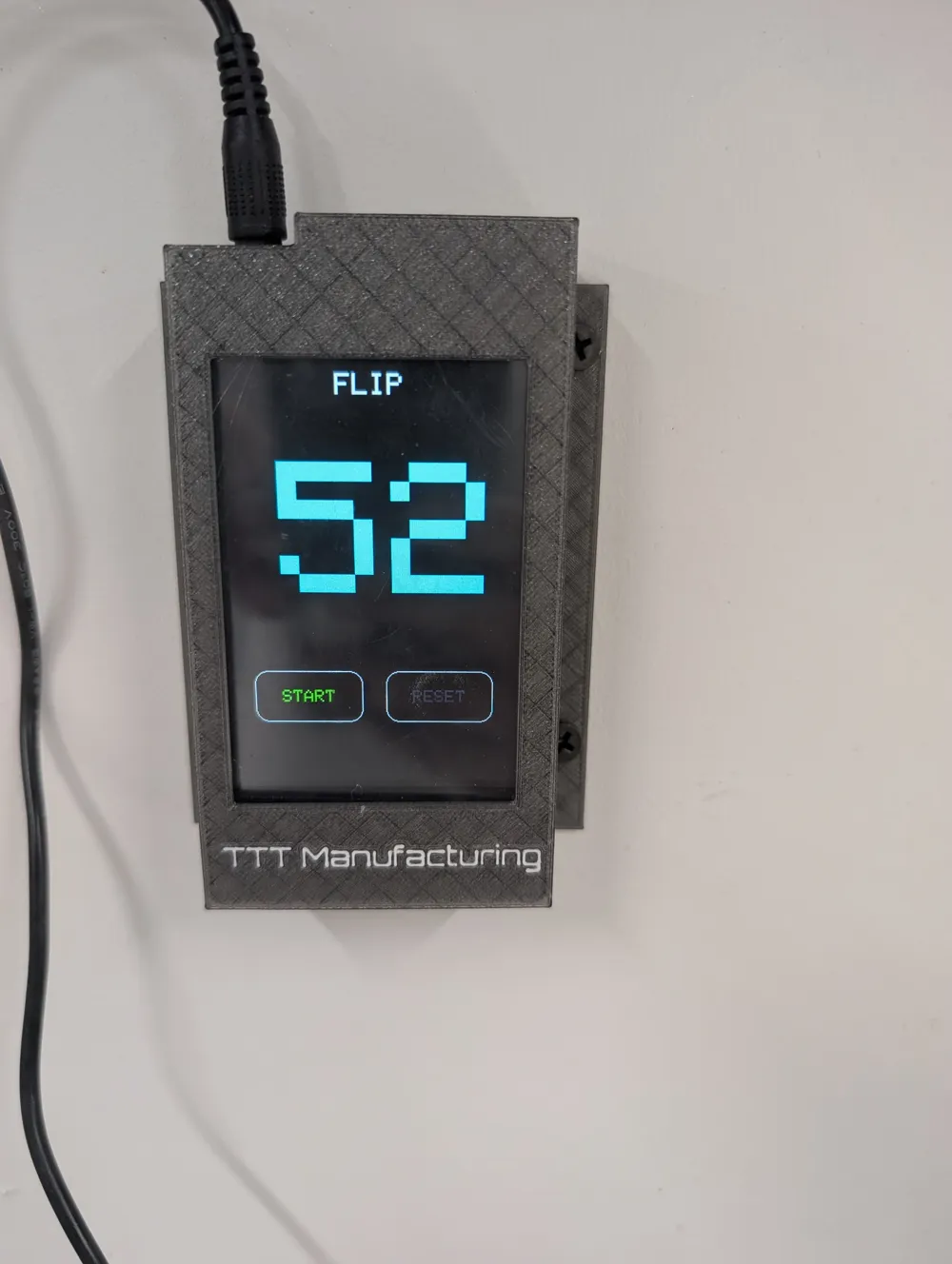
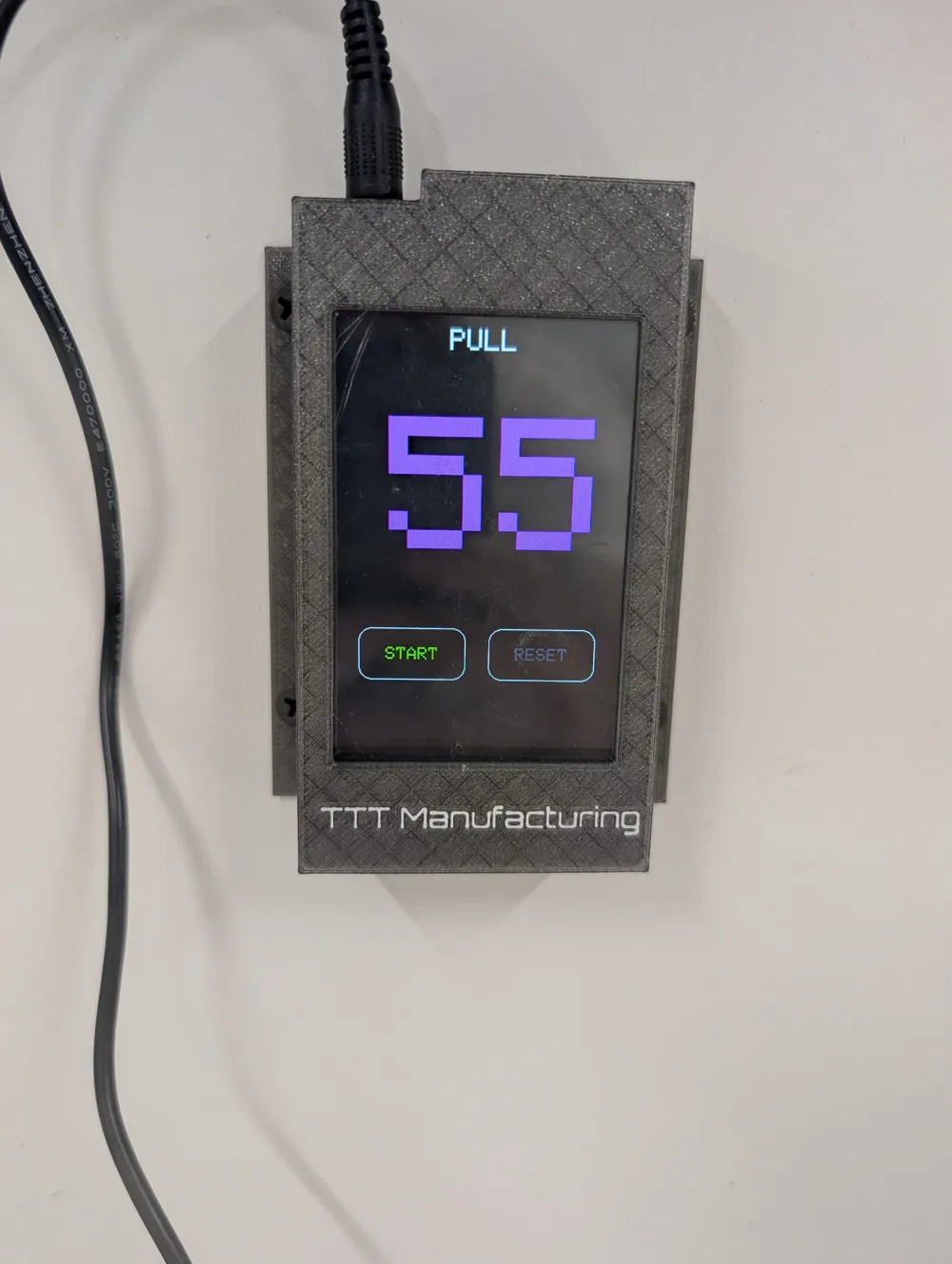
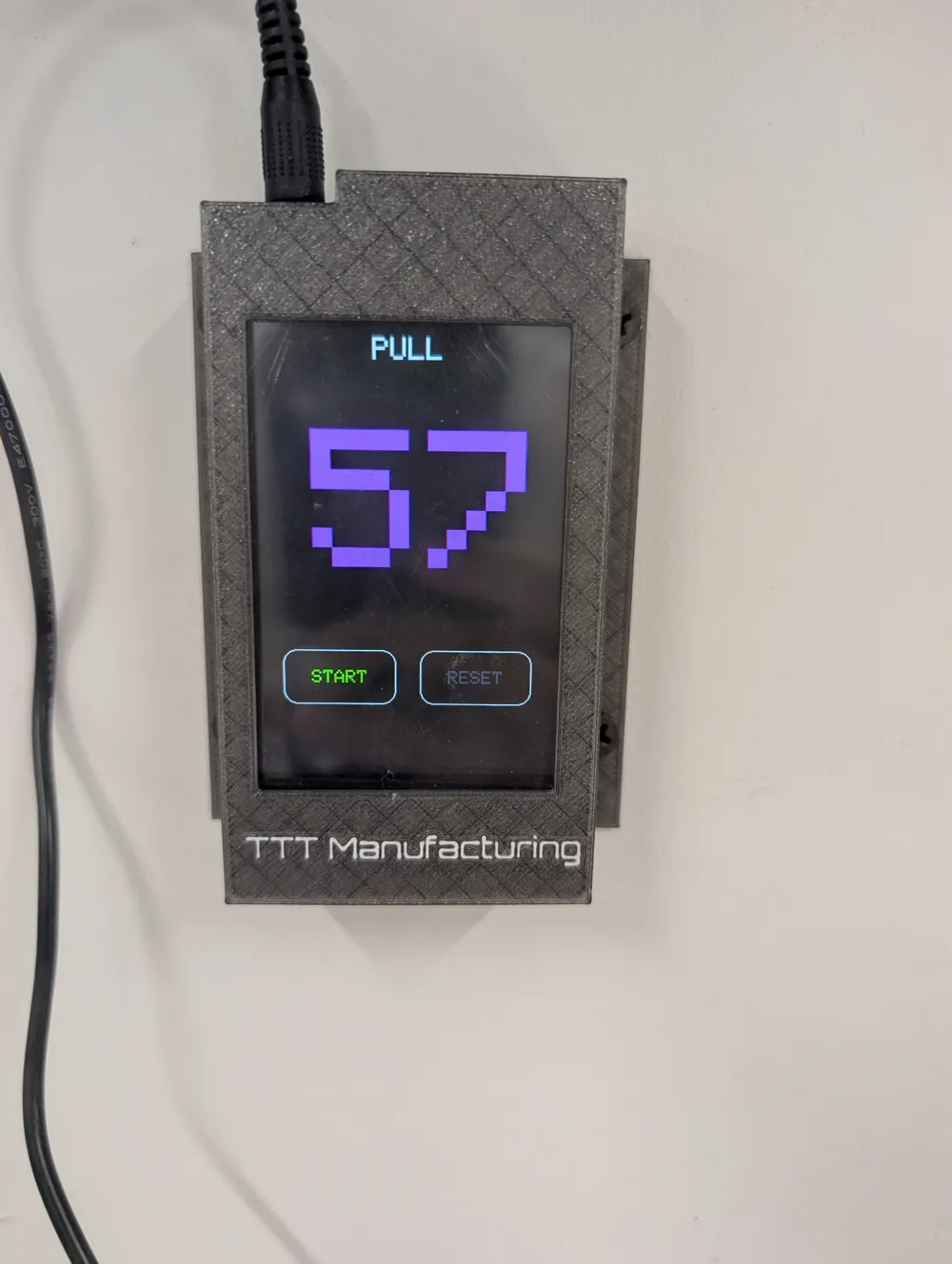
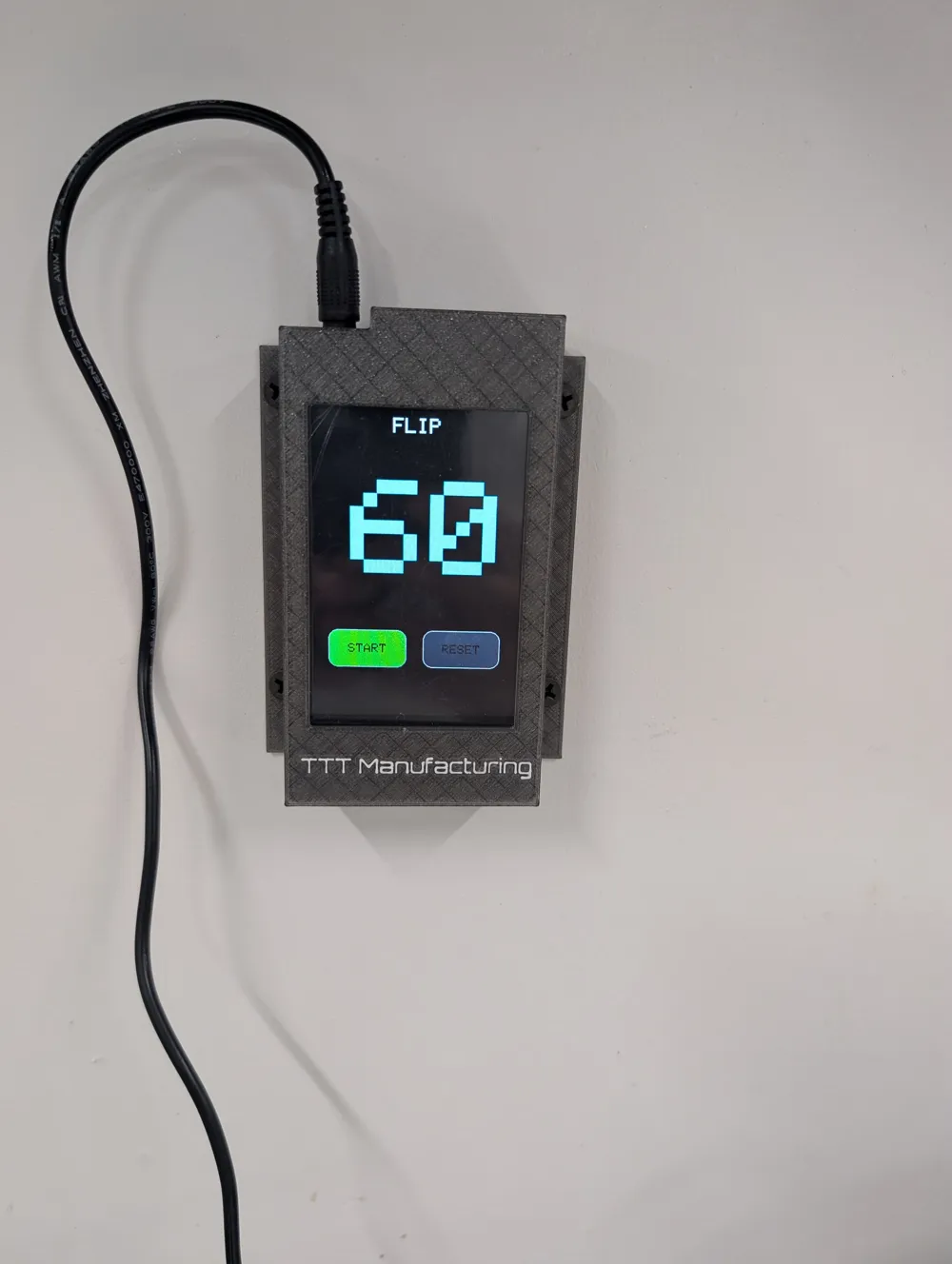
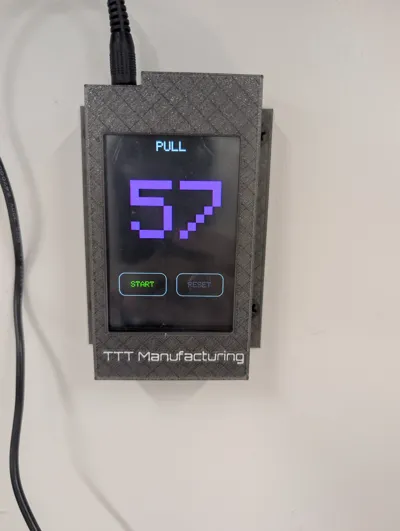
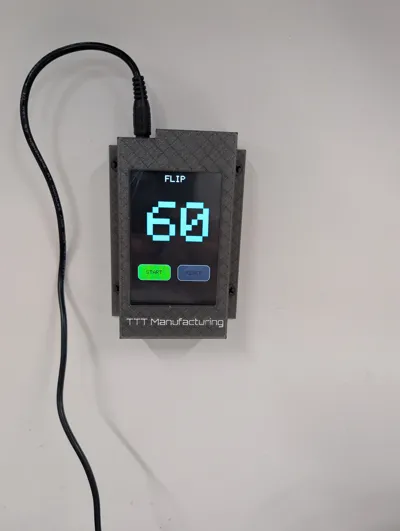
Wall mounted case for Arduino UNO with 3.5" TFT Display and a Piezo buzzer.
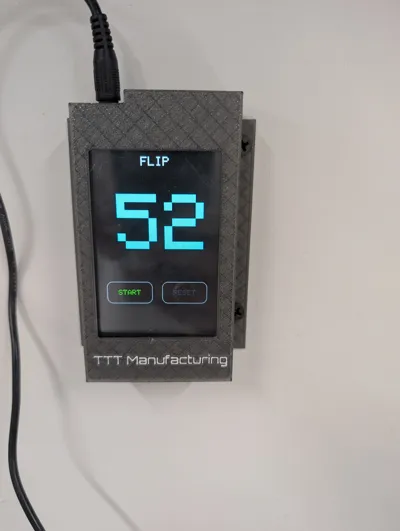
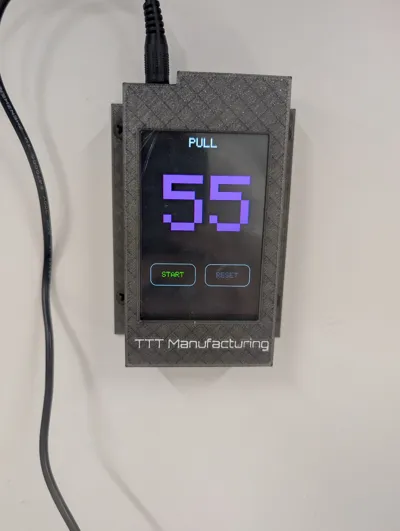
This is a full project for a bakery, 60 second timer with touch screen display and large digits for readability. Top of the screen indicates flip or pull, pressing the start button changes between flip and pull, as well as starting the countdown. Reset button, resets the timer.
Case snaps together, requires no glue, and the top is removable after mounting to easily access unit for updates or repairs. No glue or tools are required. Mounts to the wall with 4 screws, #6 pan head or #8 pan or tapered head screws work just fine, however you could use command strips if required.
Parts used for timer :
Arduino UNO
3.5" TFT display - I used this one
Piezo Buzzer - I used this one
Display directly plugs into UNO, The buzzer is wired + to pin D5 and - to GND.
OPTIONAL : if you find the buzzer too quiet follow THIS guide
Code for the timer is below:
/*
* Arduino Uno 3.5" TFT Shield Countdown Timer with Piezo Alarm
* * Description:
* This sketch creates a 60-second countdown timer on a 3.5" TFT touchscreen
* shield. It features on-screen buttons to start and reset the timer. When the
* timer reaches zero, a piezo speaker will sound an alarm. The title alternates
* between "FLIP" and "PULL" on each start.
* * * Hardware Setup:
* - Connect a piezo speaker's positive (+) leg to pin A5.
* - Connect the piezo speaker's negative (-) leg to GND.
*
* * Required Libraries:
* 1. MCUFRIEND_kbv: For controlling the TFT display.
* 2. Adafruit_GFX: The core graphics library (a dependency for MCUFRIEND_kbv).
* 3. Adafruit_TouchScreen: For reading the resistive touch panel.
*
* IMPORTANT - Touch Screen Calibration:
* Every touch screen is slightly different. For the touch buttons to work
* accurately, you MUST calibrate your screen. The values below have been updated
* based on user-provided calibration data for portrait mode.
*/
// Core Graphics & Display Libraries
#include <Adafruit_GFX.h>
#include <MCUFRIEND_kbv.h>
// Touch Screen Library
#include <Adafruit_TouchScreen.h>
// --- Piezo Speaker Configuration ---
#define PIEZO_PIN A5 // Use pin A5, as D10 is often used by TFT shields for the SD card.
#define ALARM_FREQUENCY 1800 // Frequency of the alarm tone in Hz
#define BEEP_DURATION 250 // Duration of each beep in milliseconds
#define BEEP_COUNT 15 // Number of times the alarm will beep
// --- Display & Touch Configuration ---
// Create an instance of the display driver
MCUFRIEND_kbv tft;
// Touch Screen Pin Assignments (Calibrated from user output)
#define YP A3 // must be an analog pin, use "An" notation!
#define XM A2 // must be an analog pin, use "An" notation!
#define YM 9 // can be a digital pin
#define XP 8 // can be a digital pin
// Touch Screen Pressure Sensitivity
#define MINPRESSURE 200
#define MAXPRESSURE 1000
// Touch Screen Calibration Values (Updated for PORTRAIT mode from user output)
// x = map(p.x, LEFT=176, RT=989, 0, 320)
// y = map(p.y, TOP=944, BOT=173, 0, 480)
#define TS_MINX 176
#define TS_MAXX 989
#define TS_MINY 944
#define TS_MAXY 173
// Create a touch screen object
// The 300 value is the resistance across the X plate
TouchScreen ts = TouchScreen(XP, YP, XM, YM, 300);
// --- Color Definitions ---
#define BLACK 0x0000
#define BLUE 0x001F
#define RED 0xF800
#define GREEN 0x07E0
#define CYAN 0x07FF
#define MAGENTA 0xF81F
#define YELLOW 0xFFE0
#define WHITE 0xFFFF
#define GRAY 0x8410
// --- Button Definitions ---
Adafruit_GFX_Button startButton, resetButton;
#define BUTTON_HEIGHT 60
#define BUTTON_WIDTH 120
#define BUTTON_Y 380 // Y position for all buttons
// --- Timer State Variables ---
int countdownSeconds = 60;
bool timerRunning = false;
unsigned long lastTickTime = 0;
uint16_t timerColor = CYAN; // Variable to hold the current timer color
bool isFlipState = true; // true for "FLIP", false for "PULL"
void setup() {
Serial.begin(9600);
// Set the piezo pin as an output
pinMode(PIEZO_PIN, OUTPUT);
// --- Play a startup sound to test the speaker ---
tone(PIEZO_PIN, 500, 100); // Play a 500Hz tone for 100ms
delay(150);
tone(PIEZO_PIN, 1000, 100); // Play a 1000Hz tone for 100ms
delay(150);
// --- Initialize Display ---
uint16_t ID = tft.readID();
if (ID == 0xD3D3) ID = 0x9481; // Special case for this common controller
tft.begin(ID);
// Set screen to portrait mode and clear it
tft.setRotation(0);
tft.fillScreen(BLACK);
drawUI();
drawTitle();
drawTimer();
}
void loop() {
handleTouch();
updateTimer();
}
// Function to draw the title text
void drawTitle() {
// Clear the title area
tft.fillRect(0, 20, 320, 40, BLACK);
tft.setTextColor(WHITE);
tft.setTextSize(3);
if (isFlipState) {
tft.setCursor(124, 30);
tft.print("FLIP");
} else {
tft.setCursor(124, 30);
tft.print("PULL");
}
}
// Function to draw the static user interface elements (buttons)
void drawUI() {
// Initialize and draw buttons
int screenWidth = tft.width();
int buttonSpacing = (screenWidth - (2 * BUTTON_WIDTH)) / 3;
startButton.initButton(&tft, buttonSpacing + (BUTTON_WIDTH / 2), BUTTON_Y, BUTTON_WIDTH, BUTTON_HEIGHT, WHITE, GREEN, BLACK, "START", 2);
resetButton.initButton(&tft, buttonSpacing * 2 + BUTTON_WIDTH + (BUTTON_WIDTH / 2), BUTTON_Y, BUTTON_WIDTH, BUTTON_HEIGHT, WHITE, GRAY, BLACK, "RESET", 2);
startButton.drawButton();
resetButton.drawButton();
}
// Function to draw the current timer value
void drawTimer() {
// Clear the previous number by drawing a black rectangle.
// Made this rectangle wider to prevent graphical artifacts.
tft.fillRect(40, 115, 240, 150, BLACK);
// Set text properties for the timer number
tft.setCursor(60, 120);
tft.setTextColor(timerColor); // Use the timerColor variable
tft.setTextSize(20);
// Add a leading zero if the number is less than 10
if (countdownSeconds < 10) {
tft.print("0");
}
tft.print(countdownSeconds);
}
// Function to handle touch screen presses
void handleTouch() {
TSPoint p = ts.getPoint();
// We have to un-map the pin assignments to read the values
pinMode(XM, OUTPUT);
pinMode(YP, OUTPUT);
// Check if the screen is being pressed with enough pressure
if (p.z > MINPRESSURE && p.z < MAXPRESSURE) {
// Map the raw touch coordinates to screen coordinates
// The mapping is for portrait mode
int touchX = map(p.x, TS_MINX, TS_MAXX, 0, tft.width());
int touchY = map(p.y, TS_MINY, TS_MAXY, 0, tft.height());
// Check if any button is pressed
startButton.press(startButton.contains(touchX, touchY));
resetButton.press(resetButton.contains(touchX, touchY));
// --- START Button Logic ---
if (startButton.justPressed()) {
startButton.drawButton(true); // Draw inverted
timerRunning = true;
// Toggle the title and color
isFlipState = !isFlipState;
if (timerColor == CYAN) {
timerColor = MAGENTA;
} else {
timerColor = CYAN;
}
// Redraw the title and timer immediately
drawTitle();
drawTimer();
}
if(startButton.justReleased()){
startButton.drawButton(); // Draw normal
}
// --- RESET Button Logic ---
if (resetButton.justPressed()) {
resetButton.drawButton(true);
timerRunning = false;
countdownSeconds = 60;
isFlipState = true; // Reset title state to "FLIP"
drawTitle();
drawTimer(); // Immediately update display
}
if(resetButton.justReleased()){
resetButton.drawButton();
}
} else {
// Release all buttons if the screen is not being touched
startButton.press(false);
resetButton.press(false);
}
}
// Function to update the timer state and display
void updateTimer() {
// Only update if the timer is running and there's time left
if (timerRunning && countdownSeconds > 0) {
// Check if one second has passed
if (millis() - lastTickTime >= 1000) {
lastTickTime = millis();
countdownSeconds--;
drawTimer();
// When the timer hits zero
if (countdownSeconds == 0) {
timerRunning = false;
// Display visual alarm on screen
tft.setCursor(88, 280);
tft.setTextColor(RED);
tft.setTextSize(4);
tft.print("ALARM!");
// Sound the piezo alarm
for (int i = 0; i < BEEP_COUNT; i++) {
tone(PIEZO_PIN, ALARM_FREQUENCY, BEEP_DURATION);
delay(BEEP_DURATION * 2); // Wait between beeps
}
}
}
}
}
License

You shall not share, sub-license, sell, rent, host, transfer, or distribute in any way the digital or 3D printed versions of this object, nor any other derivative work of this object in its digital or physical format (including - but not limited to - remixes of this object, and hosting on other digital platforms). The objects may not be used without permission in any way whatsoever in which you charge money, or collect fees.


Comment & Rating (0)