
Print Profile(13)



Bill of Materials

Description
Boost Me (for free)
A boost greatly helps support me with my designs, thank you very much! :)
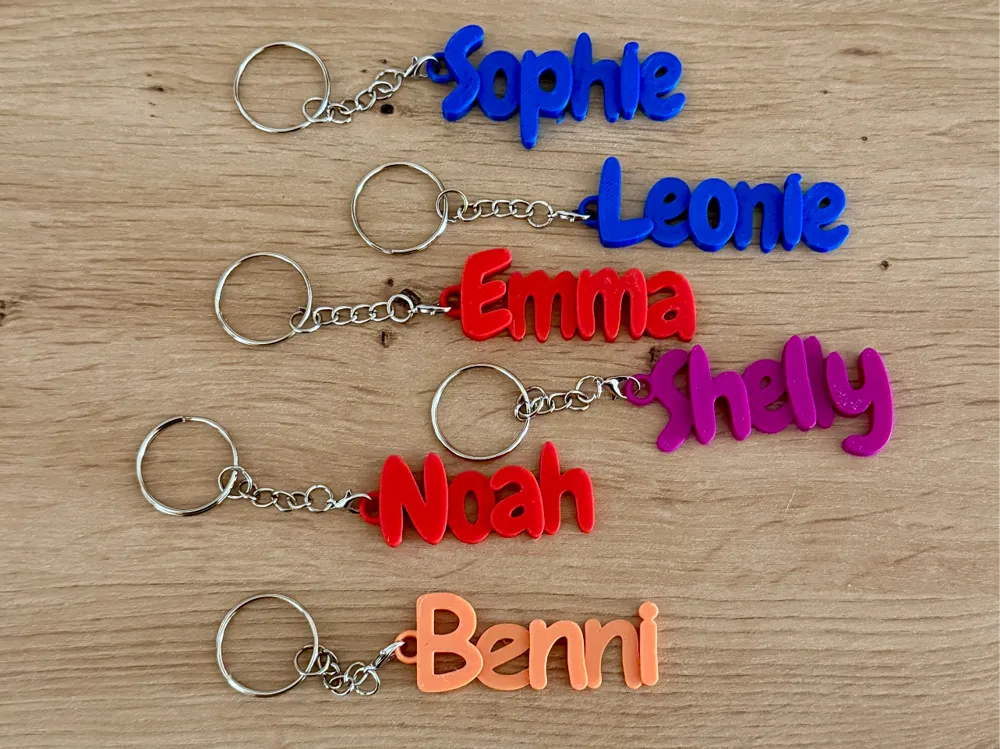
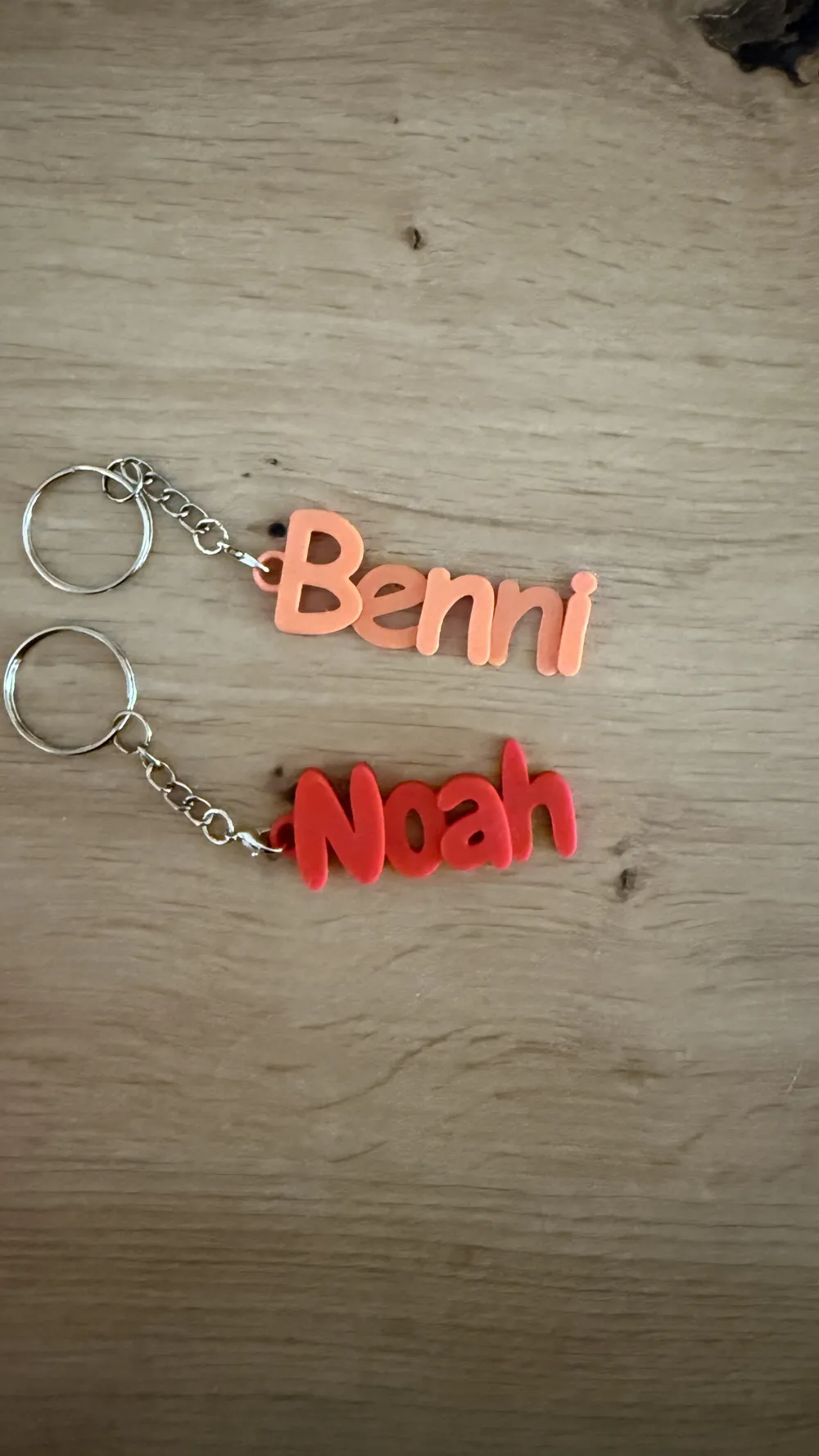
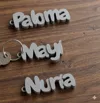
The keychains are stable, lightweight, and easy to print in PLA or PETG
Upon request, more names can also be created – just ask!
I regularly upload requested names in batches (1–2 times per week).
Please, a maximum of 2 names per comment.
Currently available in the profile:
- Sophie
- Leonie
- Emma
- Noah
- Liam
- Elias
- Mia
- Lina
- Finn
- Ben
- Lenny - added as an extra profile
- Salvatore
- Rodney
- Valentin
- Deanne
- Danays
- Xaver
- Finn
- Ferre
- Janne
- Hannah
- Till
- Peter
- Stefanie
- Laney
- Antonia
- Korbinian
- Arta
- Florian
- Mateus
- Hugo
- Vega
- Ana
- Elvee
- Yago
- Guille
- Mateo
- Lola
- Nathalie
- Demi
- Silke
- Mariko
- Kim
- Debby
- Paloma
- Mayi
- Nuria
- Junes
- Kynlee
- Karsyn
Karter
Semi-automatic Name Tag Generation:
- Download the 3MF after customization and import it into the slicer
- Separate the names: The letters should be individual parts. (Right-click → Split)
- Push the letters together until they overlap sufficiently (no more gaps)
- Select everything (letters + ring) and merge. (Right-click → Merge)
- Then slice and print as usual
Tip: It's better to have a bit more overlap than too little – then the keychain will hold better later
Boost Me (for free)
Thank you for your support!
License

You may create derivative works based on this object, provided that all such derivative works are published exclusively on the MakerWorld platform and include proper attribution to the original creator. You may not share, upload, host, distribute, or publish this object—or any derivative work of this object—on any other digital platform, marketplace, or distribution channel. Commercial use of this object and any derivative works is strictly prohibited. This includes, but is not limited to, selling, renting, sublicensing, or using the object in any context in which you receive monetary compensation or other financial benefits.


Comment & Rating (88)