
Voyhex Modular Terrain System - FDM Set
Print Profile(0)
Description
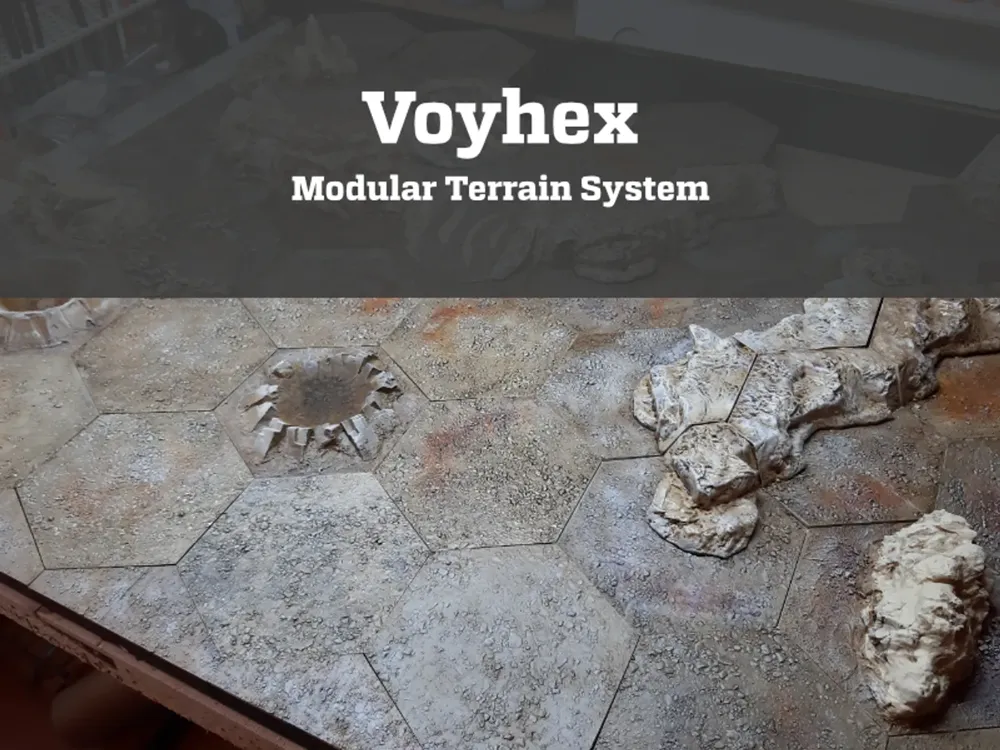
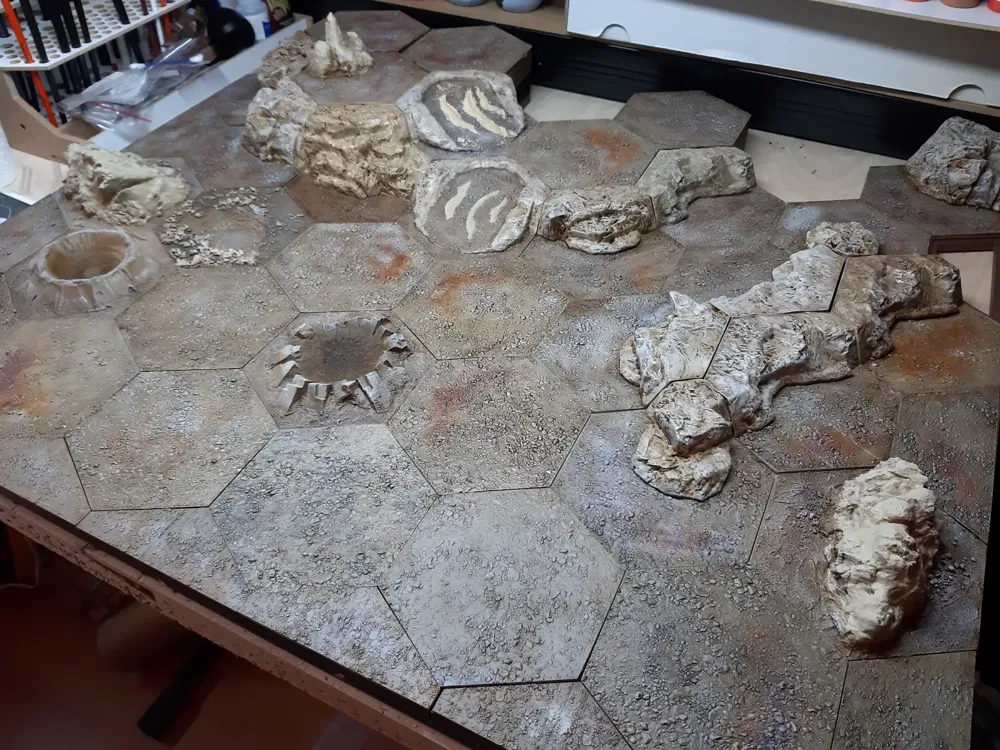
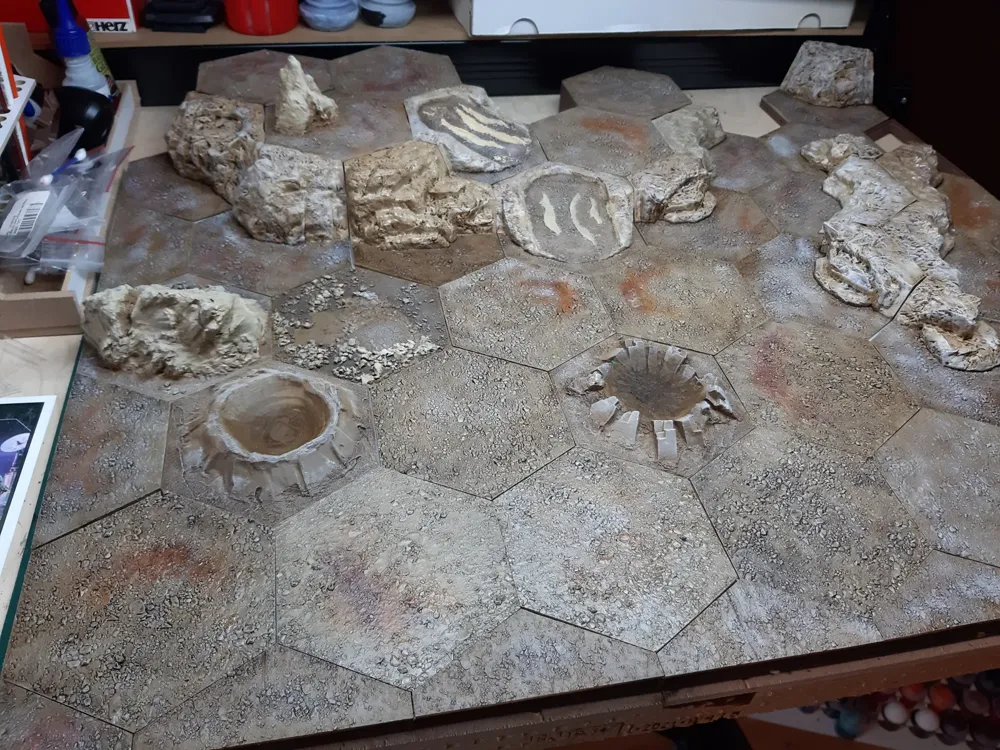
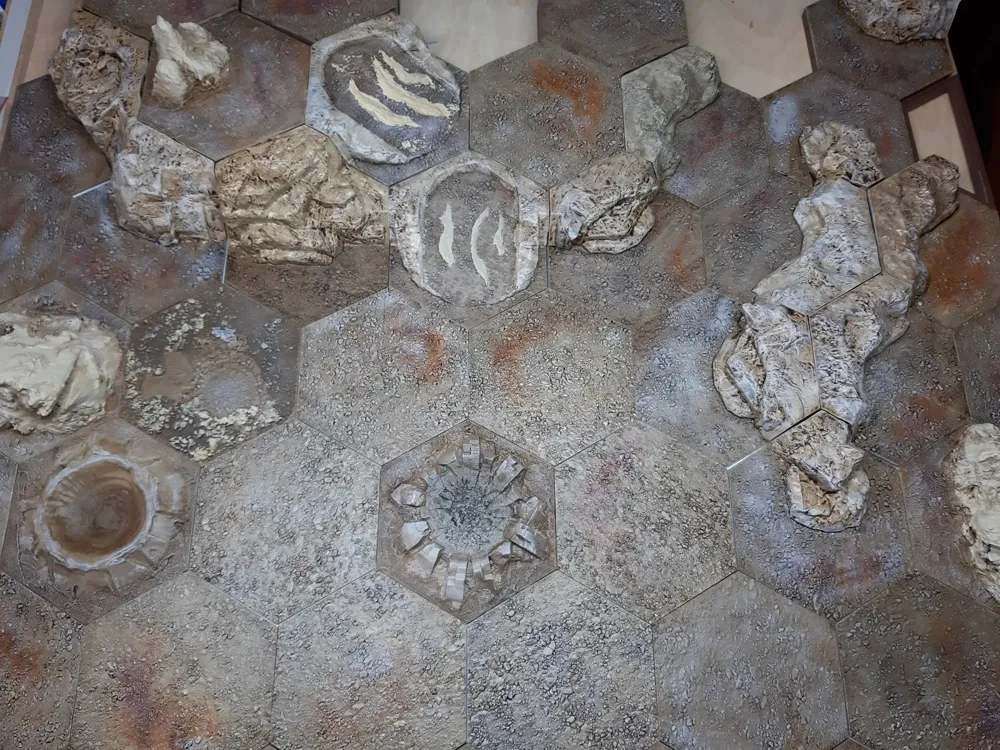
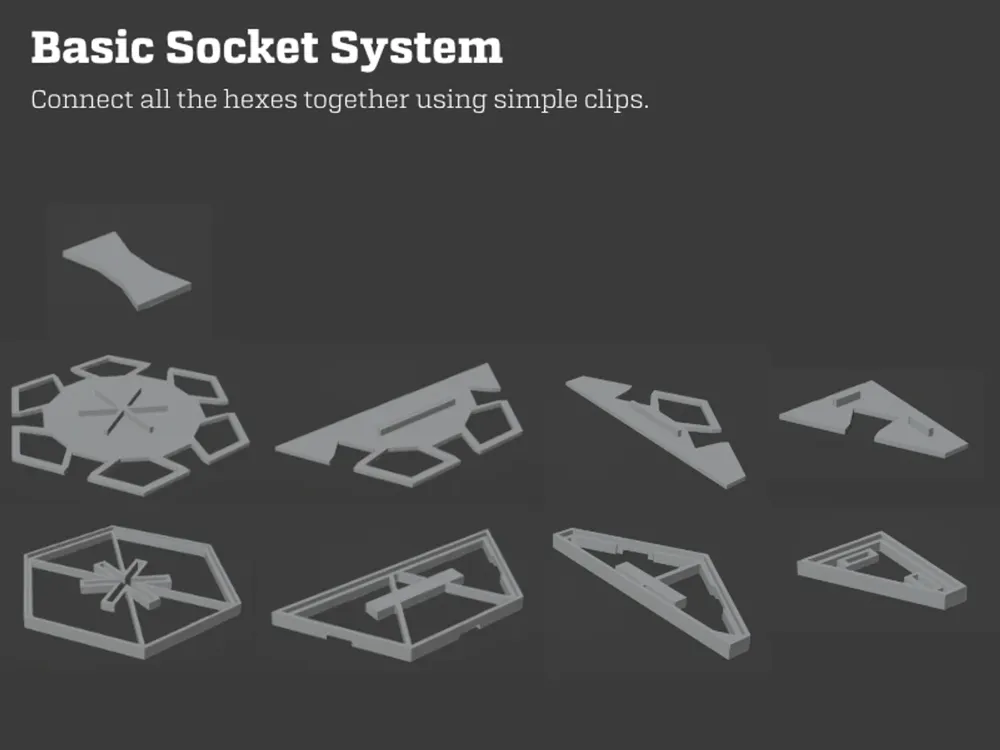
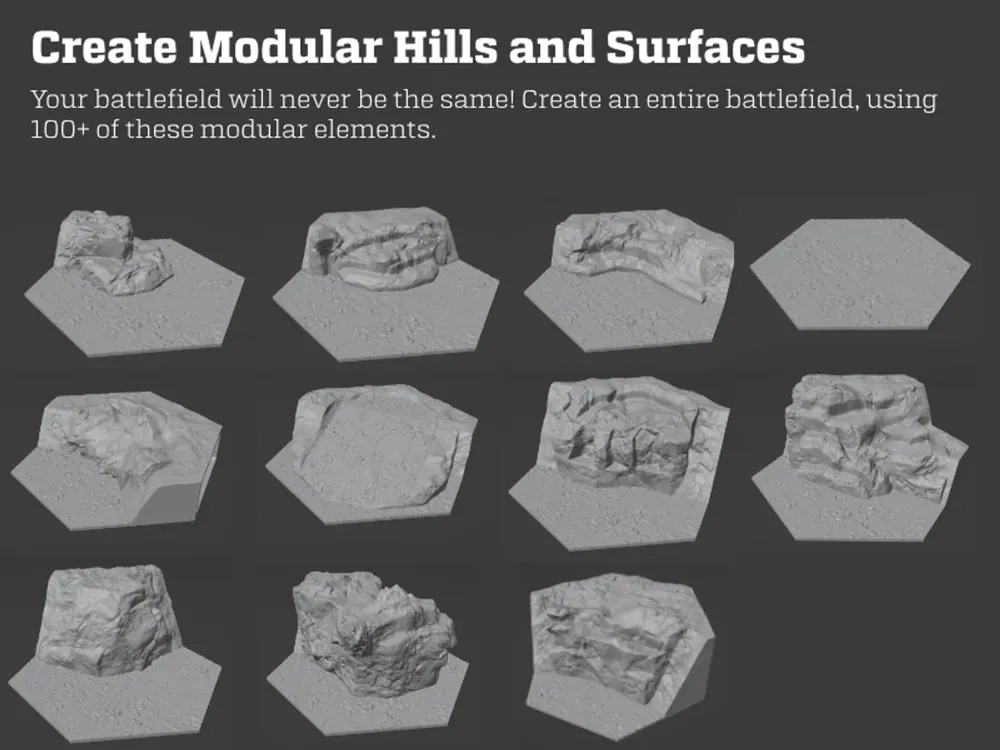
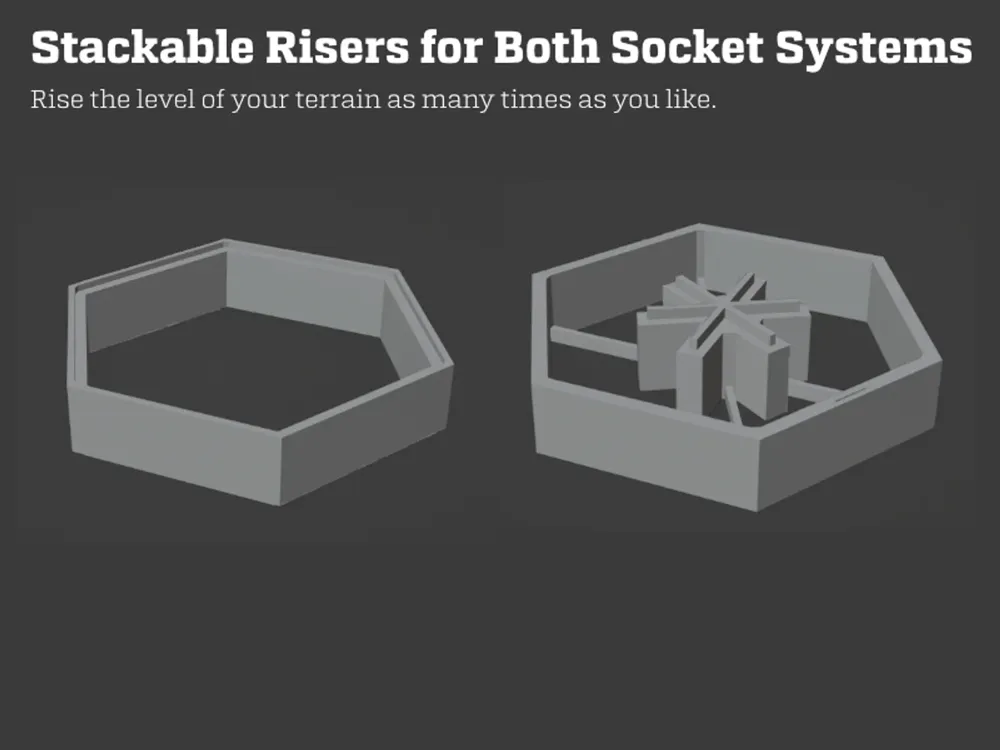
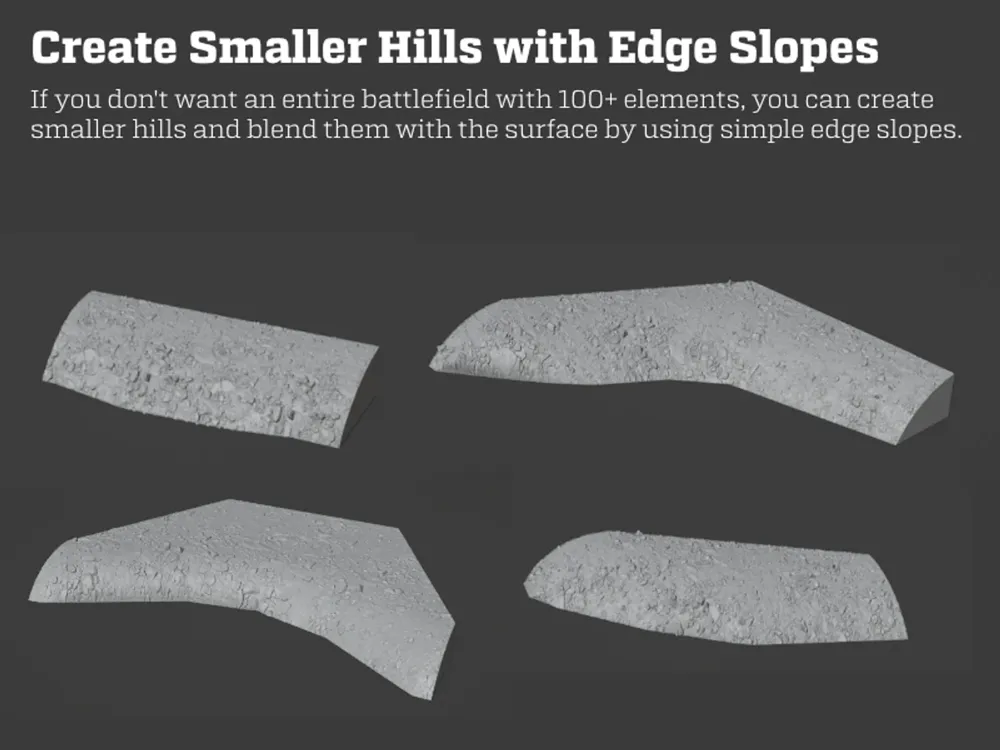
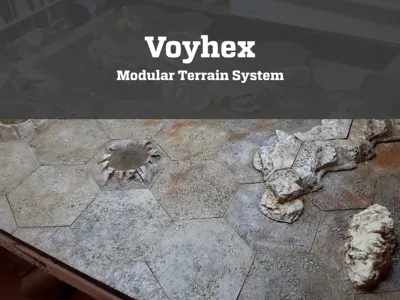
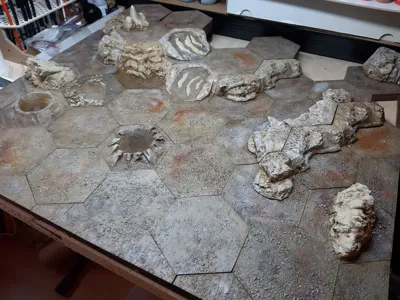
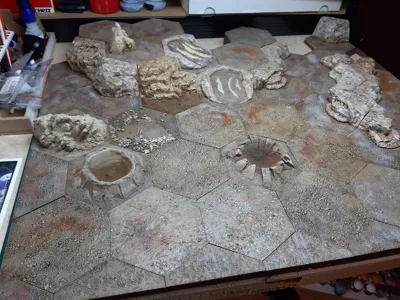
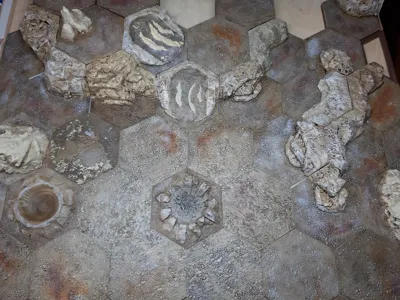
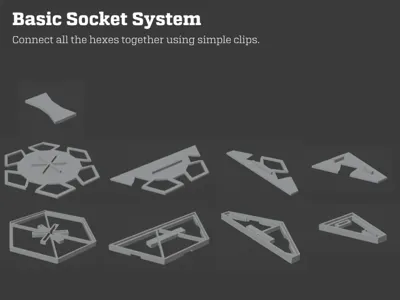
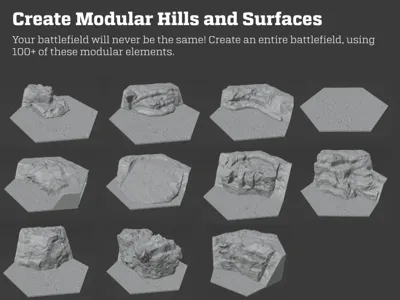
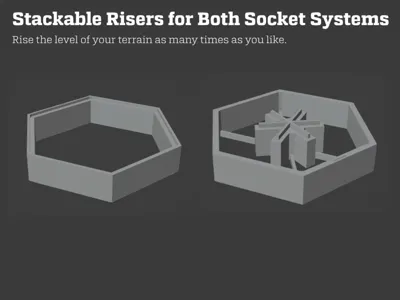
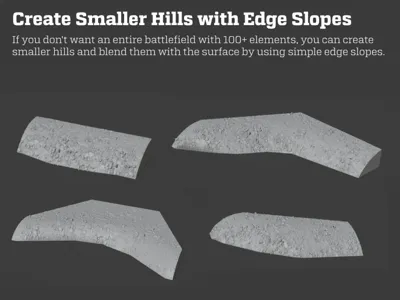
I designed a modular, hex-based terrain system that allows creation of an entire battlefield for your wargaming. It consists of socket elements to connect everything together, nice flat surfaces and various hills that can be put together to create risen terrain, or even entire mountains.
* Since there's size limit on Maker World, I divided the set into FDM set and “the rest”, you'll find the second package as another model here in my profile. This model has been designed a few years back and was originally published on another website as a single download, so don't worry if the description here seems a bit fragmented :).
I decided to make this terrain set because back then I did not have the space to store a non-modular battlefield table. With small hexes, I can put everything in a big box and not worry about table space.
For details, refer to the PDF files within this download.
As you can see on some of the photos, the basic surface hexes allows for using creations made by others. I used craters and rocks by Terrain4Print to add variety to my own battlefield.
How to Print
Sockets and clips should be printed on an FDM printer, it’s cheaper this way.
For hills and surfaces, while they can be printed on a resin printer, this package contains file that can be used with FDM printers. With resin printers, they will be far more detailed. That said, I converted the surface and hill elements to simplified versions that can be easily printed on an FDM printer, since resin print is far more expensive. Typical resin bits can be found within the second model package.
FDM surfaces won’t contain too many details, so I made a completely flat surface that you can decorate with traditional methods, such as pastes, texture paints and/or stones.
When printing sockets on an FDM machine, you don’t need any support. When printing surface elements, only add build plate supports.
Most FDM hills should be printed with 15% lightning infill, this will make them print quite fast. Use 0.28 mm layer height to speed things up even higher.
When printing surface elements on a resin printer, rotate them 75 degrees and print them vertically at an angle. For resin prints: print vertically at an angle.
For FDM prints: use 10% cubic infill for all floors, sockets, and flat surfaces; BUT use 15% lightning infill for all the FDM hills to print them faster.
Documentation (2)
License

You shall not share, sub-license, sell, rent, host, transfer, or distribute in any way the digital or 3D printed versions of this object, nor any other derivative work of this object in its digital or physical format (including - but not limited to - remixes of this object, and hosting on other digital platforms). The objects may not be used without permission in any way whatsoever in which you charge money, or collect fees.


Comment & Rating (0)