
Customizable cabinet assembly jig



Print Profile(4)


Bill of Materials


Description
Membership
Love my 3D models? For just the cost of a coffee, you can join my membership and help me create even more useful designs! Plus, you can turn my models into prints and sell them—it’s a win-win. Your support means everything. Thank you for being part of this creative journey!
Woodworking Cabinet Assembly Jig V3 - Fully Customizable!
Boost Me (for free)
If you find this jig useful, consider boosting my model. It helps me a lot with creating more useful 3D models for you.!
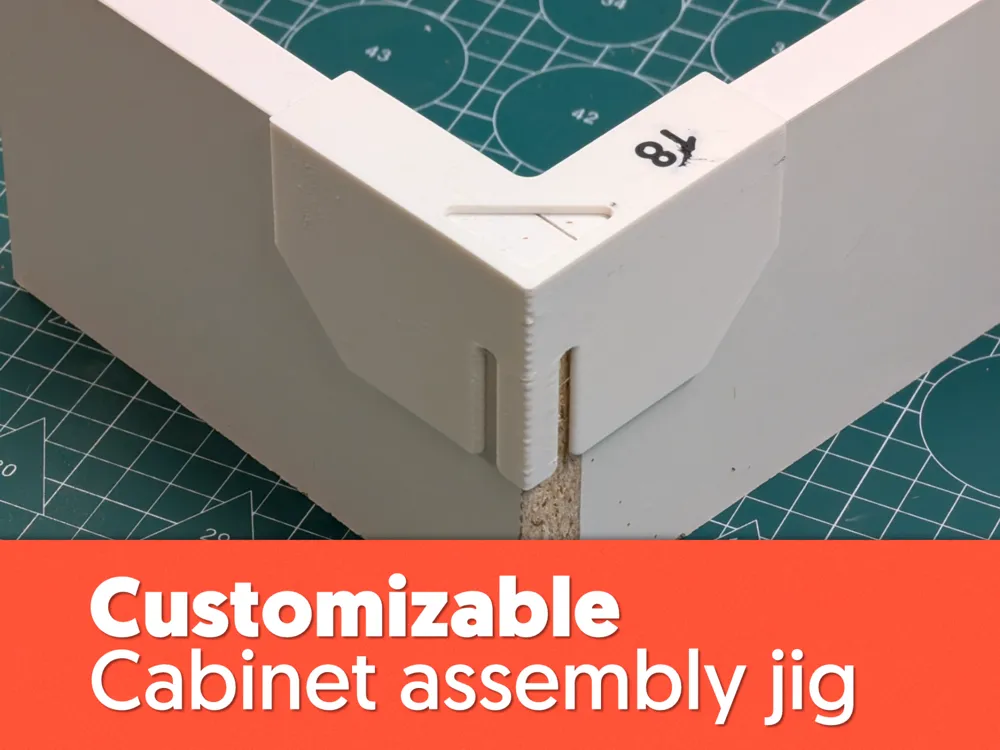
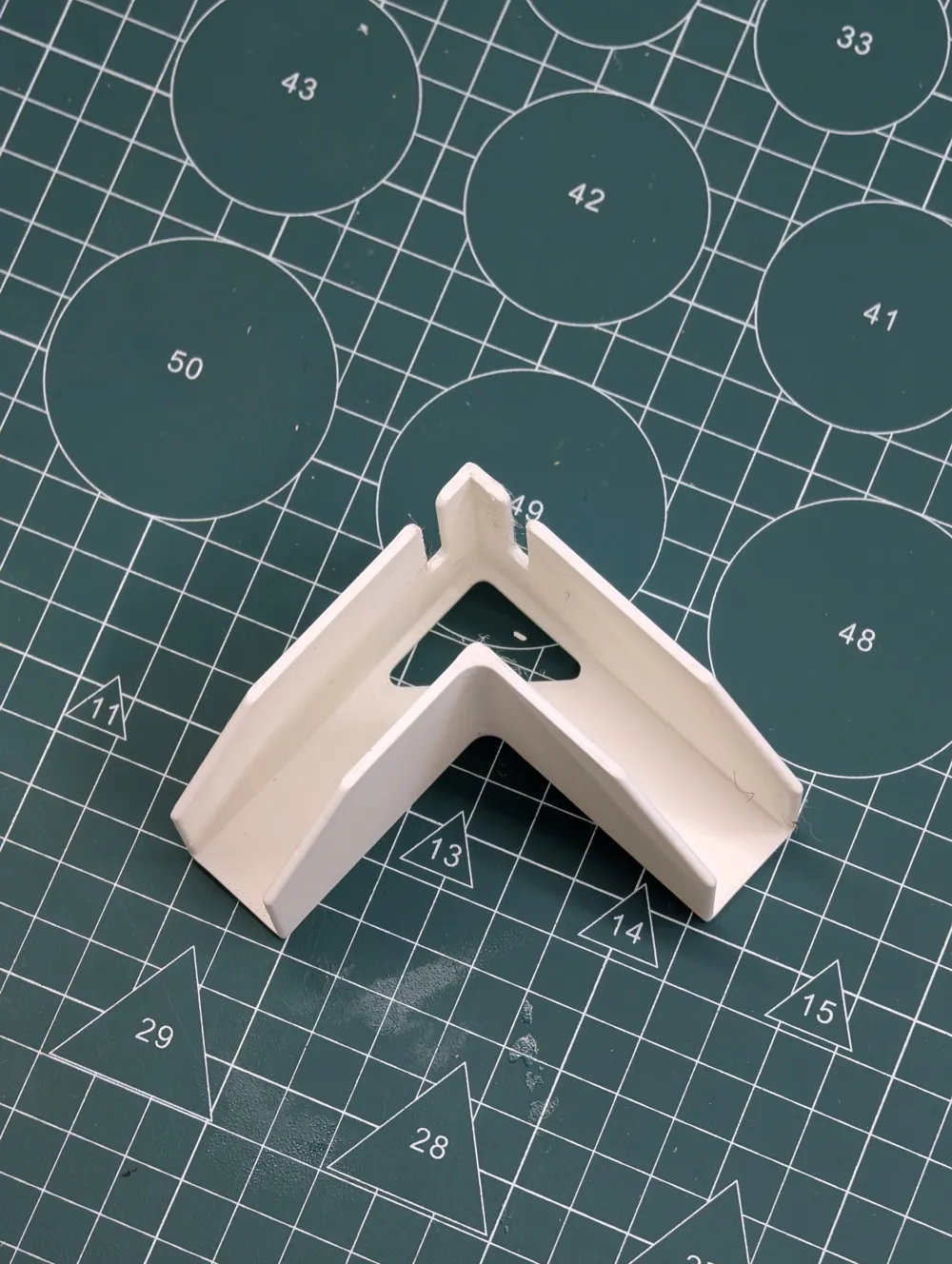
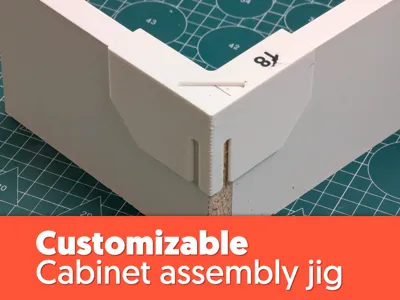
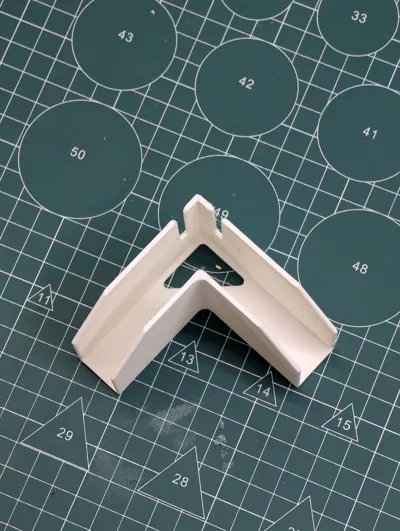
This is the updated, fully customizable version of my popular Cabinet Assembly Jig V2. Building on the success of the original, this redesign offers the same functionality for perfectly aligned cabinet corners, but it's now customizable using MakerWorld web - just click the green “Customize” button below the print profile.
I use these jigs daily to assemble various cabinets in my workshop, and with 8 printed pieces, I can dry-assemble an entire cabinet, drill all pilot holes, and screw the carcass together in just 5 minutes! If you're into woodworking, especially cabinet making, this jig will be a game-changer for your workflow.
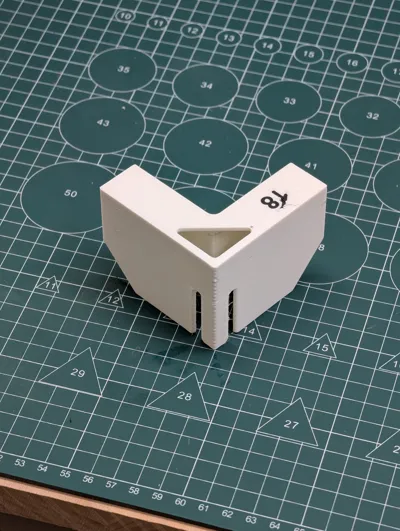
Note: The number on the 3D print that represents the width of the material was added in Bambu Studio using the Text tool. It's not included in the 3mf file and serves more like an inspiration on how to label these jigs using AMS.
What's New & Improved?
- Fully Customizable: Now, you have complete control over every dimension!
- Material Width: Adjust for the exact thickness of your DTD, plywood, or solid wood.
- Jig Dimensions: Customize the overall height and width of the jig itself.
- Wall Thickness: Fine-tune for strength or print speed.
- Drill Bit Guiding Slot: Precisely set the width and depth for your pilot holes.
- Less Material, Faster Prints: Redesigned for efficiency, it uses less filament, meaning quicker print times.
How to Use Your Cabinet Assembly Jig:
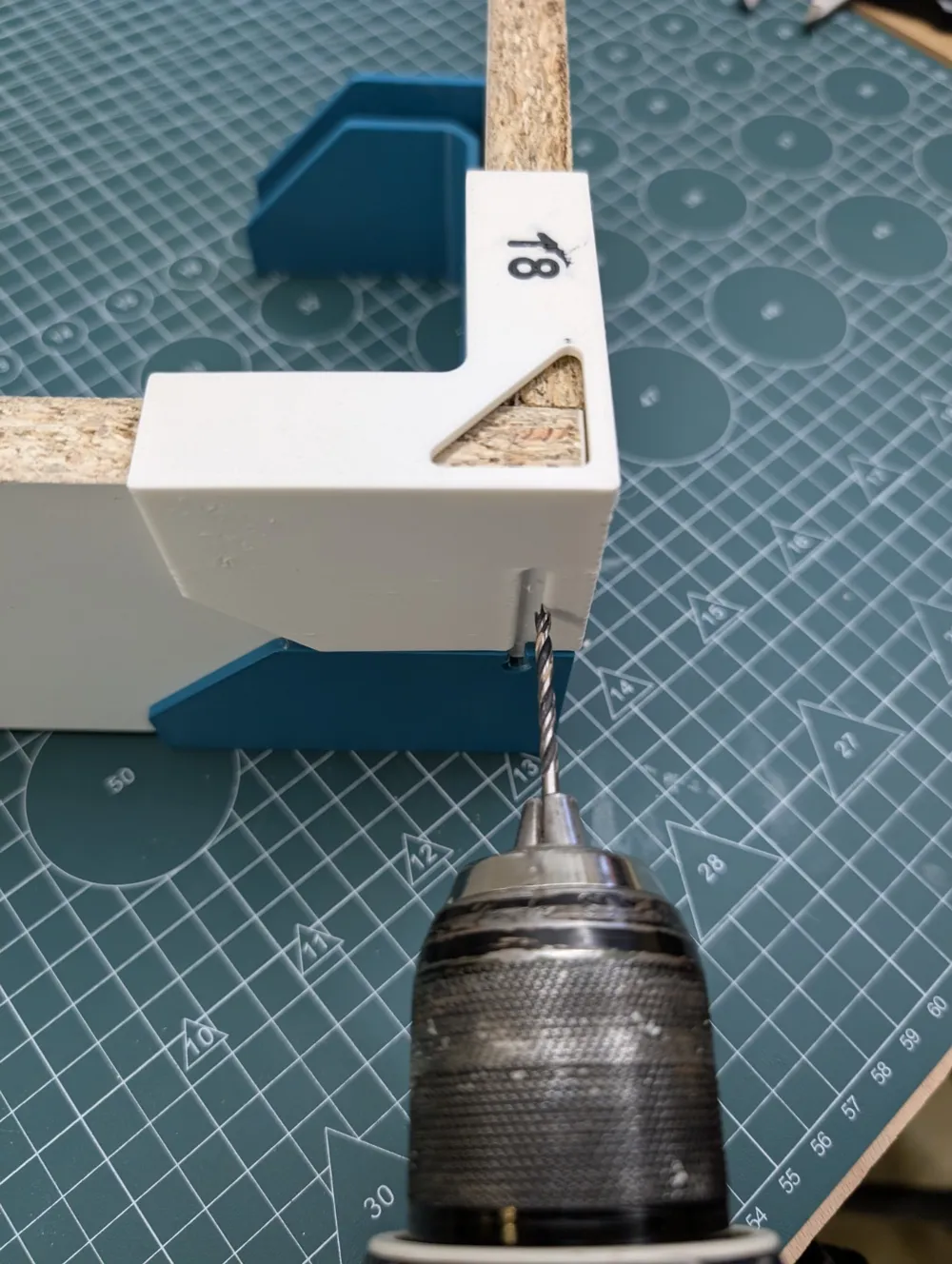
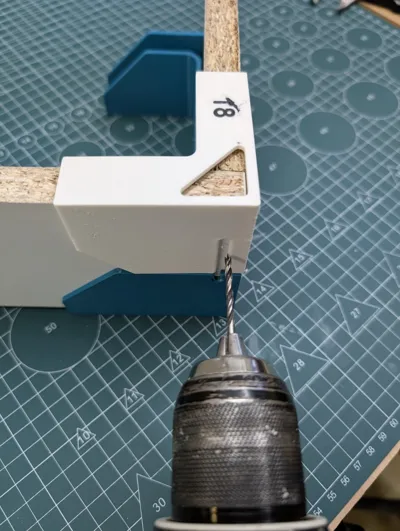
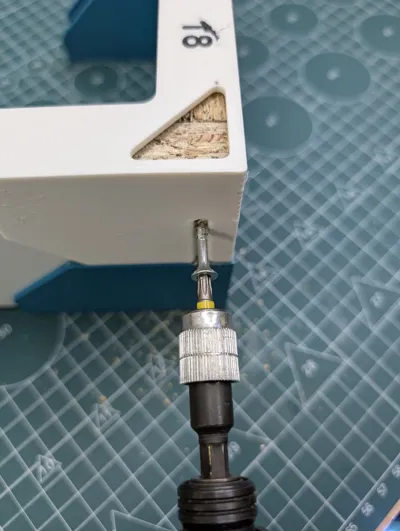
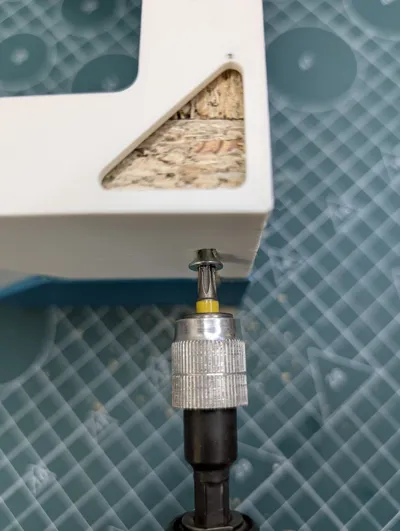
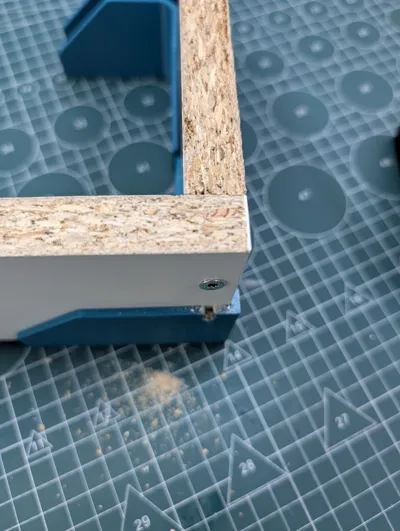
Position: Place the two pieces of wood (DTD, plywood, etc.) you want to join together inside the jig, as shown in the images.
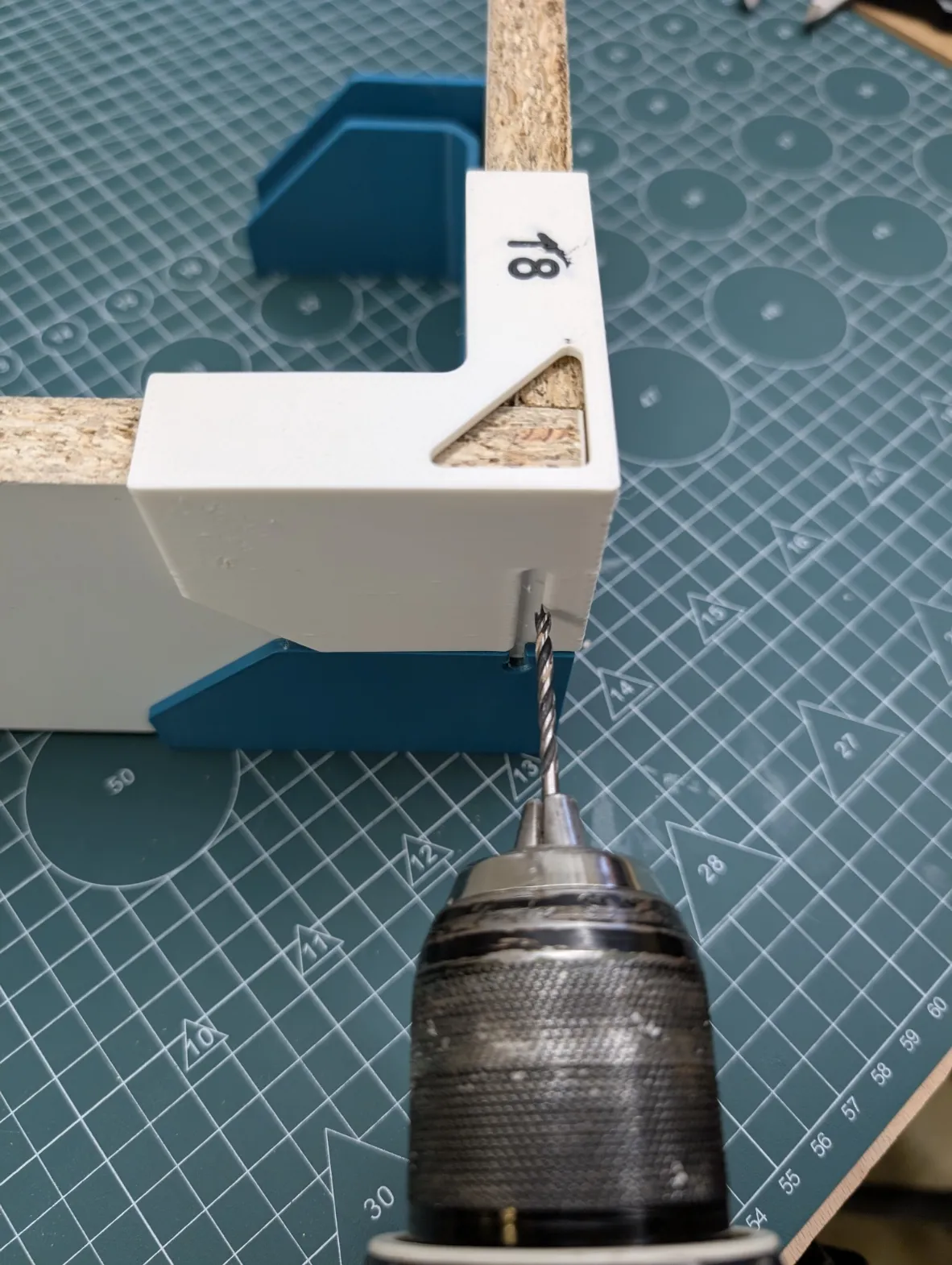
- Drill: Use the integrated guiding slot to accurately drill your pilot holes in the center of the material.
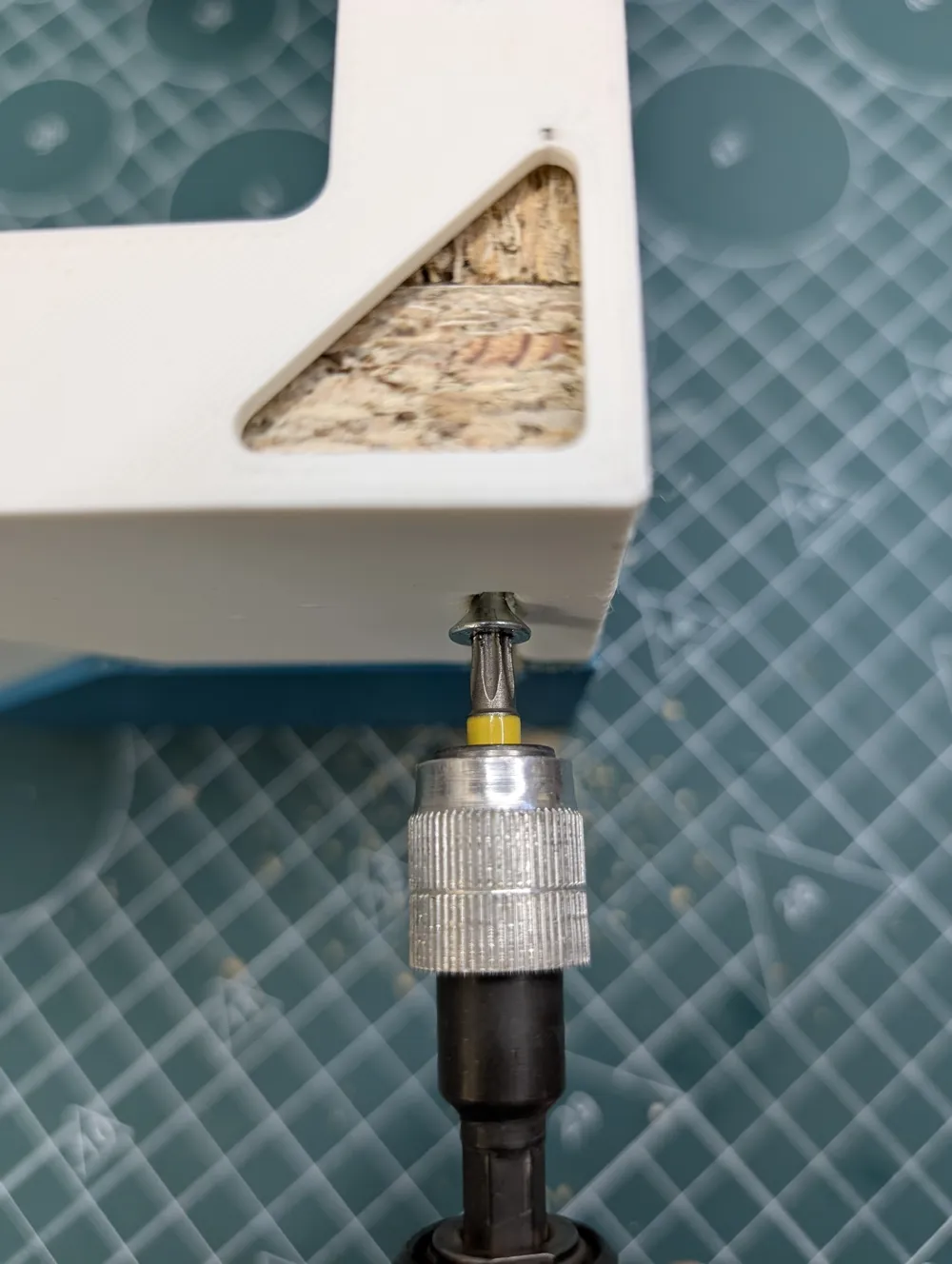
Screw (Loosely): With the jigs still in place, insert your screws. DO NOT tighten them fully yet – just enough to connect the pieces.
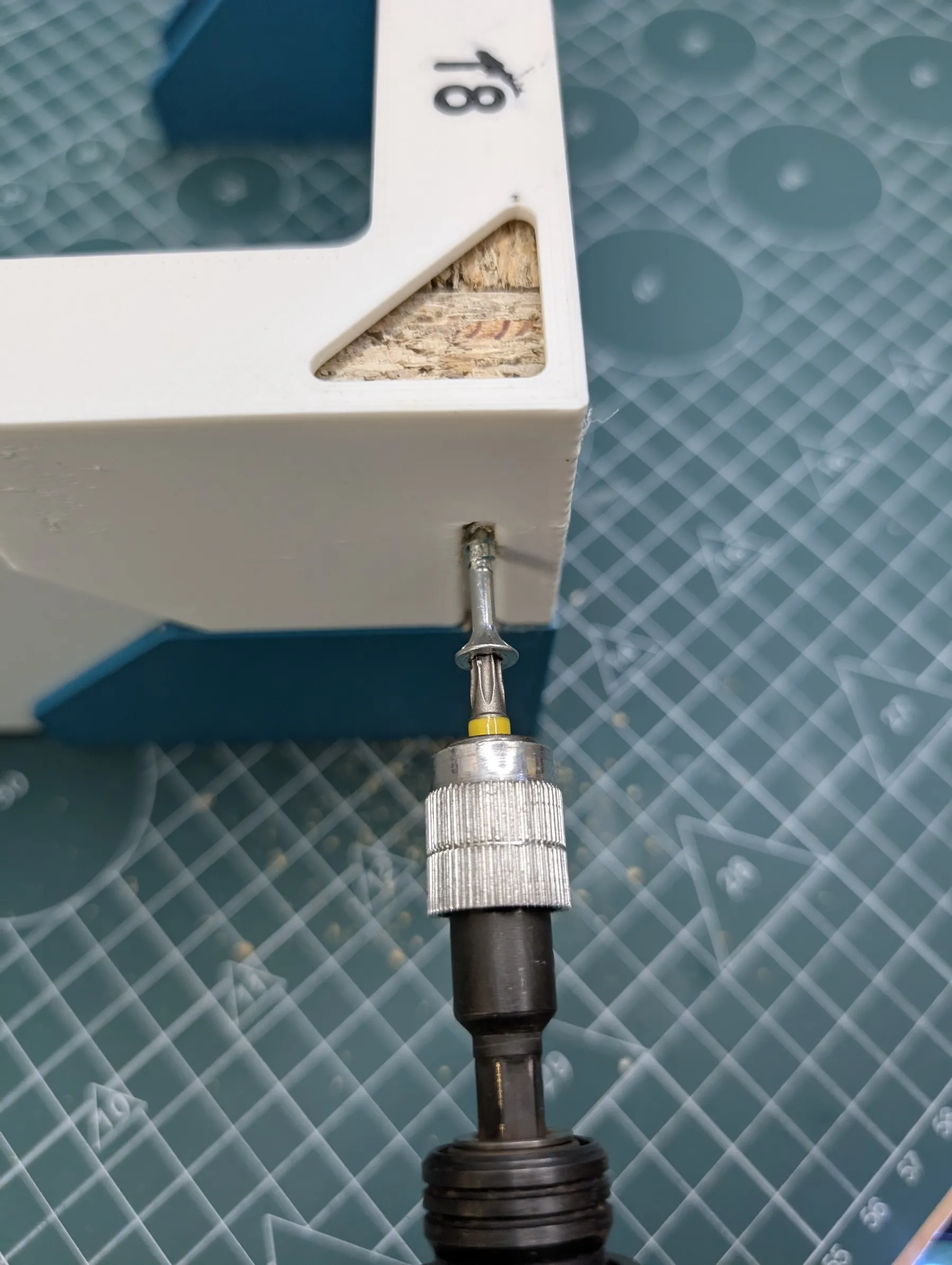
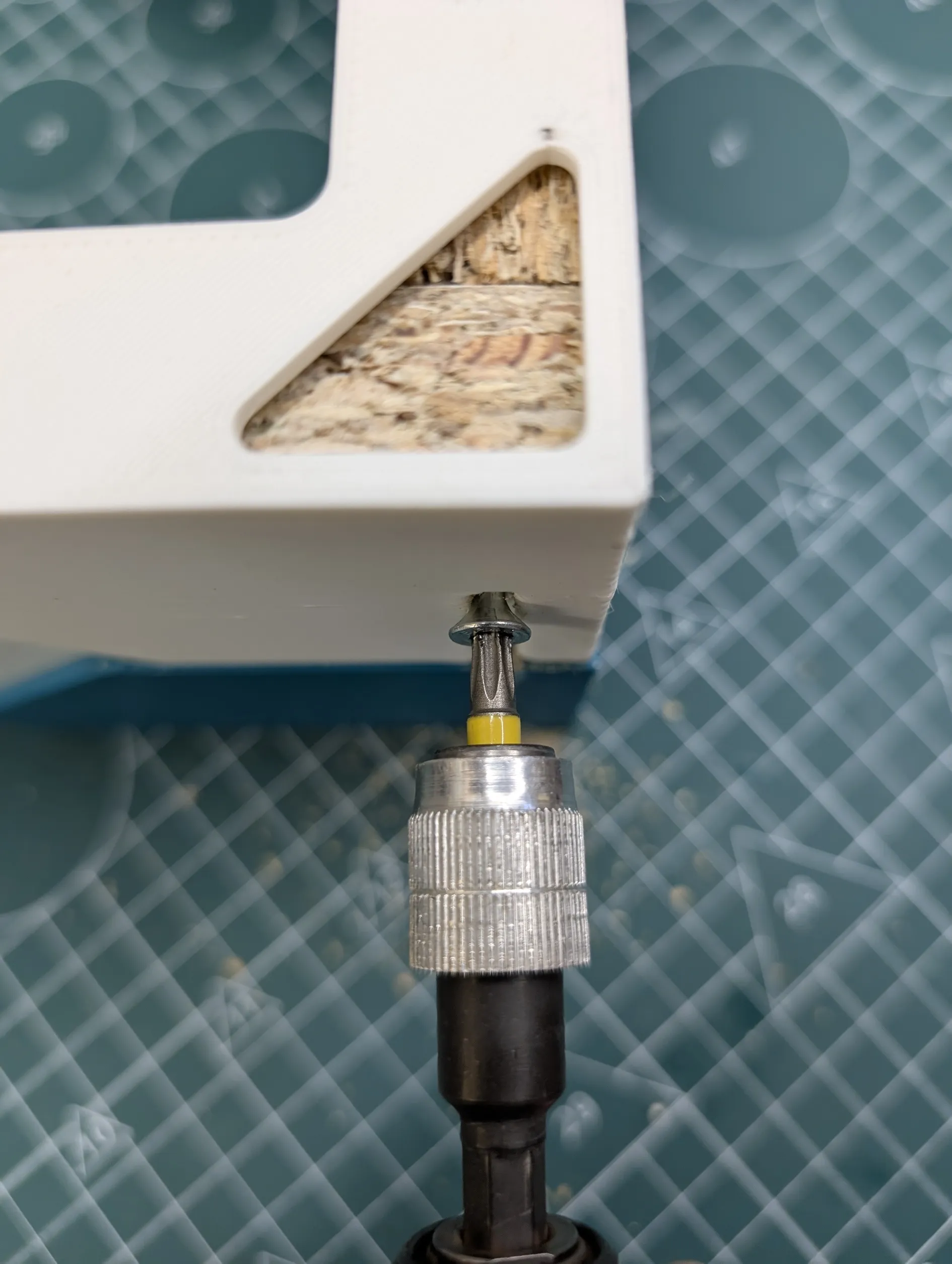
- Remove: Take out the jigs.
Tighten: Now, fully tighten all your screws for a secure, perfectly aligned joint.
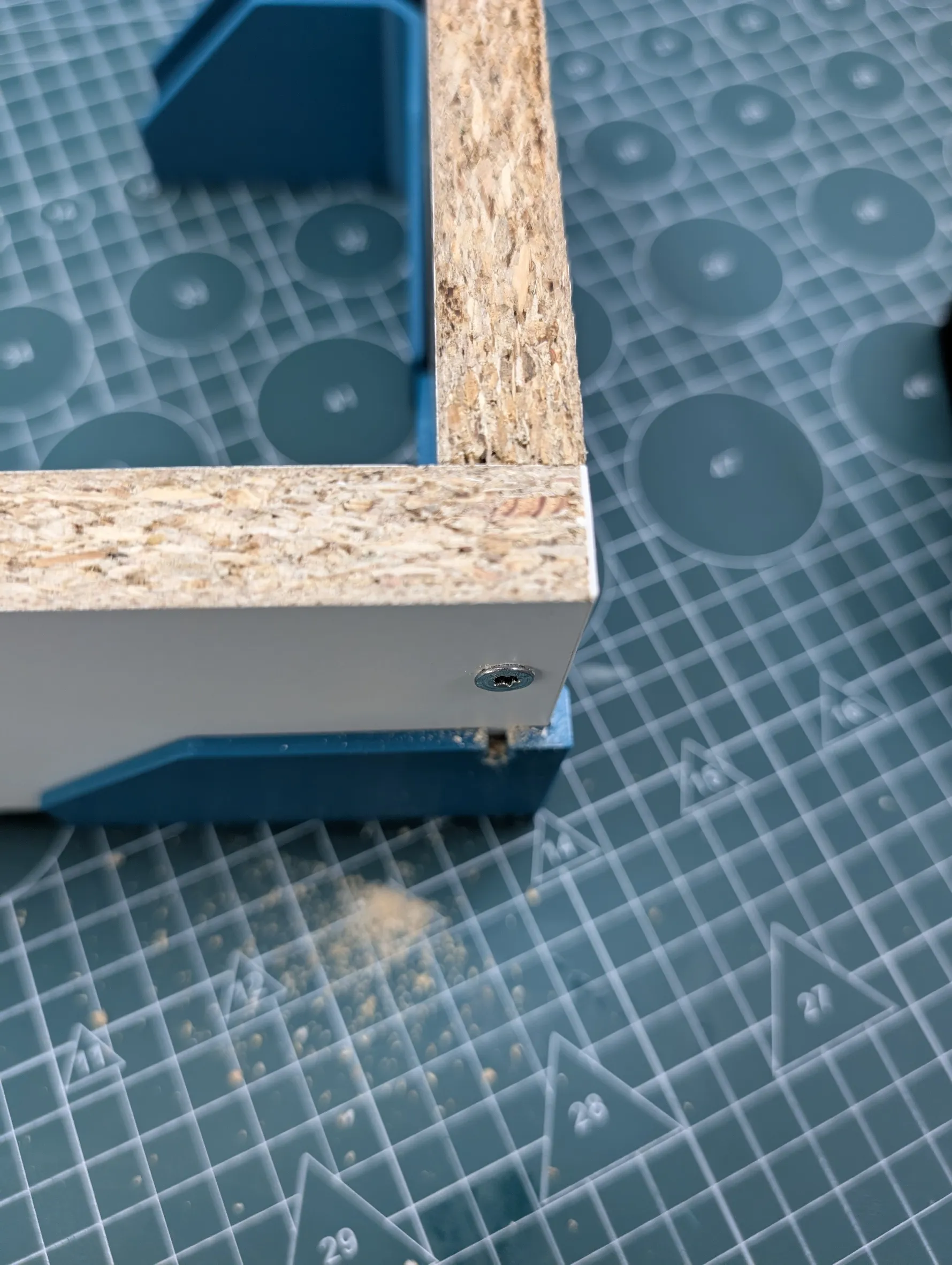
- Repeat: Use one jig for each corner, or print multiple (I highly recommend at least 4 or 8 for full cabinet assembly) to tackle all corners at once for maximum efficiency!
I hope this jig becomes as essential to your woodworking projects as it has for mine! Let me know in the comments if you have any questions or share your makes!
Note: If you don't own a 3D printer, I can print it for you for a reasonable price (to cover the filament and shipping price). Just write me a direct message.
License

You shall not share, sub-license, sell, rent, host, transfer, or distribute in any way the digital or 3D printed versions of this object, nor any other derivative work of this object in its digital or physical format (including - but not limited to - remixes of this object, and hosting on other digital platforms). The objects may not be used without permission in any way whatsoever in which you charge money, or collect fees.


Comment & Rating (30)