
Improved War-Hammer Reminder Tokens -Incl. Box
Print Profile(2)


Description
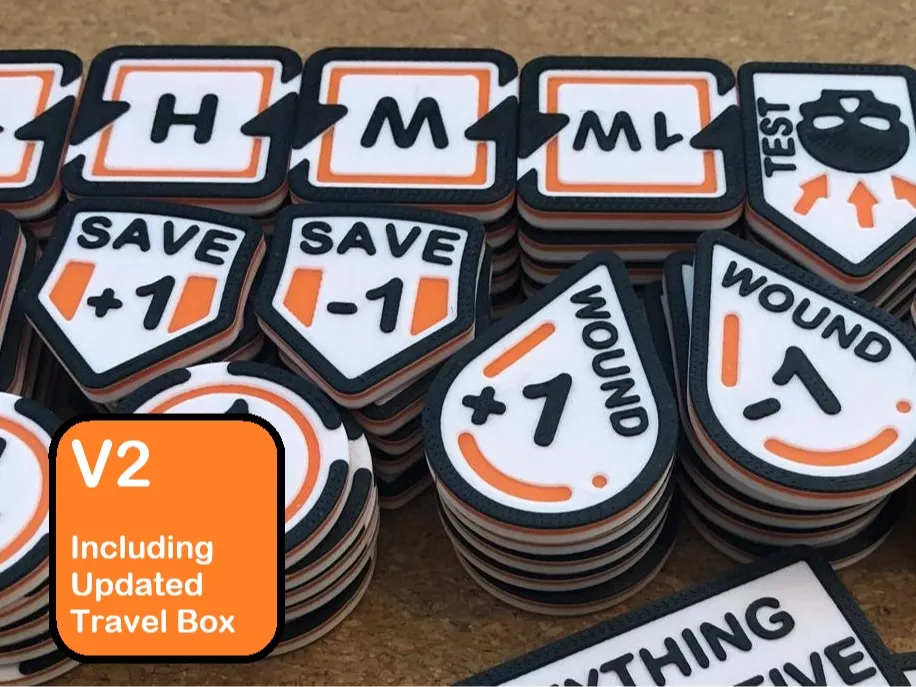
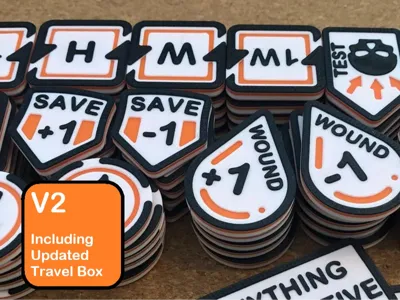
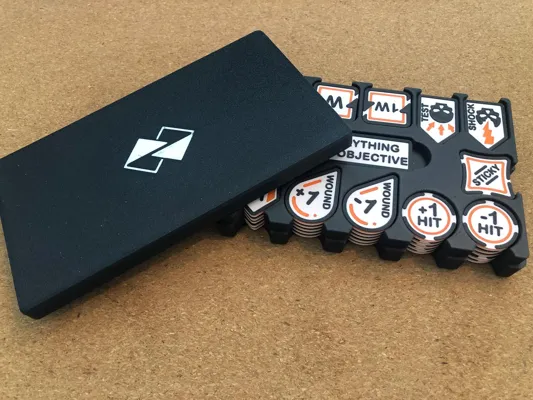
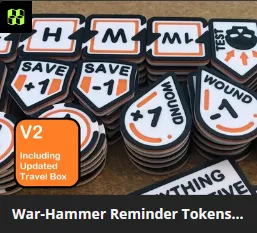
Improved War-hammer Reminder Tokens - Incl. Travel Box V2
New token expansion set available here.
Edit 29-9-2025: added instructions to change the editable text on the editable arrows.
After receiving a lot of feedback I decided it is time to post a new version of the war-hammer reminder tokens.
Things that have changed:
- Layer height to 0.2mm
- Thicker top white layer > Resulting in less color bleed from the orange layer below.
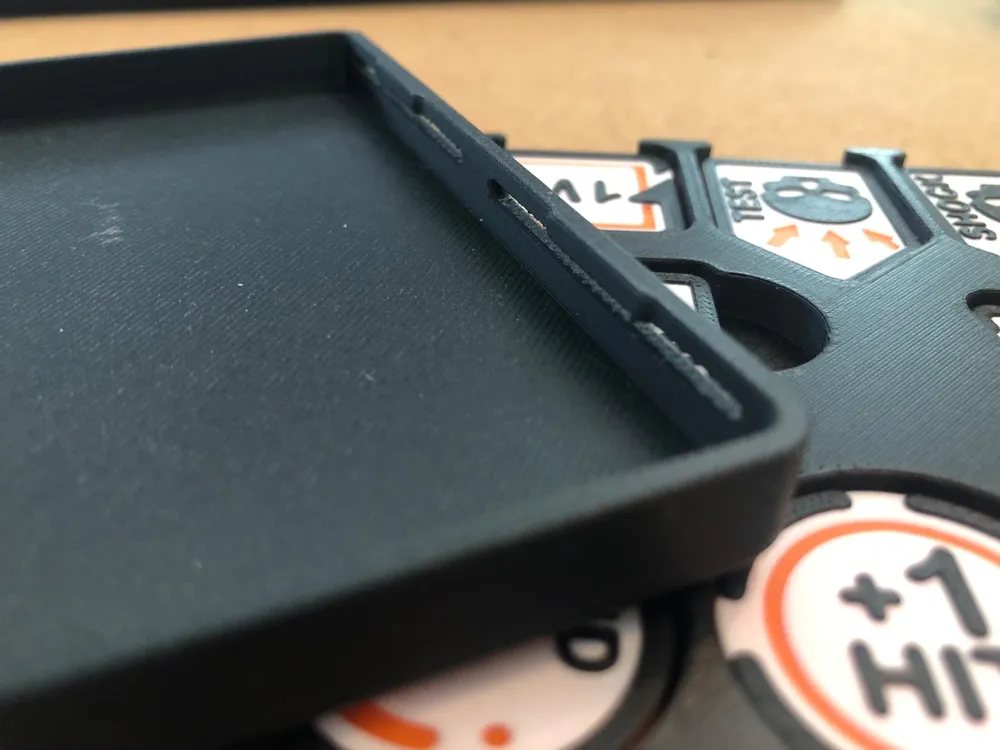
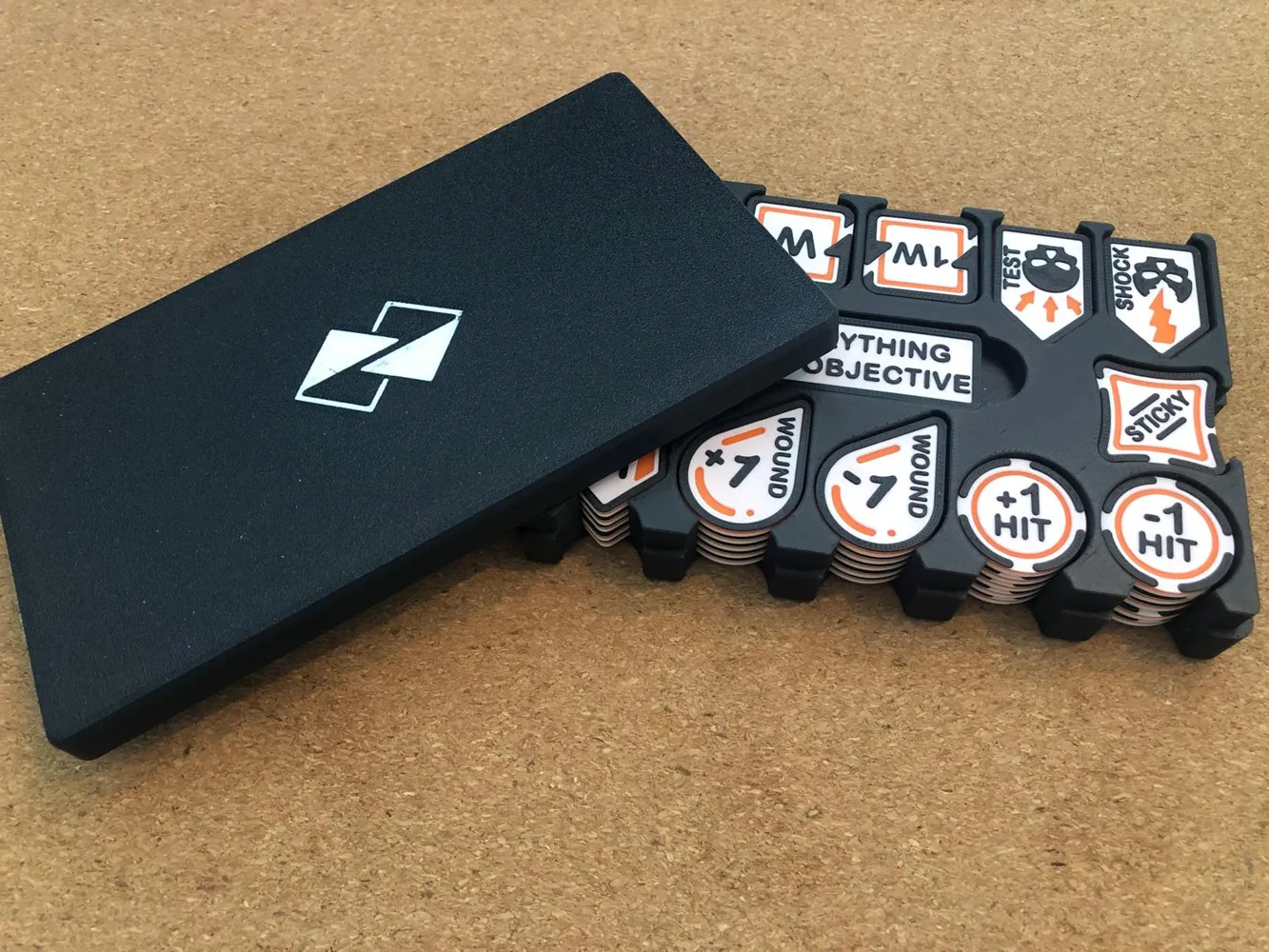
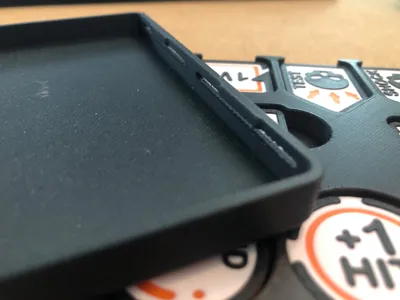
- Travel Box: More room for additional arrows
- Editable text on arrows (beware, this is best to do in bambu studio and not in the phone app)
You can find the first version here or via my profile.
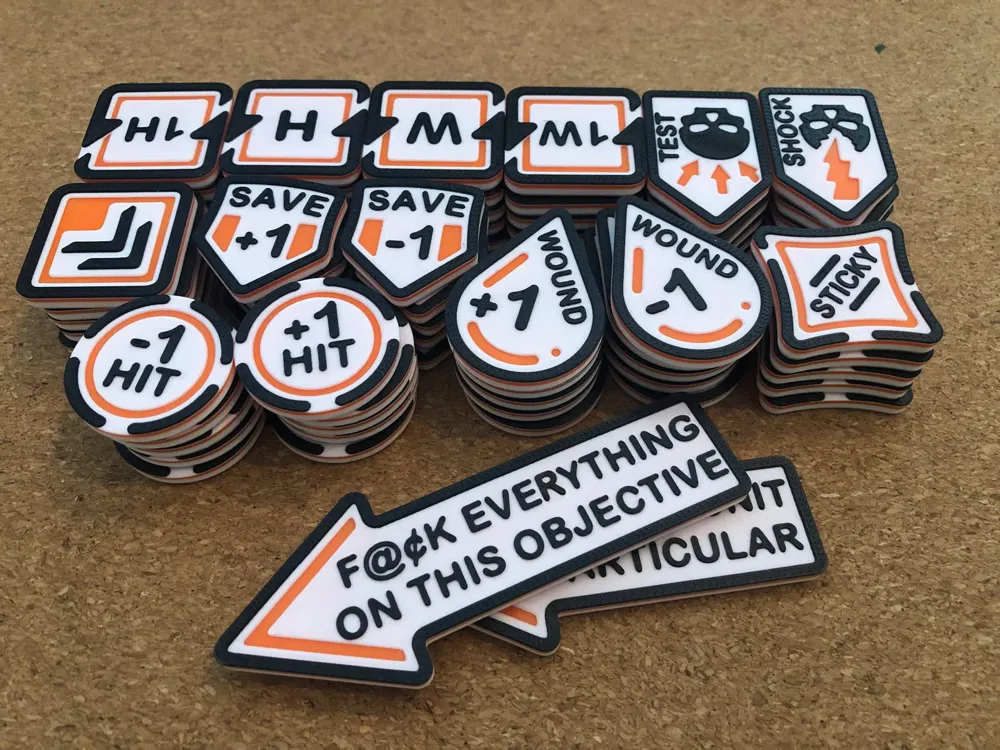
The tokens remain the same
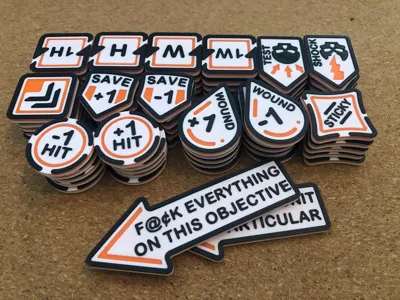
- Battle Shock Test
- Battle Shocked
- “>>” (Can be used for Charge / Fight First or faction specific needs)
- Reroll 1H (1's on the to hit roll)
- Reroll 1W (1's on the to wound roll)
- Reroll H (All hit rolls)
- Reroll W (All wound rolls)
- Sticky Objective
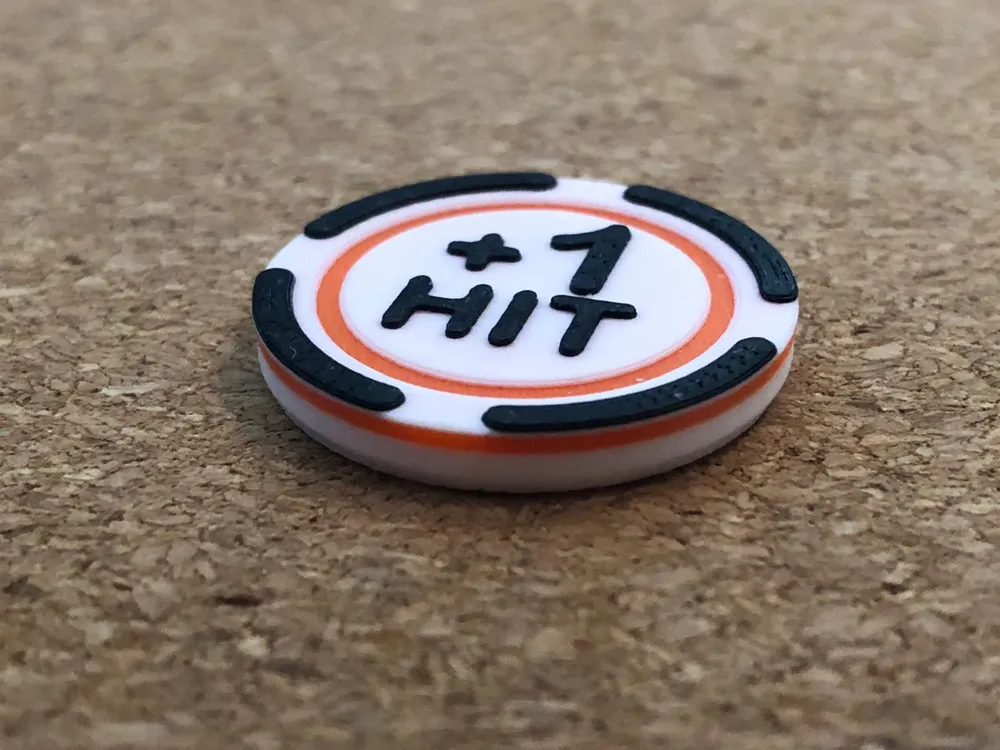
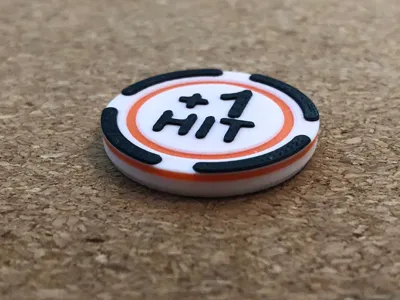
- +1 To Hit
- -1 To Hit
- +1 To Save
- -1 To Save
- +1 To Wound
- -1 To Wound
- Objective Reminder Token (Arrow now space for 3)
- Unit Reminder Token (Arrow now space for 2)
Designer's notes:
The tokens are designed with slanted edges on the bottom for easy pick-up from the table.
I've now designed the tokens to be printed at 0.2mm layer height having less color bleed from the layer below. The parts are therefore split on multiples of 0.2mm, and you'd get the best result using multiple colors printing at this 0.2mm layer height.
By having these splits for the color change all at the same height, these can be printed on a printer that doesn't support multiple colors. You'd have to build in pauses on the correct layer heights and swap the materials manually.
For my set I've printed them using Polymaker's PolyTerra Matte colors.
Editable Arrows Text Instructions:
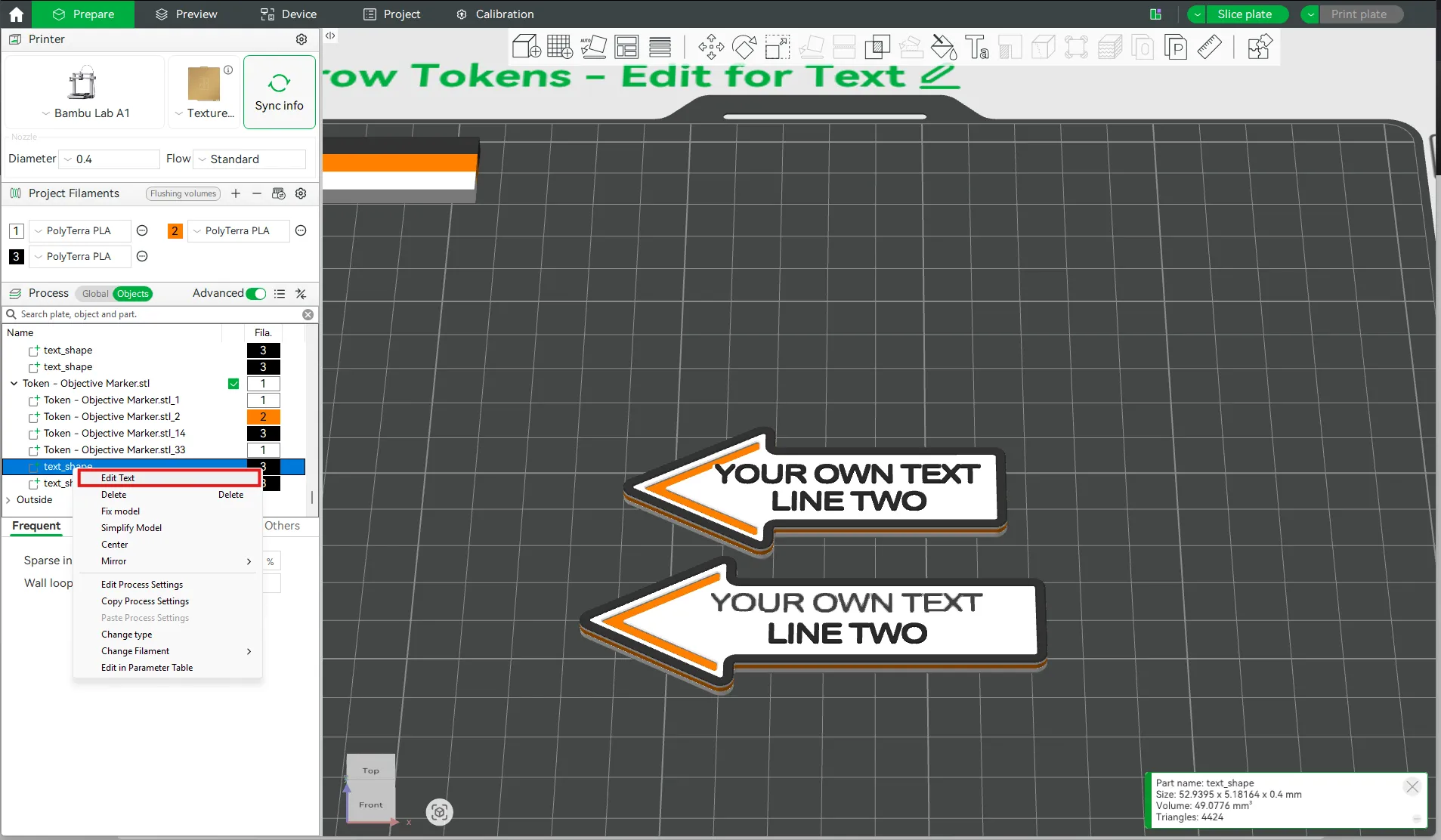
In Bambu Studio go to
- Prepare > Process > Objects > Select the Unit Focus or Objective Marker with editable text.
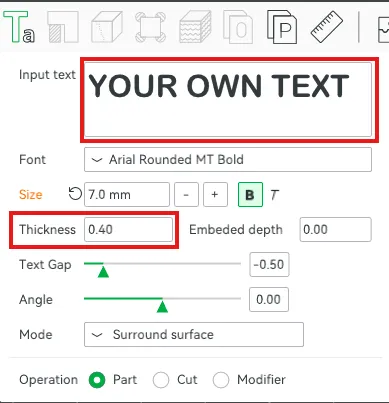
- Then Right click on text_shape > Edit Text. There you can edit the Input Text.
- My advice is to keep the Font at Arial Rounded MT Bold, as this is in my experience one of the better fonts for 3D printing.
- Keep the Thickness at 0.40 and the Embedded depth at 0.00. This is to ensure the colors remain in the correct layer.
- You can change the size of this text, but don't make it too small, as the printer wont be able to do that with a 0.4mm nozzle.
 |  |
I hope these can make others happy and be of use at many tables!
Happy gaming! And printing!
_____________
Tabletop Wargame Assets:
V1: Tokens and Travel Box | 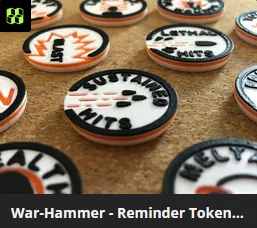 |  | 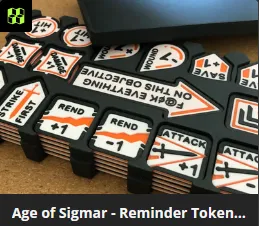 |
 |  |  |  |
Miniature Painting Assets:
 |  |  |  |
Tabletop Role-Playing Game:
 |  |
Boost Me (for free)
Support my work with a free boost — it's quick and helps me grow!
Membership
Want to support me more or sell prints of my designs? Join my membership here!
License

You shall not share, sub-license, sell, rent, host, transfer, or distribute in any way the digital or 3D printed versions of this object, nor any other derivative work of this object in its digital or physical format (including - but not limited to - remixes of this object, and hosting on other digital platforms). The objects may not be used without permission in any way whatsoever in which you charge money, or collect fees.


Comment & Rating (122)