
Snap Fit NFC Keychain
Print Profile(3)


Bill of Materials


Description
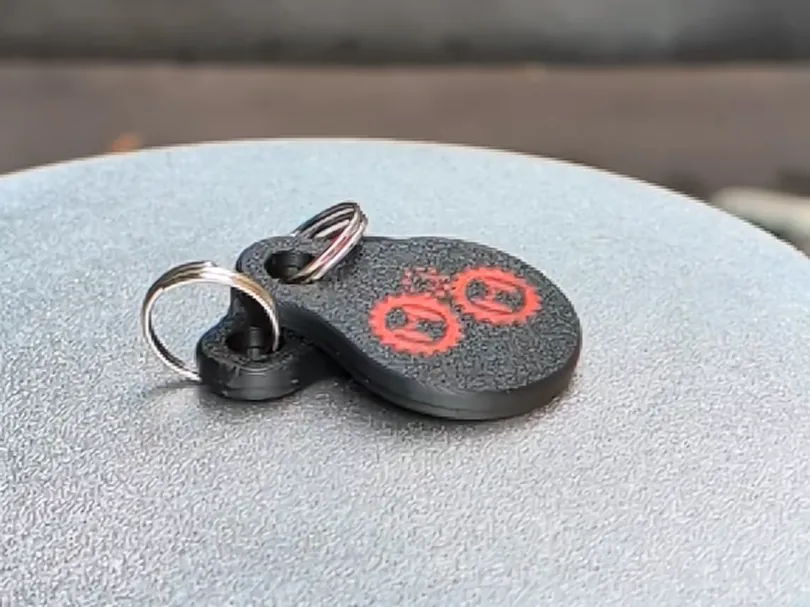



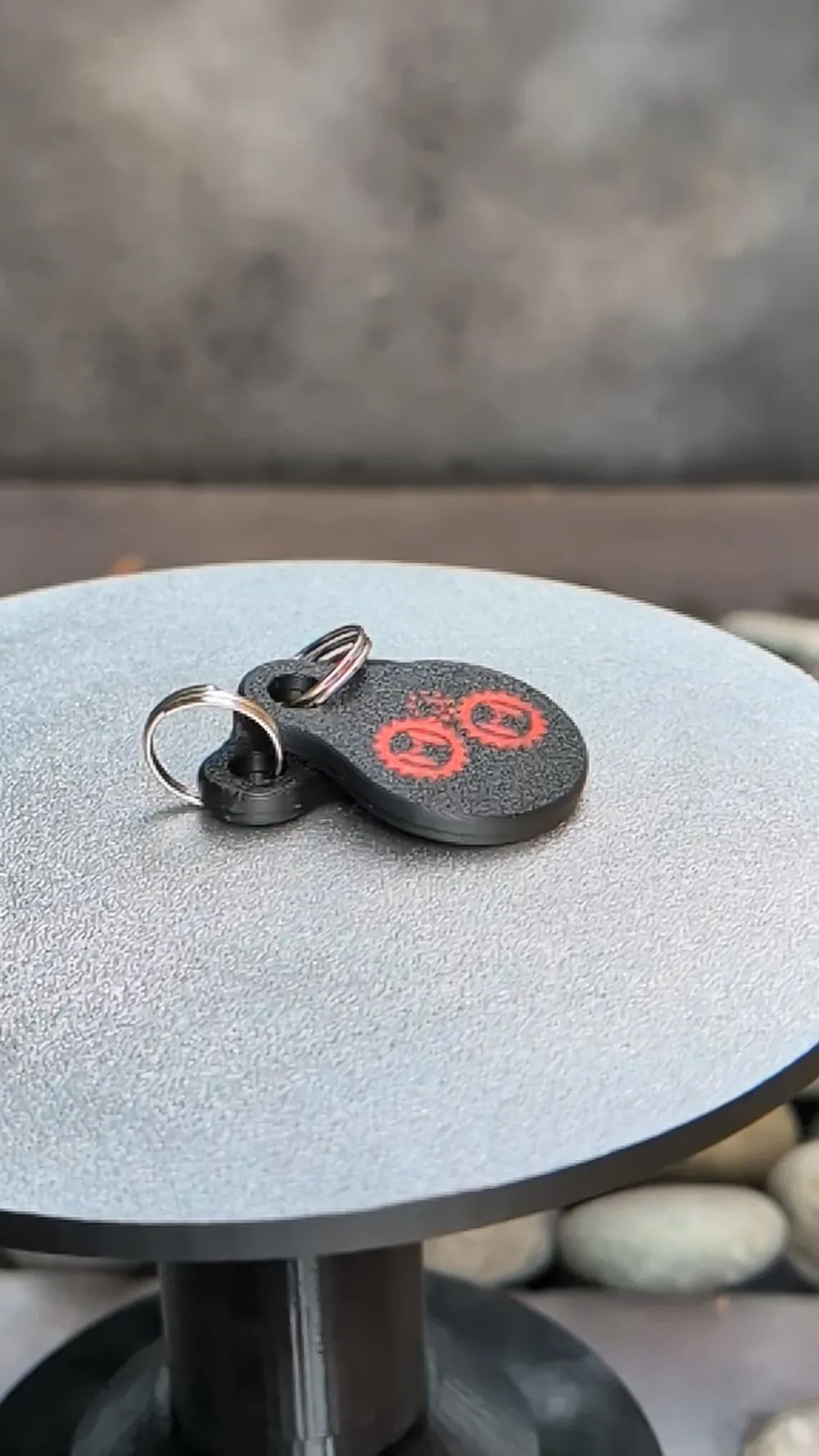
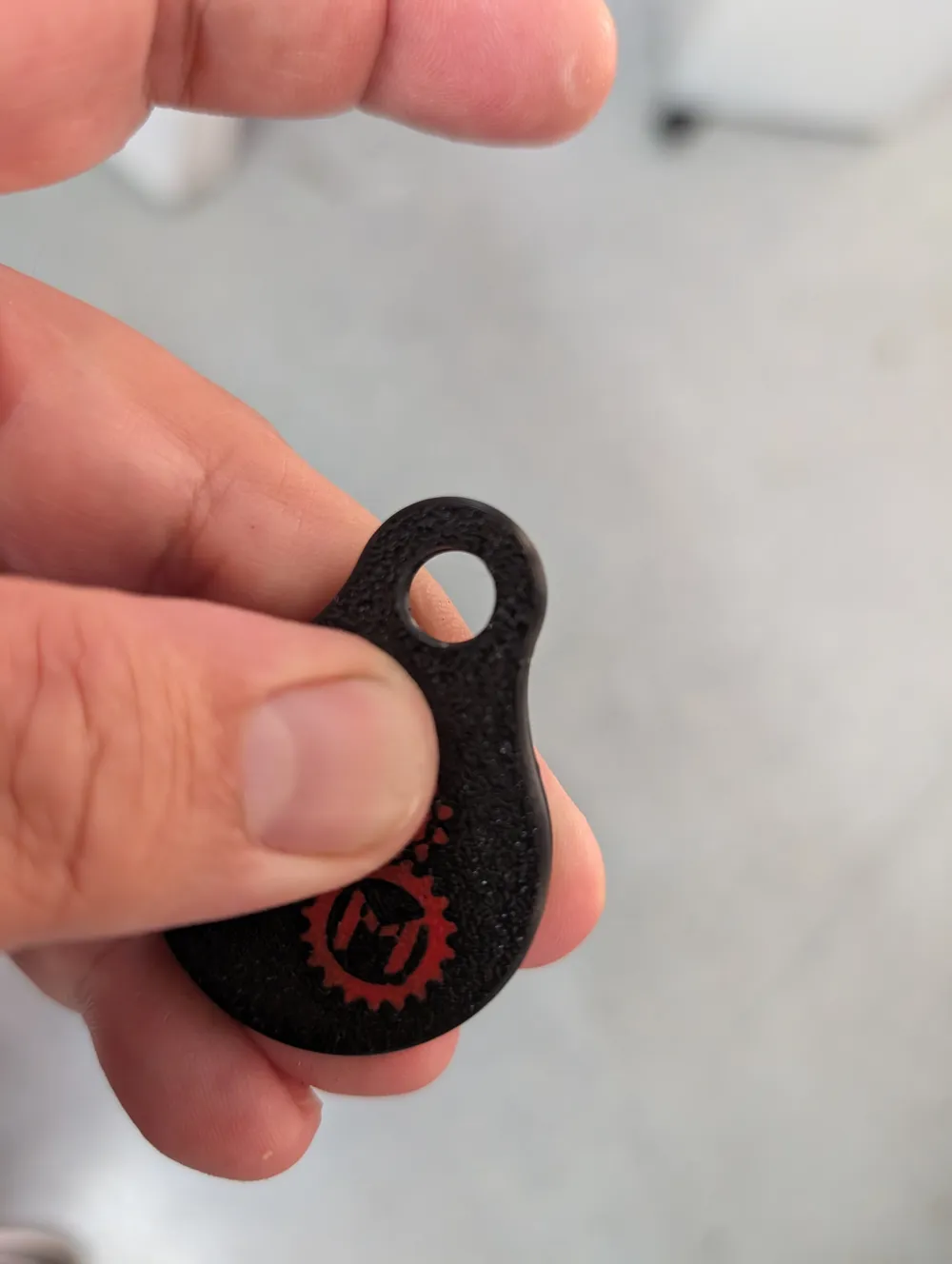
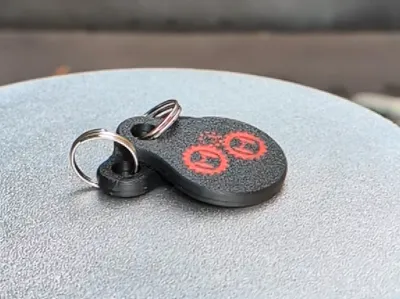
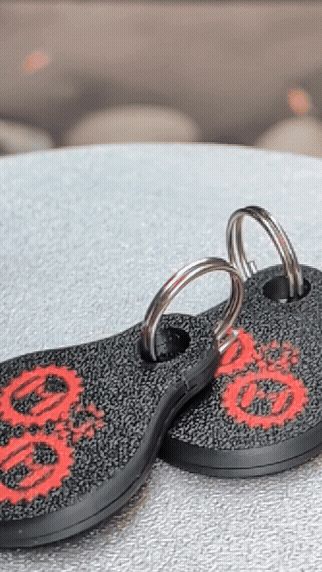
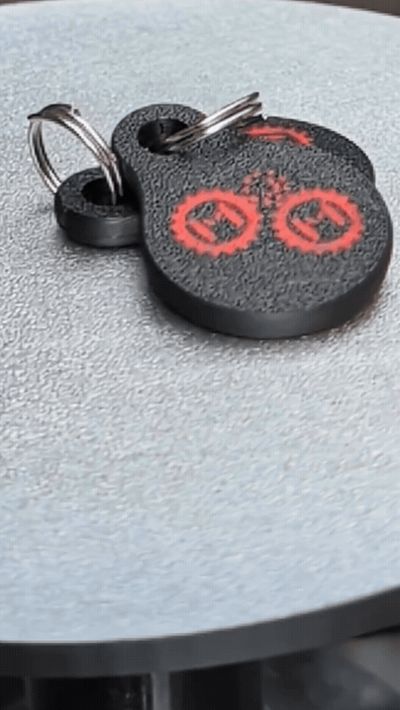
Make your own NFC Key Chains
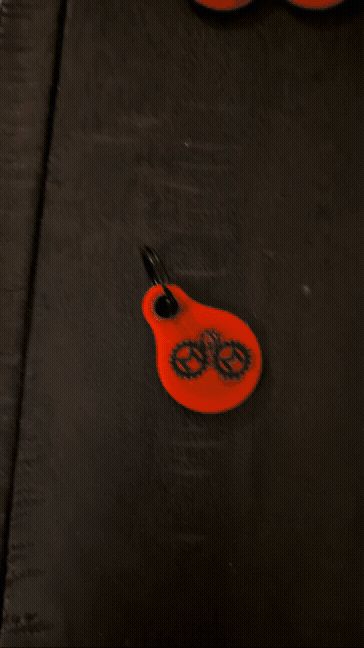
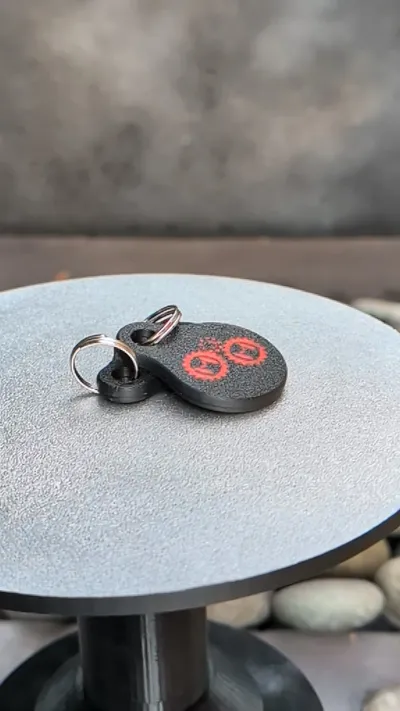
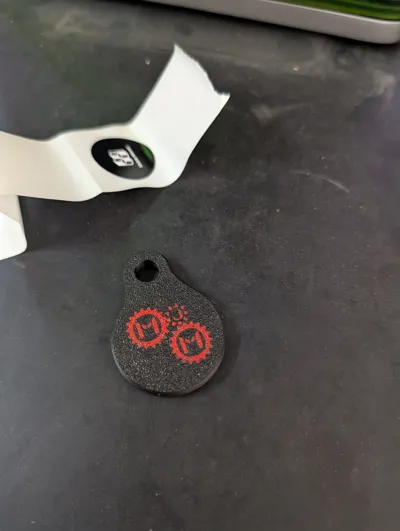
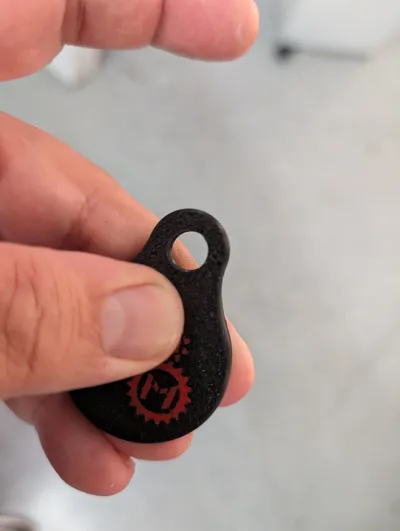
I needed NFC keychains that were branded as give aways. I looked at some that were available and they either required print pausing or the snap fit wasn't tight. So I made my own and decided others might want use it as well.
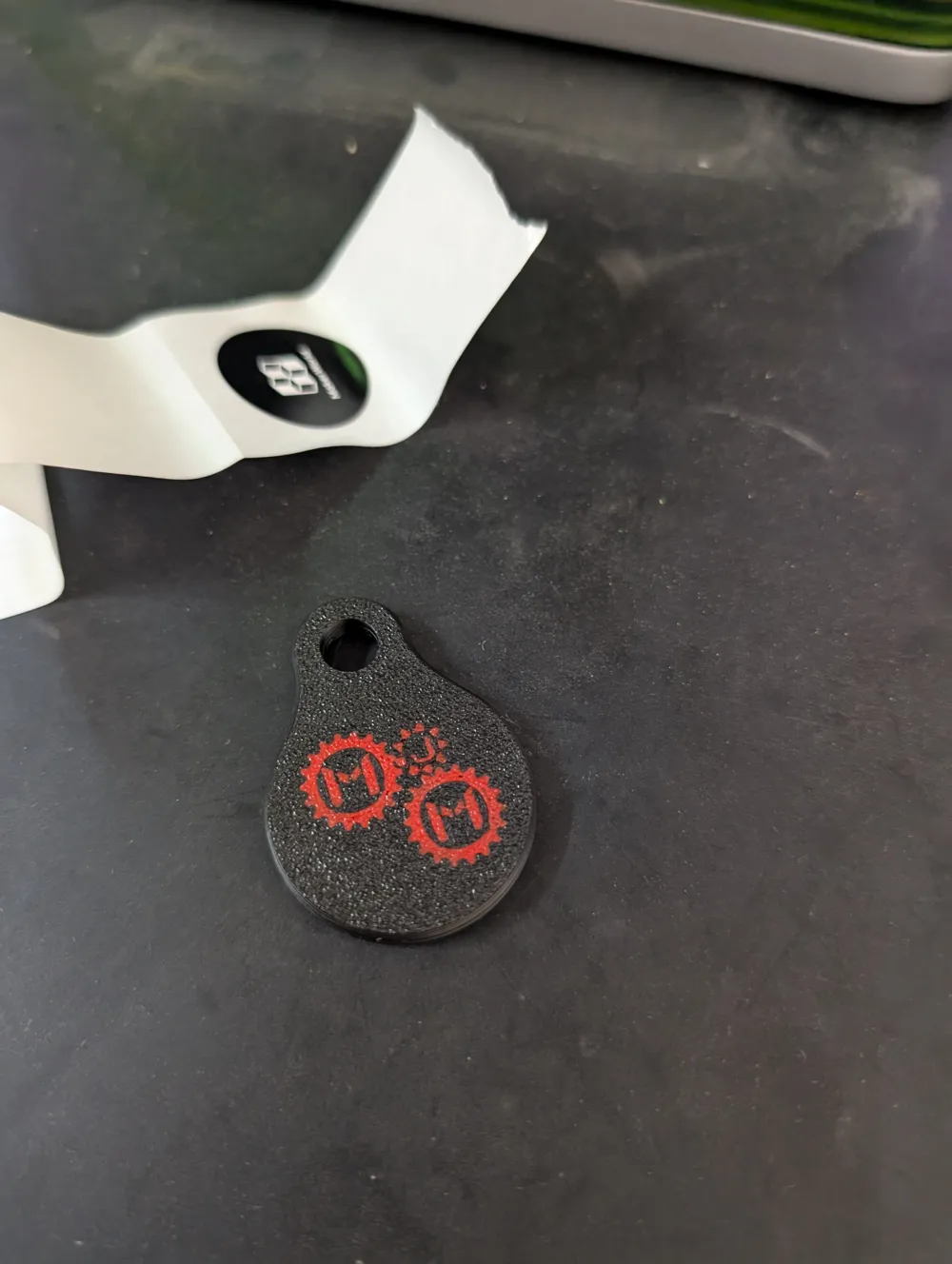
I have 4 profiles released with this. MakersJustMake branded, and blank for you to embed your own logo. Each type comes in 2 formats, tight fit, and relaxed fit. Tight fit will require some sort of pressure to snap together but it will hold very well. Relaxed fit can be done with just your hands; however over time it may come loose if you dont add a dab of glue.
These are pretty simple but I've added a quick video on putting them together, and programming them.
Ive tested these with filling the plate and they print just fine if you need to do them in bulk. Ive made mine to use the minimum amount of filament switching (4 switches) for a clean image at this small size.
Instructions
- If you want to add your own branding download the blank profile
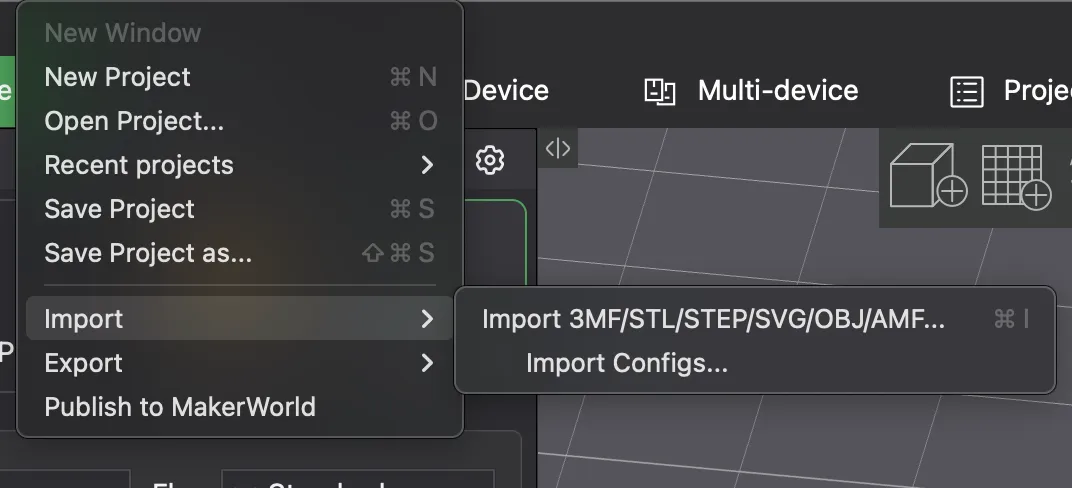
Import your STL
Change the filament to the color you want for each
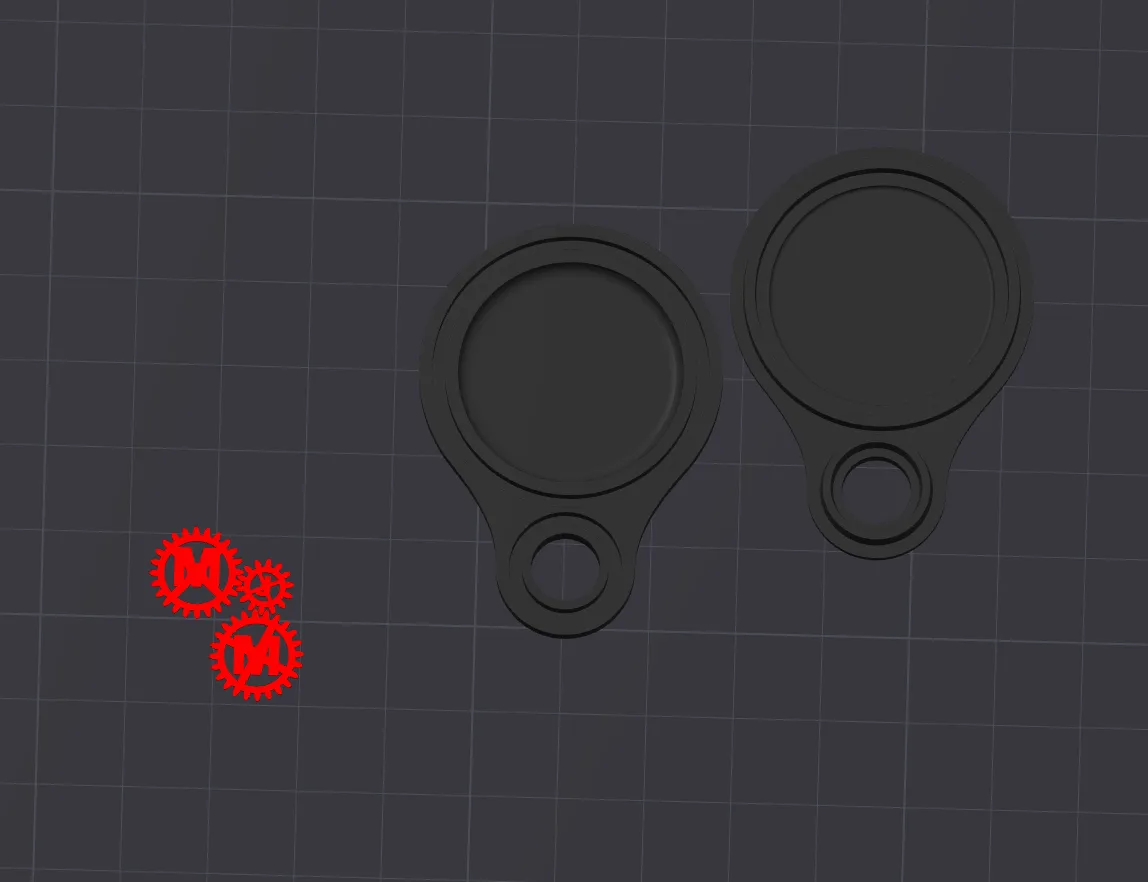
Resize your STL/model to fit
Merge and line up with the top (or bottom or both)
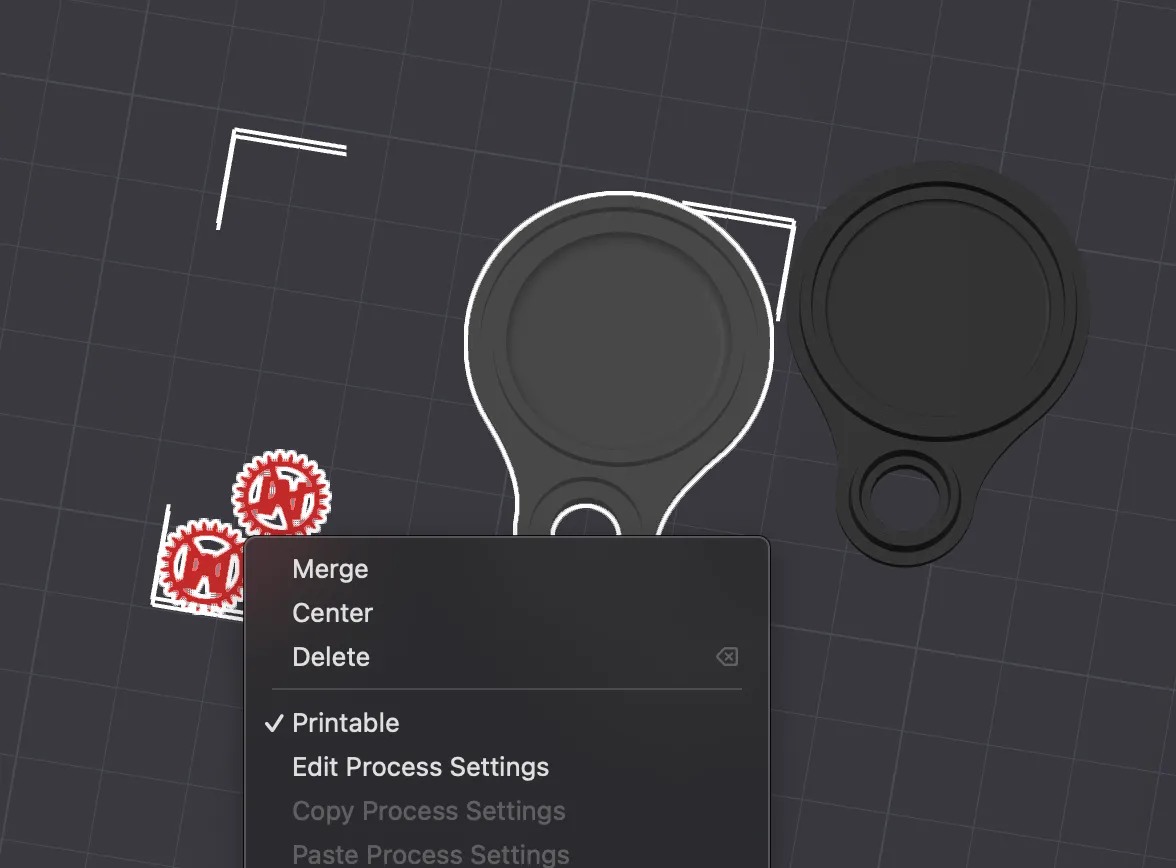
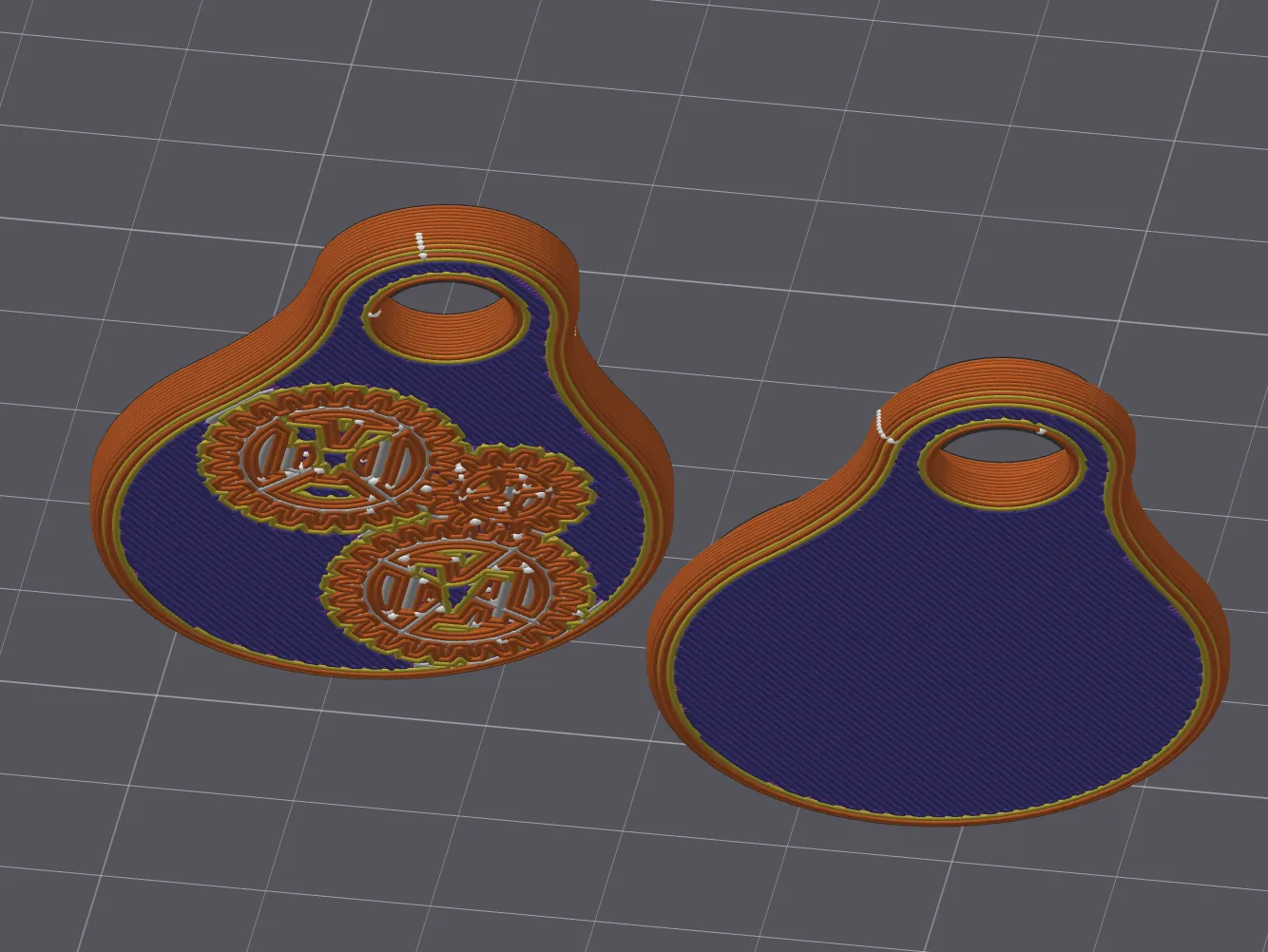
- Or Use the MakersJustMake Profile in Handy
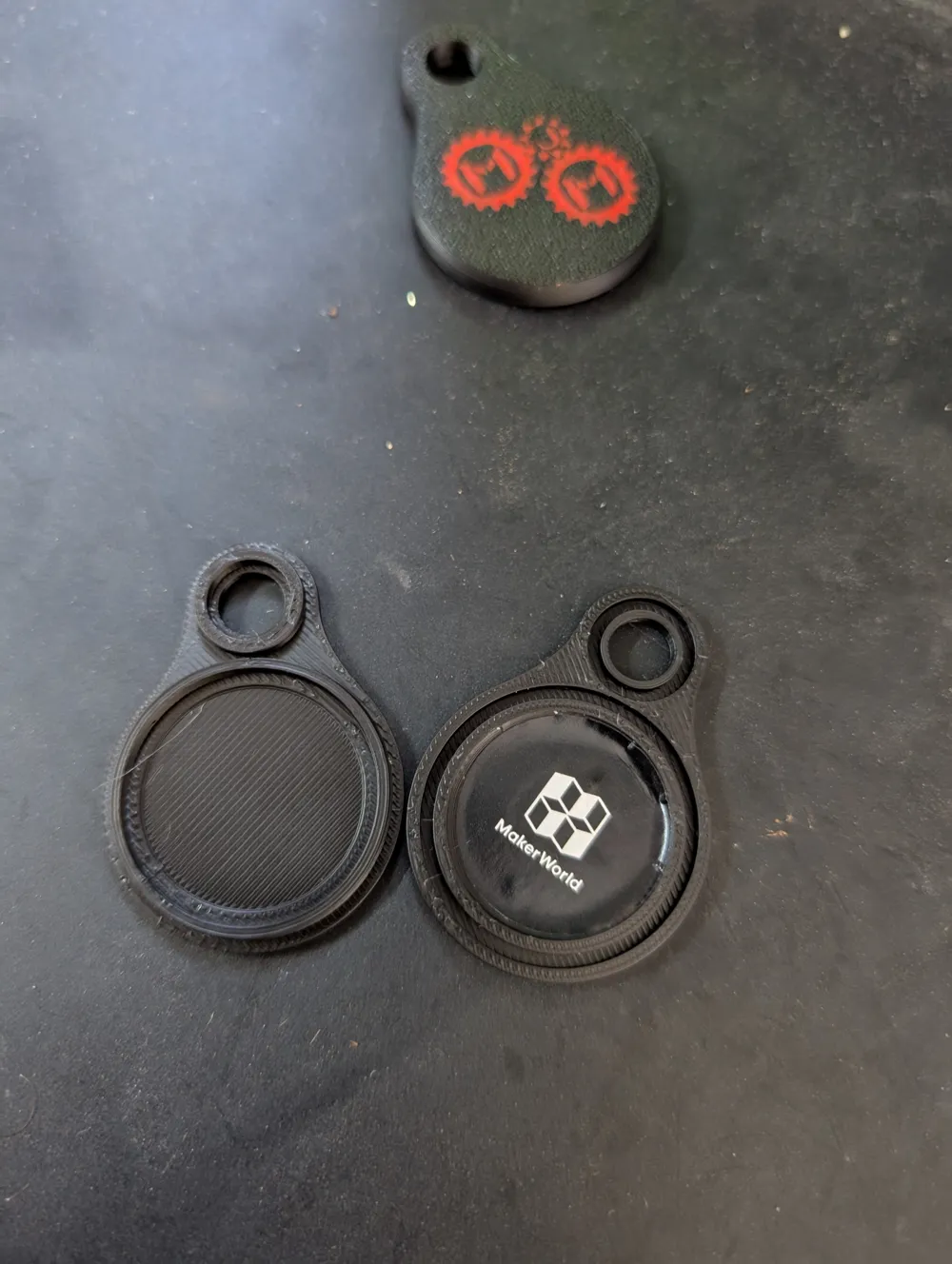
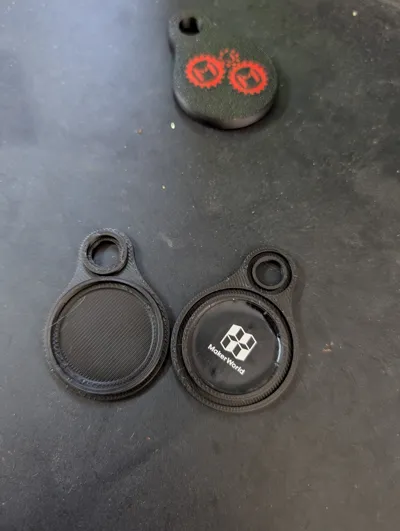
Add NFC tag to either side
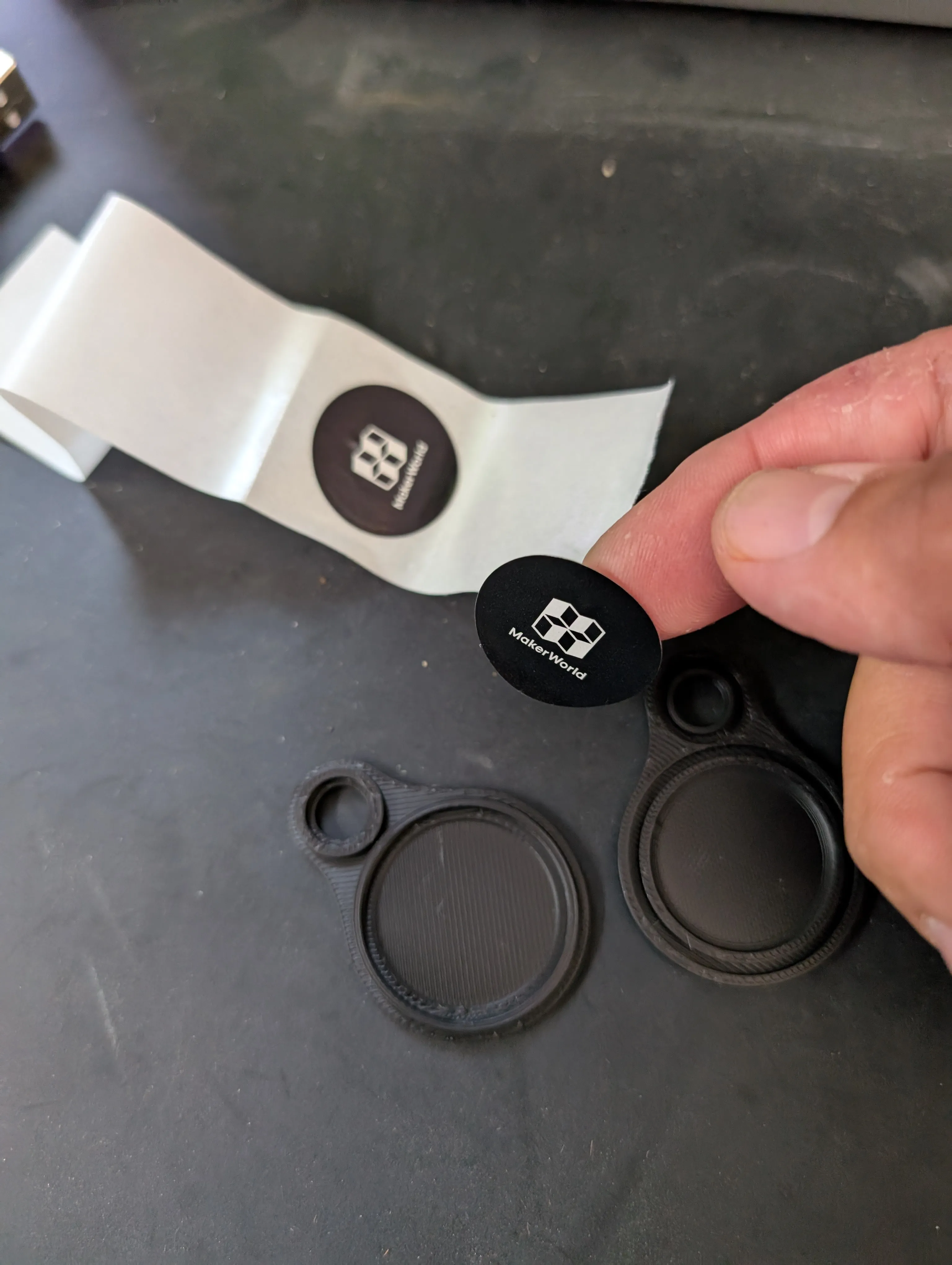
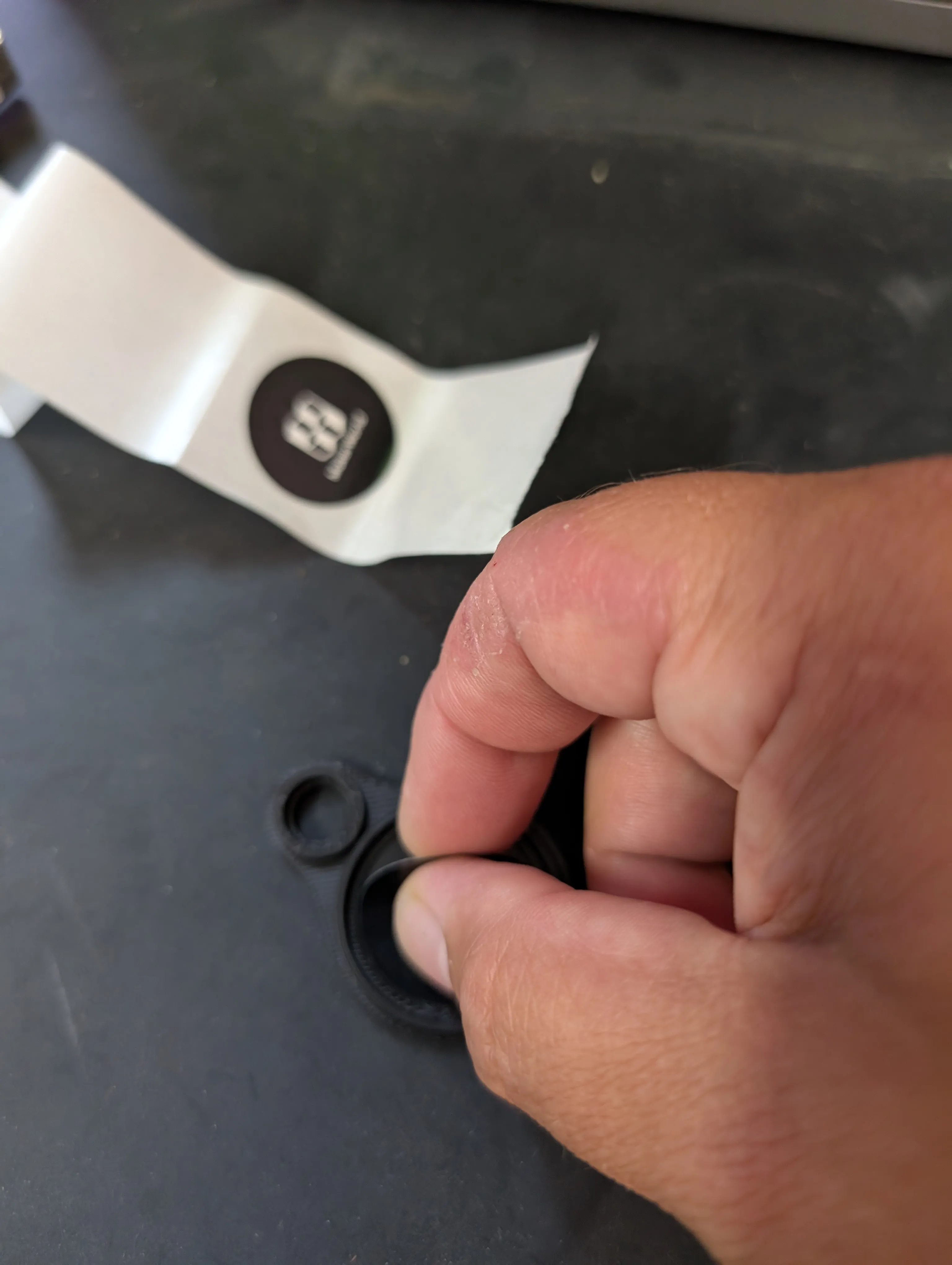
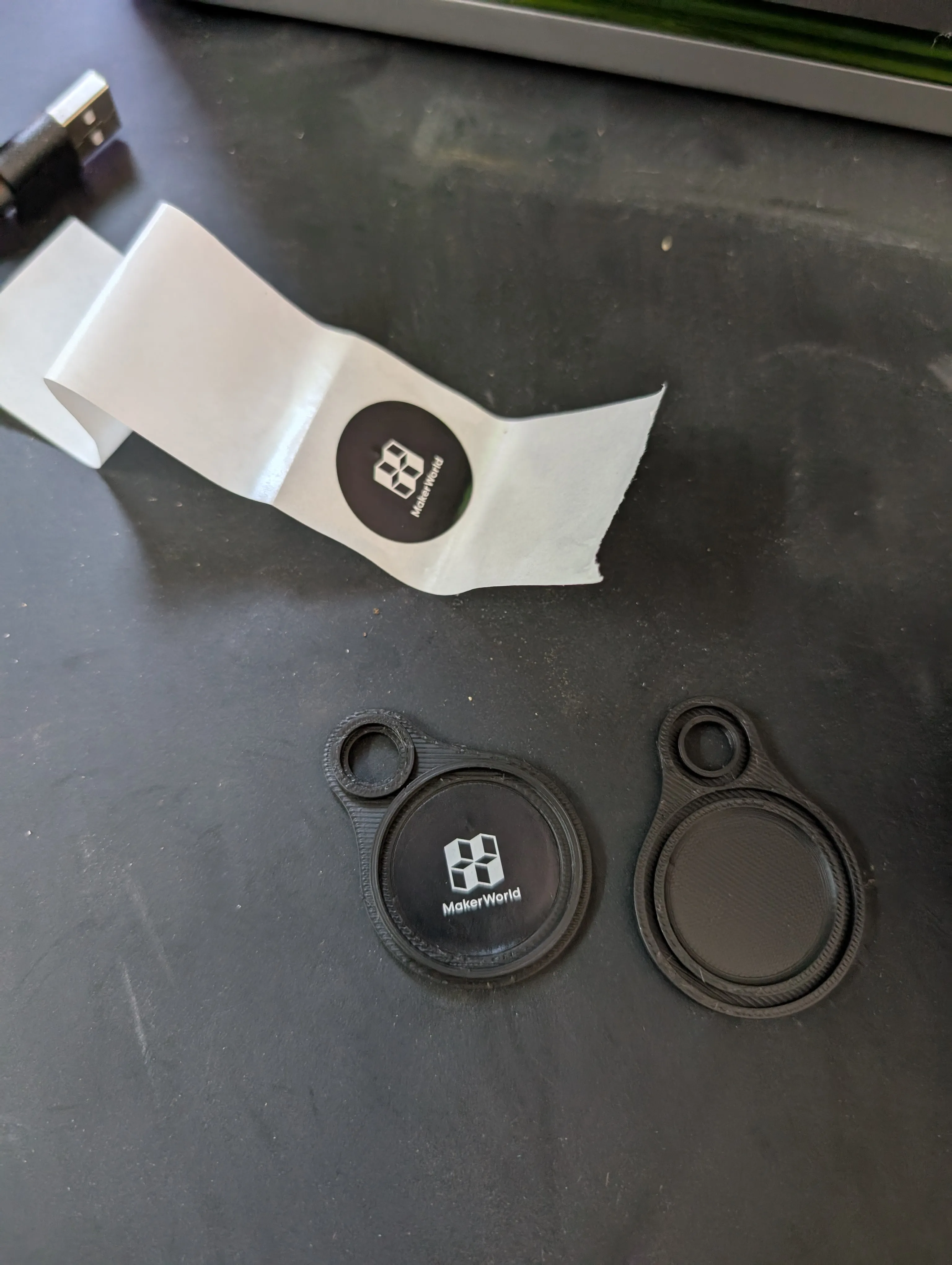
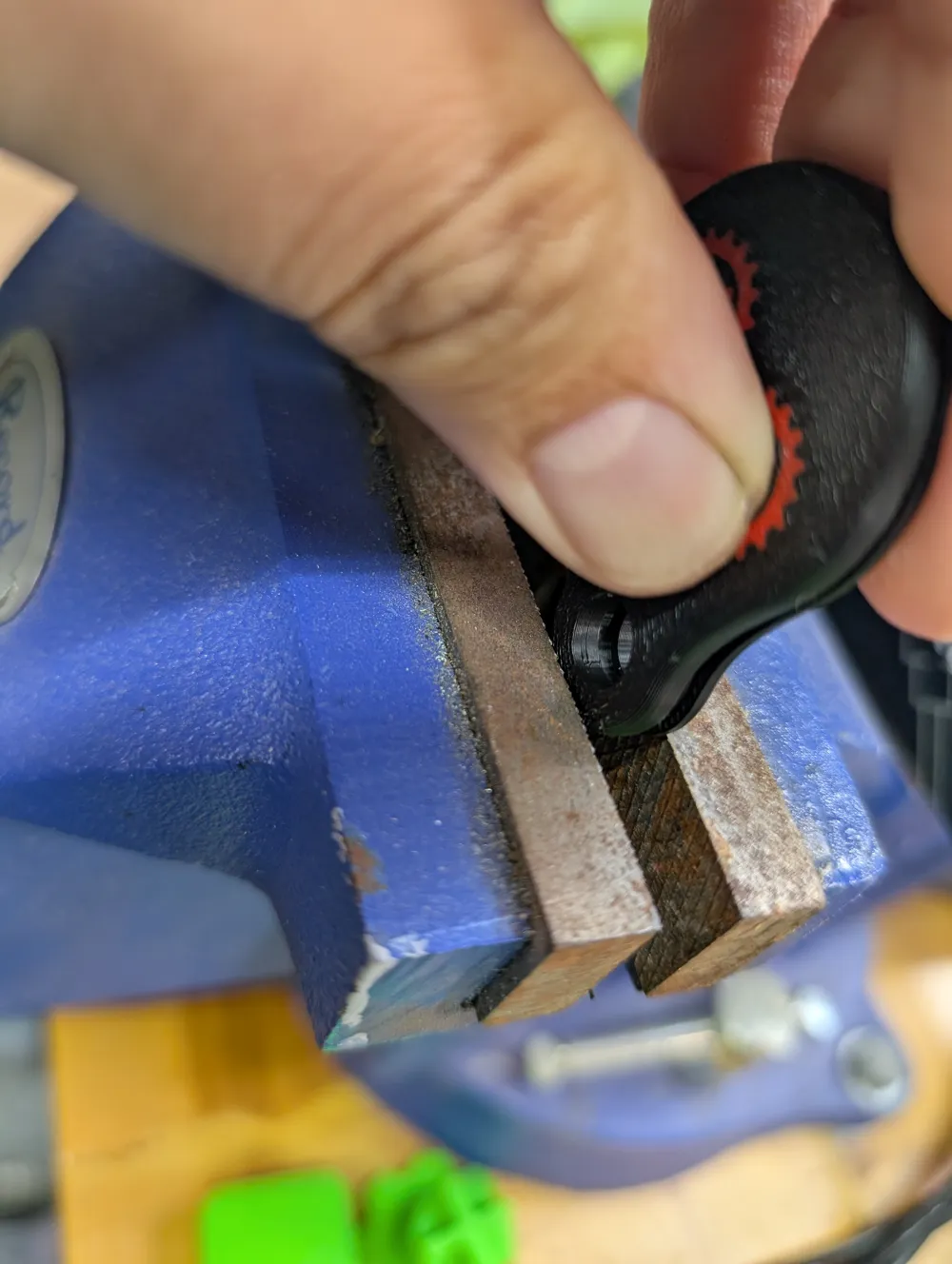
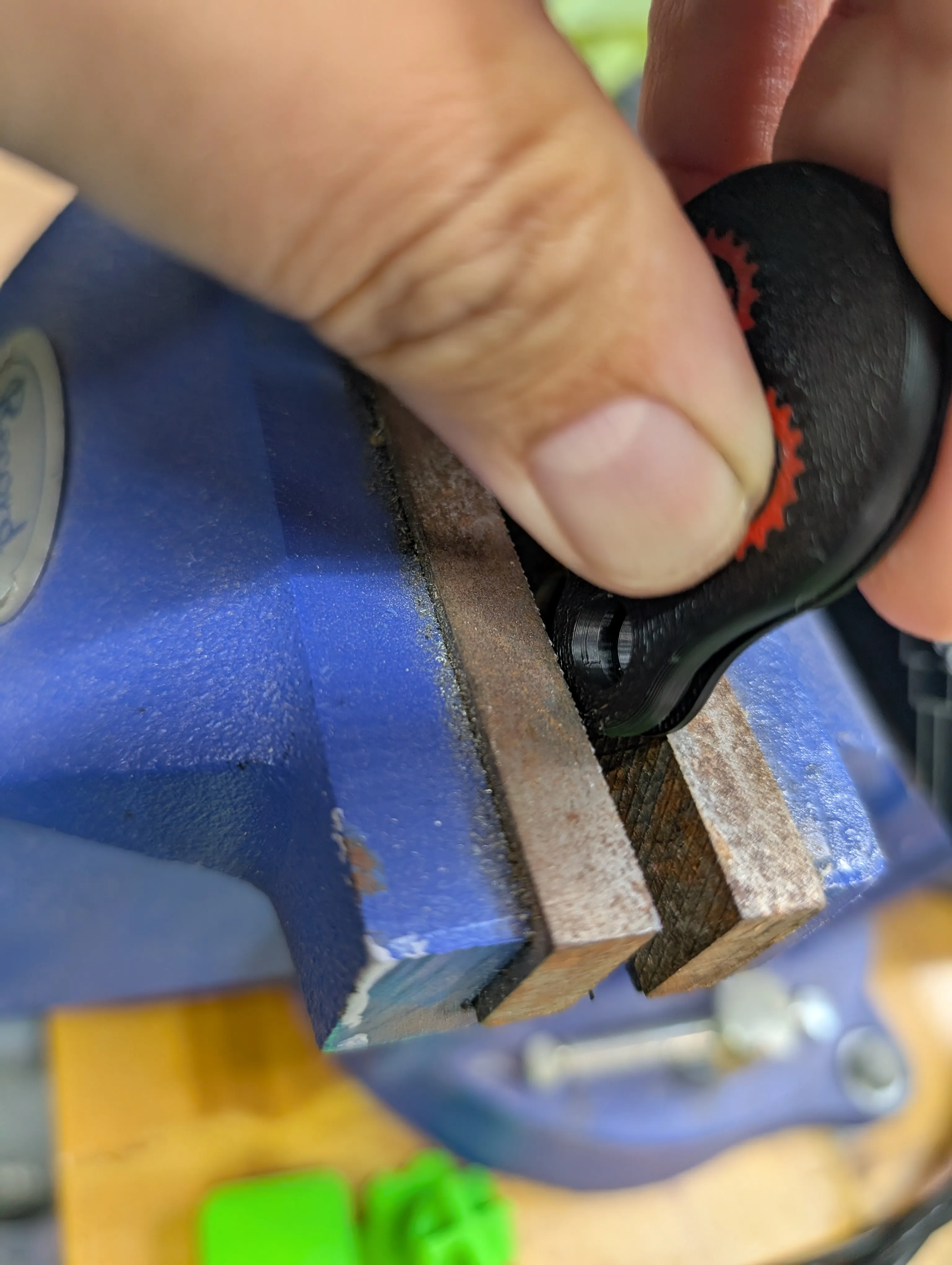
- If you printed the TIGHT fit
- Line up Top and Bottom
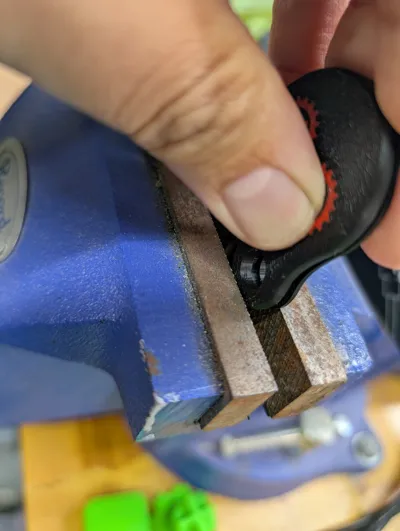
Use a Vice or something like a Shop press
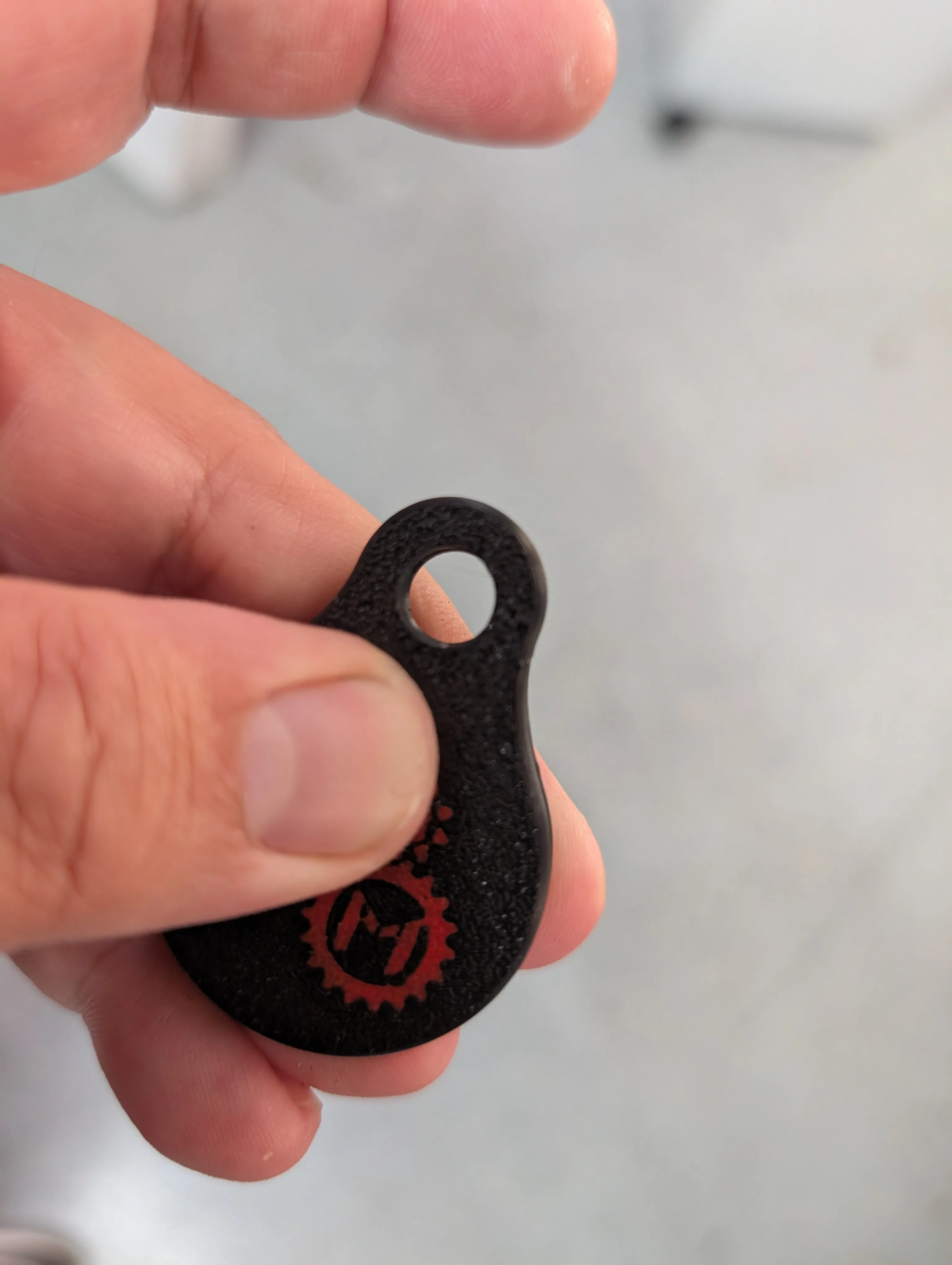
- If you printed the Relaxed fit
- Dab a small amount of CA (or something similar) to the groove
Push together and hold temporarily
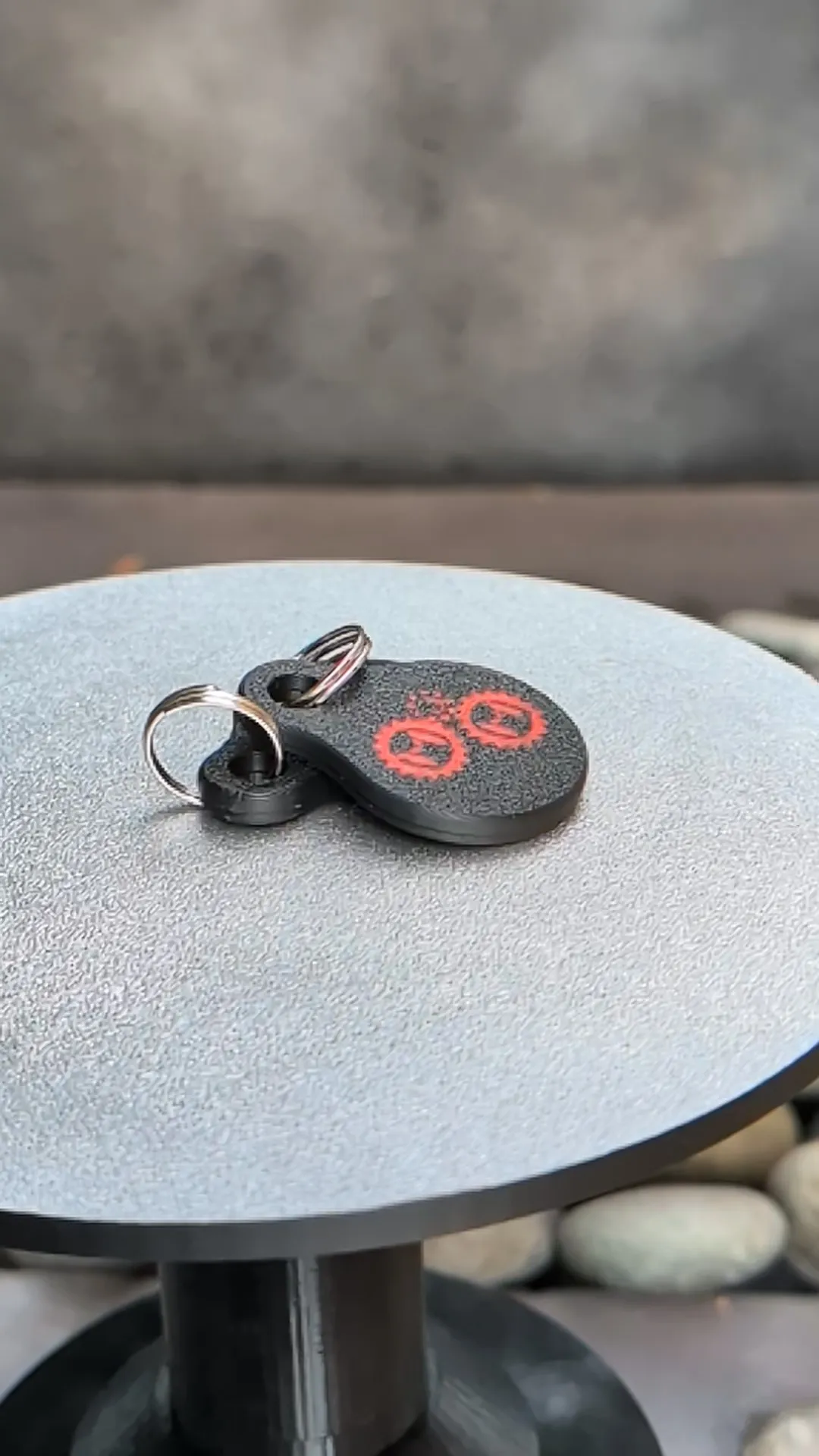
Add a Key ring
- Program NFC
There are several tools and Apps you can use. I used an Android App called “NFC Tools”
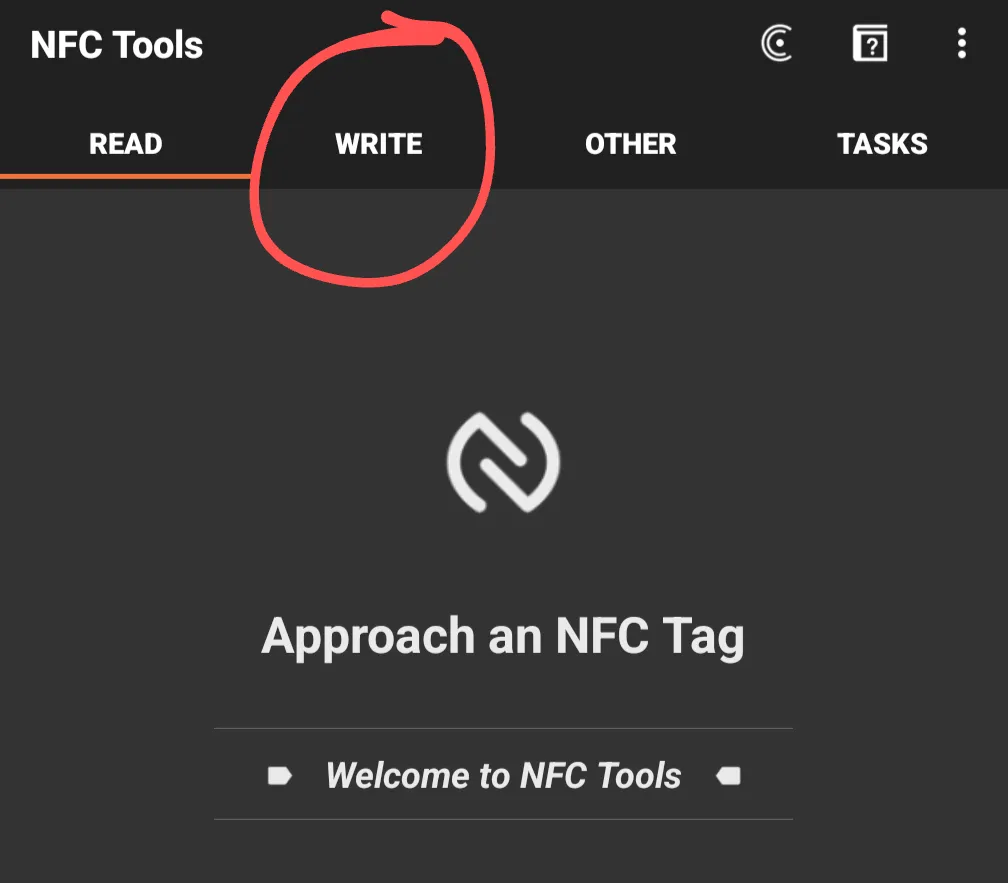
Select “Write” at the top of “NFC Tools”
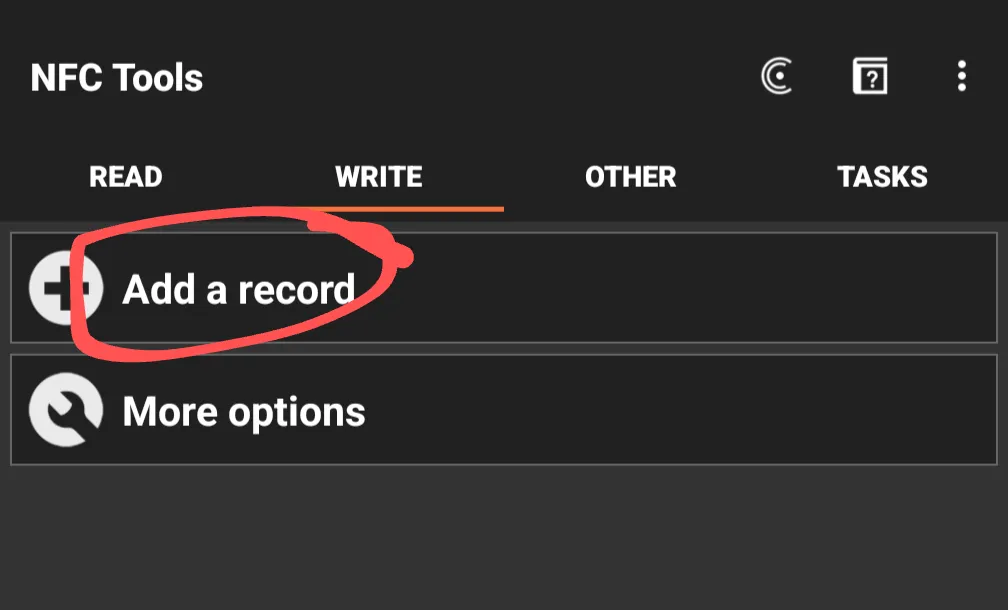
Select “Add a record”
Select the type of record you would like and add it
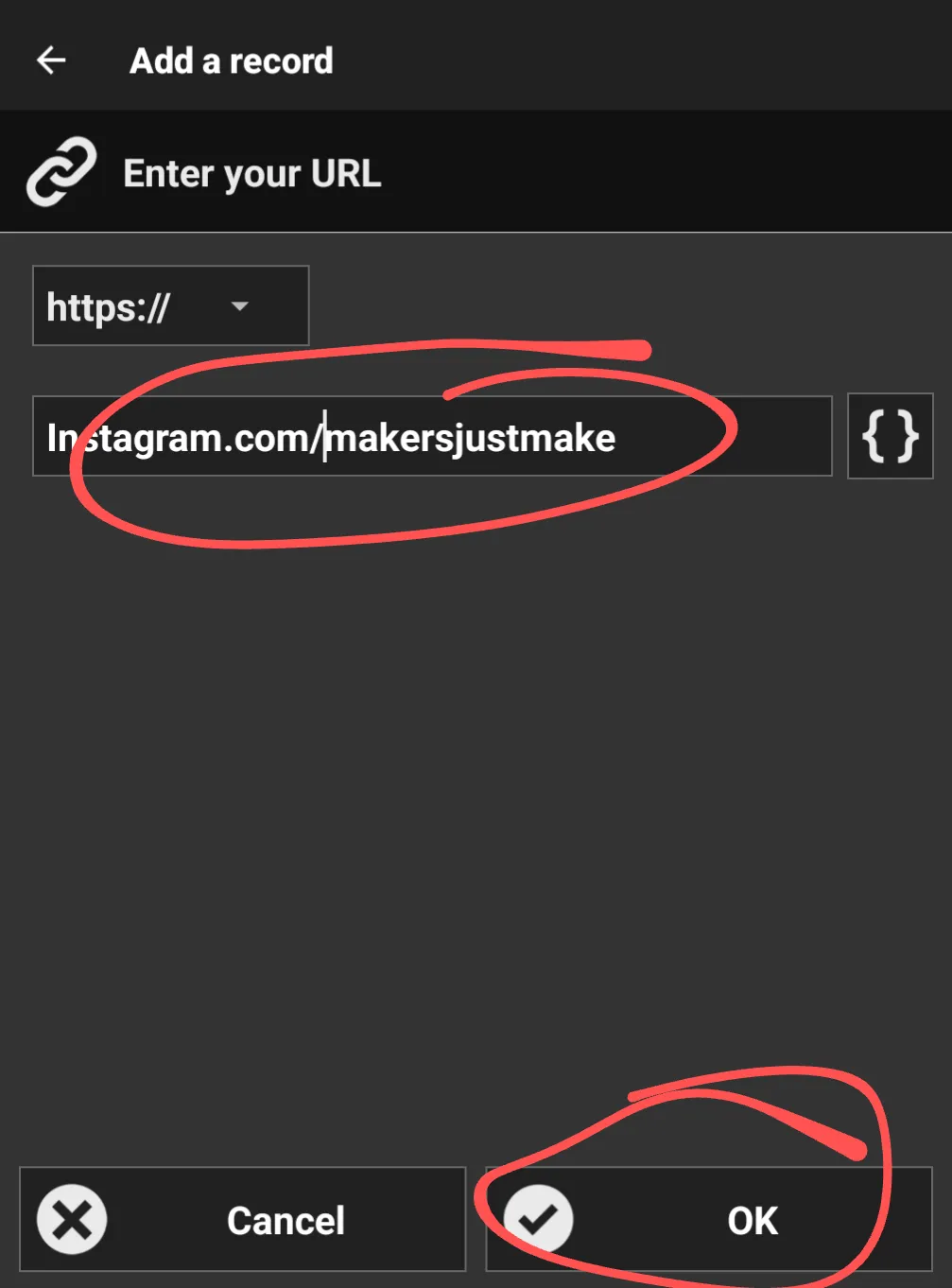
- Select “Ok”
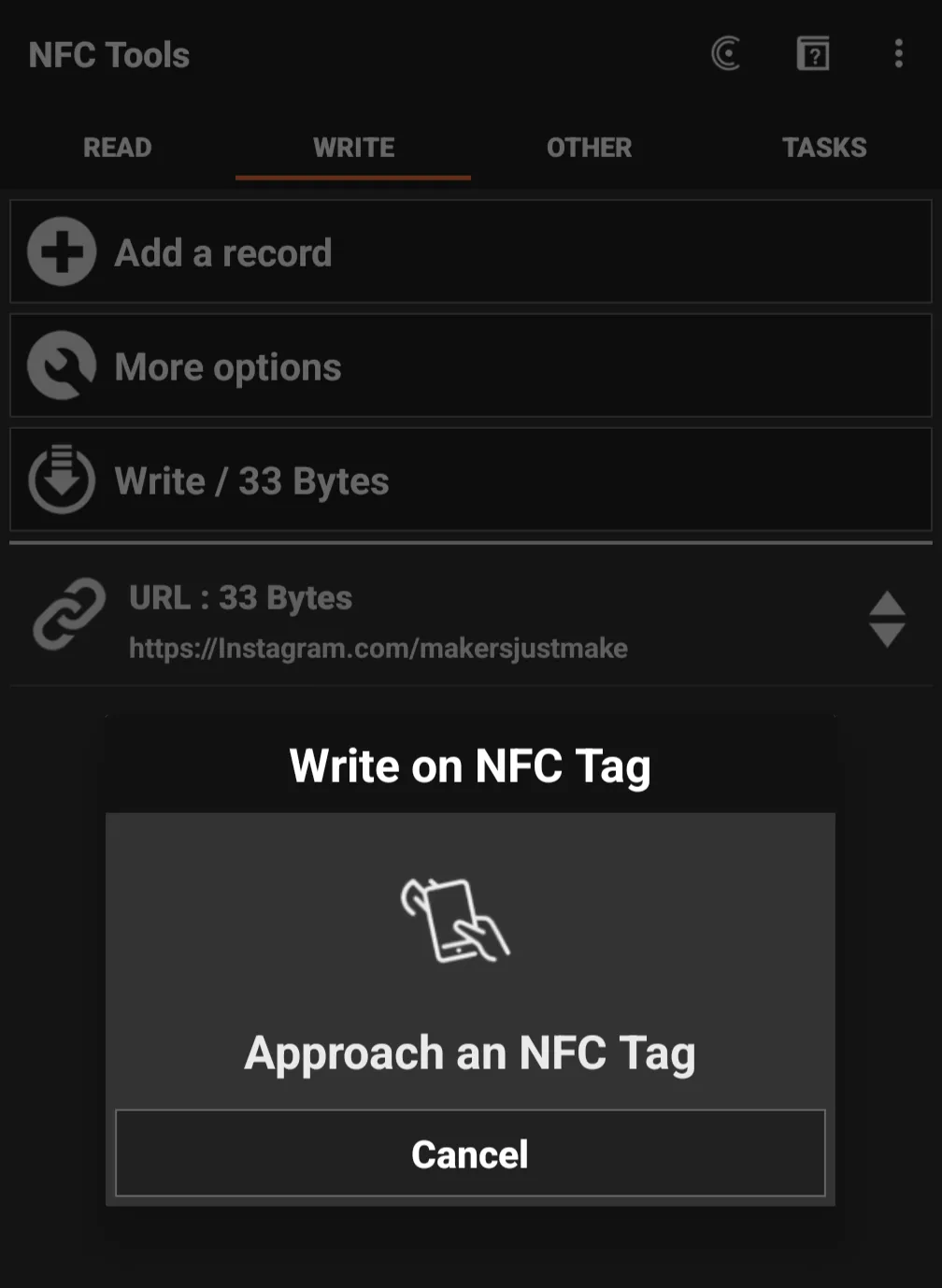
Select “Write”
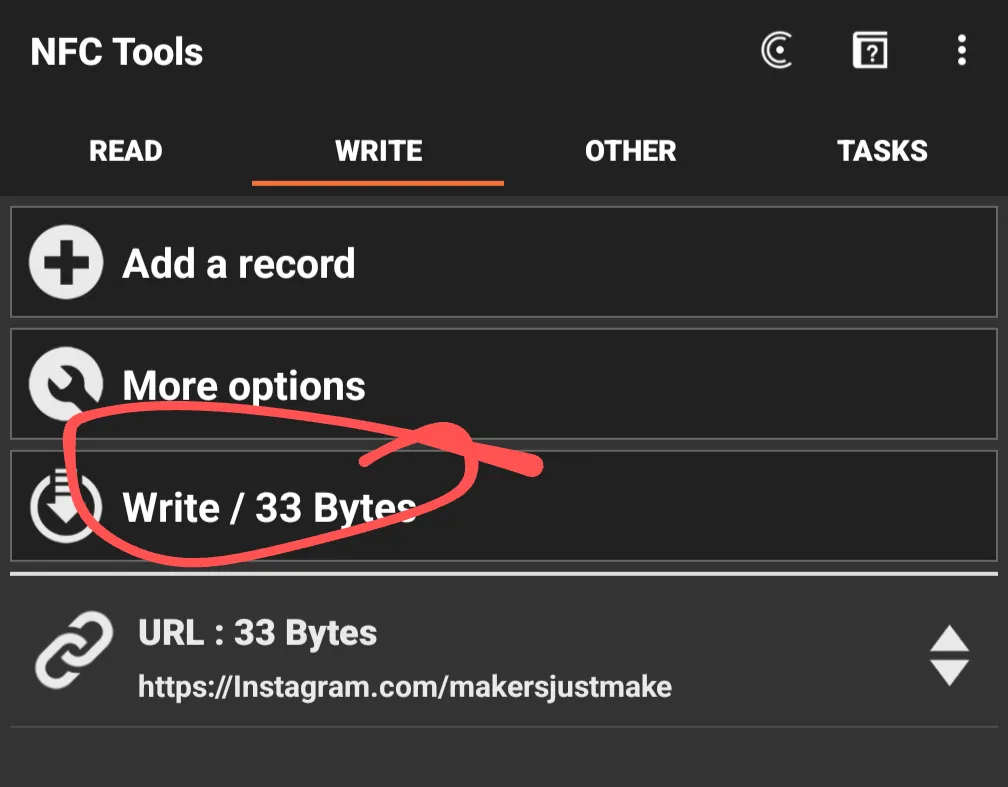
Tap the NFC Keychain to your device

Test and Done
If anyone needs help adding a logo, please feel free to reach out and I can add as an additional profile. Thanks, and hope you enjoy it!
Boost Me (for free)
Shoot me a boost if you enjoy this model!
License

You shall not share, sub-license, sell, rent, host, transfer, or distribute in any way the digital or 3D printed versions of this object, nor any other derivative work of this object in its digital or physical format (including - but not limited to - remixes of this object, and hosting on other digital platforms). The objects may not be used without permission in any way whatsoever in which you charge money, or collect fees.


Comment & Rating (0)