
Aoostar WTR Pro Back Panel with Filter
Print Profile(1)

Description
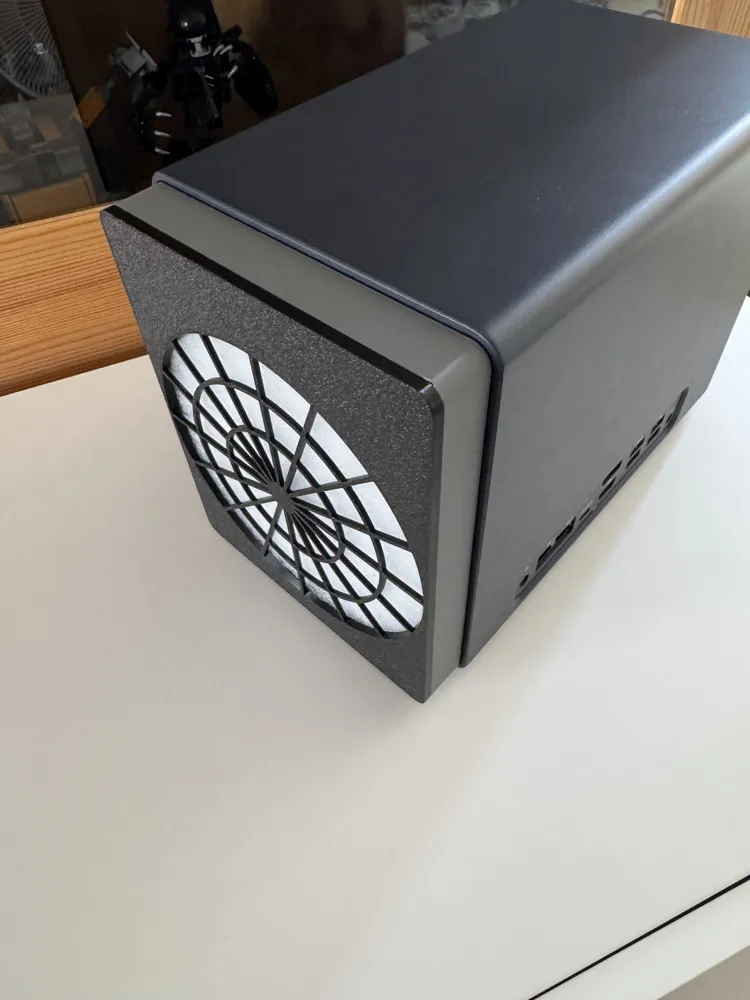
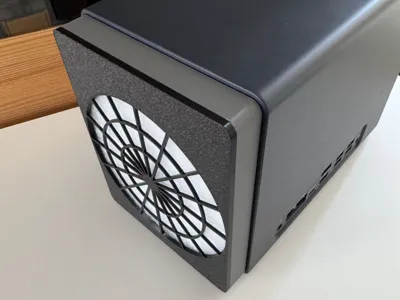
Remix of the great Modded back for AooStar WTR Pro done by Anx256.
Inspired also with the shape of fan protection done by user_3557334673
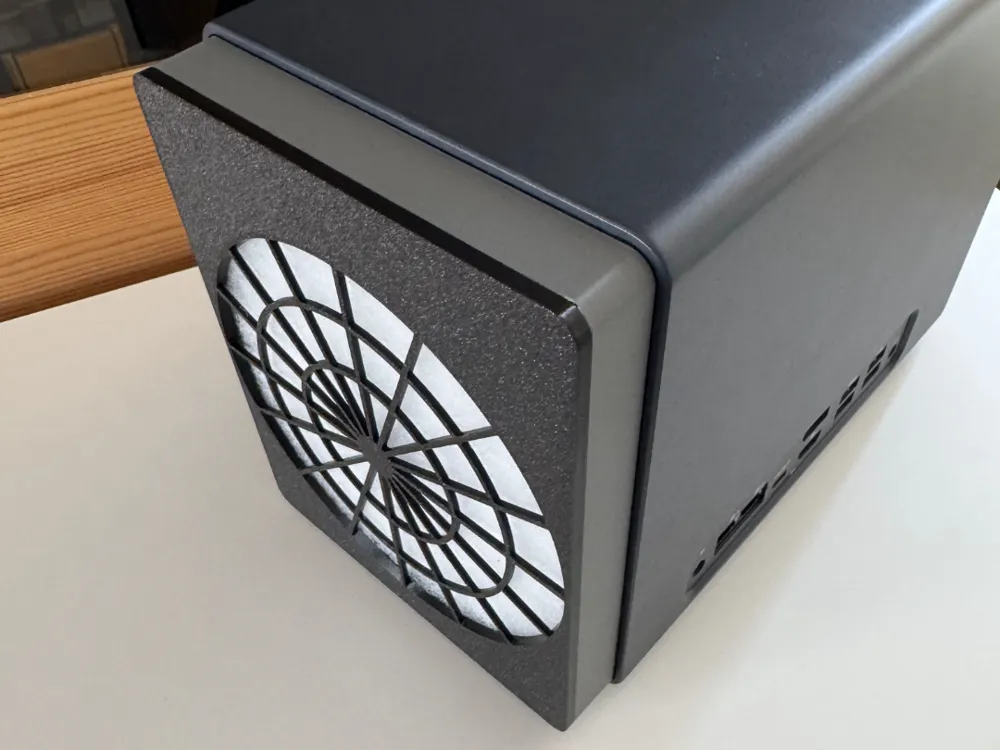
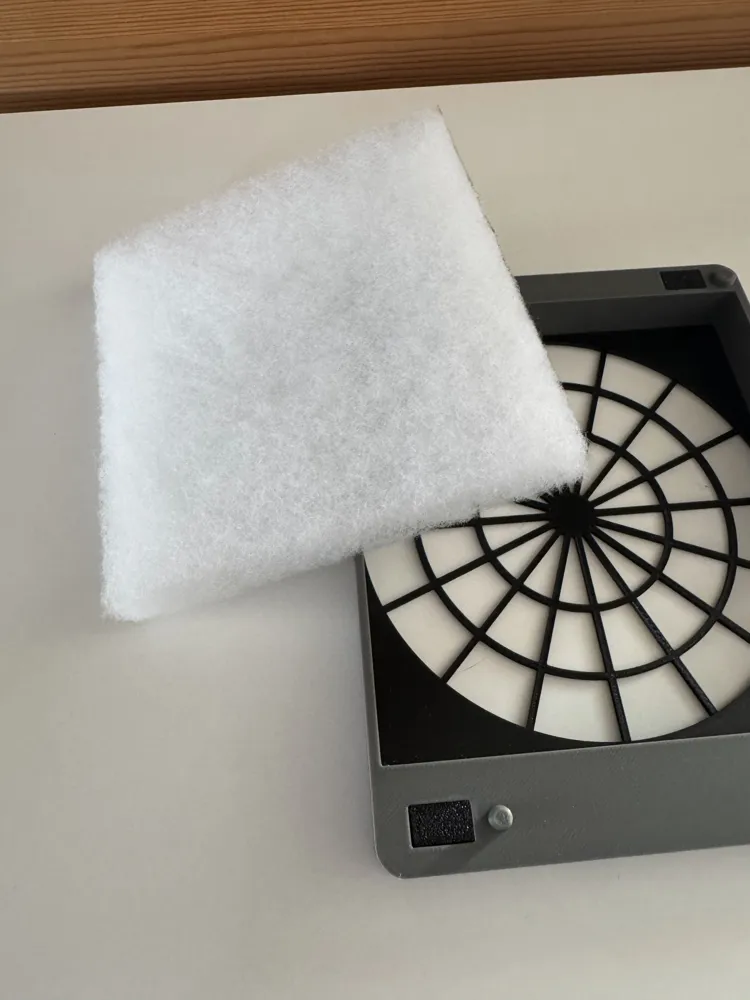
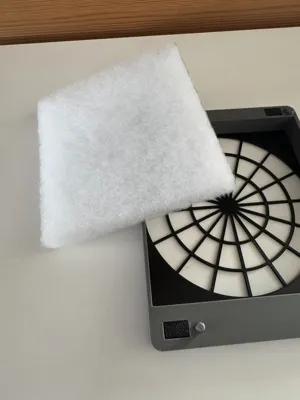
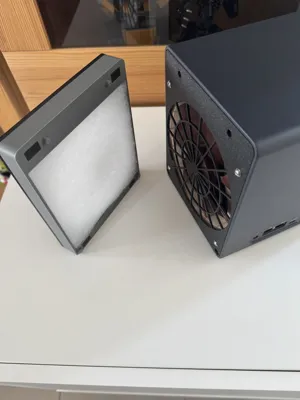
I took inspiration from this base to add a removable part incorporating a 20mm G4 filter.
My main concern was to limit the insertion of dust inside the NAS.
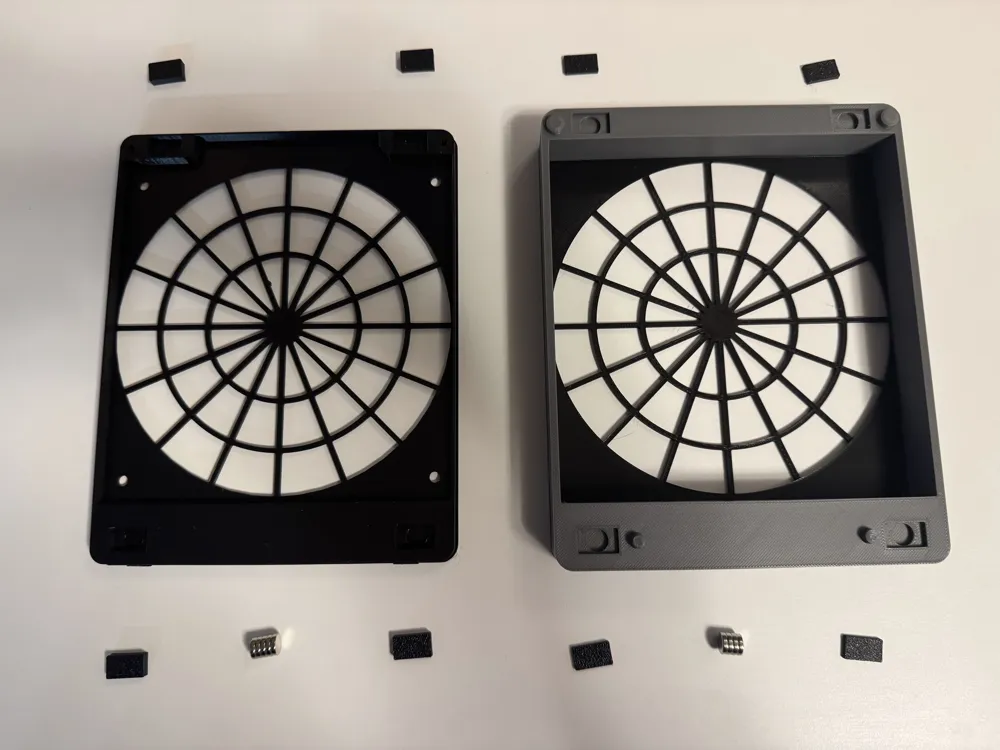
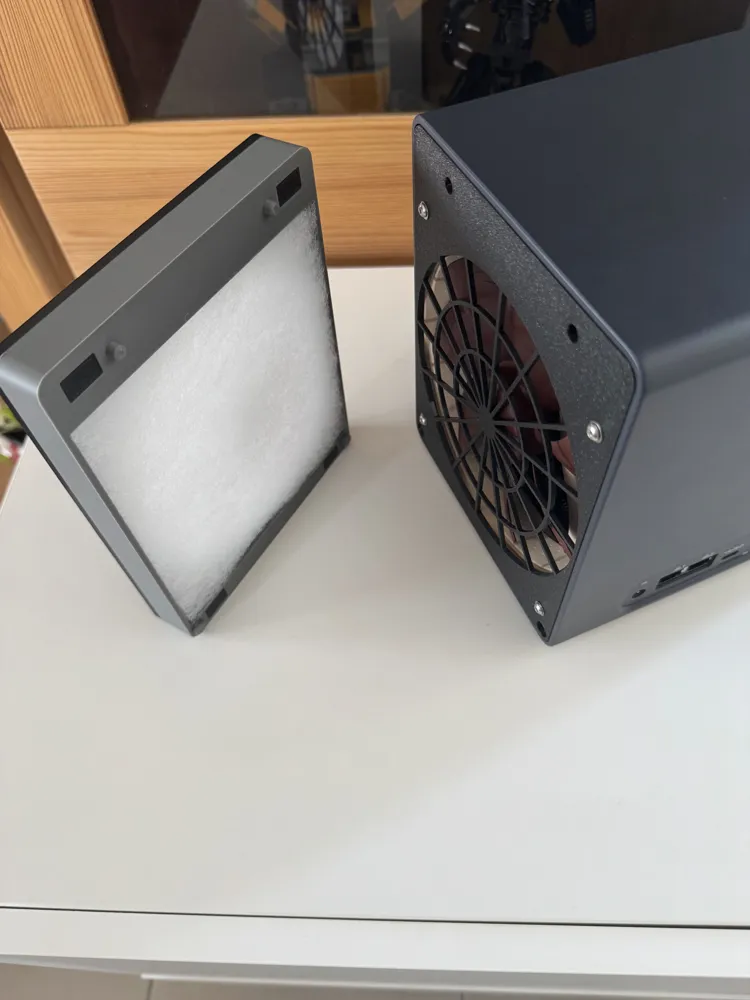
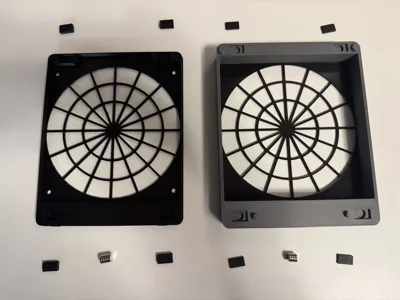
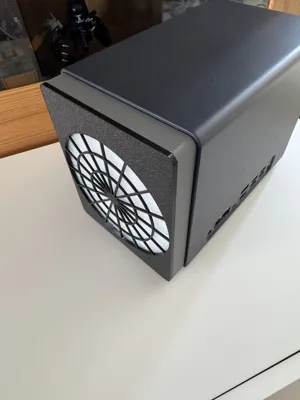
So I added a removable part in front of the fan and held it in place with 4 magnets (8x2), making it easy to remove to clean the filter if necessary.
I've also closed the top part of the rear cover so that the air doesn't come out the back and has to go towards the front of the NAS.
By adding the filter, I didn't notice any noticeable difference in the temperature of the NAS.
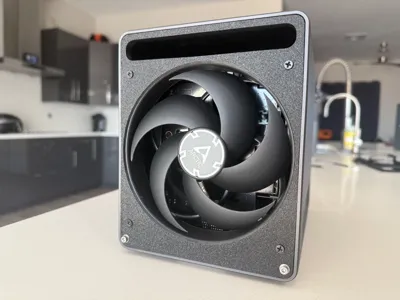
The 140mm fan (Noctua for my part) does the job.
The height of the rear cover has been increased slightly in order to fit more tightly on the back of the NAS.
Simply insert the part with the two clips into the NAS, and rotate the opposite part to screw it on (this is when you have to push a little on the rear panel to get it to fit).
Elements required :
To fix the fan on the print part
- 4 M3 x 16 screws (Less long probably works, but that's all I had available)
- 4 M3 nuts
- 8 Washers (For M3 screw) - Not an obligation
8 Magnets 8x2
Filter G4 20mm : 142mm x 138mm
Assembly :
- Print out all the components
- Stick the 8 magnets in the holes
- Stick the 8 small plates on top of the magnets (Be careful, there are two different thicknesses: Don't make a mistake :) )
- Insert the filter in the rear part
The fan is mounted on the bracket in the same way as on @Anx256's initial project.
Hope this will be useful :)
Thanks @Anx256 and @user_3557334673
This remix is based on

License



Comment & Rating (4)