
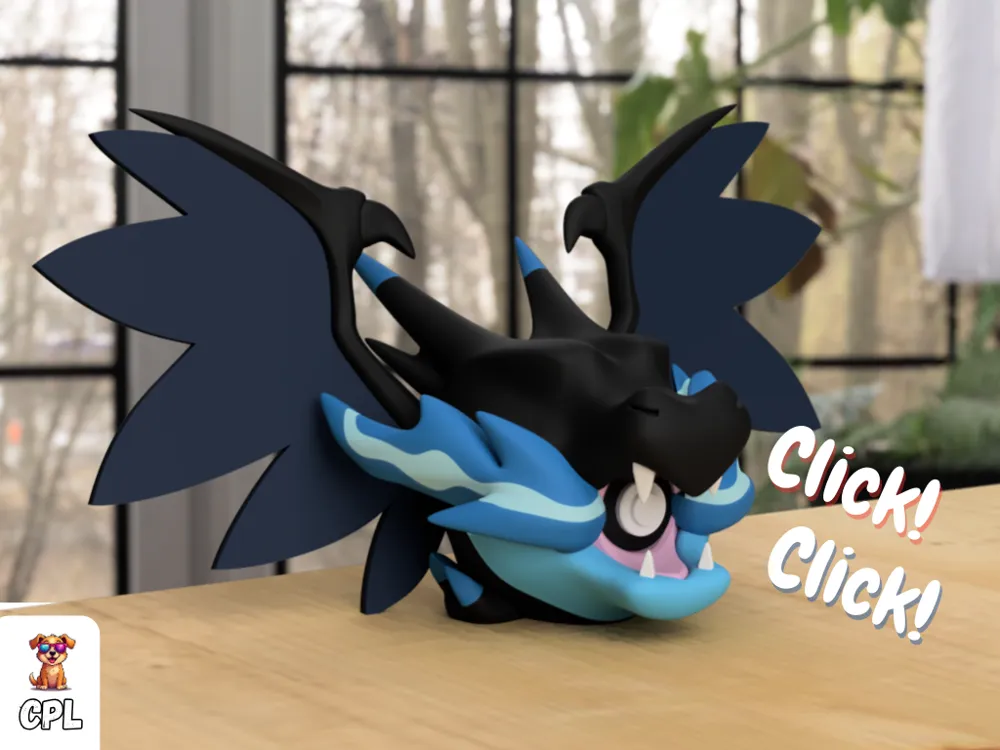
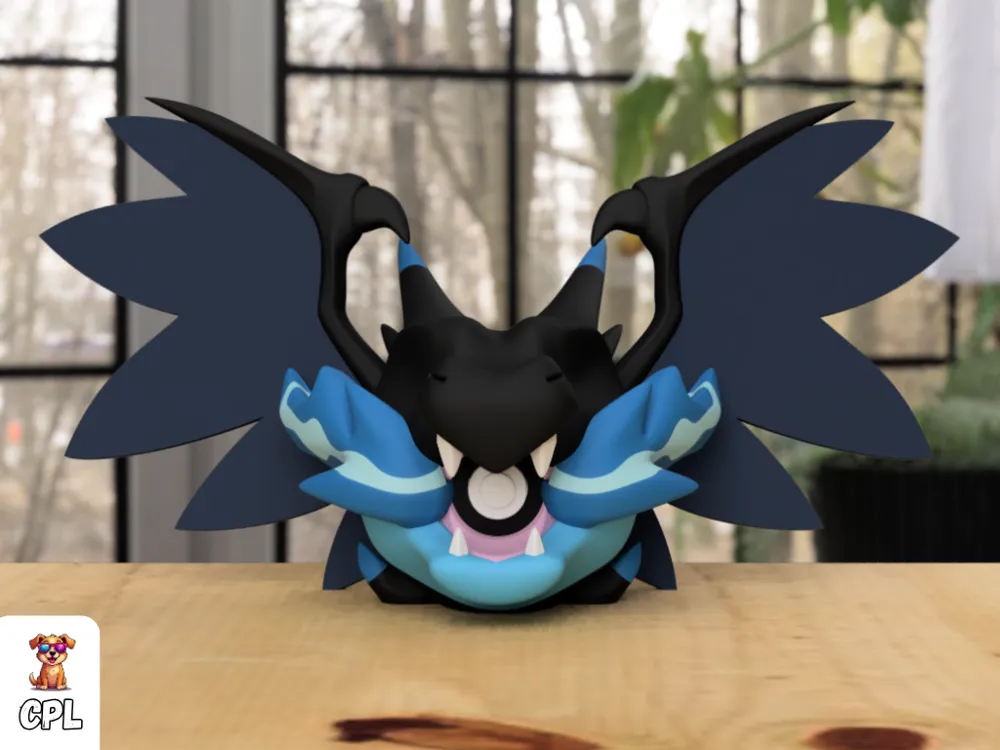
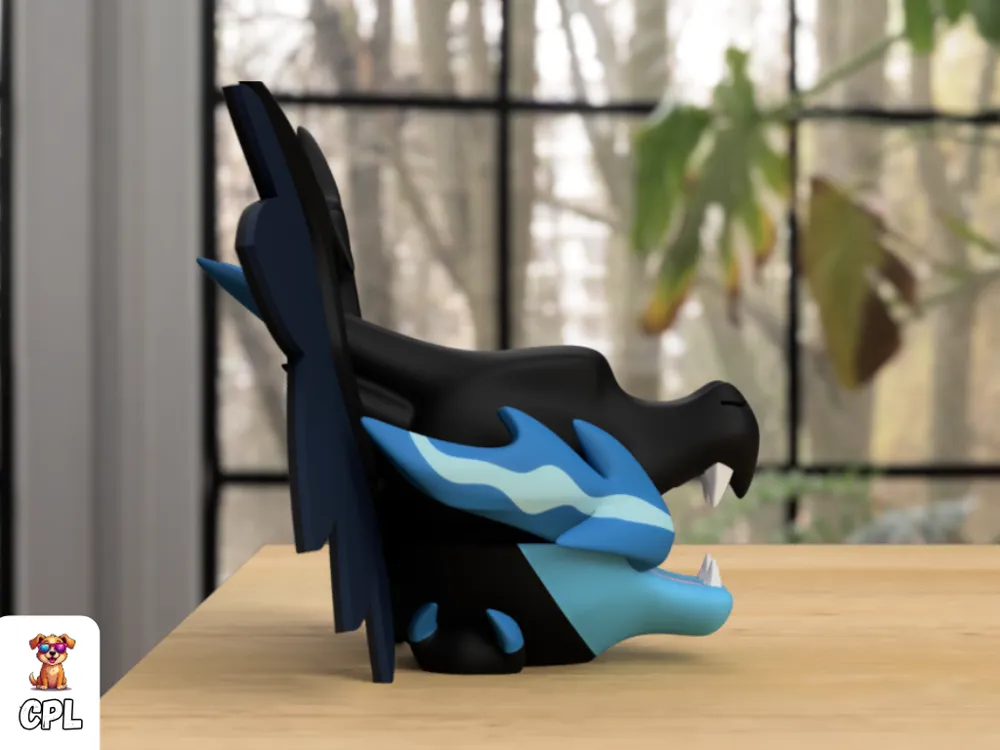
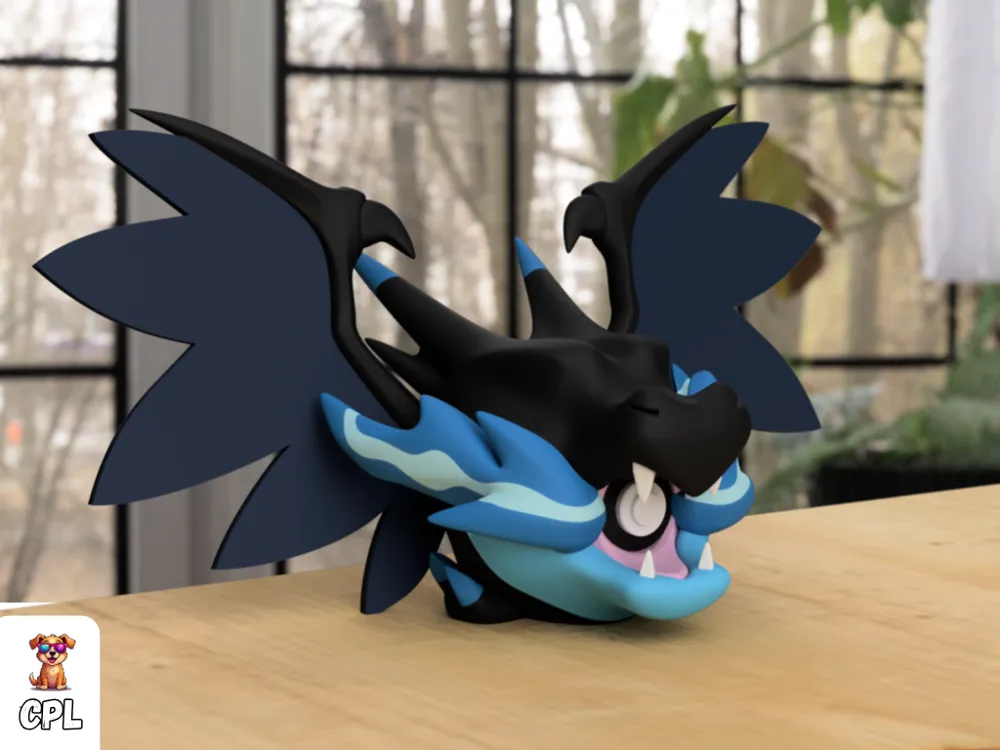
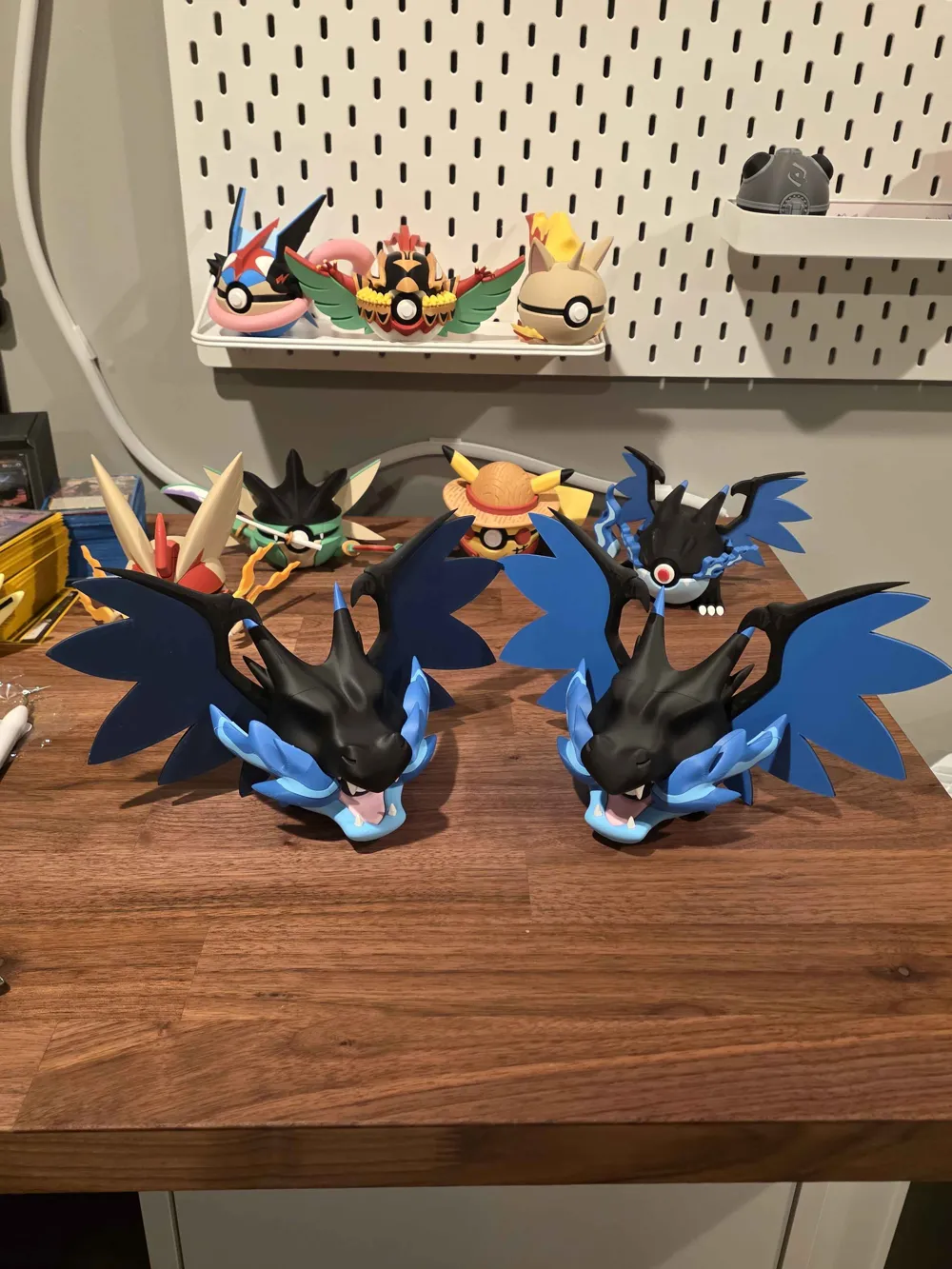
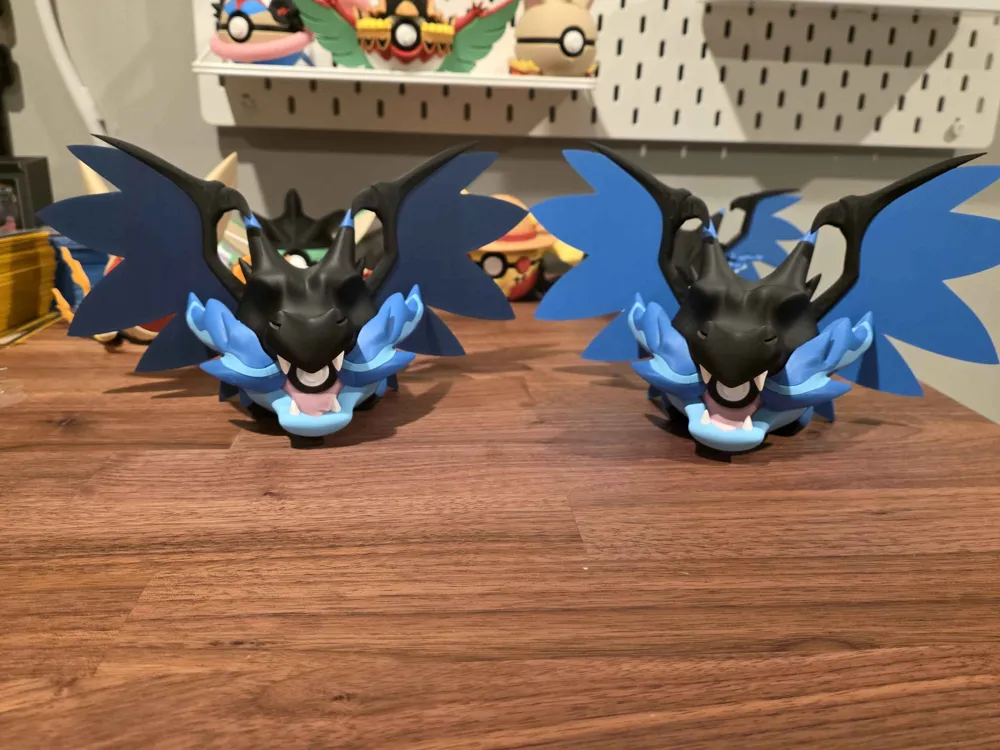
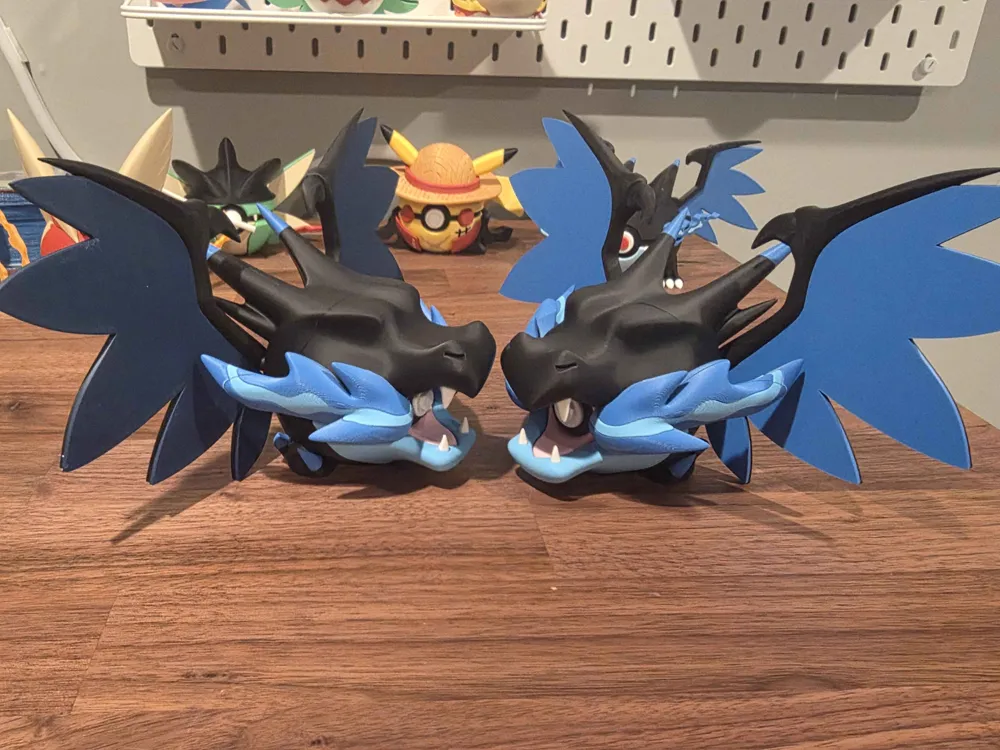
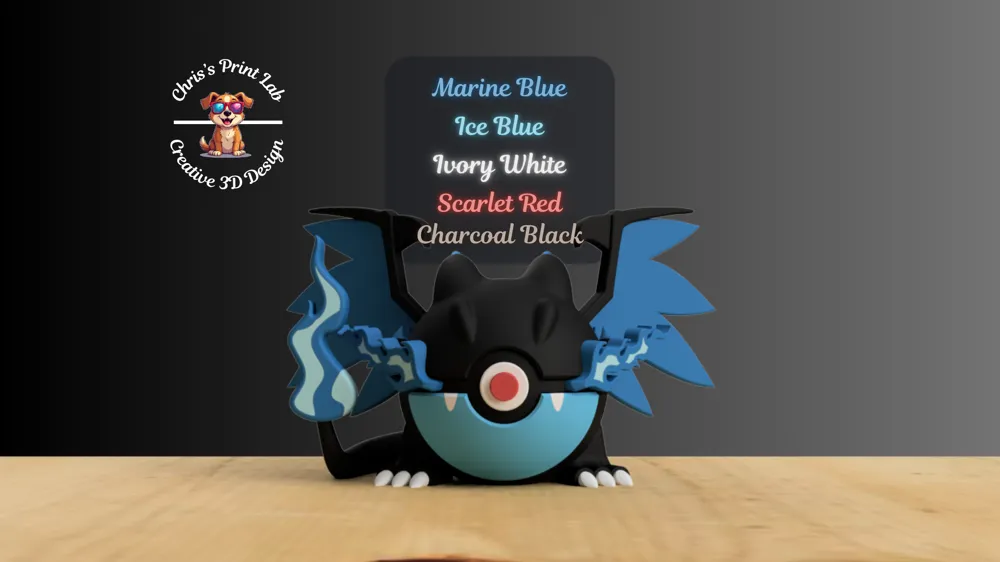
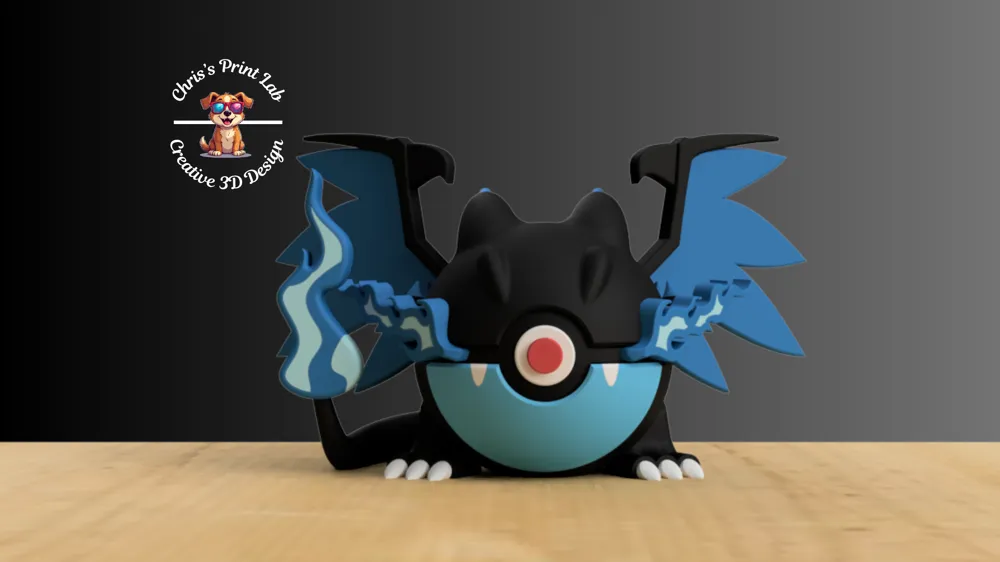
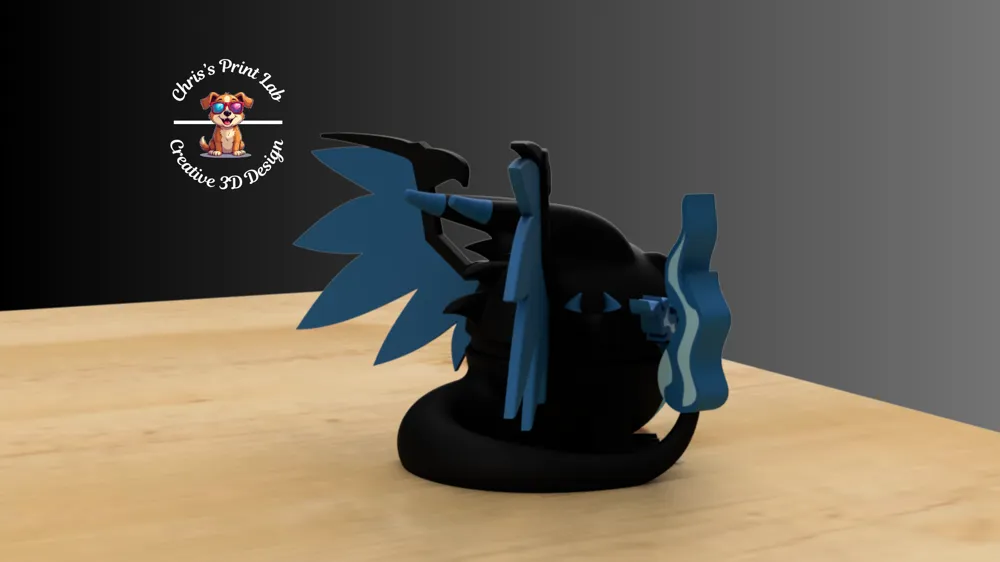
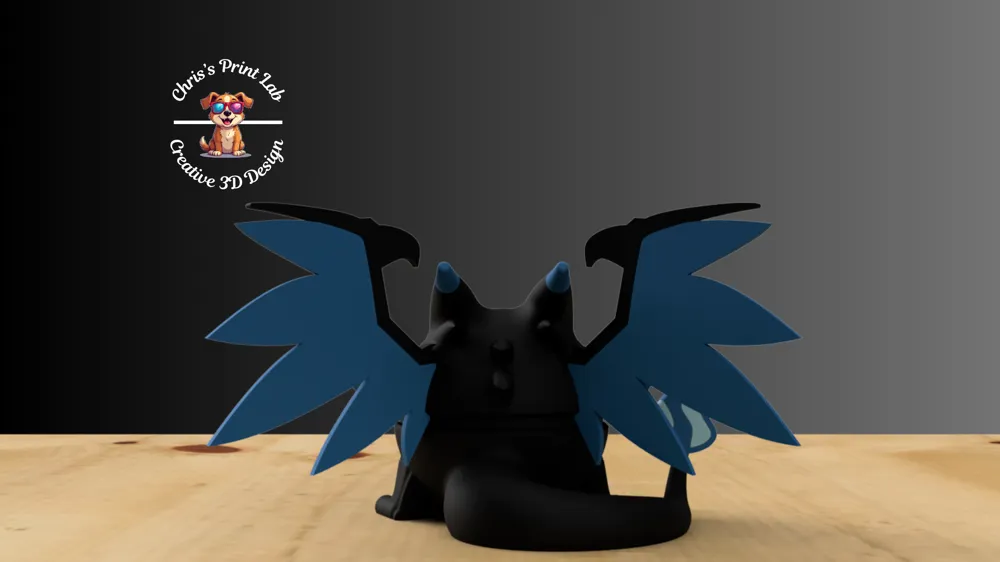
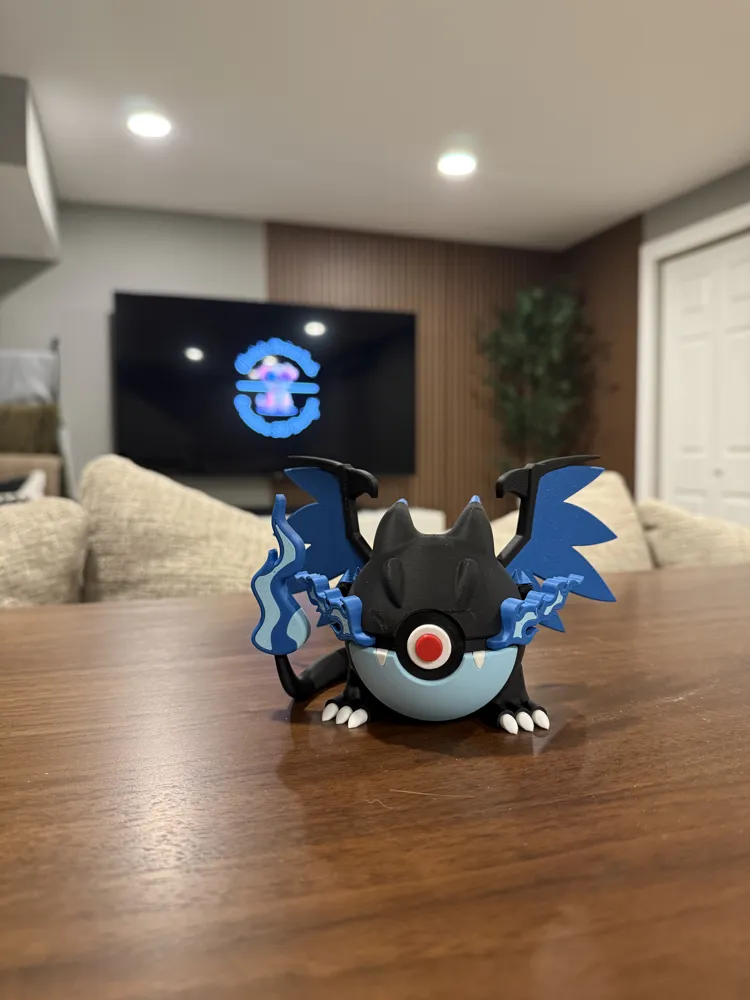
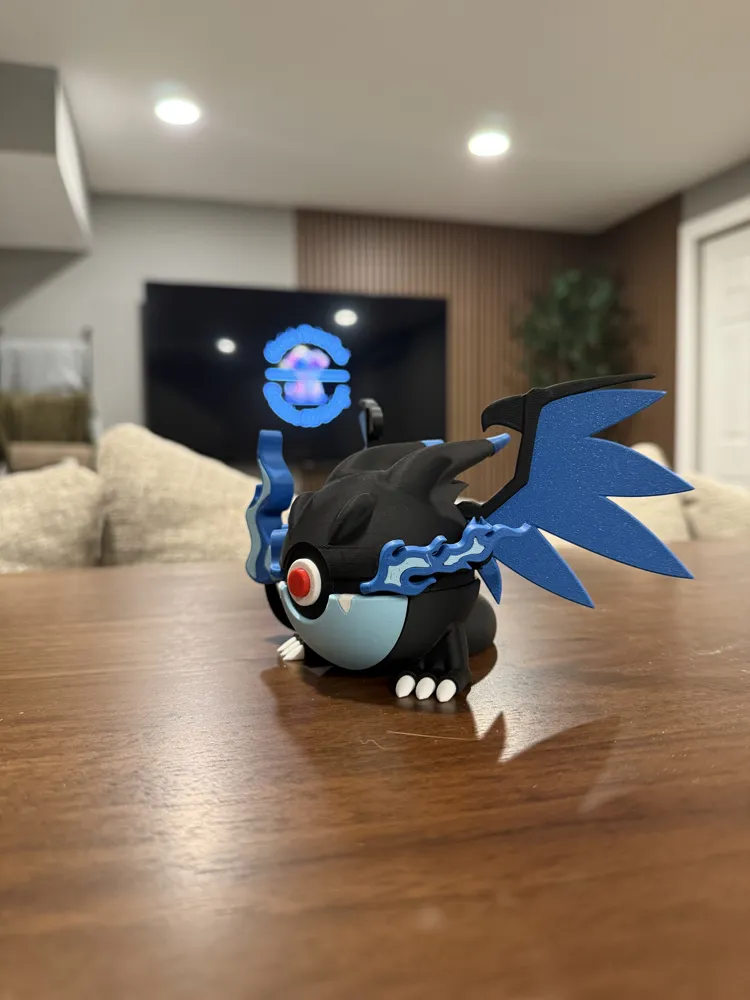
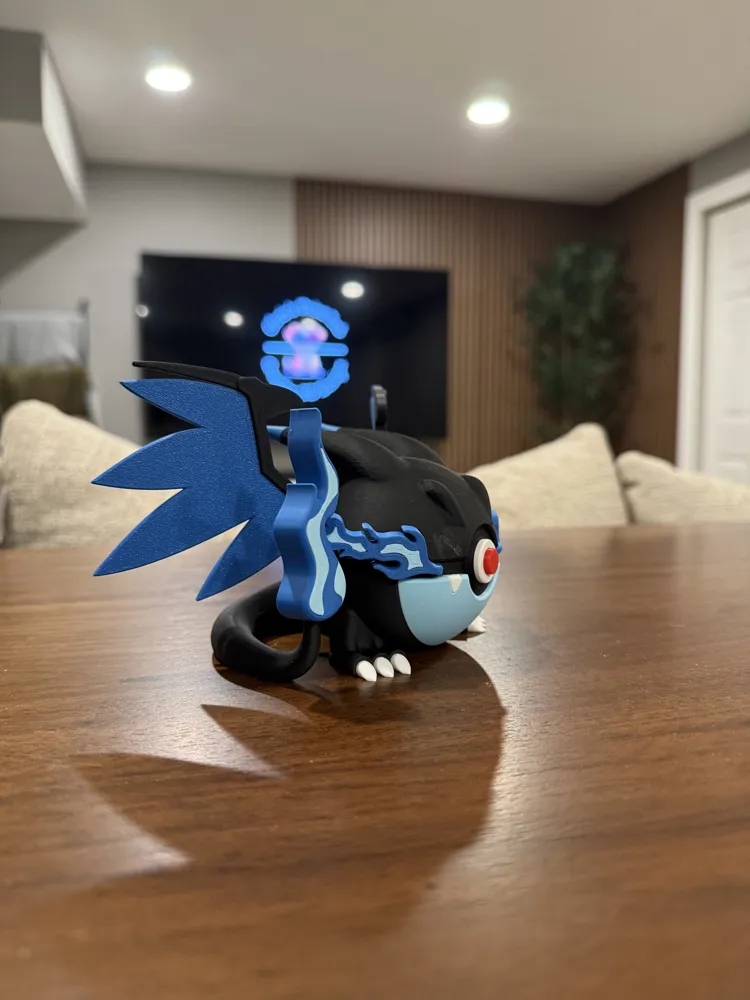
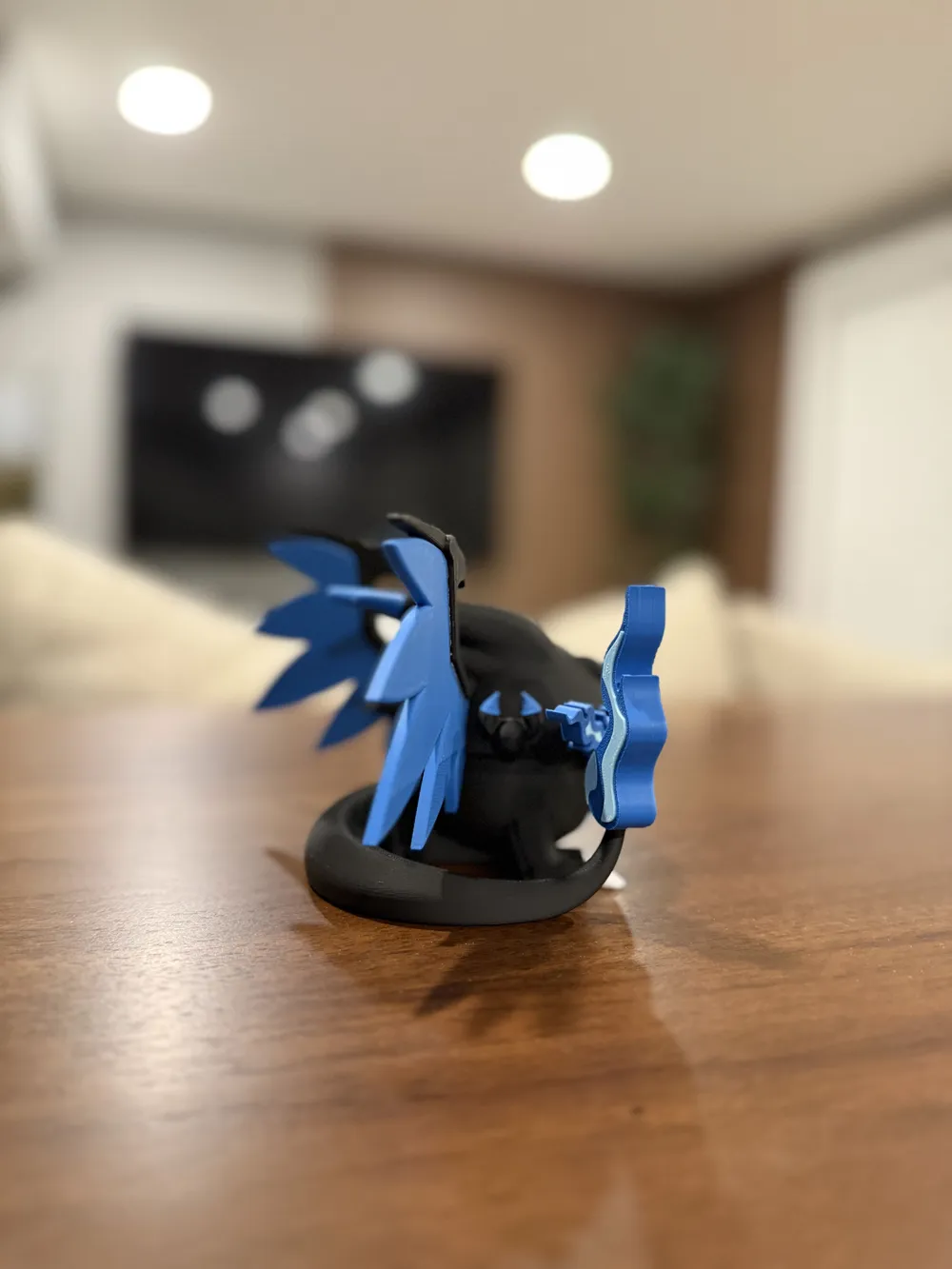
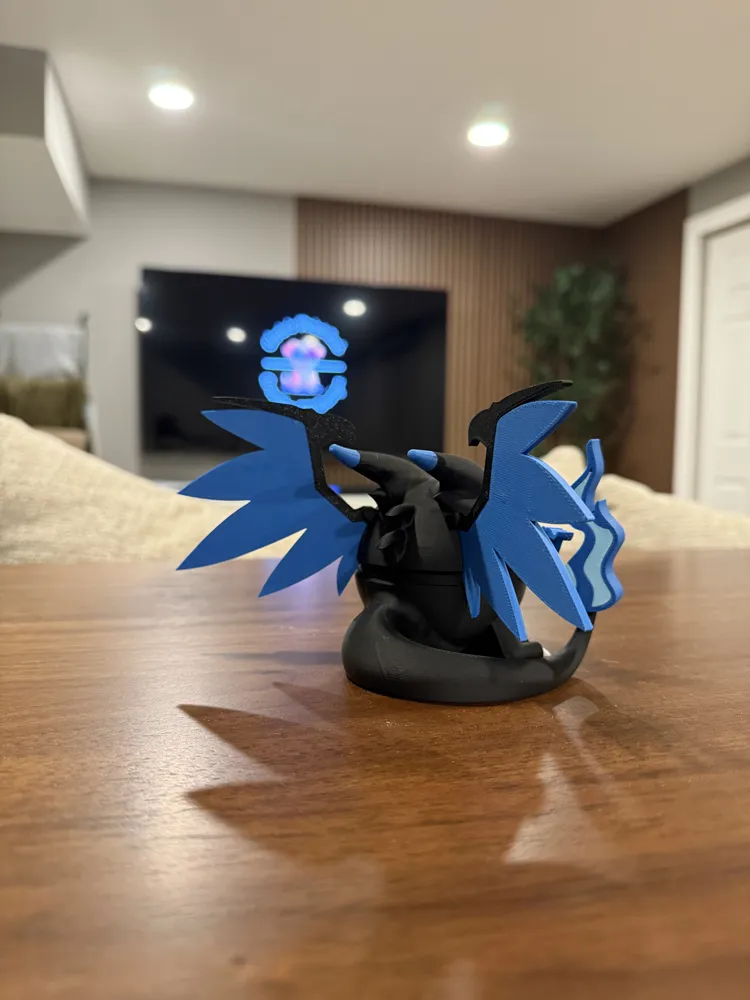
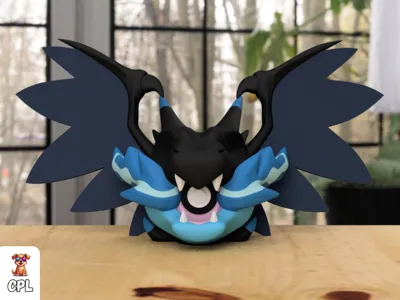
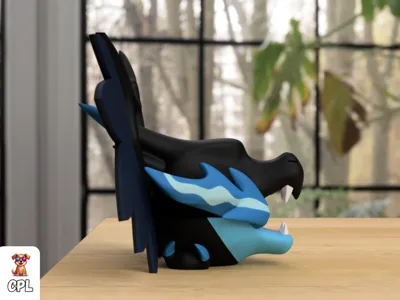
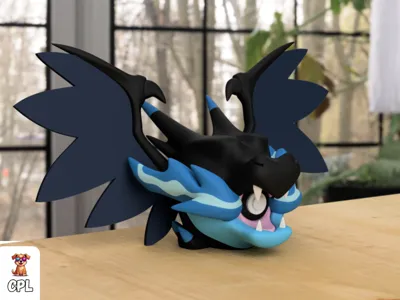
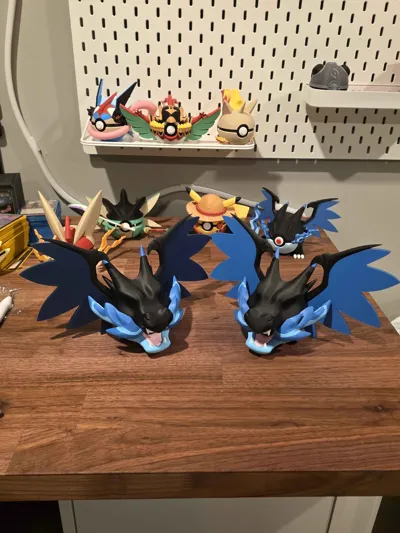
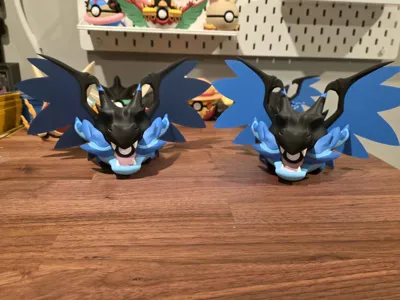
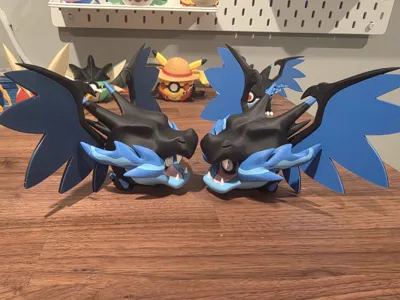
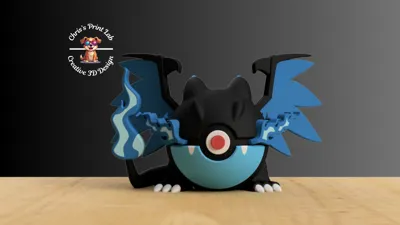
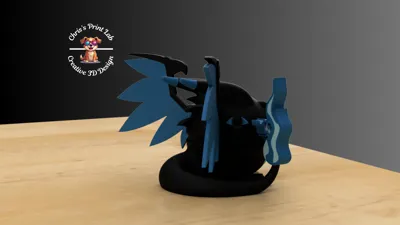
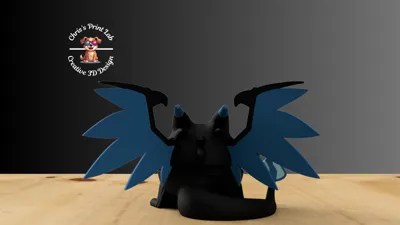
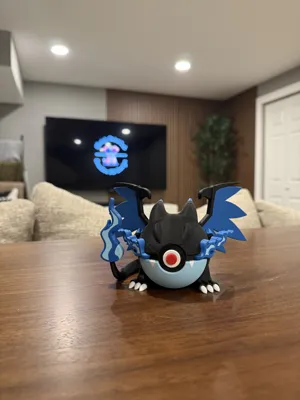
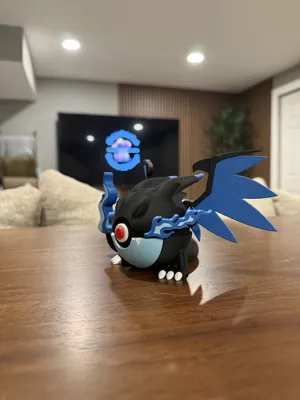
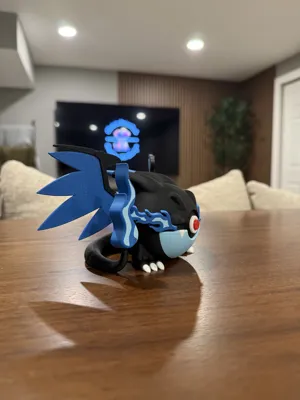
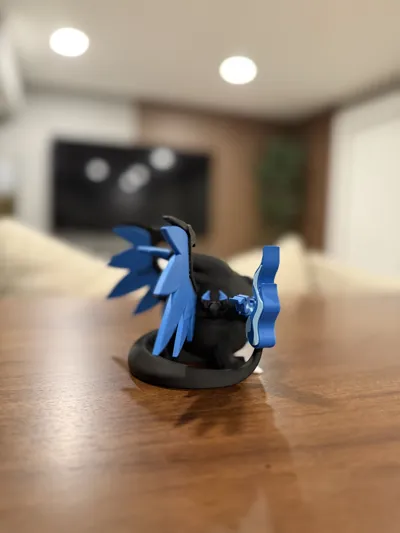
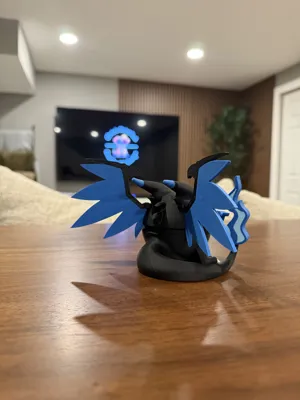
#0006 - Mega Charizard X Poke Ball
Print Profile(5)


Bill of Materials



Description
Check my website to see my designs!

#0006 - Mega Charizard X Pokéball
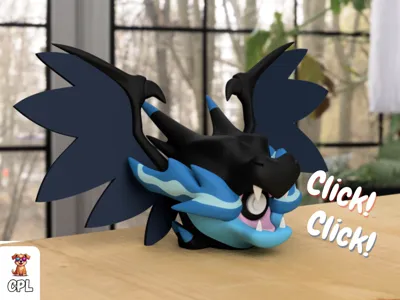
I hope you guys enjoy this custom design for Valentines Day! You also have the option to turn this design into a clicking poke ball!
This 3D printed design features a satisfying tactile click using mechanical keyboard switches — for that perfect Pokéball snap!
Make this Model clicky by using the clicker core instead!
https://makerworld.com/en/models/1920373-cpl-ball-clicker-core#profileId-2060561
🧰 Get your clickers here: [Amazon link for clickers – Get your clickers here!]
💬 Join the community: [Discord – https://discord.gg/r7PyTNEFeU]
🌐 Check out more designs: cpl3d.com
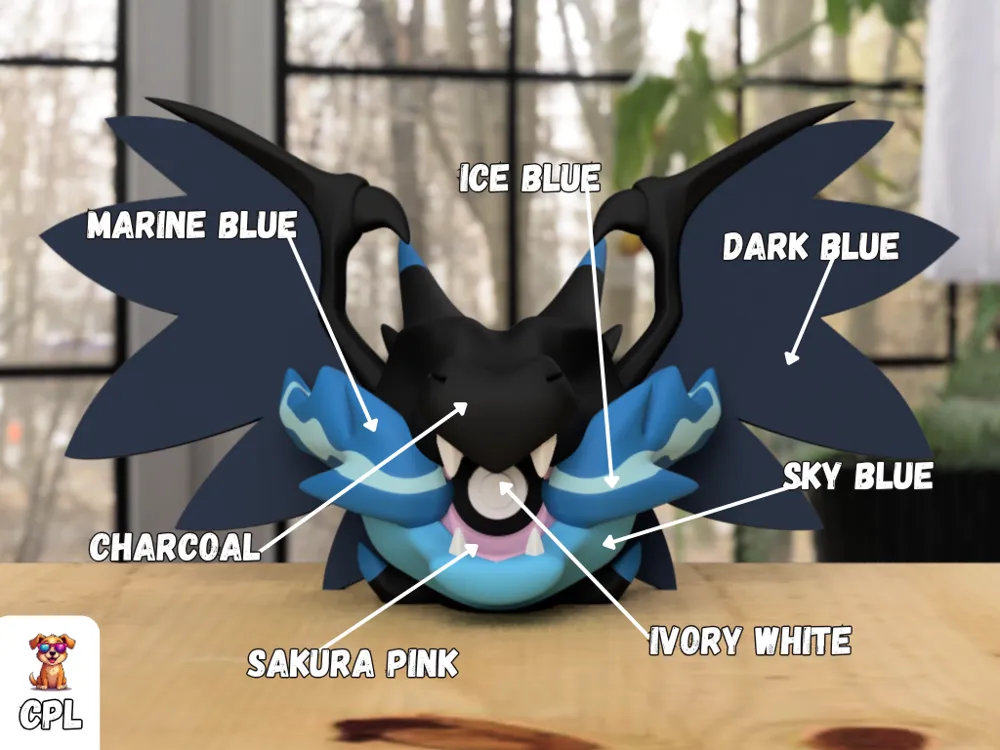
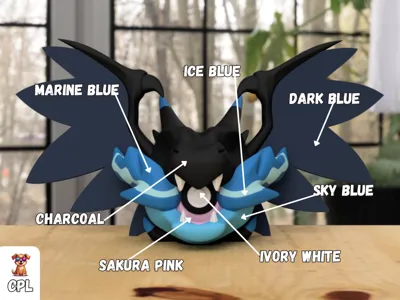
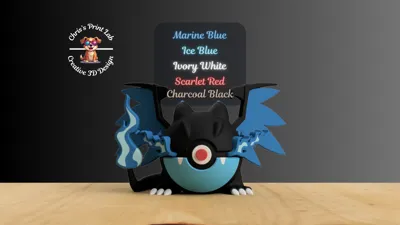
💥 Reccomended Filament:
- Ivory White
- Charcoal
- Sakura Pink
- Ice Blue
- Sky Blue
- Dark Blue
- Marine Blue
LEGACY MODEL DETAILS BELOW
Print setting reccomendations
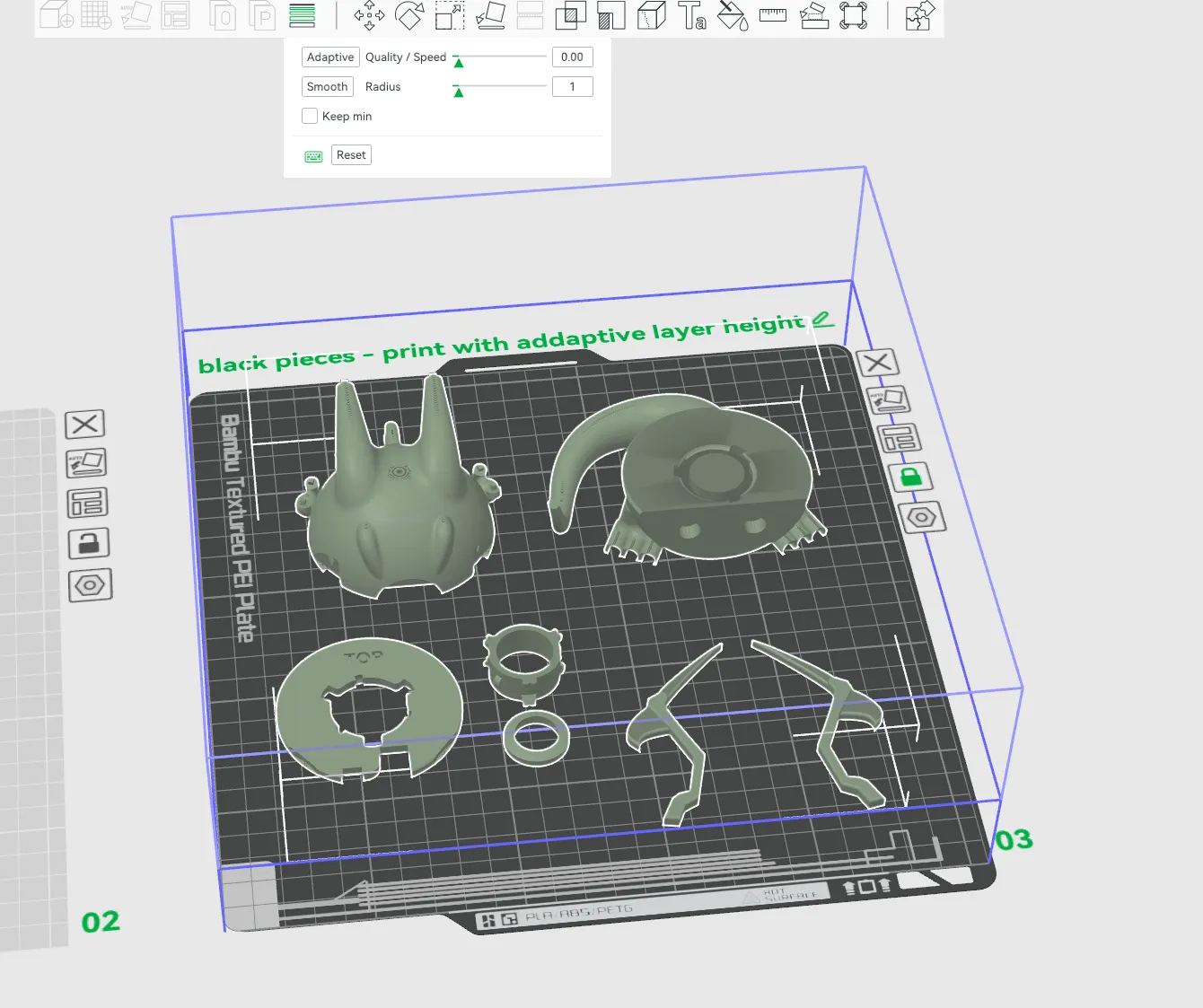
When printing the “black pieces” I reccomend using adaptive layer height so that way the model comes out as smoothly as possible, drop the sliders to the left and click “adaptive” and then click “smooth”
Assembly Instructions
Please watch for detailed assembly instructions!!!
Featured By
CinePrint3D
Commercial Licensing and Exclusive drops can be found on Patreon!
https://www.patreon.com/c/CPL3D/membership
Check my website to see my designs!
License

You shall not share, sub-license, sell, rent, host, transfer, or distribute in any way the digital or 3D printed versions of this object, nor any other derivative work of this object in its digital or physical format (including - but not limited to - remixes of this object, and hosting on other digital platforms). The objects may not be used without permission in any way whatsoever in which you charge money, or collect fees.


Comment & Rating (216)