
The Great Wave Bookmark - 3 Options
Print Profile(2)


Description
Thank you for downloading my works. If you would like to sell my designs, past and future, a commercial license can be obtained from my MakerWorld or Patreon page.

Membership
License to commercially sell my designs, past and future. Different tiers available. Thank you for your membership.
Boost Me (for free)
If you like the designs, please gift a boost. Thank you in advance for your support.
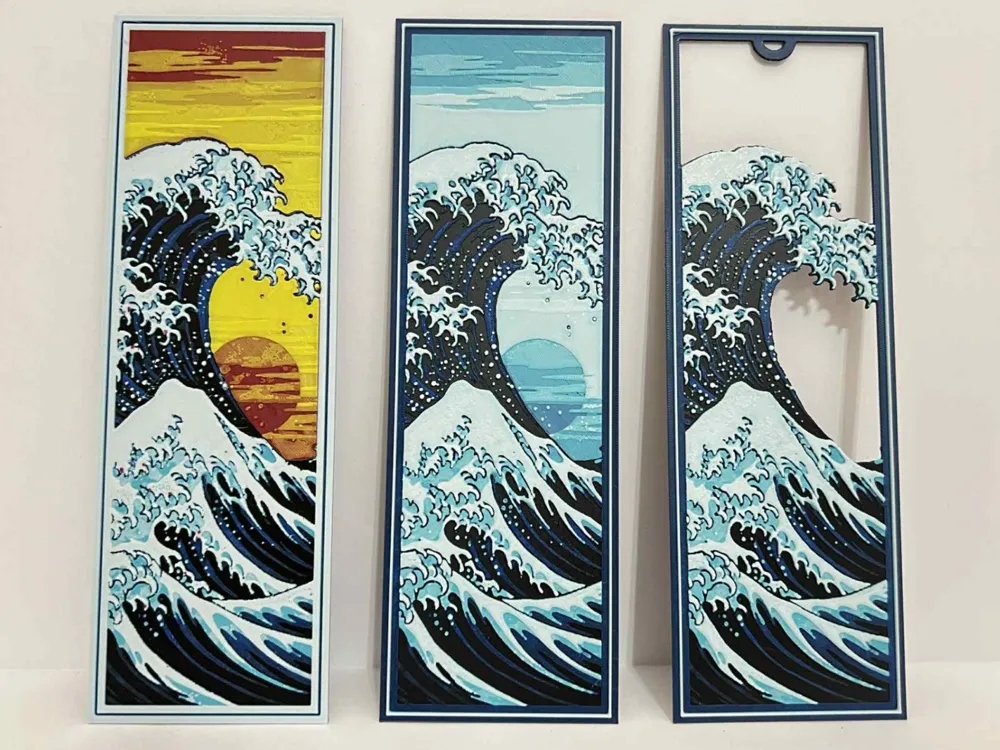
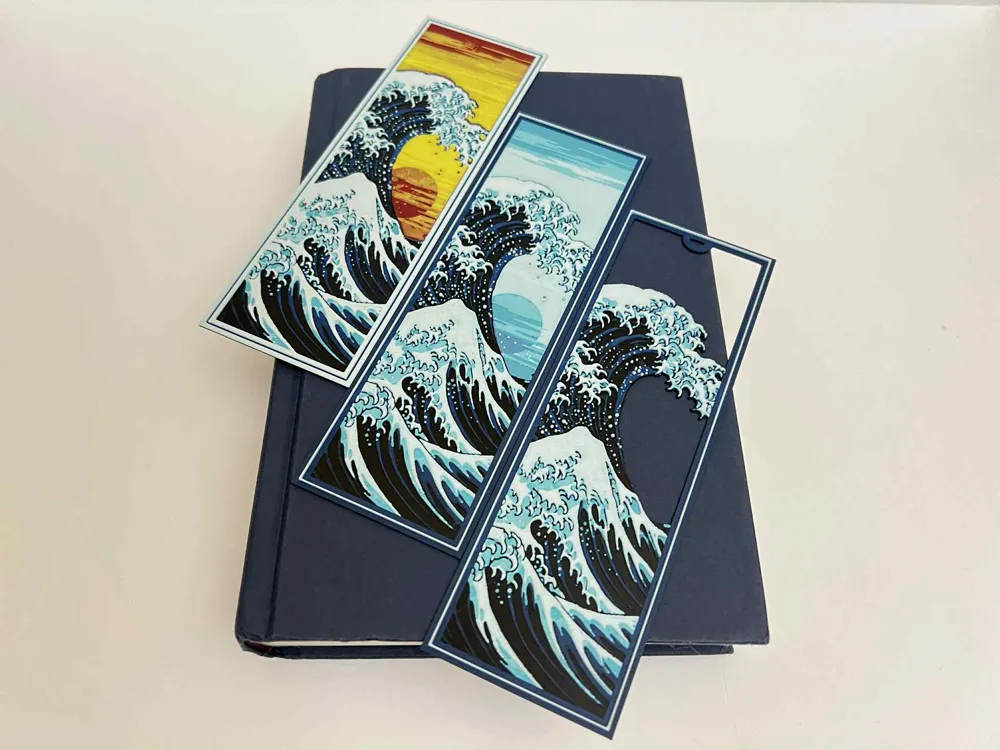
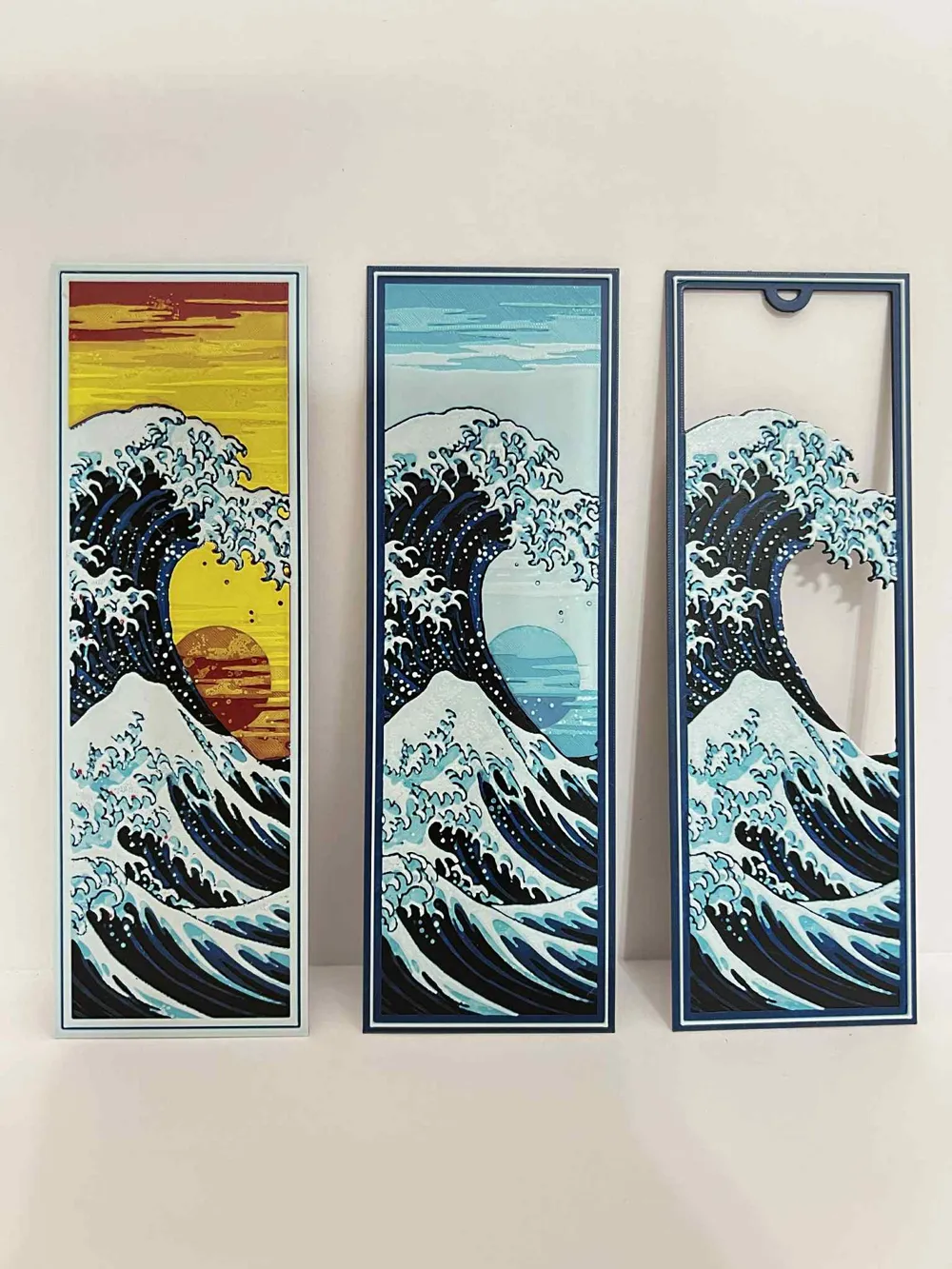
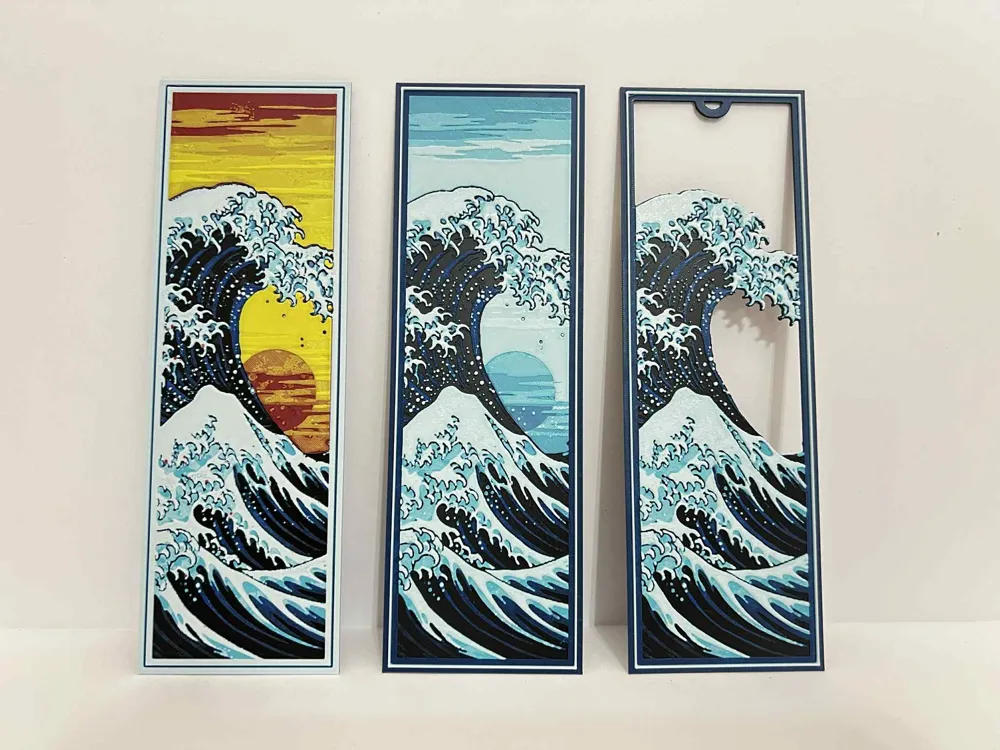
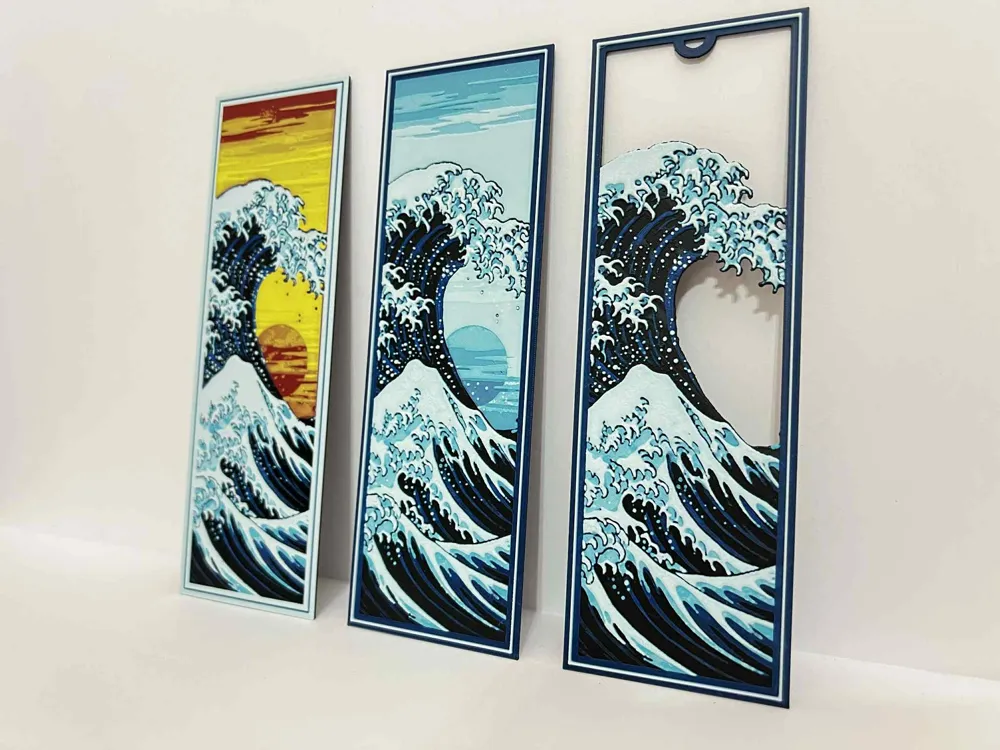
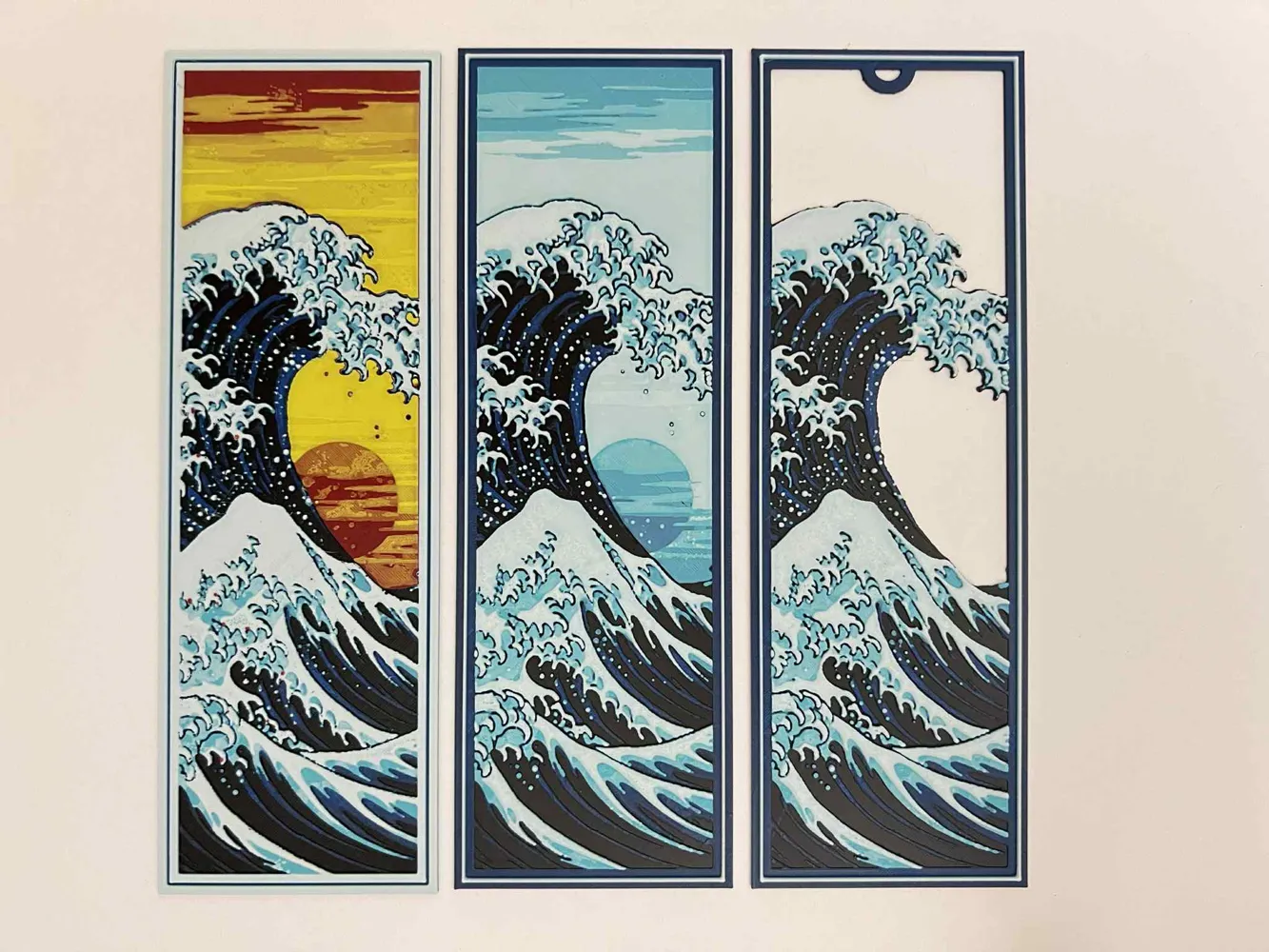
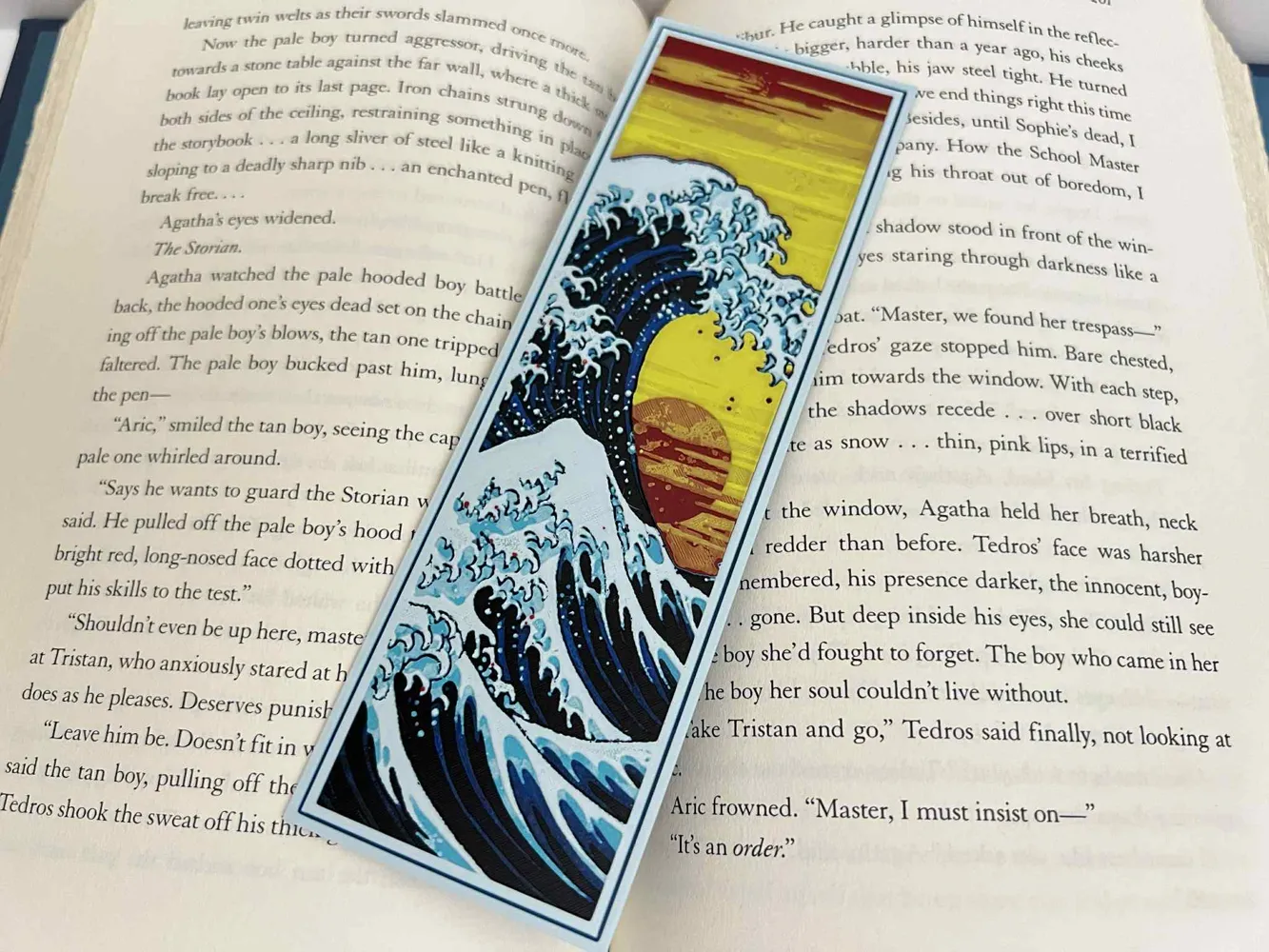
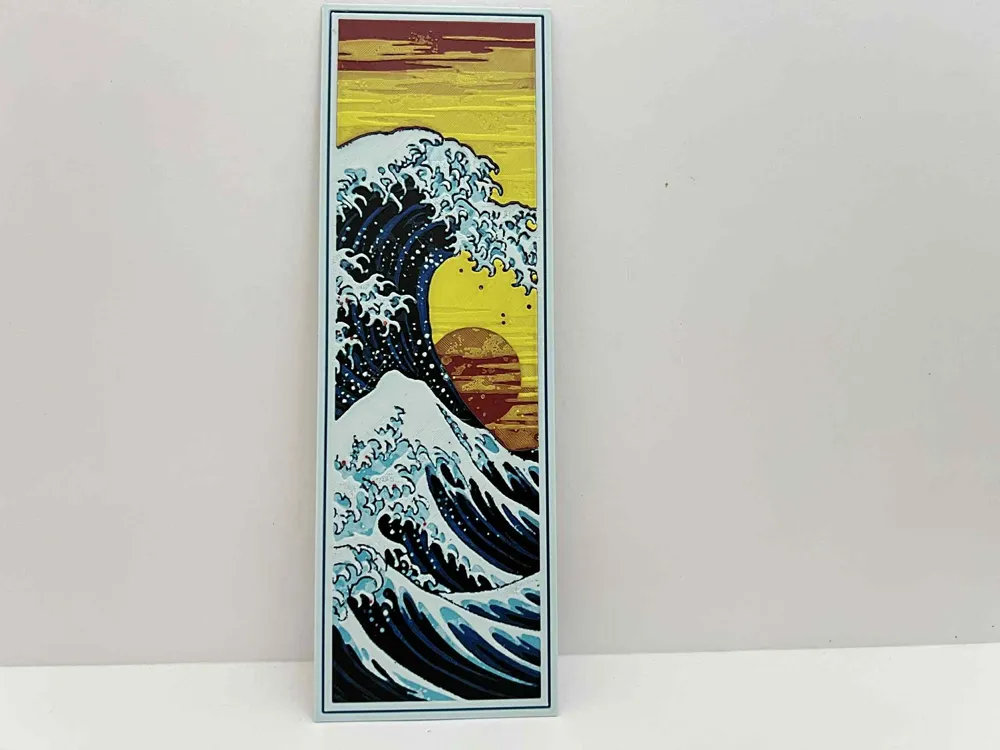
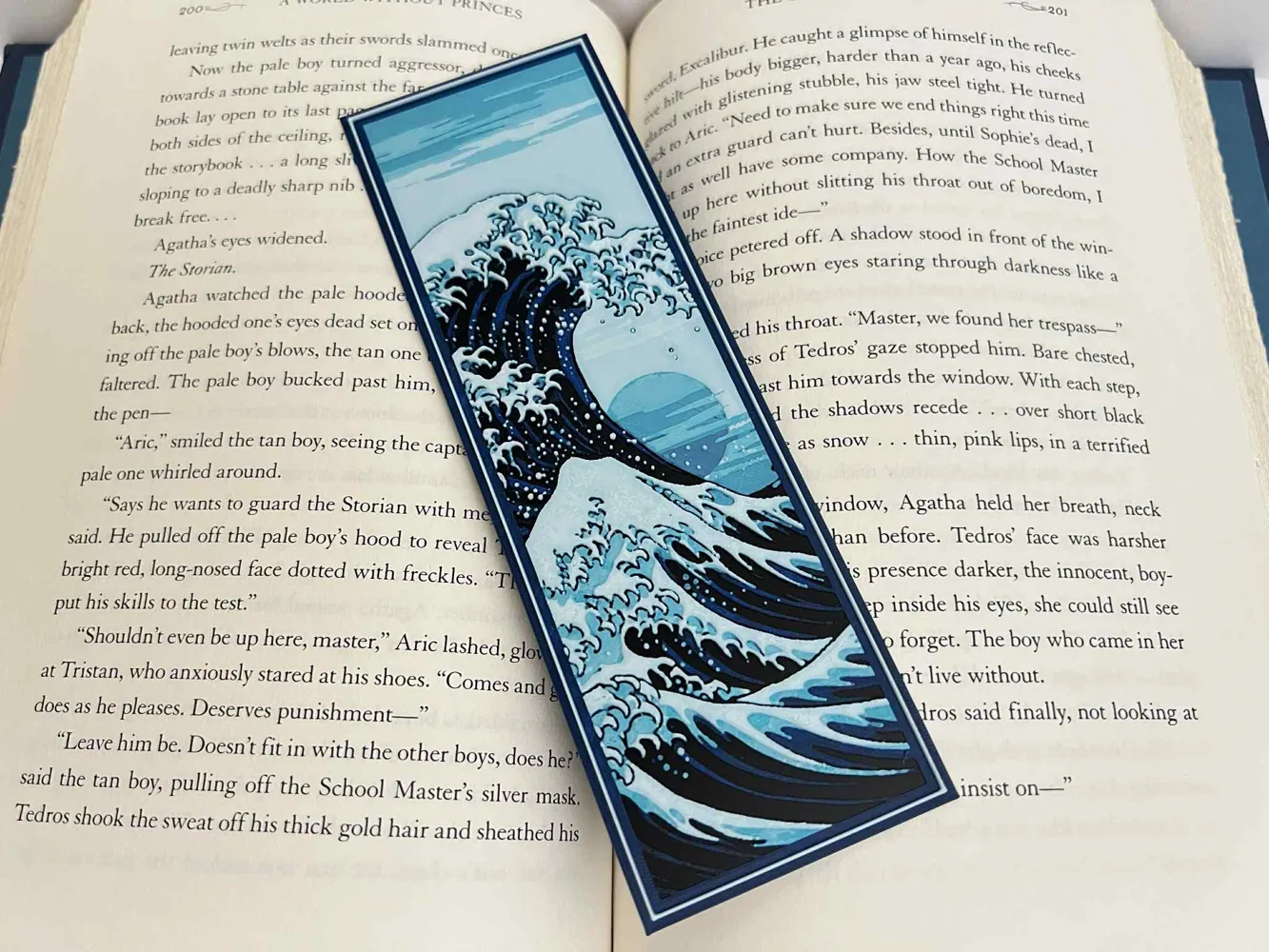
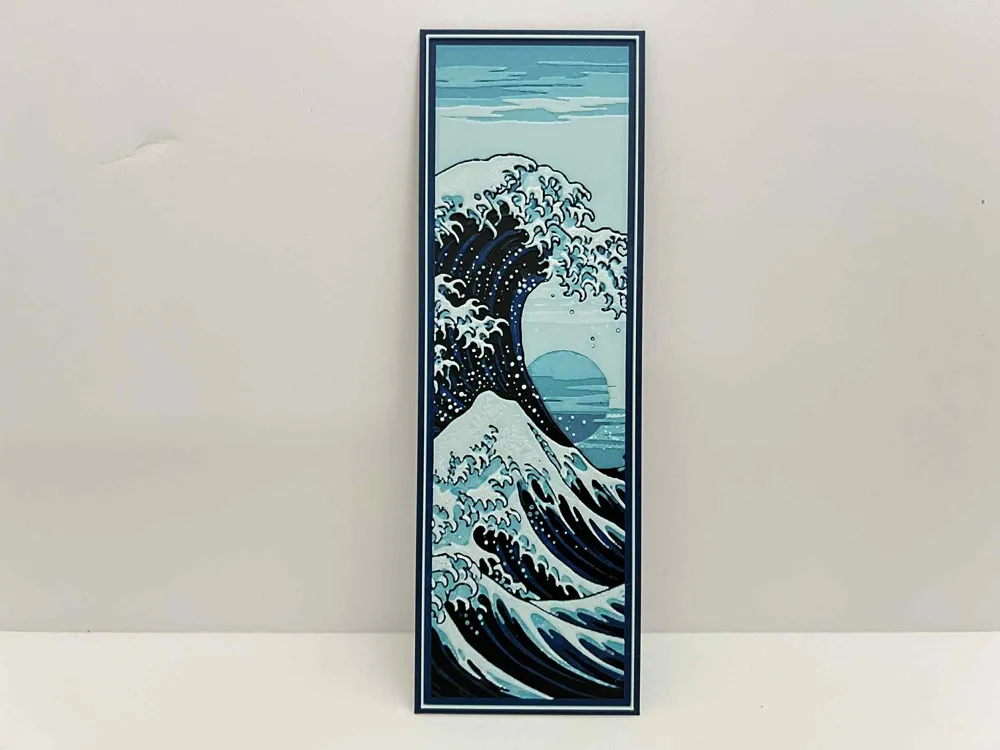
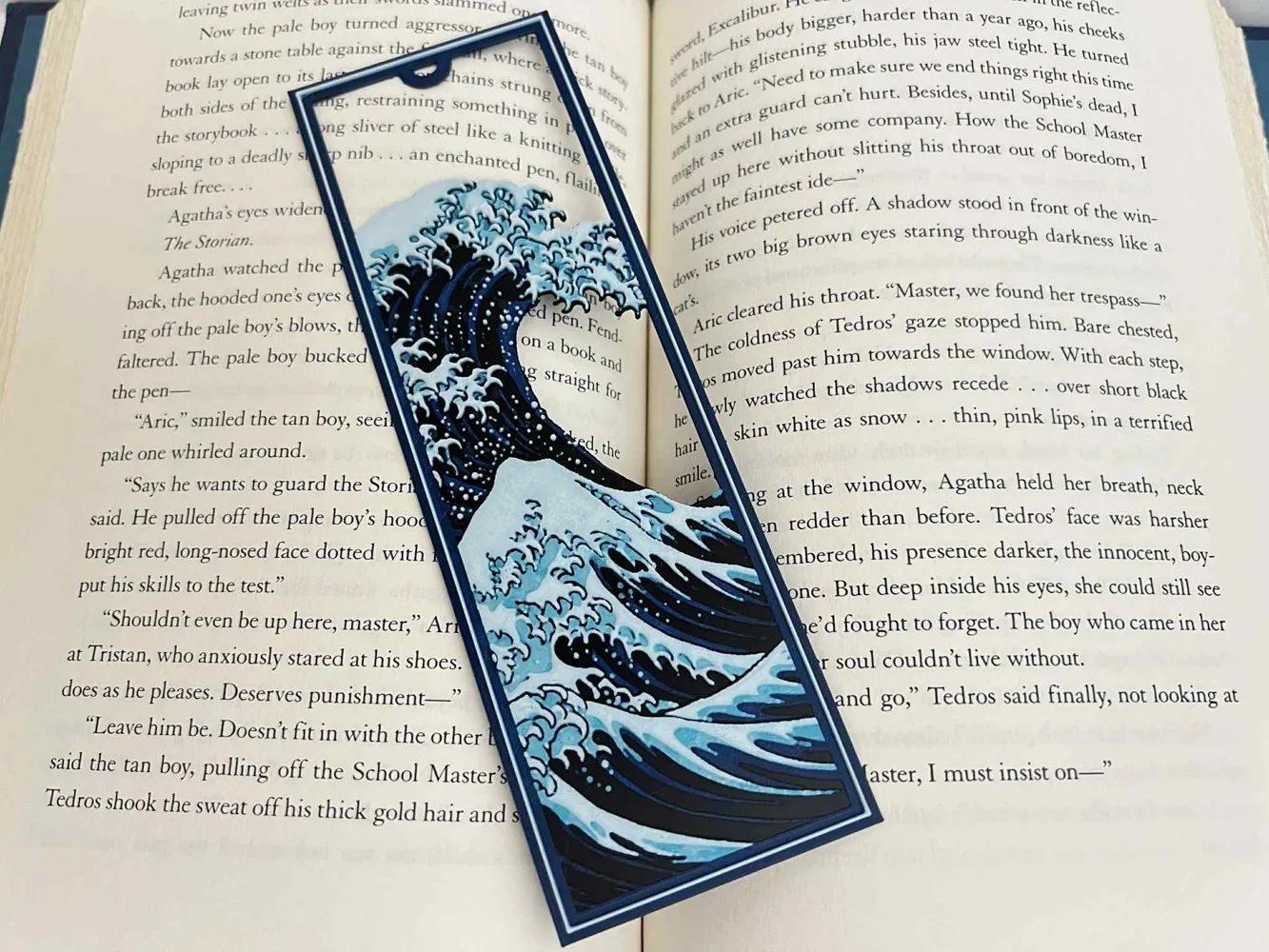
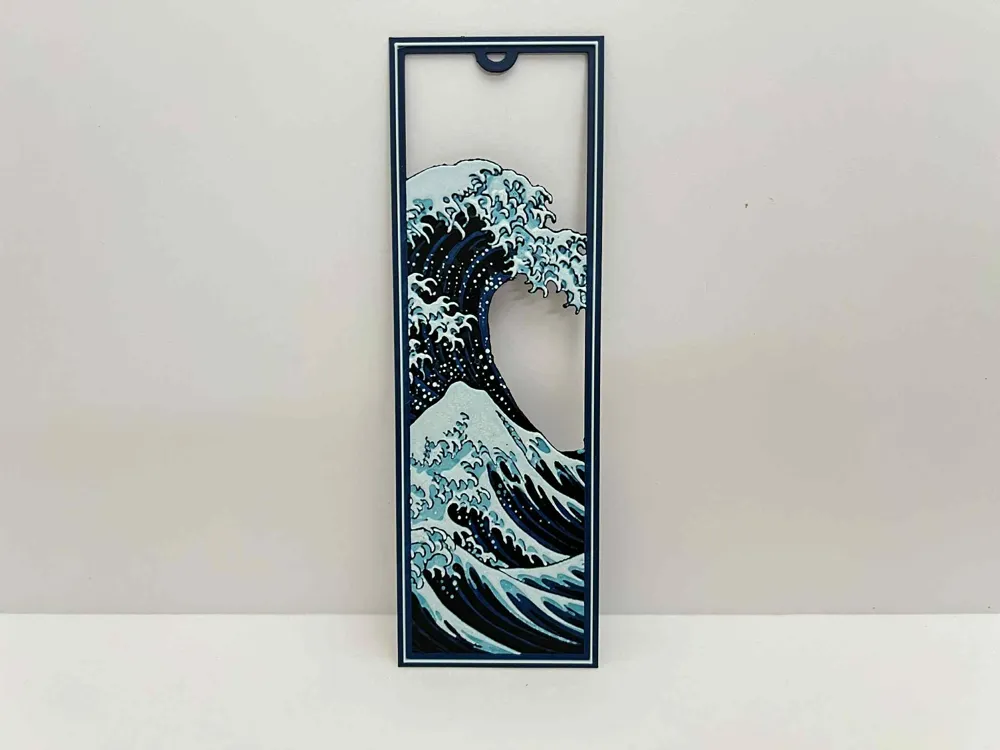
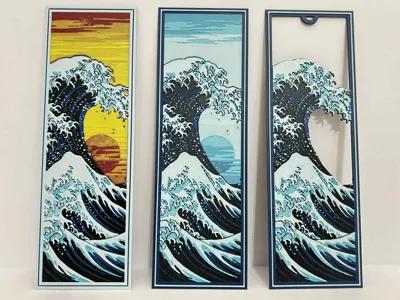
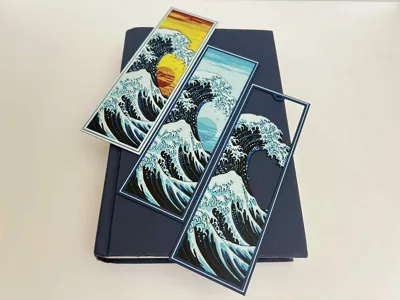
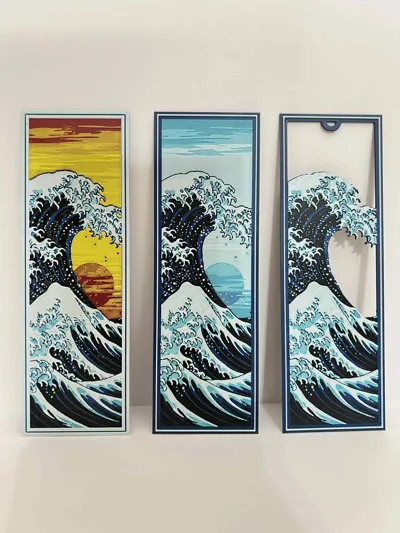
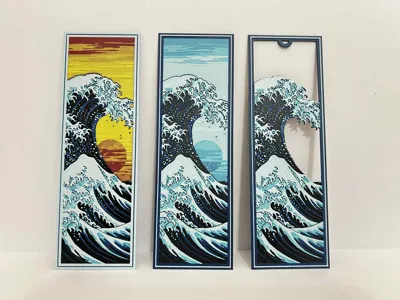
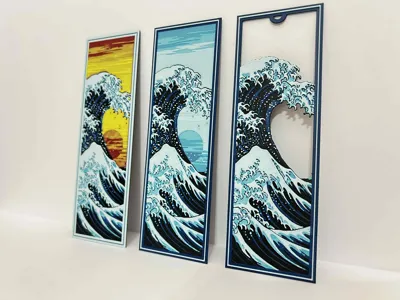
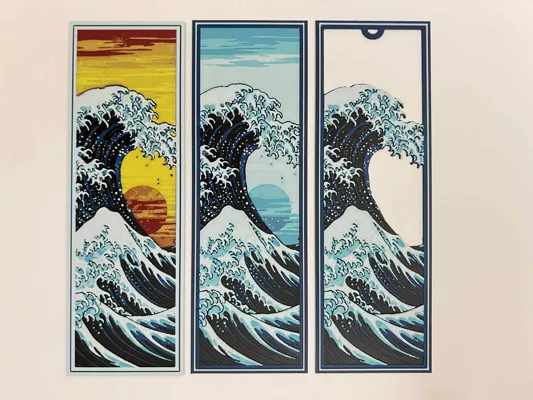
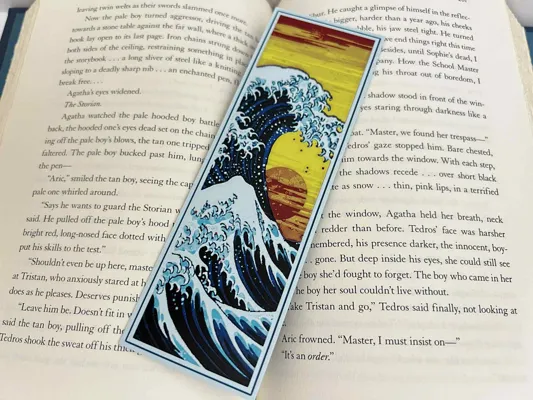
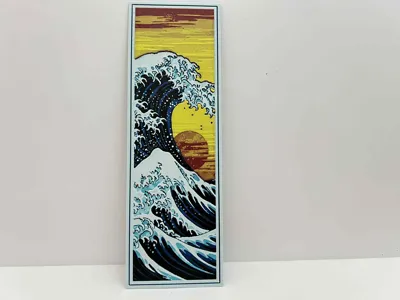
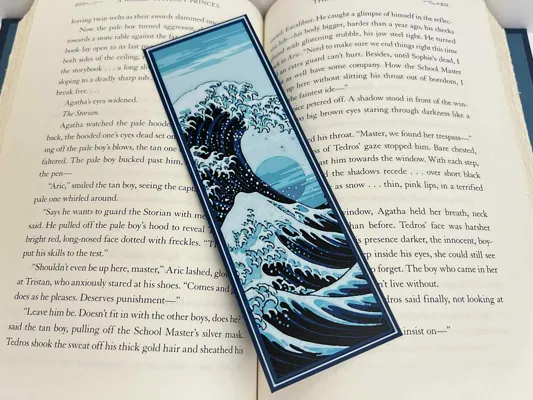
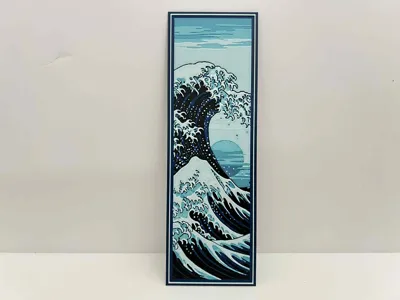
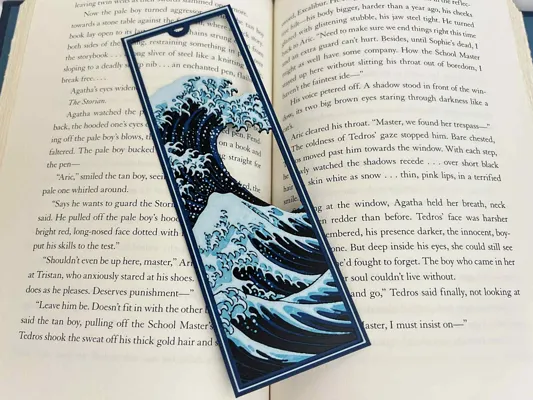
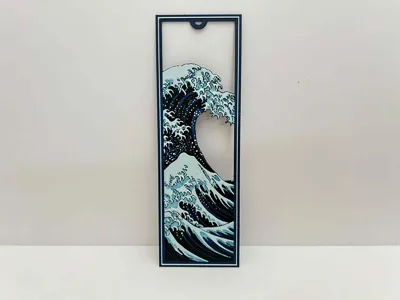
Inspired by artistry of The Great Wave off Kanagawa, I will make three separate bookmarks from the same image. I will produce two distinct bookmarks from the same image simply by painting them with different colors. The one called Sunlight(Plate1) will depict a sunset/sunrise with warm hues of reds and yellows as a background. The one of Moonlight(Plate 2) will show a moonlit skyline of cool blues and lighter skies. The third I will cut out the background and call it No Light(Plate 3), emphasizing the dramatic silhouette of the wave and its intricate details against a minimalist background.
Note: Sunlight uses 6 colors and needs Matte Ivory White(low TD White) and Basic Maroon Red (lower TD Red) to achieve the desired effects. Moonlight and No Light uses Basic Ivory White and 4 Colors. To get a whiter wave crest, use Matte White.
Print at 100% infill with a layer height of 0.08mm with a base layer of 0.16mm
Pictures Shown are printed in an 0.2mm Nozzle
Moonlight and No Light
Filaments Used:
PLA BambuLab Basic Black Transmission Distance: 0.6
PLA BambuLab Basic Blue Transmission Distance: 4
PLA BambuLab Basic Turquoise True Transmission Distance: 2.3
PLA BambuLab Basic Jade White Transmission Distance: 5 (use Matte White to get a brighter white)
This print uses 4 unique filaments
Swap Instructions:
Start with Black
At layer (0.72mm) swap to Blue
At layer (0.96mm) swap to Turquoise True
At layer (1.2mm) swap to Jade White for the rest. (use Matte White to get a brighter white)
Sunlight
Filaments Used:
PLA BambuLab Basic Black Transmission Distance: 0.6
PLA BambuLab Basic Blue Transmission Distance: 4
PLA BambuLab Basic Turquoise Transmission Distance: 1.4
PLA BambuLab Matte Ivory White Transmission Distance: 2.7 (Any Low TD White)
PLA BambuLab Basic Maroon Red Transmission Distance: 1.6 (Any Low TD Red)
PLA BambuLab Basic Sunflower Yellow Transmission Distance: 4.4
This print uses 6 unique filaments
Swap Instructions:
Start with Black
At layer (0.64mm) swap to Blue
At layer (0.88mm) swap to Turquoise
At layer (1.12mm) swap to Matte Ivory White
At layer (1.36mm) swap to Black
At layer (1.44mm) swap to Maroon Red
At layer (1.68mm) swap to Sunflower Yellow for the rest.
This is a 6 color print. Note not to put red and yellow in the place of black as black is used twice. Use this tutorial by Cloudy Nostalgia to print more than 4 colors on 1 AMS.
Can be resized to accommodate your printer or preference by adjusting the X and Y axis the same percentage while leaving the Z axis at 100%. The best way to achieve this: With Uniform Scale checked, adjust the Y axis to the desired size (this will ensure the X axis is the same proportion as the Y axis), uncheck the Uniform scale, adjust the Z axis back to 100%, slice plate, and print. Stringing may occur with Hueforge, just use a lighter to whisk them away.
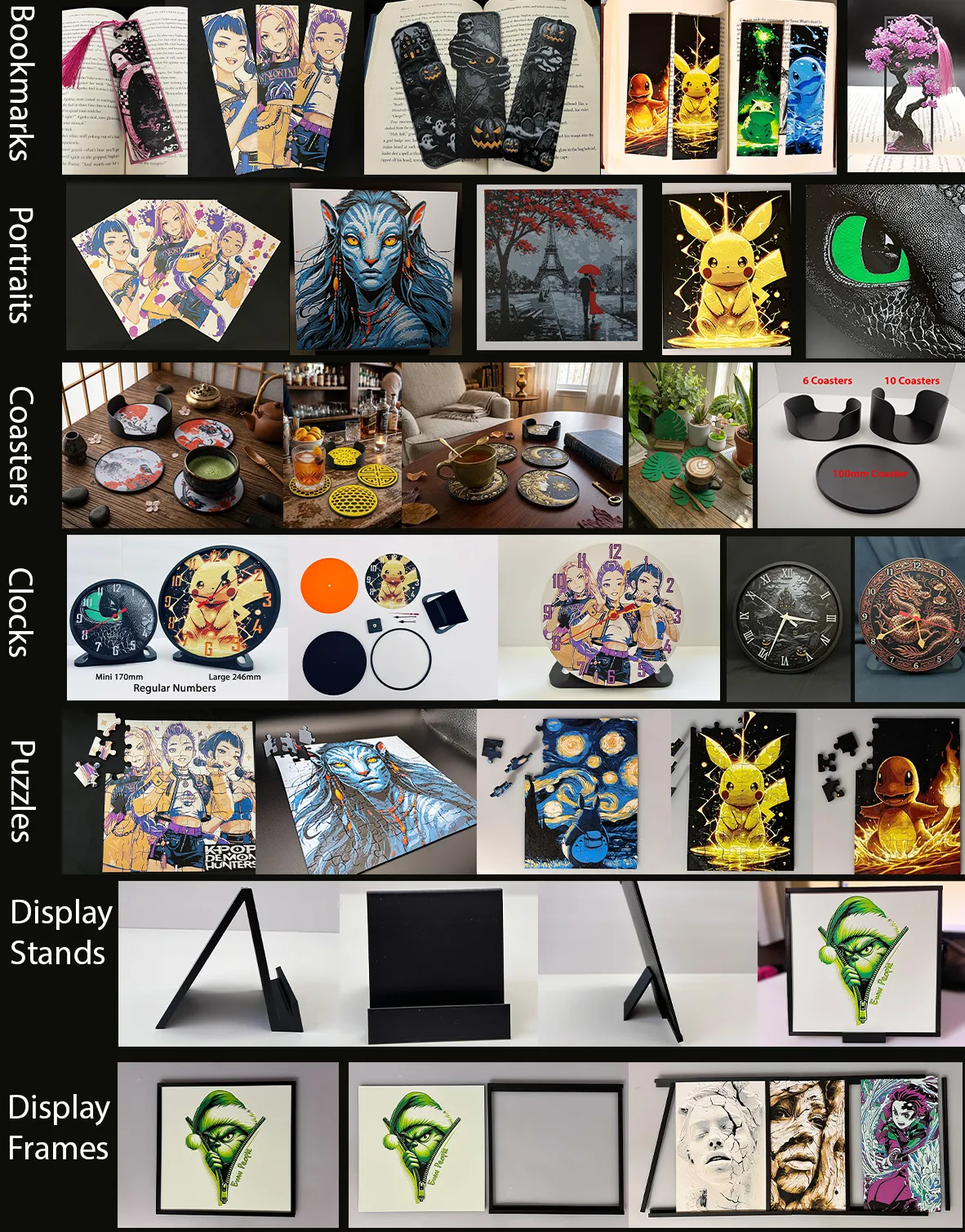
More prints: Bookmarks -- Portraits -- Coasters -- Clocks -- Puzzles -- Display Stands -- Display Frames
They are sorted and can be found in my Collections - https://makerworld.com/en/@3djd/collections
License

You shall not share, sub-license, sell, rent, host, transfer, or distribute in any way the digital or 3D printed versions of this object, nor any other derivative work of this object in its digital or physical format (including - but not limited to - remixes of this object, and hosting on other digital platforms). The objects may not be used without permission in any way whatsoever in which you charge money, or collect fees.


Comment & Rating (23)