
Bambulab X1C Hotend Logo LED Cover
Print Profile(1)

Description
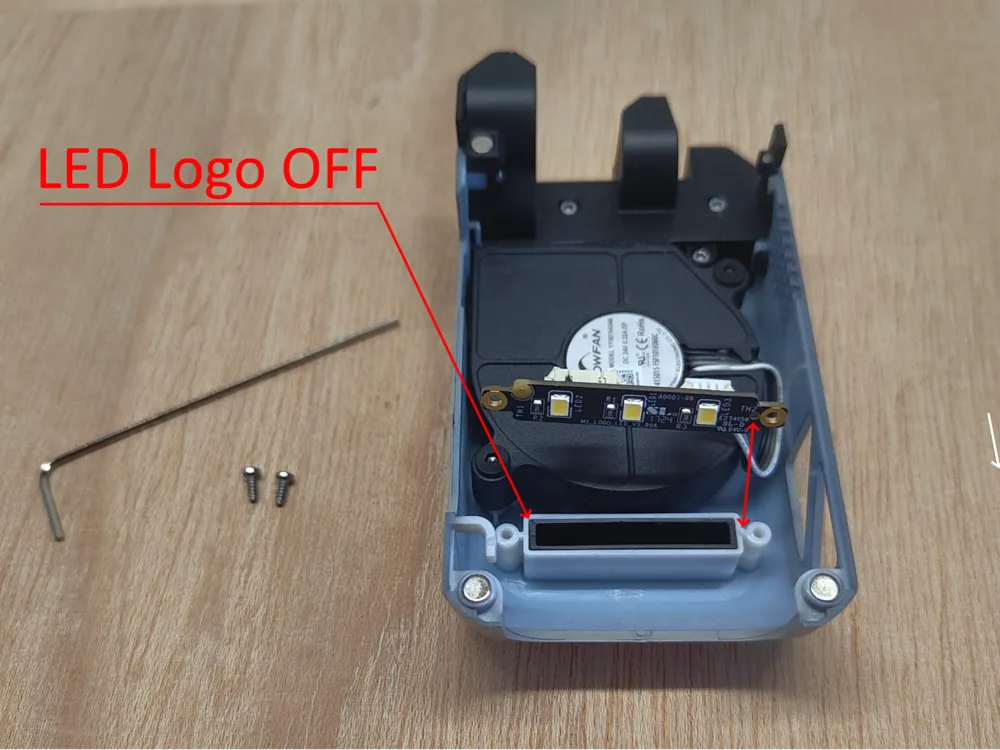
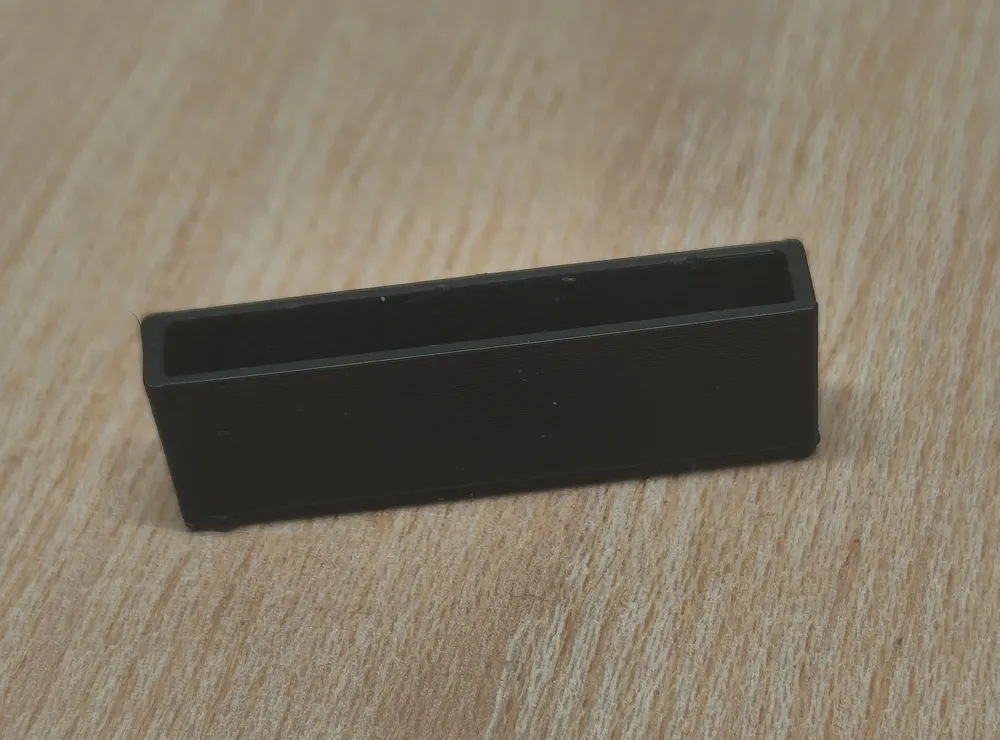
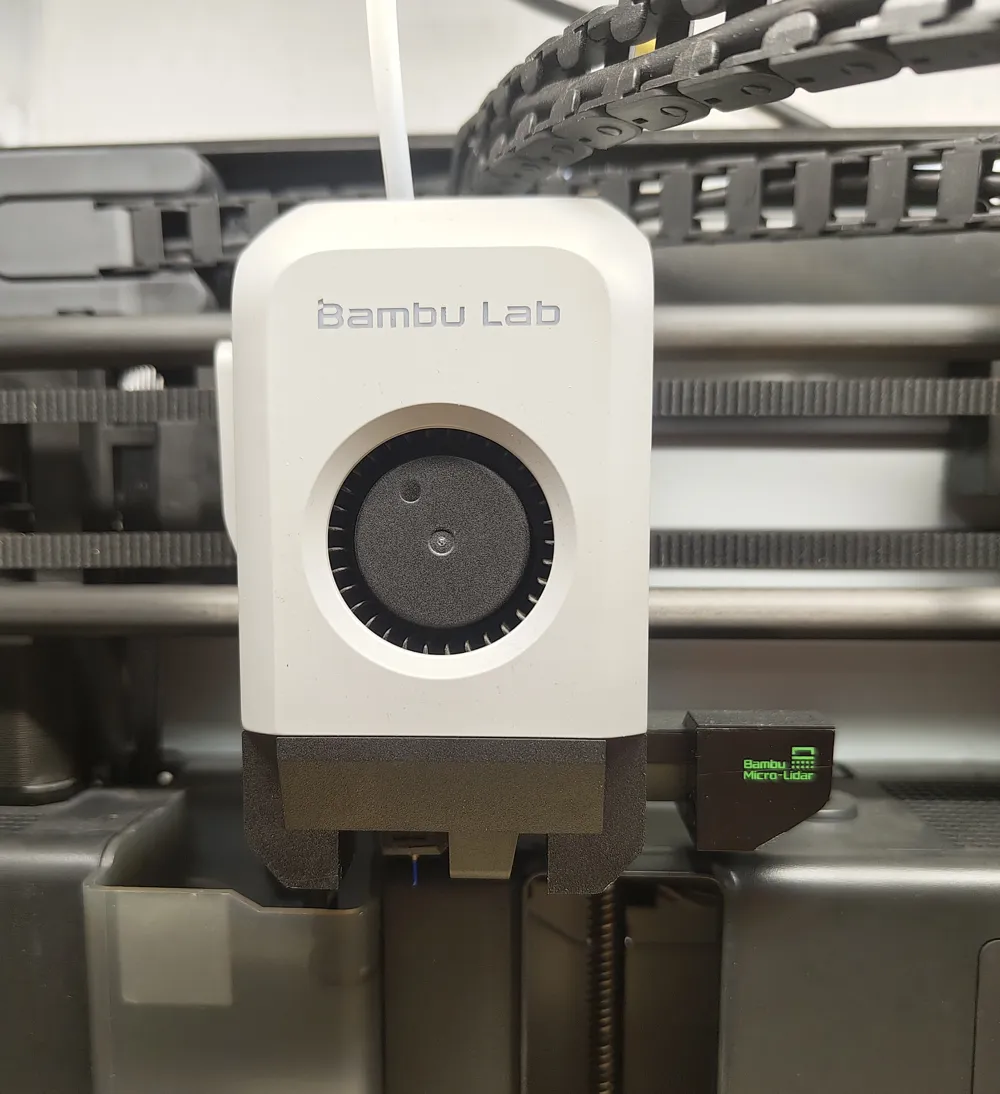
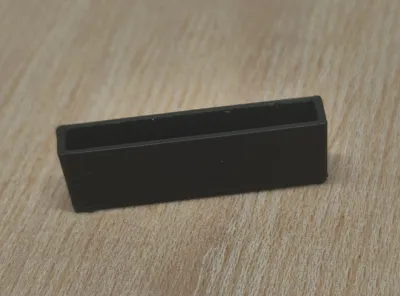
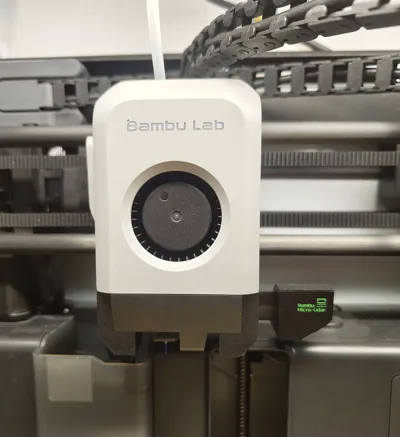
This small cover allows the illuminated Bambulab Logo of the X1C Hotend to be obscured.
It bothered me that the illuminated logo of the printer illuminated the entire room at night.
With this small cover, the entire room remains dark during printing.
For installation, please refer to the assembly instructions and examine the images
Installation Instructions:
1.
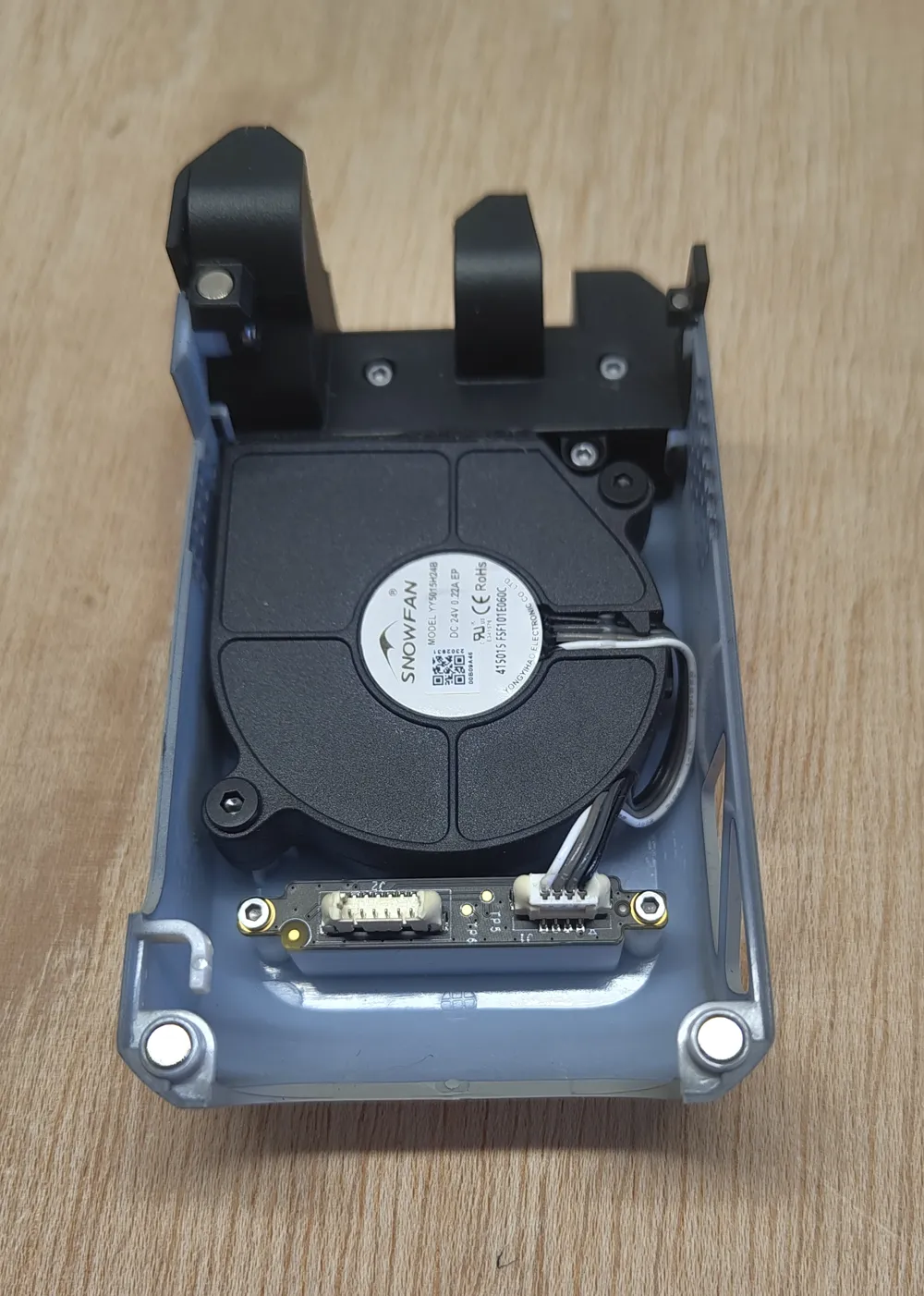
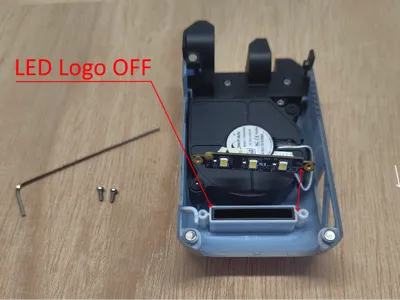
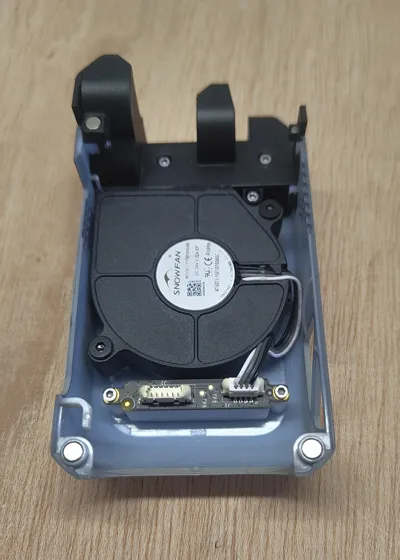
Fold the magnetic cover from the print head to the left and carefully detach the 6-pin connector from the board.
2.
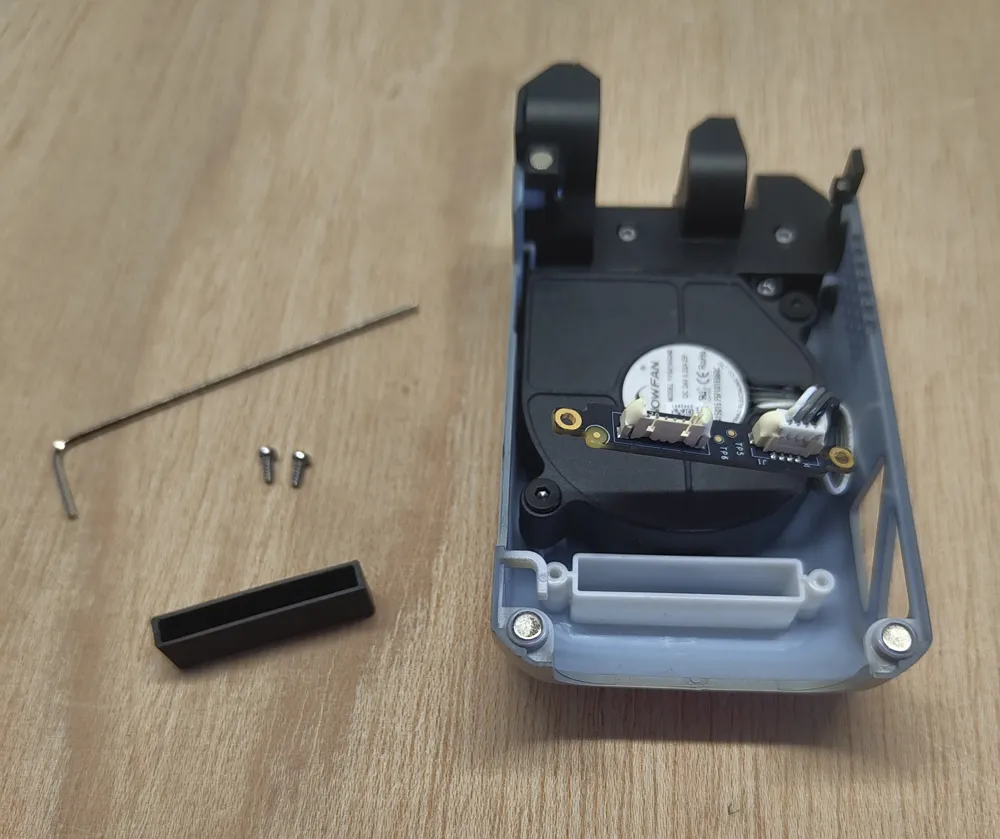
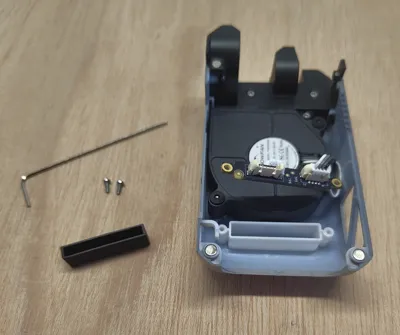
Using a 1.5mm Allen key (included in the original scope of delivery), remove the two screws of the LED board.
3.
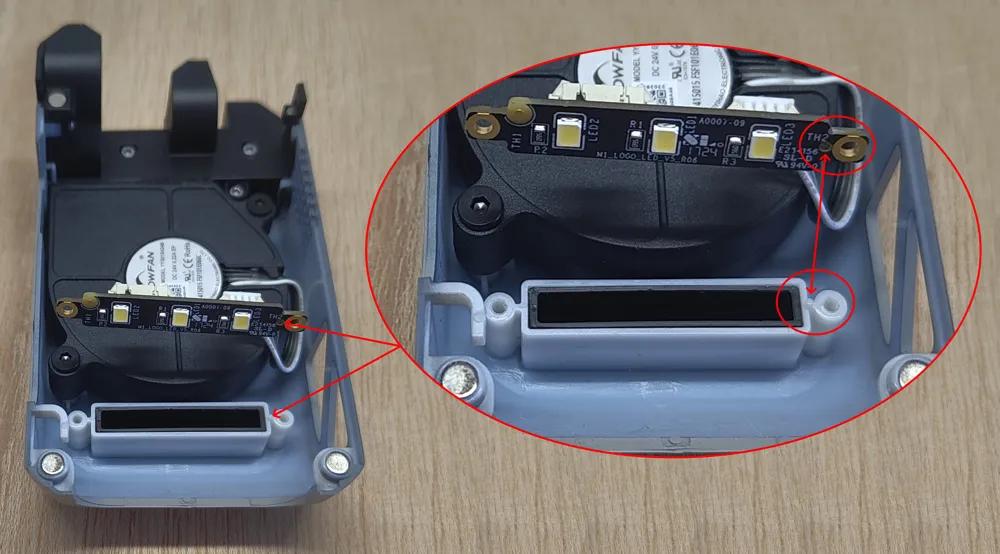
Insert the printed cover into the rectangular opening
4.
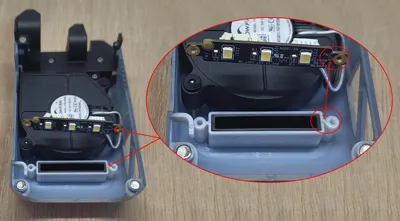
Reposition the board to its correct placement.
Important:
The board features a small aperture situated precisely between the 4-pin connector and the Allen screw aperture.
This aperture must be precisely aligned with the pin on the cover to ensure the board rests completely flat.
5.
Reconnect the 6-pin connector
Reinsert the cable into the cable guide
Reattach the magnetic cover
Boost Me (for free)
License

You shall not share, sub-license, sell, rent, host, transfer, or distribute in any way the digital or 3D printed versions of this object, nor any other derivative work of this object in its digital or physical format (including - but not limited to - remixes of this object, and hosting on other digital platforms). The objects may not be used without permission in any way whatsoever in which you charge money, or collect fees.


Comment & Rating (1)