
Print Profile(1)

Description
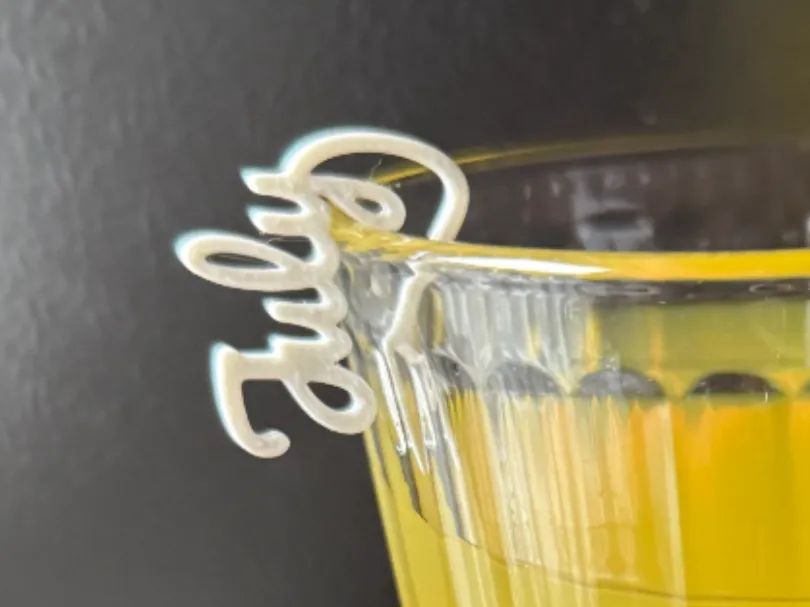
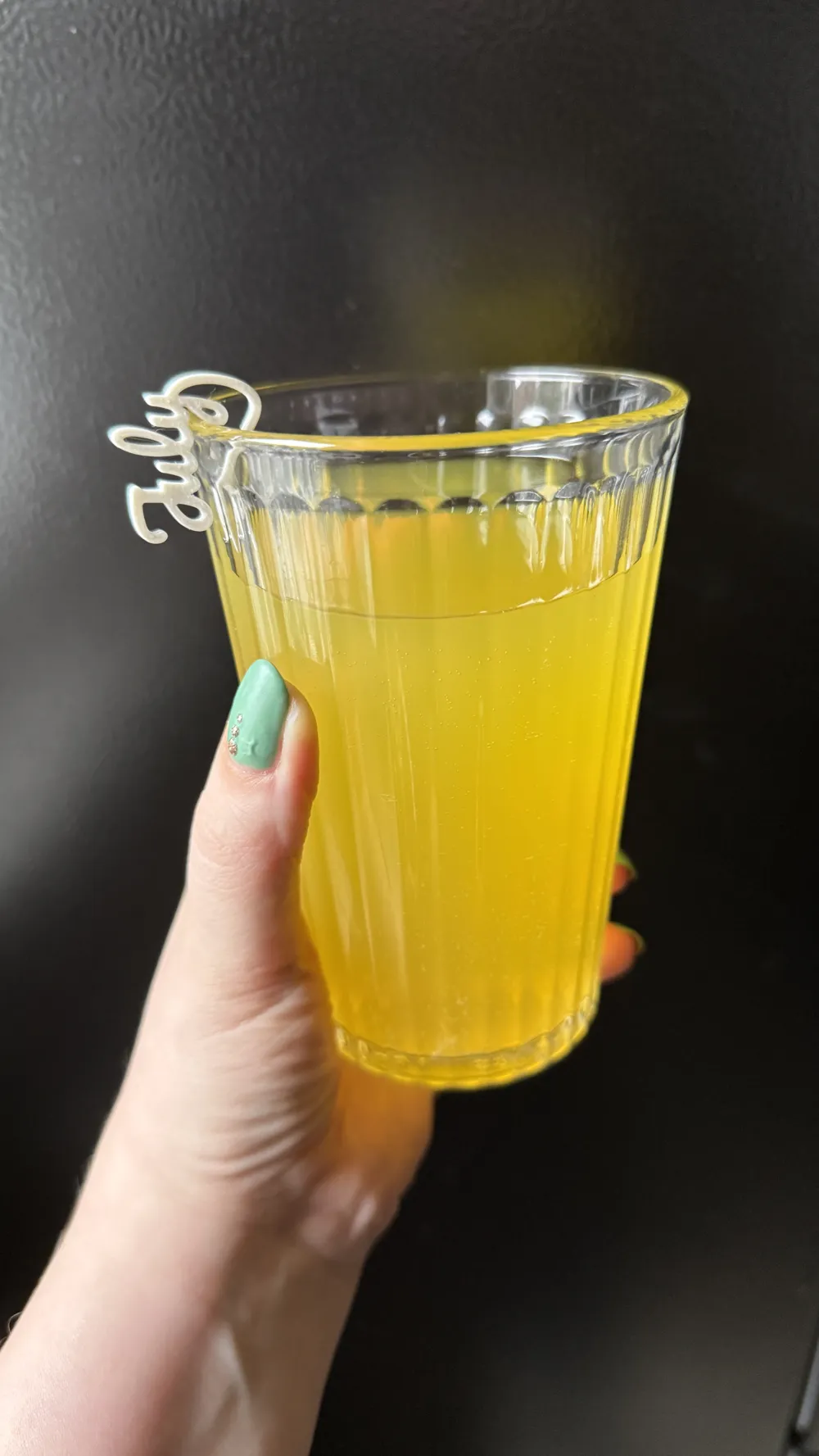
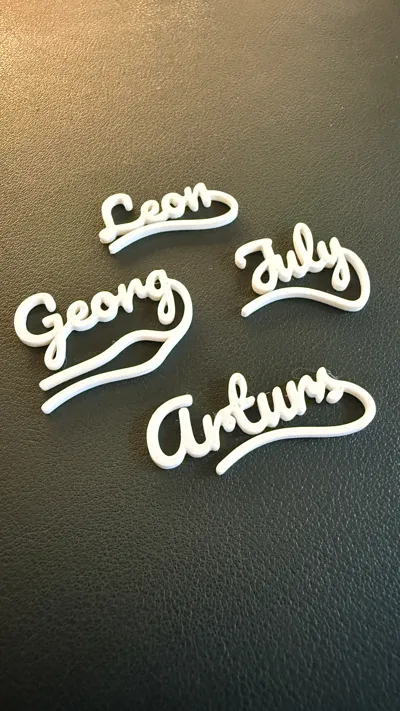
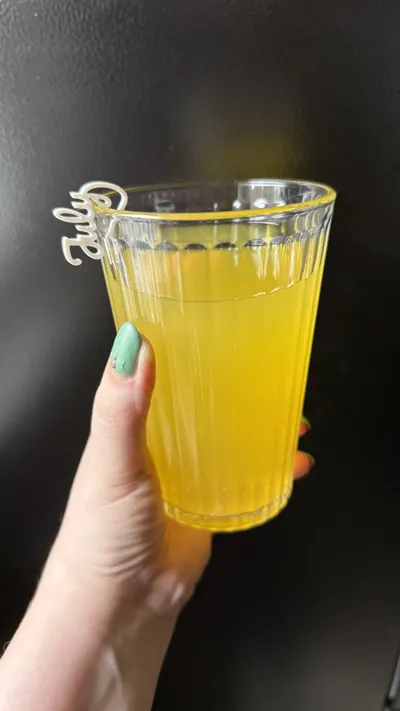
With this model, you can create your own glass tags.
Other versions of the glas tag:
Filament
I recommend using food-safe filament.
I used Extrudr NX2 PLA for this.
Instructions
Creating a tag may not be entirely self-explanatory, so here’s a short guide:
Some names don’t automatically connect properly due to the font, which means the model won’t be a single, continuous piece. In such cases, the name needs to be split into multiple parts.
Most names will connect fine, but a few may consist of two parts.
Name
1. Type the full name into part1 and generate the preview.
2. Check whether all the letters are connected. You can ignore the tail/hanger for now.
3. If all the letters are connected, you can continue with the Tail part.
4. If there are gaps between letters, split the name at that point.
5. Use the offsetPart parameters to move the name parts closer together so they connect properly.
Tail
1. Next, the tail needs to be selected. Some letters have downward extensions — for example, the letter "y".
2. You can choose different tail styles via the tailStyle option, so you can hopefully find one that works with any name.
3. Use tailOffsetX to position the tail at the end of the name.
4. tailOffsetY usually doesn’t need adjustment.
Non-manifolded edges
When you edit the model using MakerWorld/MakerLab, I get the message "Non-manifolded edges" in Bambulab. You can ignore this message - the model will still print without any problems.
As an alternative, you can also download the Scad file and modify it directly with OpenScad. If you export the STL directly from OpenScad, there won't be any issues (Non-manifolded edges).
Boost Me (for free)
Please give a boost, if you like the model <3
Examples
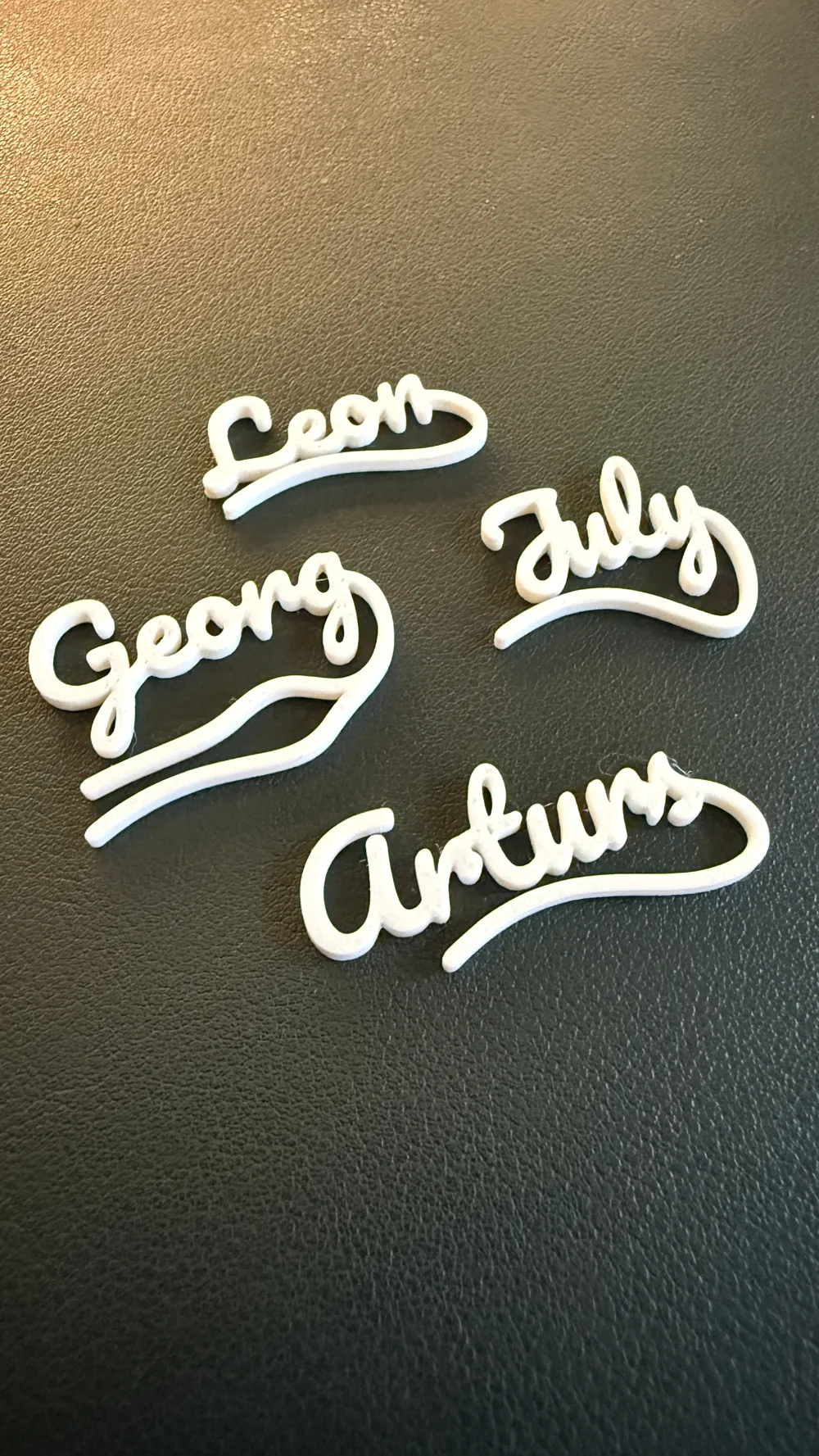
Leon with Tail 1
part1 = "Leon";
part2 = "";
part3 = "";
taleOffsetX = 28;
tailStyle = 1;
July with Tail 2
part1 = "J";
part2 = "uly";
offsetPart2 = 14.5;
part3 = "";
taleOffsetX = 13;
tailStyle = 2;
Georg with Tail 3
part1 = "Georg";
part2 = "";
part3 = "";
taleOffsetX = 34;
tailStyle = 3;
License

You shall not share, sub-license, sell, rent, host, transfer, or distribute in any way the digital or 3D printed versions of this object, nor any other derivative work of this object in its digital or physical format (including - but not limited to - remixes of this object, and hosting on other digital platforms). The objects may not be used without permission in any way whatsoever in which you charge money, or collect fees.


Comment & Rating (13)