
Tolerance Test / Gap-Slicing
Print Profile(6)


Description
test
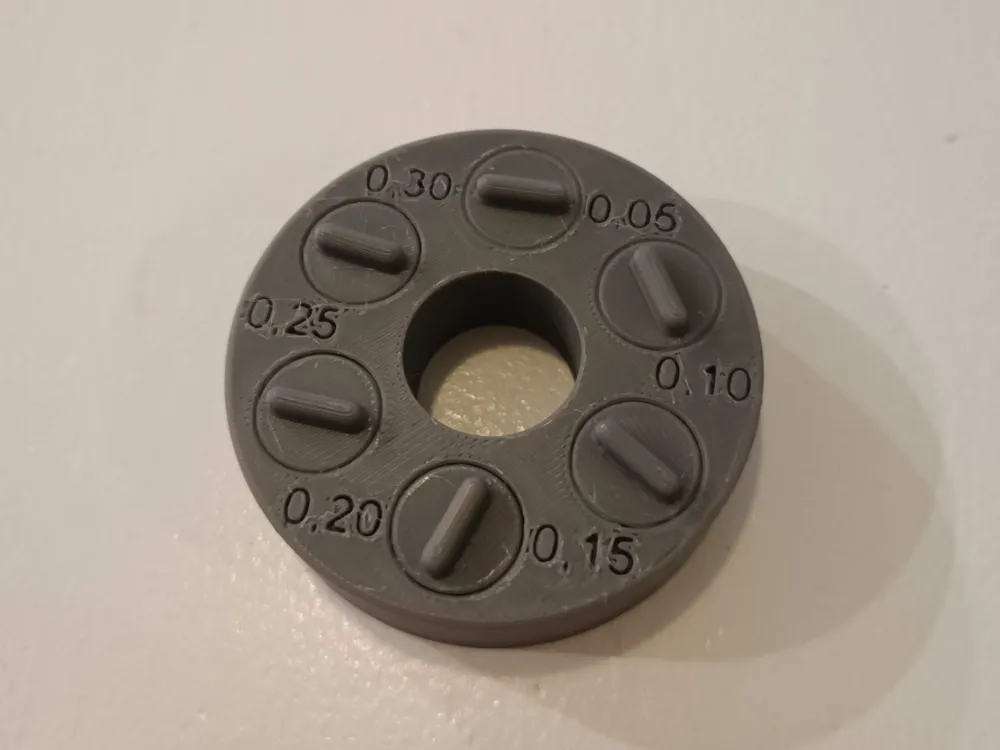
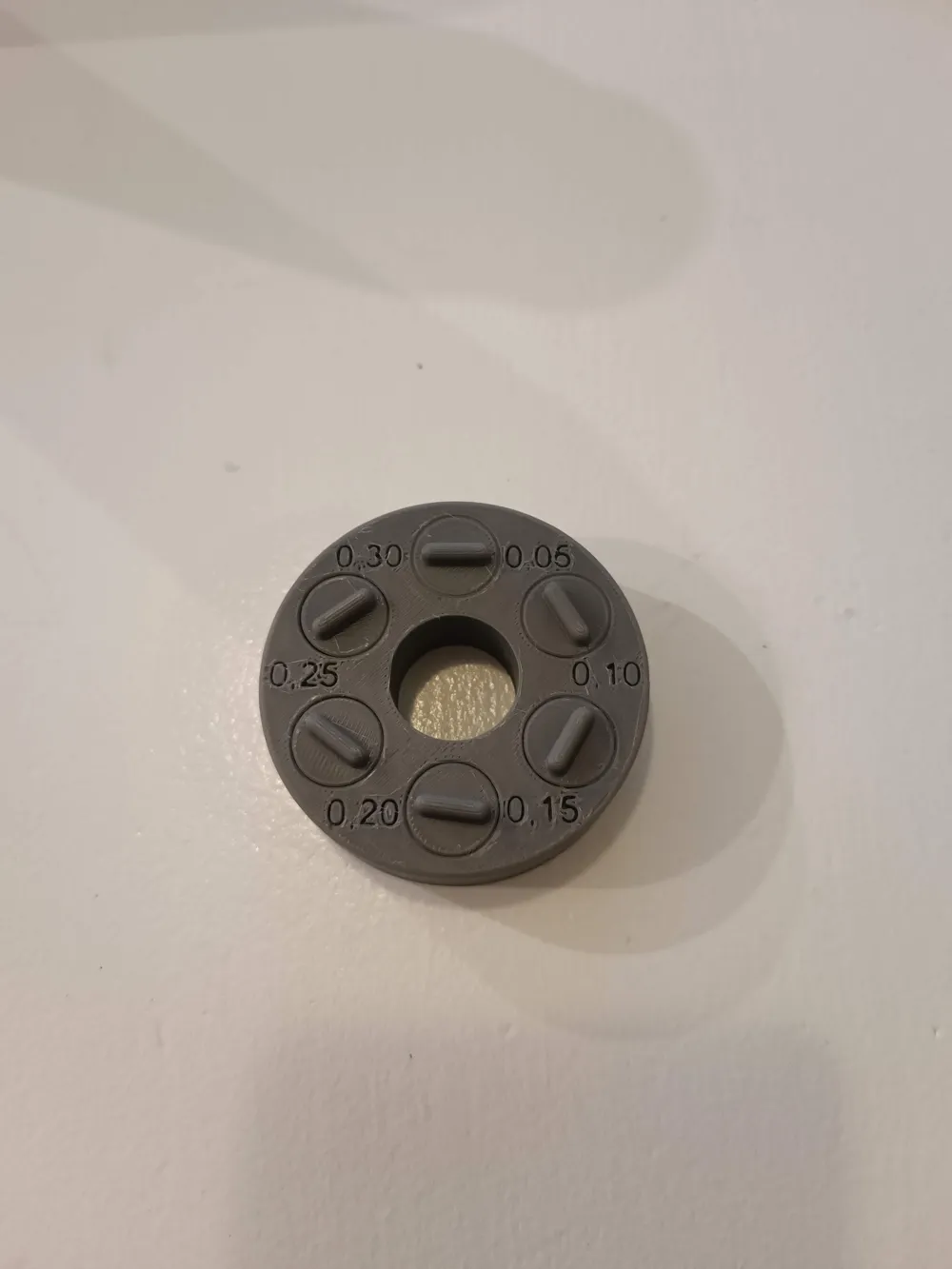
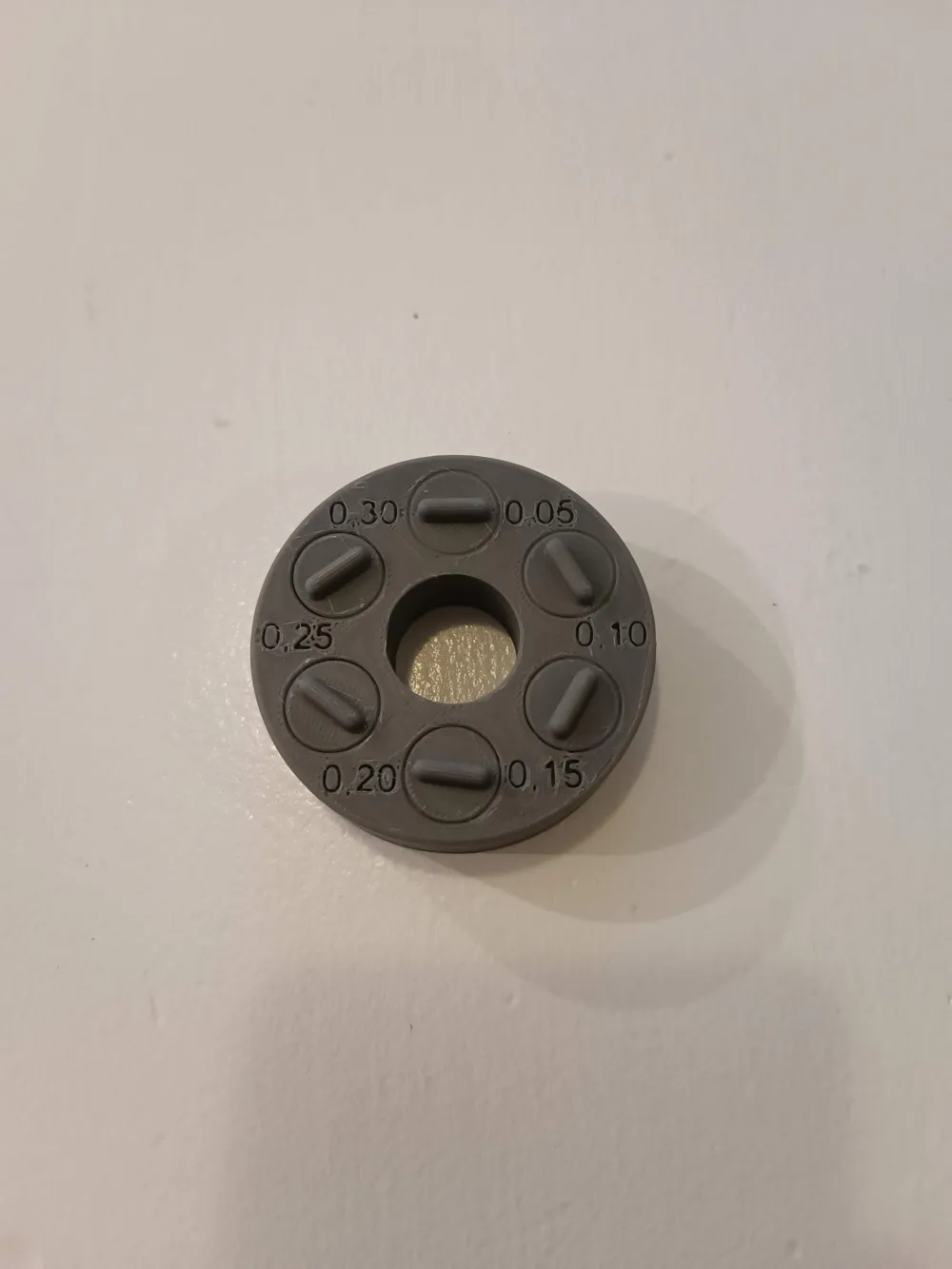
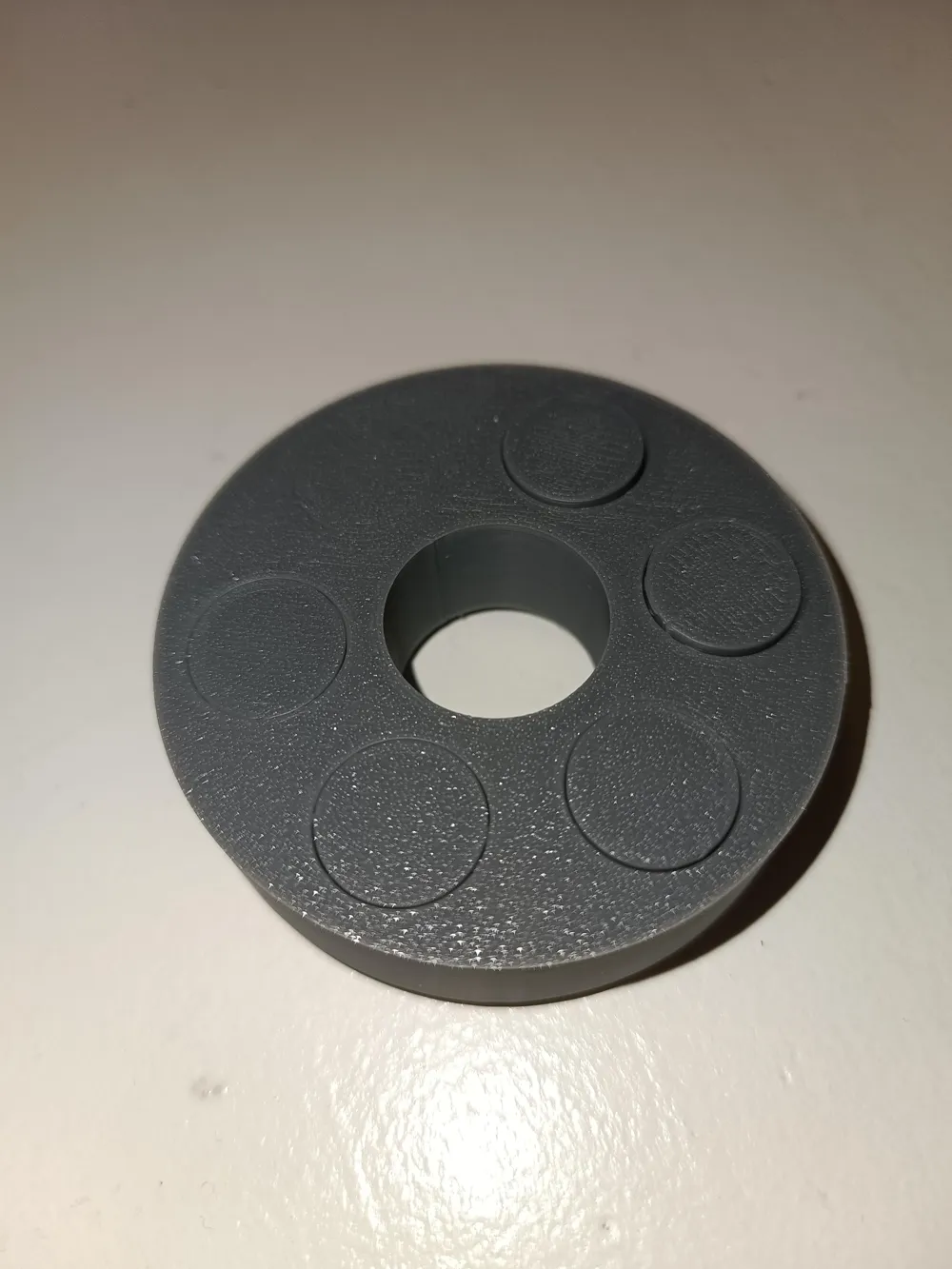
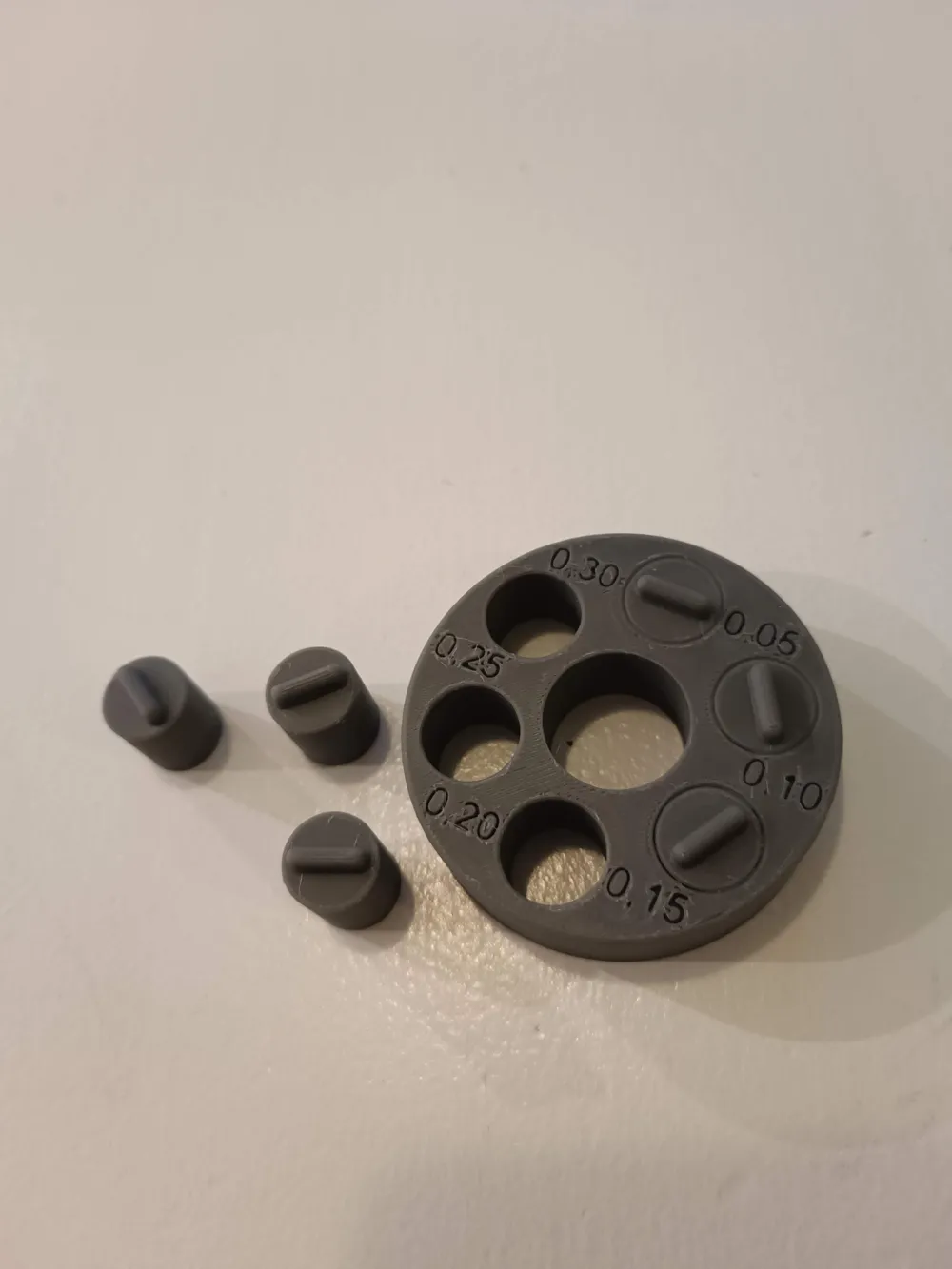
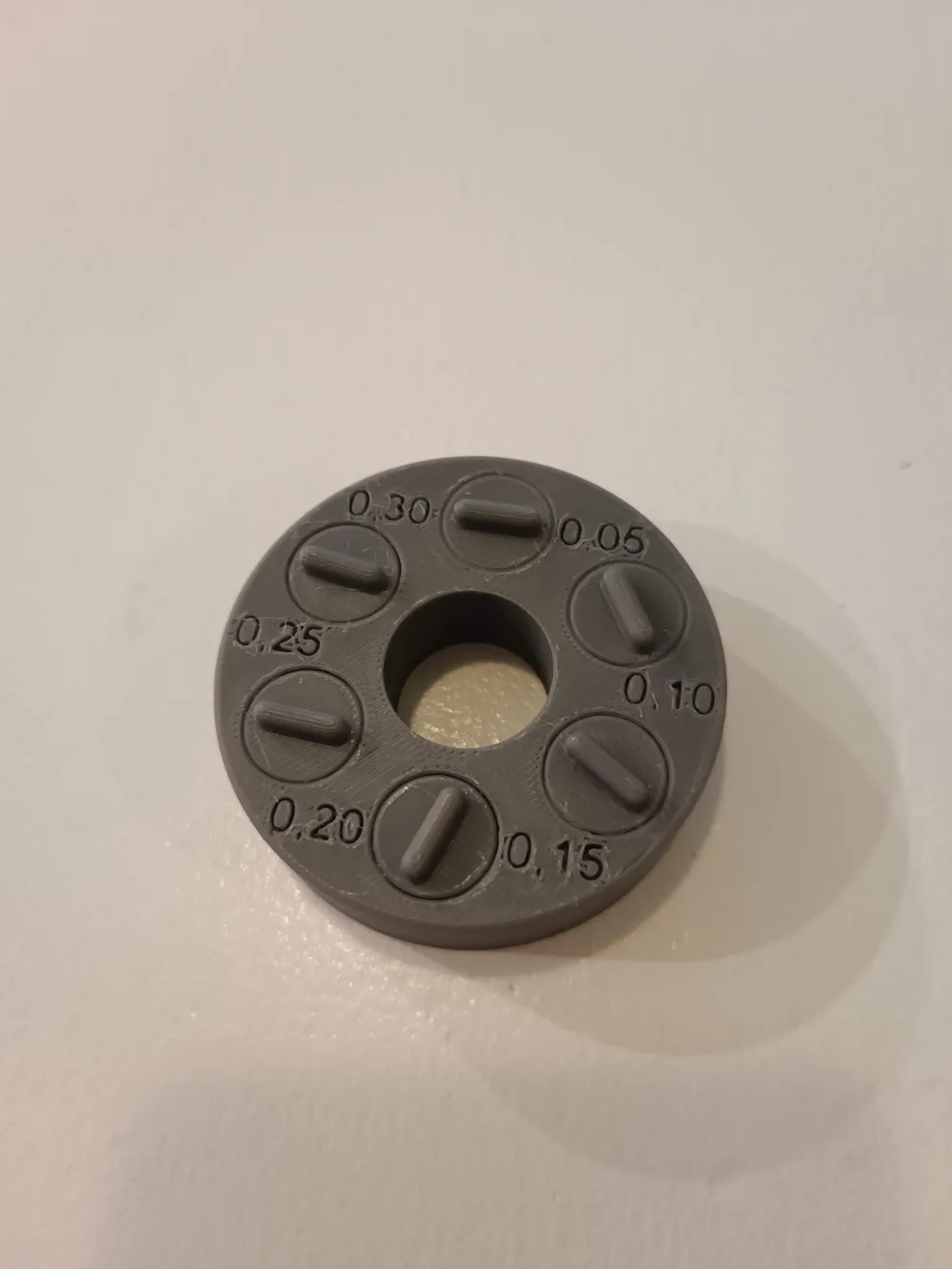
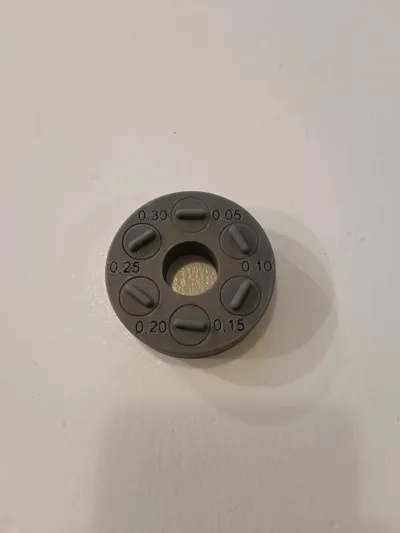
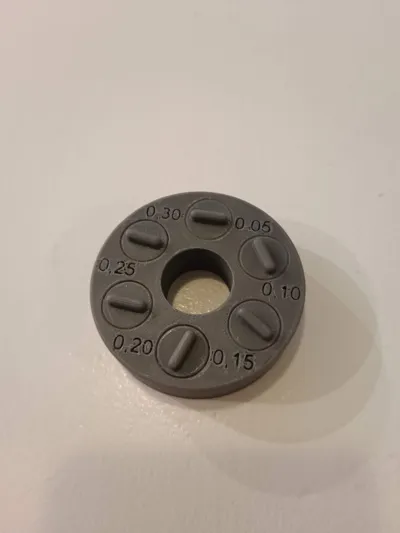
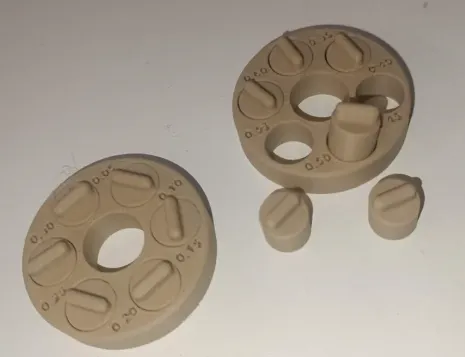
🧪 Tolerance Test for 3D Printers (0.05 mm – 0.30 mm)
With this test, you can easily and quickly check the minimum gap tolerance that your 3D printer reliably achieves with a specific combination of filament, nozzle size, and print profile
 |
⚠️ Note:
Optimized Tolerance Test / Gap-Slicing
|
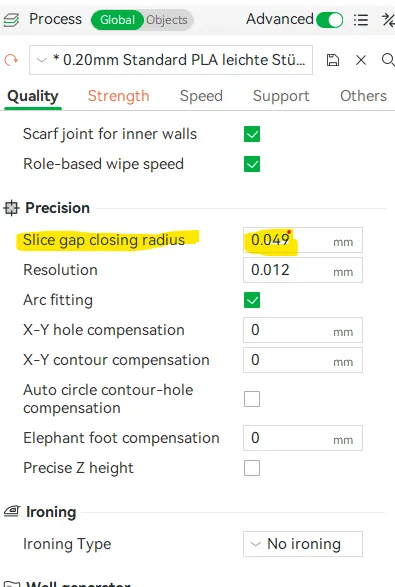 ⚙️ How to adjust your print:
|
📏 Details:
- Gap dimensions: 0.05 mm / 0.10 mm / 0.15 mm / 0.20 mm / 0.25 mm / 0.30 mm
- Goal: Testing the mechanical precision for various filament types, print profiles, and nozzle diameters
- Recommendation: Test each filament batch (even from the same manufacturer), as well as all new or changed nozzles / profiles
🧰 Application:
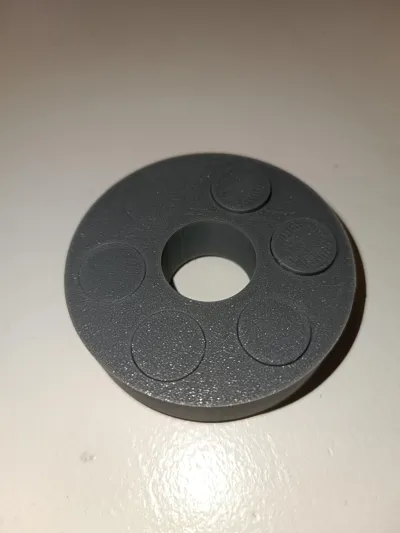
- Print the model without support
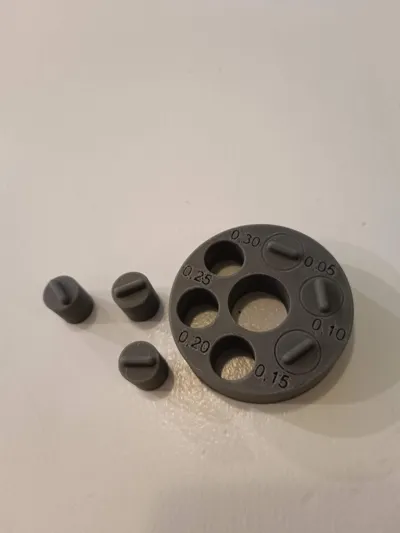
- After printing, try to carefully move or loosen the bars
- The smallest dimension that can still move freely (or is not stuck) shows the mechanical tolerance of your setup
💡 Why is this important?
Depending on the filament (PLA, PETG, ABS, etc), color, or nozzle size, printing properties can vary greatly. This test helps you determine suitable values for fits, snap-fits, or part clearance
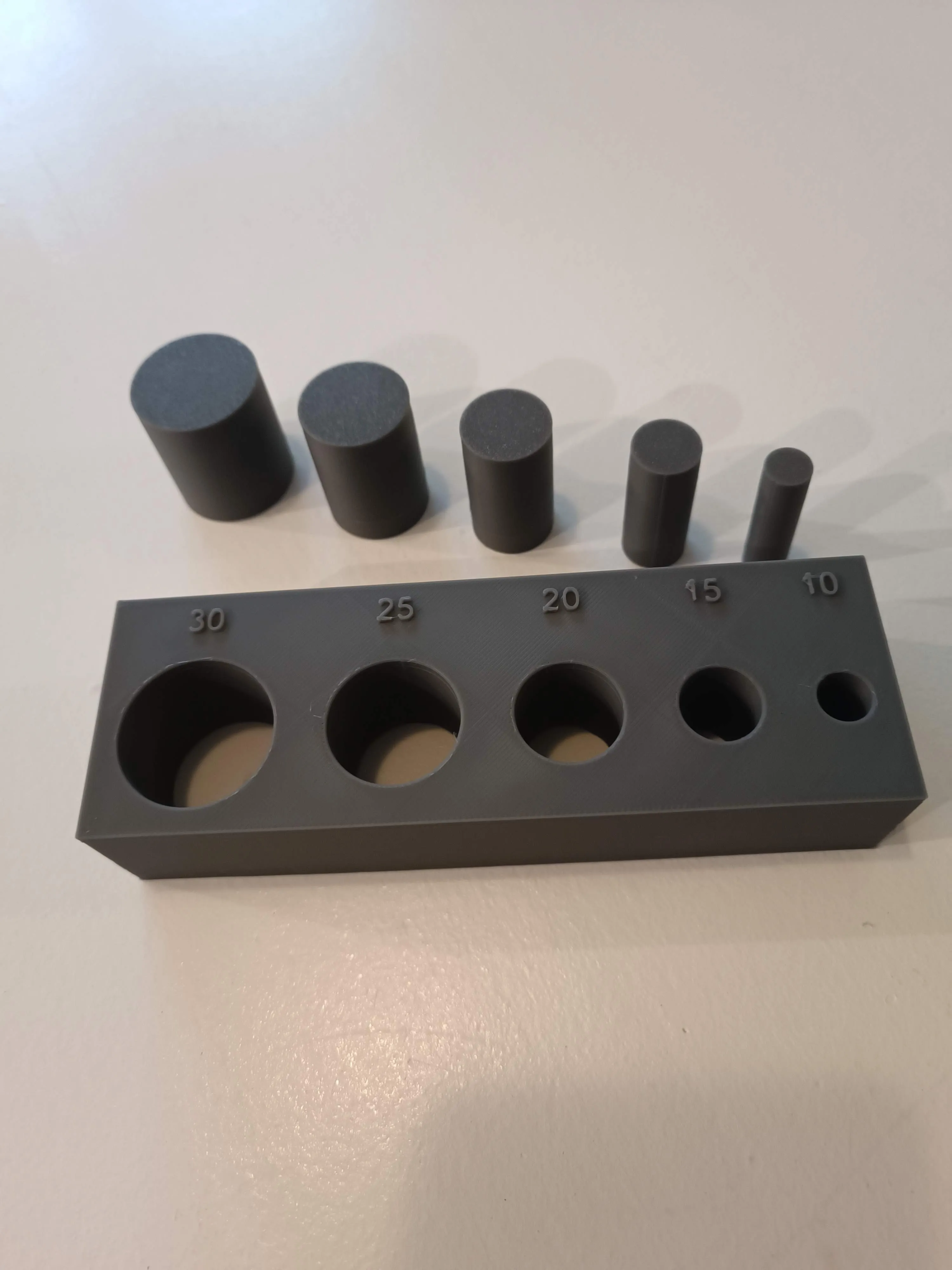 | Also use my Circular Hole Compensation Test to achieve even better results
https://makerworld.com/de/models/1667382-circular-hole-compensation-test#profileId-1764781 |
License



Comment & Rating (30)