
Slim Box for TORX Bits 3/8”(10mm) – 75 mm/30mm
Print Profile(1)

Description
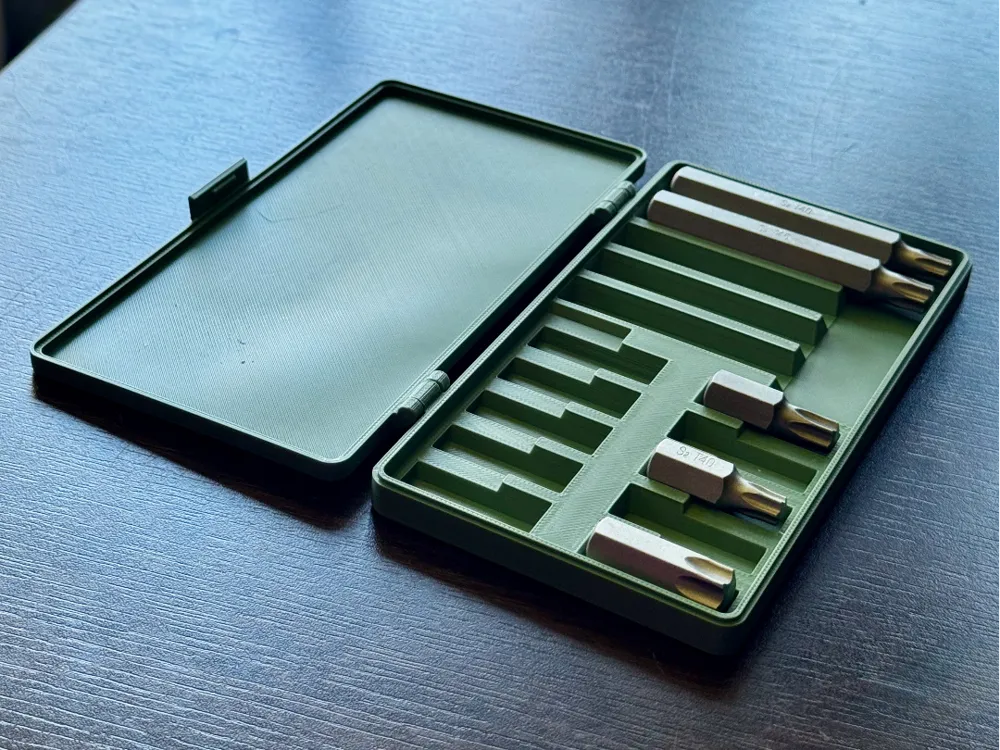
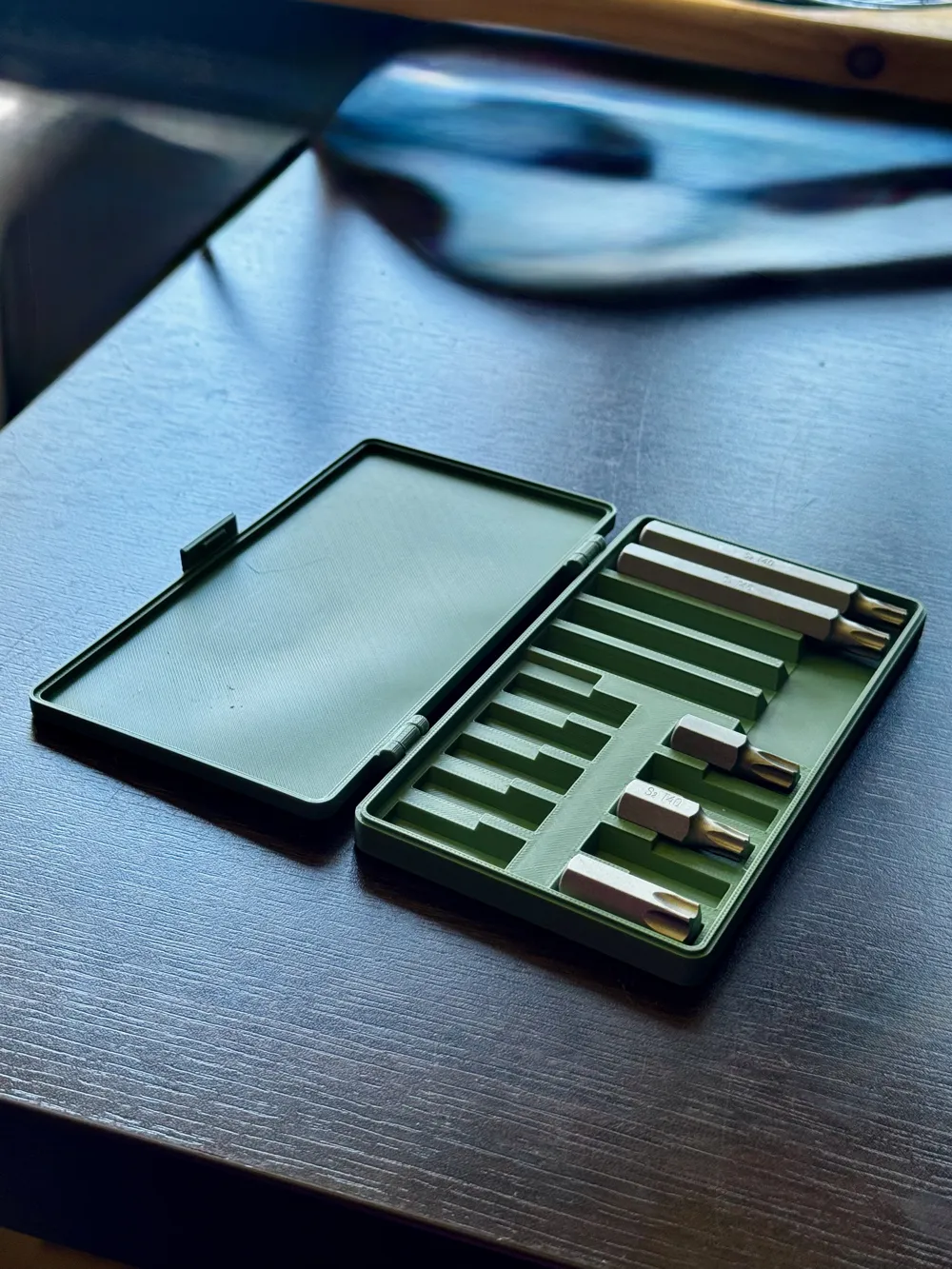
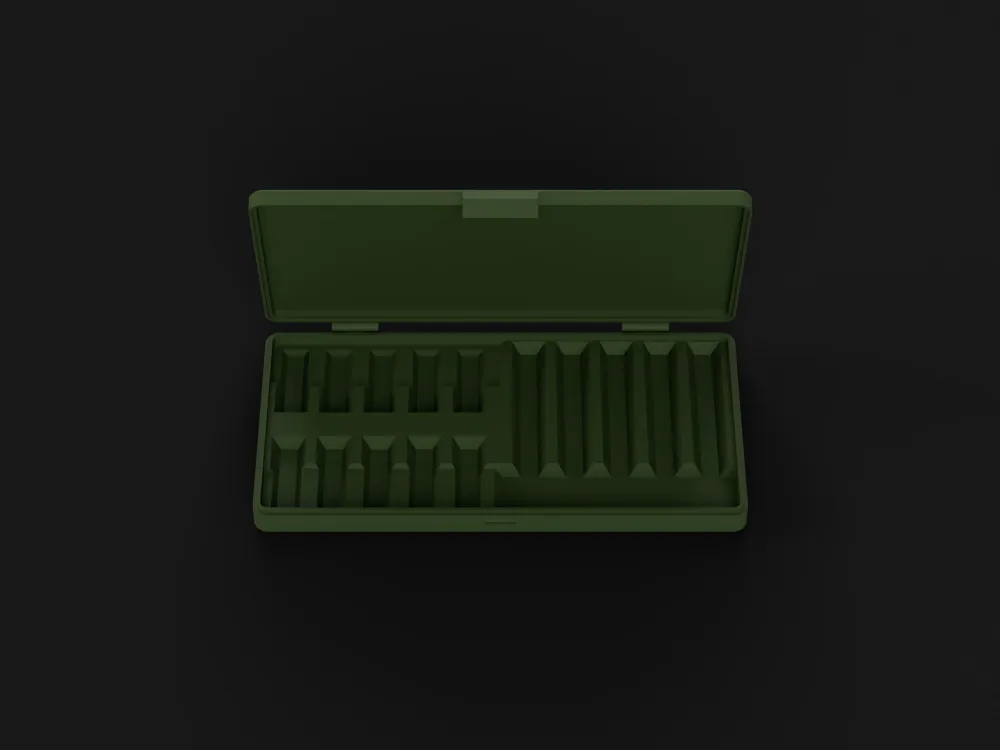
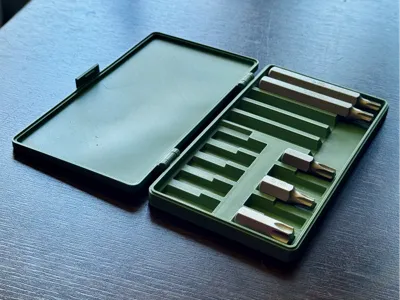
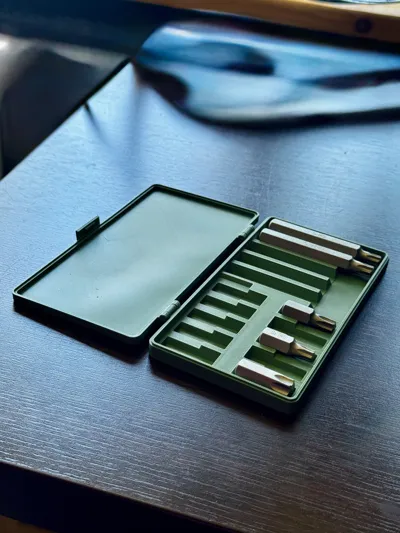
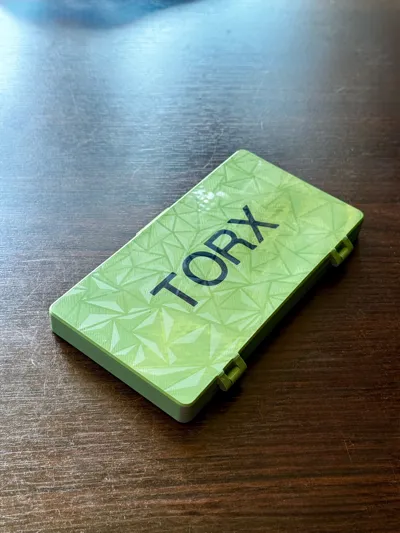
A compact and functional TORX bit organizer – perfect for your workshop or toolbox.
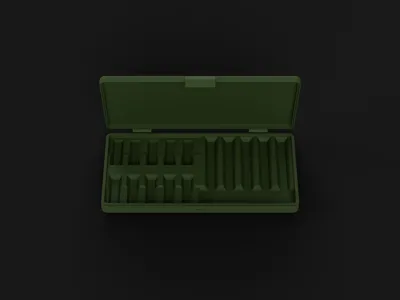
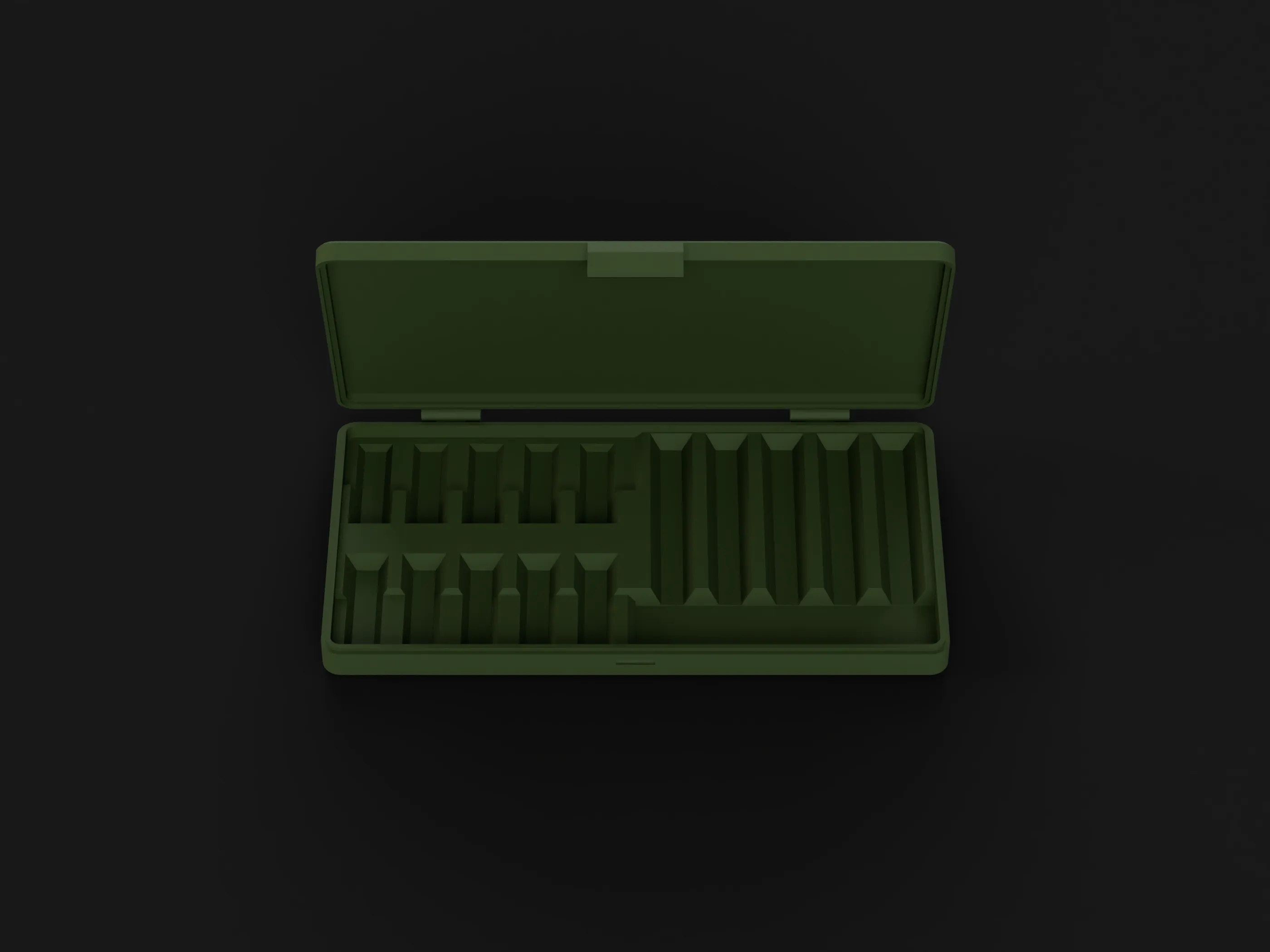
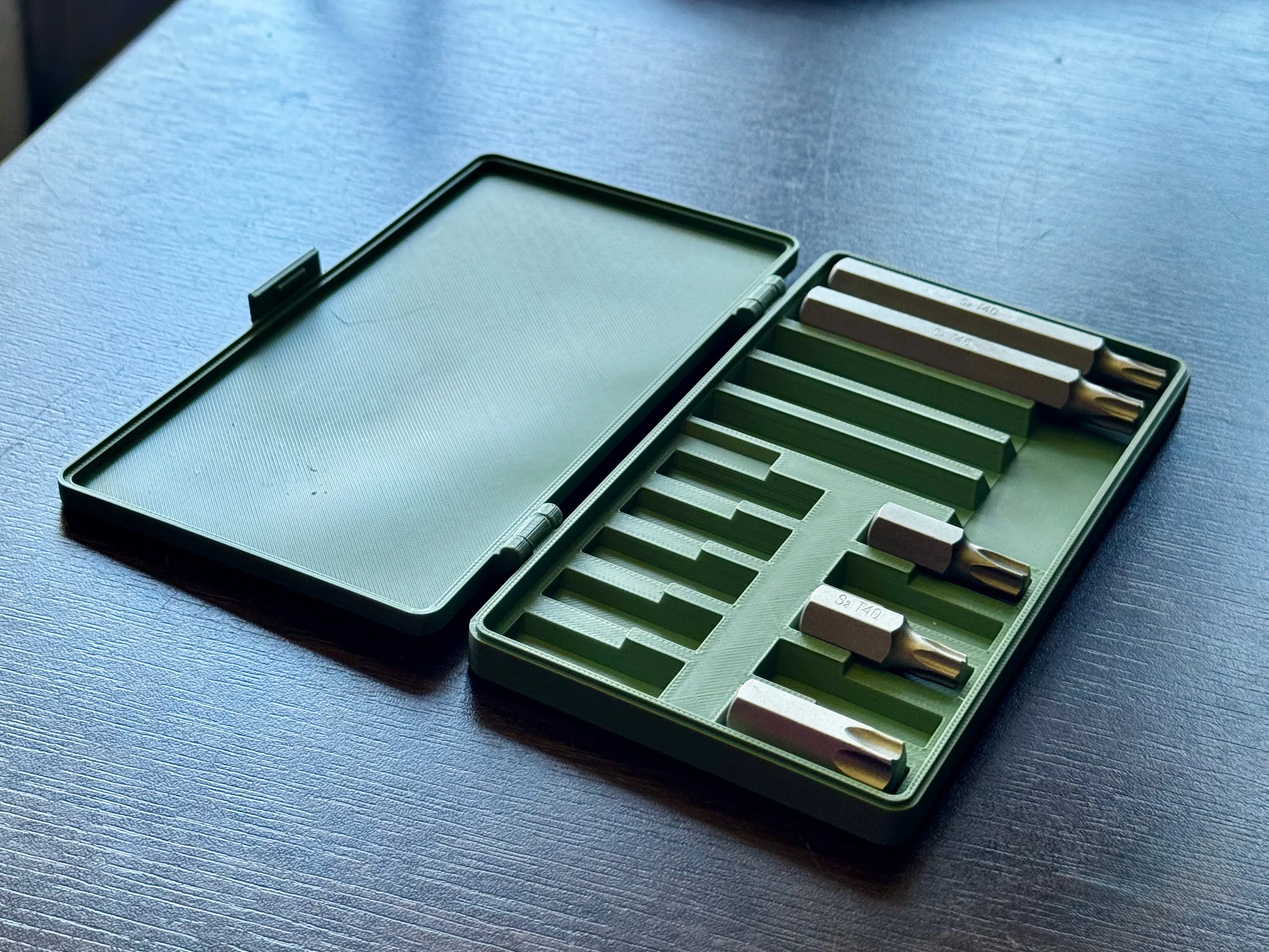
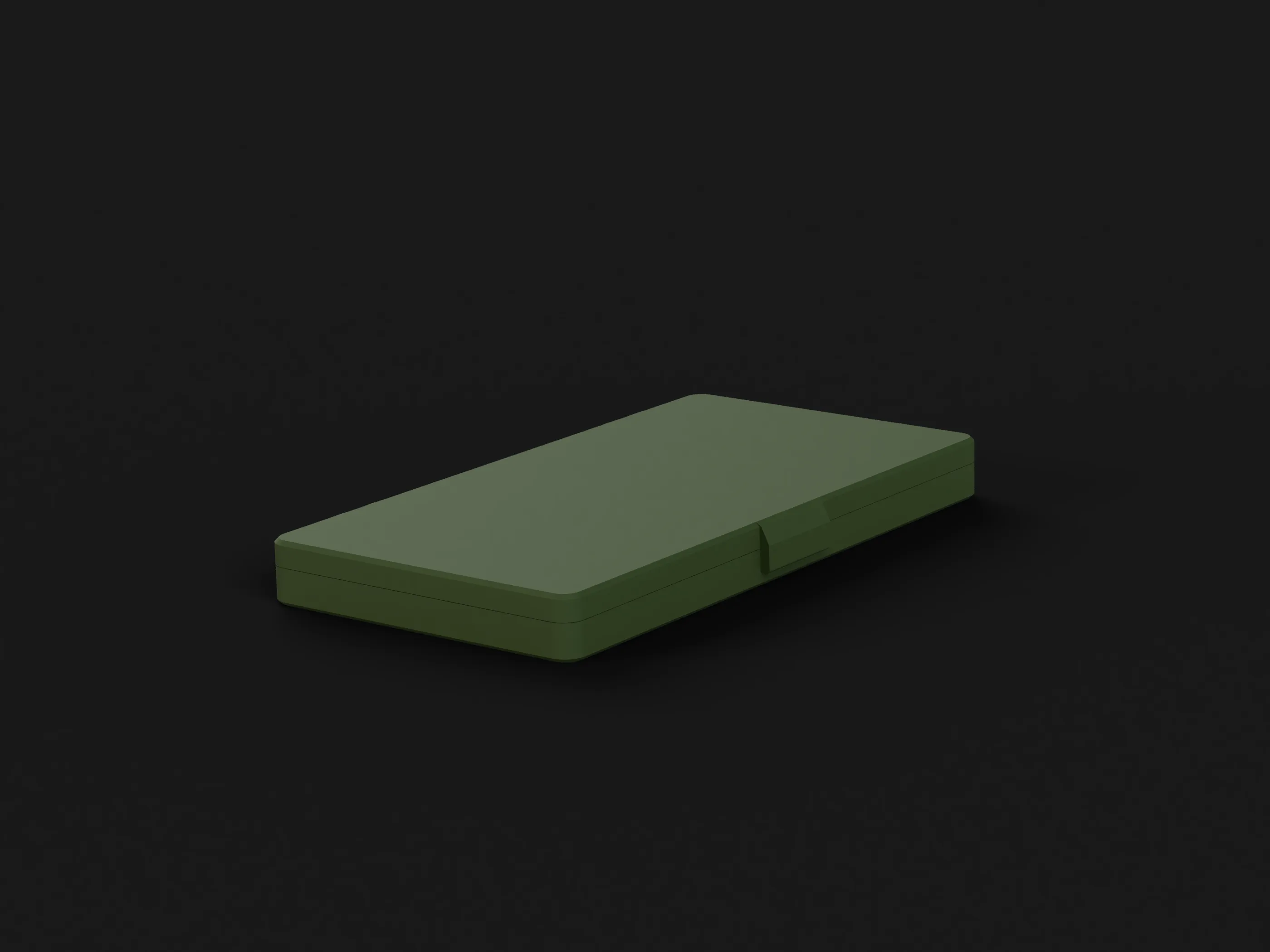
A practical 3D‑printed case designed to store 5 × 75 mm and 10 × 30 mm TORX bits in a compact format.
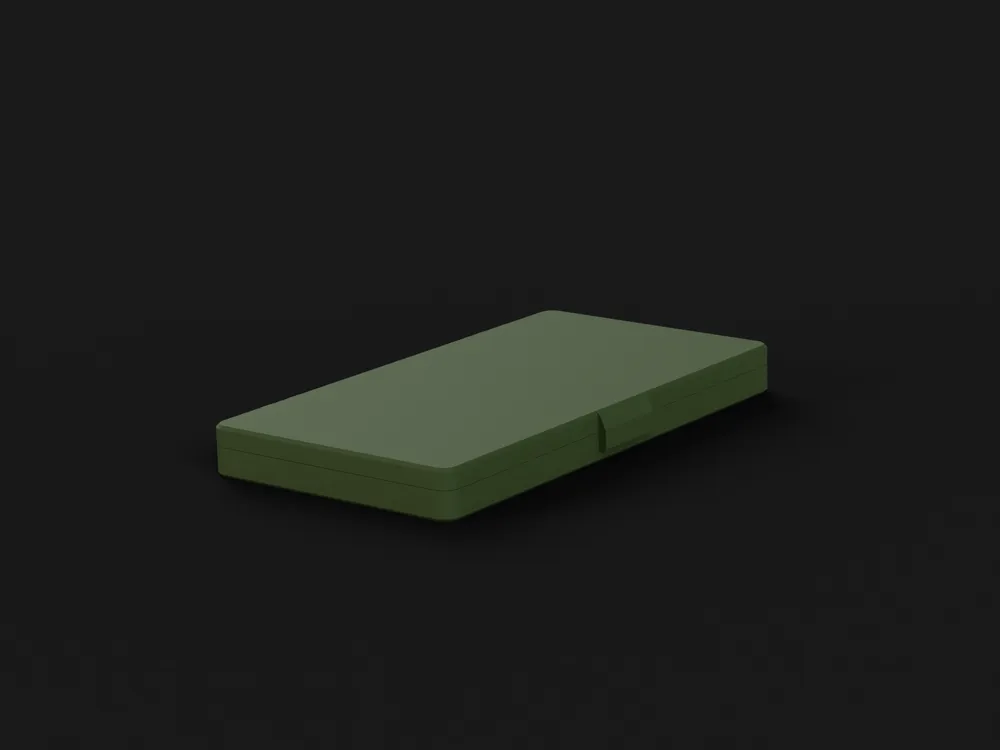
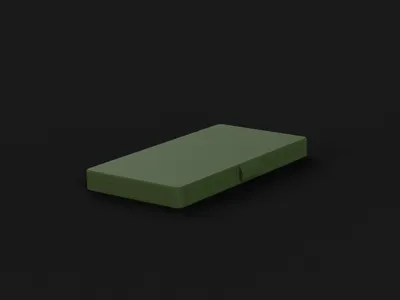
The design consists of two parts — base and lid — and requires no supports. The lid can be customized directly in Bambu Studio.
✅ Features
Holds 5 × 75 mm bits and 10 × 30 mm bits.
Compact size – easy to carry and store.
Secure fit – bits stay firmly in place.
Click‑fit lid – opens easily, stays closed when needed.
No supports needed – fully optimized for clean 3D printing.
F3D file attached
📐 Technical Details
| Parameter | Value |
|---|---|
| Dimensions | ~161 × 92 × 15 mm |
| Bit Compatibility | TORX T0–T55 |
| Capacity | 5 × 75 mm bits, 10 × 30 mm bits |
| Material | PLA or PETG |
| Infill | 15–20 % recommended |
| Layer Height | 0.2 mm |
| Print Time | ~2 hours (depends on settings) |
🔧 Printing & Customization Instructions
The STL file is split into two parts – the base and the lid.
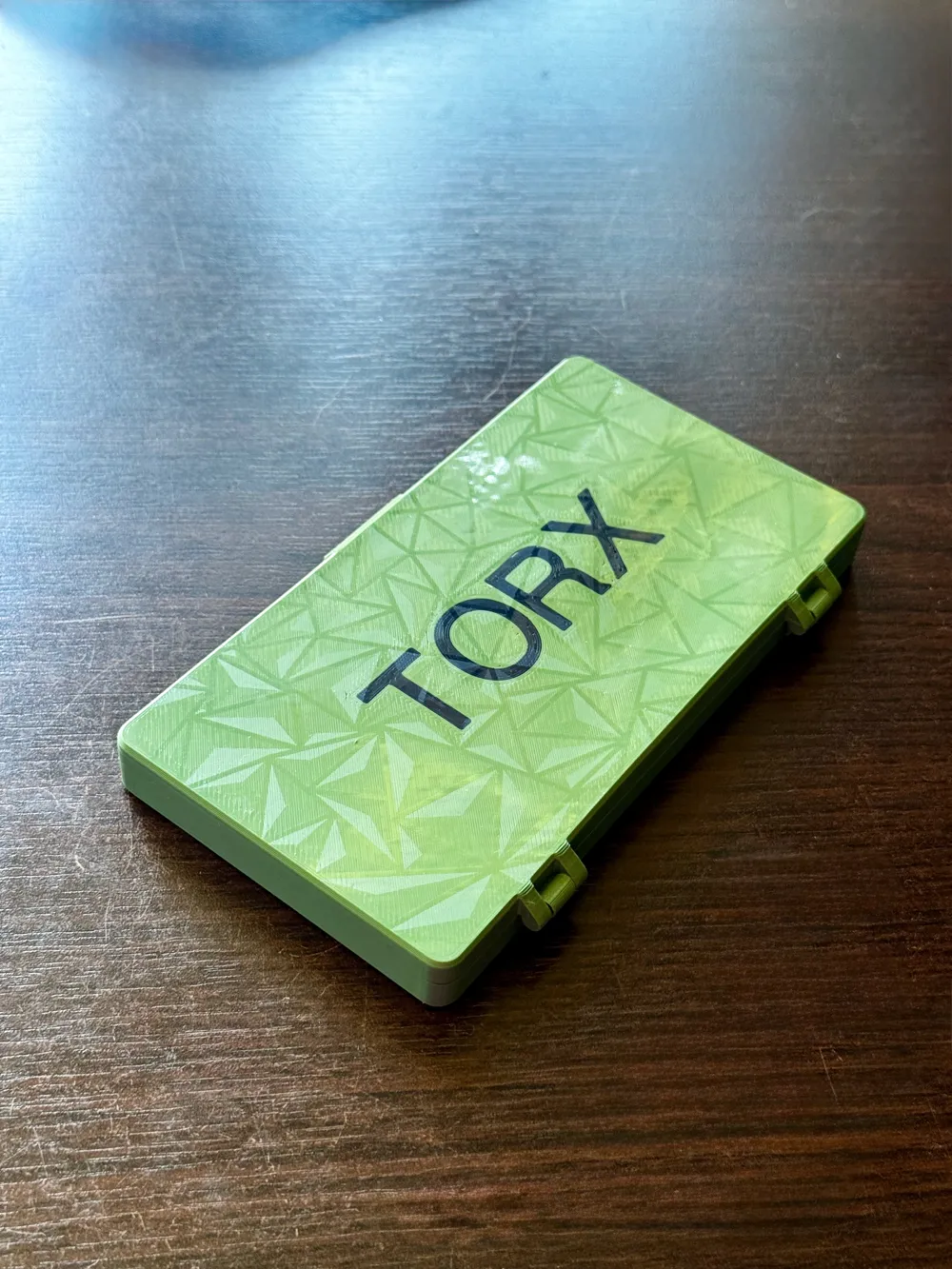
You can customize the lid design directly in MakerWorld before downloading or edit the “modifier text” in Bambu Studio to add your own lettering (e.g., your name, toolbox label, etc.).
Print both parts in your preferred colors.
No supports required – everything is flat‑bed friendly.
Snap the parts together – no glue or screws needed.
Insert your bits and you’re ready to go.
🛠 Assembly Guide
- Hold the base and lid at a slight angle.
- Gently push the hinges together until they snap into place.
- Avoid forcing — hinge fit is designed to be snug but smooth.
💡 Tips & Variations
- Use contrasting colors for lid and insert to make the design pop.
- PETG is recommended for heavy workshop use.
- Experiment with custom text or graphics on the lid for a personalized look.
Boost Me (for free)
🔥 Boost This Model & Help It Reach More Makers!
💡 Why Boost?
✔️ Help more makers discover this design
✔️ Support open-source creativity
✔️ Get updates & improvements
Your boost means a lot—let’s make this the go-to monitor stand for Acer users world
⭐ Support the Project
If you like this design:
Click “Download” and start printing today!
Give it a Like/Boost – it helps more makers find this project.
Follow my profile – more tool organizers are coming soon.
License



Comment & Rating (0)