
German Shepherd 2.0
Print Profile(1)

Description
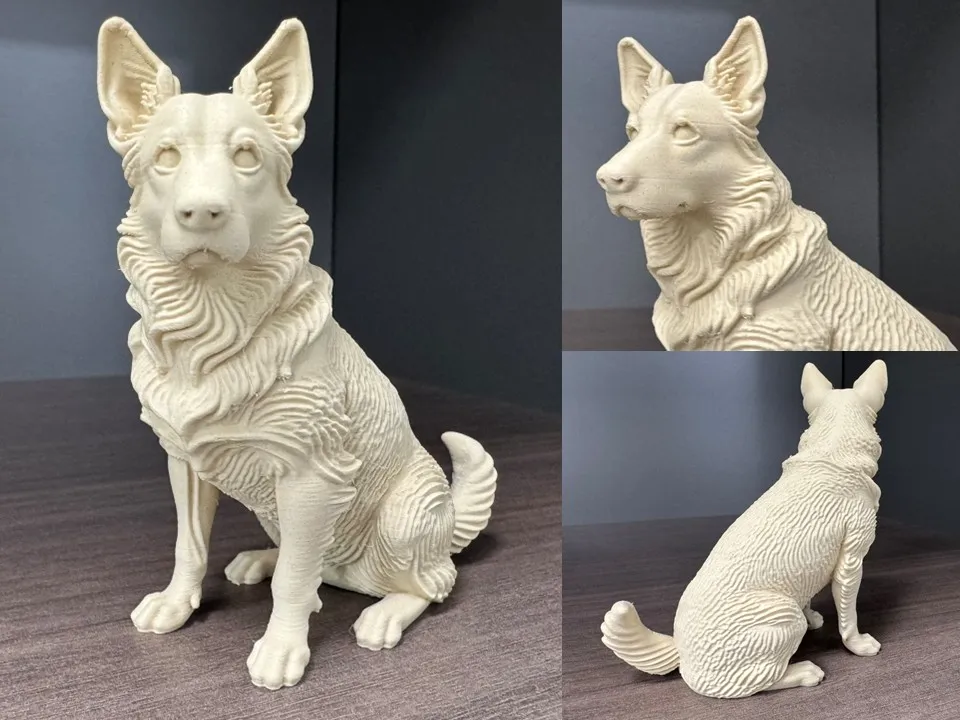
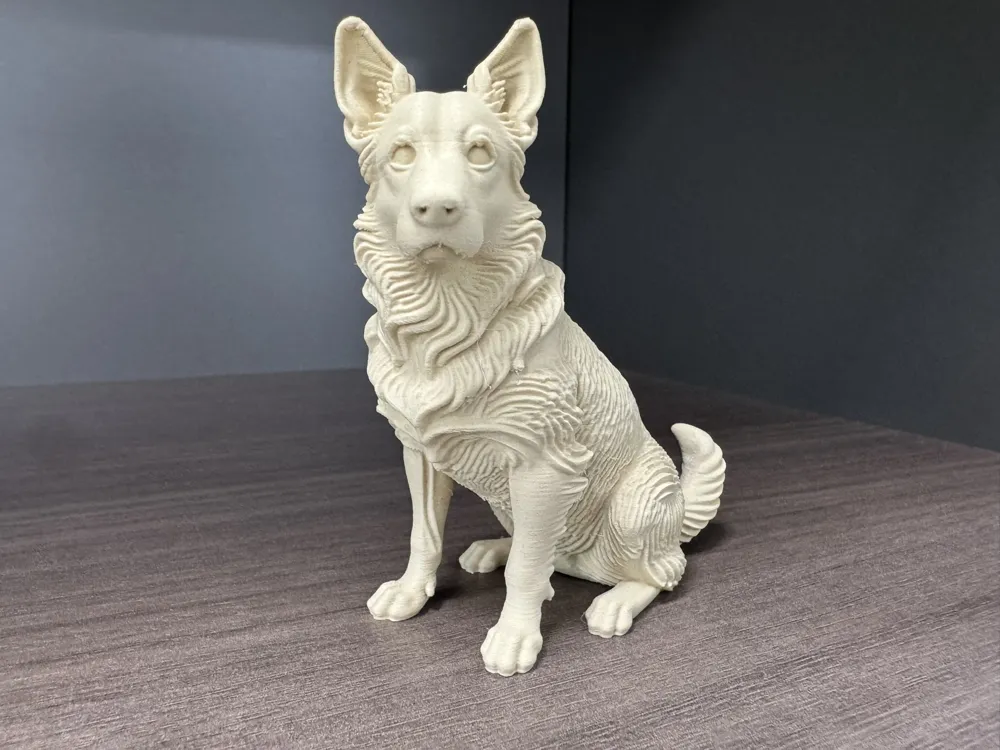
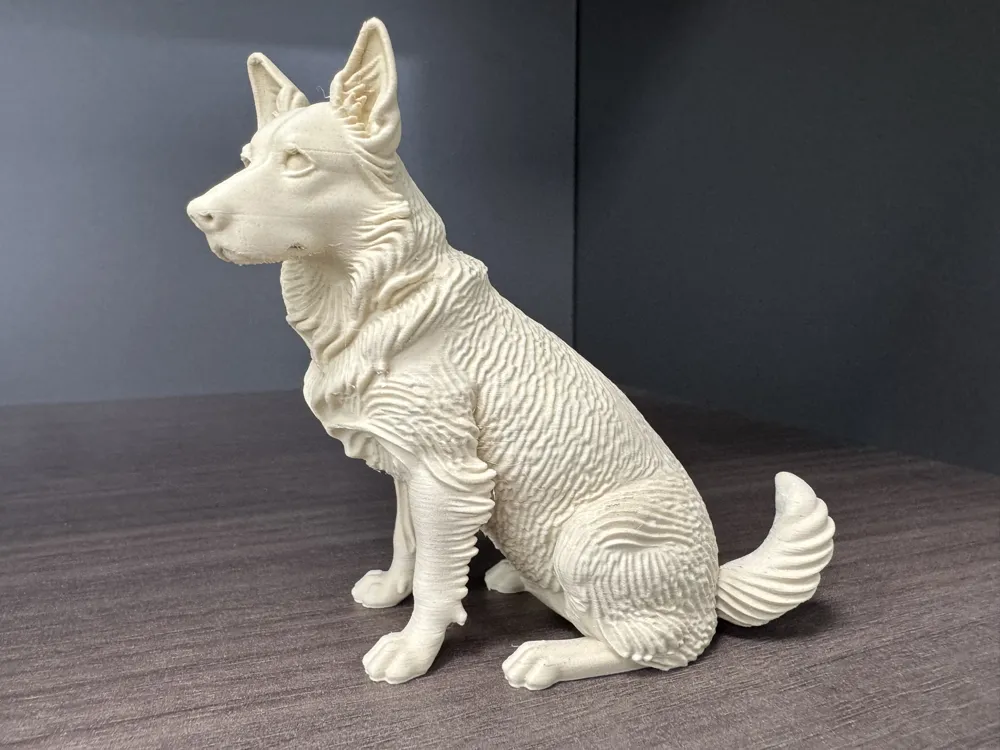
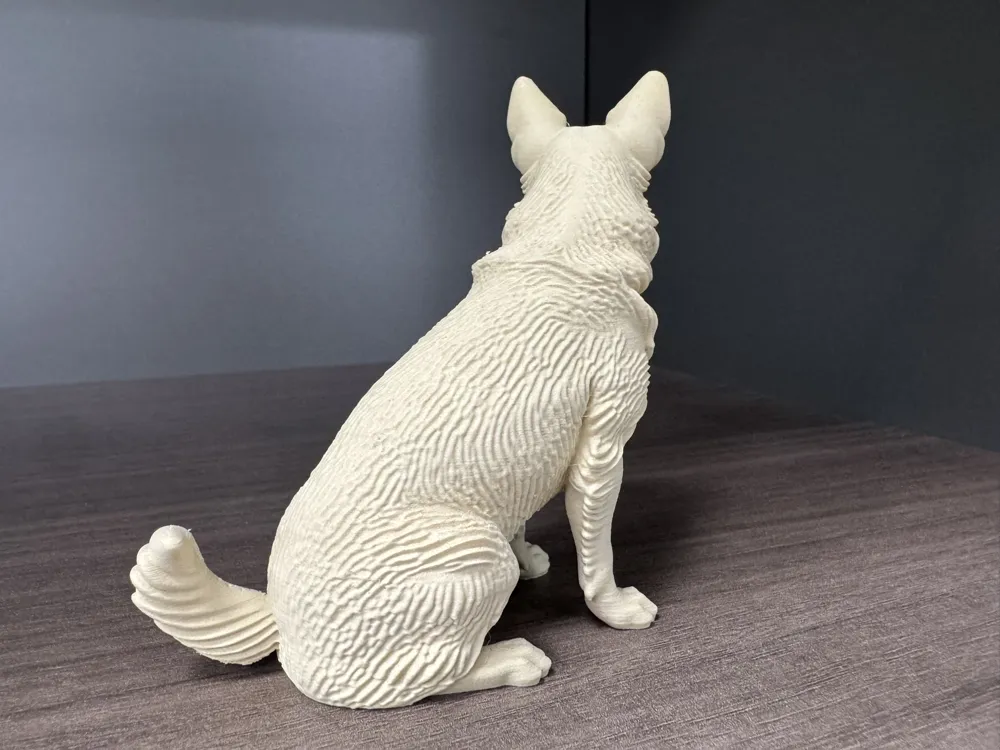
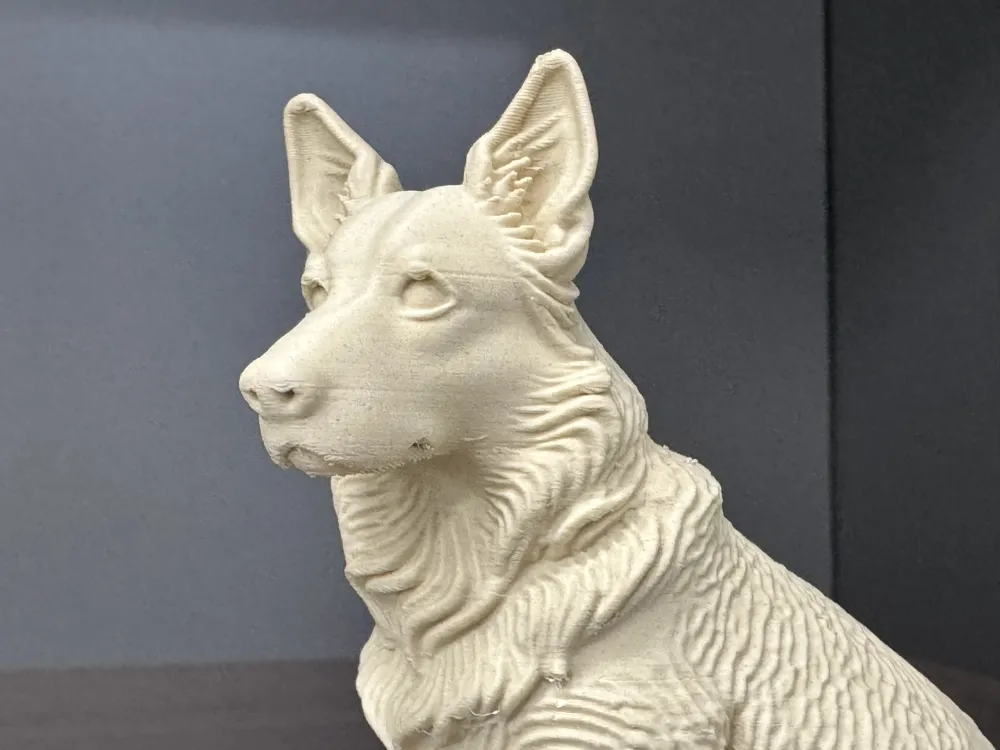
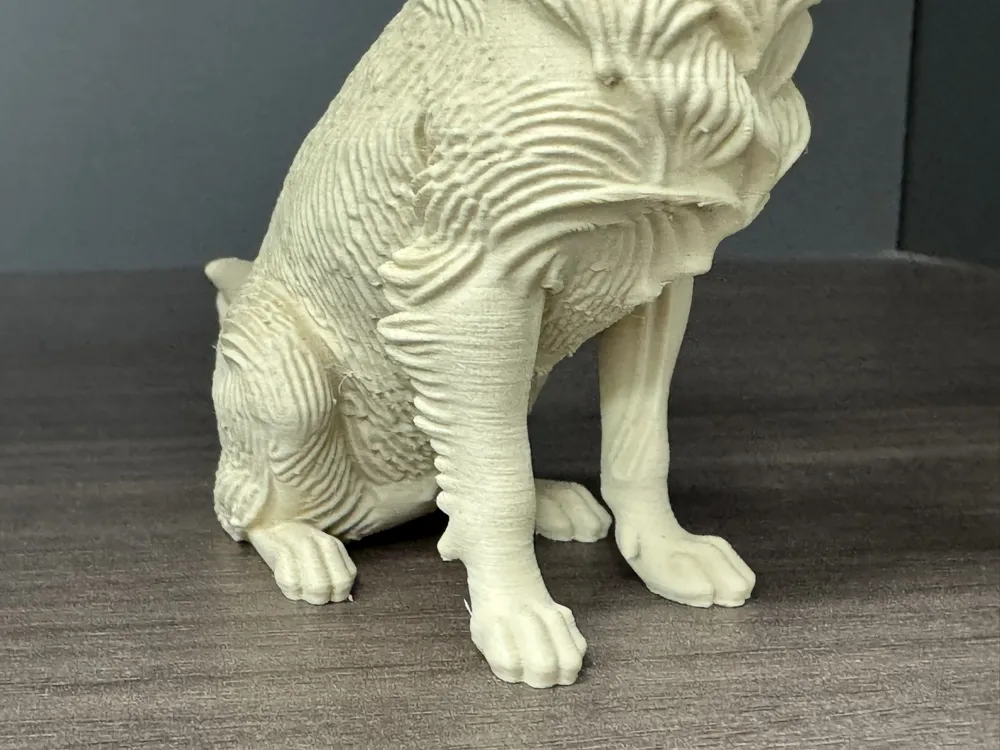
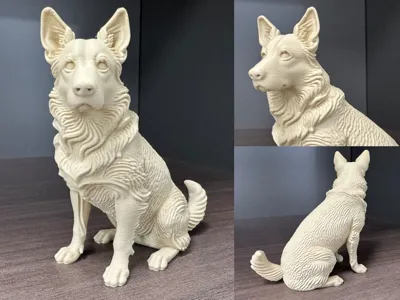
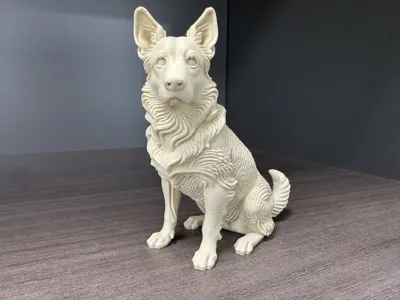
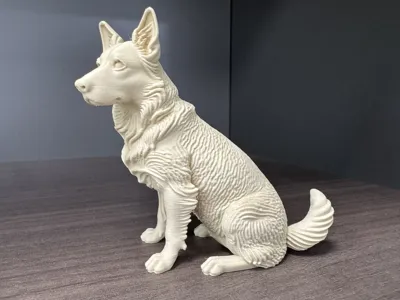
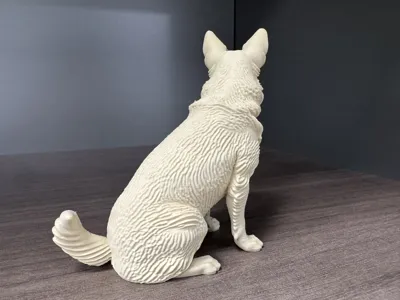
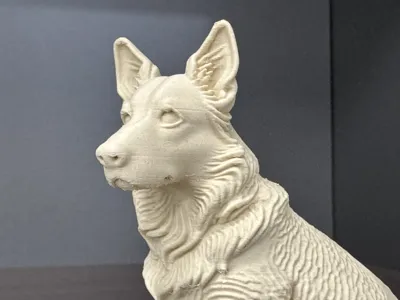
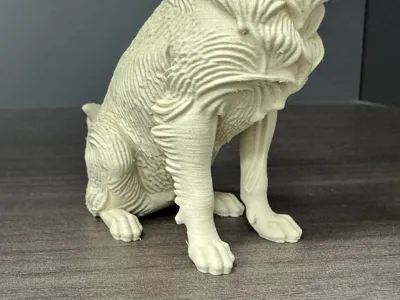
Sitting German Shepherd - 2.0_Sculpture (Detailed Fur Texture)
- Sitting German Shepherd pet sculpture, with exquisitely carved fur texture, and delicate, lifelike expression and posture!
- Initial configuration outline size 81X81X98mm, you can scale it according to your needs, and you can also color it or print it in multiple colors
- Supports are easy to remove, but care is needed, default 0.2 variable layer height, recommended to print at 100% original speed
- If the overhang quality is not ideal during printing, pay attention to cooling! Also, pay attention to filament flow rate calibration and drying for better print quality!
- Welcome everyone to print and share photos for support. If you have any problems, you can leave comments and feedback in the comment section to discuss and solve them together
Boost Me (for free)
If you like this model, you can boost me to buy a cup of milk tea, thank you everyone
Printing Tips and Preparation Notes
(Most models released by creators have been tested. If you have any questions, feel free to discuss them in the comments section)
I will explain some precautions below. For more questions, you can ask customer service or check the Bambu Lab Wiki, where you can learn a lotPrint Quality and Troubleshooting | Bambu Lab Wiki
- Ensure the build plate is clean; it is recommended to clean it regularly! Grease residue on your hands after touching the printing surface will significantly reduce print adhesion. At the same time, previous print debris and tiny print residue also affect the first layer's print quality, thereby reducing the success rate.
- Pay attention to filament drying, as this will greatly affect your print quality and experience! Filament will inevitably get damp after being stored for a long time. If stringing occurs, it is recommended to ask the manufacturer for drying parameters to dry the filament. At the same time, most manufacturers do not dry their filament before leaving the factory, so newly unsealed filament may still be a bit damp. It is also recommended to dry it before use.
- When using filament from a new manufacturer, it is recommended to perform filament flow rate calibration immediately and modify the calibration coefficient. This will greatly affect your print quality and is a necessary process to adapt new filament to your printer.
- If you encounter problems where print quality suddenly deteriorates and the success rate is low, check if the nozzle is clogged, and you can also try recalibrating the printer.
- Print according to the recommended printing speed in the model description. Overhang quality is directly related to printing speed. An appropriate speed (neither too fast nor too slow) allows the material more time to cool and form during deposition.
- Set the hotbed and nozzle temperatures appropriately according to different materials. Temperatures that are too high or too low can cause warping, layer deformation, or adhesion issues, thereby affecting print quality and success rate.
License

You shall not share, sub-license, sell, rent, host, transfer, or distribute in any way the digital or 3D printed versions of this object, nor any other derivative work of this object in its digital or physical format (including - but not limited to - remixes of this object, and hosting on other digital platforms). The objects may not be used without permission in any way whatsoever in which you charge money, or collect fees.
Comment & Rating (4)