
Nintendo Switch2 Handheld Grip
Print Profile(2)

![Single plate & color [0.08mm layer, 2 walls, 15% infill]](https://makerworld.bblmw.com/makerworld/model/USe59b5537ac3250/781992247/instance/525b600a15e9787a.jpg?x-oss-process=image%2Fresize%2Cw_100%2Fformat%2Cwebp)




Description
Modification, remixing, and commercial use of this data are strictly prohibited.
If you wish to sell prints, please obtain a commercial license from here
https://www.patreon.com/cw/Manabun_lab

Boost Me (for free)
👍If you like it, please consider boosting it!✨
Updated on April 7, 2026.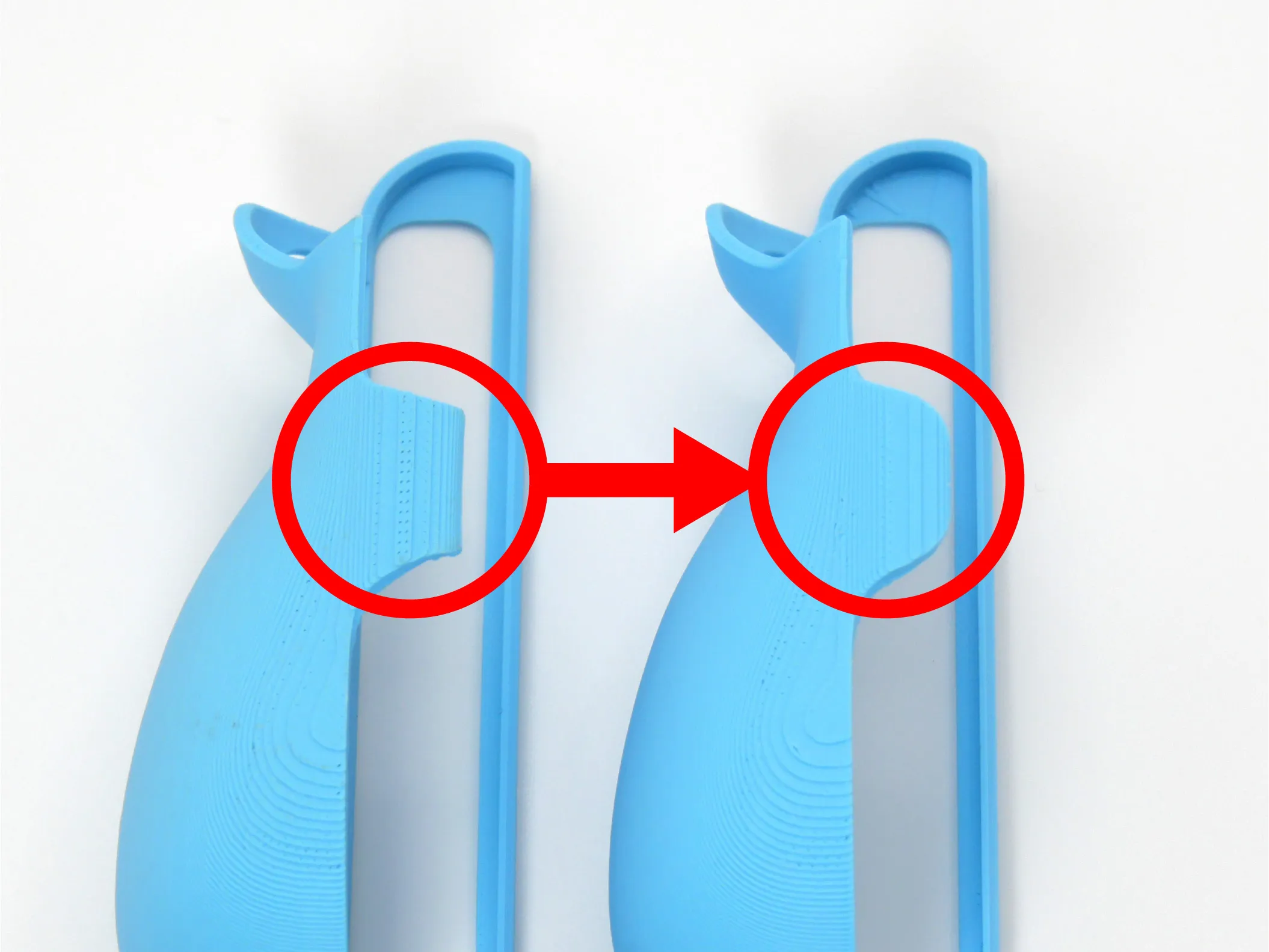
The corners of the section that holds the Joy-Con have been smoothed to reduce pressure on the palm.
The fit of the Joy-Con has also been readjusted.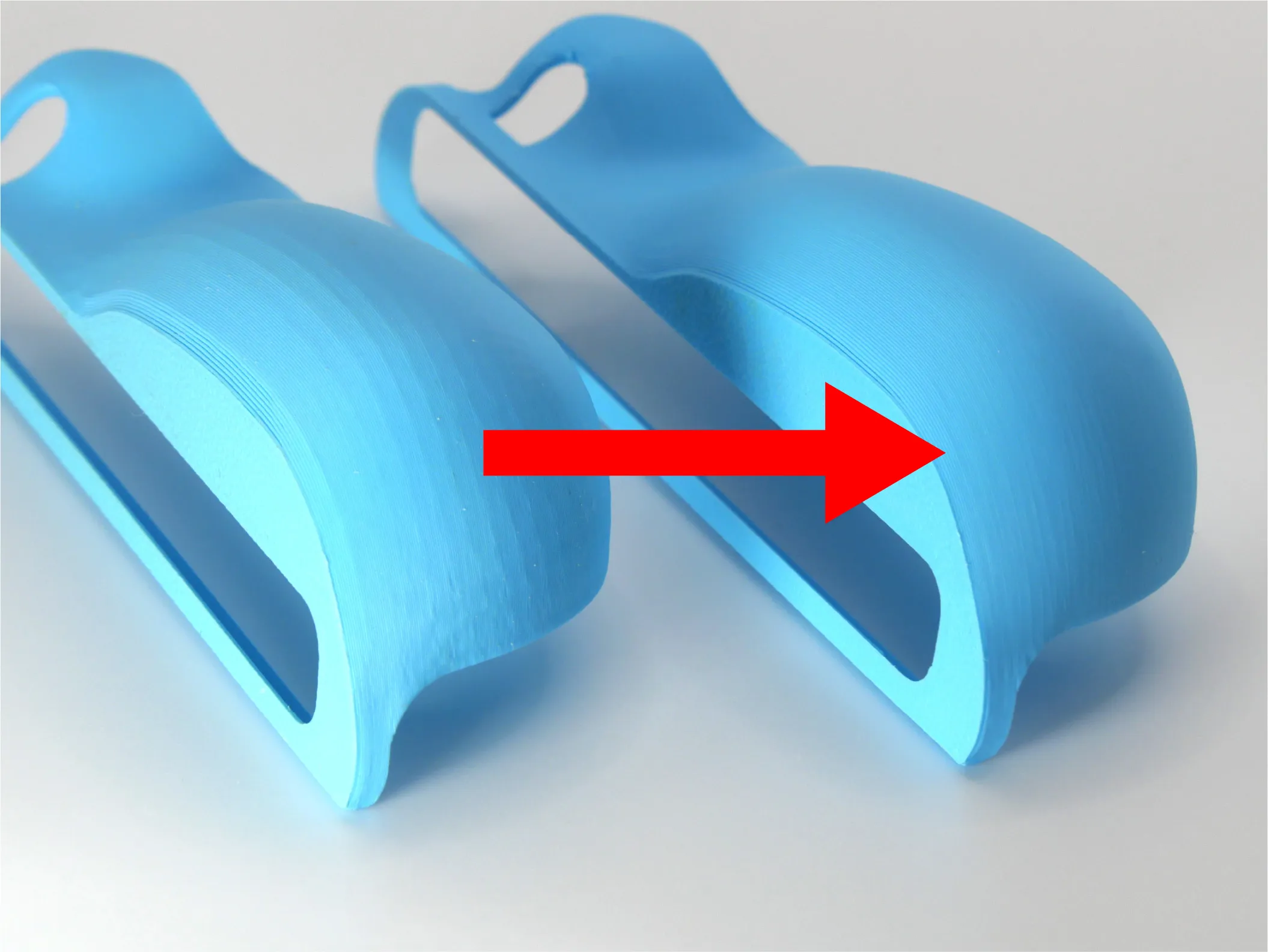
The overall polygon count of the grip has been increased, resulting in a smoother surface and improved appearance.
------------------------------------------------------------------------------------------------------------------------------------------------------------------------

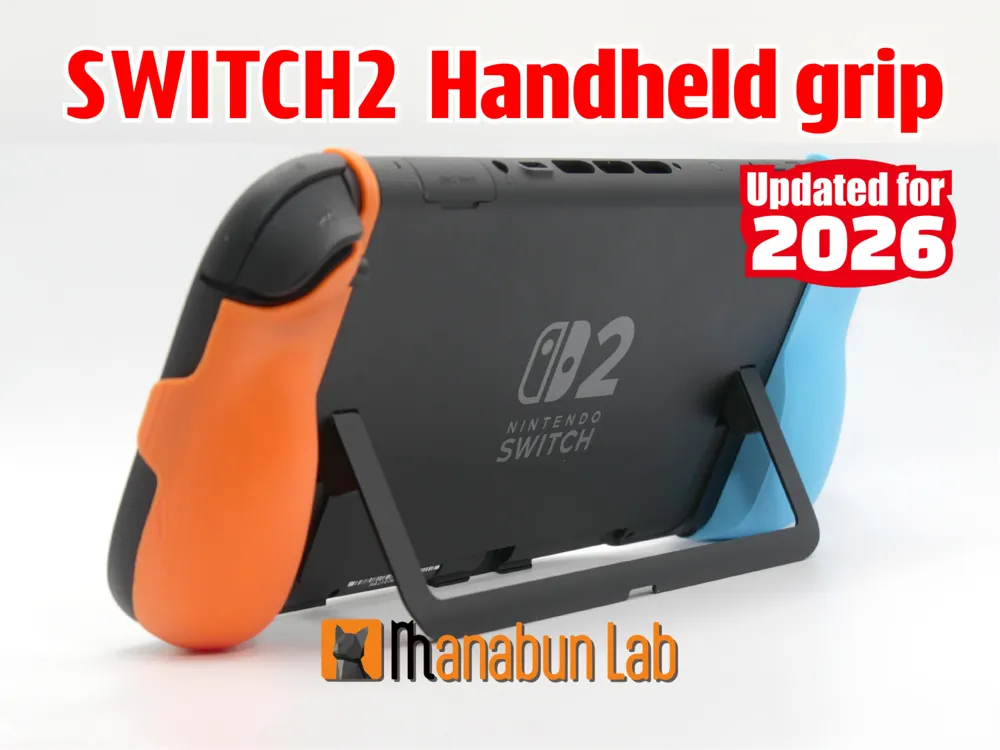
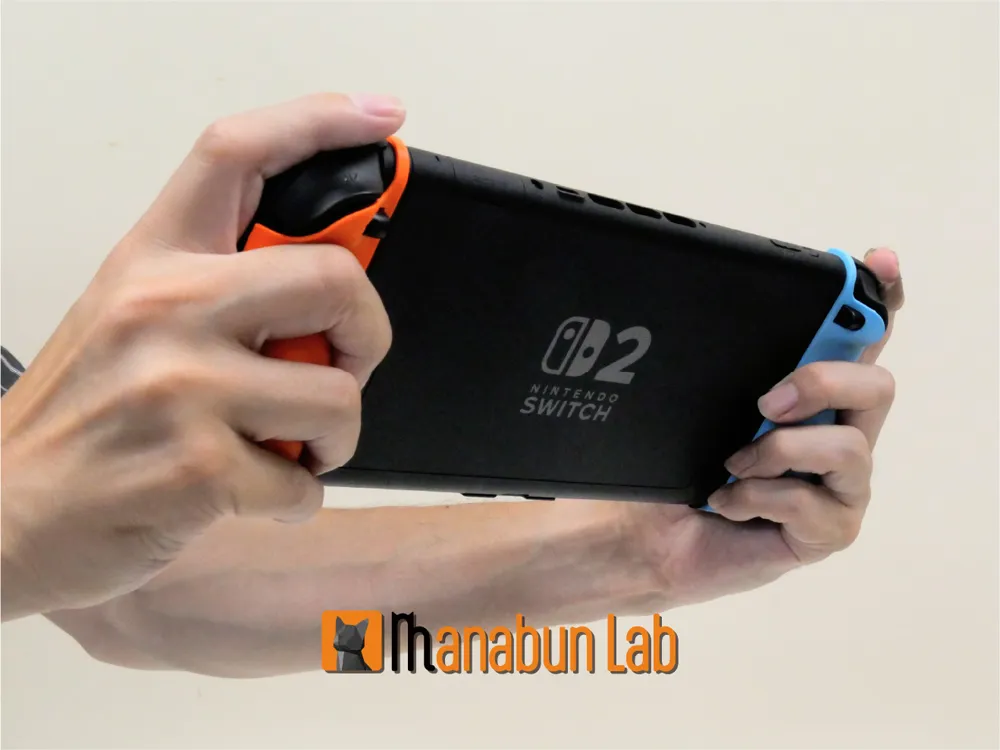
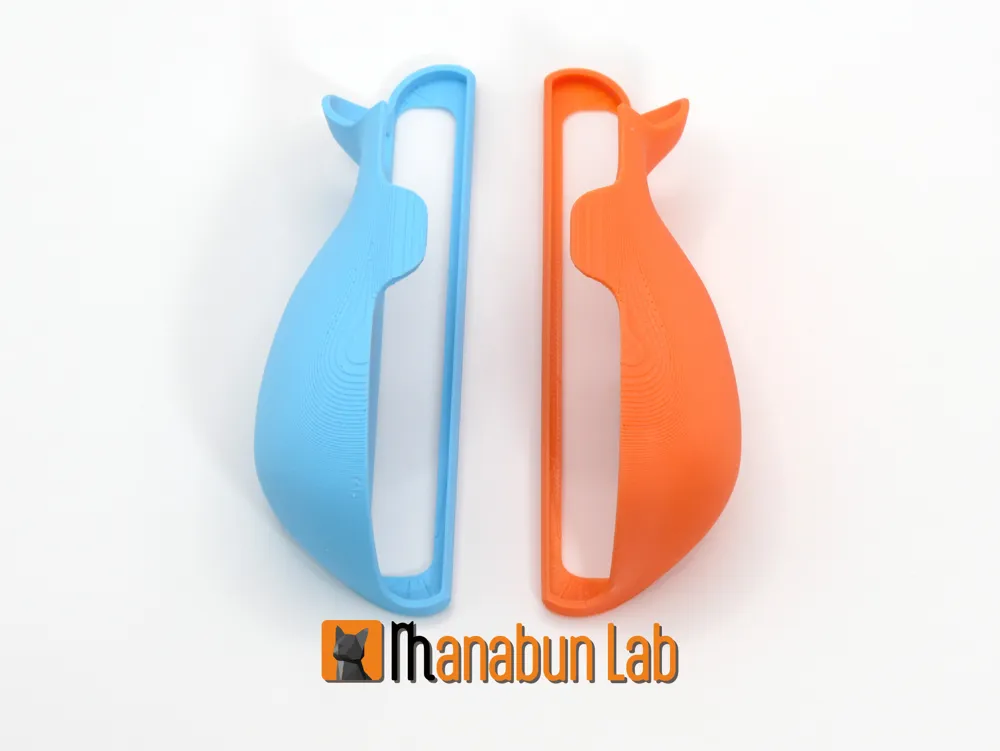
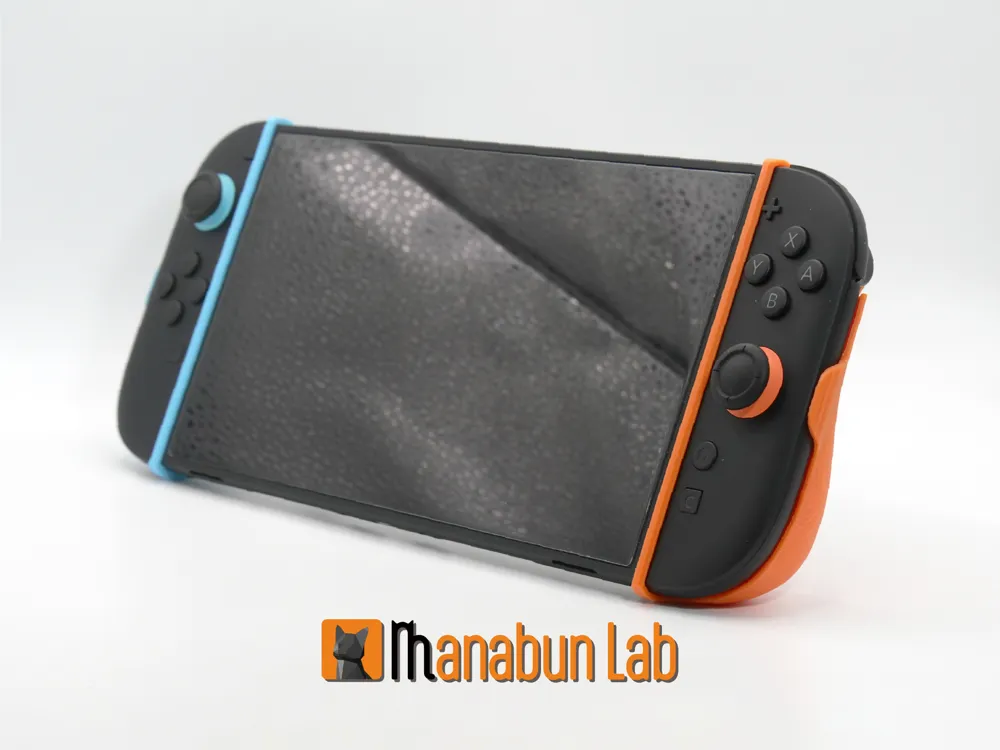
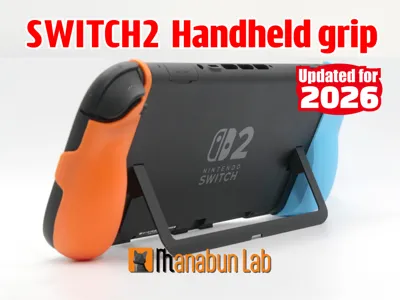
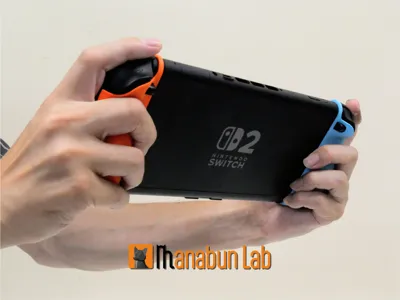
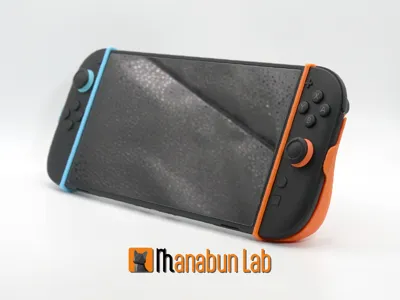
This grip is specially designed for handheld mode on the Switch 2.
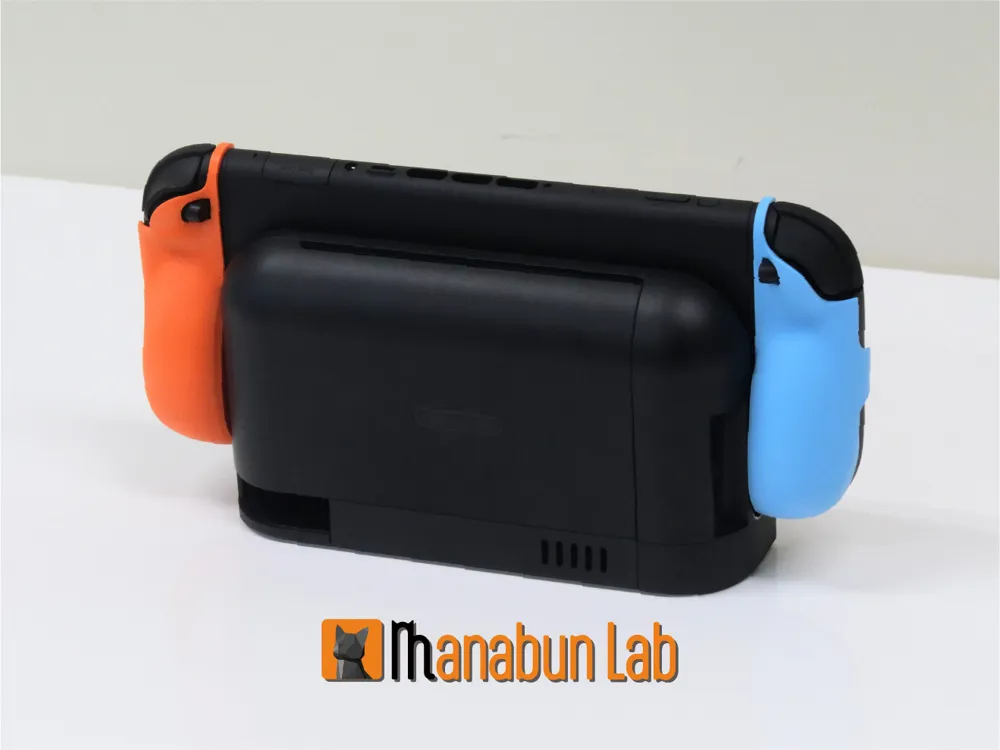
It allows for easy removal with minimal effort, while securely holding the console in place.
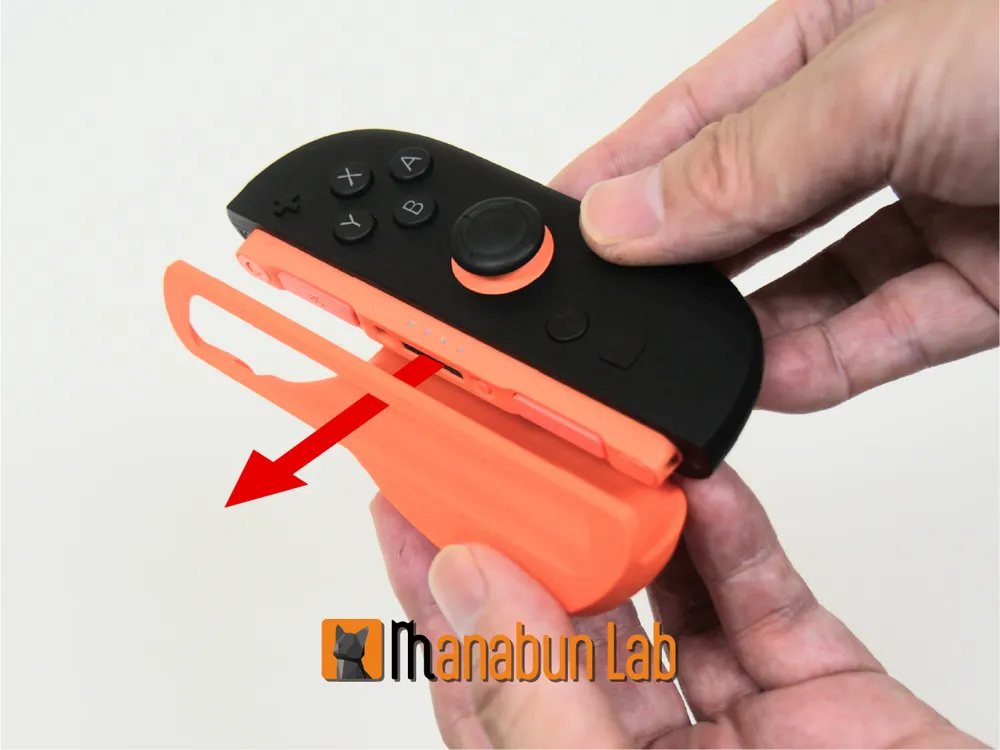
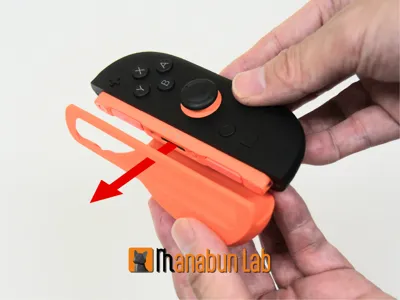
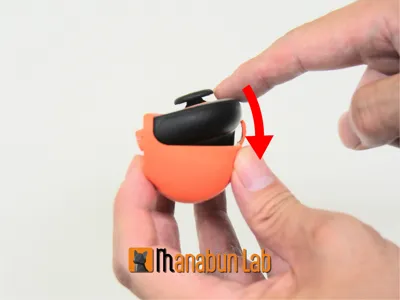
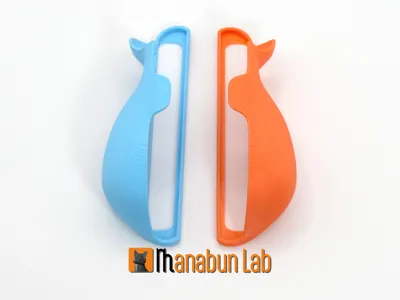
The secret lies in its unique loop design—by threading the Joy-Con 2 through the loop, it achieves both a light feel and a firm hold.

Experience the comfort and ease of this smooth attachment for yourself!
Printing Instructions:
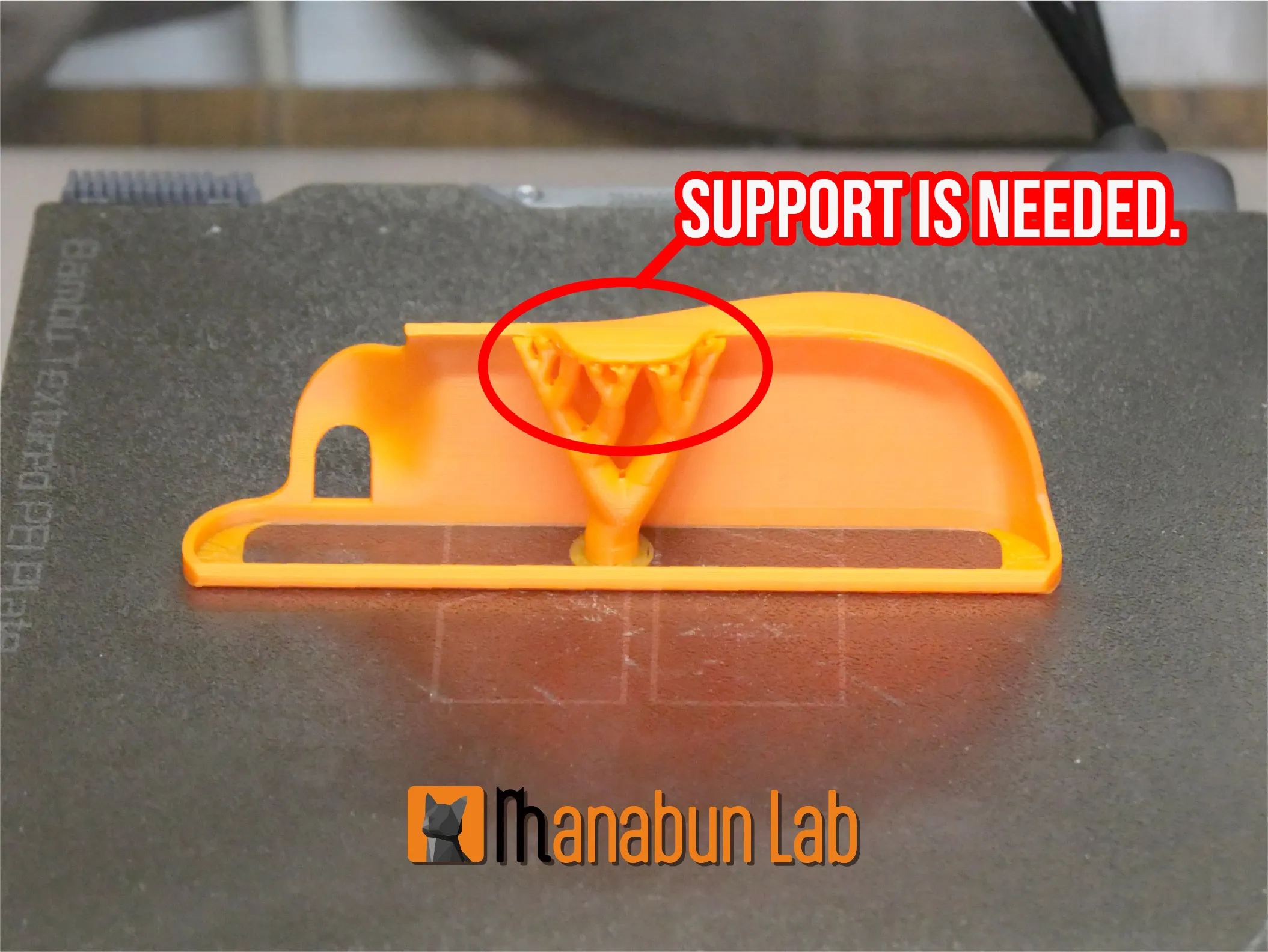
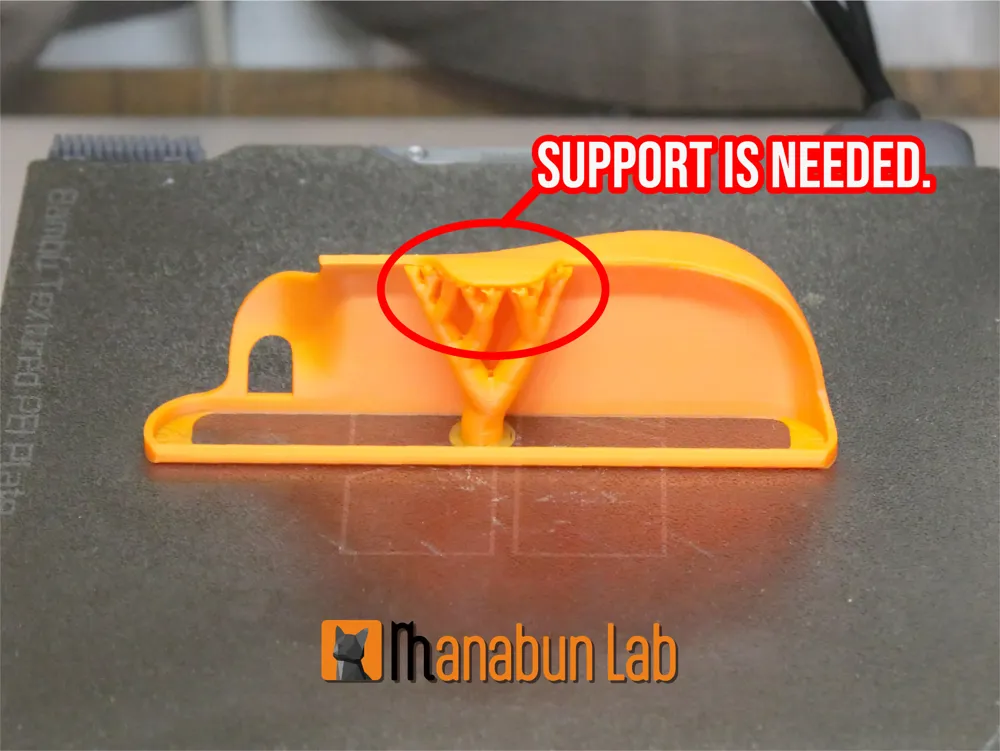
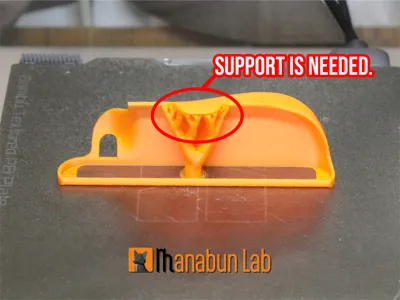
The section that holds the Joy-Con requires support material.
Using a 0.2 mm layer height makes the supports easier to remove.
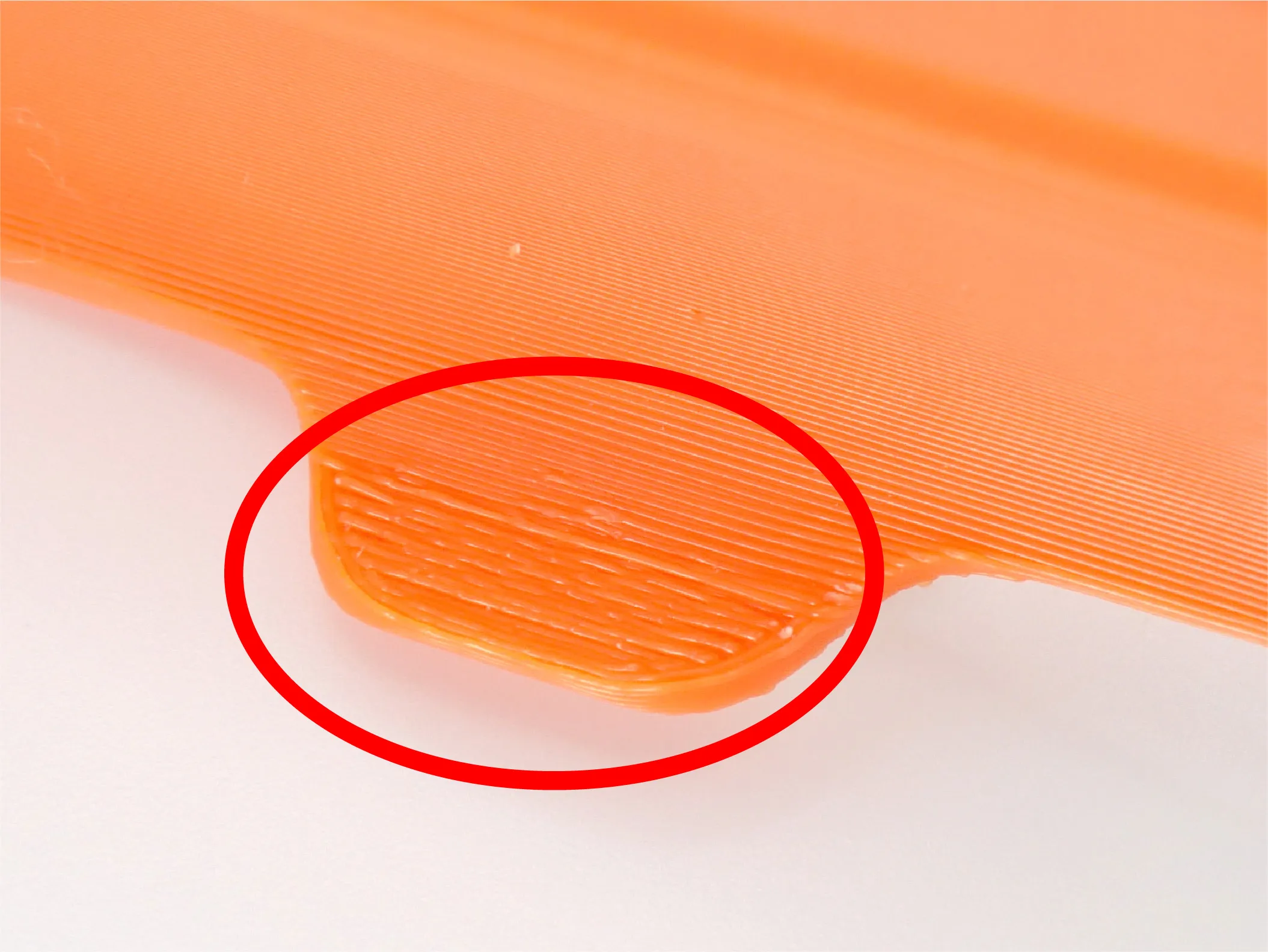
If the supports come off cleanly, the result will look as neat as shown in the images.
If any support material remains in this area, please sand it down gently, as it may scratch the Joy-Con.
Installation Instructions:
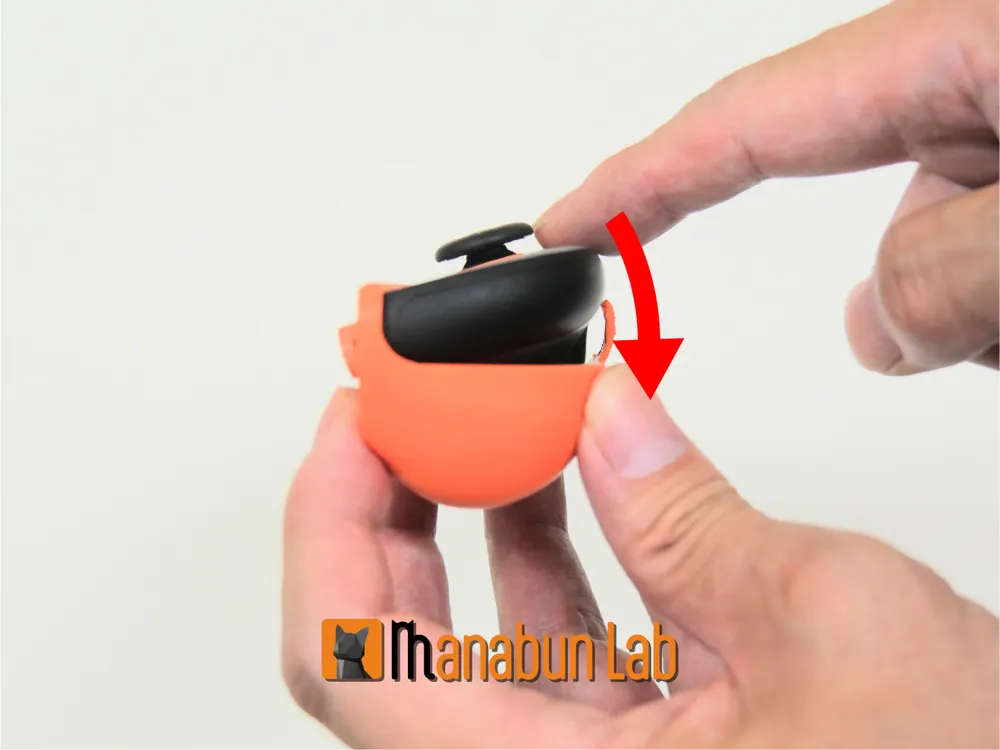
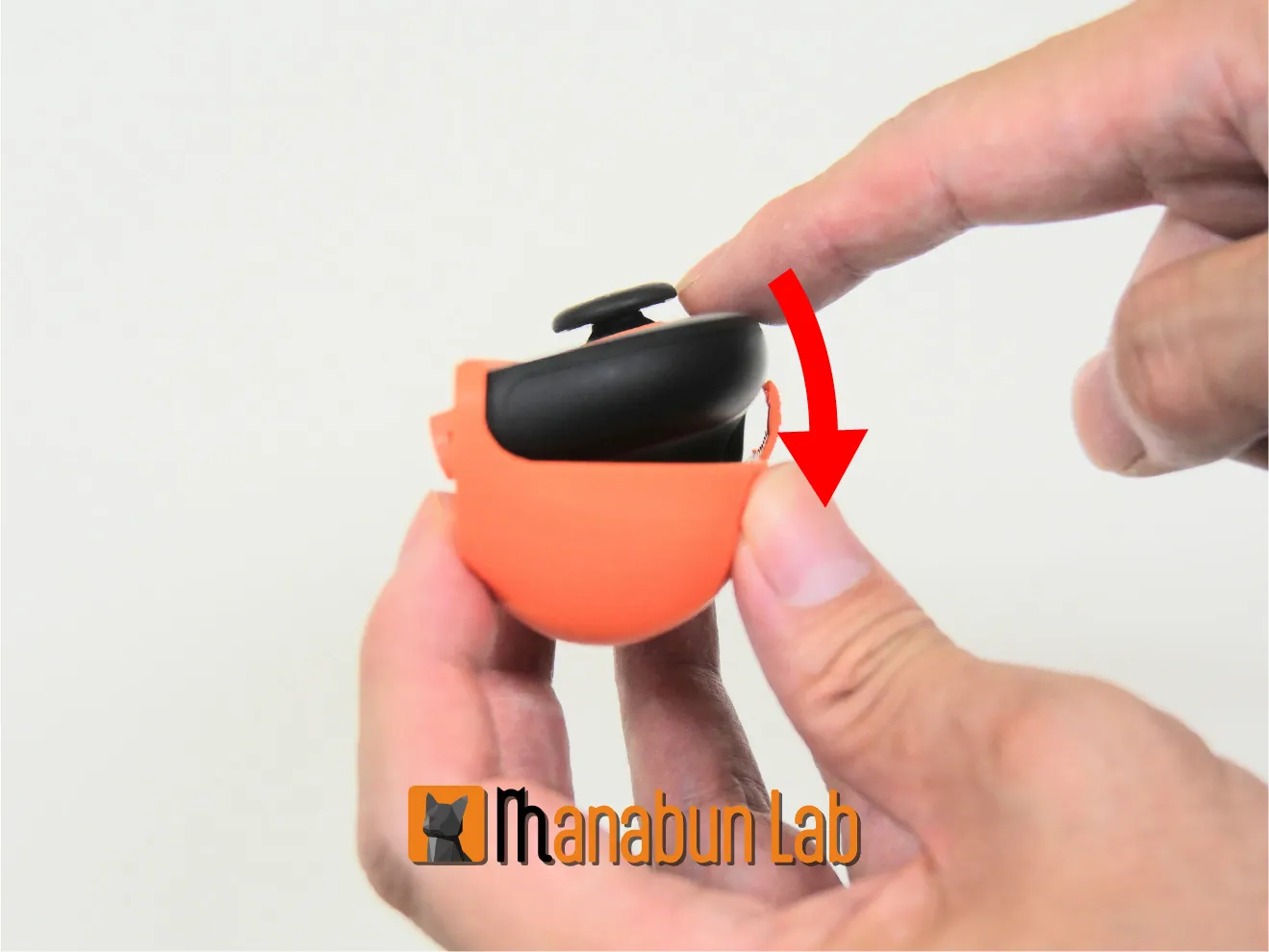
1. Insert the Joy-Con 2 into the loop section of the grip.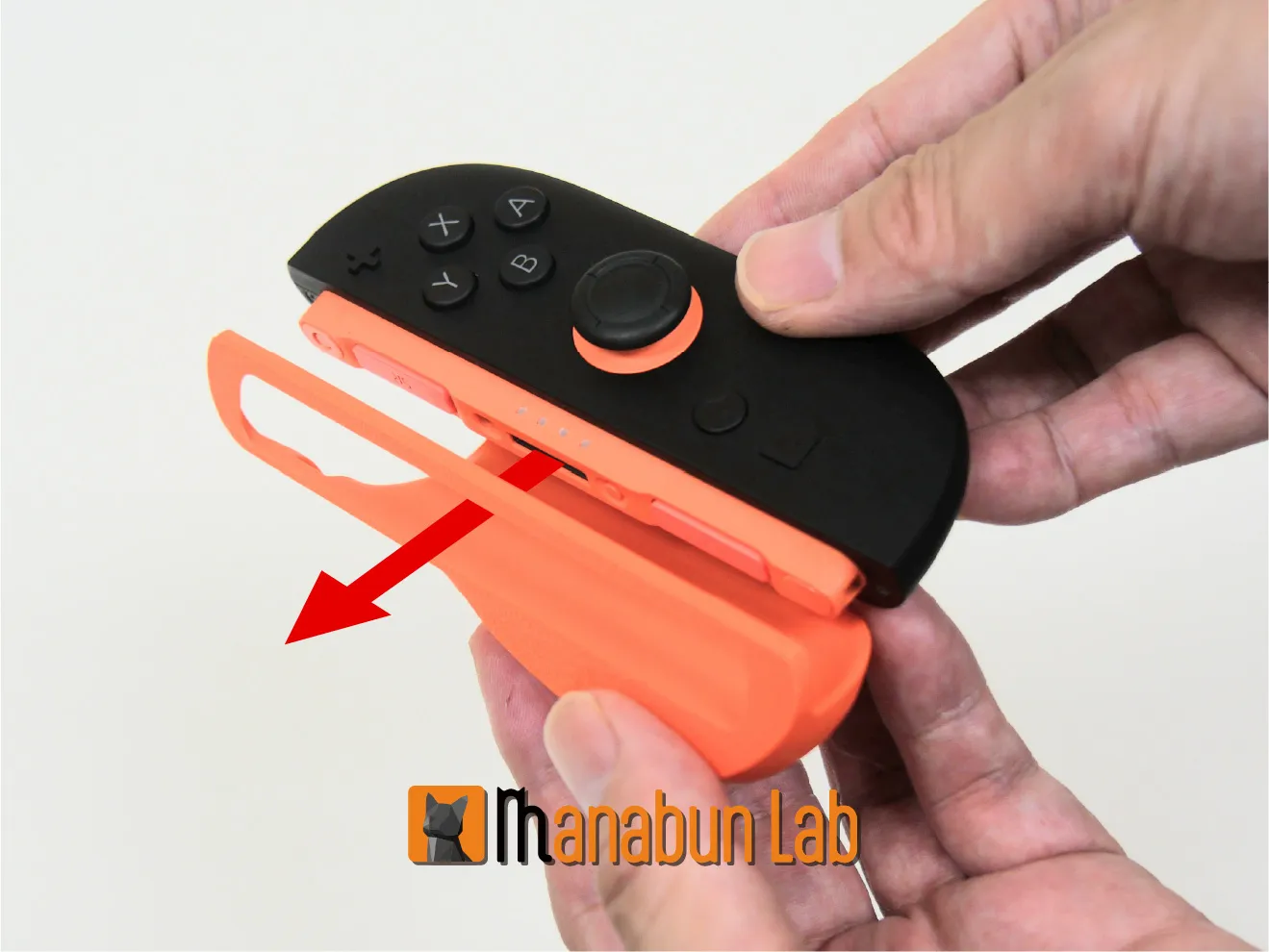
2. Snap it in following the direction of the arrow.
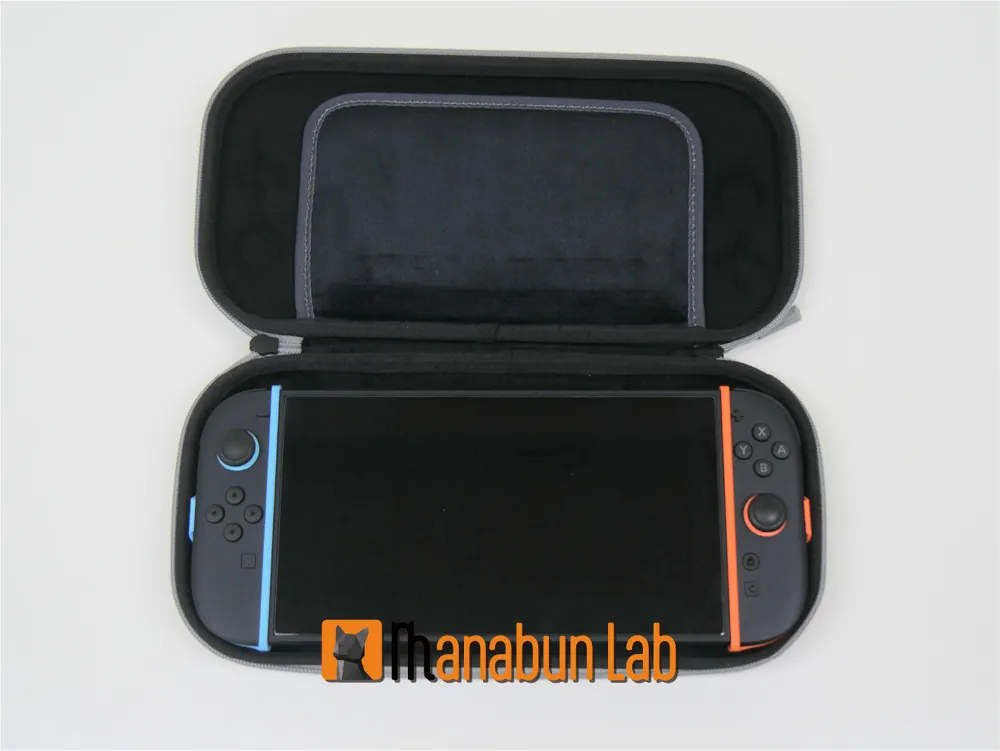
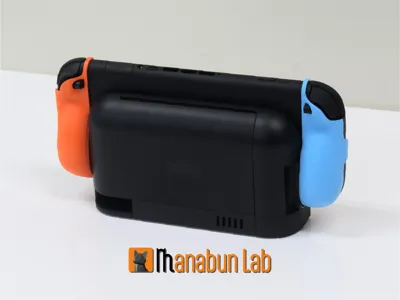
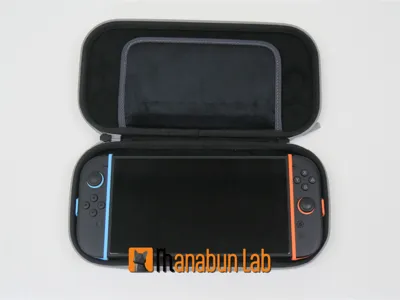
You can use the dock or carrying case with the grip still attached.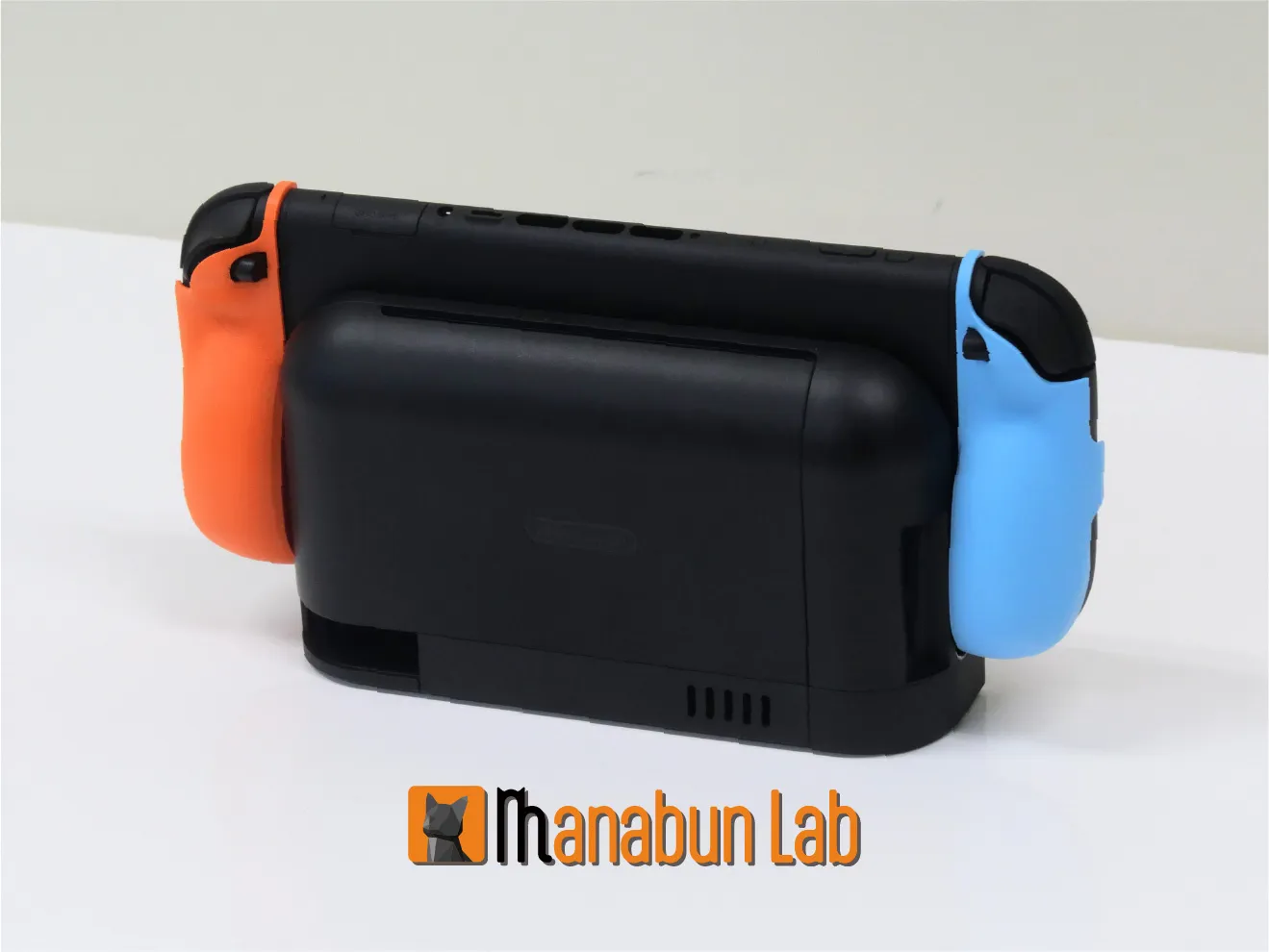
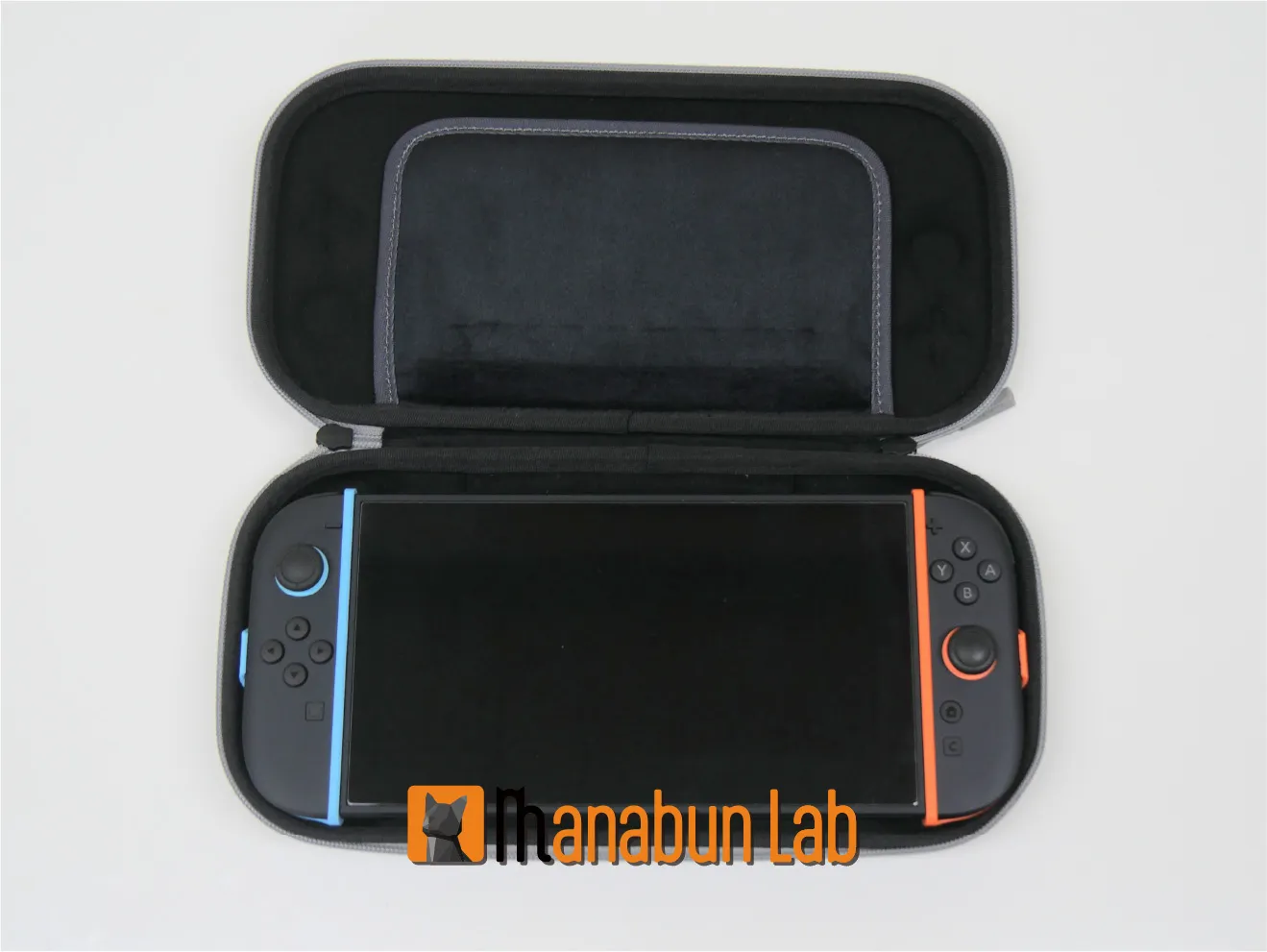
By combining it with the Joy-Con 2 Snap-Lock Grip,
you can upgrade to the ultimate grip performance for an enhanced control experience!
https://makerworld.com/en/models/1514088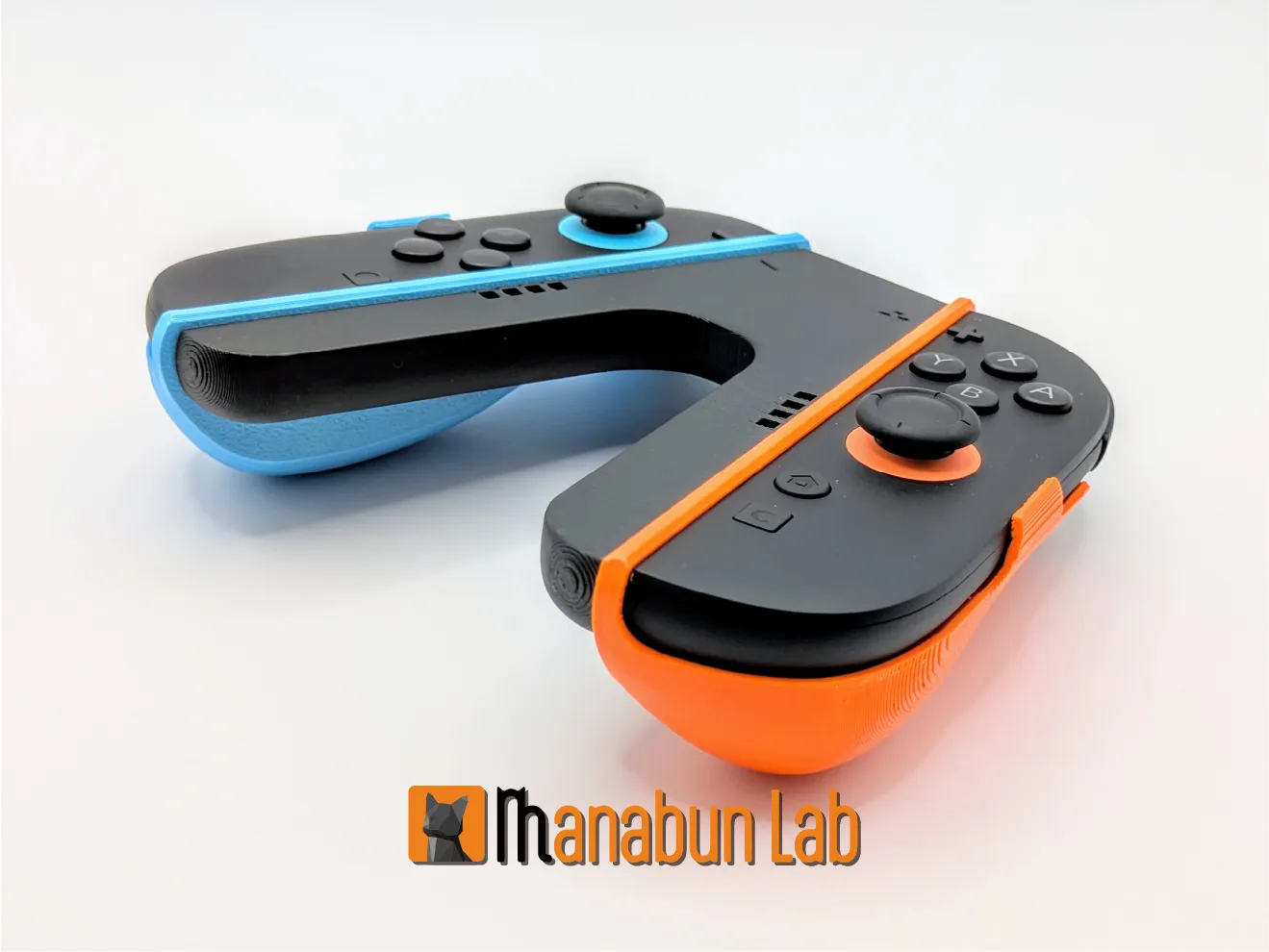
Enjoy your gaming life!
------------------------------------------------------------------------------------------------------------------------------------------------------------------------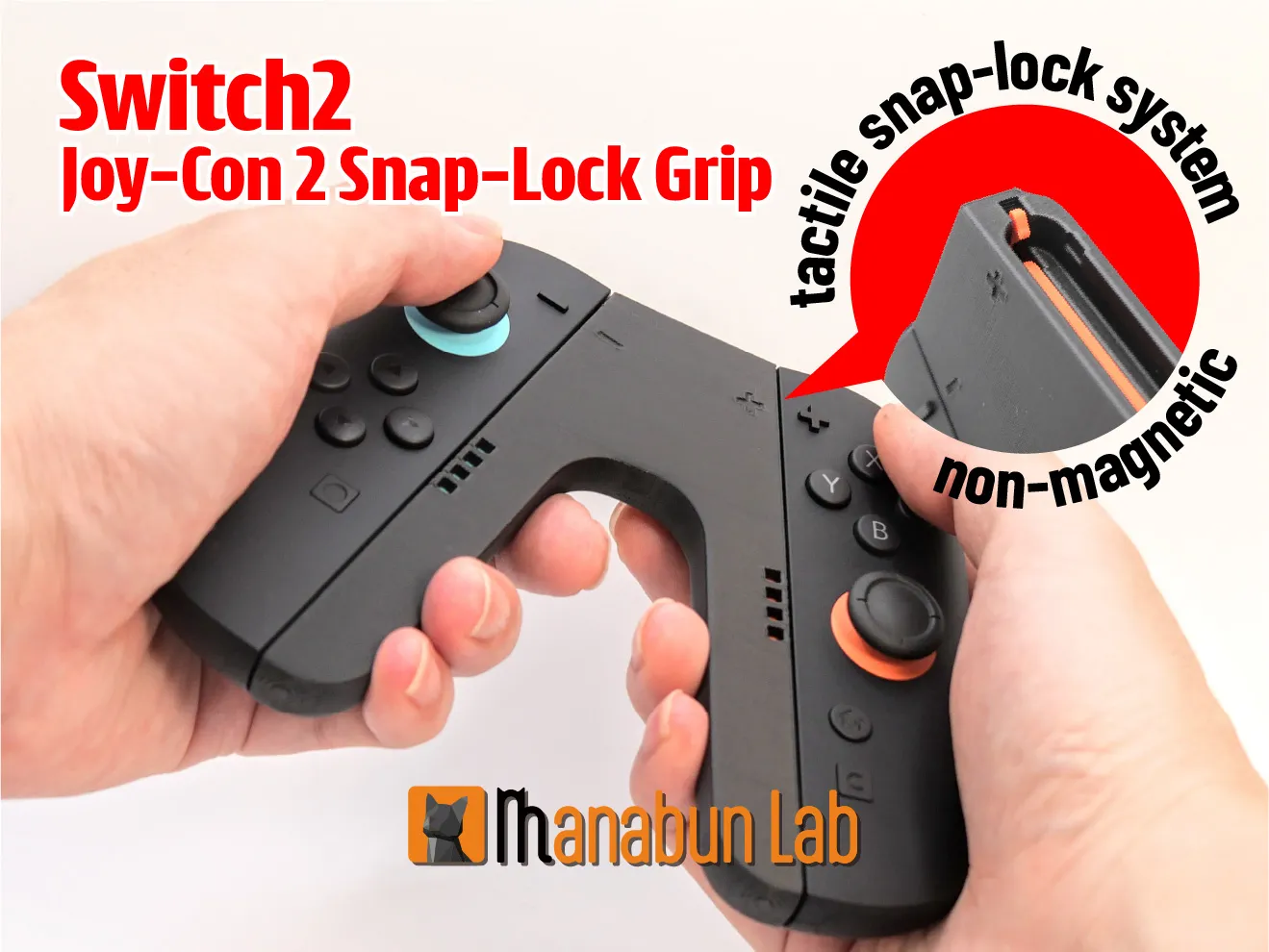
Nintendo Switch 2 Joy-Con 2 Snap-Lock Grip is here:
https://makerworld.com/en/models/1514088
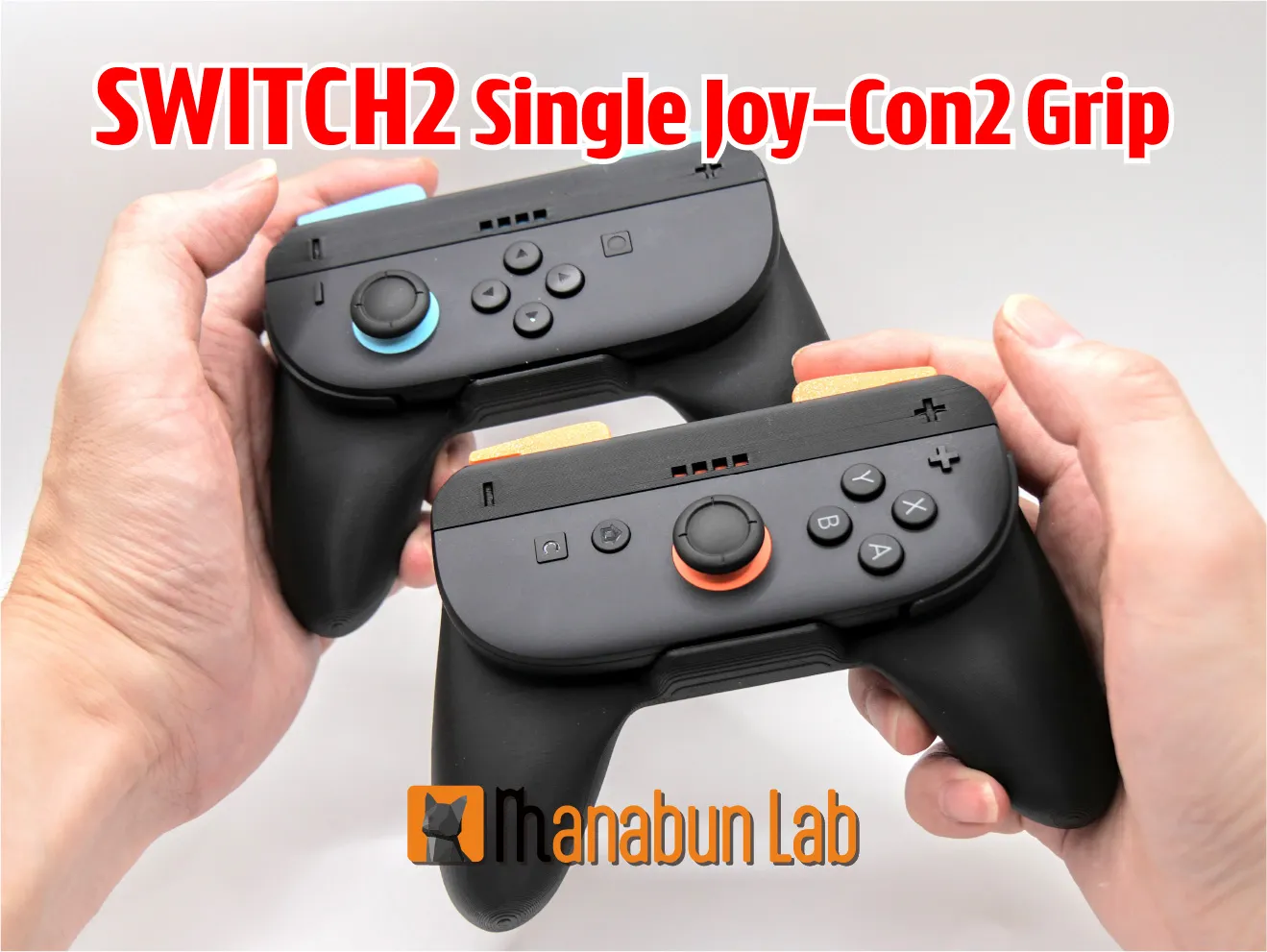
Nintendo Switch2 Single Joy-Con2 Grip is here:
https://makerworld.com/en/models/1495439
License

You shall not share, sub-license, sell, rent, host, transfer, or distribute in any way the digital or 3D printed versions of this object, nor any other derivative work of this object in its digital or physical format (including - but not limited to - remixes of this object, and hosting on other digital platforms). The objects may not be used without permission in any way whatsoever in which you charge money, or collect fees.


Comment & Rating (152)