
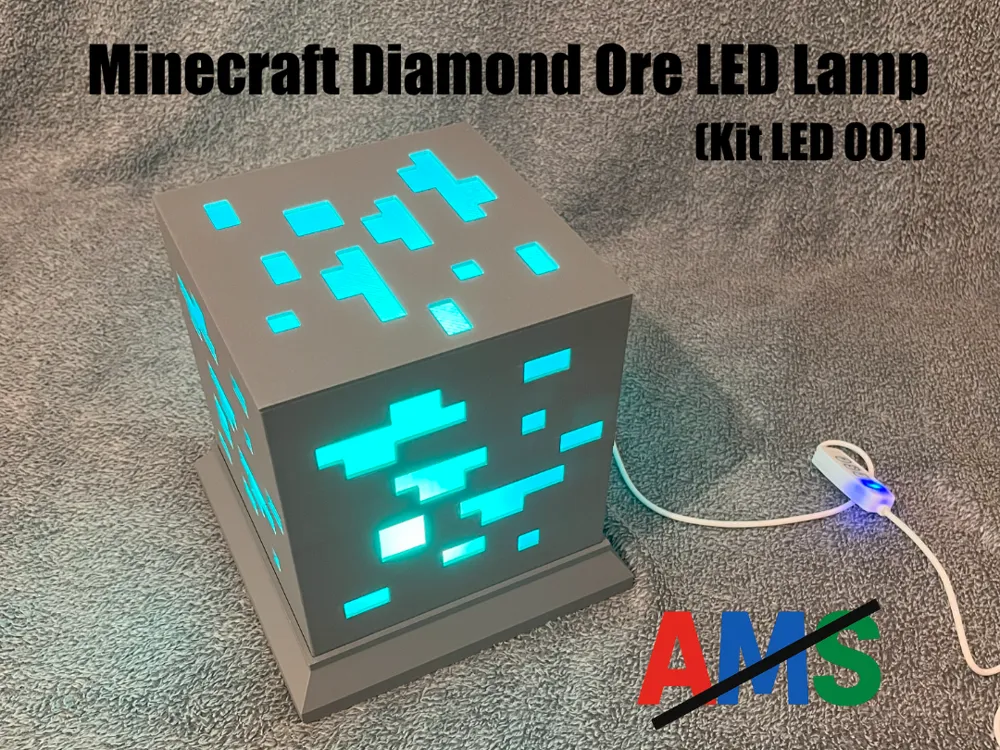
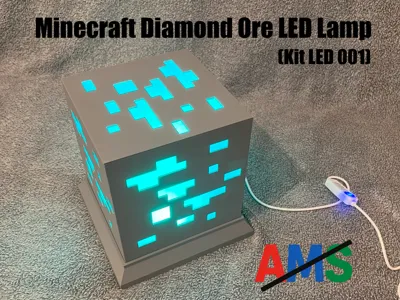
Minecraft Diamond Ore LED Lamp (Kit LED 001)
Print Profile(1)

Bill of Materials



Description
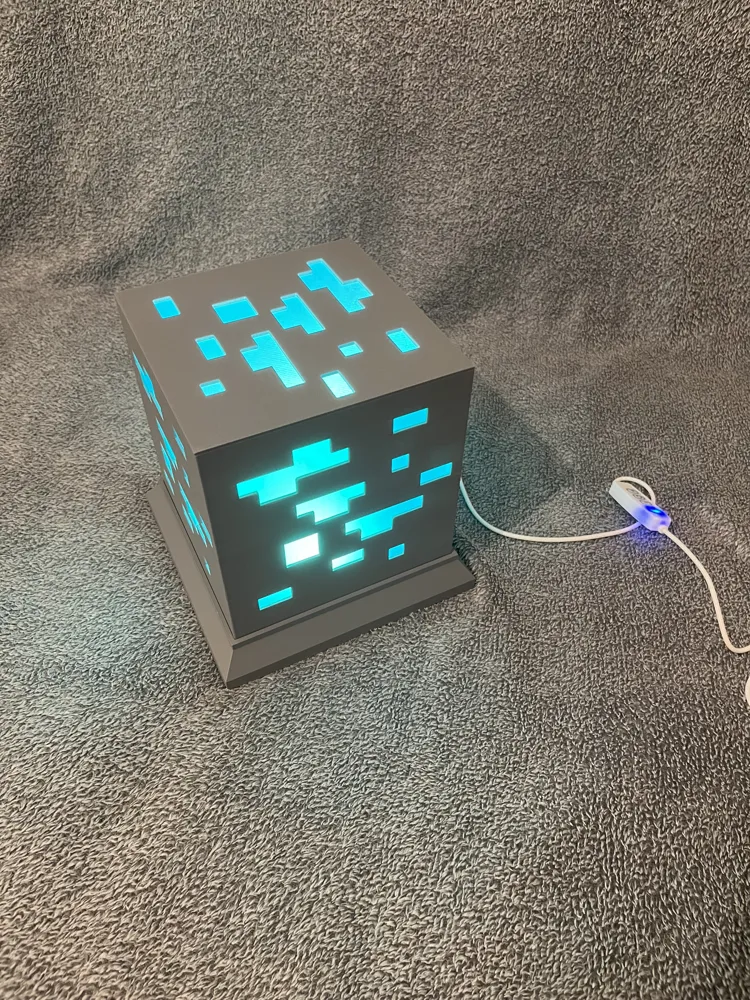
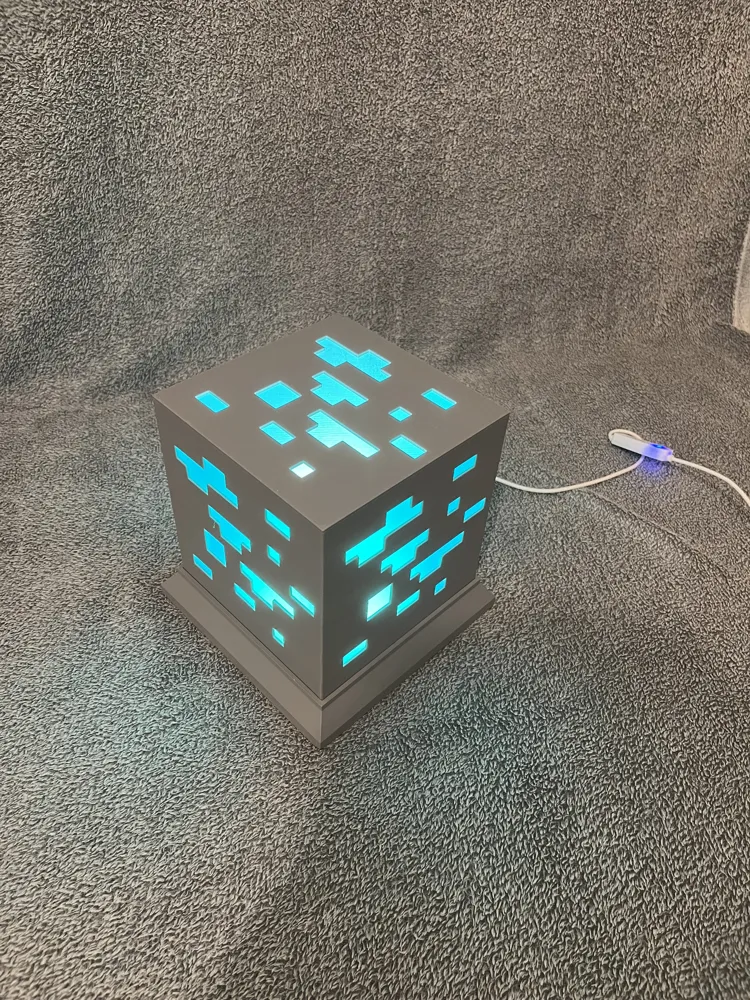
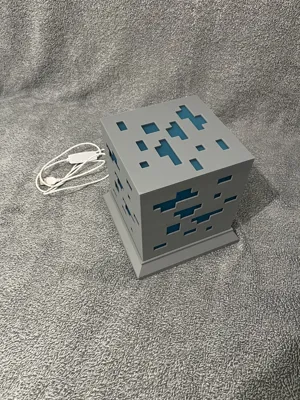
💎✨ Minecraft Diamond Ore LED Lamp (Kit LED 001) ✨💎
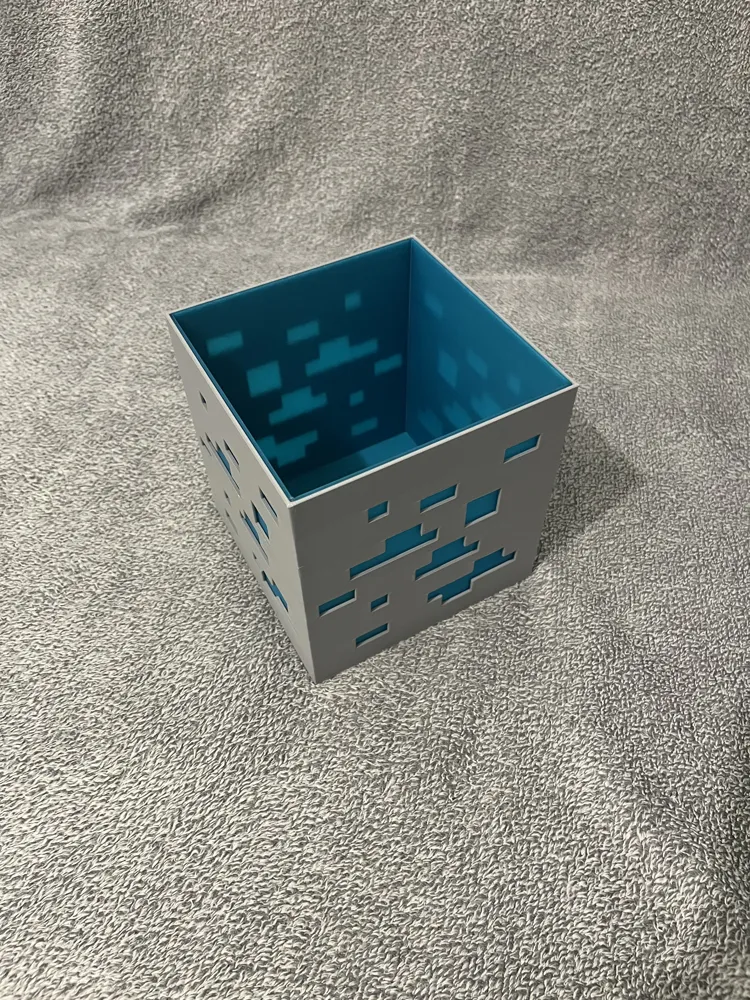
Immerse yourself in the world of Minecraft with this superb Diamond Ore LED lamp 🪙💡
🔥 Highlights:
- No screws or glue needed 🛠️ — 100% clip-on and quick assembly
- No AMS needed 🎯 — prints perfectly on a classic 3D printer
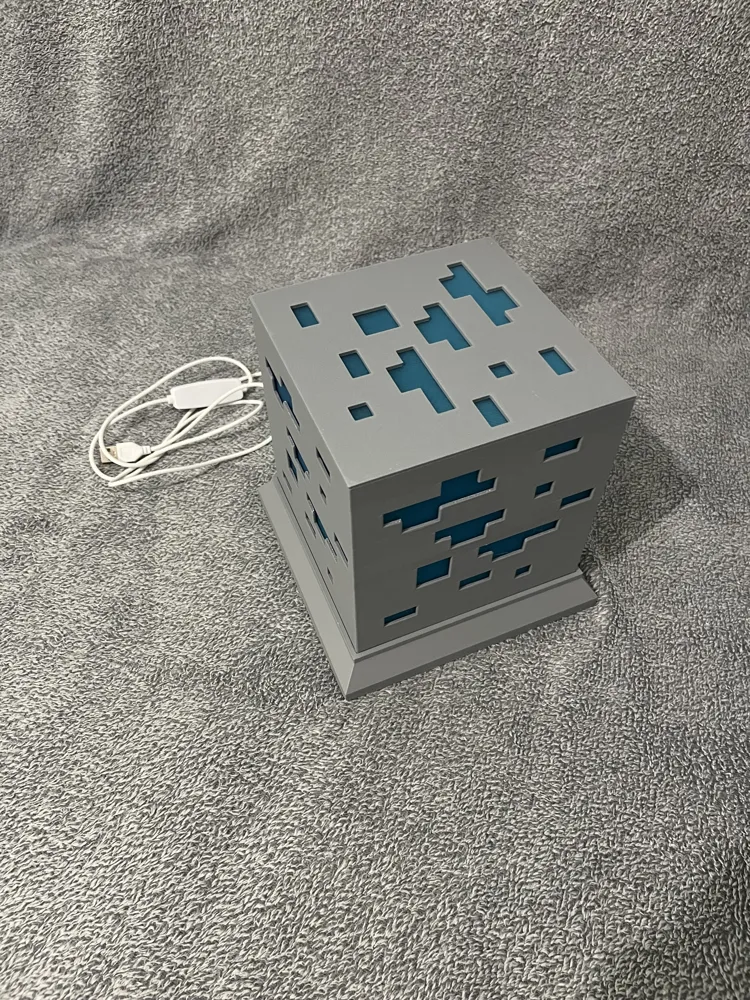
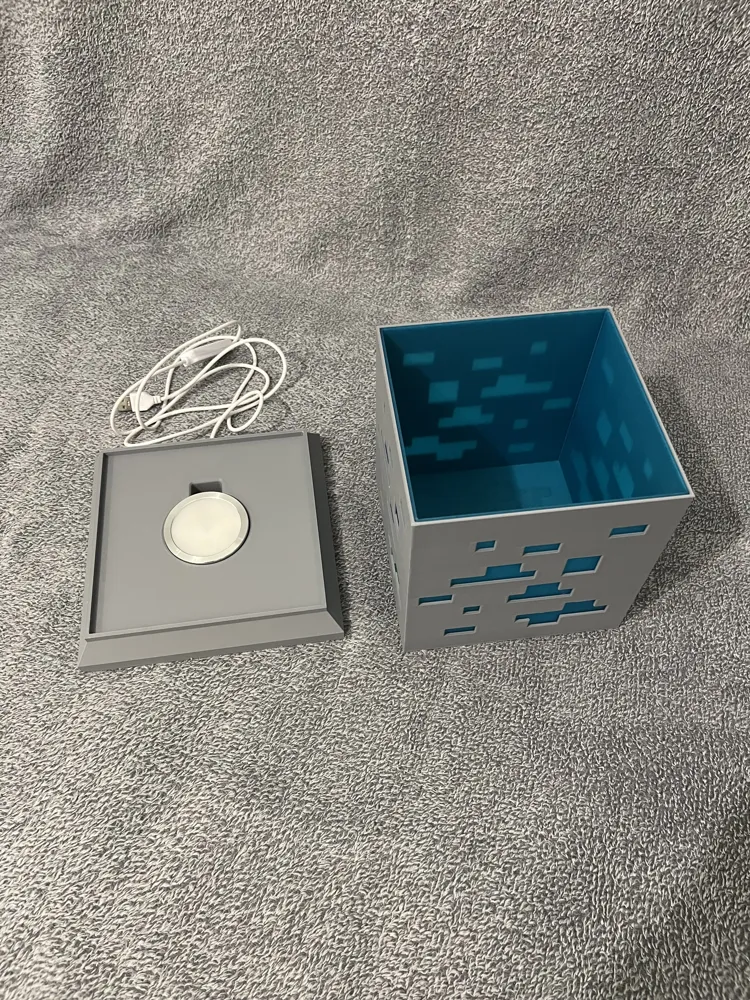
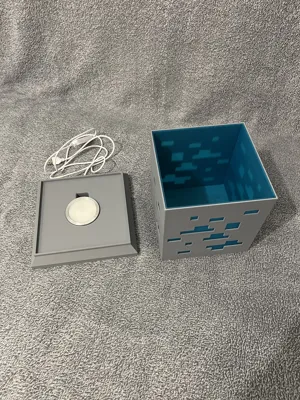
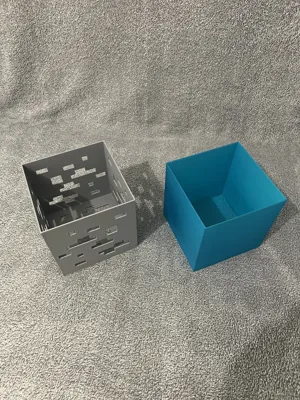
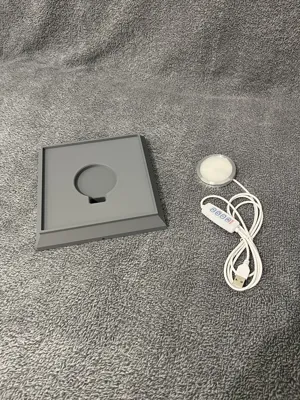
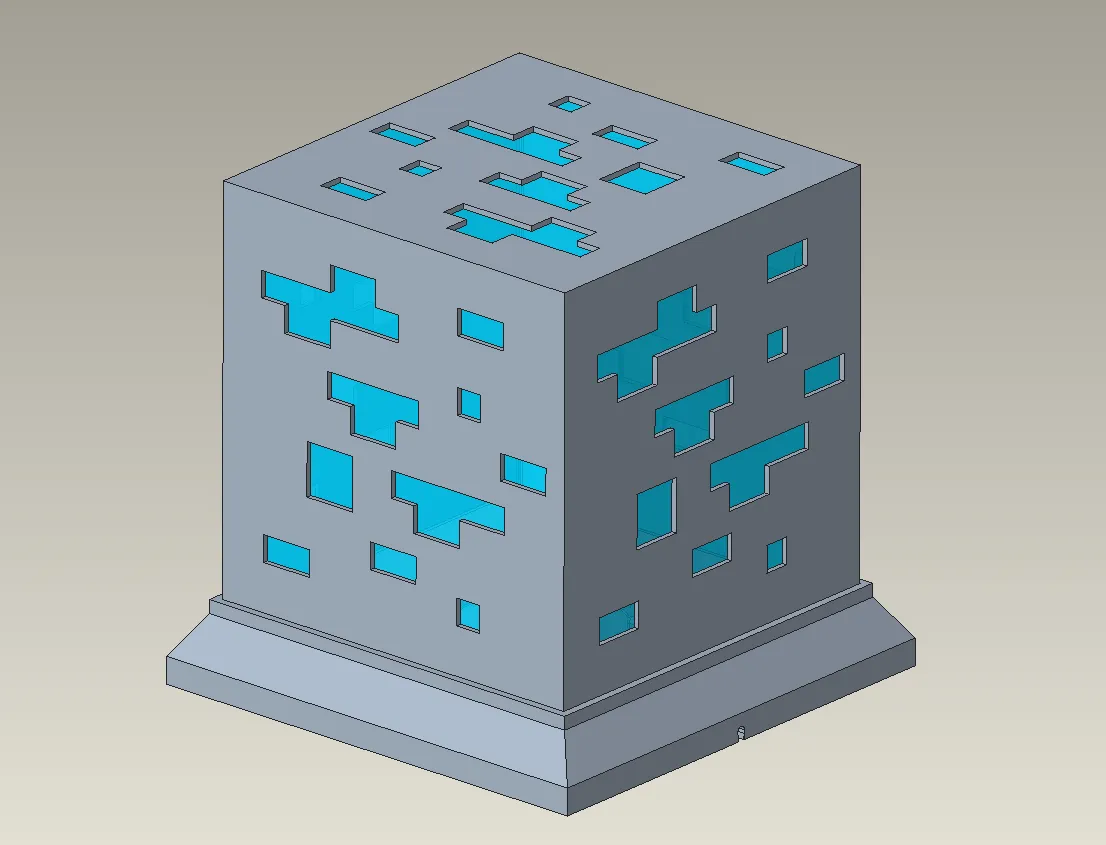
- 3-element design:
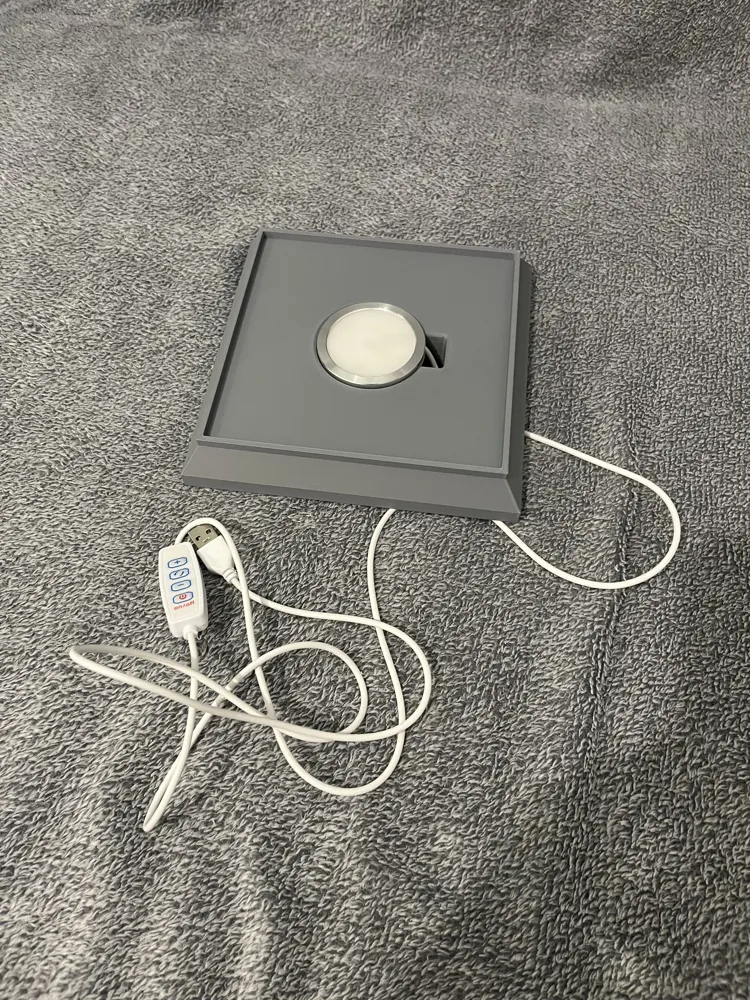
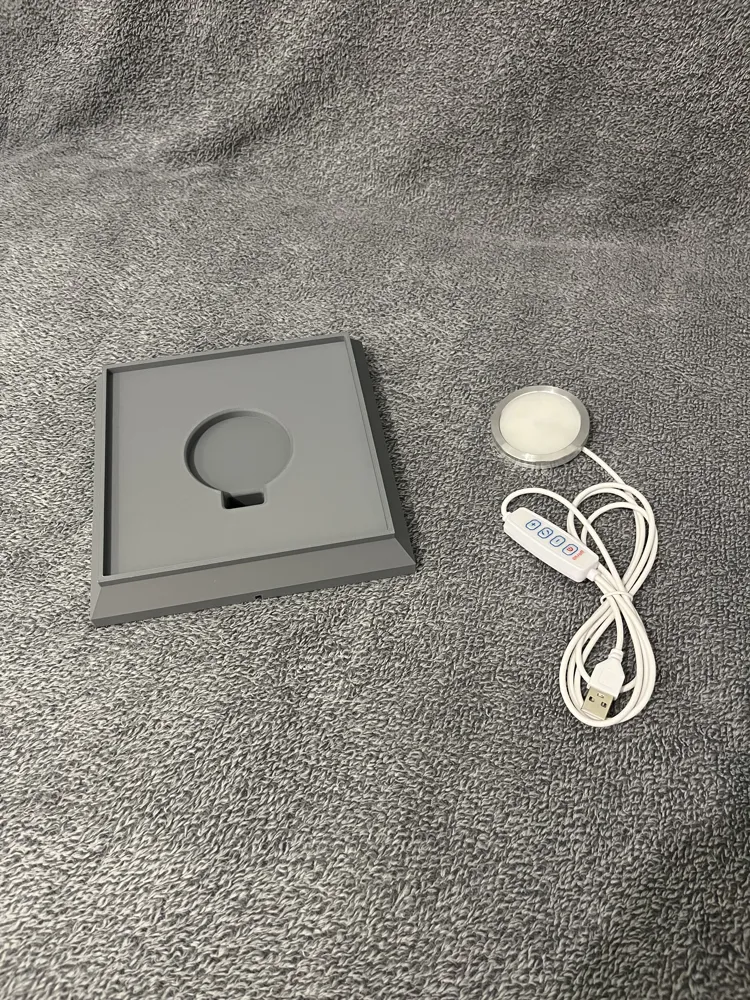
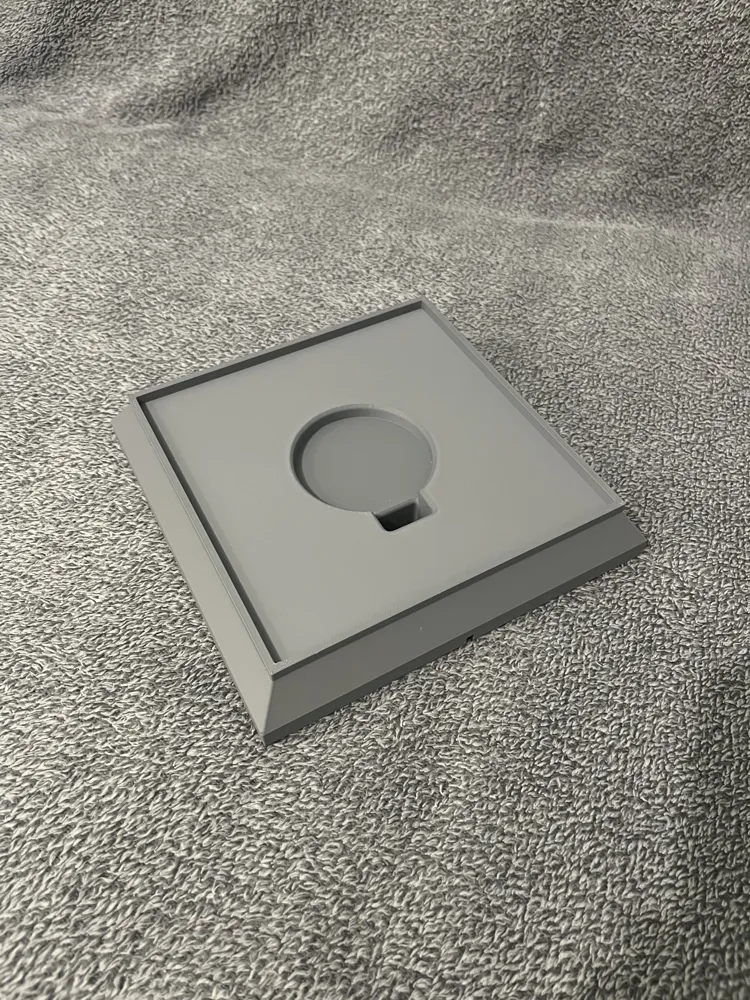
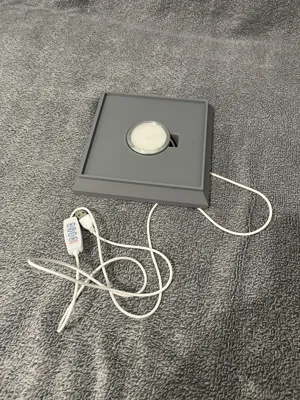
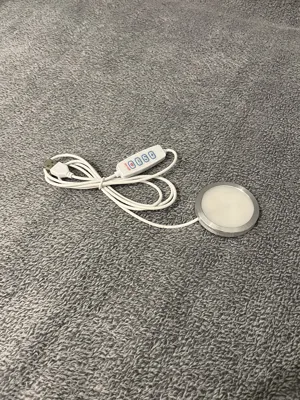
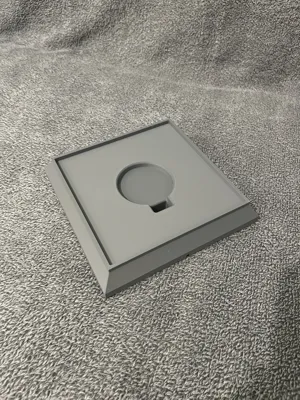
- The base with the LED Kit 001
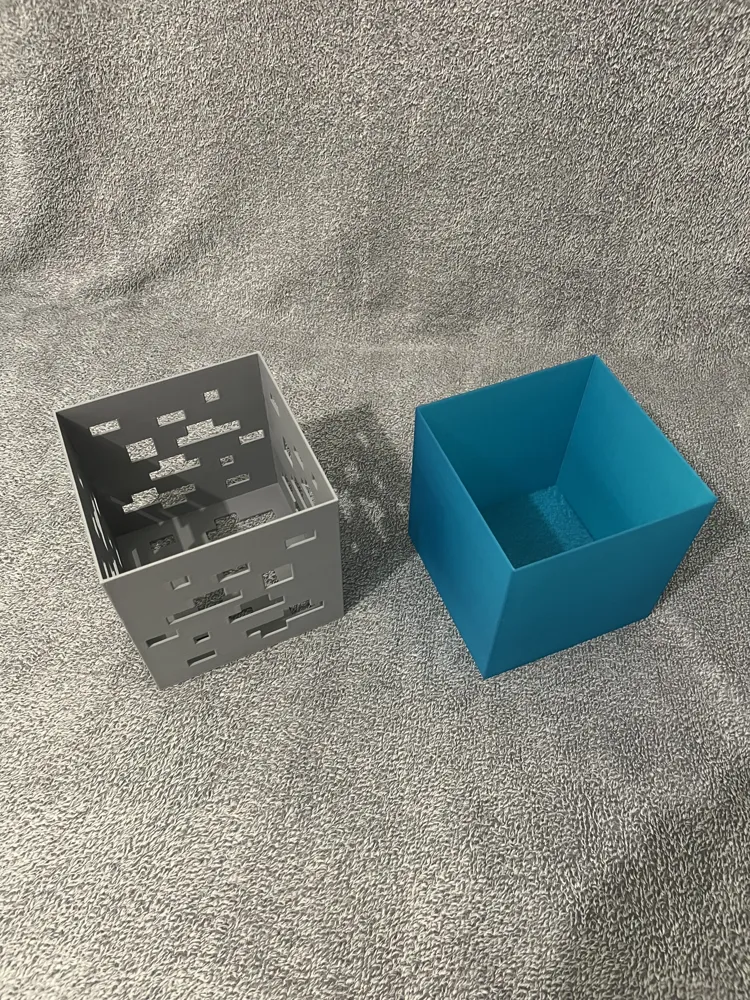
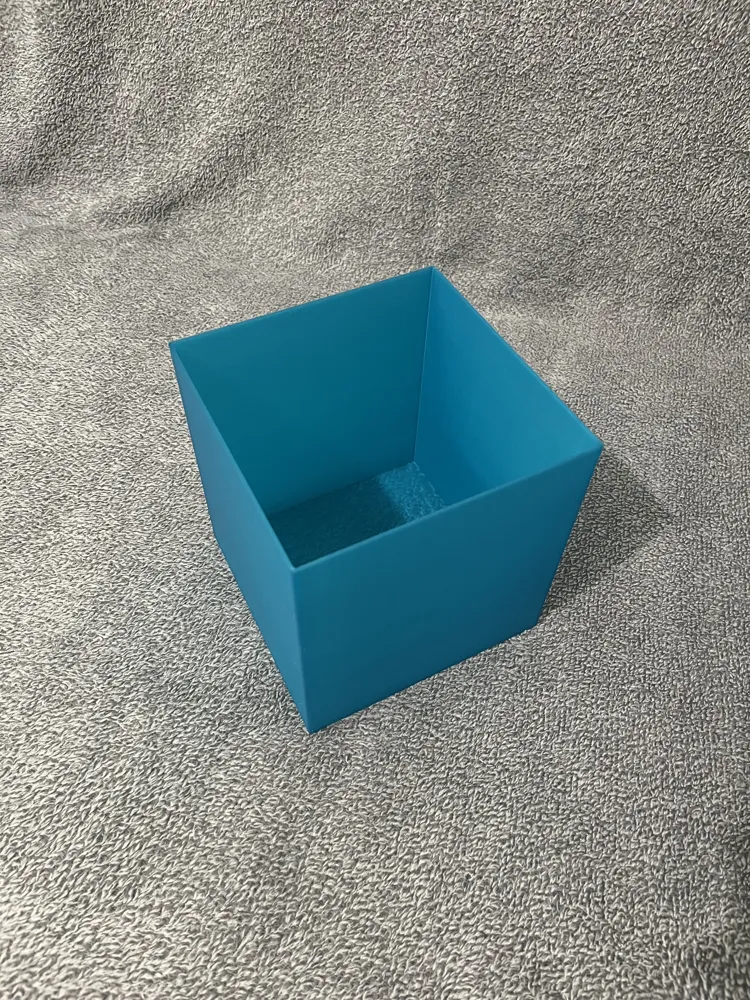
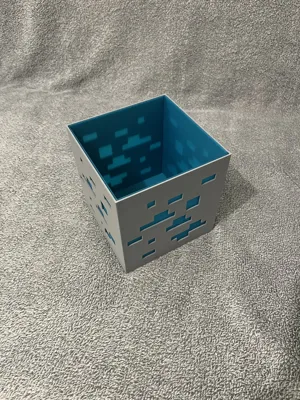
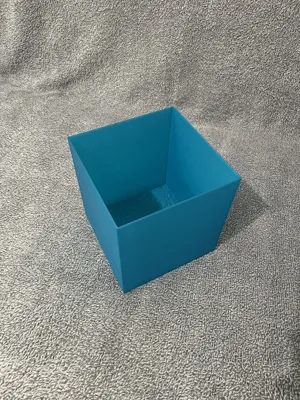
- The transparent blue diffuser
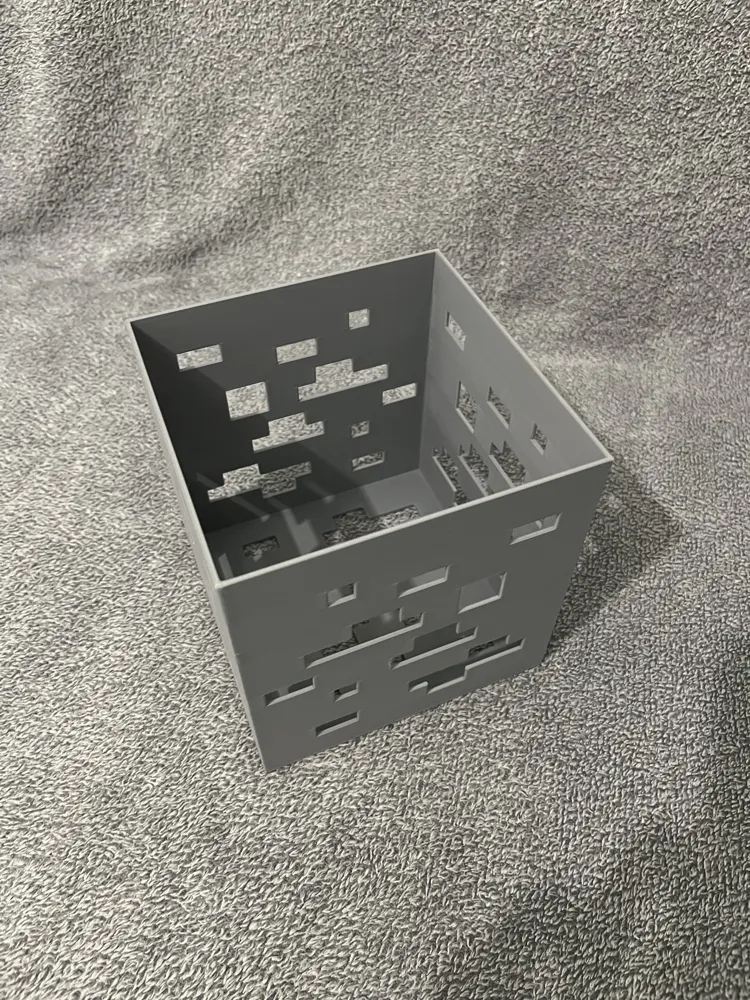
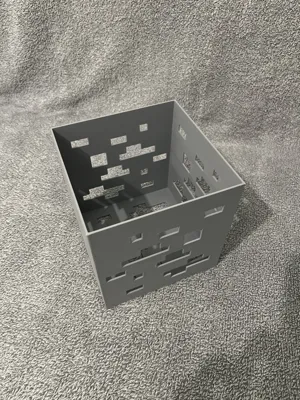
- The Minecraft-style Diamond Ore block
🛠️ Required materials:
- 🖨️ 3D Printer (classic, no AMS)
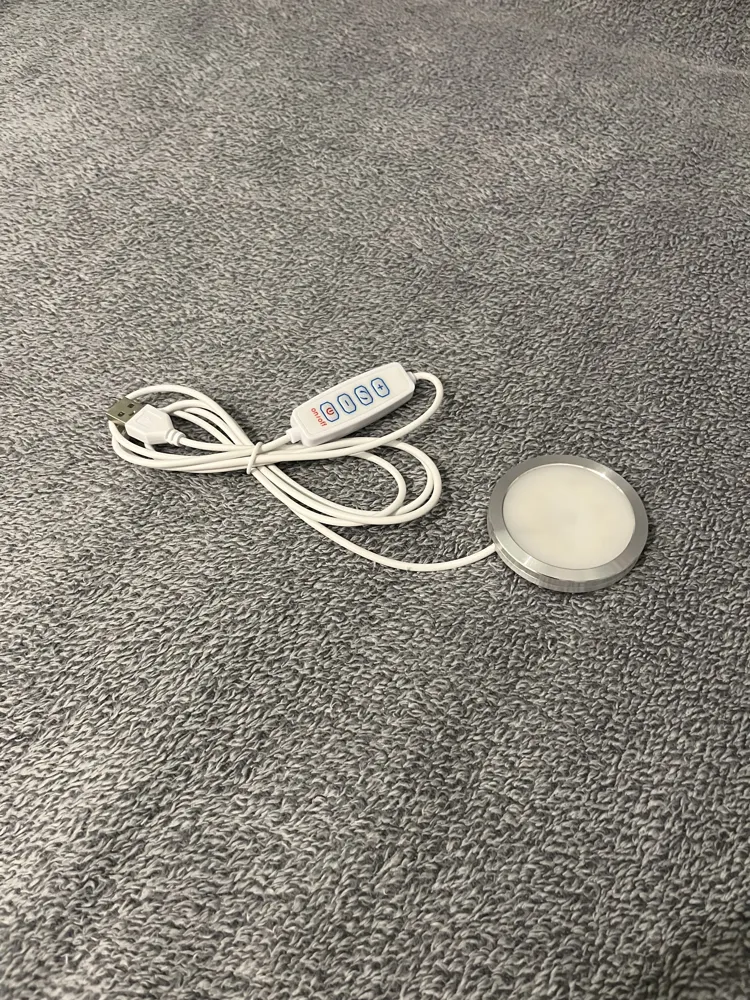
- 💡 Bambu Lab LED Kit 001 (ref. according to your nomenclature)
- 🎨 Gray filament (ref. according to your nomenclature)
- 💠 Translucent blue filament (ref. according to your nomenclature)
📂 Available files:
- The 3 elements in STEP and STL 📐
- The Bambulab .3MF file 📦 with all the correct printing parameters ready to use
💡 Whether you're a Minecraft fan or just love beautiful design lamps, this model is designed to be simple to assemble, beautiful to look at, and fun to print.
Boost Me (for free)
💎✨ If you like this Minecraft Diamond Ore LED Lamp, show some love! ✨💎
👍 Give it a like
⬆️ Boost it
⬇️ Download and try printing it yourself!
Your support means a lot and helps this model shine brighter in the contest! 💡⚡
📋 Assembly steps:
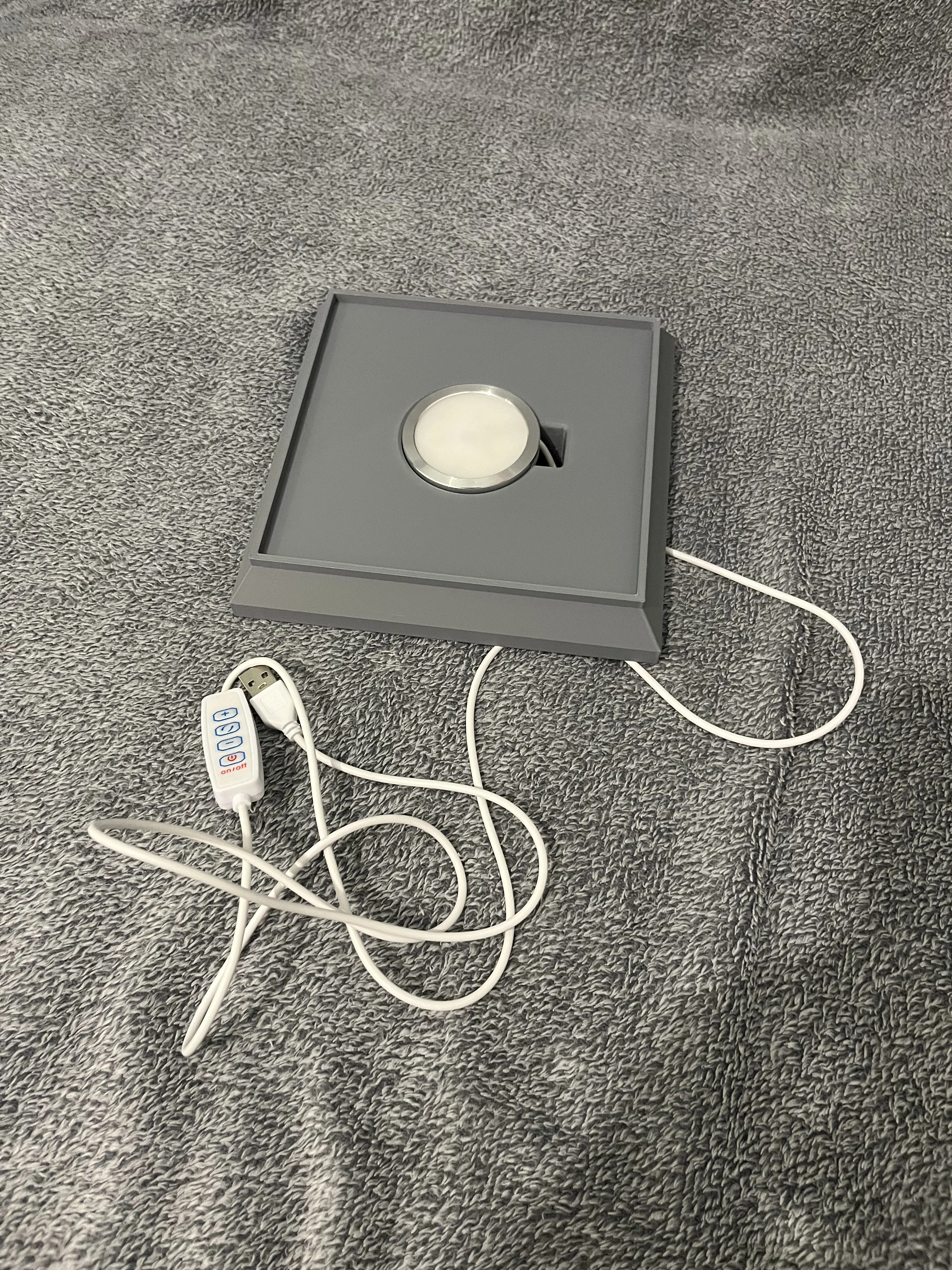
1.Place the LED Kit 001 in the base
- Position the kit correctly so that the cable comes out through the designated opening.
- Ensure the module is securely fixed and stable.
2.Insert the translucent blue diffuser into the Diamond Ore block
- Gently slide the diffuser into its slot inside the block.
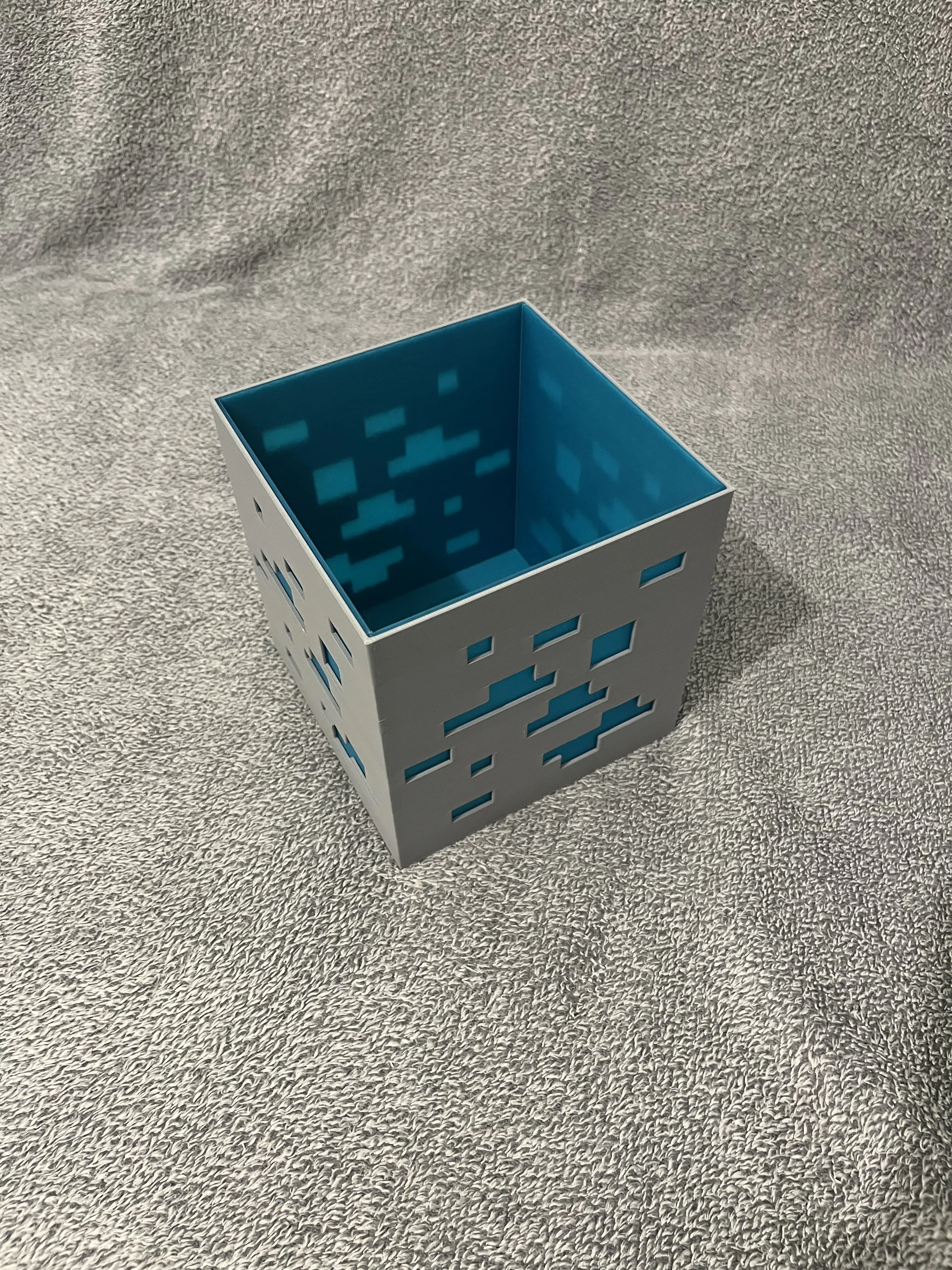
3.Assemble the top part to the base
- Position the Diamond Ore block (with the diffuser already in place) above the base.
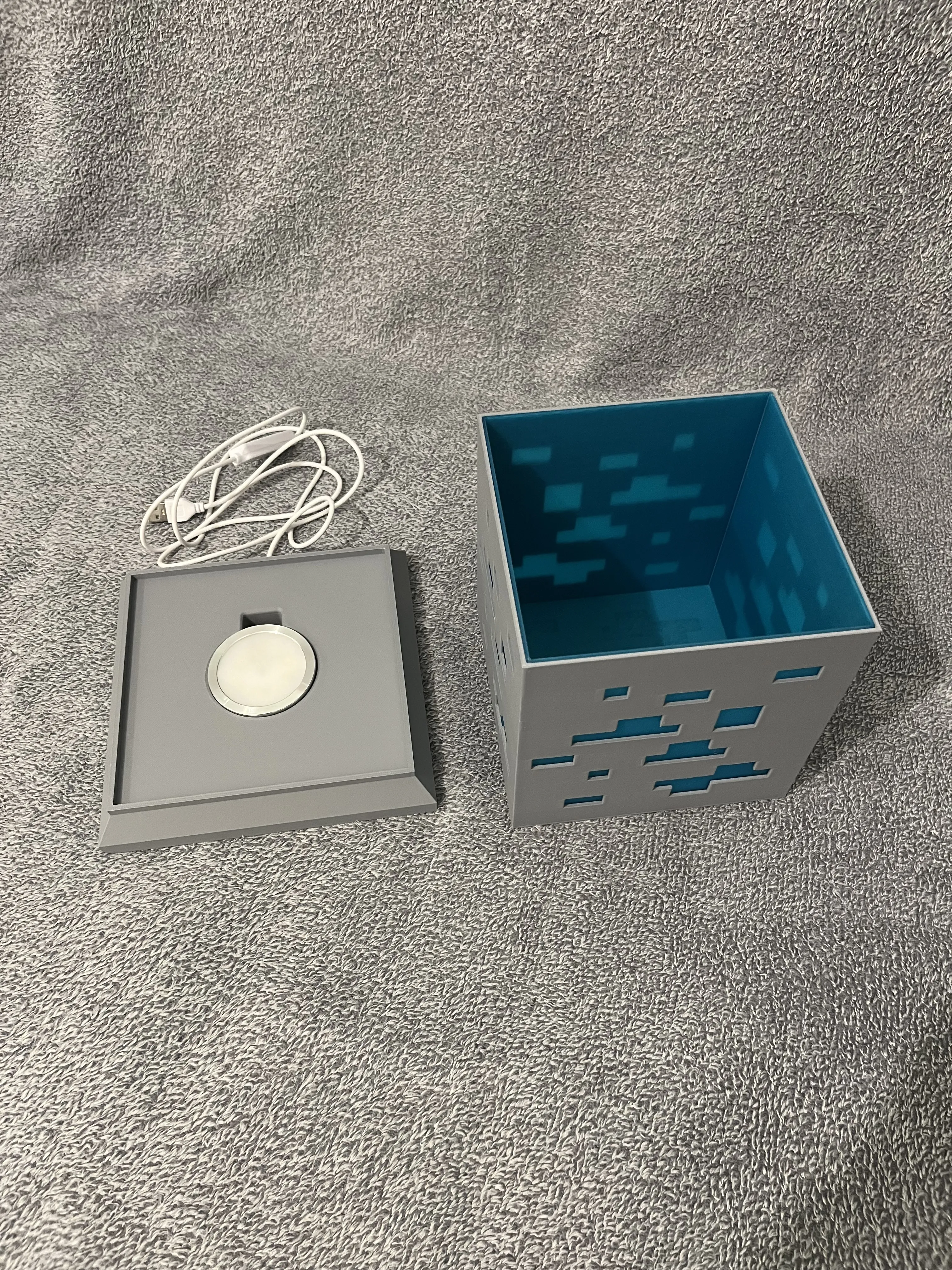
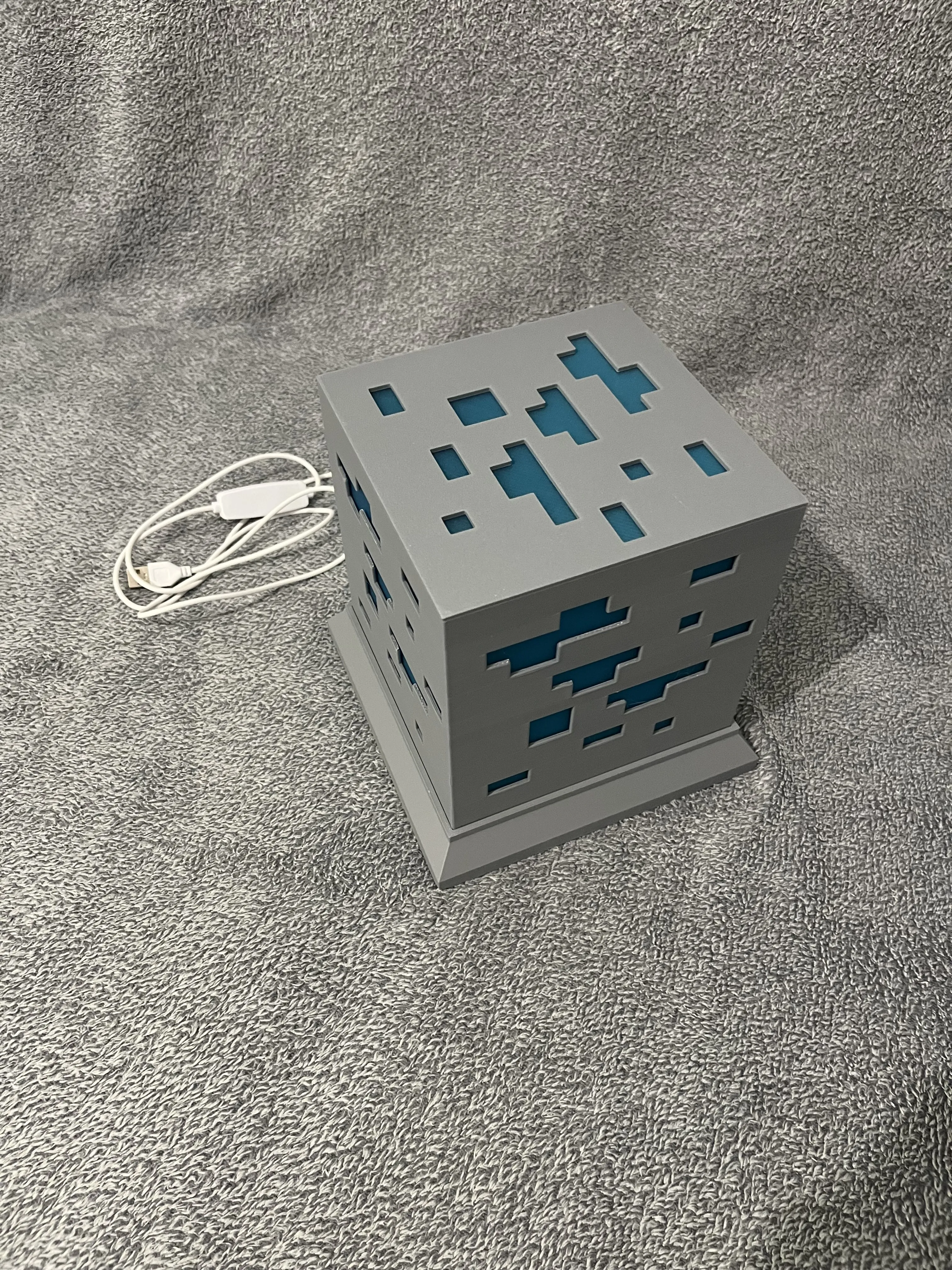
4.Connection and test
- Connect the LED Kit 001 cable to your power source.
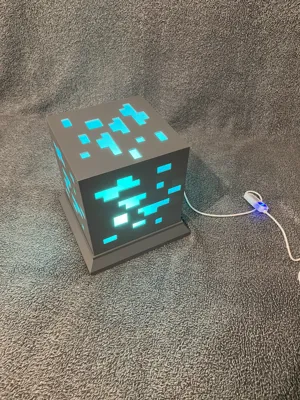
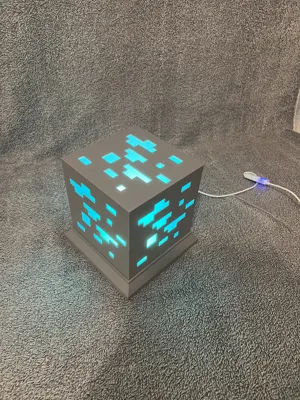
- Turn it on to check that the light diffuses correctly.
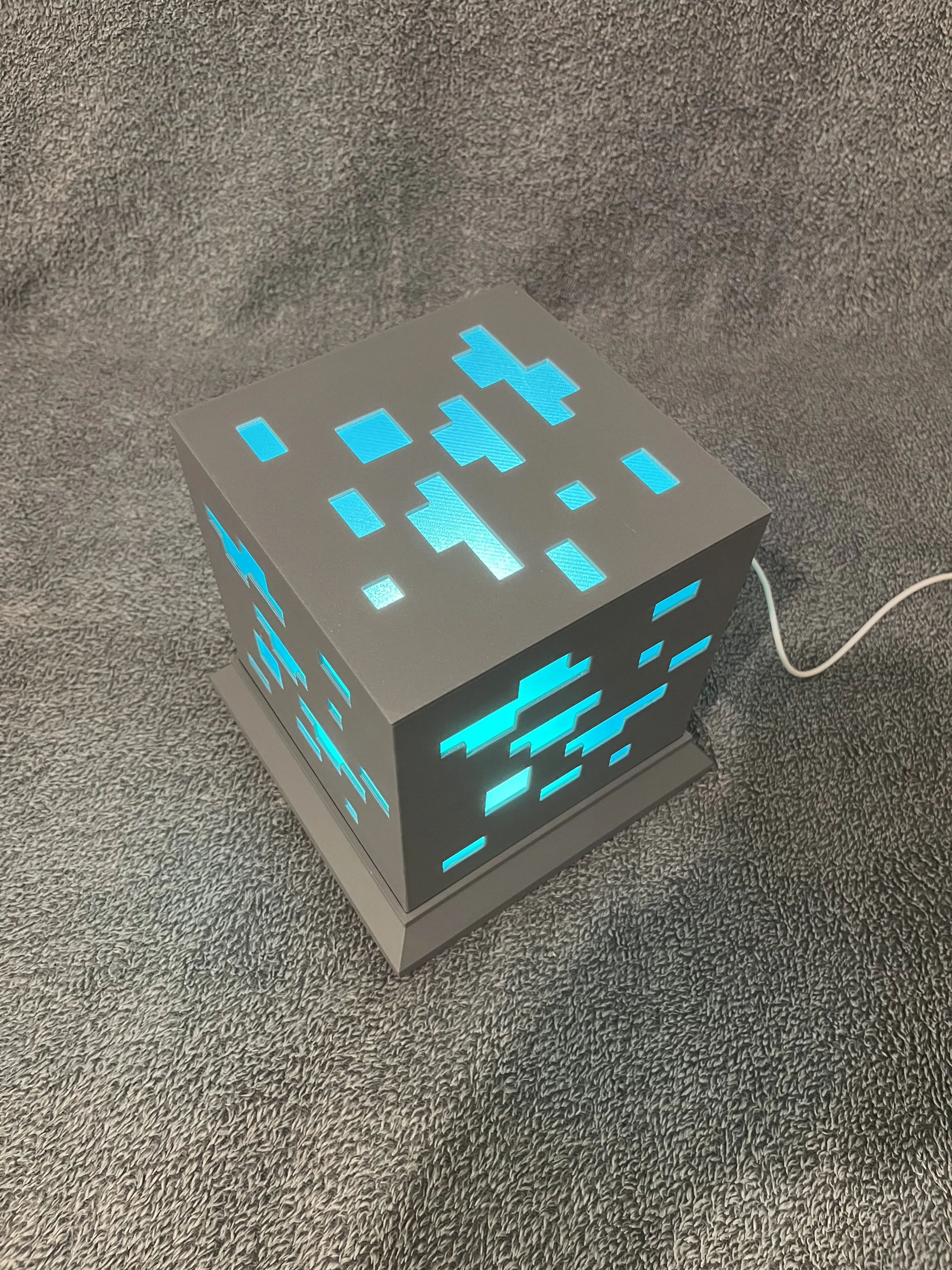
⚡ Light up the magic of Minecraft in your home! ⚡
Boost Me (for free)
💎✨ If you like this Minecraft Diamond Ore LED Lamp, show some love! ✨💎
👍 Give it a like
⬆️ Boost it
⬇️ Download and try printing it yourself!
Your support means a lot and helps this model shine brighter in the contest! 💡⚡
License

You shall not share, sub-license, sell, rent, host, transfer, or distribute in any way the digital or 3D printed versions of this object, nor any other derivative work of this object in its digital or physical format (including - but not limited to - remixes of this object, and hosting on other digital platforms). The objects may not be used without permission in any way whatsoever in which you charge money, or collect fees.


Comment & Rating (55)