
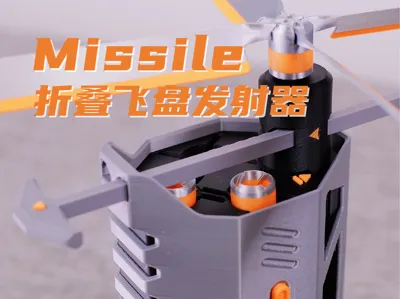
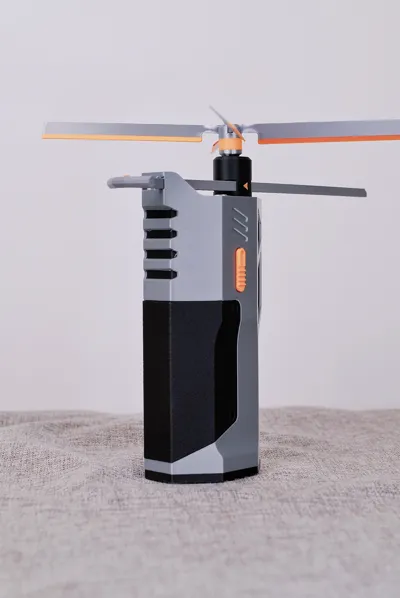
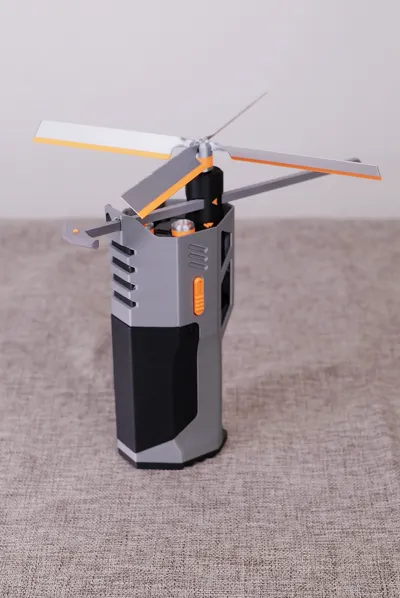
Missile folding frisbee launcher
Print Profile(2)


Description
Boost Me (for free)
Welcome to Xiaohongshu/Douyin/Bilibili/WeChat Channels, follow the account @sheldon无限热爱
Watch the professional and systematic [3D Printing Design Manual] video tutorial series
Help you transform from a beginner enthusiast into a "hit designer"!
*This model is the result model of [3D Printing Design Manual - Core Beginner Chapter] design and modeling tutorial, Practical Product 3 - Missile folding frisbee launcher
- This video tutorial teaches the original "ACEvolve Endgame Design Method"
- With the goal of "independent model design"
- Revolving around the two core questions: "What model do I want to design?" and "How do I design it?"
- Through the three major modules of "Aim, Collapse, Evolve," it teaches you to build a complete design method thinking framework
- Combining exercises with 3 learning models and 3 practical products, it helps you achieve the leap and transformation from a beginner enthusiast to a "hit designer"!
- Welcome to watch the [Core Chapter] video introduction at the bottom of the page
- Or click the portal directly to learn and watch:[3D Printing Design Manual - Core Beginner Chapter] Full Video Tutorial
----------------------------------------------------------------------------------
Model Introduction

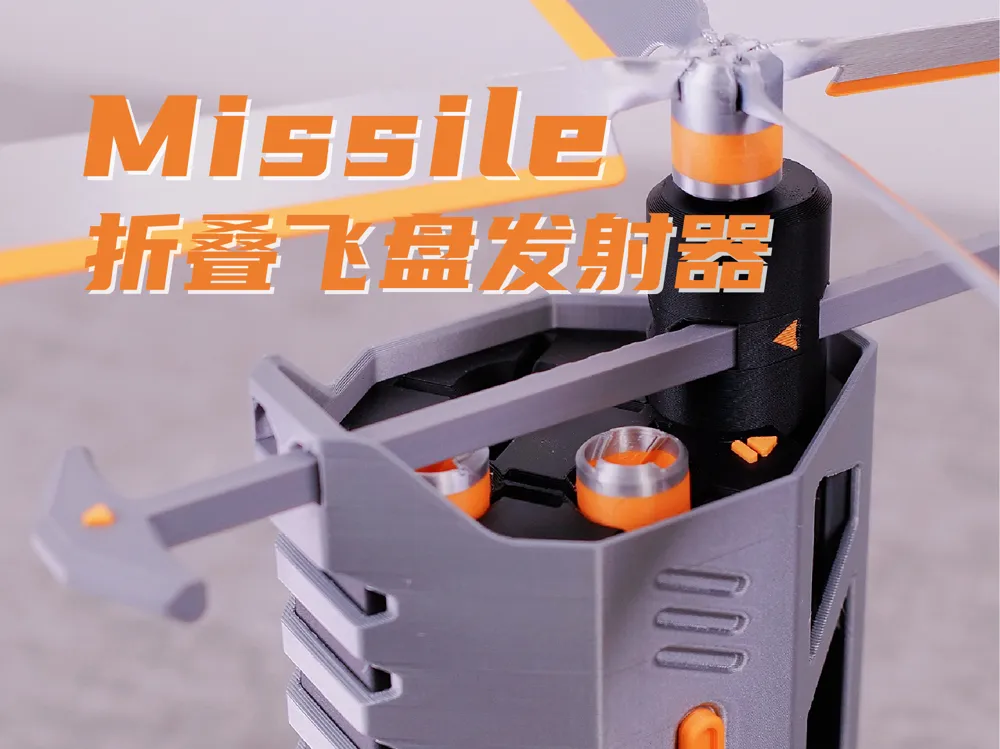
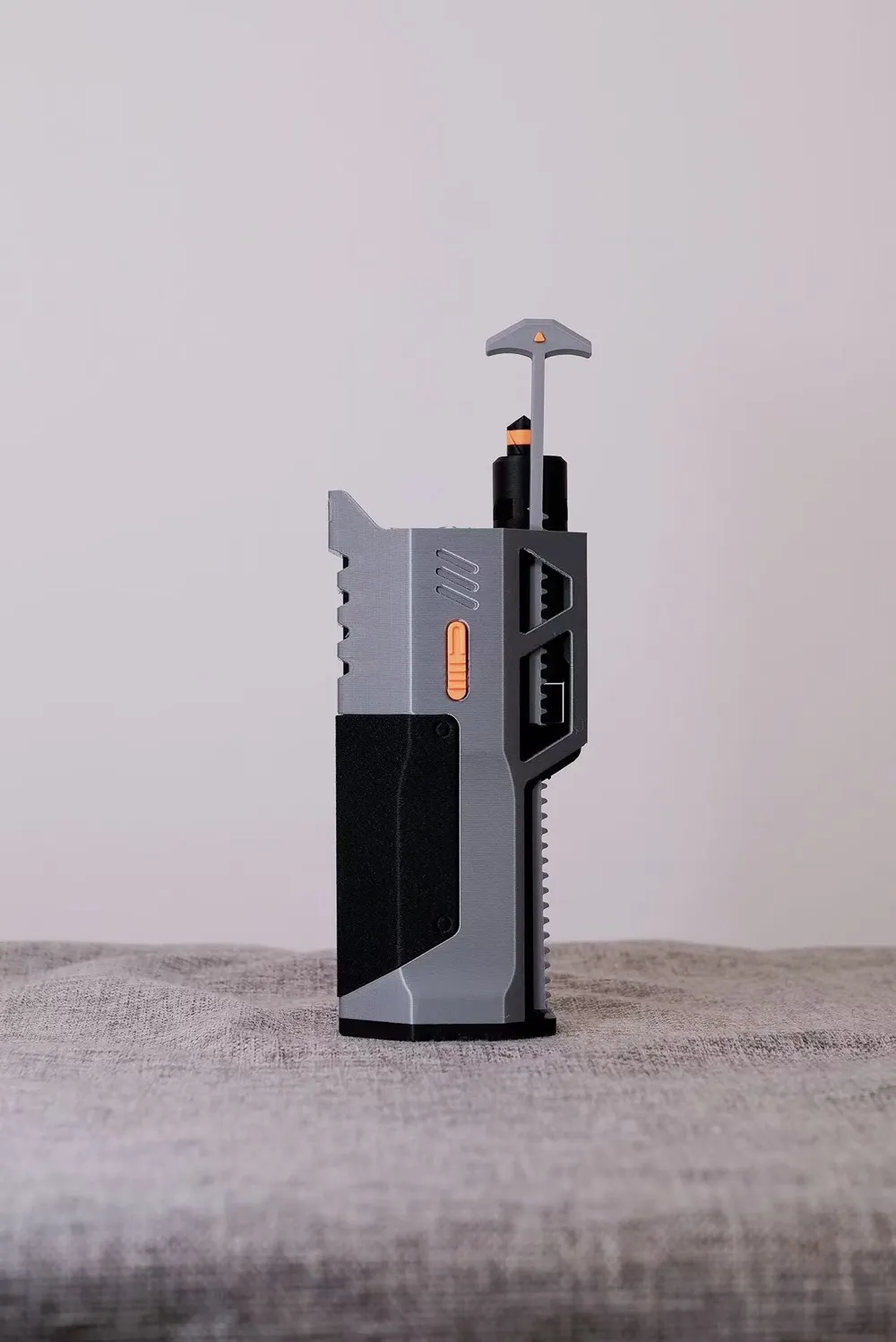
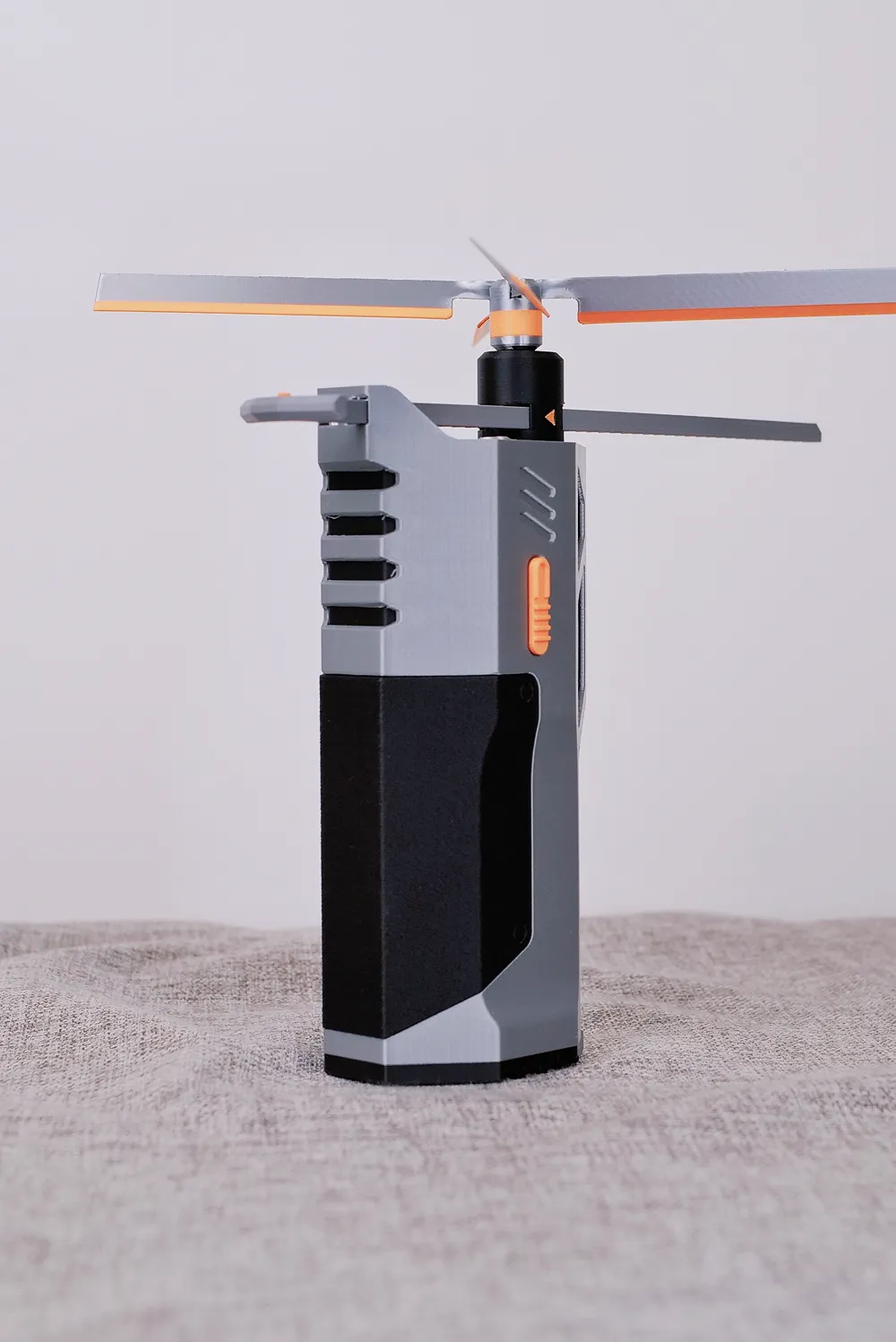
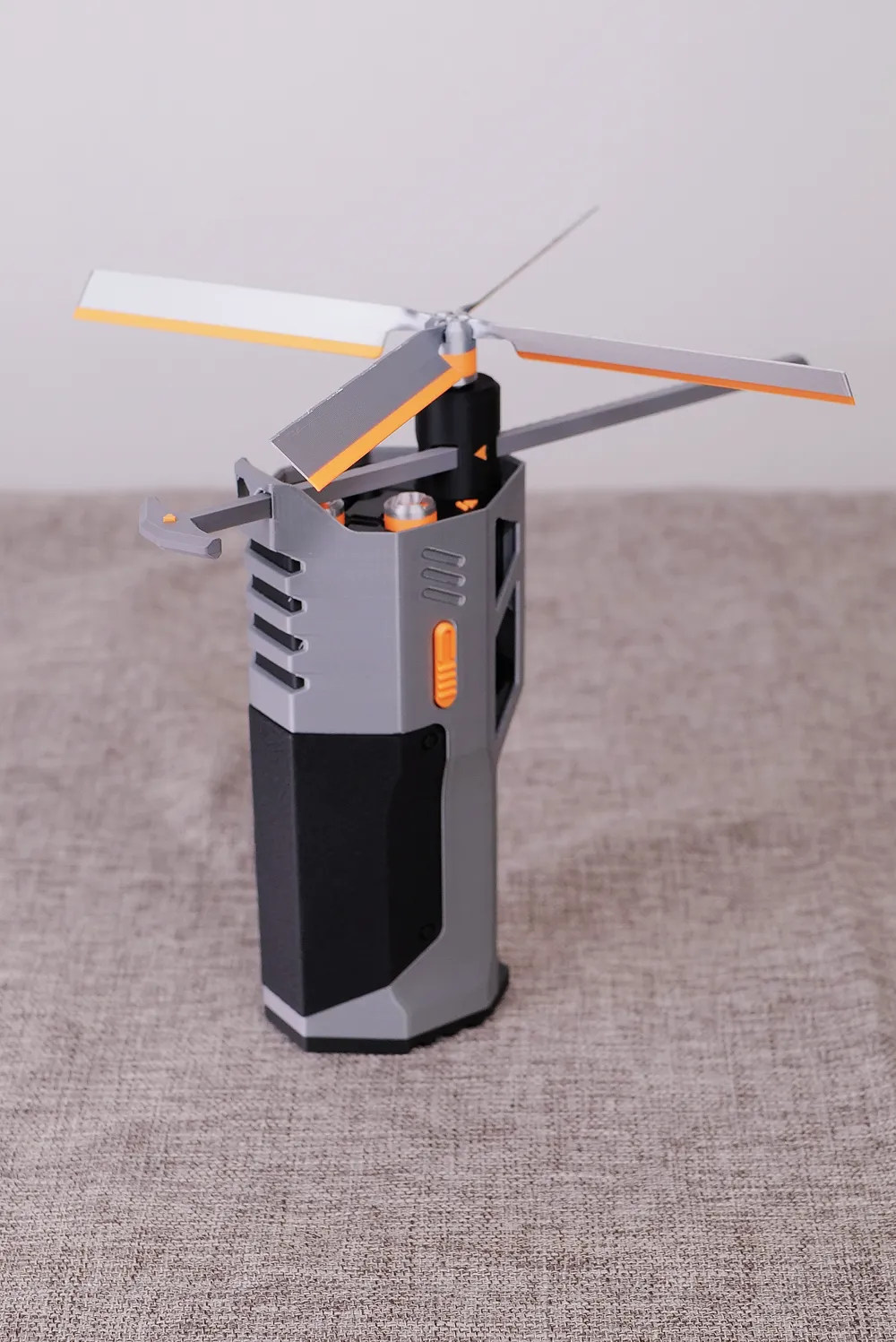
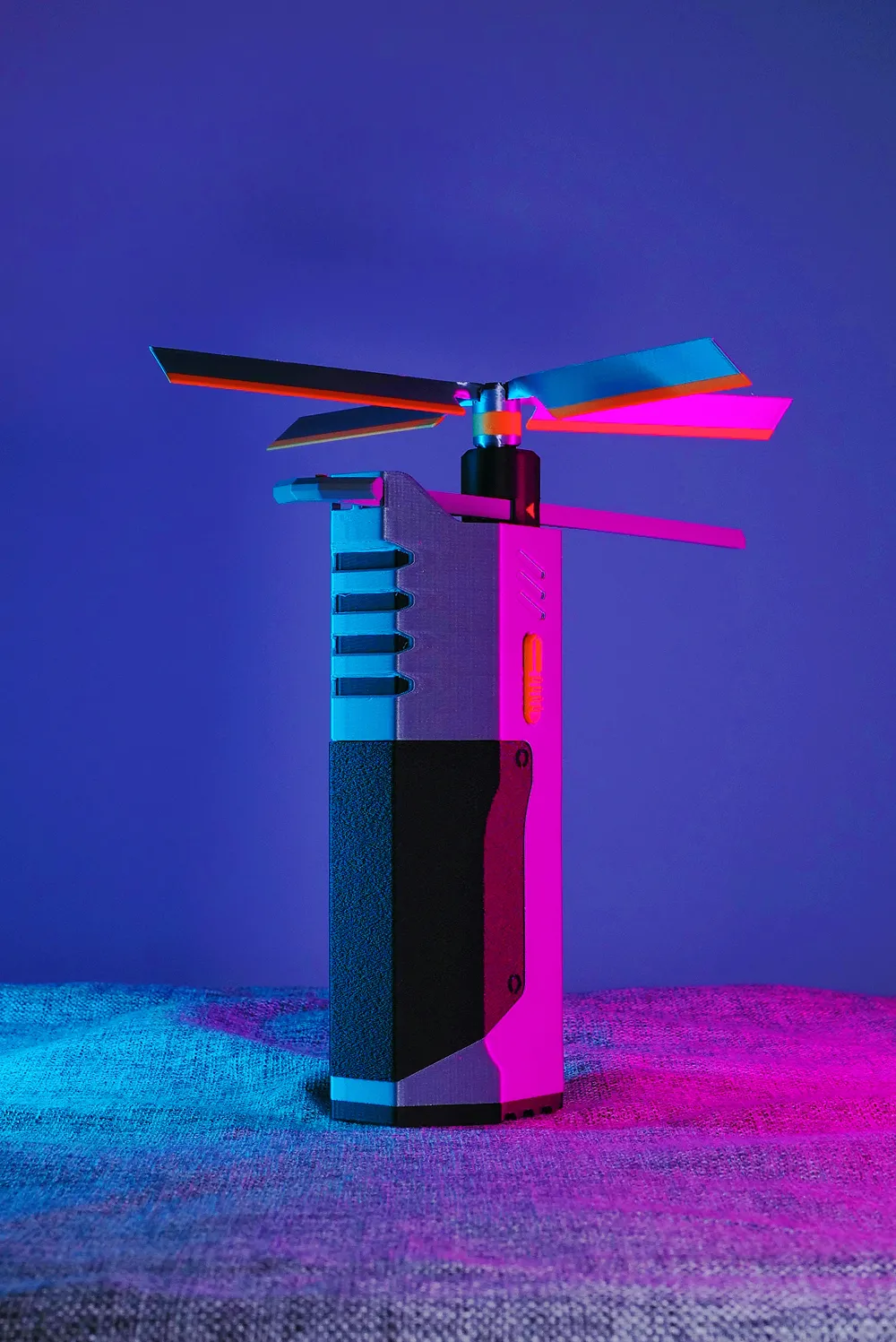
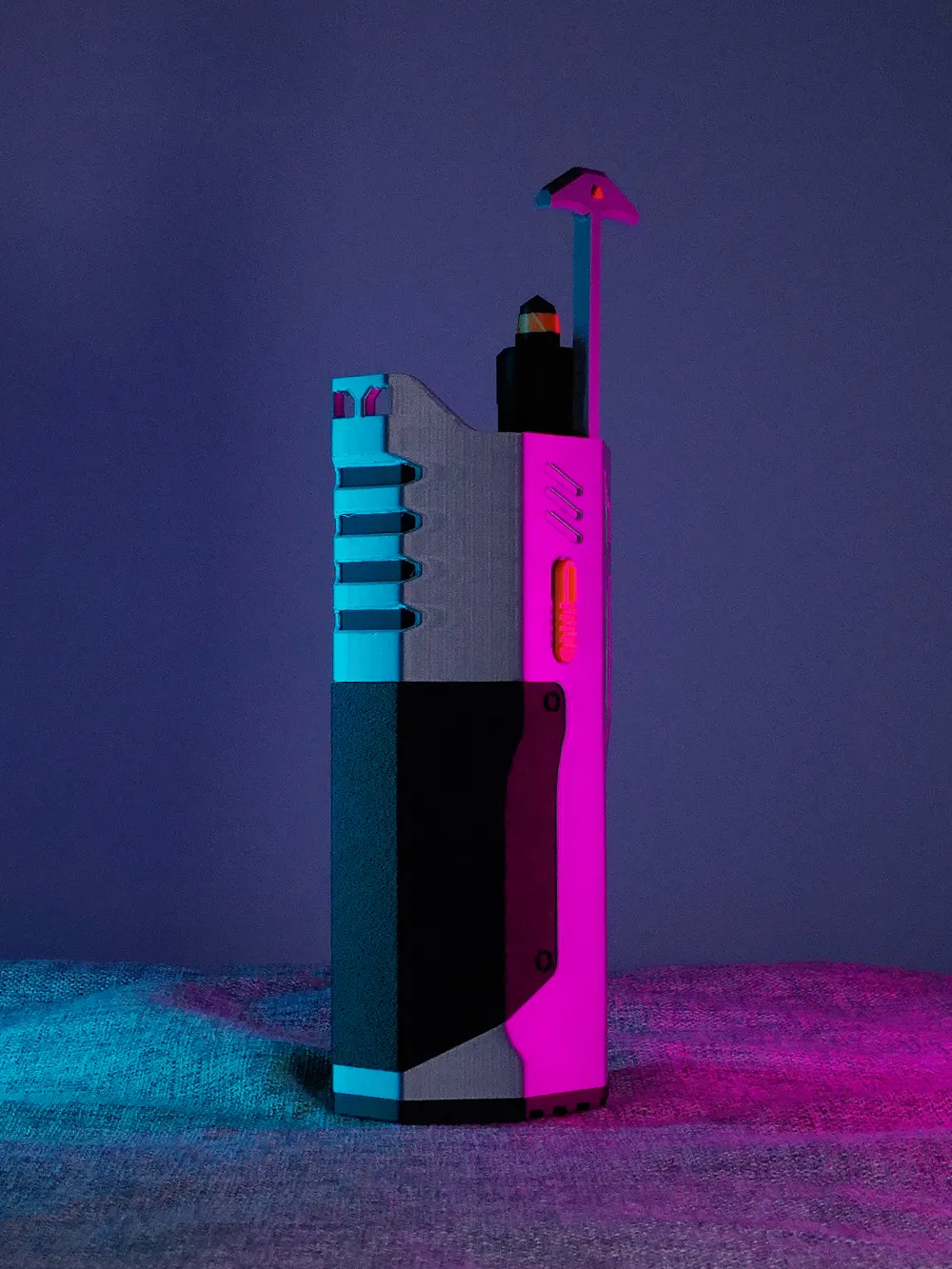
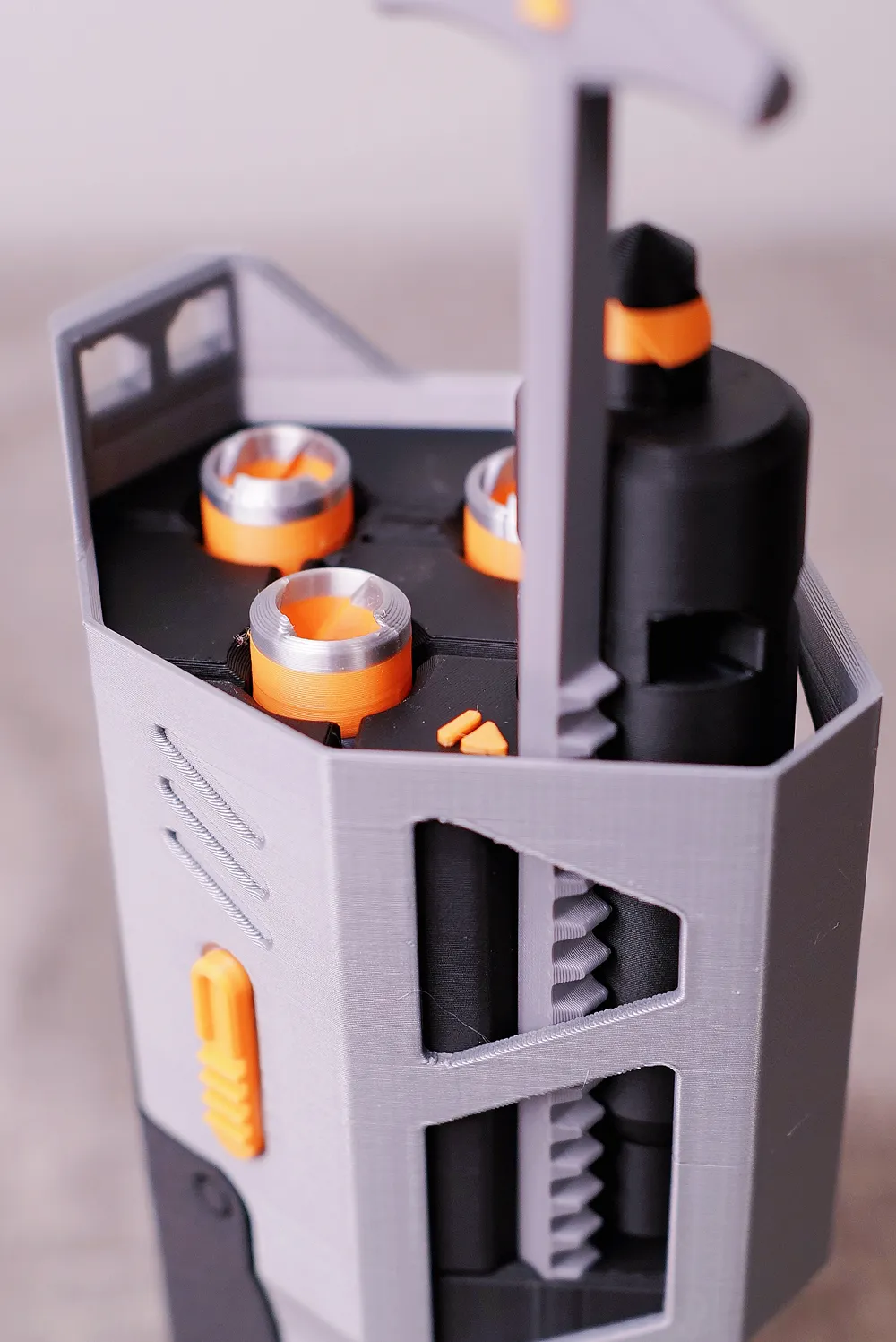
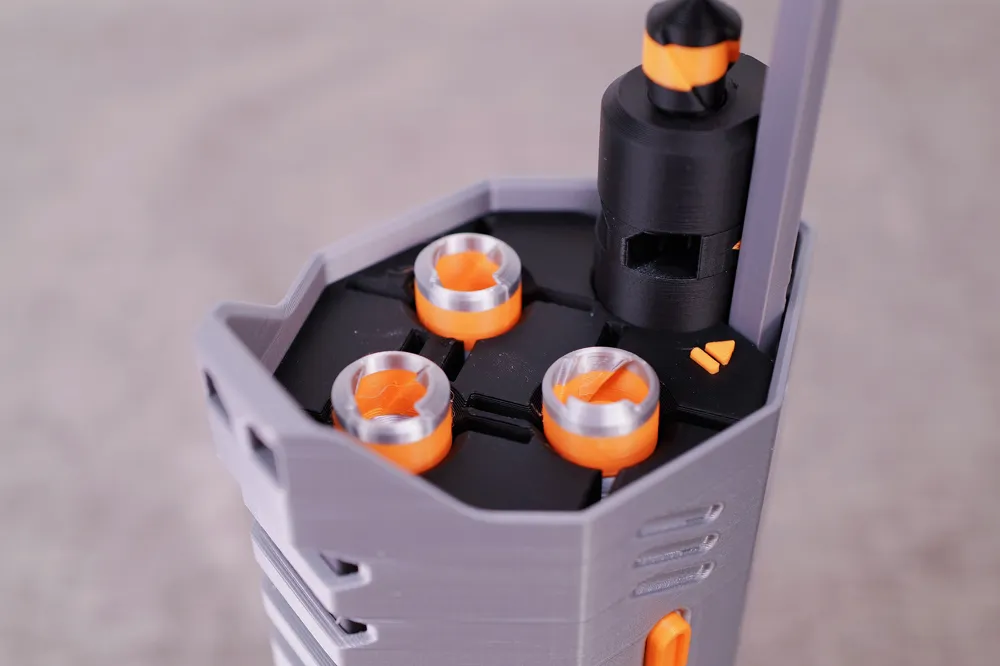
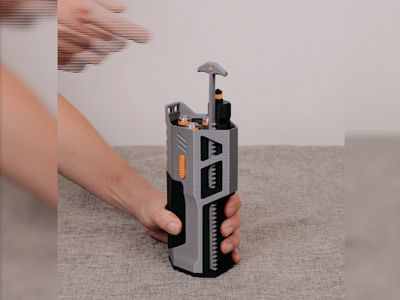
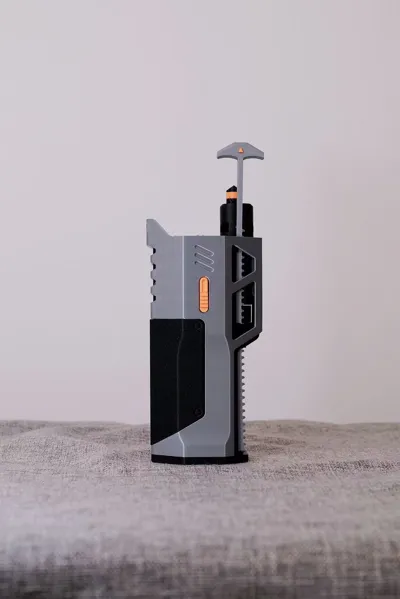
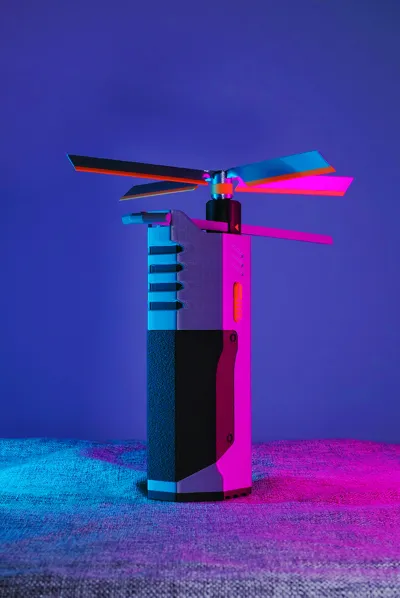
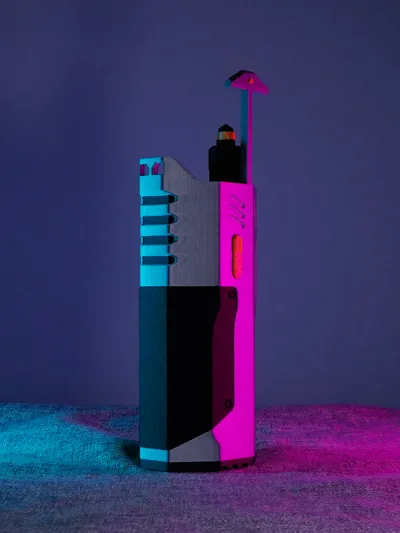
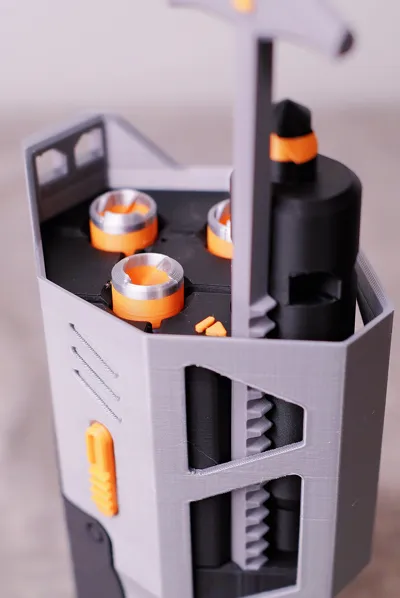
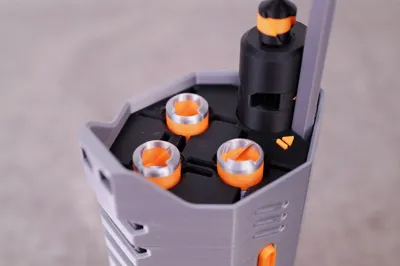
This model is a handheld frisbee launcher that can launch folding frisbees and is equipped with a storage magazine
The folding frisbee is Print in Place, achieving folding functionality without assembly!
Recommended filament
Shell: Bambu PLA Metal Metallic Silver
Magazine base: Bambu PLA Matte Charcoal Black
Folding frisbee: Bambu PLA Silk+ Silk Silver, Bambu PLA Matte Orange
Recommended accessories
Super glue, tweezers
Printing suggestions
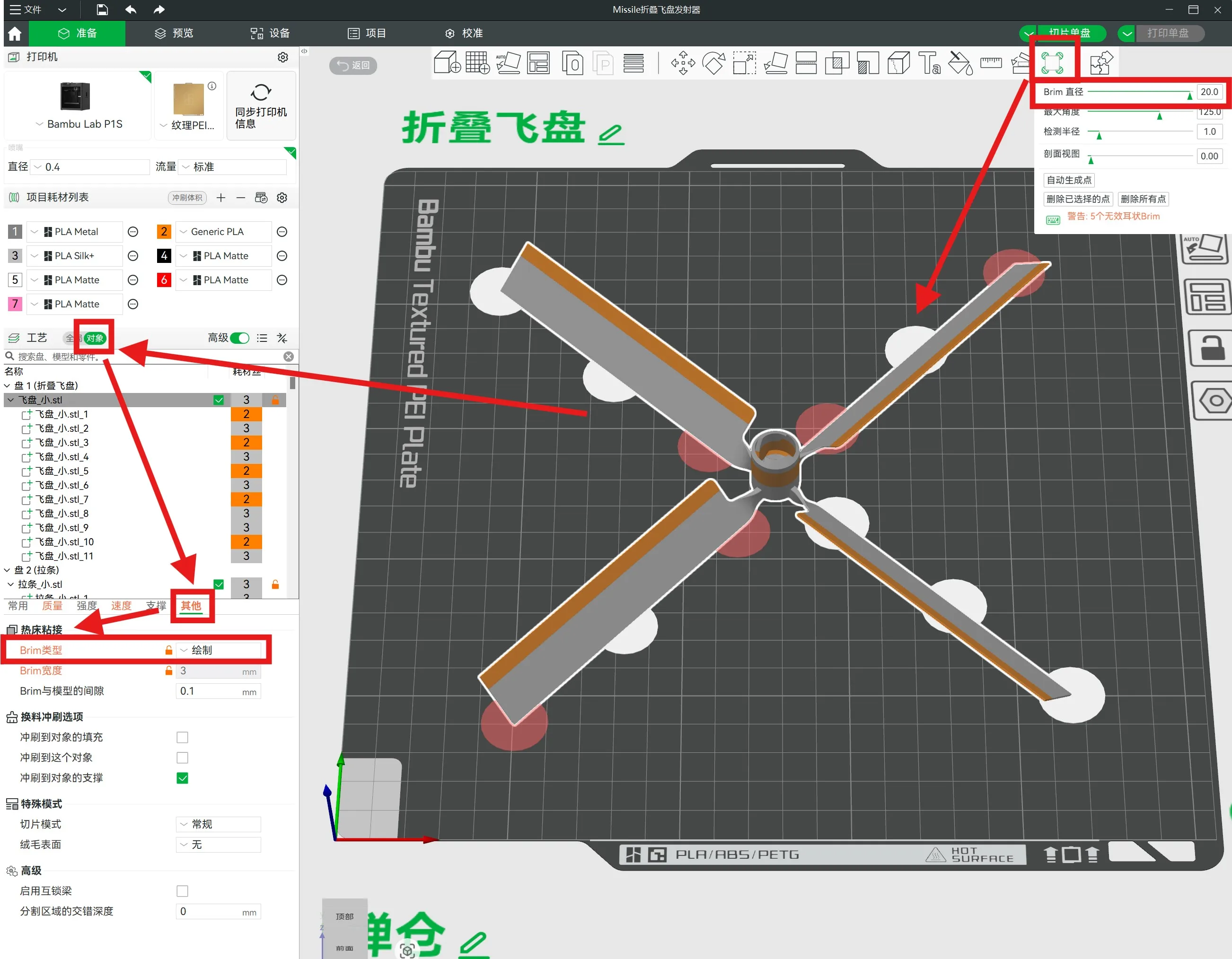
Important!! For the folding frisbee on plate 1, it is recommended to set as shown in the figure below for smooth and fast folding functionality:
(You can also watch "Step Two: Slicing Settings" at 00:40 in the [Assembly Guide] video below)
1. Select the model, choose the "Ear Brim" tool on the right side of the toolbar above, and set the diameter to maximum
2. As shown in the image, add a circular Ear Brim to the bottom surface of the frisbee
3. Select "Object" on the left, and in the "Other Settings" below, choose "Paint" as the Brim type
Note: For some reason, this setting cannot be saved to the uploaded 3mf file, so please set it separately.
However, even if not set, printing can still succeed because the existing 3mf is set with a 2mm outer Brim. But the outer Brim will create additional support on the folding pivot, requiring more time and careful removal.
Assembly Guide
Please refer to "Step Four" at 01:47 in the video
----------------------------------------------------------------------------------
[3D Printing Design Manual - Core Beginner Chapter] Detailed Introduction Video
License

You shall not share, sub-license, sell, rent, host, transfer, or distribute in any way the digital or 3D printed versions of this object, nor any other derivative work of this object in its digital or physical format (including - but not limited to - remixes of this object, and hosting on other digital platforms). The objects may not be used without permission in any way whatsoever in which you charge money, or collect fees.


Comment & Rating (2)