
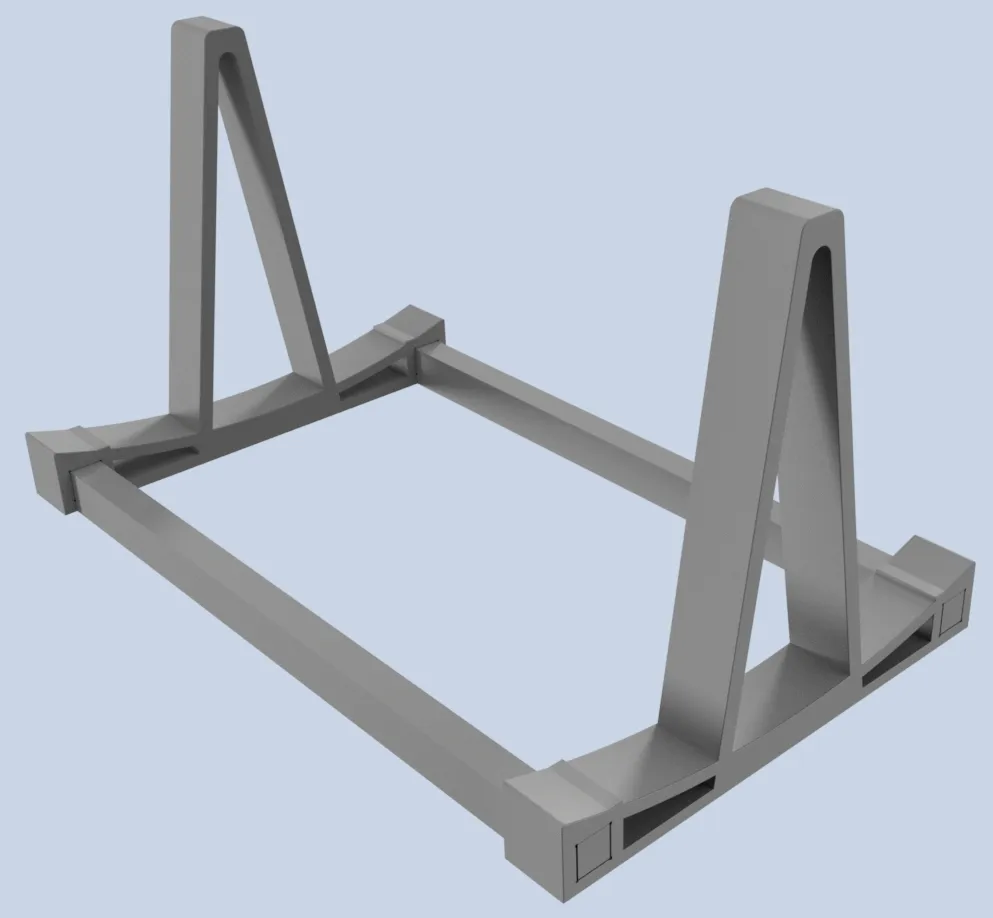
Notebook Laptop Stand Docking Station
Print Profile(1)

Description
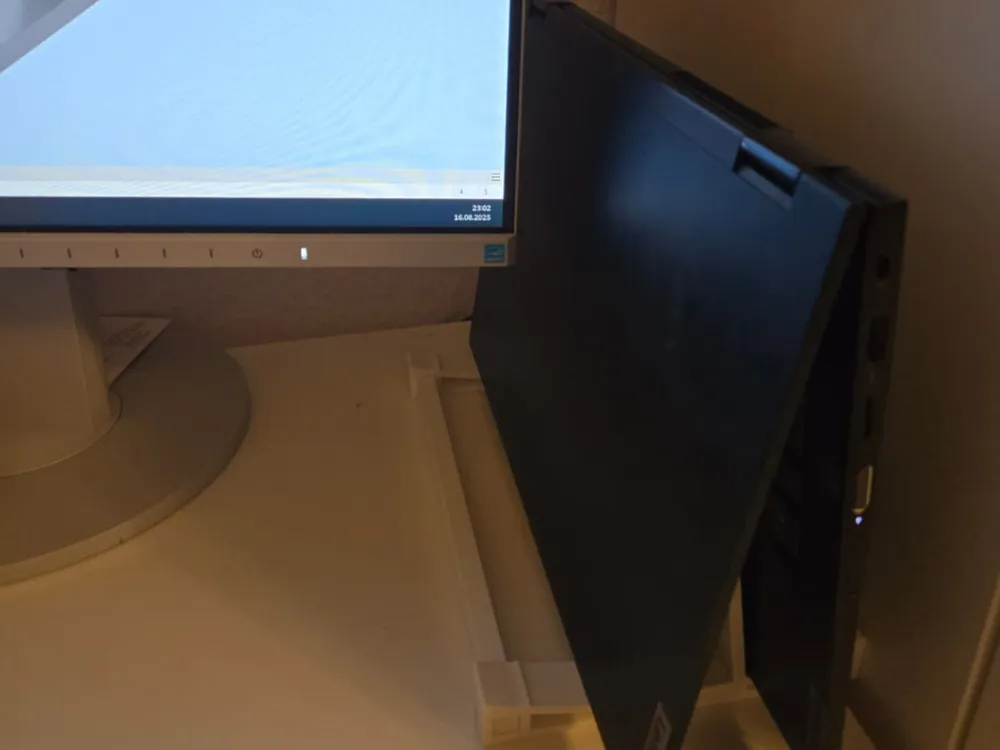
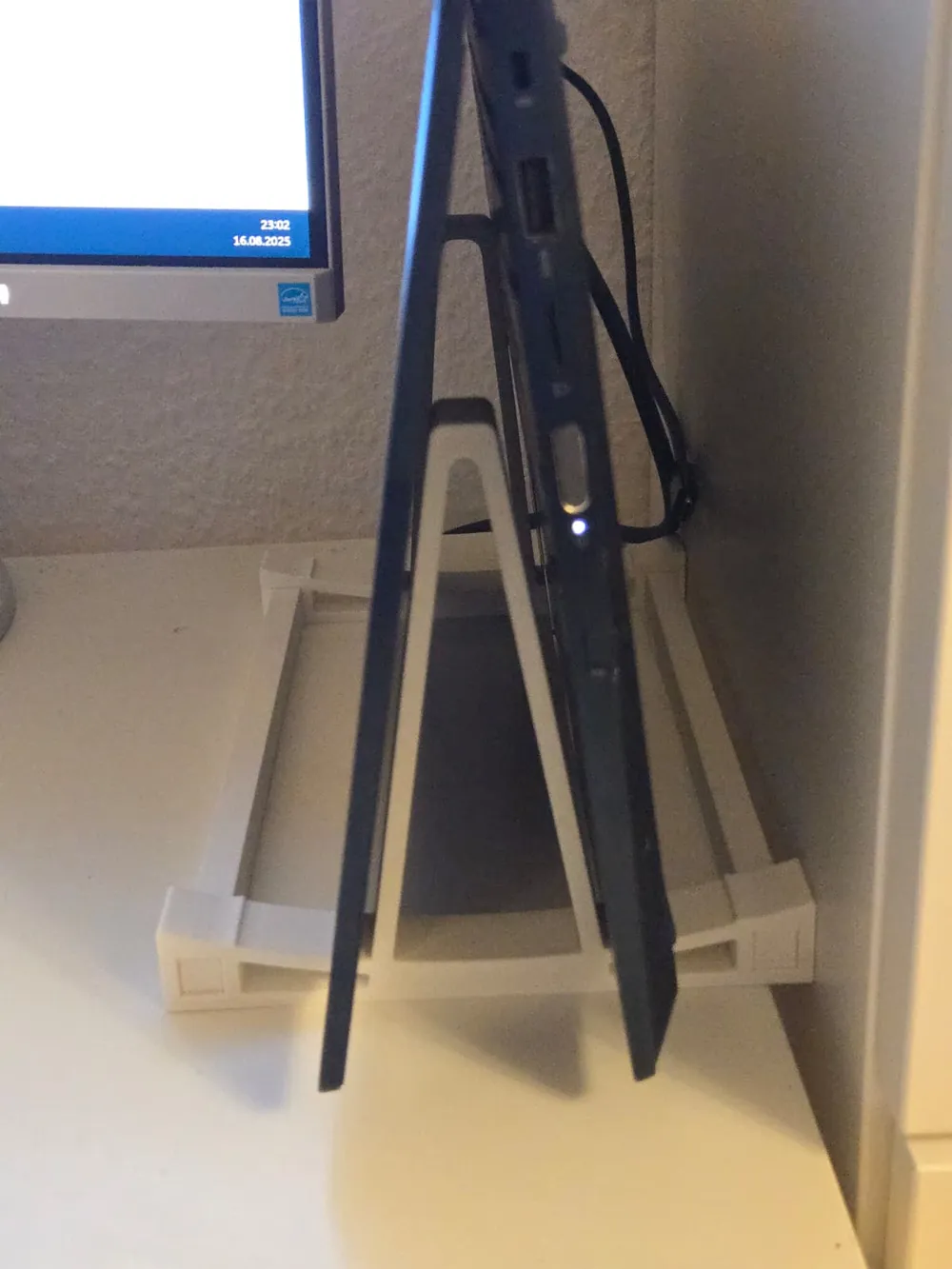
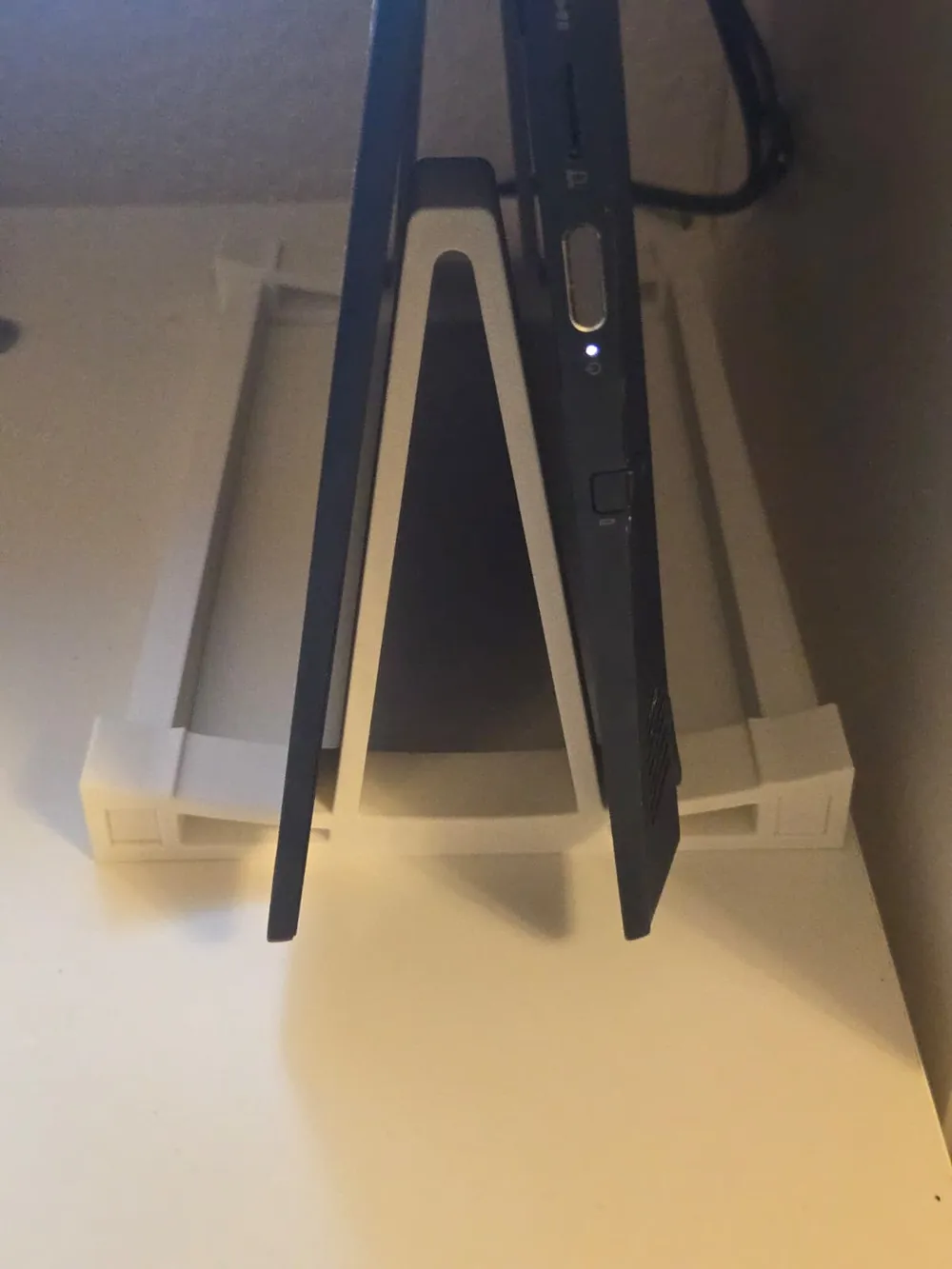
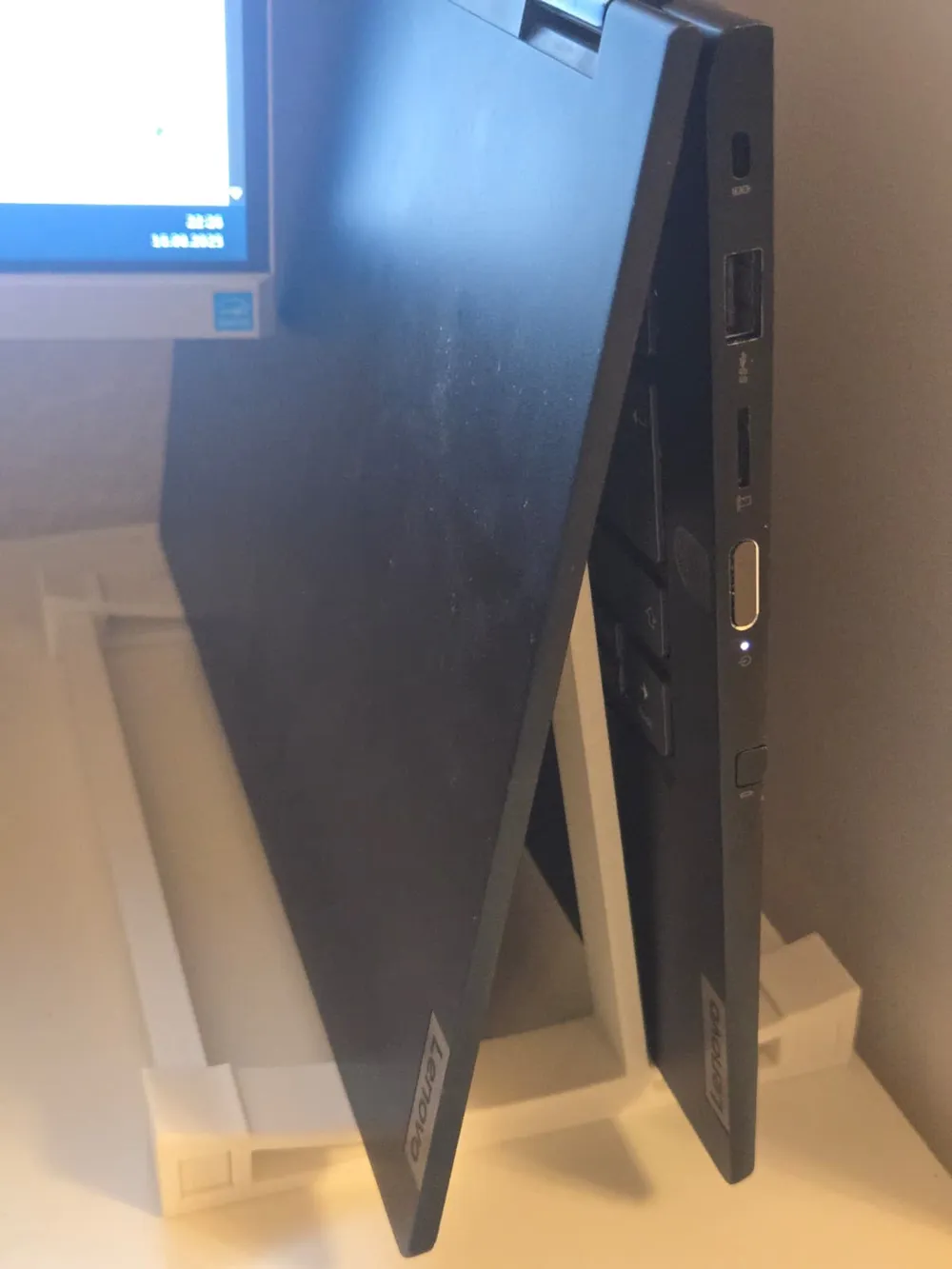
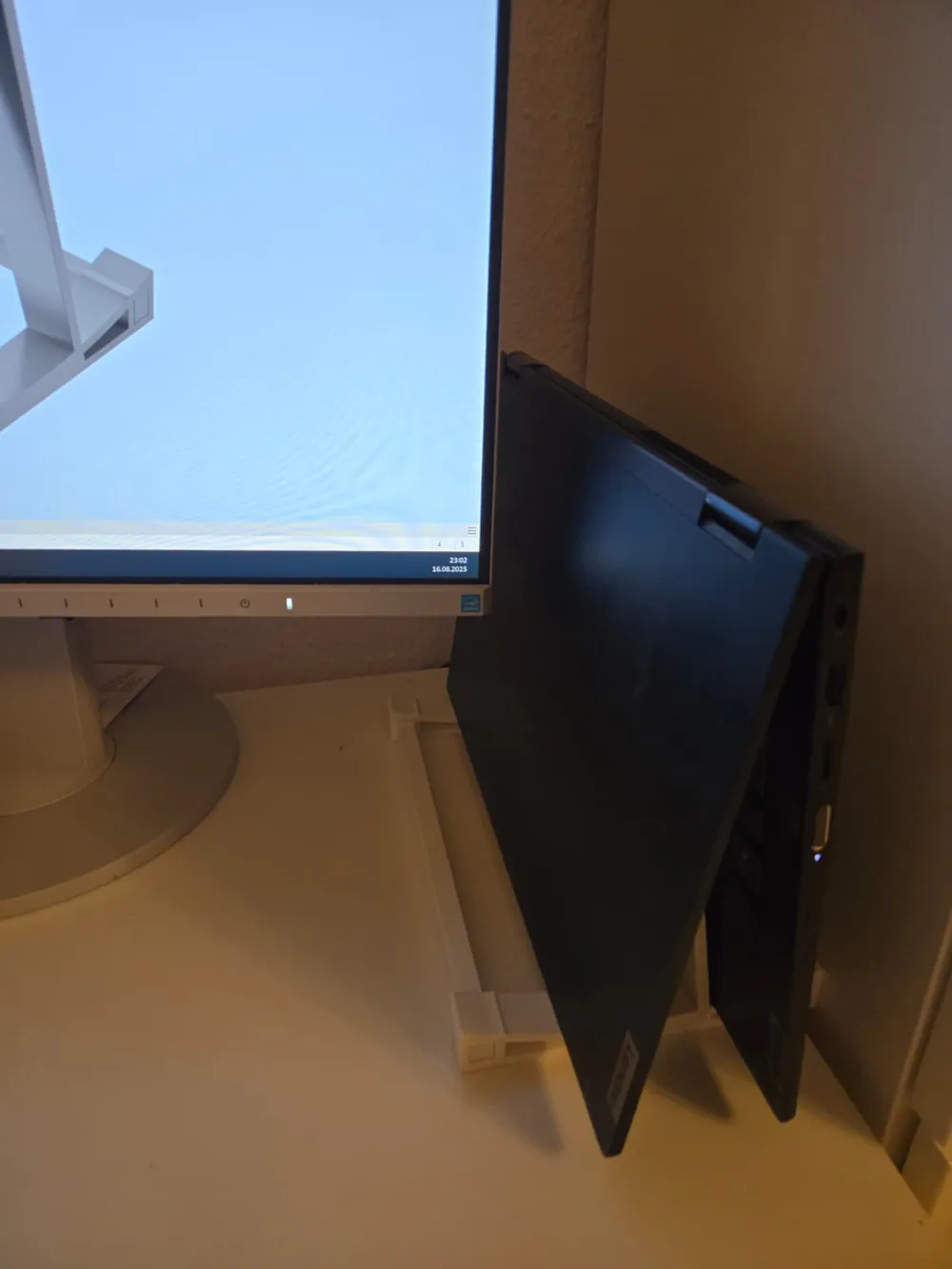
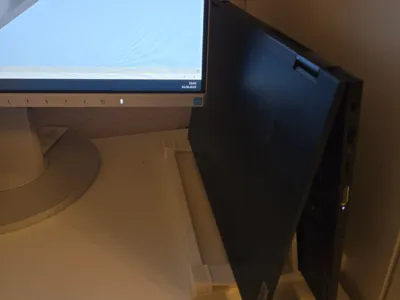
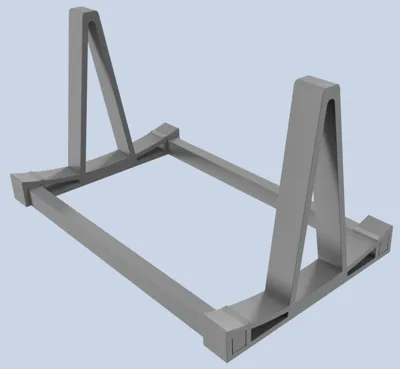
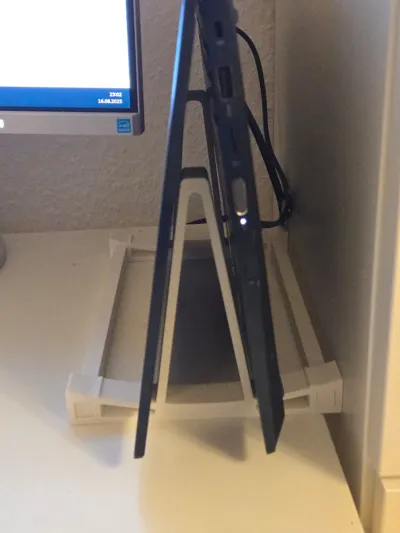
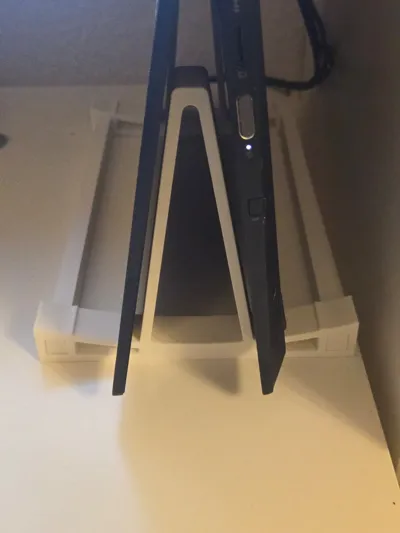
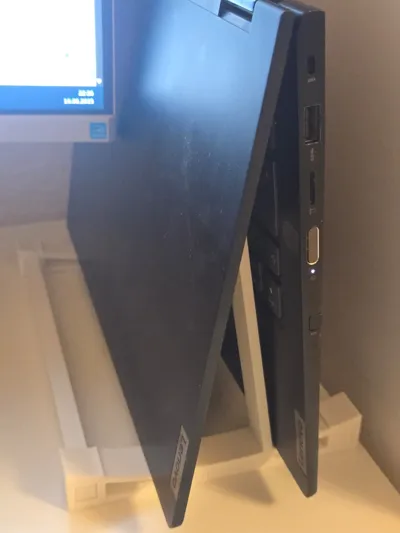
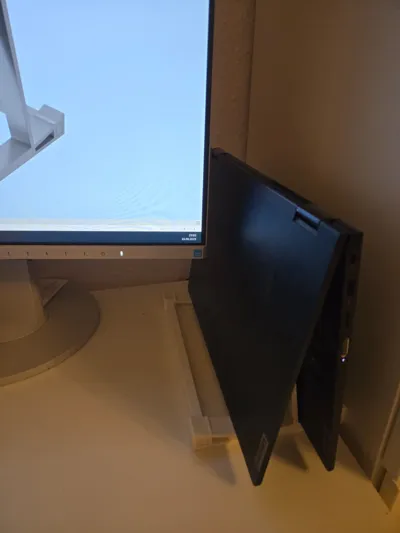
By setting up the notebook in a V-shape, it can be switched on because it is not folded shut. Here, the Lenovo is connected to a Dell Docking Station. The on button on the side is active when unfolded.
You can also reach the “internal” on button with your finger on another notebook.
In Windows, disable the “internal” display.
Booting up is then also possible in the docking station, as the laptop is not closed. In all other models, these are closed.
Another advantage, better heat dissipation, as warm air rises.
License

You shall not share, sub-license, sell, rent, host, transfer, or distribute in any way the digital or 3D printed versions of this object, nor any other derivative work of this object in its digital or physical format (including - but not limited to - remixes of this object, and hosting on other digital platforms). The objects may not be used without permission in any way whatsoever in which you charge money, or collect fees.


Comment & Rating (0)