
Simracing Button Box (mk2,XL,mini)
Print Profile(3)

Bill of Materials

Description
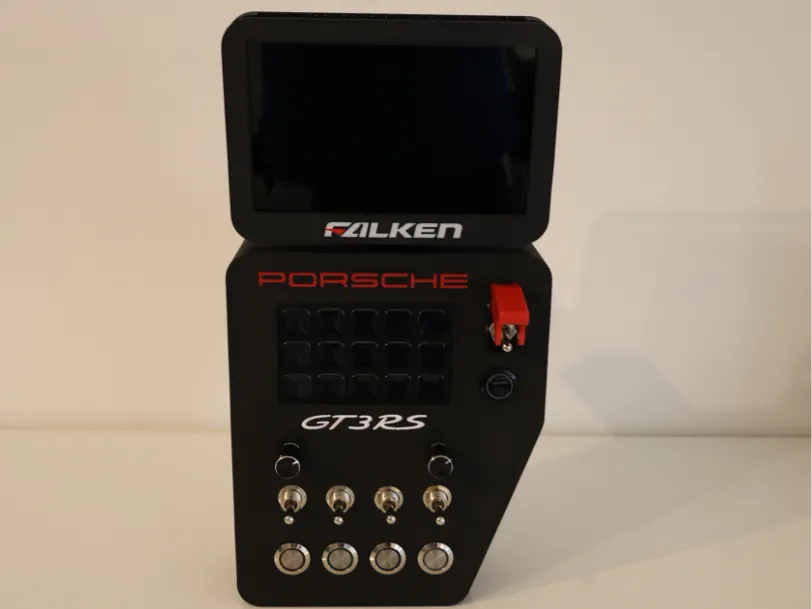
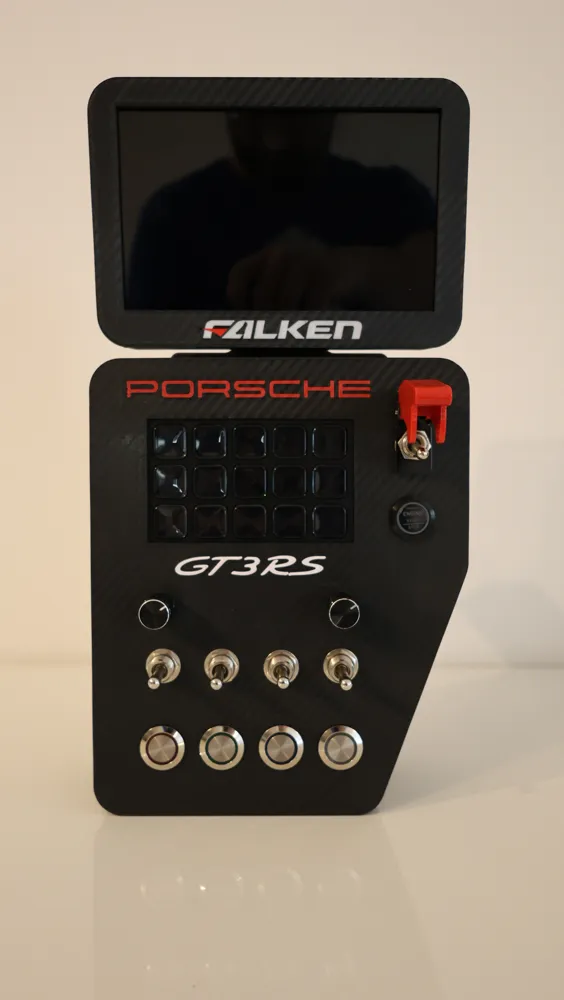
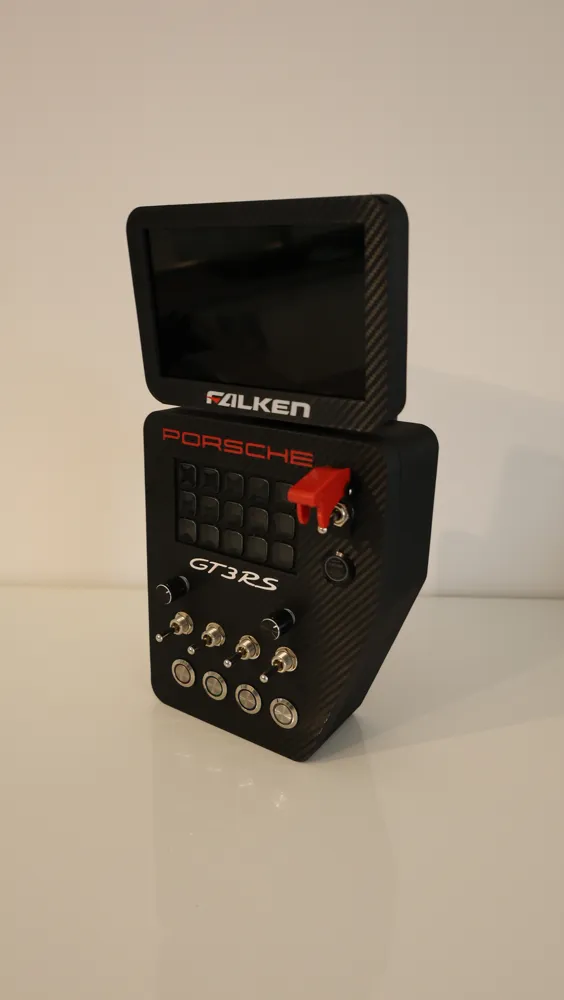
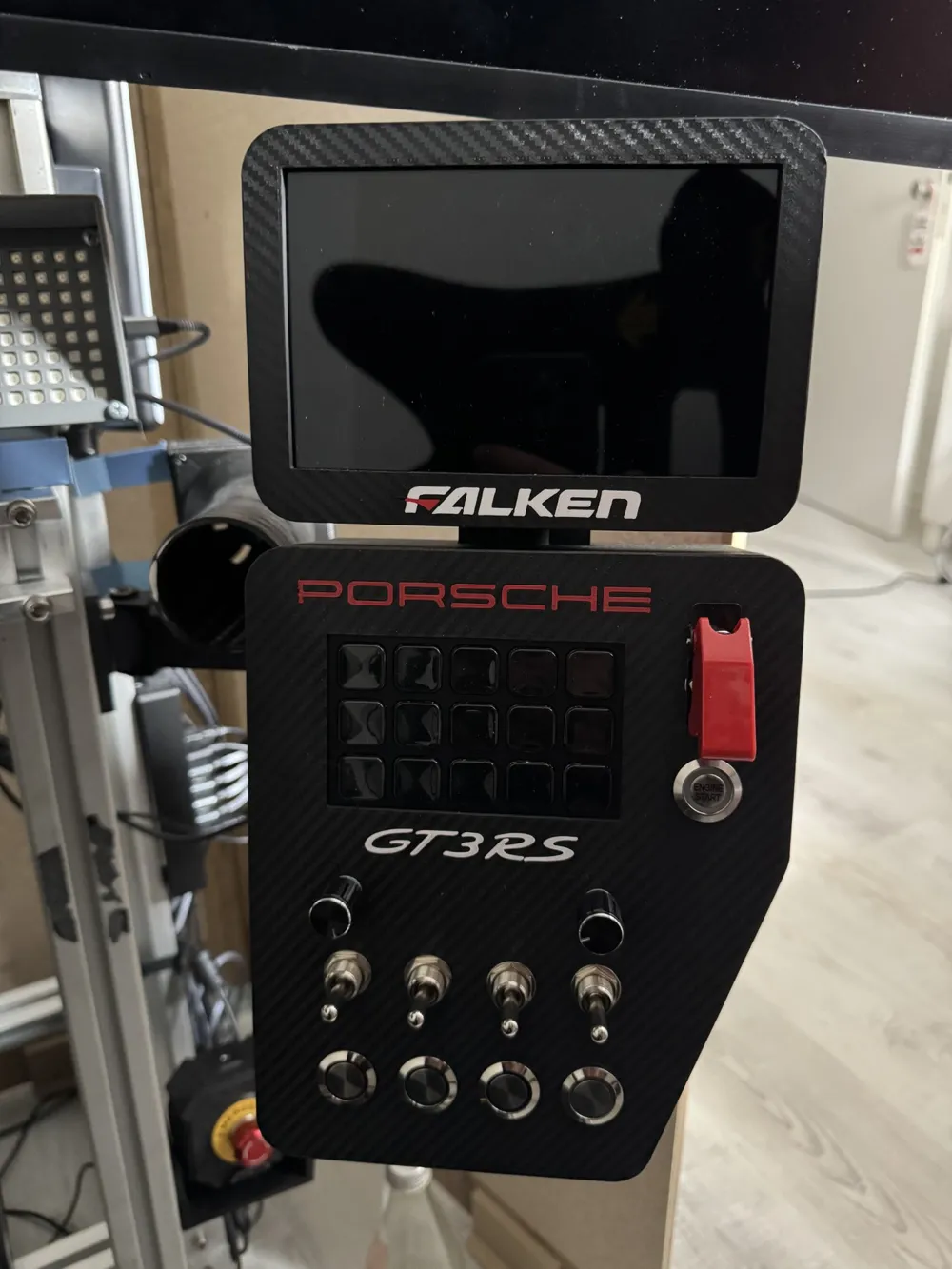
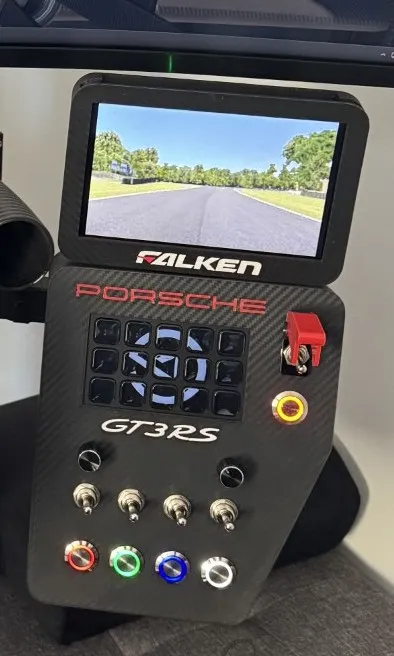
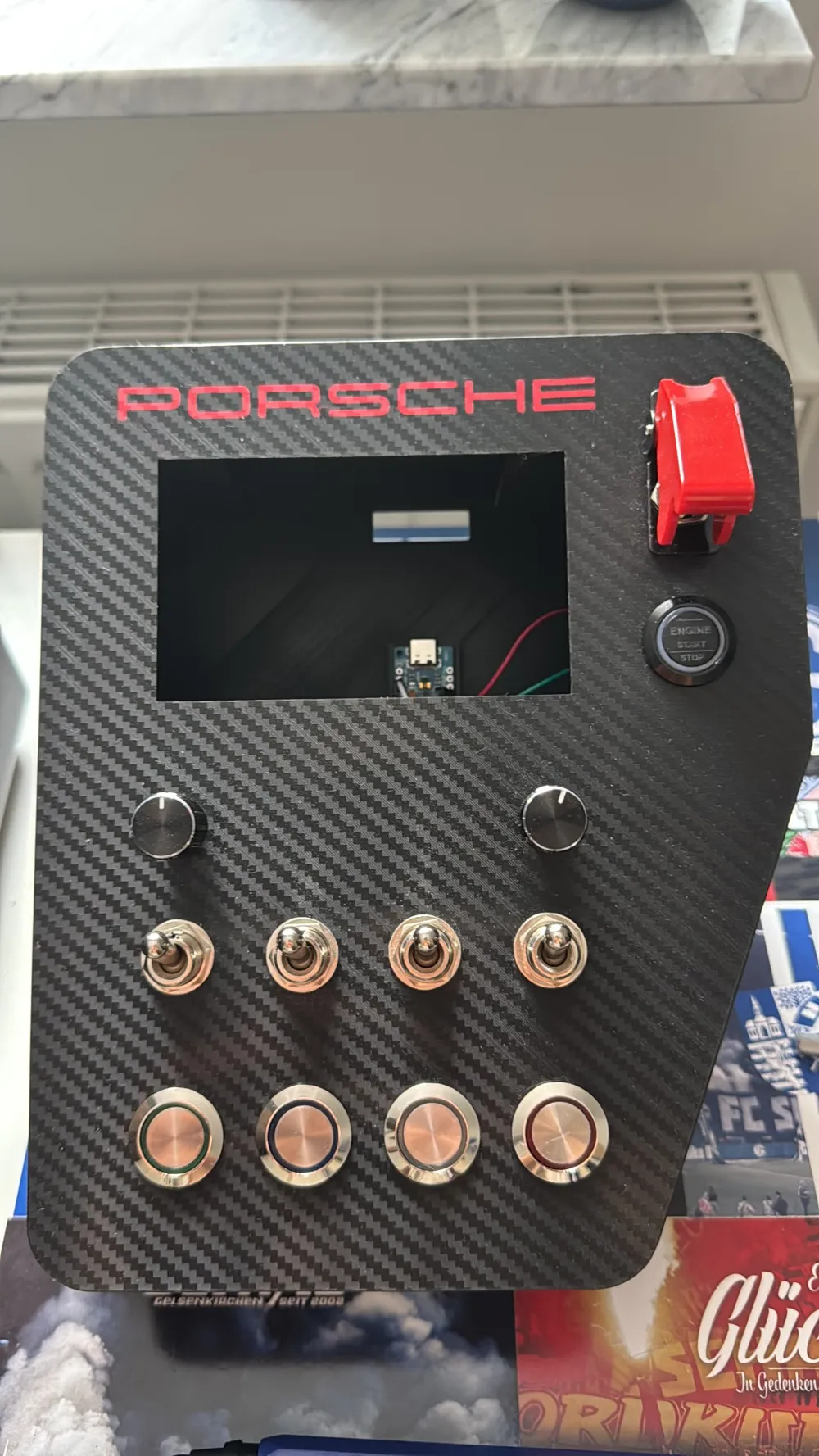
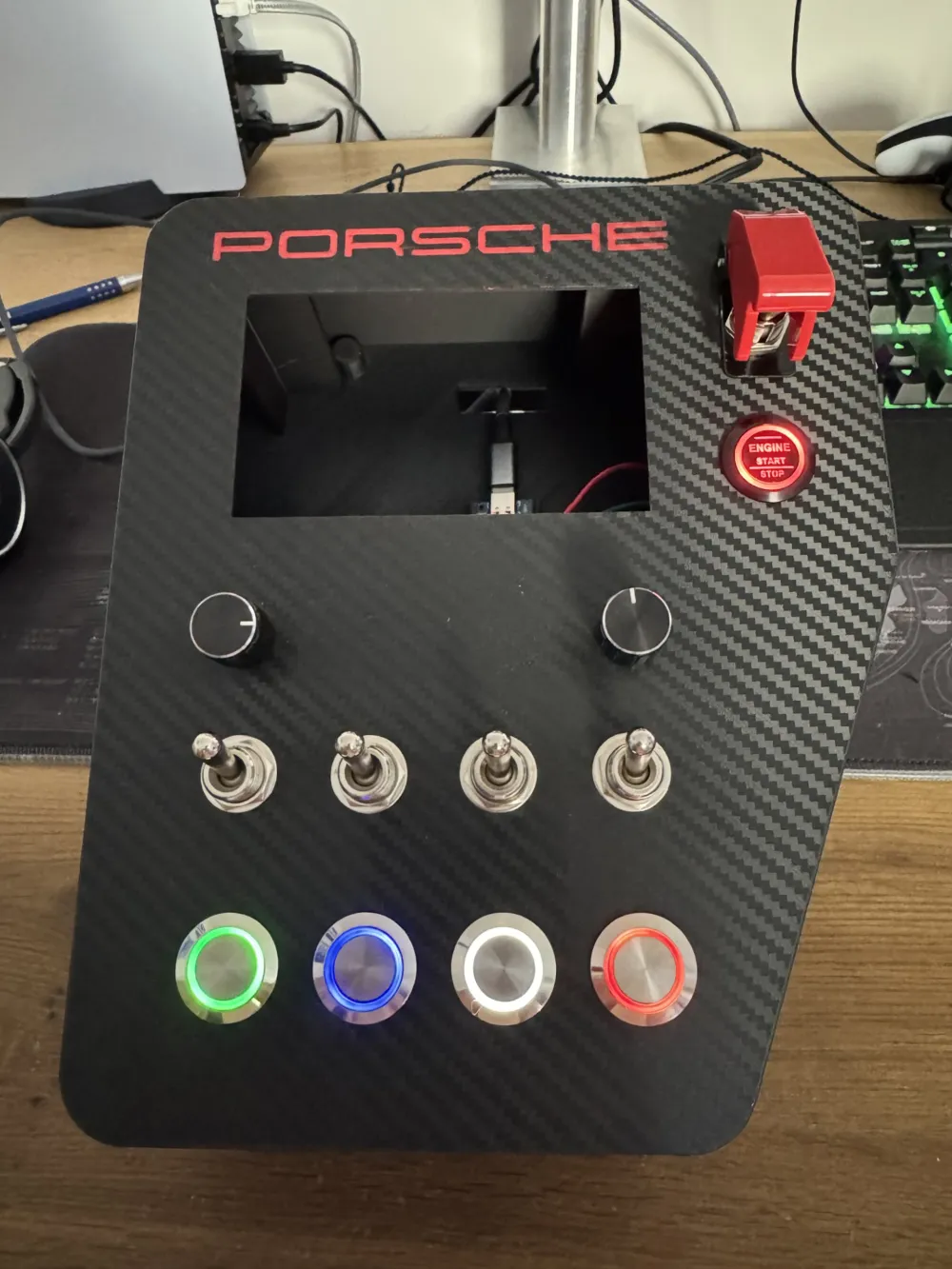
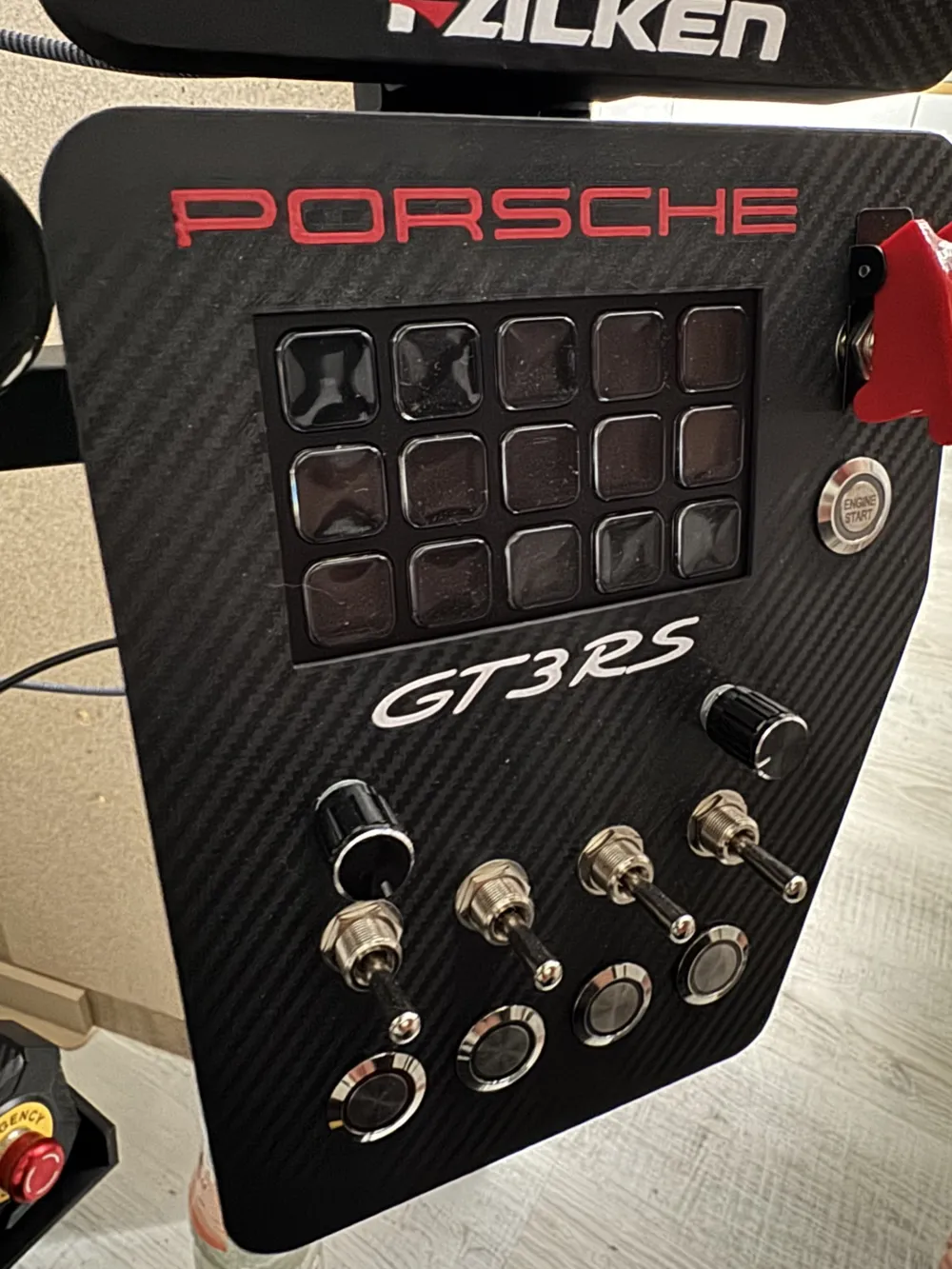
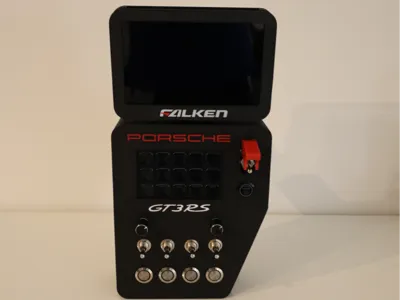
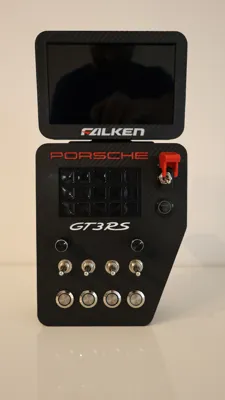
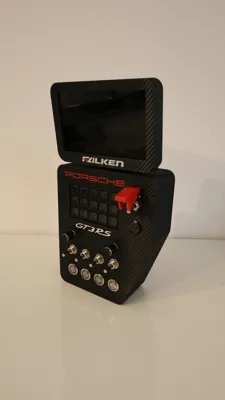
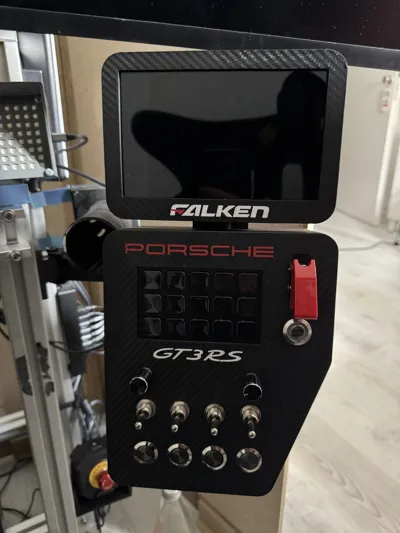
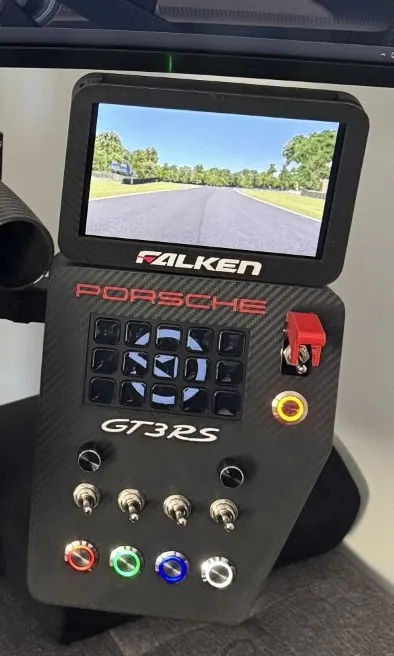
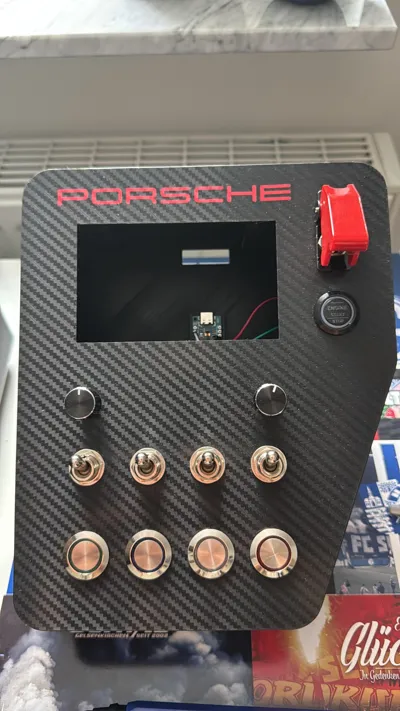
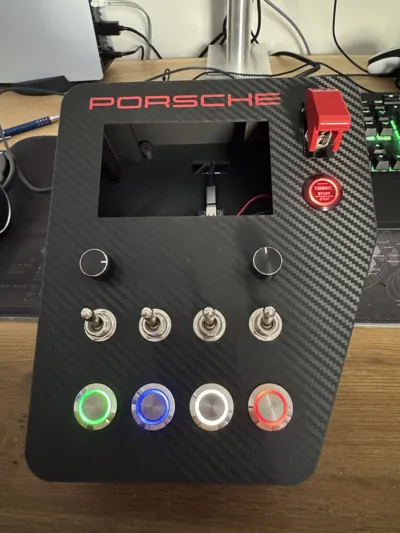
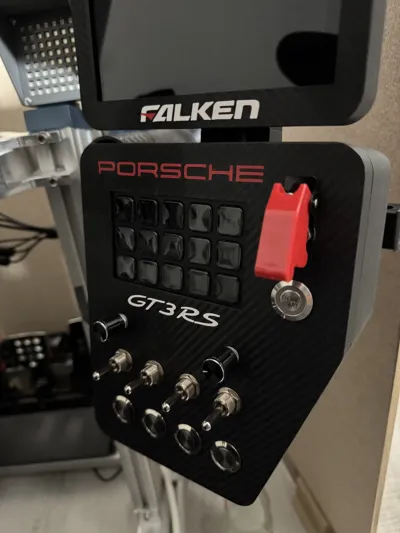
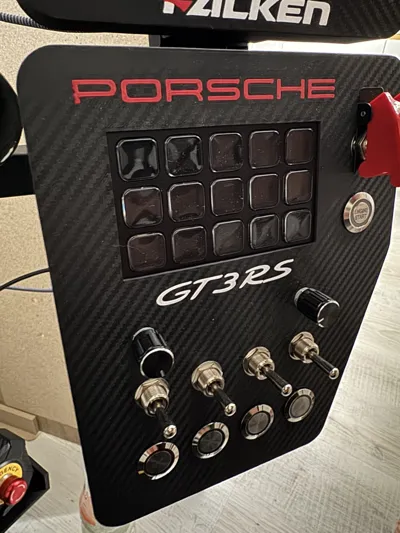
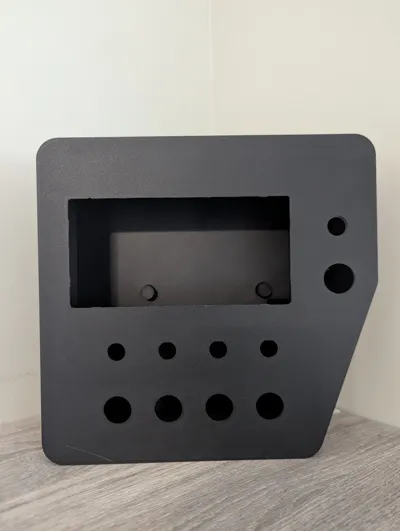
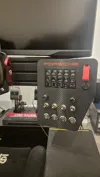
Hey, I set about designing my own button box. Additionally, there's now a display as an extension
The whole thing is controlled via an Arduino and Sim Hub.
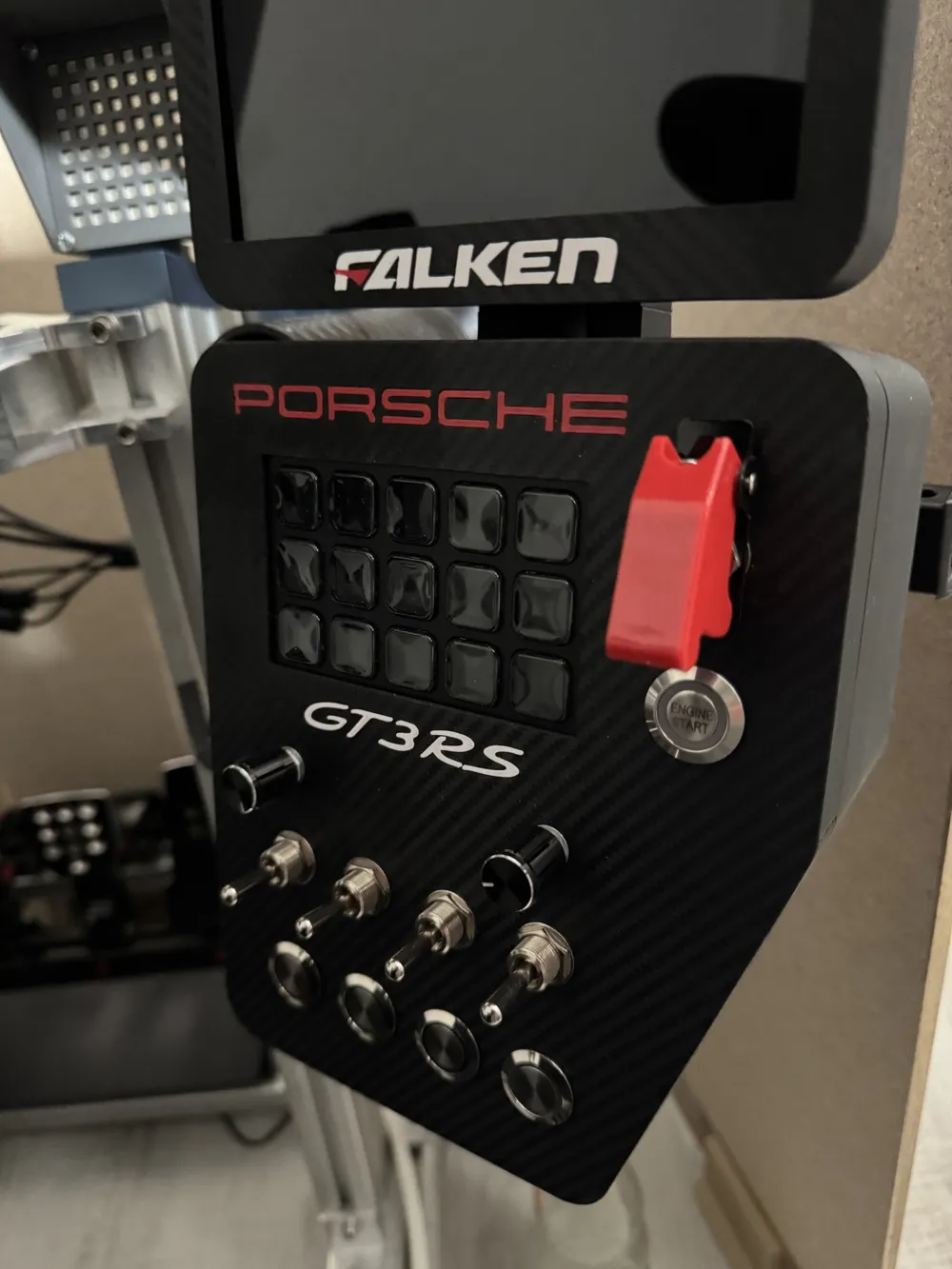
The buttons at the top are a built-in StreamDeck.
The model is without logos!
Boost Me (for free)
I would appreciate a boost :)
********** UPDATE (03/25/2026) **********
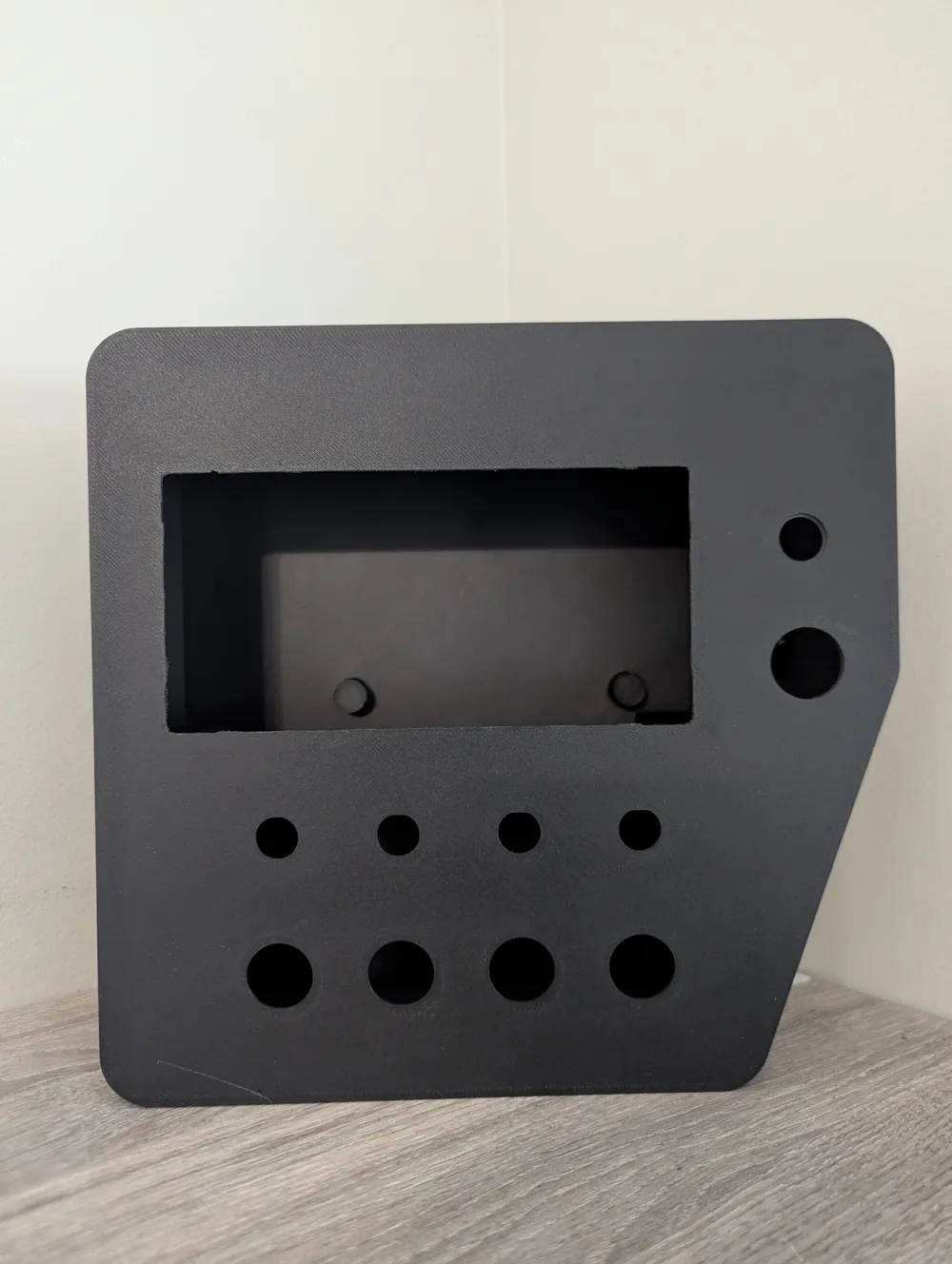
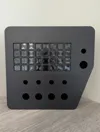
Button Box mini (BETA version) unfortunately not 100% sure if it fits perfectly. I would be happy for any help. Feel free to leave a comment or a private message.
********** UPDATE (03/07/2026) **********
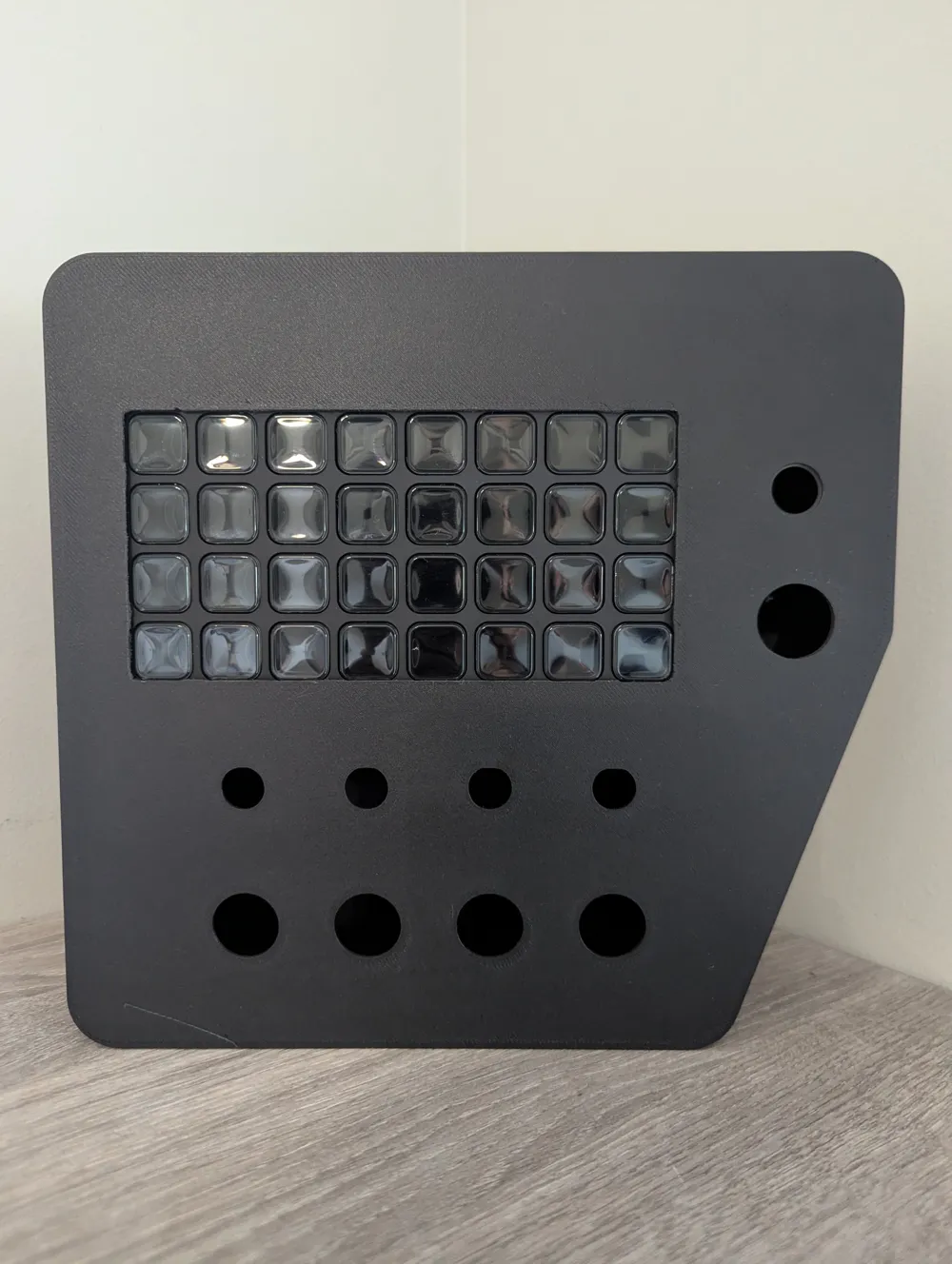
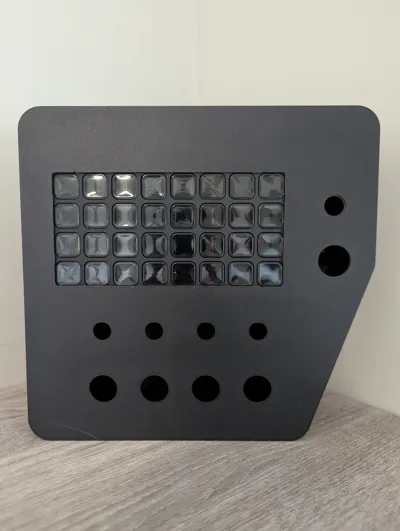
Upload of the Streamdeck XL variant. Currently, the Arduino is still "loose" in the box.
********** UPDATE (03/06/2026) **********
I am currently working on a version for the Streamdeck XL. A version for the Streamdeck Mini is also being planned.
********** UPDATE **********
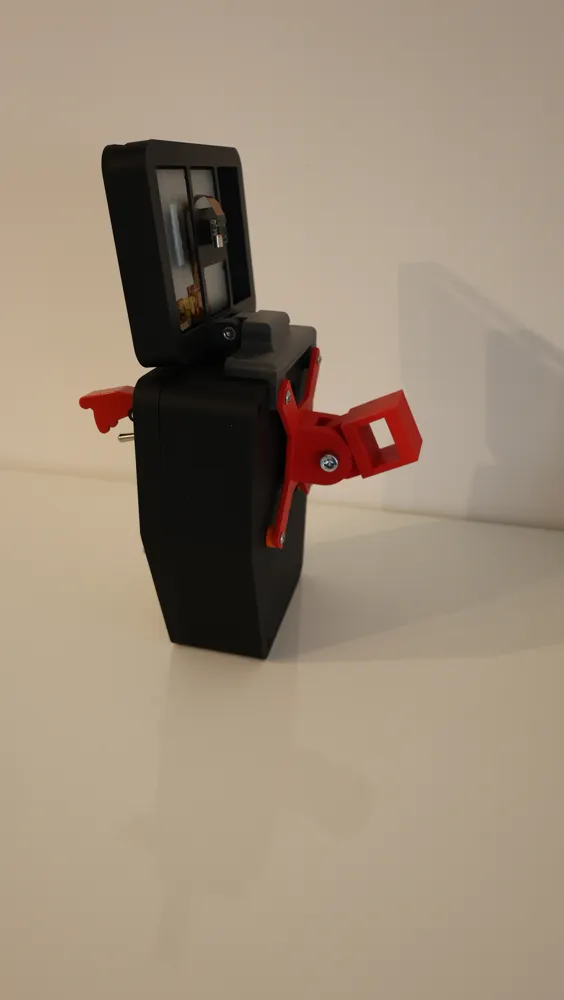
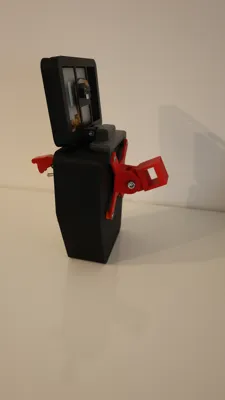
The modular display housing is designed as an extension for your sim racing setup and allows mounting a small display for showing telemetry, dashboards, or additional information. Integration is also done via SimHub.
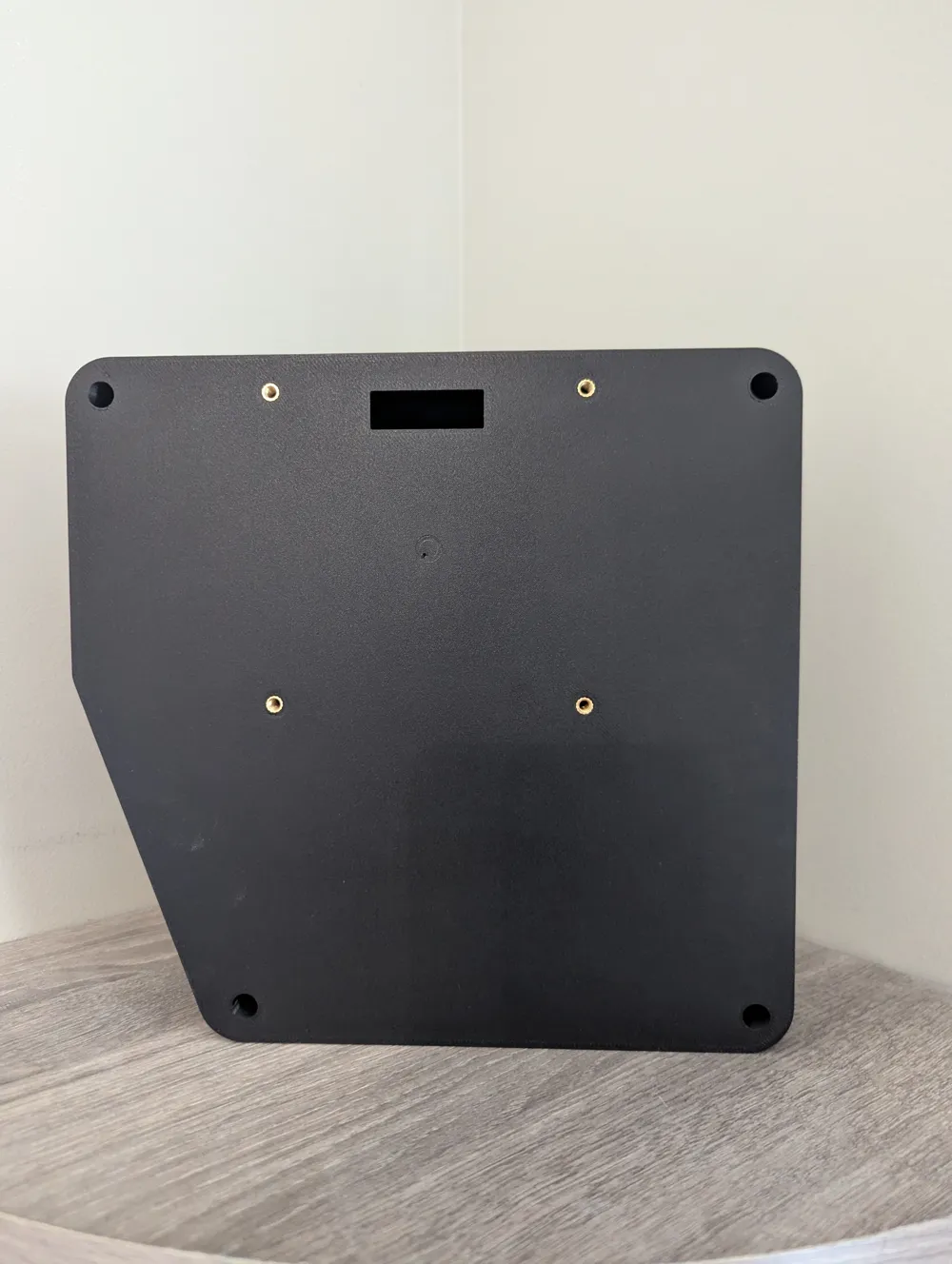
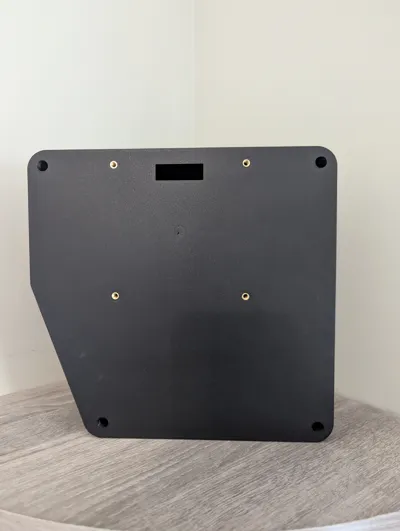
This is mounted between the VESA mount and the button box.
The display is a VoCore 6.8-inch display.
Changes:
I relocated the Arduino's position so that the cable no longer needs to be routed internally but can now be connected from the outside.
Accessories:
The buttons and toggle switches were connected via SimHub Matrix.
There are numerous videos on YouTube about this.
The toggle switch for ignition on the Start Engine Button is an on-off momentary toggle switch.
The other toggle switches are on-off on momentary. Button diameter Ø19mm
Toggle switch diameter Ø12mm
Arduino Pro Micro: https://www.amazon.de/dp/B0D6DVWT5P?ref=ppx_yo2ov_dt_b_fed_asin_title
Rotary Encoder: https://www.amazon.de/dp/B09726Y8RB?ref=ppx_yo2ov_dt_b_fed_asin_title
Toggle Switch: https://de.aliexpress.com/item/1005003642927406.html?spm=a2g0o.order_list.order_list_main.11.519e1802AaanW9&gatewayAdapt=glo2deu
VoCore Website: https://vocore.io/
Happy printing!
Documentation (2)
License

You may create derivative works based on this object, provided that all such derivative works are published exclusively on the MakerWorld platform and include proper attribution to the original creator. You may not share, upload, host, distribute, or publish this object—or any derivative work of this object—on any other digital platform, marketplace, or distribution channel. Commercial use of this object and any derivative works is strictly prohibited. This includes, but is not limited to, selling, renting, sublicensing, or using the object in any context in which you receive monetary compensation or other financial benefits.


Comment & Rating (92)