
Mosaic 'Stained Glass' Turtle Lamp
Print Profile(3)




Bill of Materials

Description
Please check out my mopst recent use of this technique! https://makerworld.com/en/models/1882408-spiderweb-stained-glass-suncatcher#profileId-2015739
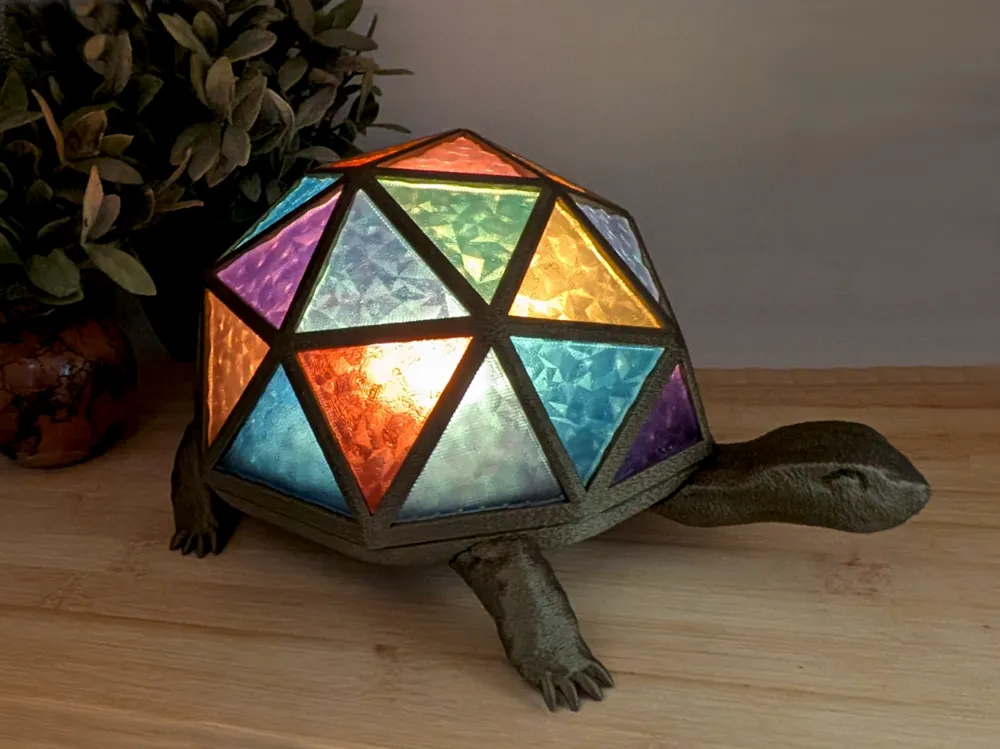
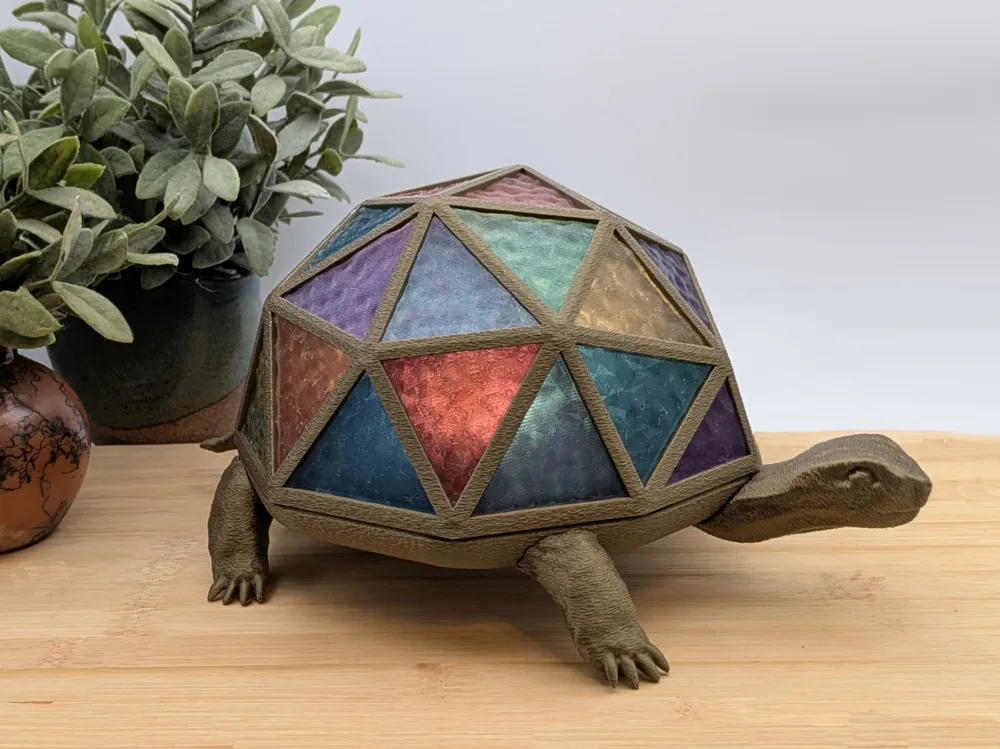
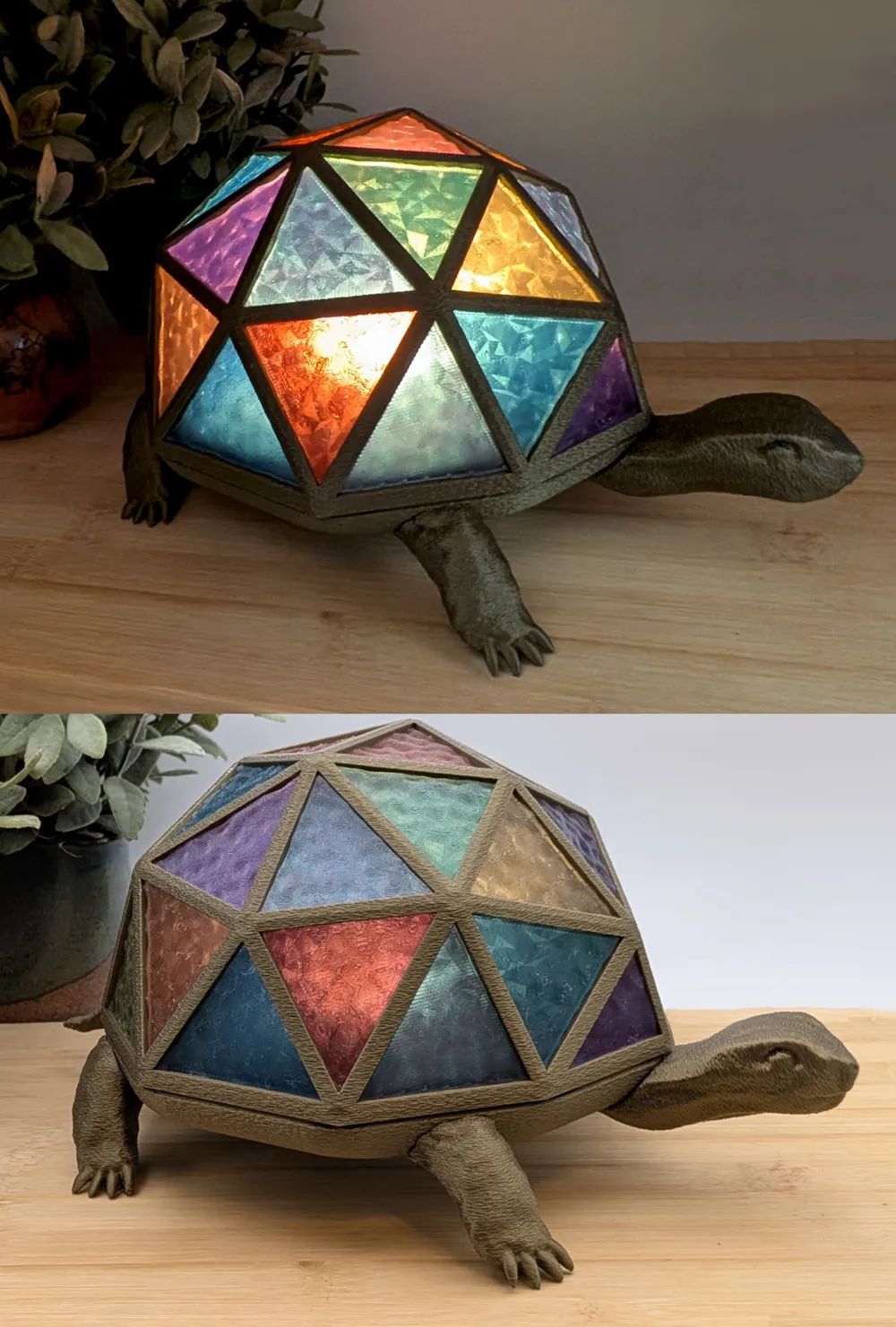
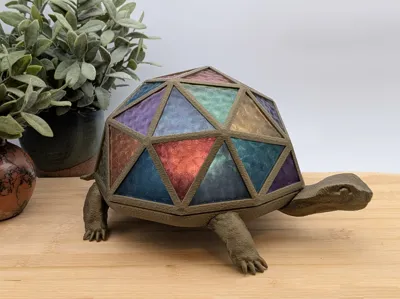
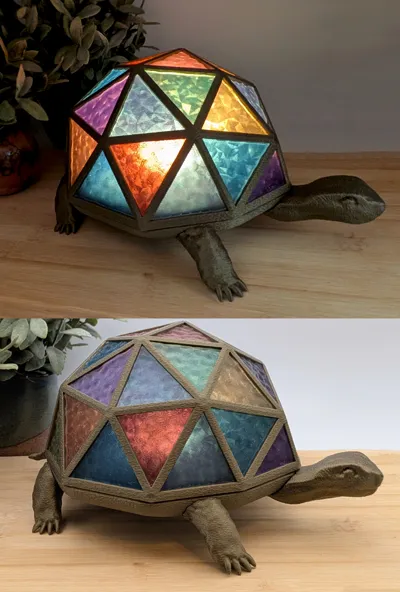
Here is my best attempt (so far!) on stained glass. Thank you Labcraft How I Made Stained Glass With My 3D Printer! I was totally inspired (or slowly driven insane? who's to say?) by your video on it 😊
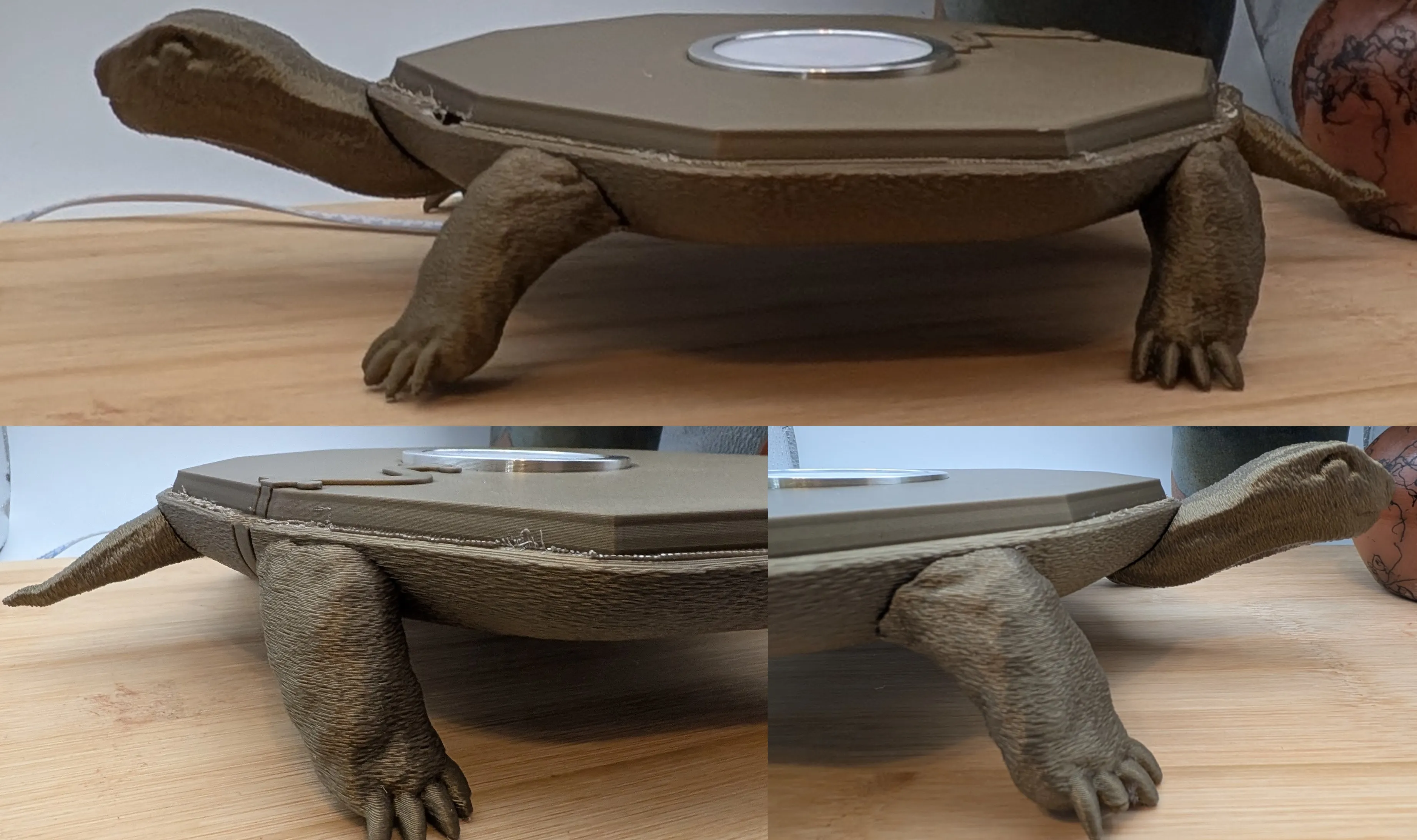
Be forewarned: there is glue involved here! At a minimum, the legs, head, and tail need to be glued. Ideally, the ‘glass’ inserts should snap in, but glue may be needed.
There are 2 profiles, one for the ‘metal’ parts, and one for the ‘stained glass’ inserts. I highly recommend using these, as both have a LOT of custom settings. ESPECIALLY the inserts!
On the inserts:
The profile is based on the settings provided here - Printing tips for transparent PLA/PETG | Bambu Lab Wiki.
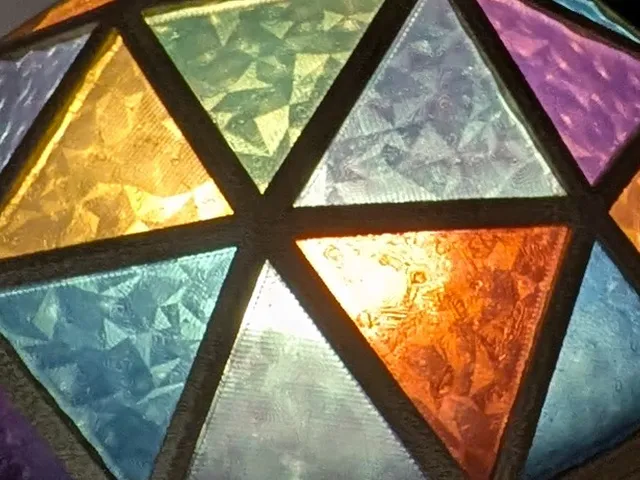
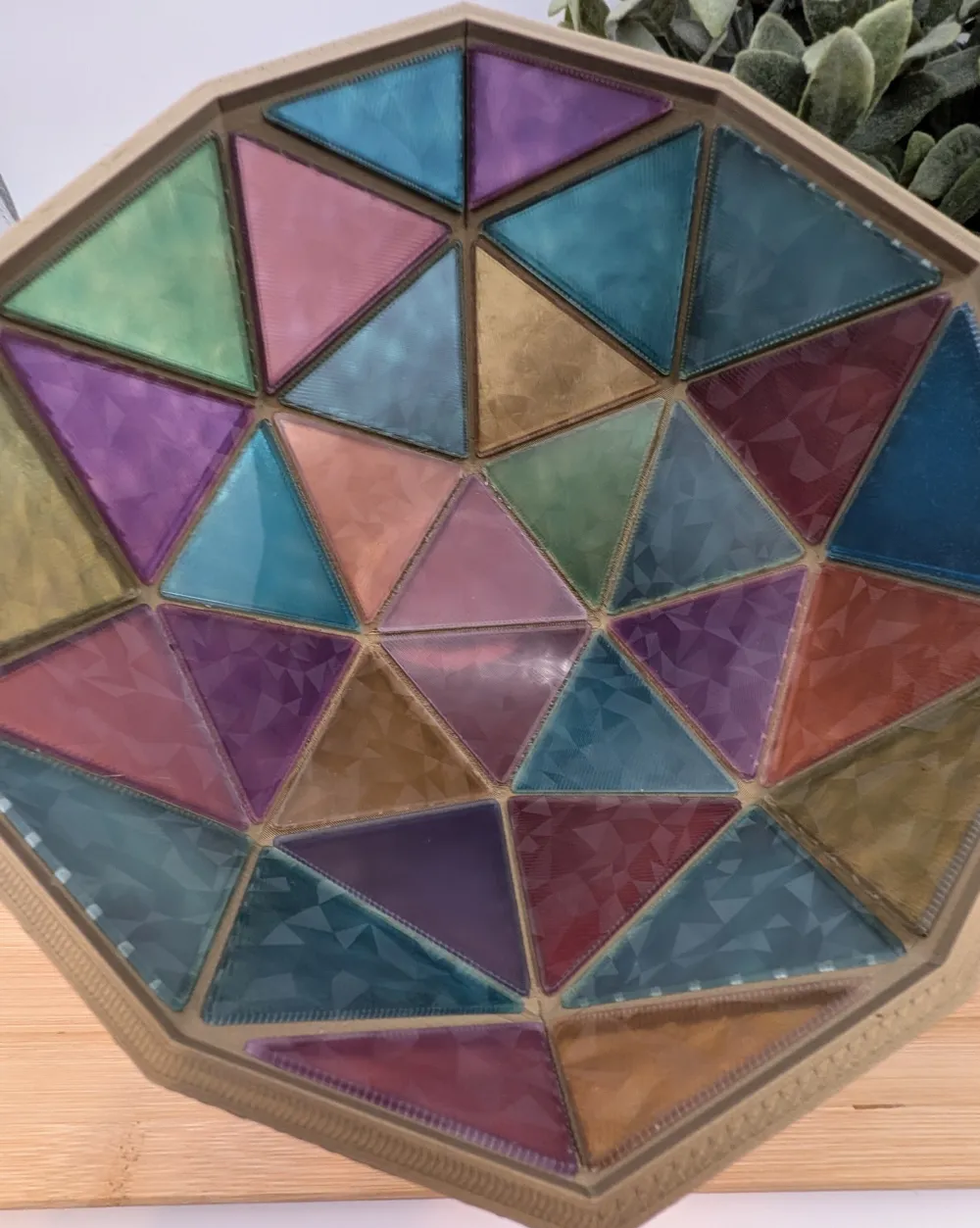
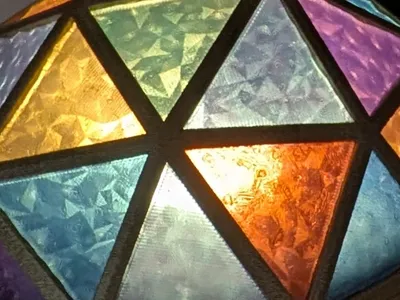
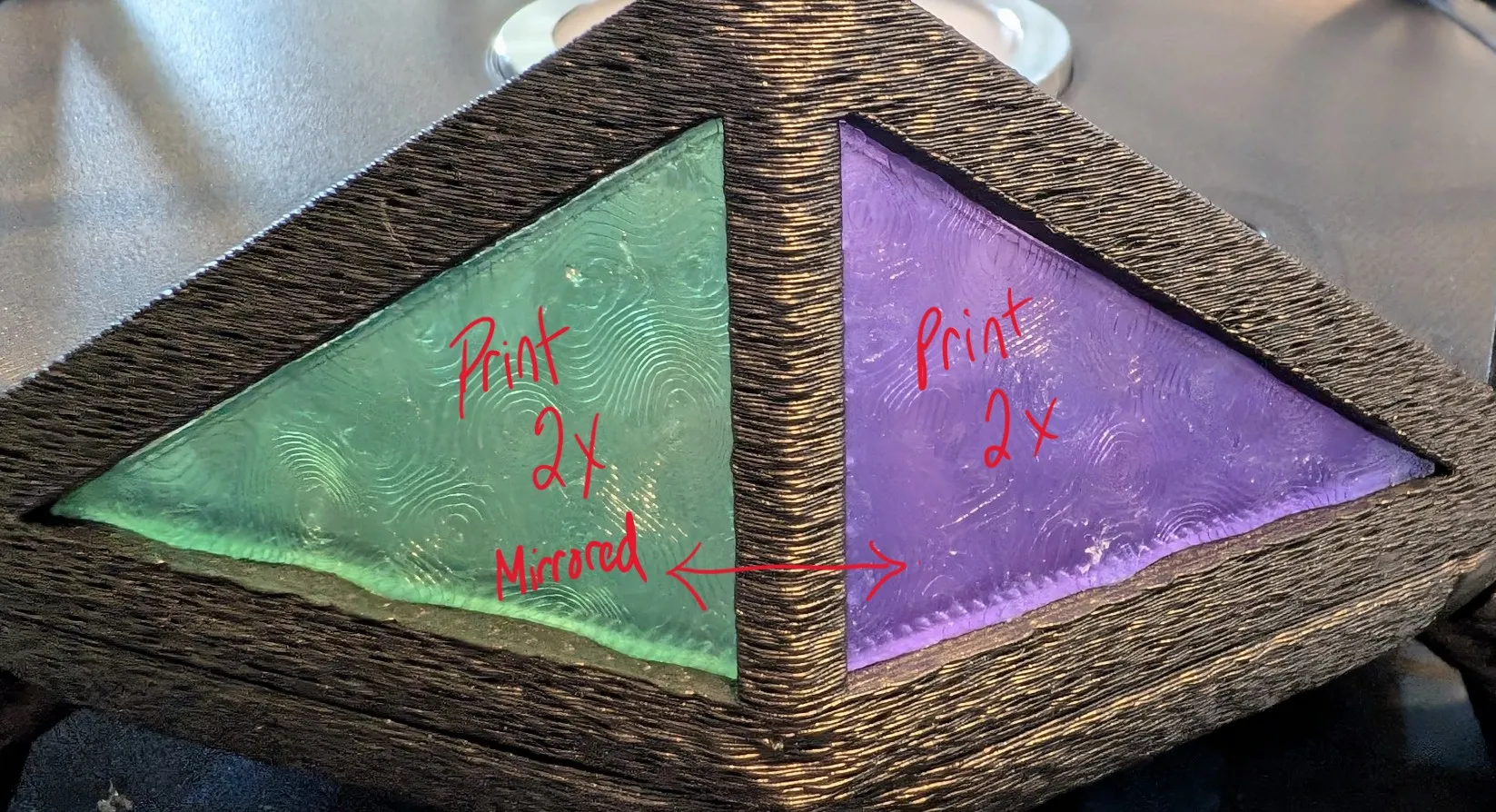
In addition to this, there is a bumpy texture applied to the top surface of the inserts that I think add a bit of realism to them.
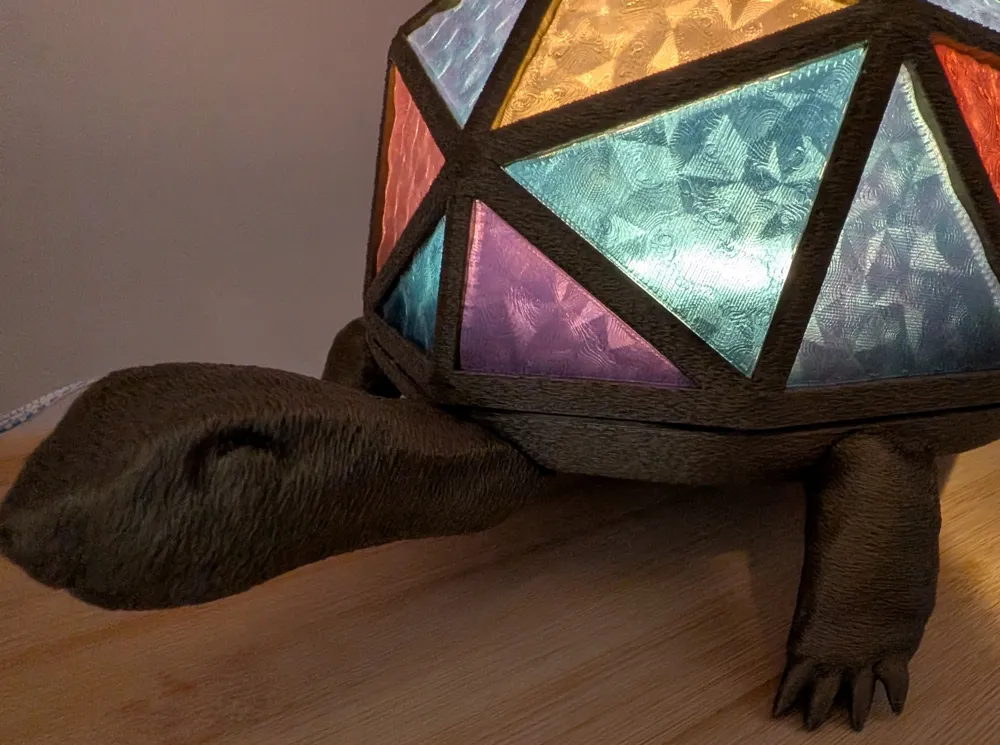
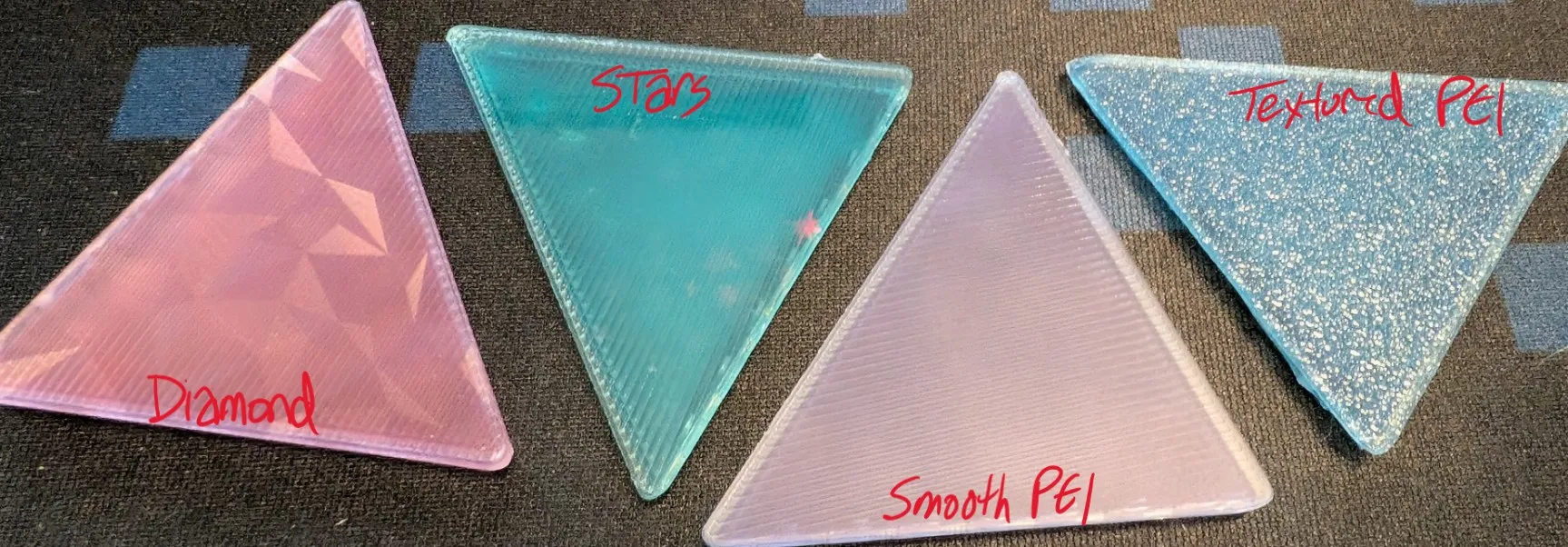
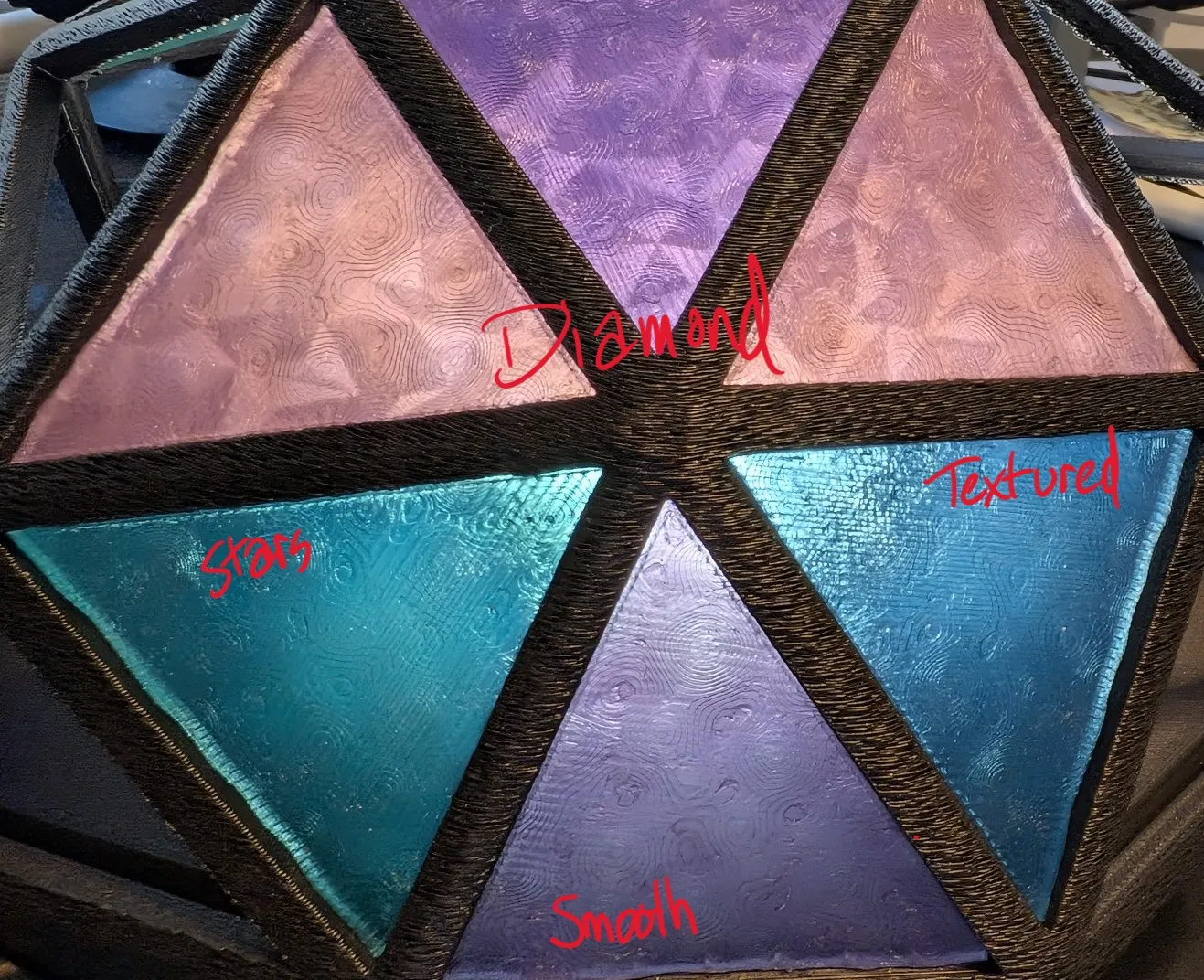
The plate you use will have different effects, although they are pretty similar (pics below). The profile is for the Smooth PEI Plate, but I am actually using the diamond pattern sheet on the Bambu 3D Effect Plate | Bambu Lab US Store. The smooth plate on its own makes a matte finish.
If you are using a gradient filament, I recommend printing in small batches, like 2 or 3 at a time. Otherwise, they will all look very similar in color.
Translucent PLA is a pain the #$%%^&. I had so many issues until I dried it out (which is usually something I don’t worry too much about, I live in a dry-ish area). I also gave up on using the AMS (too much breakage). Still had some minor extruder clogs due to heat creep with the slow speeds and no aux fan. Leaving the door open may help a little with that.
On the base:
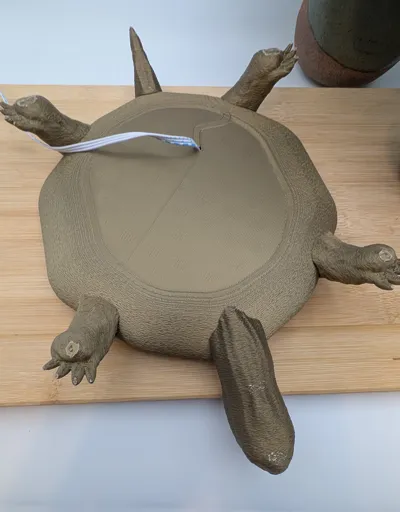
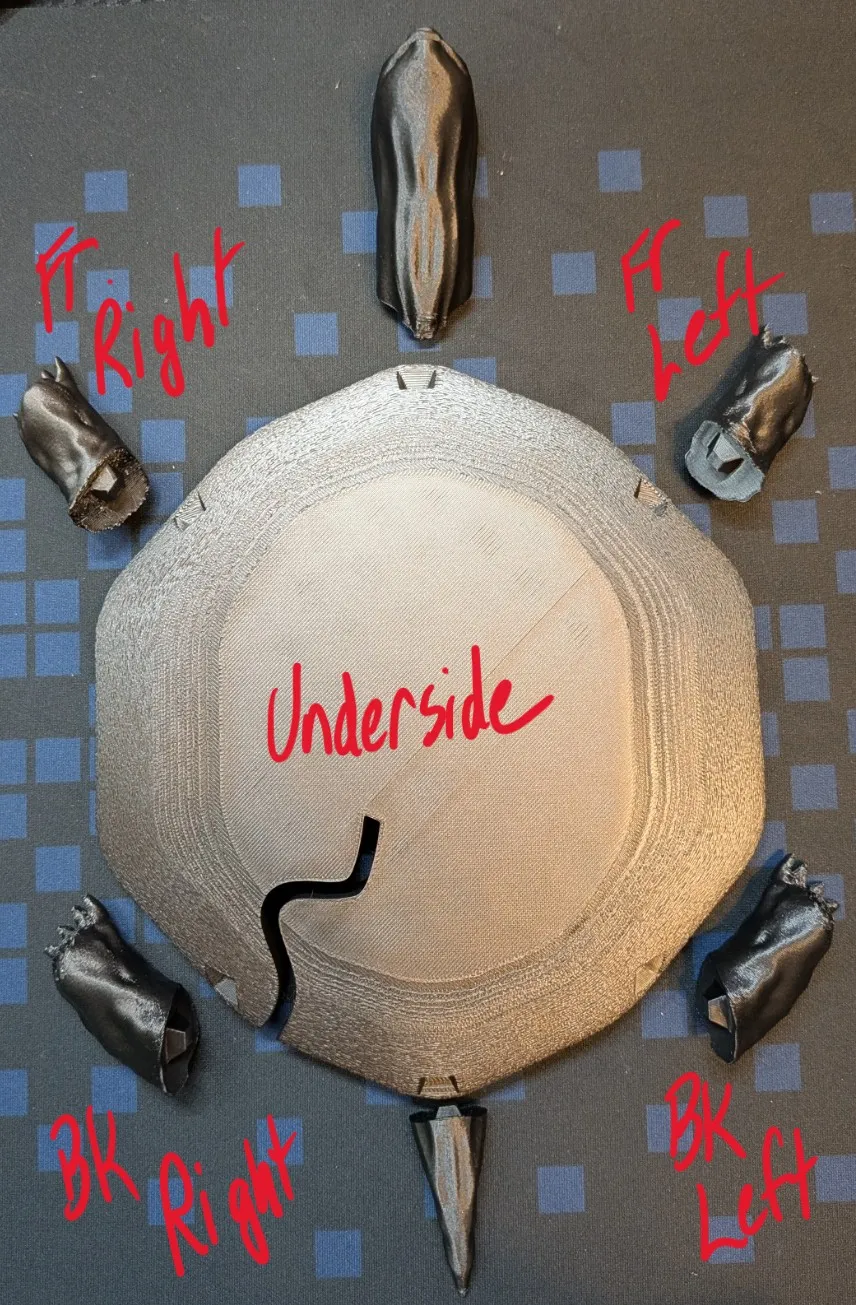
The head, tail, and feet all have custom support blockers and enforcers, and have been oriented to minimize supports, and ensure the connection area is not supported. I don’t know about anyone else, but I always have issues with removing support interface, and I didn’t want any extra material there to interfere with the fit.
The head and tail also have speed changes in the upper layers to slow things down and prevent tippage.
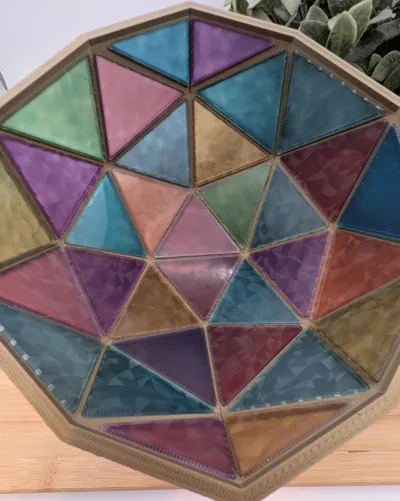
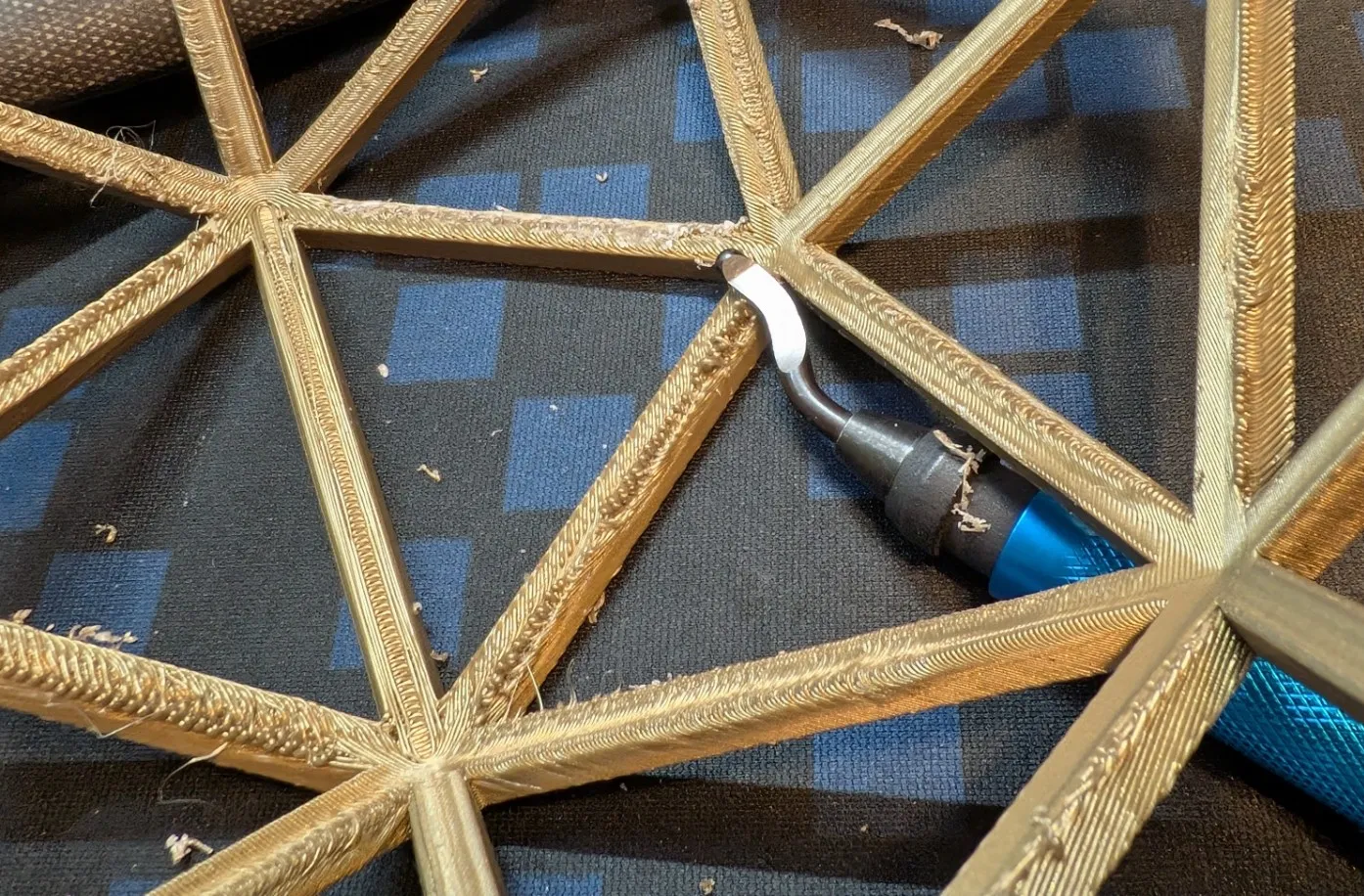
Leftover interface on the underside of the cage will need to be removed if it interferes with the fit of the inserts. A deburring tool works great for that.
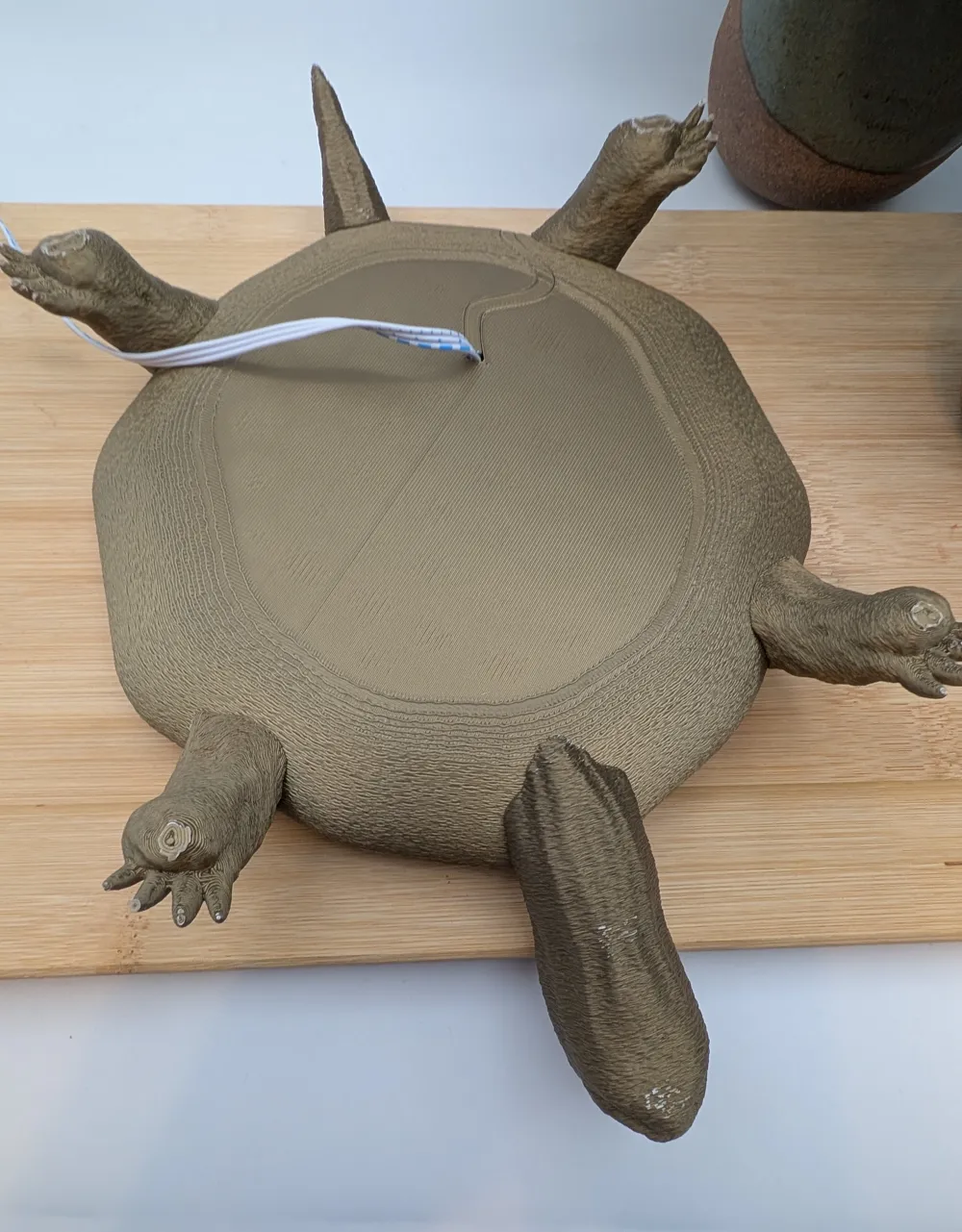
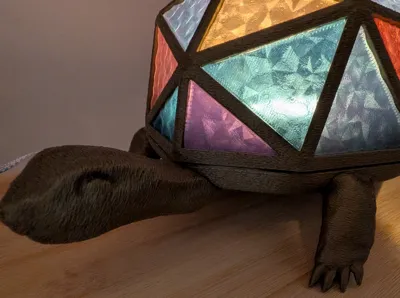
The head, tail, and legs all fit relatively flush to the base; be sure to test fit and look at the photos to make sure they are oriented correctly.
Please ignore the leftover interface and hole I made in the base. I got a little impatient and decided to quit while I was ahead 😊 I also increased the layers in that area, lol
Sorry for the wall of text and happy printing!
License

You shall not share, sub-license, sell, rent, host, transfer, or distribute in any way the digital or 3D printed versions of this object, nor any other derivative work of this object in its digital or physical format (including - but not limited to - remixes of this object, and hosting on other digital platforms). The objects may not be used without permission in any way whatsoever in which you charge money, or collect fees.


Comment & Rating (202)