
Wednesday Halloween Bookmark Set
Print Profile(3)



Description
Thank you for downloading my works. If you would like to sell my designs, past and future, a commercial license can be obtained from my MakerWorld or Patreon page.
Membership
License to commercially sell my designs, past and future. Different tiers available. Thank you for your membership.
Boost Me (for free)
If you like the designs, please gift a boost. Thank you in advance for your support.
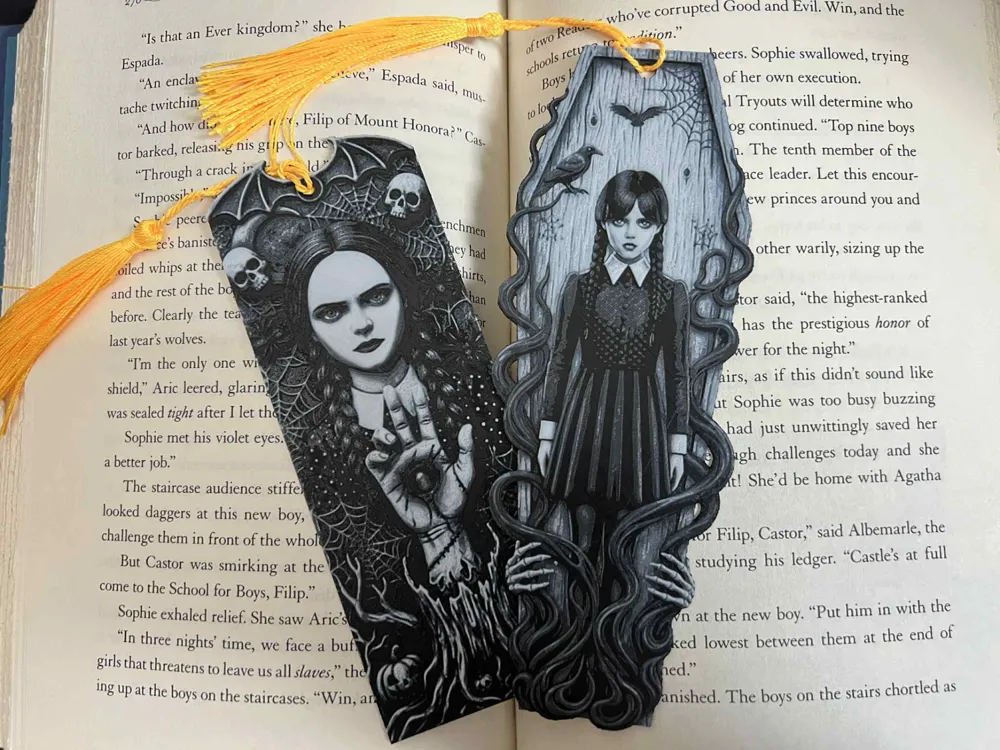
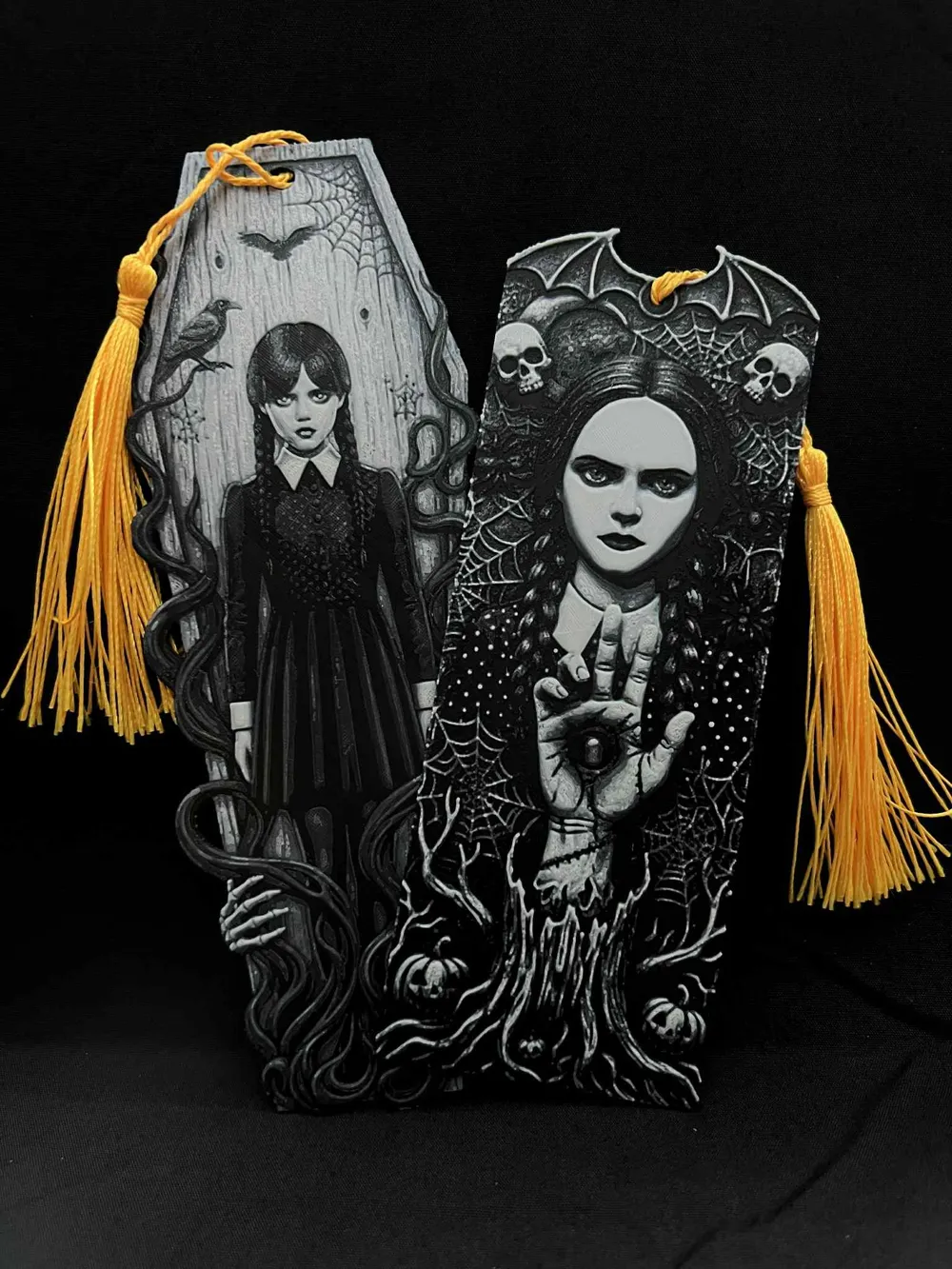
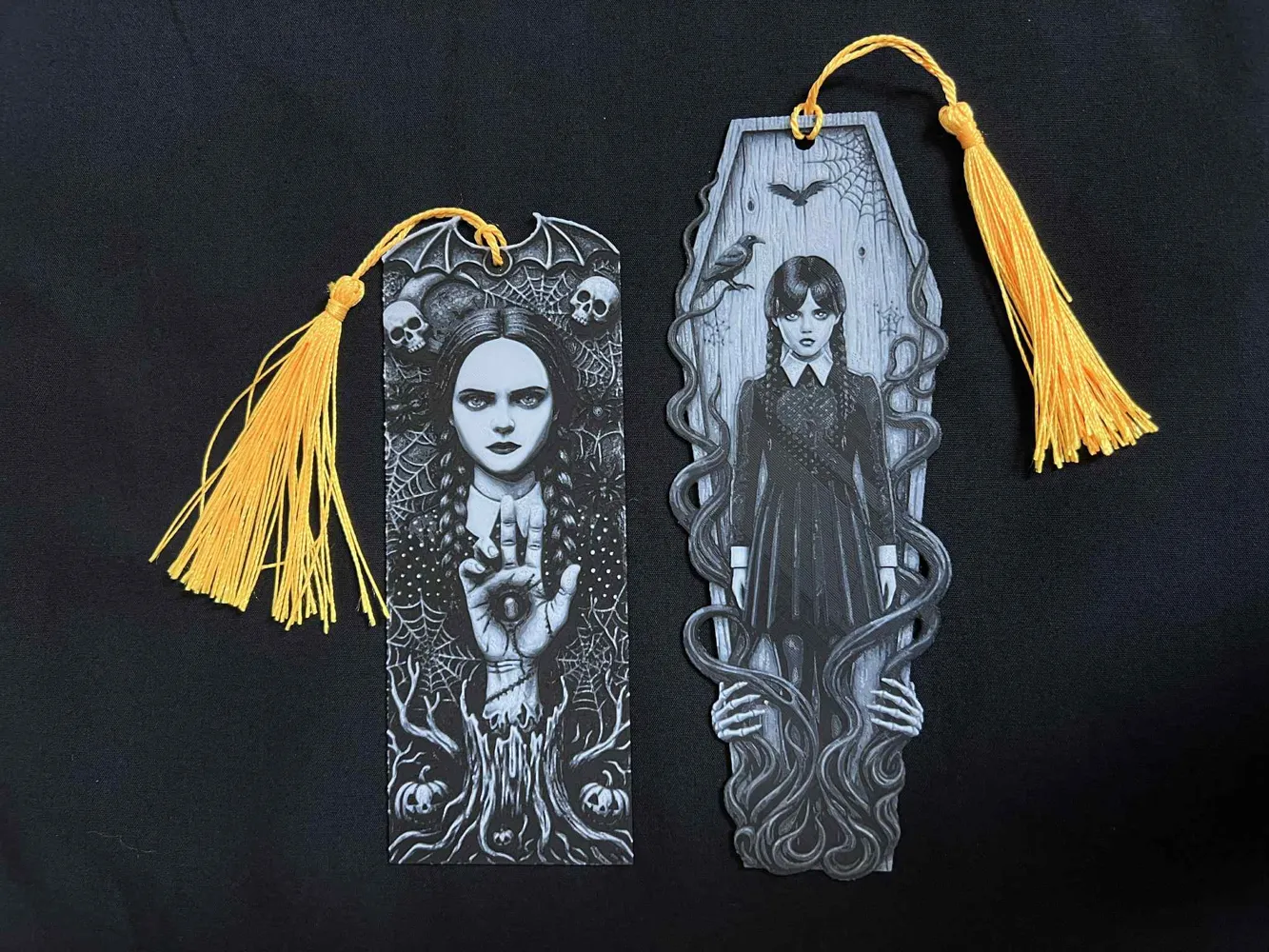
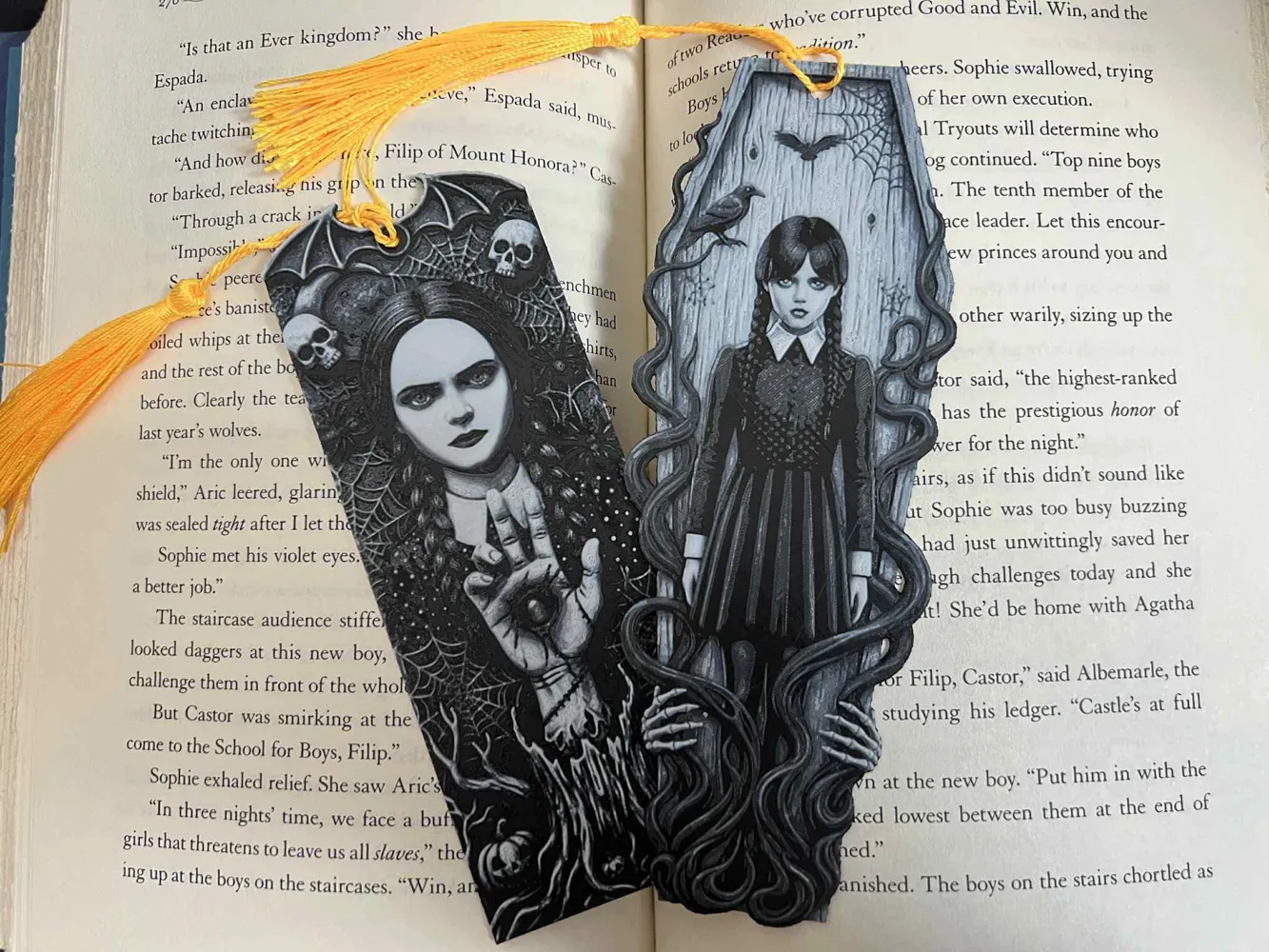
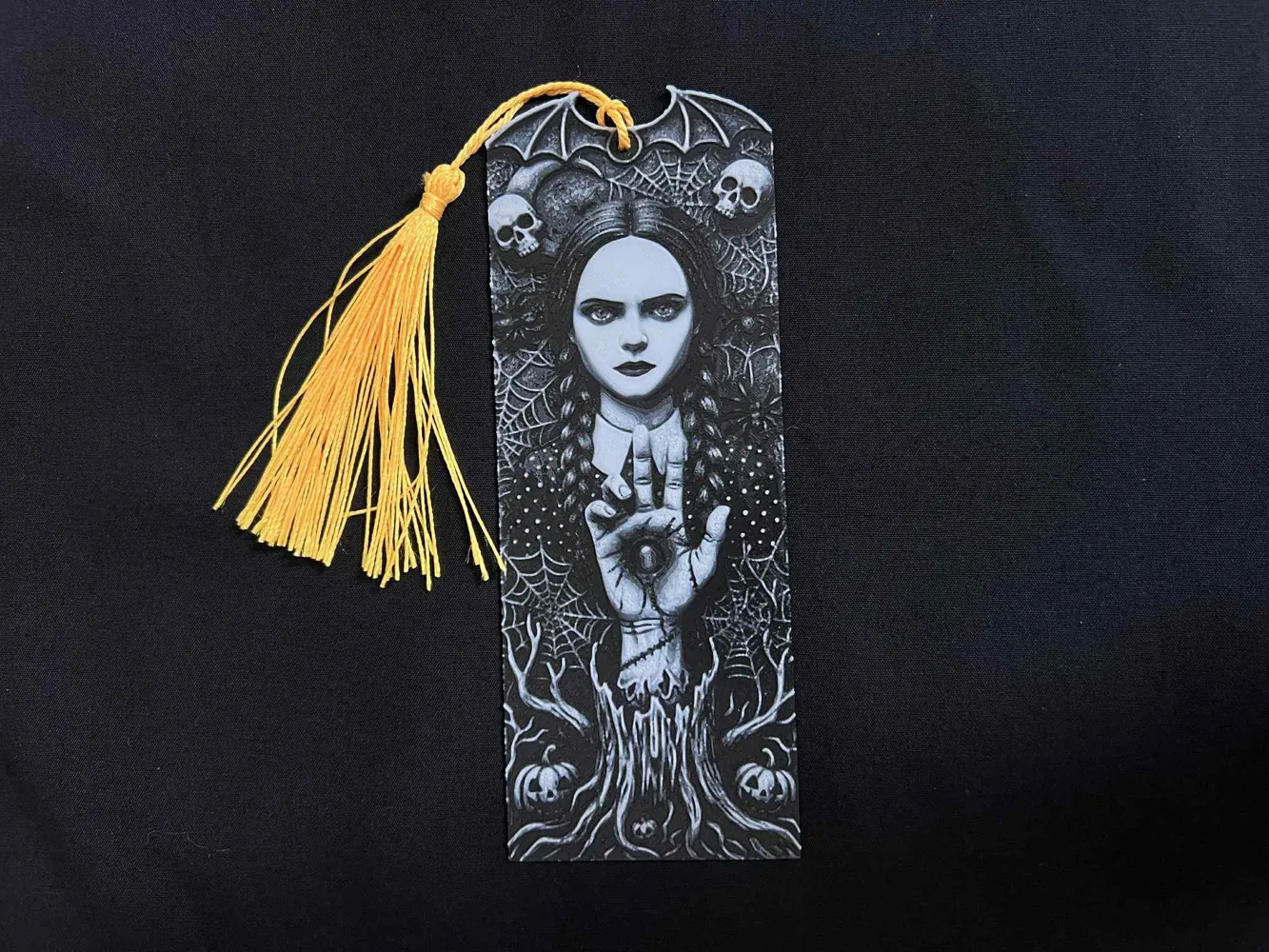
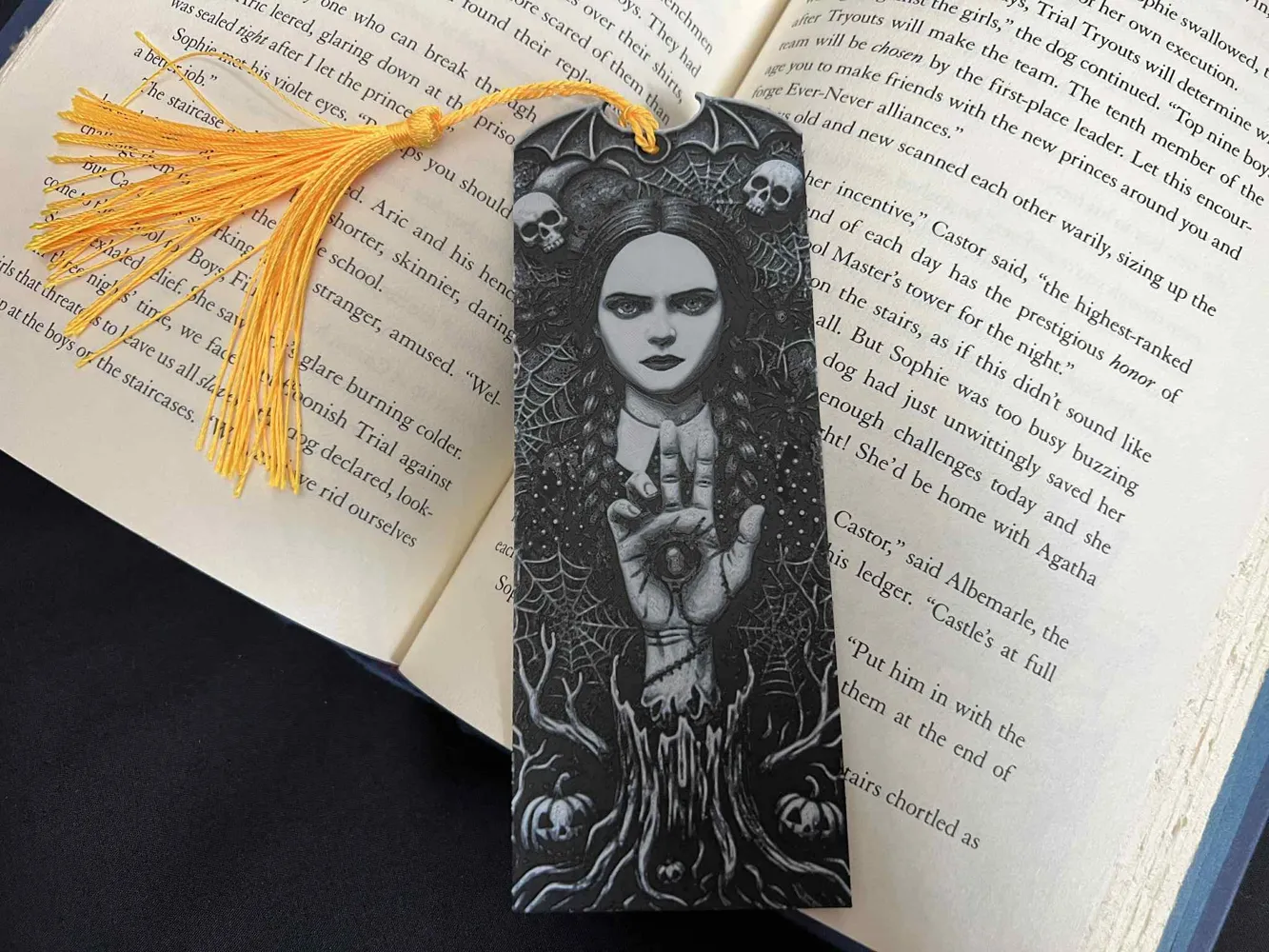
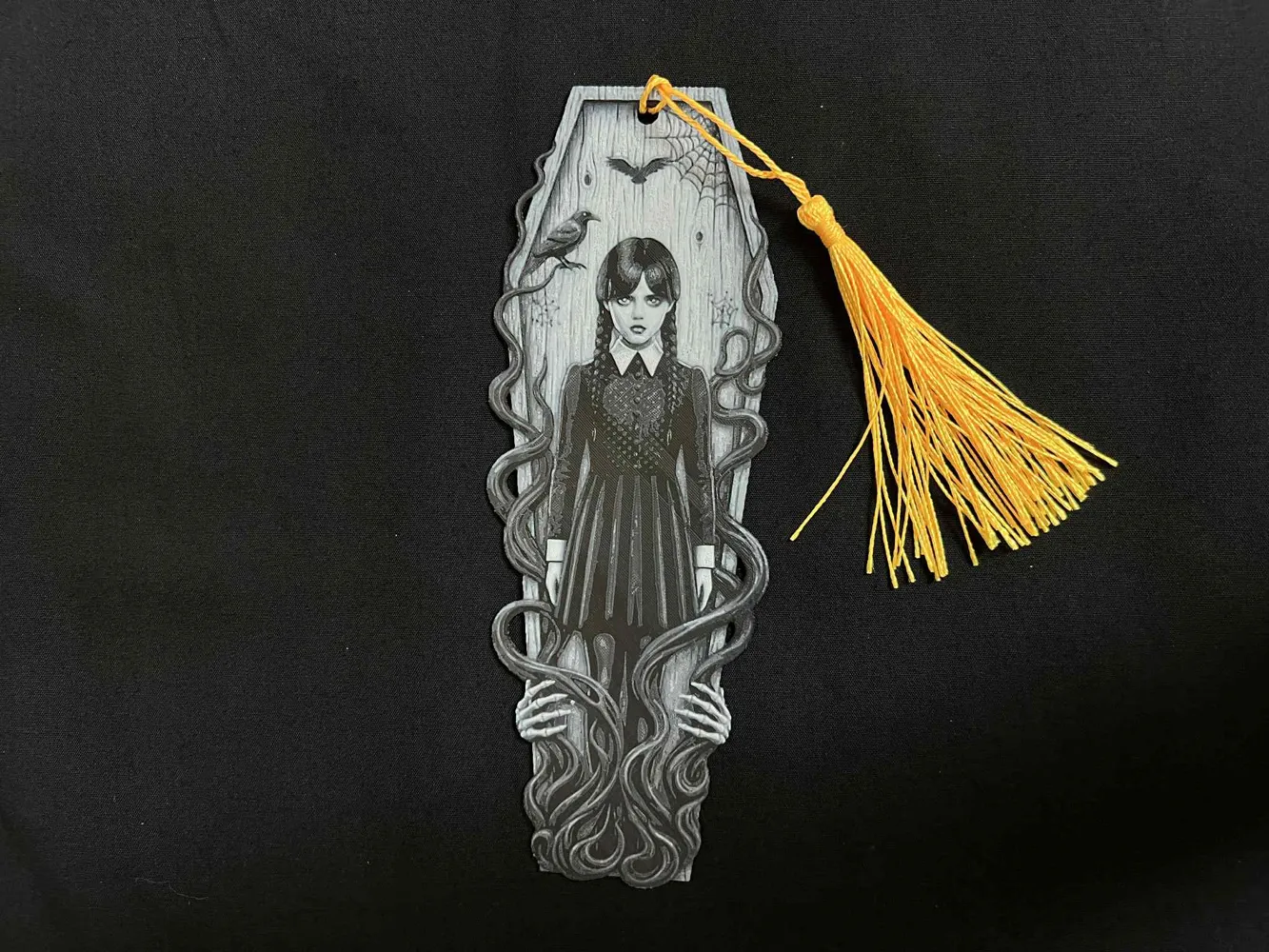
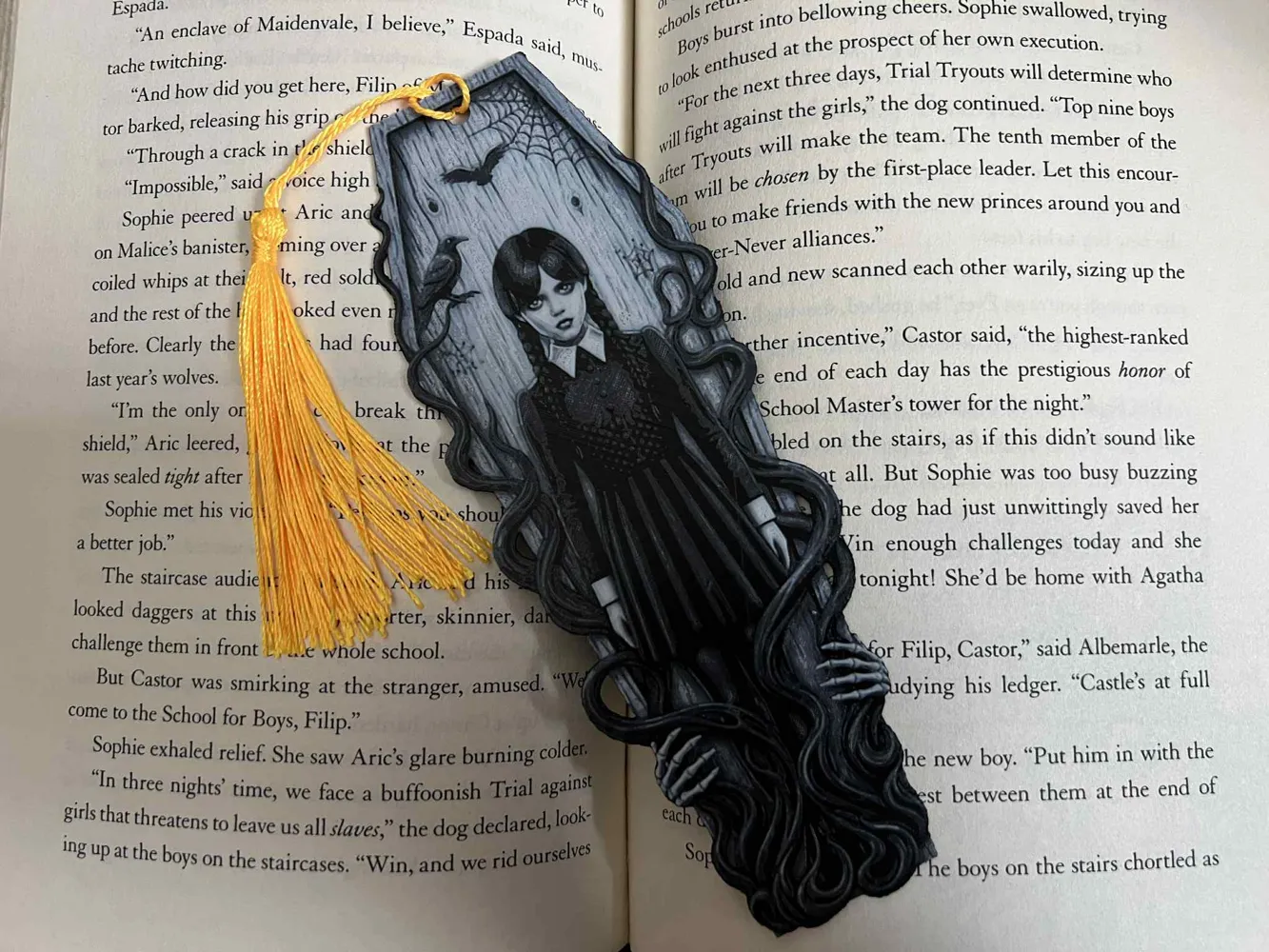
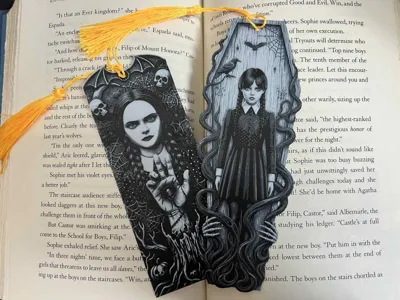
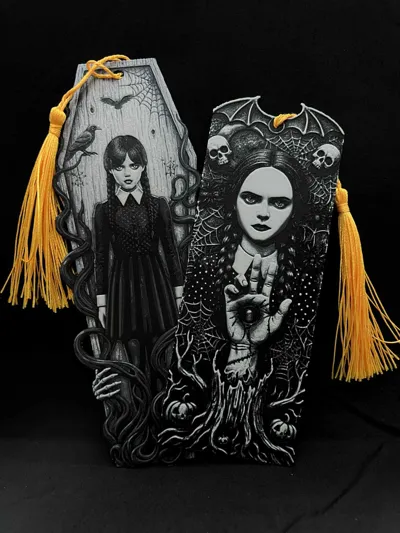
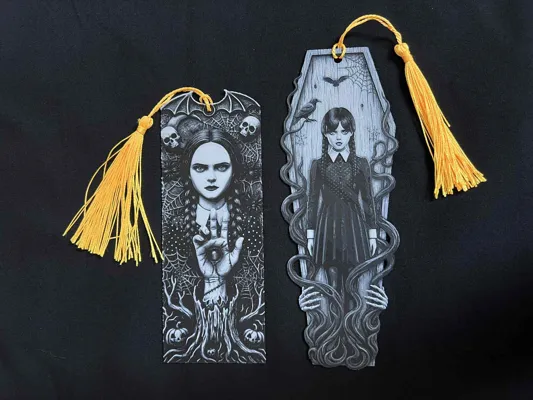
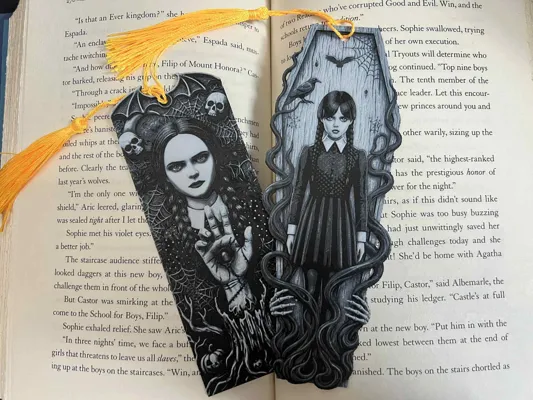
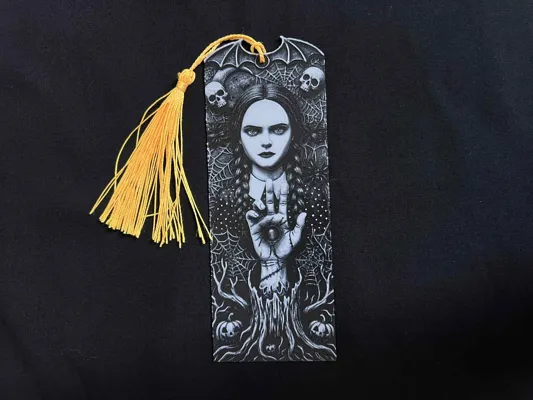
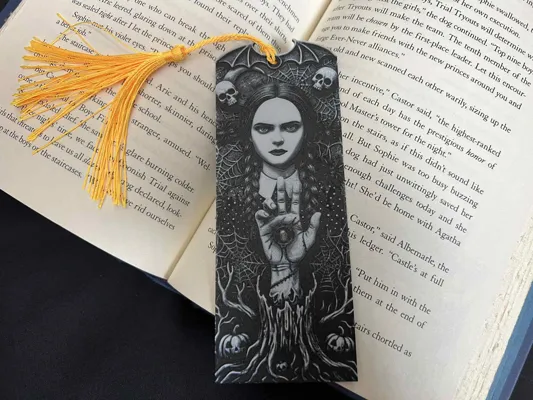
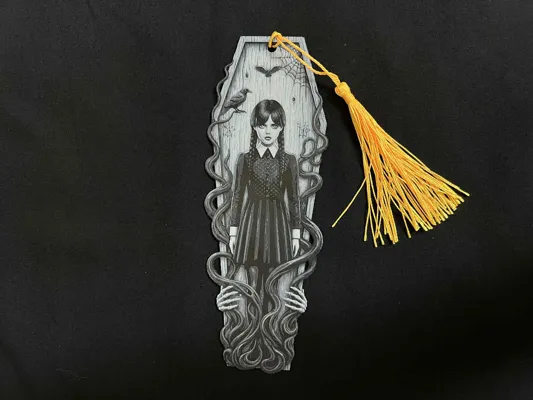
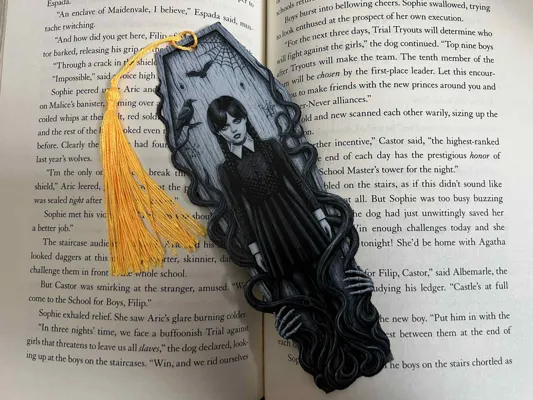
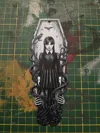
Wednesday Addams just screams out Halloween. Made one of her more traditional looking in front of a coffin and the other a little more scary with a possessed Thing. Both utilize a monochromatic palette, primarily black and white with shades of grey, emphasizing the dark and mysterious themes, reminiscent of Wednesday.
- Coffin: This bookmark is shaped like a coffin having a normal looking Wednesday Addams, with braided pigtails and a dark dress. She stands within the coffin frame, surrounded by spiderwebs, bats and a raven perched on a tree branch. The lower portion has gnarled roots and skeletal hands reaching upwards, adding to the macabre aesthetic.
- Demonic: An advisory is needed for this one. Print only if you are not afraid to be haunted by the image. This bookmark is more regularly shaped aside from the bat wings atop. Wednesday looks possessed and demonic, as her face is shaded in an ominous white. She is accompanied by a possessed Thing with an eye in the palm. A dead tree trunk, spiders, spider webs, pumpkins, and skulls surround her in added macabre details.
Wednesday Halloween Bookmarks
Pictures shown are printed in an 0.2mm Nozzle
Print at 100% infill with a layer height of 0.08mm with a base layer of 0.16mm
Filaments Used:
PLA BambuLab Basic Black Transmission Distance: 0.6
PLA BambuLab Basic Blue Gray Transmission Distance: 3
PLA BambuLab Basic Jade White Transmission Distance: 4.3
This print uses 3 unique filaments
Swap Instructions:
Start with Black
At layer (0.88mm) swap to Blue Gray
At layer (1.12mm) swap to Jade White for the rest.
Can be resized to accommodate your printer or preference by adjusting the X and Y axis the same percentage while leaving the Z axis at 100%. The best way to achieve this: With Uniform Scale checked, adjust the Y axis to the desired size (this will ensure the X axis is the same proportion as the Y axis), uncheck the Uniform scale, adjust the Z axis back to 100%, slice plate, and print. Stringing may occur with Hueforge, just use a lighter to whisk them away.
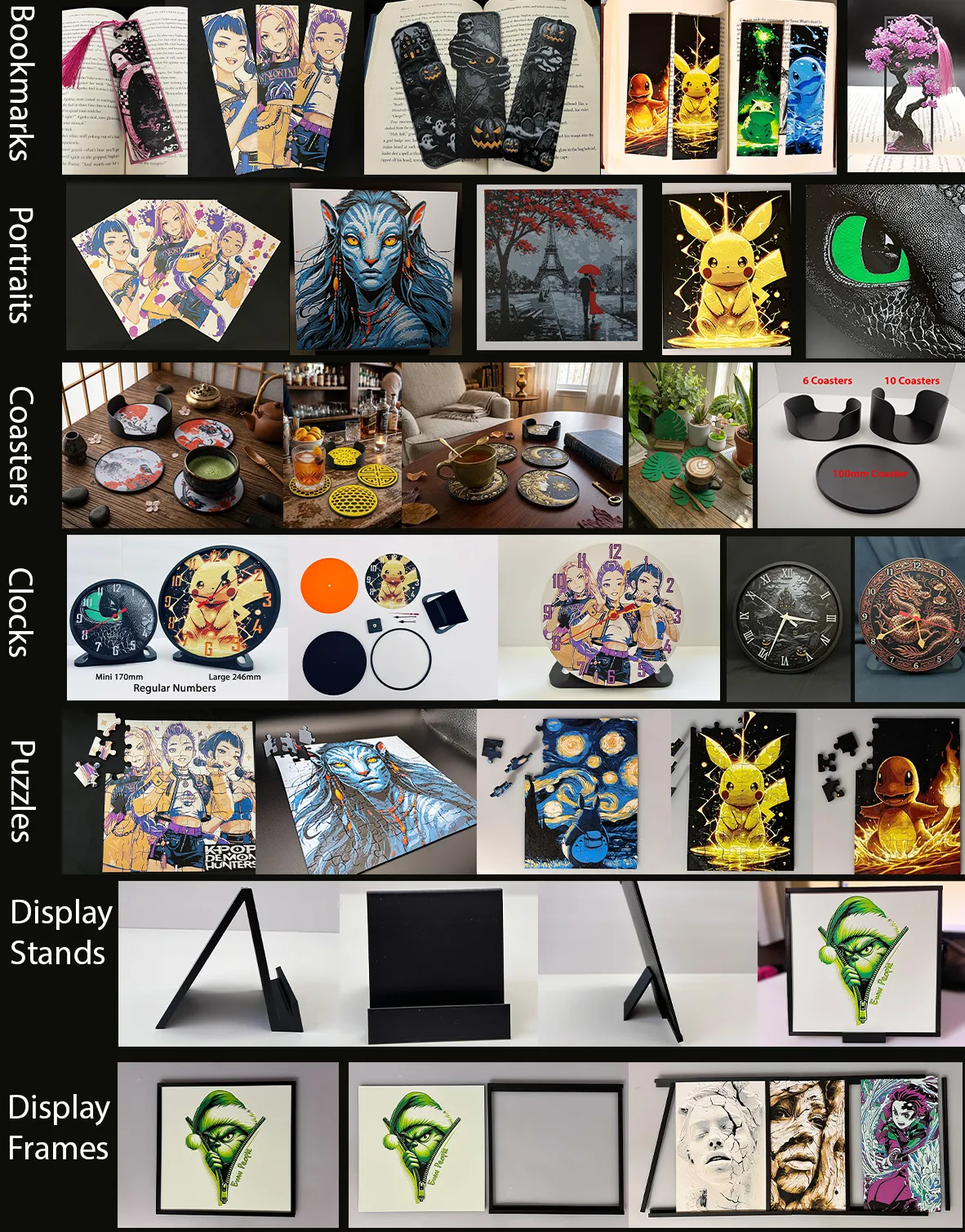
More prints: Bookmarks -- Portraits -- Coasters -- Clocks -- Puzzles -- Display Stands -- Display Frames
They are sorted and can be found in my Collections - https://makerworld.com/en/@3djd/collections
License

You shall not share, sub-license, sell, rent, host, transfer, or distribute in any way the digital or 3D printed versions of this object, nor any other derivative work of this object in its digital or physical format (including - but not limited to - remixes of this object, and hosting on other digital platforms). The objects may not be used without permission in any way whatsoever in which you charge money, or collect fees.


Comment & Rating (125)