
Holder for Xiaomi Mi Monitor 3
Print Profile(1)

Description
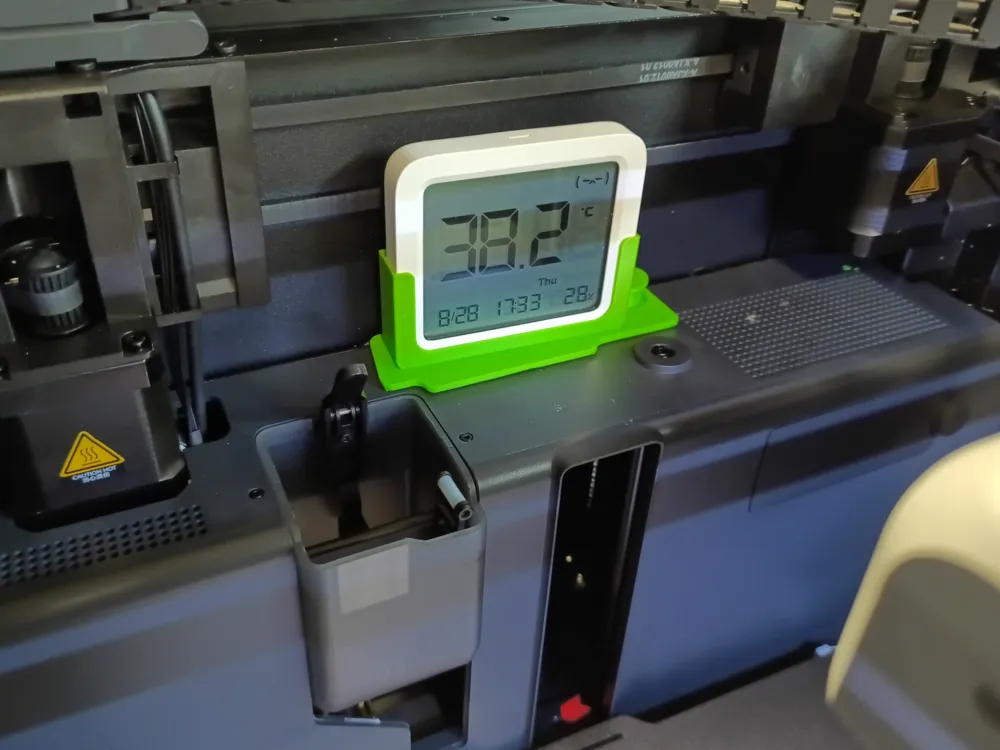
It is useful to know what the temperature is inside the printer. So ... ASA does not warp, or PLA does not clog the nozzle in the heat. Most holders are designed for small, cheapest thermometers, and among the better ones you will often find the Xiaomi Mi Monitor 2. However, I wanted to use the larger version Monitor 3. Mainly because it has data logging with data transfer back to your phone later. And the larger display is easier to see through the camera. Unfortunately, I couldn't find a holder that suited me, so the solution was to freely remix different models for different thermometers and add a few of my own ideas.
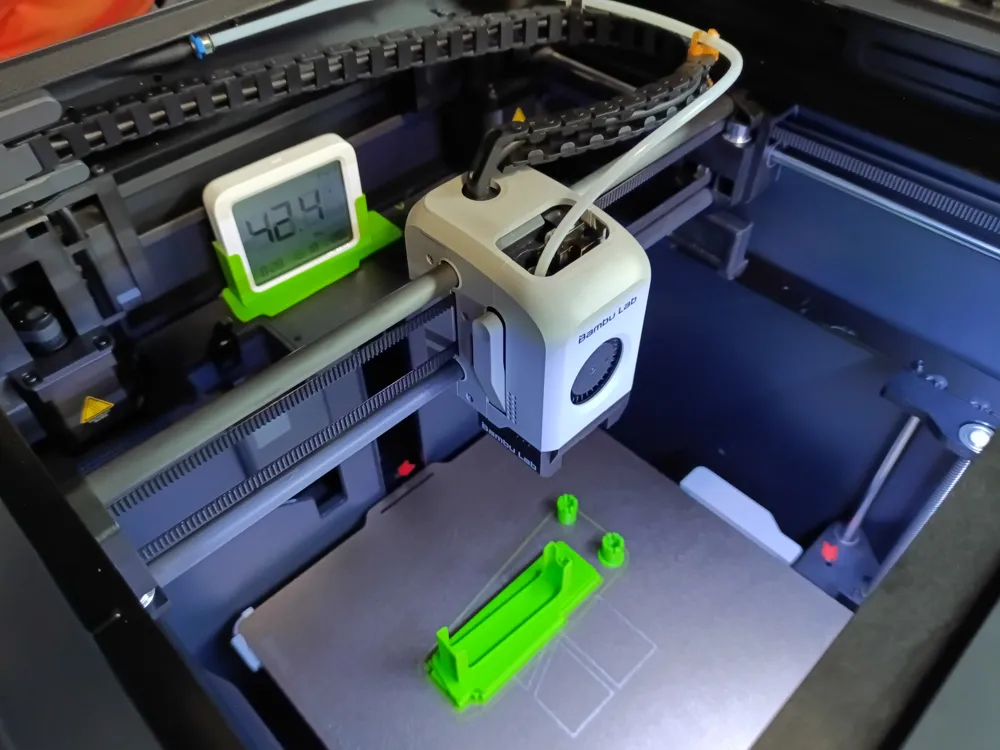
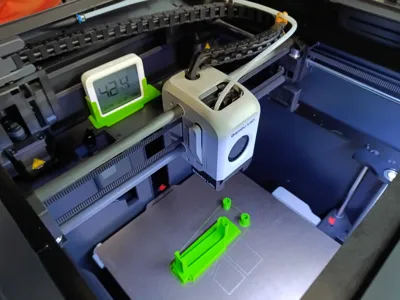
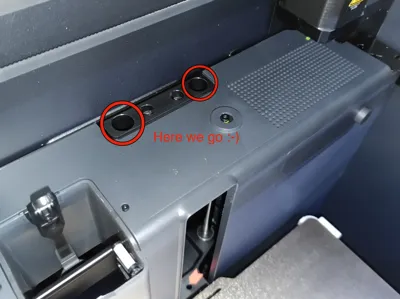
It wasn't exactly easy, because Monitor 3 is quite large and the space where it is to be placed is quite cramped. It is necessary to pay attention mainly to the moving belt above and behind the holder and also to maintain a safe distance from the print head in its all positions. It really comes down to millimeters (maybe even less).
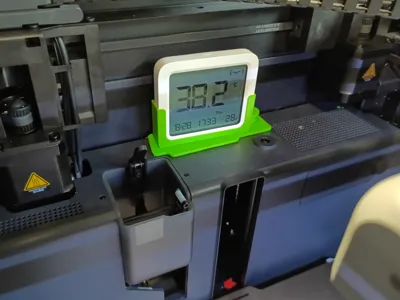
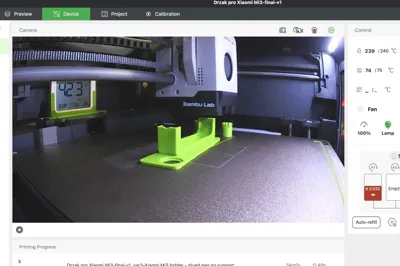
The holder with the thermometer is turned toward the camera as much as possible. The ideal angle would be a little bit bigger, but even like this, the display reading is perfectly legible. The same goes for the additional information in the second line (if anyone needs it).
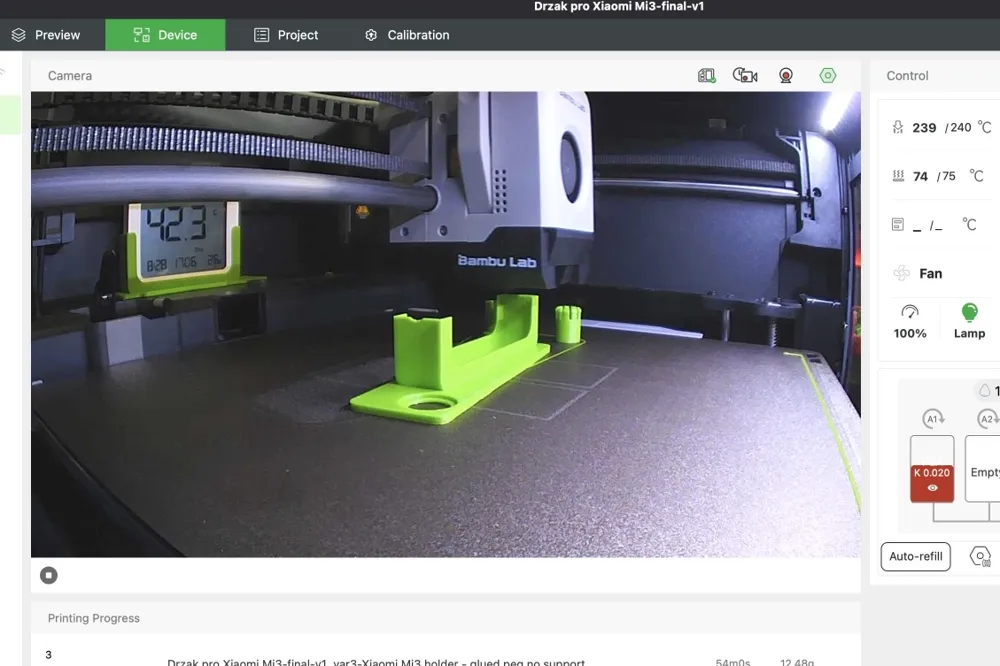
Unfortunately, due to limited space, I was unable to design a model that did not require support during printing. All reasonable alternatives took up more space, which is not available. This is not a big case (in my opinion), because the entire model, including support, weighs 21 grams and takes about an hour to print. The second option was to make one pin screwable, and the third was to print it separately and then glue it to the holder. It is up to you whether you prefer a longer, more comfortable print or a faster print with subsequent modification.
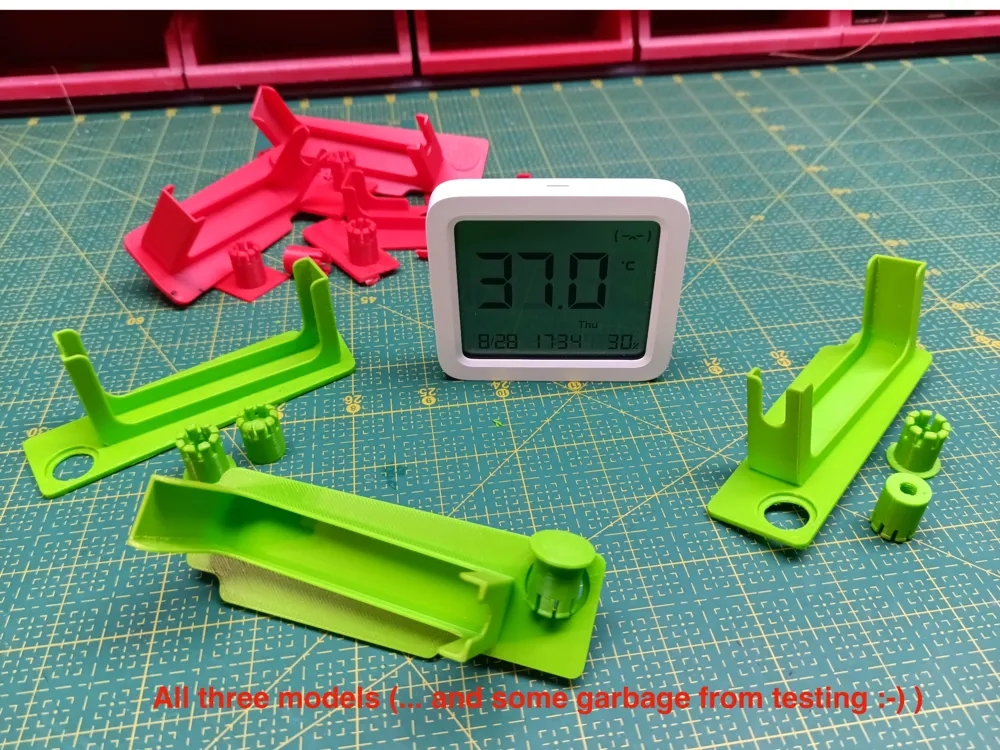
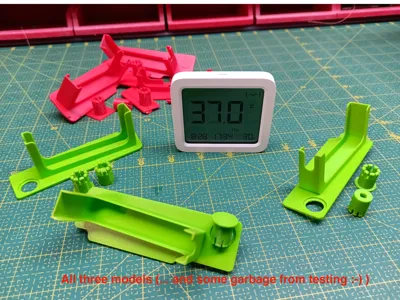
The project includes three versions – you need to choose and print just only one:
- Plato1 includes a version for printing with full support.
- Plato 2 contains a version with a screwable main mounting pin. Even so, support is still needed during printing, but not as much. The third version on
Plato 3 has a completely separated (cut-off) pin – no support is needed during printing, but you have to glue the pin to the holder later. The correct place for gluing is indicated by a small hole (made for this purpose only).
Personally, I prefer the first version, which was the main design and is therefore the most thoroughly tested. I printed it in PETG (which should be sufficient, because even when printing ABS/ASA, the temperature of my chamber does not exceed 60 °C).
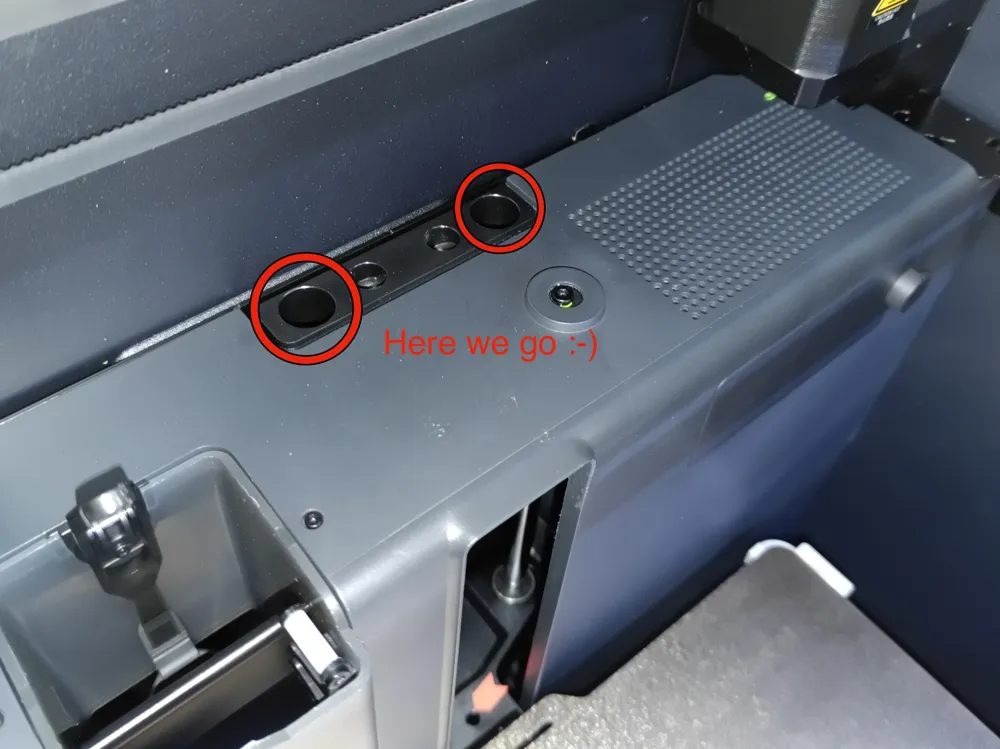
Technical note: I tried to make both mounting pegs/legs to fit as tight as possible (for a firm and reliable grip). In my case, they fit snugly into the holes, but without any problems. It is possible that for some people they will be looser or too tight (manufacturing or printing tolerances). In such case, use reScale in the slicer - it will be a matter of tenths of a millimeter, so no big deal.
!!!!!!!!!!!!!!!!!!!!!!!!!!!!!
VERY IMPORTANT NOTE
=====================
As already stated, given its size, the thermometer is located in a very confined space where there really isn't much free space. Important printer components are located nearby, and you really don't want anything to rub or even collide with each other.
It is important to push the thermometer into the holder and then push the holder into the holes really tightly - all the way in. Every millimeter is important!
I spent a lot of time during the design process to verify that the thermometer, print head, and belt are at a safe distance from each other. However, I only have my P1S available and I cannot guarantee that this will be the same for other printers - a different model (X1C), or a different submodel/year of manufacture (change in internal dimensions, components, manufacturing tolerances).
If you decide to use this model, it is your responsibility to test that everything works as it should and that there are no conflicts before using it for the first time. Simply remove the top glass, install the holder with the thermometer, and use the controls to gradually move the print head to all positions where contact could occur.
---
* I am a noob designer, and even though I have tried my best, it is quite possible that someone more experienced will immediately spot errors in my thinking and show me a better and less problematic way to approach this design. Comments are therefore welcome.
License



Comment & Rating (0)