
Drone Airdropper
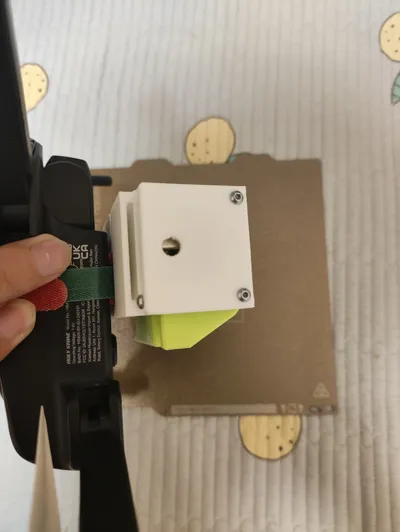
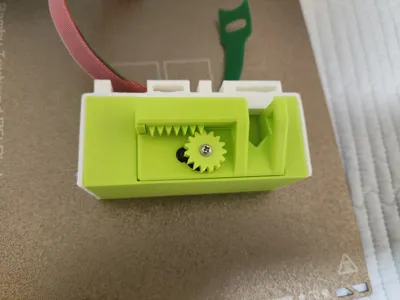
Print Profile(1)

Description


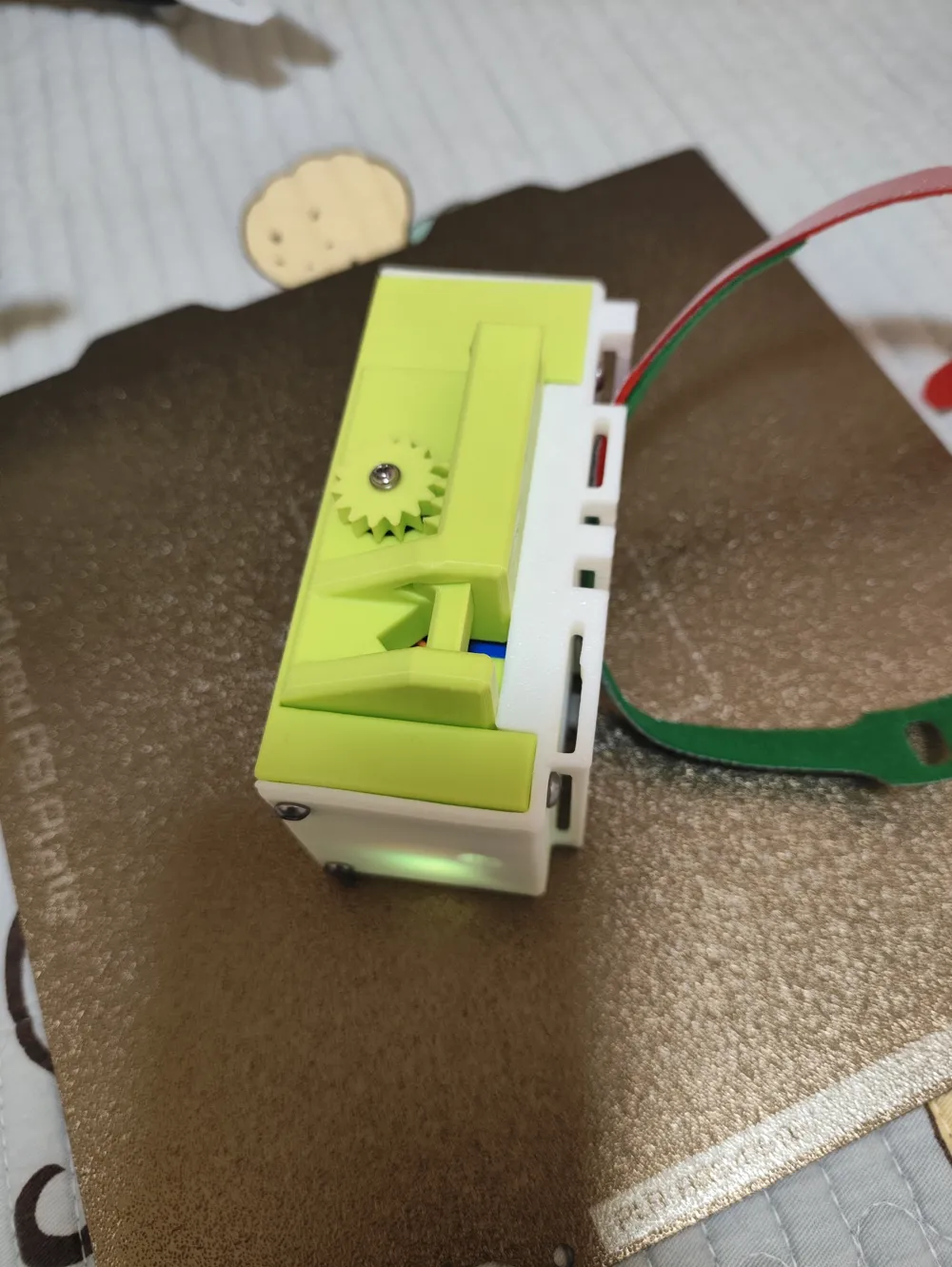
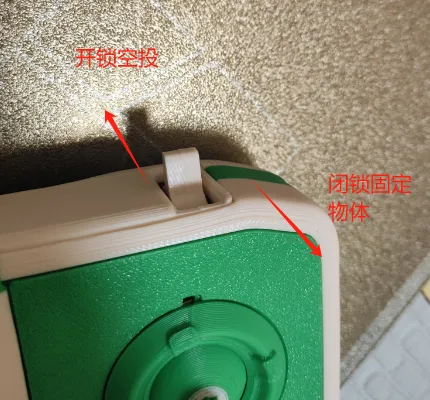
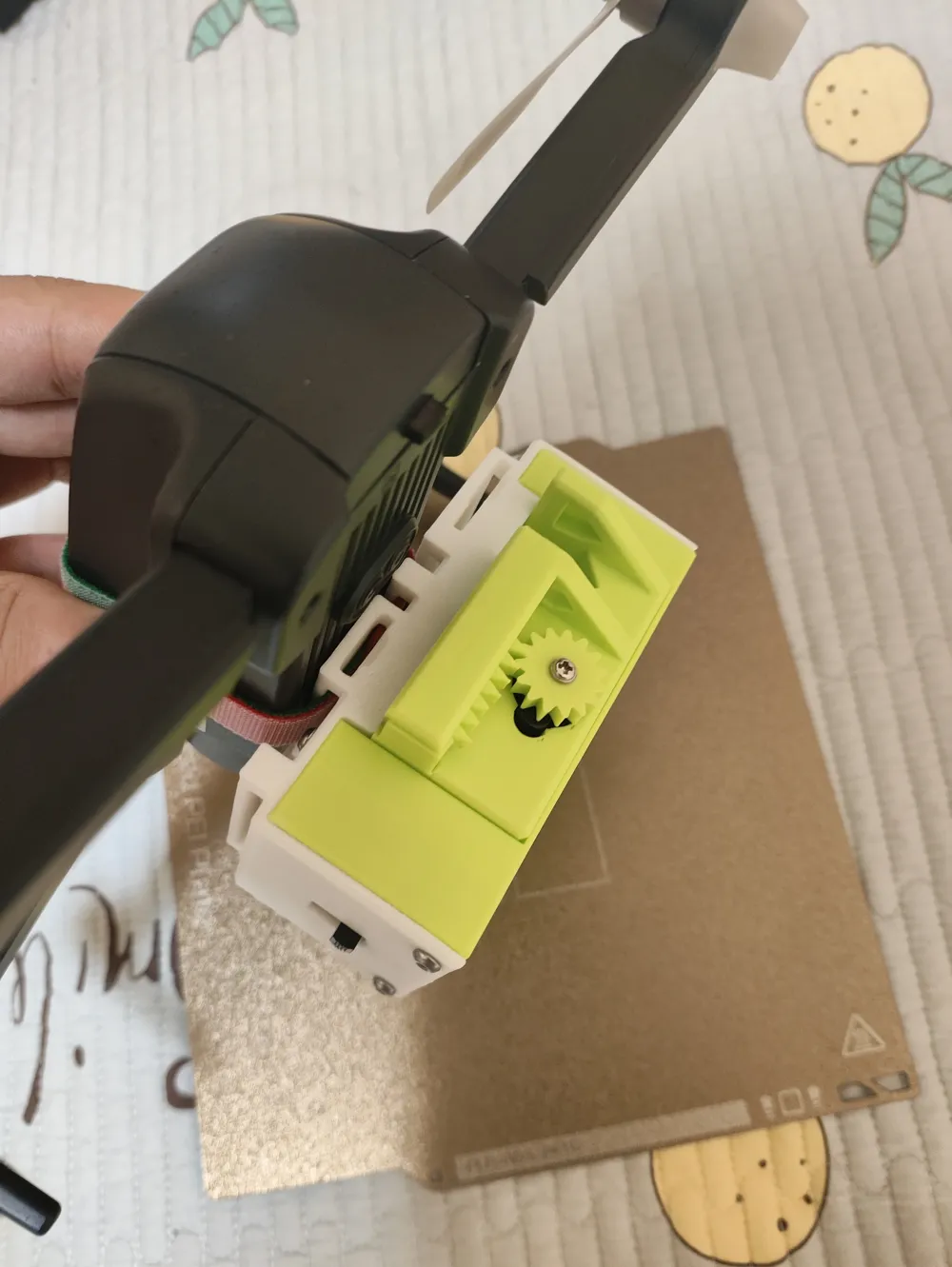
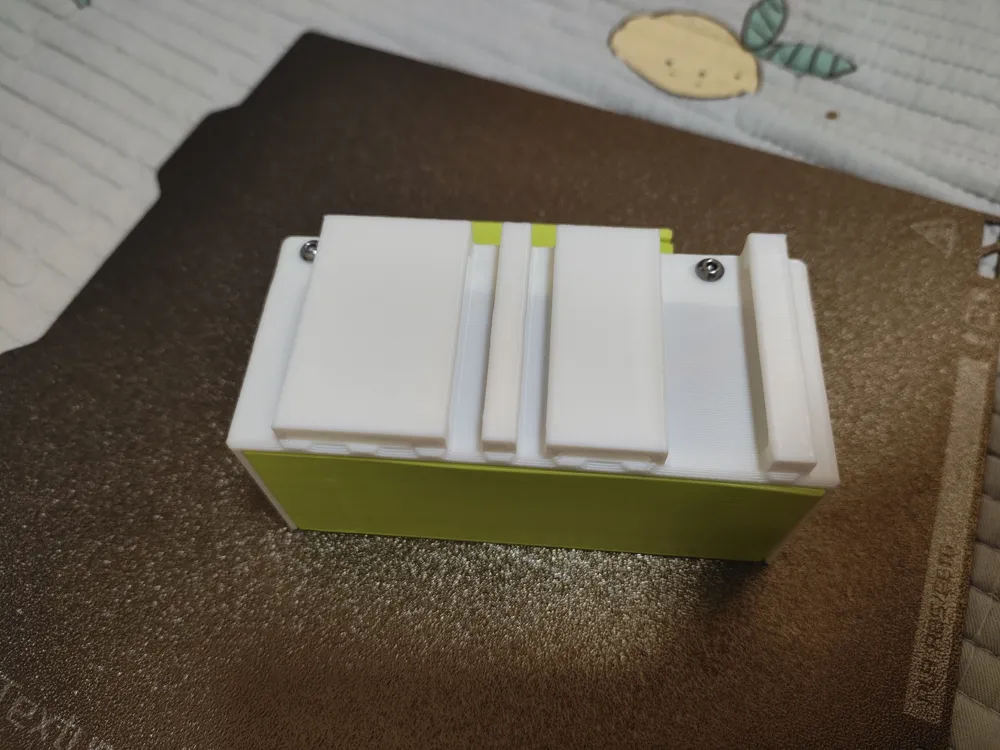
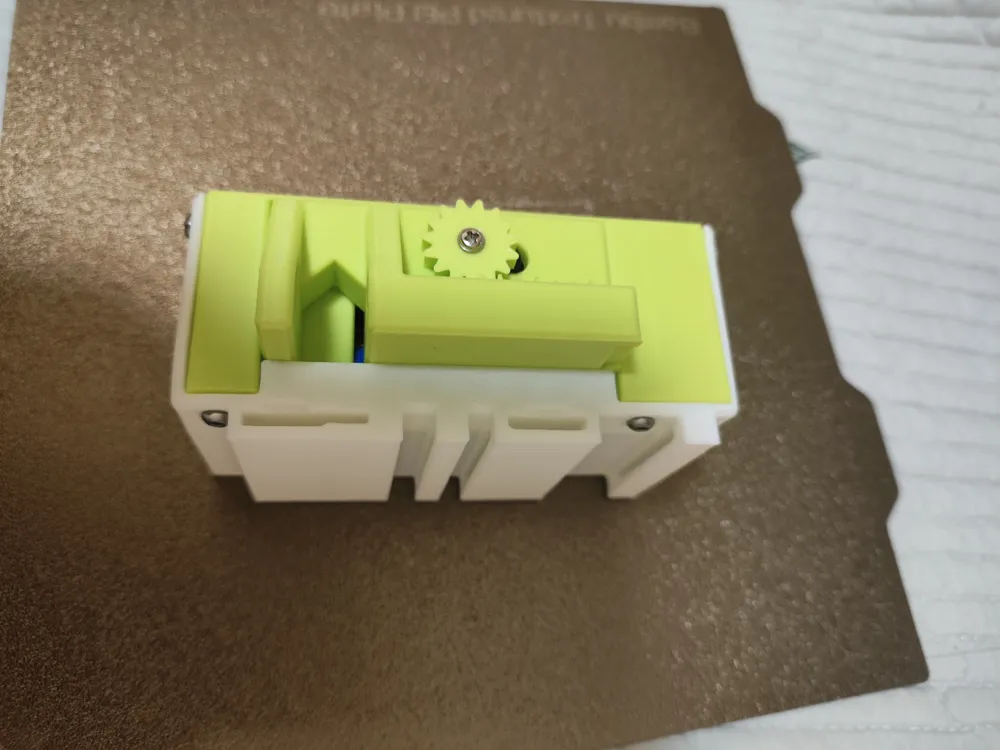
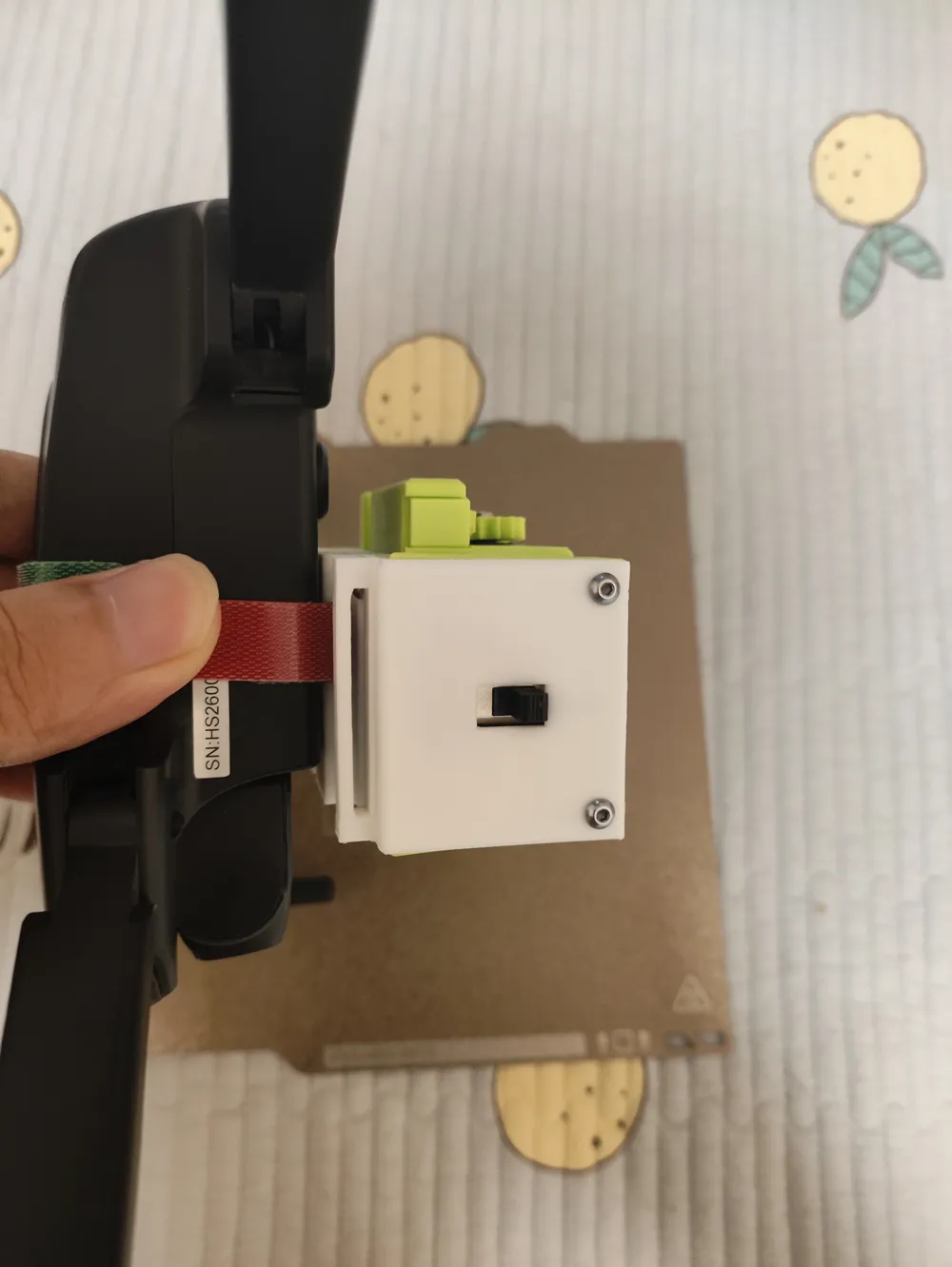
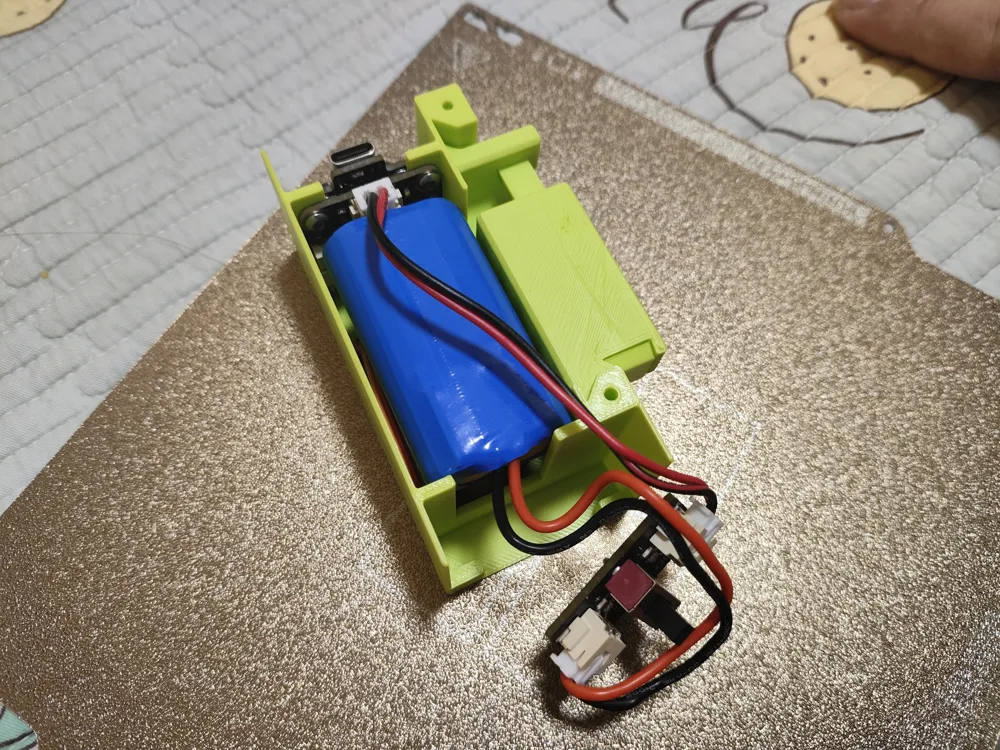
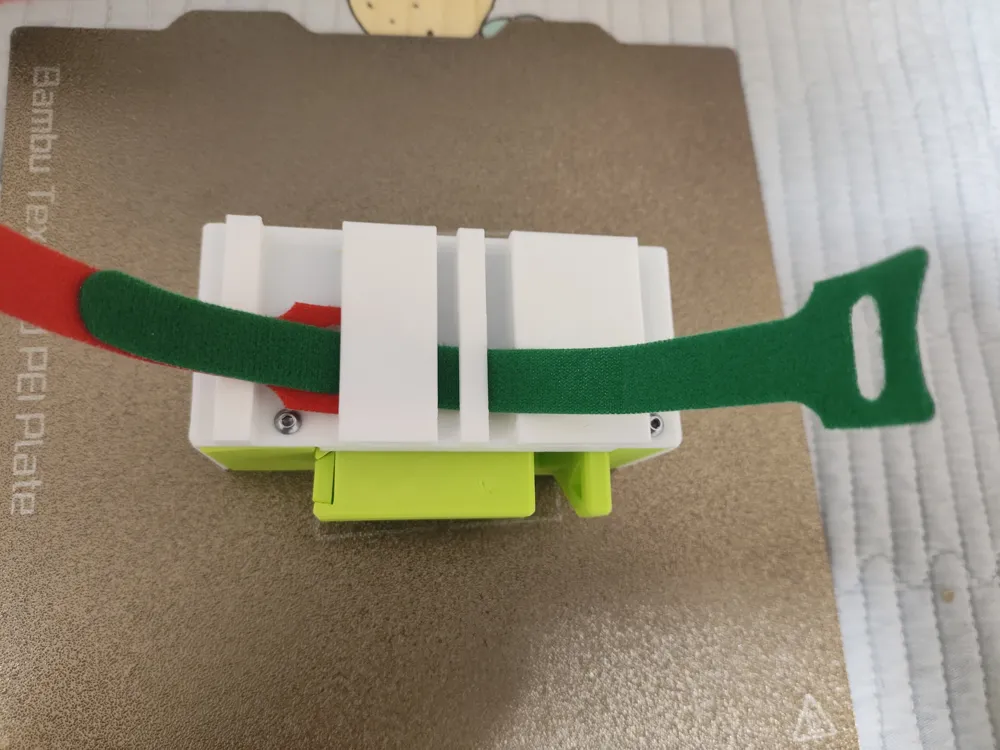
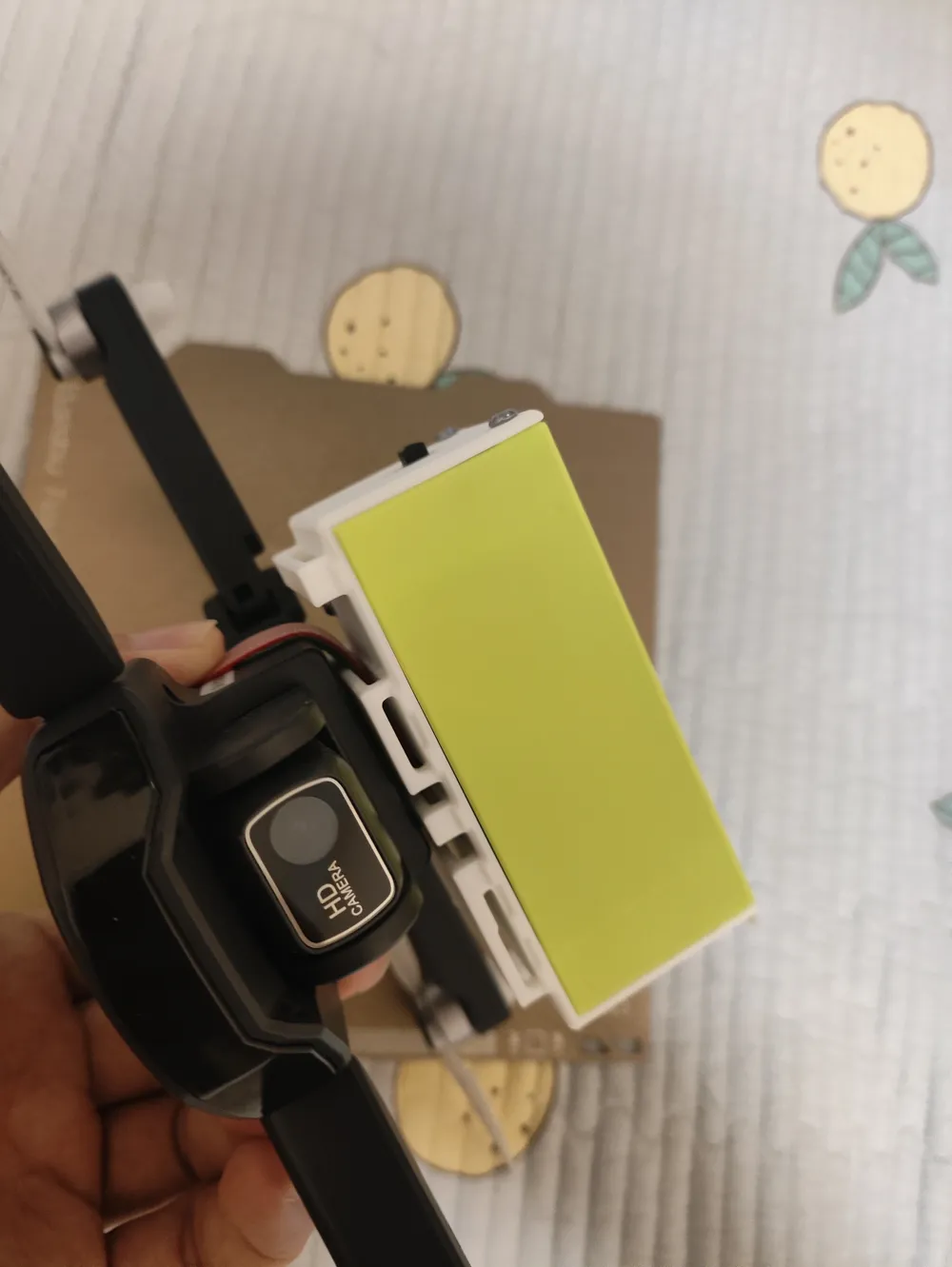
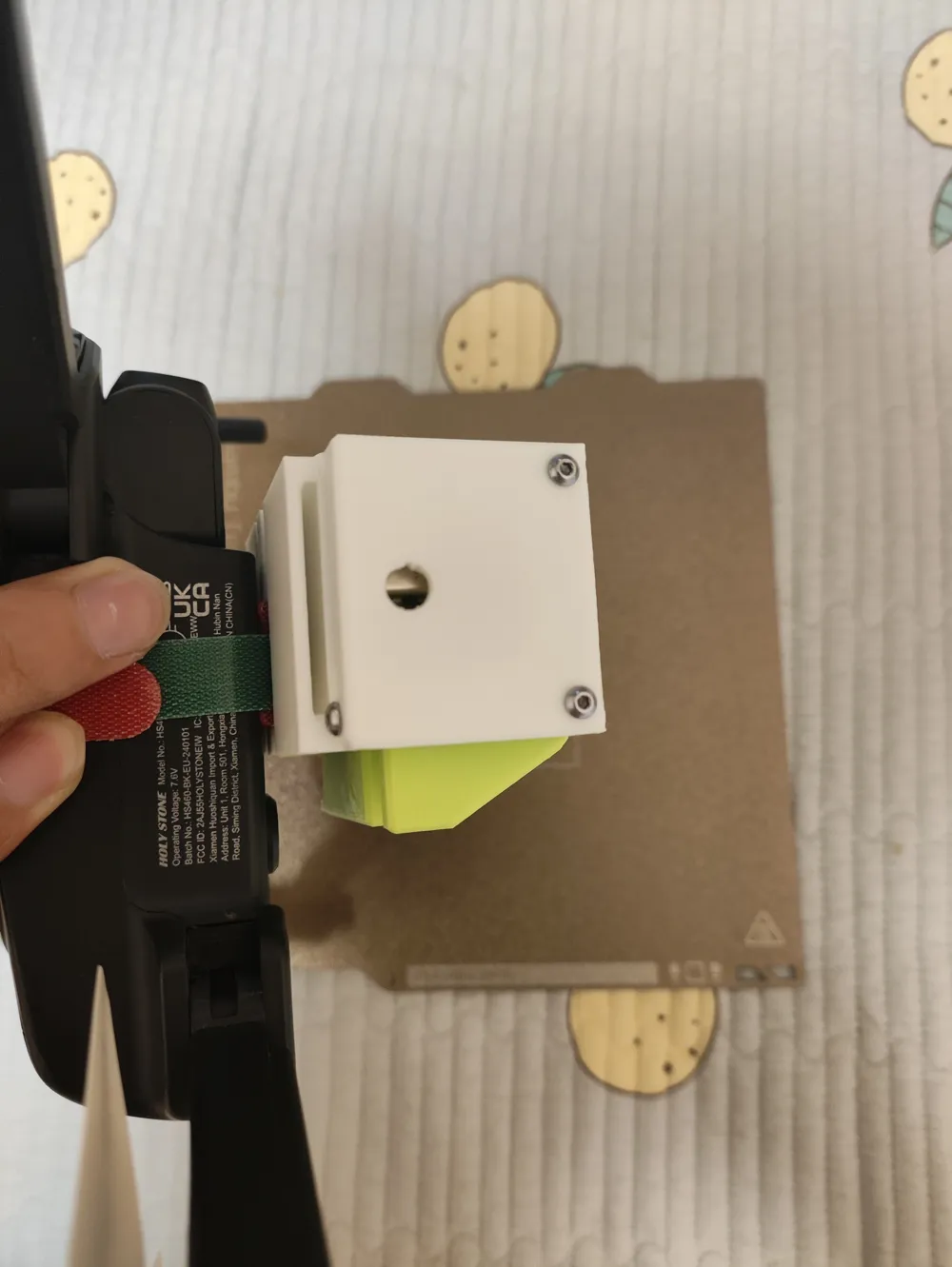
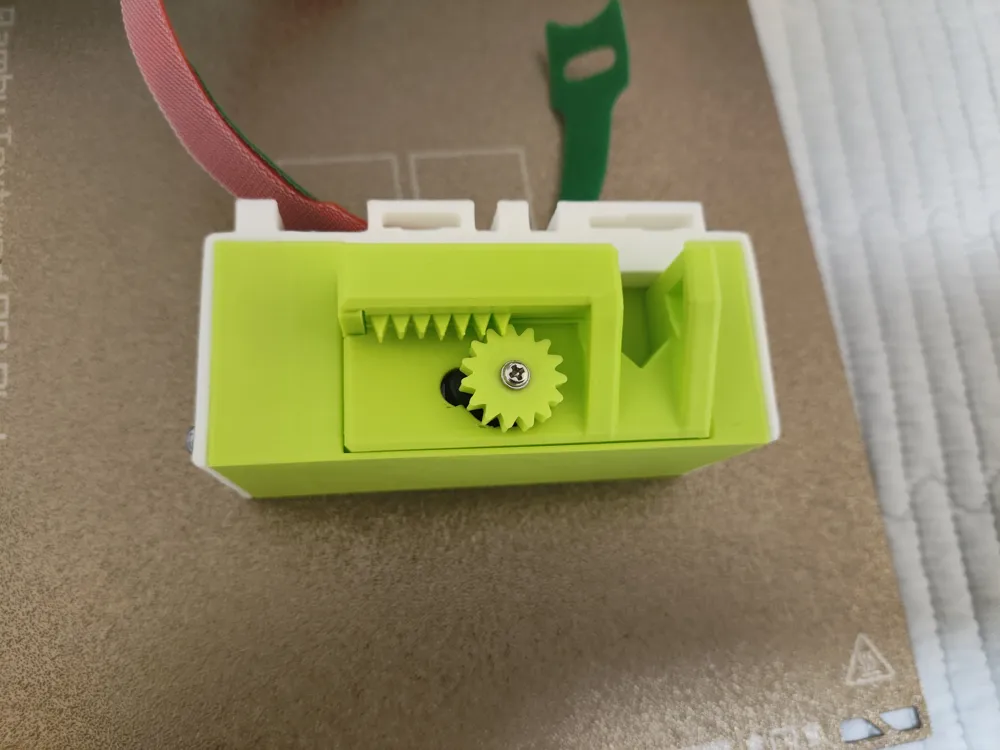
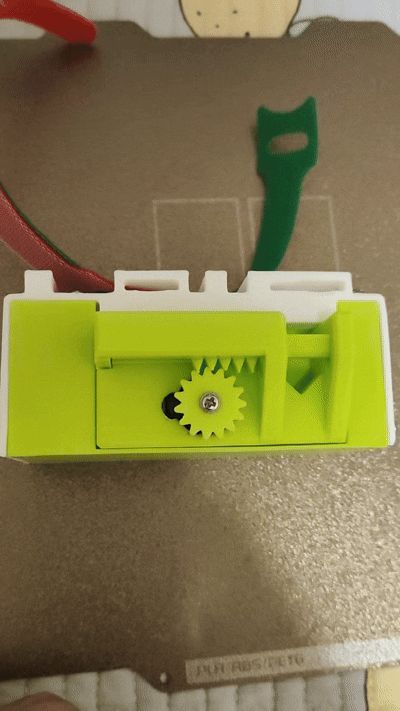
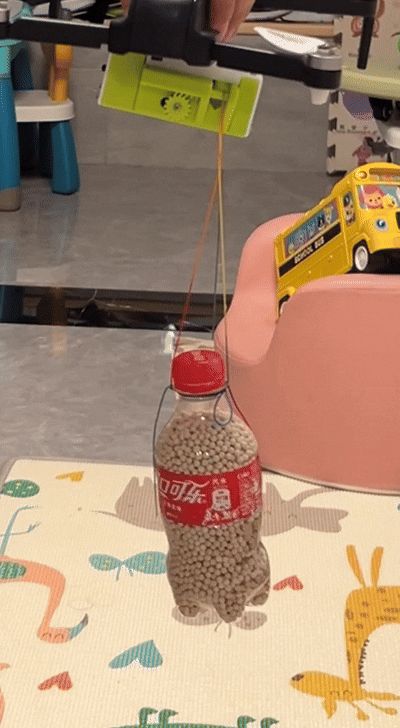
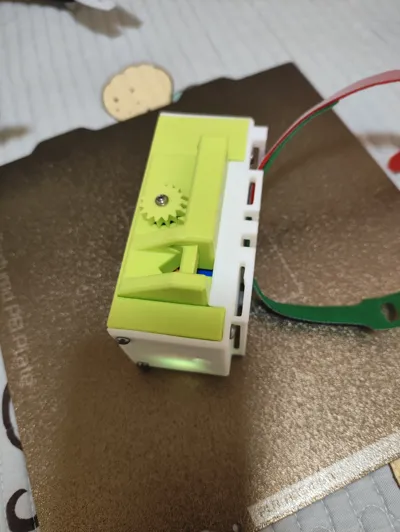
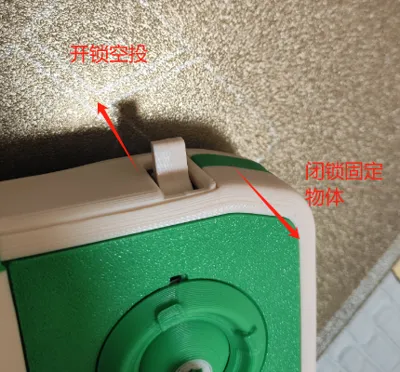
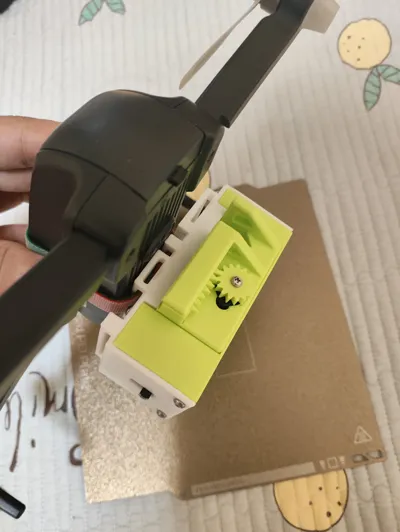
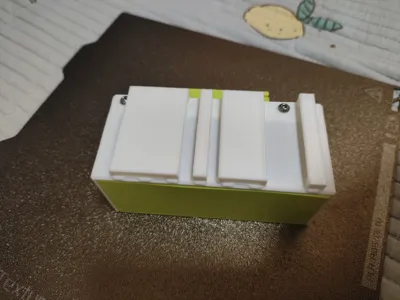
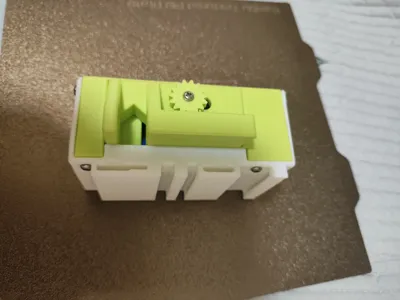
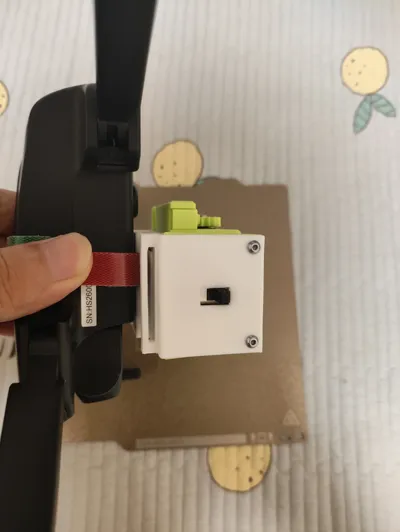
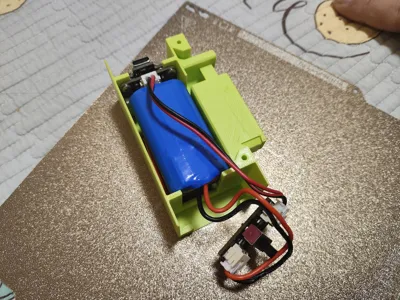
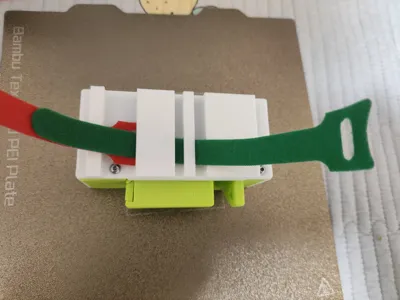
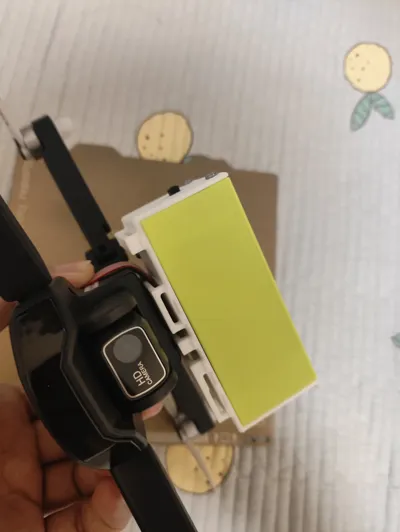
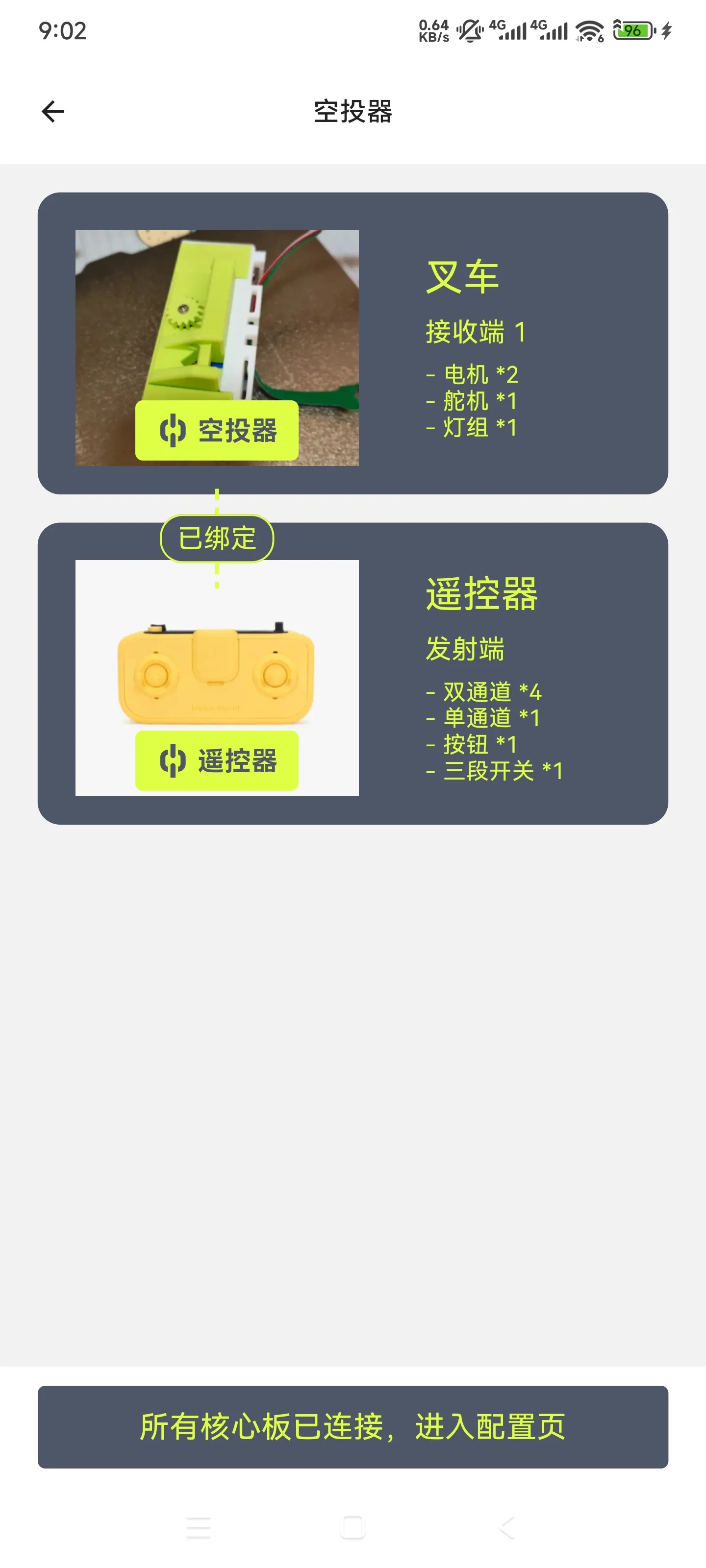
Simple drone airdropper made from CyberBrick accessories, controlled by a standard CyberBrick remote control Refer to the third picture for control method (downward switch releases item, upward switch closes lock) The receiver's print profile is copied from the forklift, if your previous receiver was a forklift program, you can use it directly The back of the airdropper has reserved slots for straps
The accessories used include:
receiver mainboard x1
CyberBrick battery x1
CyberBrick switch x1
360-degree servo x1
2.5x6mm screws x10
Note: Since the CyberBrick battery weighs 45g, the total weight of the airdropper is 115g, not recommended for small aircraft under 250g (Capable users can replace with a lighter battery)
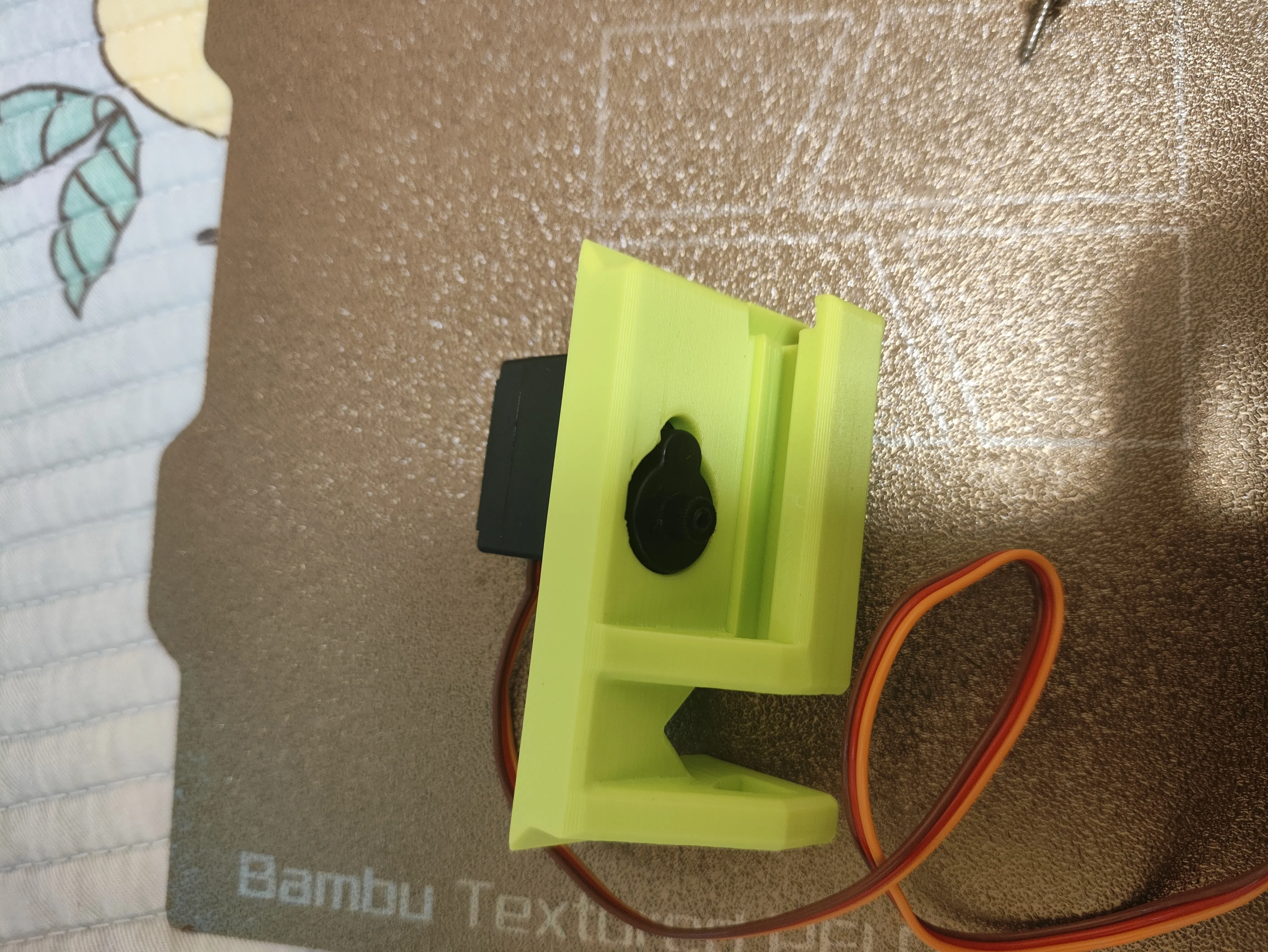
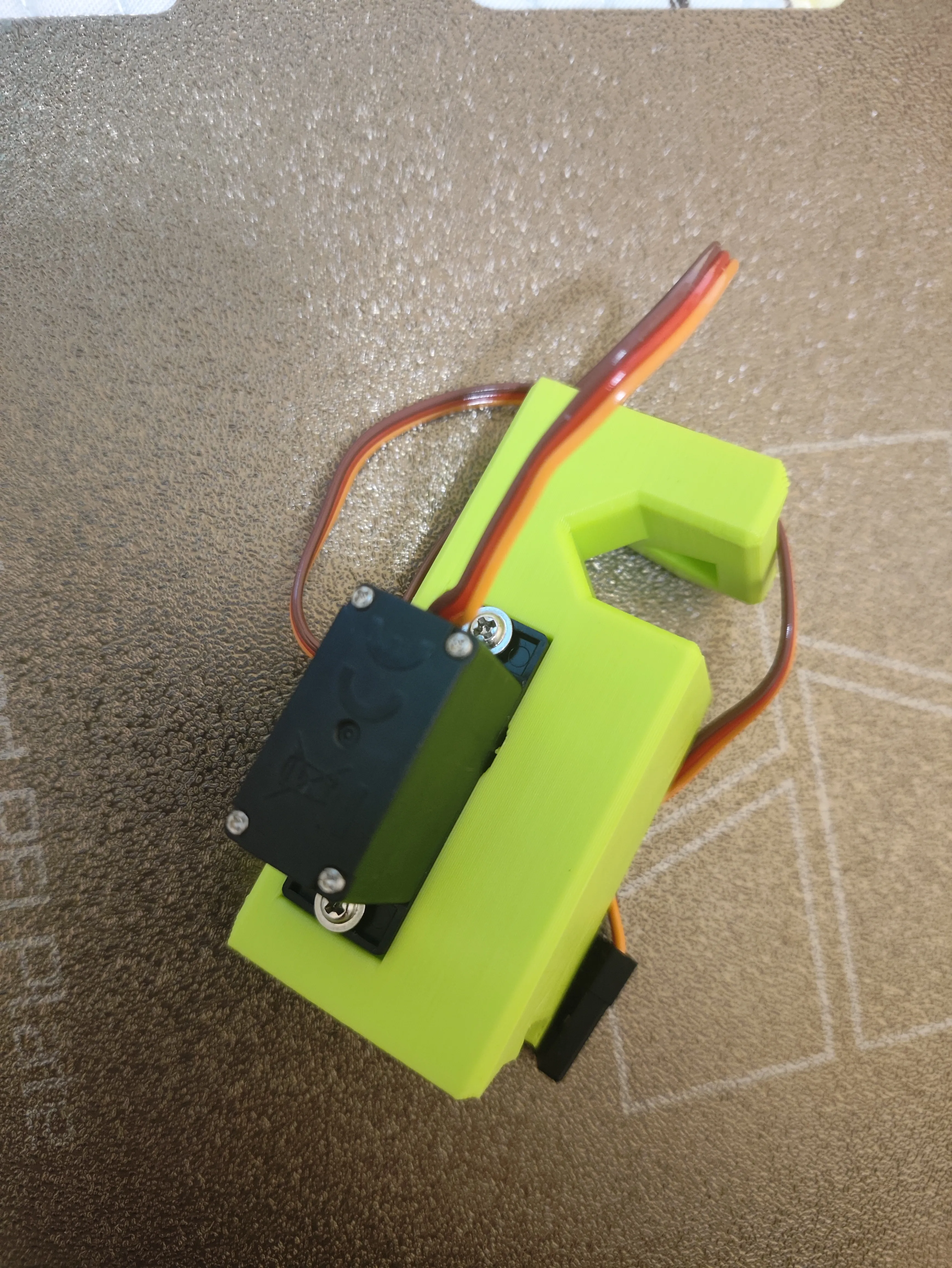
Servo assembly tutorial:
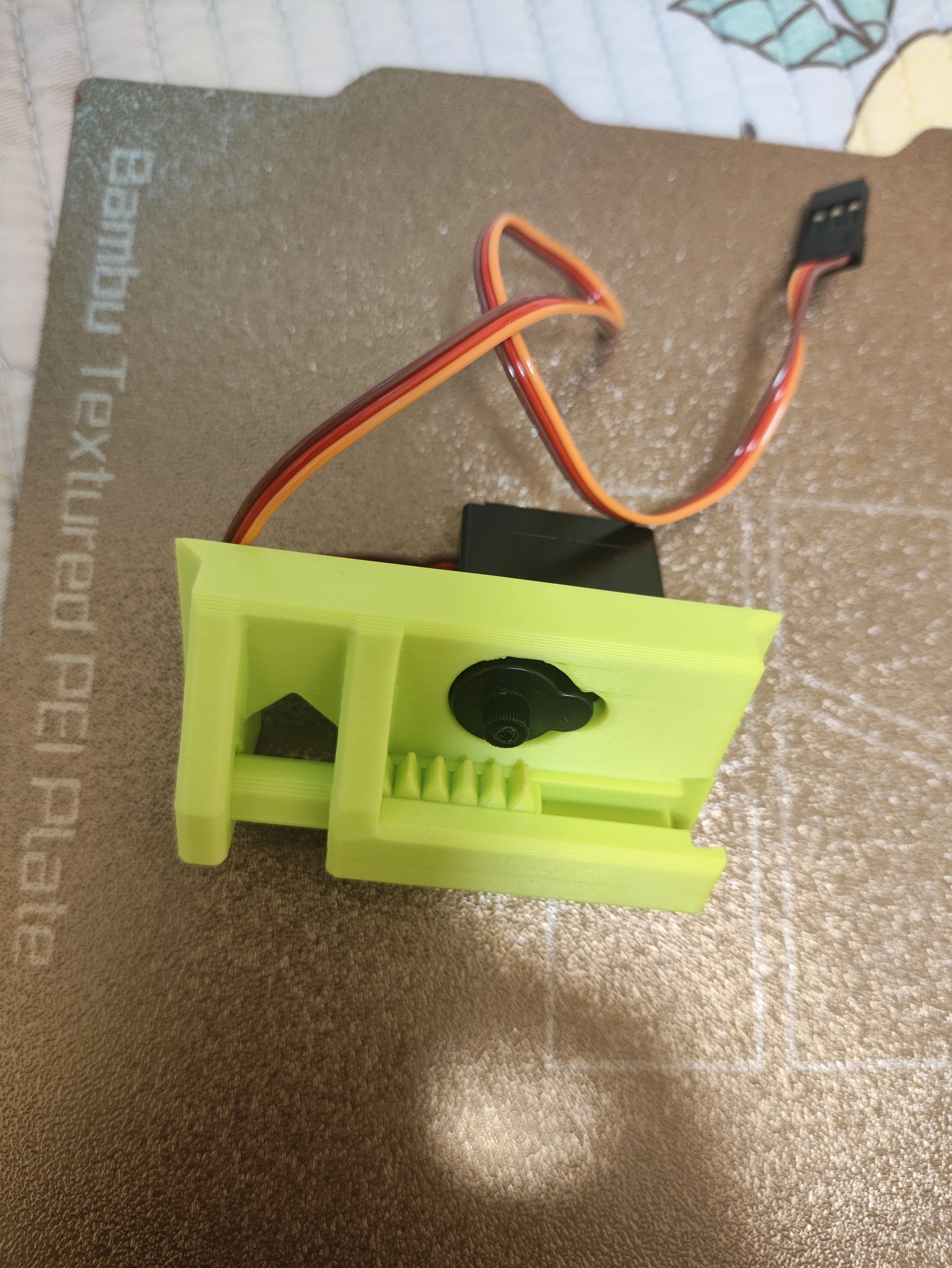
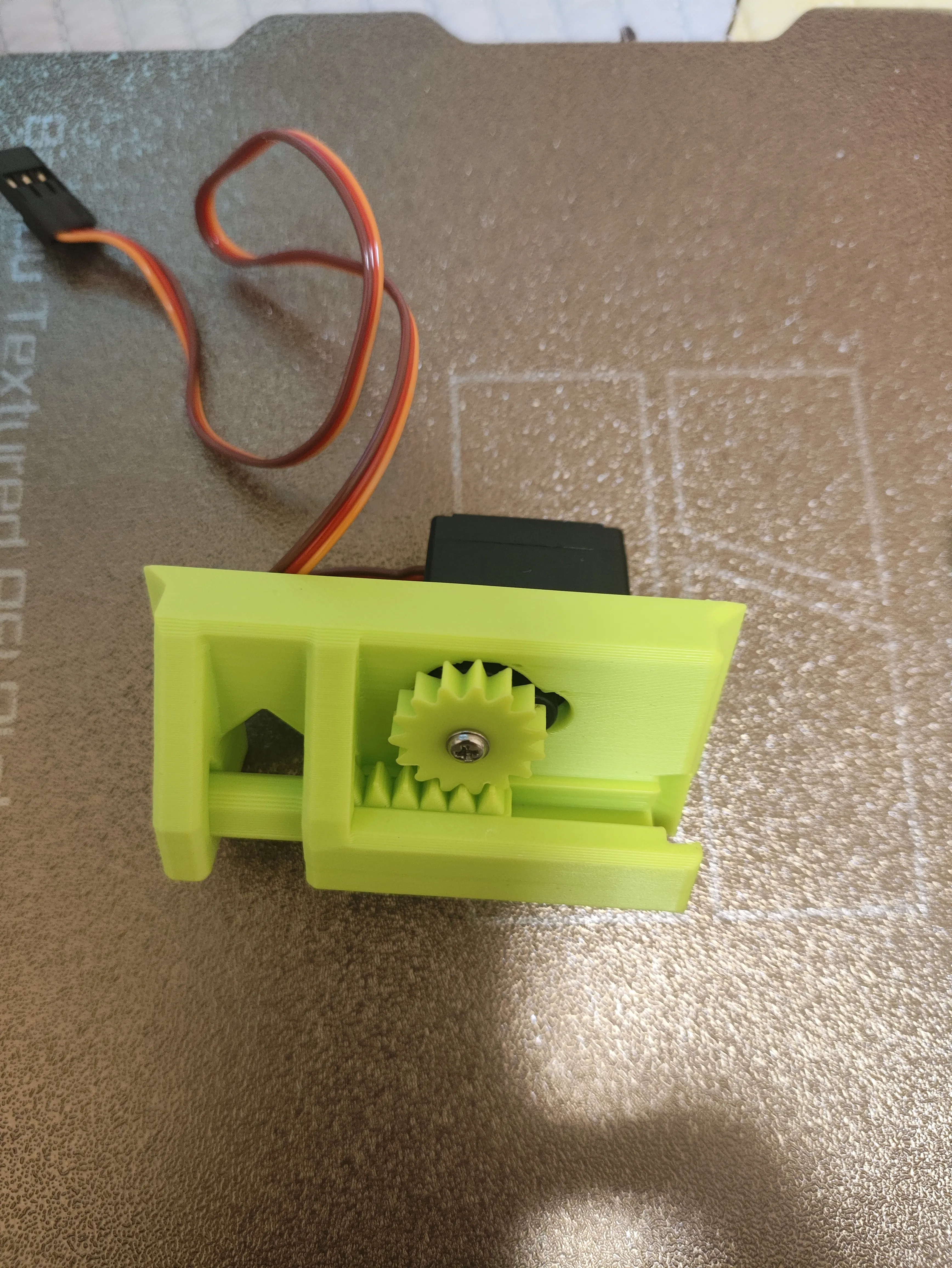
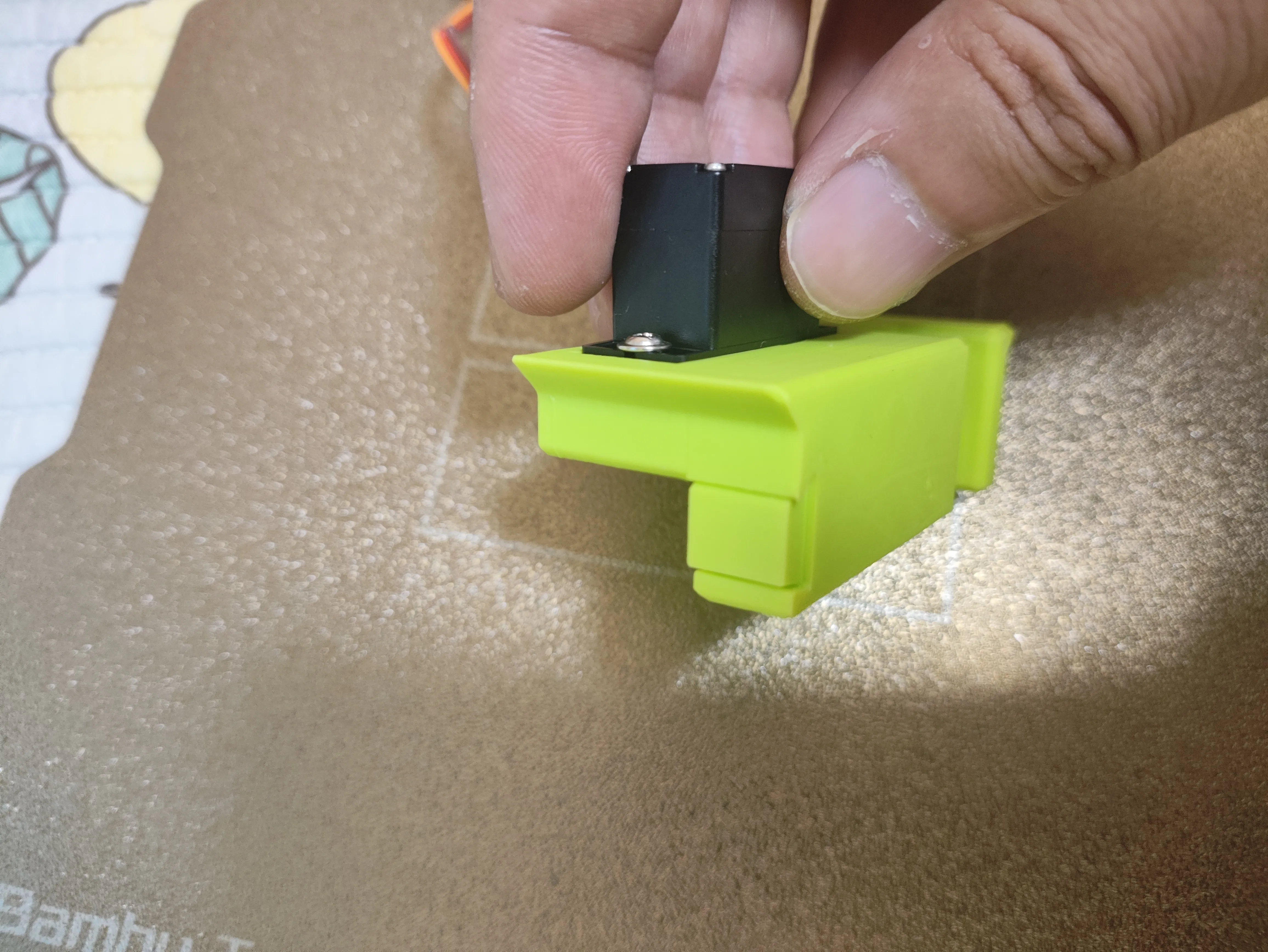
As shown in the figure below, install the servo, tighten the screws, install the push rod, then install the gear Finally, install the stopper
Main body assembly tutorial:
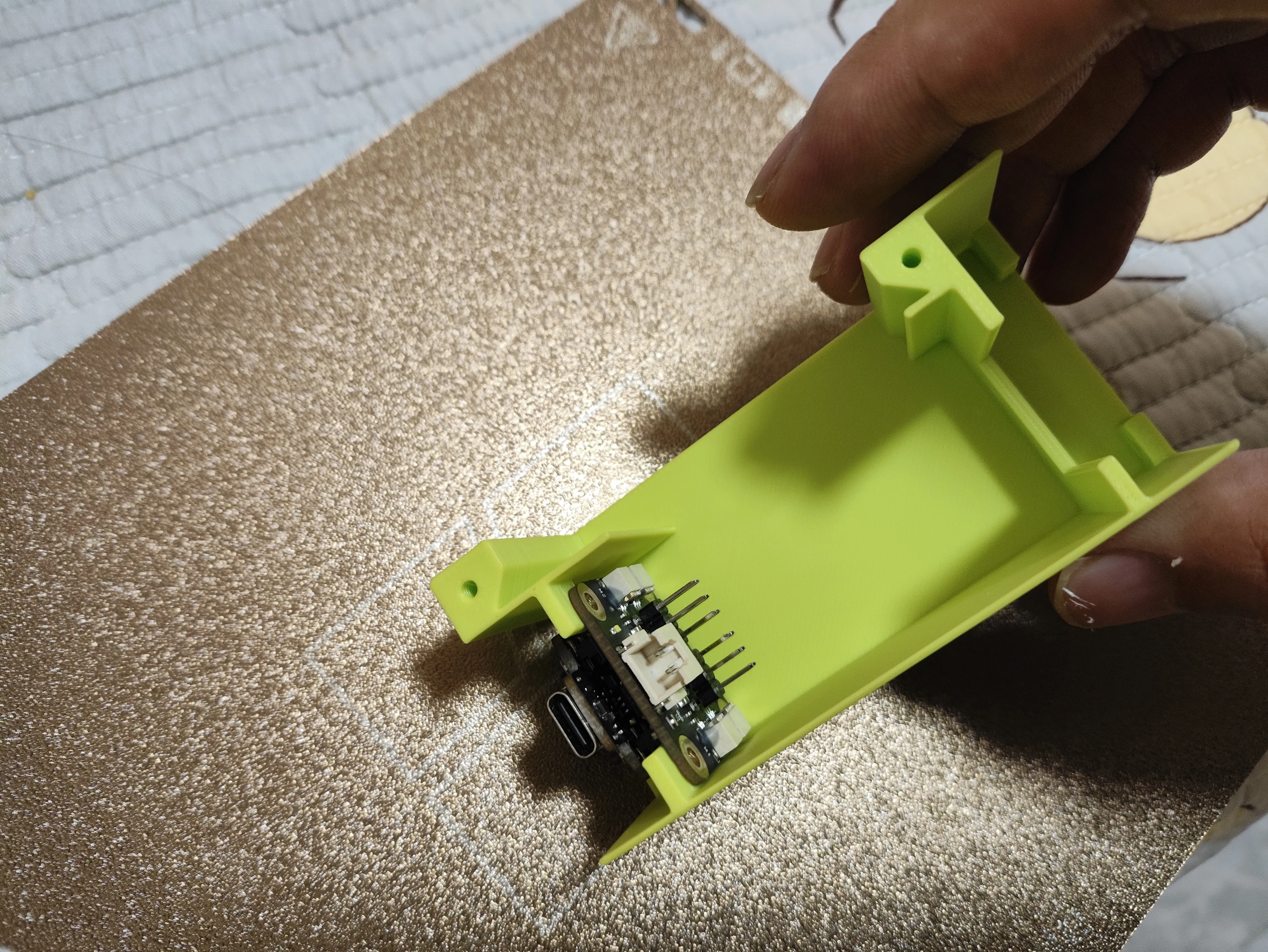
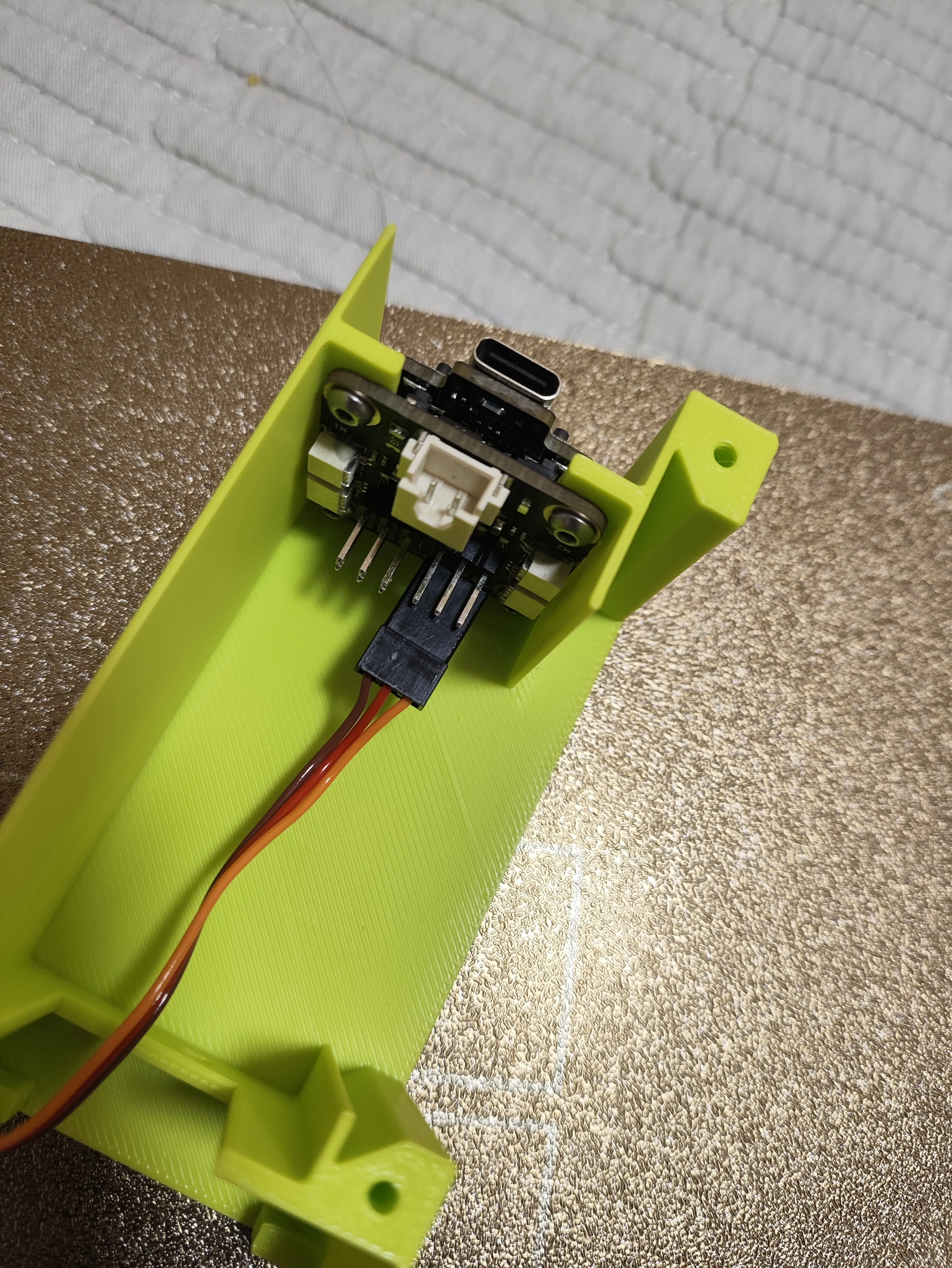
Step 1, as shown in the figure below, install the receiver board and fix the 4 screws
Step 2, as shown in the figure below, install the servo wiring, note that the brown wire is on the inside and must not be inserted in reverse
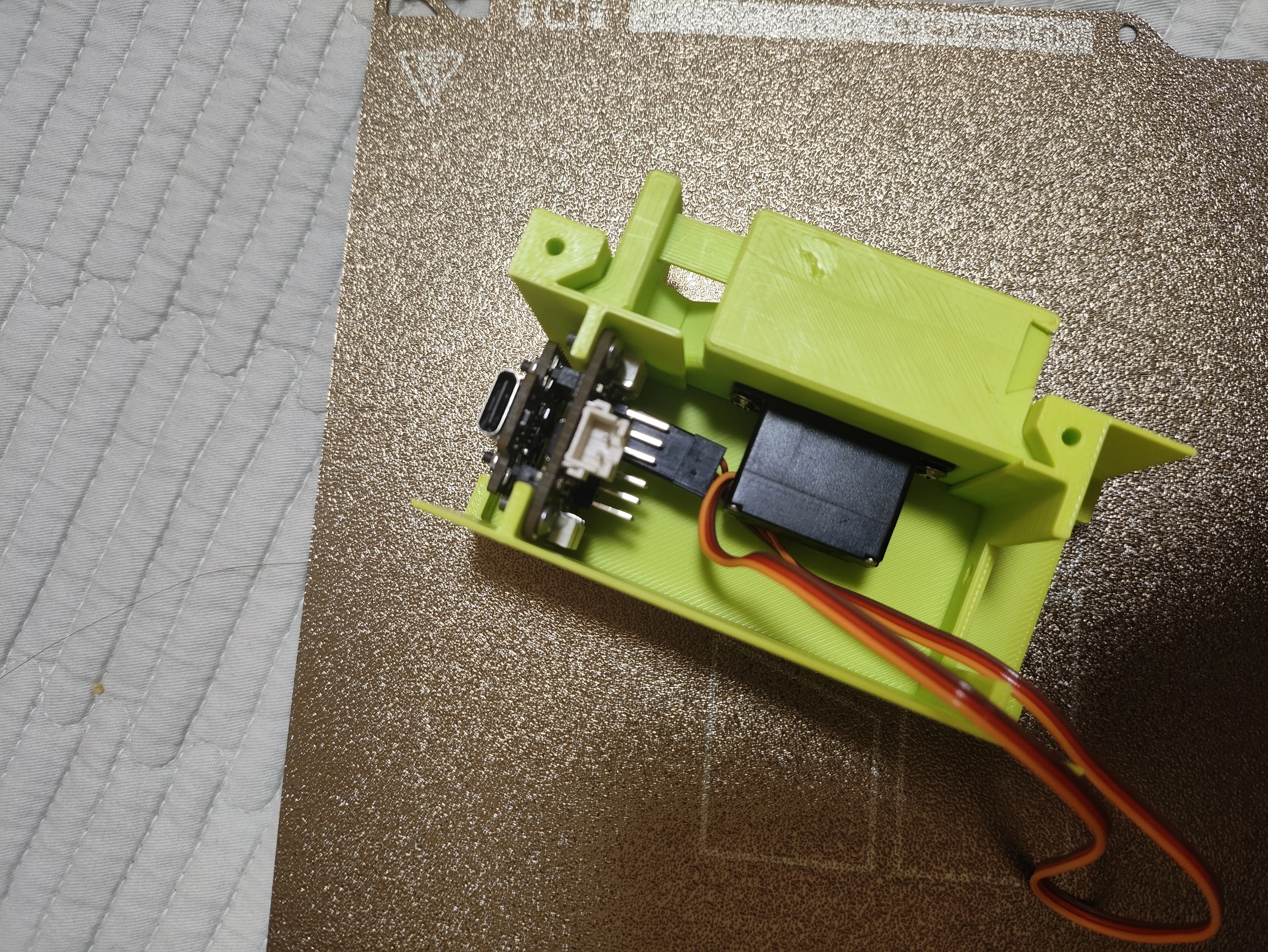
Step 3: As shown in the figure below, install the battery and switch board
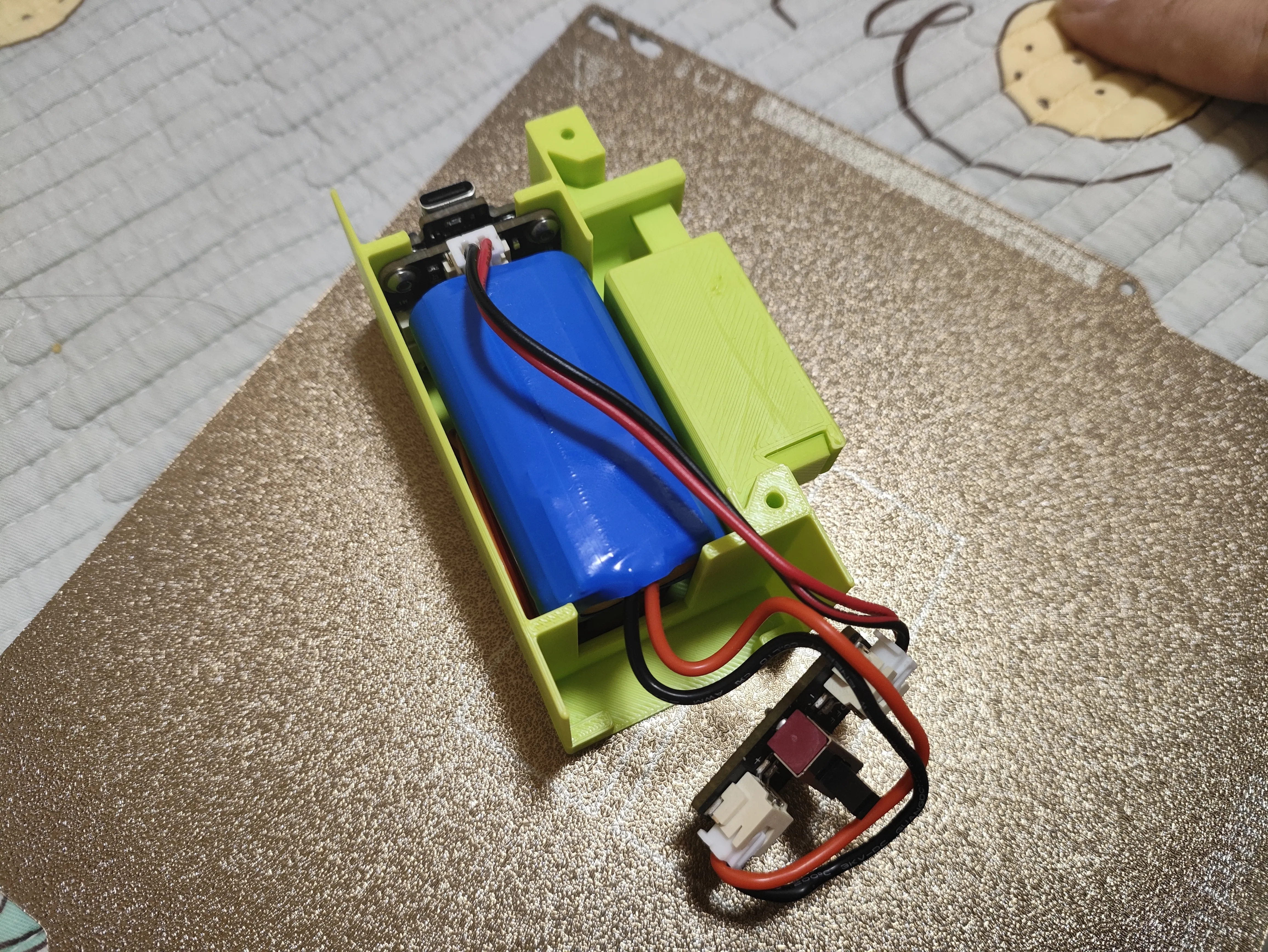
Step 4: As shown in the figure below, use M3x2.5 screws to fix the switch board
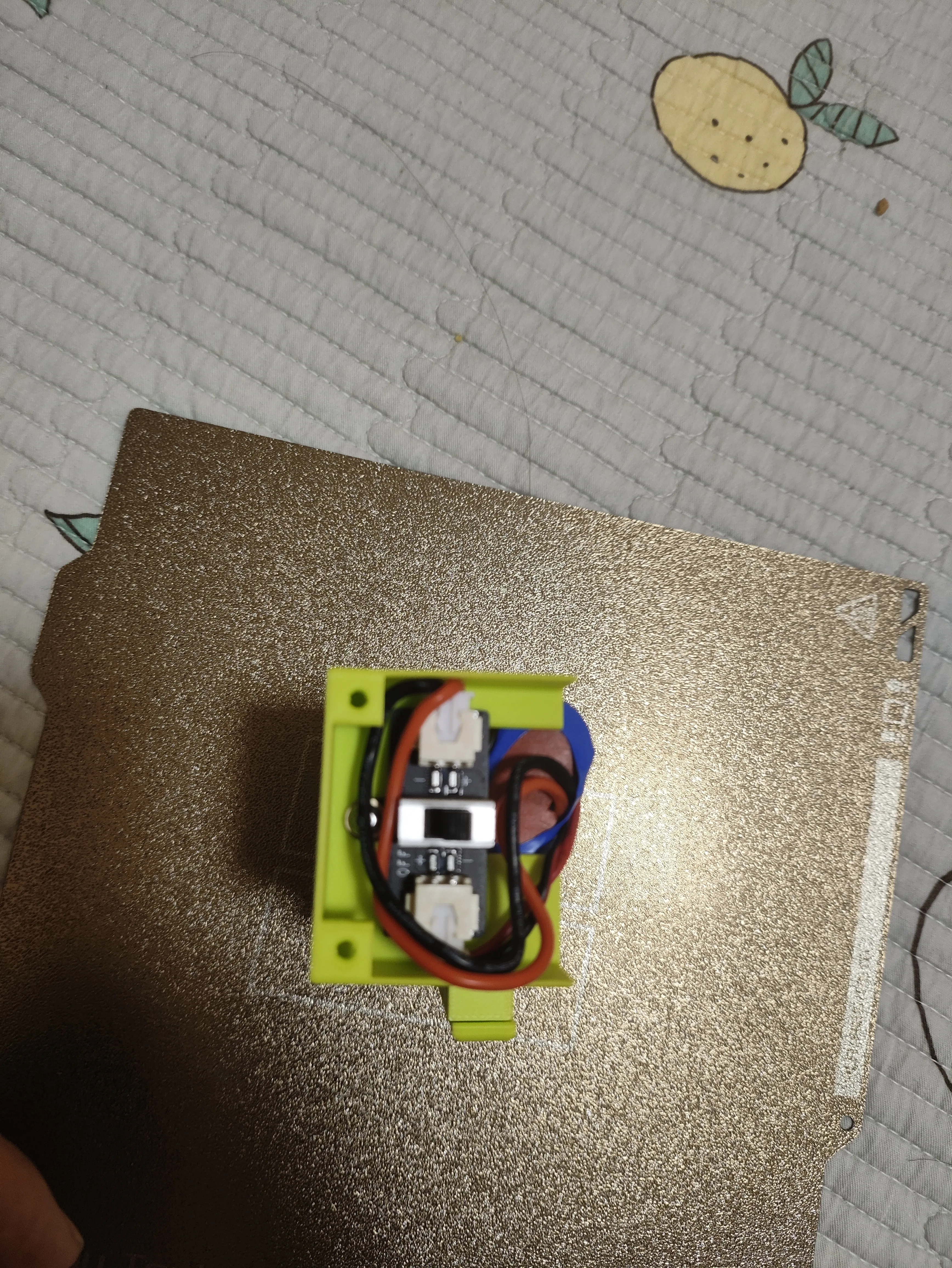
Step 5, as shown in the figure below, install the top cover and fix it with 6 m2.5x6 screws
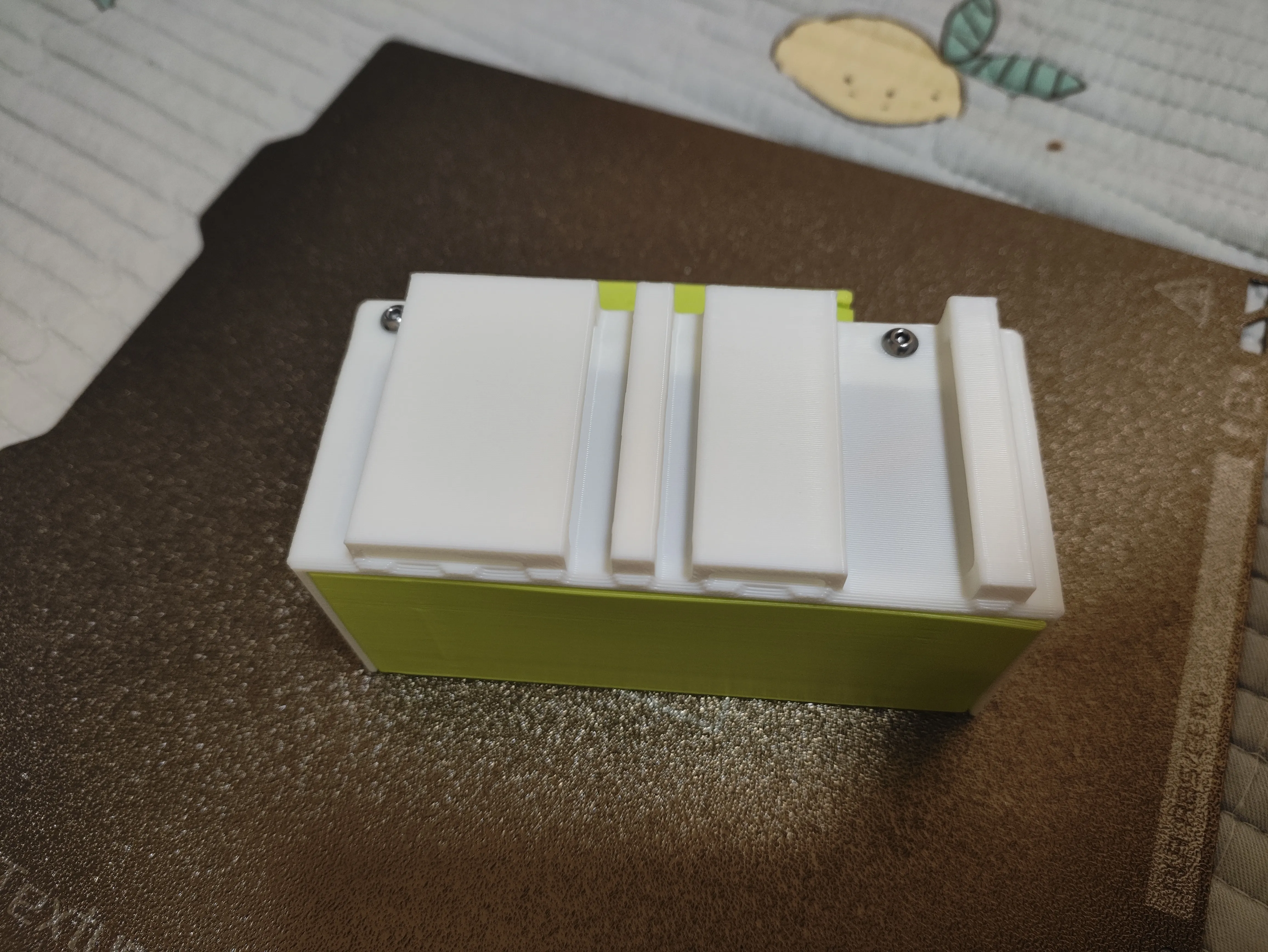
Step 7: As shown in the figure below, pair the remote control and test for normal control
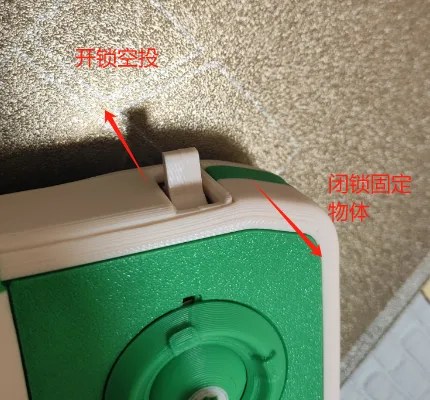

License

You shall not share, sub-license, sell, rent, host, transfer, or distribute in any way the digital or 3D printed versions of this object, nor any other derivative work of this object in its digital or physical format (including - but not limited to - remixes of this object, and hosting on other digital platforms). The objects may not be used without permission in any way whatsoever in which you charge money, or collect fees.


Comment & Rating (4)