Search models, users, collections, and posts

SVG image extruder
IP Report
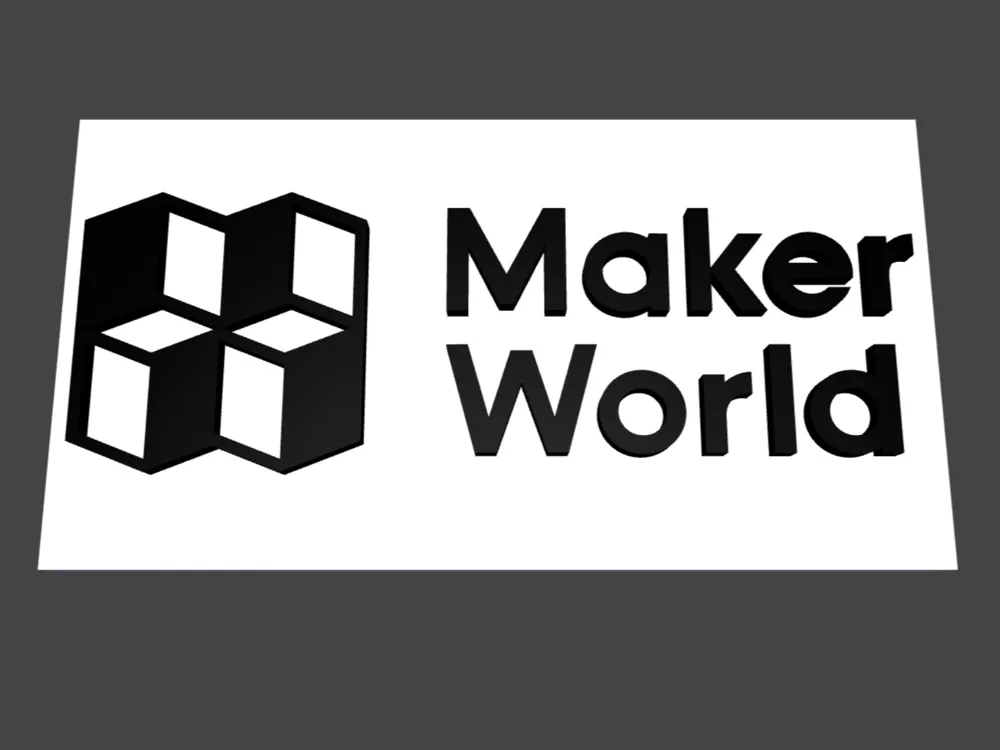
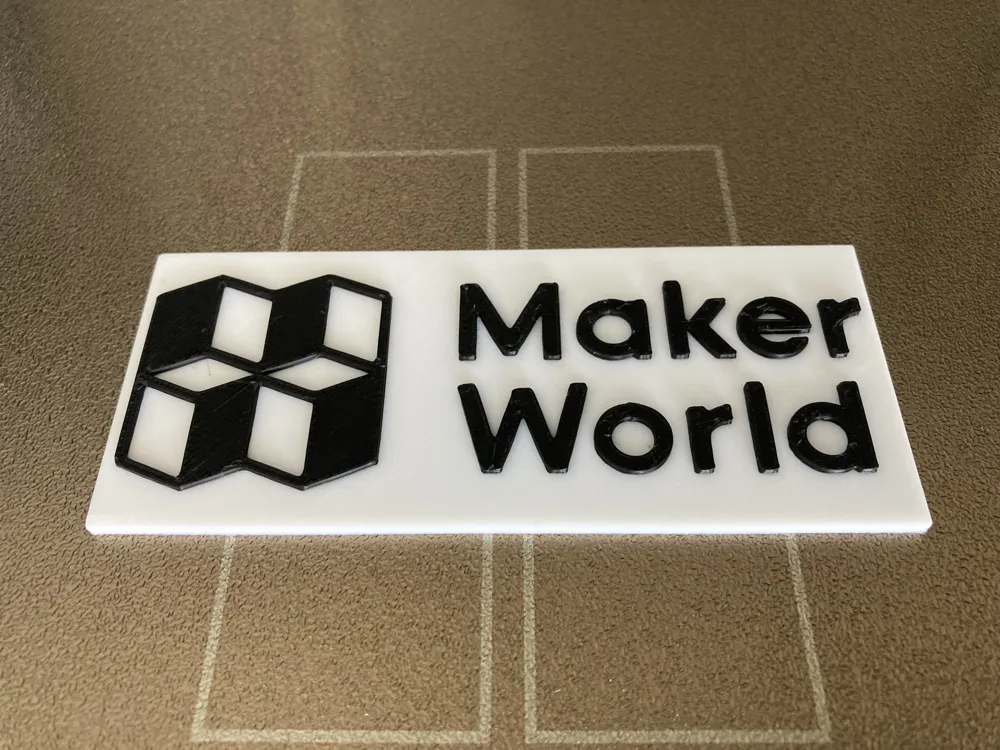
This model is created by Parametric Model Maker
Make Your Model
Print Profile(1)

0.12mm layer, 2 walls, 15% infill
Designer
1 h
1 plate
Open in Bambu Studio
Boost
10
24
2
0
56
6
Released
Description
This script allows you to take a 2D SVG image (for example, a logo, icon, or simple vector shape) and extrude it into 3D.
You can also place it on top of a background plate to create badges, nameplates, keychains, etc.
🔹 How it works
- The script loads your SVG file and scales it to a specified width (in millimeters).
- You define the aspect ratio of your SVG (height ÷ width) so the script knows how tall to make the background plate.
- The foreground (your SVG) and the background (optional rectangle plate) are extruded separately, so you can control their thickness and preview them in different colors.
🔹 Preparing your SVG
- Your SVG should be pure vector paths (no strokes, filters, text, or clipping masks).
- In Inkscape: select everything → Path ▸ Object to Path.
- For stroked lines: use Path ▸ Stroke to Path.
- Merge overlapping shapes with Path ▸ Union.
- Look at your SVG’s <svg> tag or viewBox to find the width and height values.
- Compute ASPECT_RATIO = height ÷ width.
- Example: if viewBox = 0 0 200 100, then ASPECT_RATIO = 100/200 = 0.5.
🔹 Parameters you can edit
- WIDTH → how wide your final logo should be (everything scales from this).
- ASPECT_RATIO → ratio from your SVG file. If your SVG is twice as tall as it is wide, use 2.0.
- SVG_EXTRUDE → thickness of your logo.
- SHOW_BG → turn background plate on/off.
- BG_EXTRUDE → thickness of background.
- BG_MARGIN → how much larger the plate is than the logo.
- Colors → only affect the OpenSCAD preview (STL export has no color).
License

This user content is licensed under a
Creative Commons Attribution-Noncommercial-Share Alike


Comment & Rating (2)