
Press-in filament clip—Inland (Polymaker)
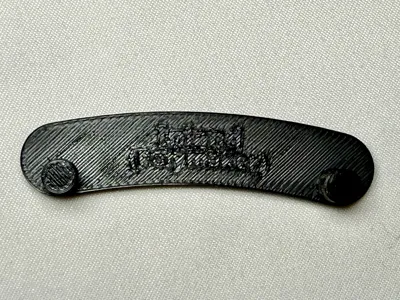
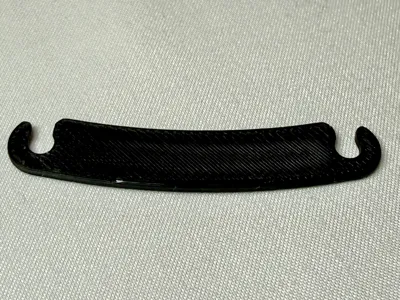
Print Profile(1)

Description
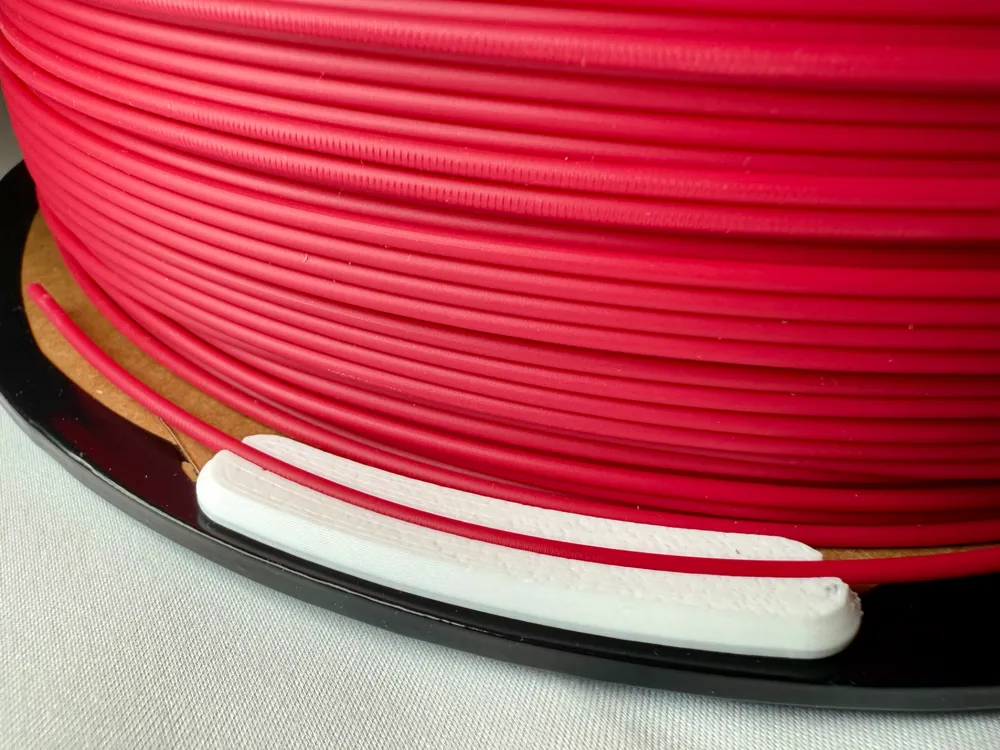
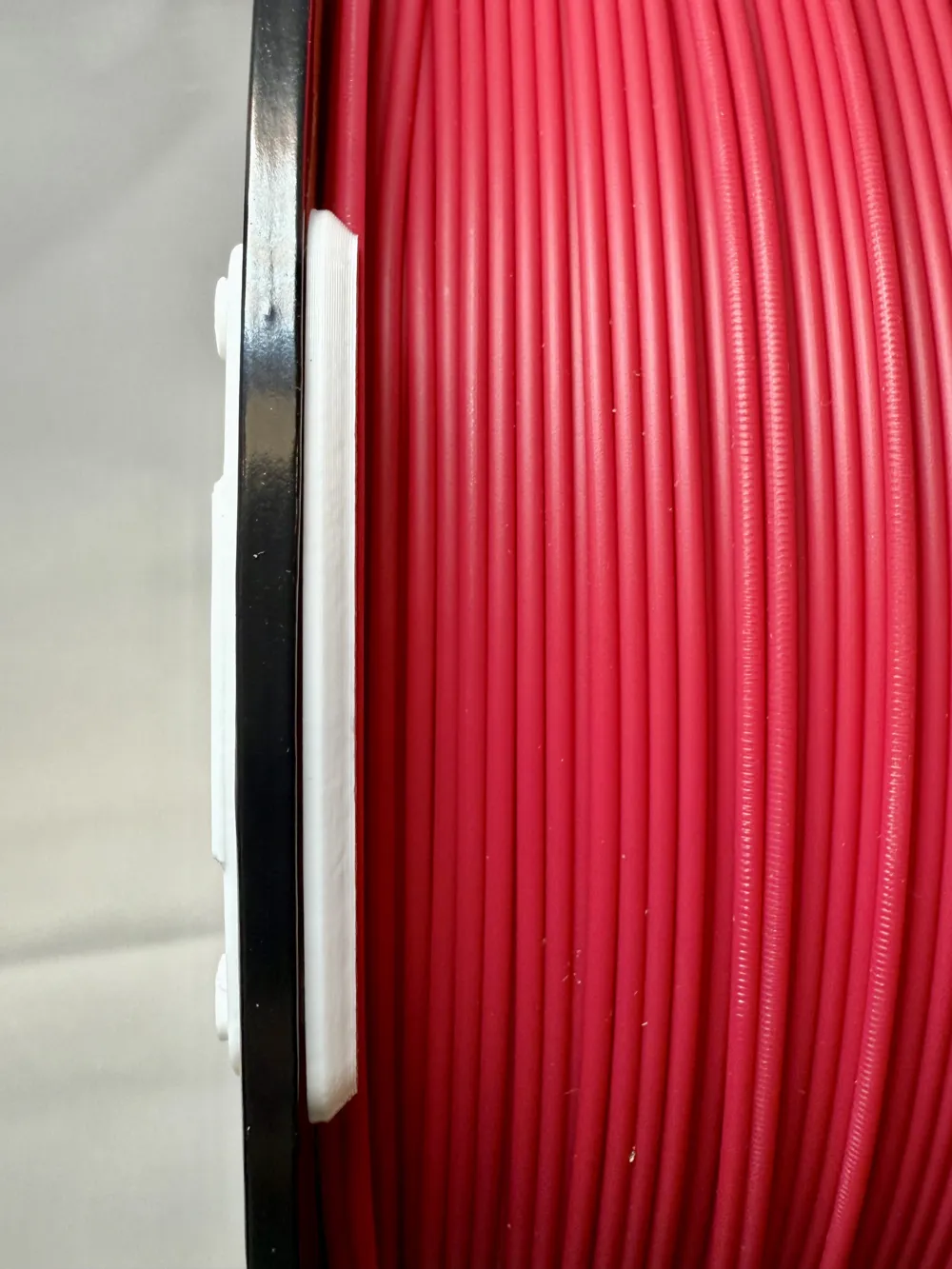
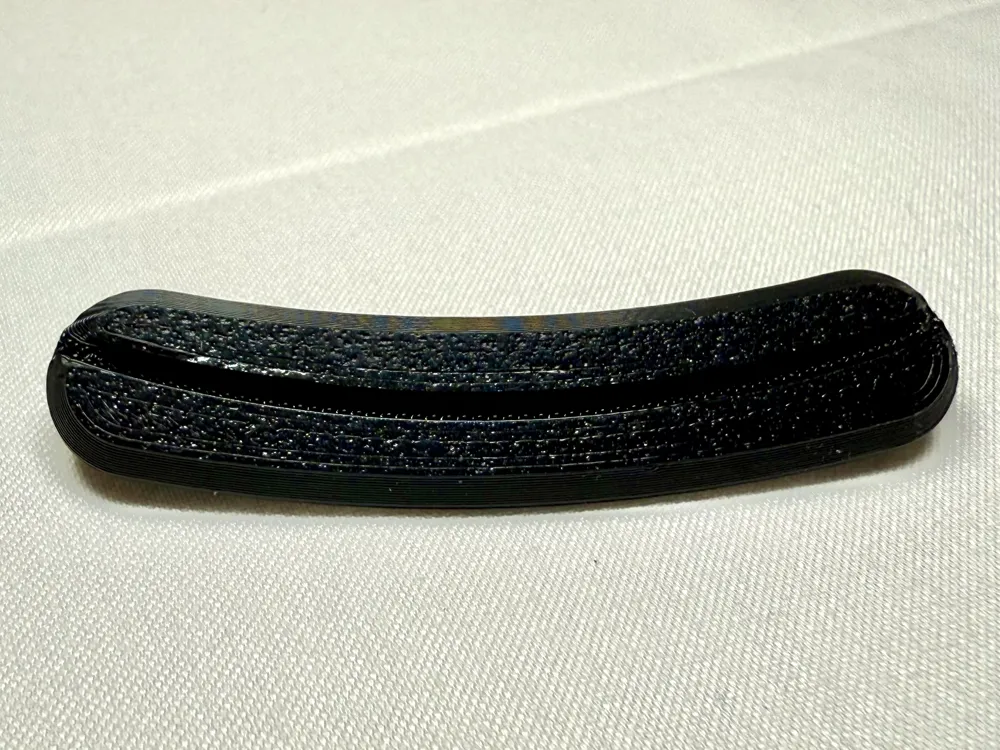
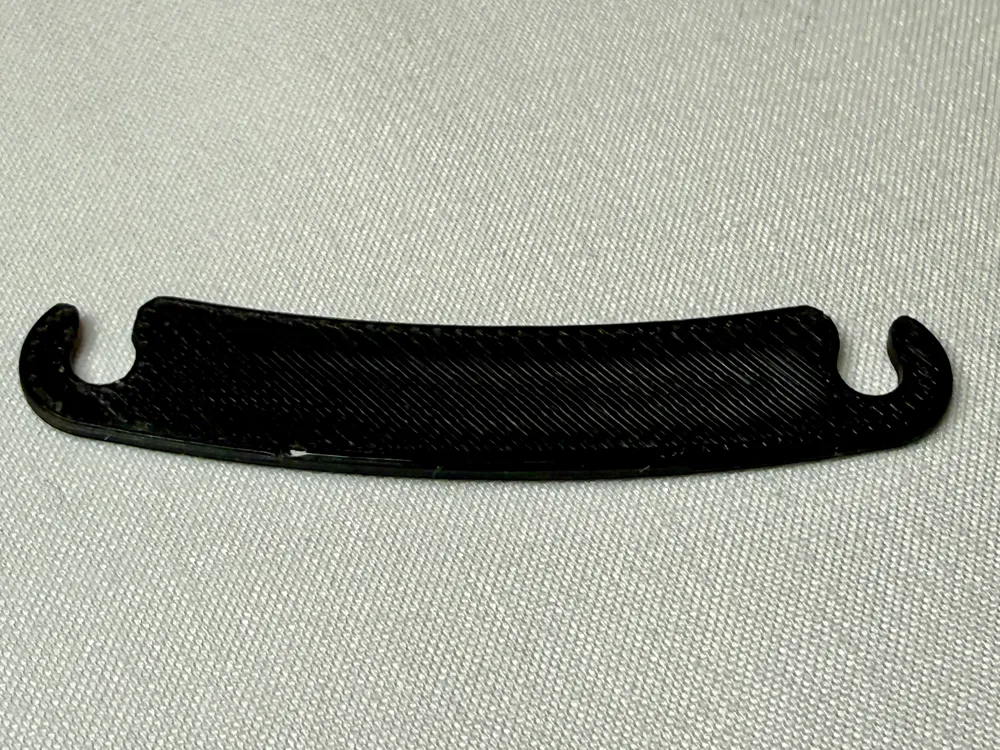
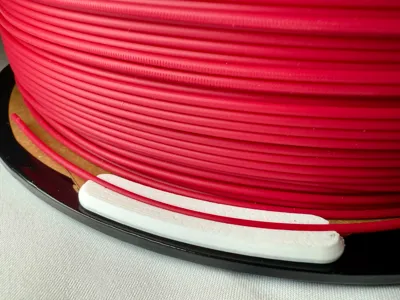
This filament clip for MicroCenter Inland cardboard filament spools (manufactured by Polymaker) makes it easier to keep your filament tangle-free! Simply press the filament into the groove to hold it firmly in place—just pull straight up to remove it. No need to thread filament through holes, adjust catches, etc.
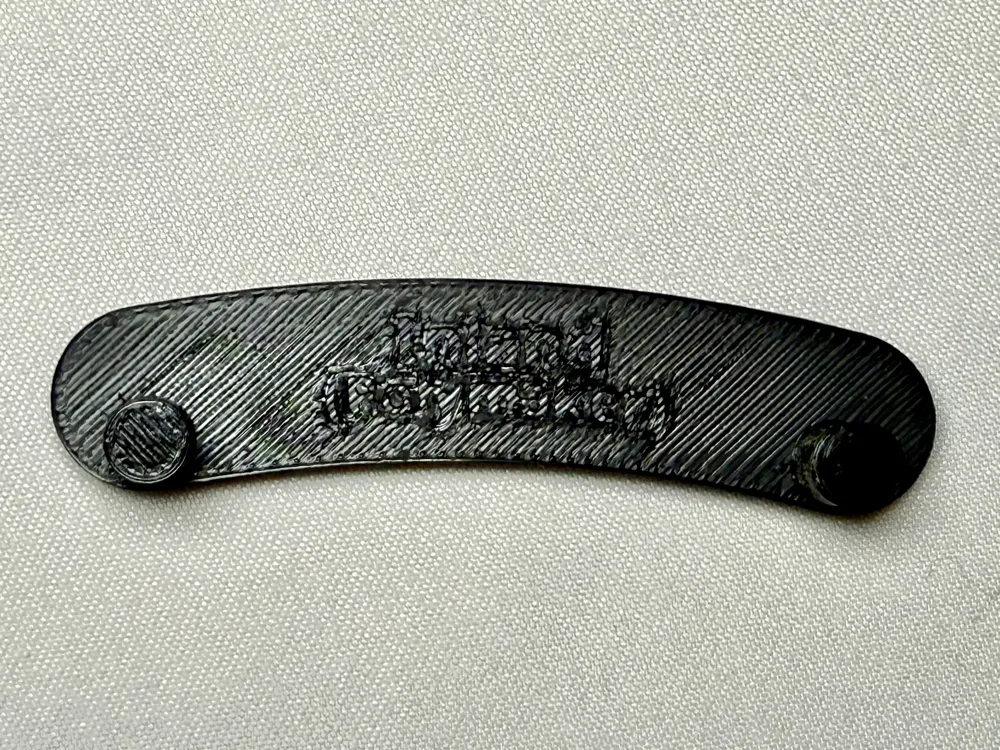
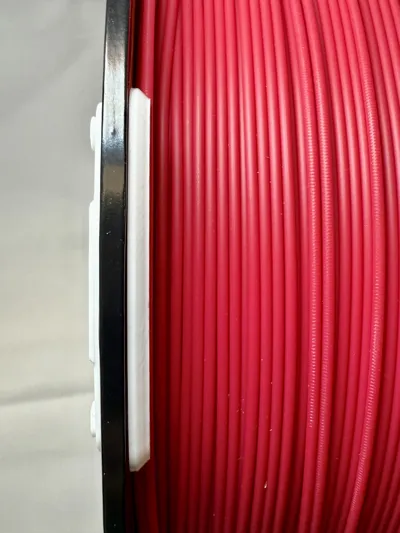
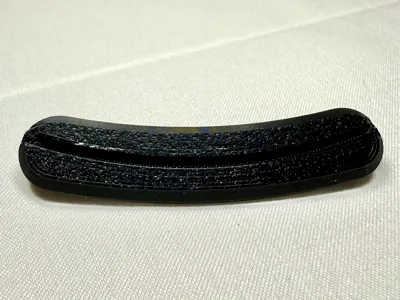
The clip's two-piece design stays put without tearing the cardboard spool, and is easy to install and remove. The beveled design prevents filament snags and binding during operation. Because the Inland spool is quite wide, it may prevent the spool from rotating in an AMS if placed in the AMS with the clip on the wrong side.
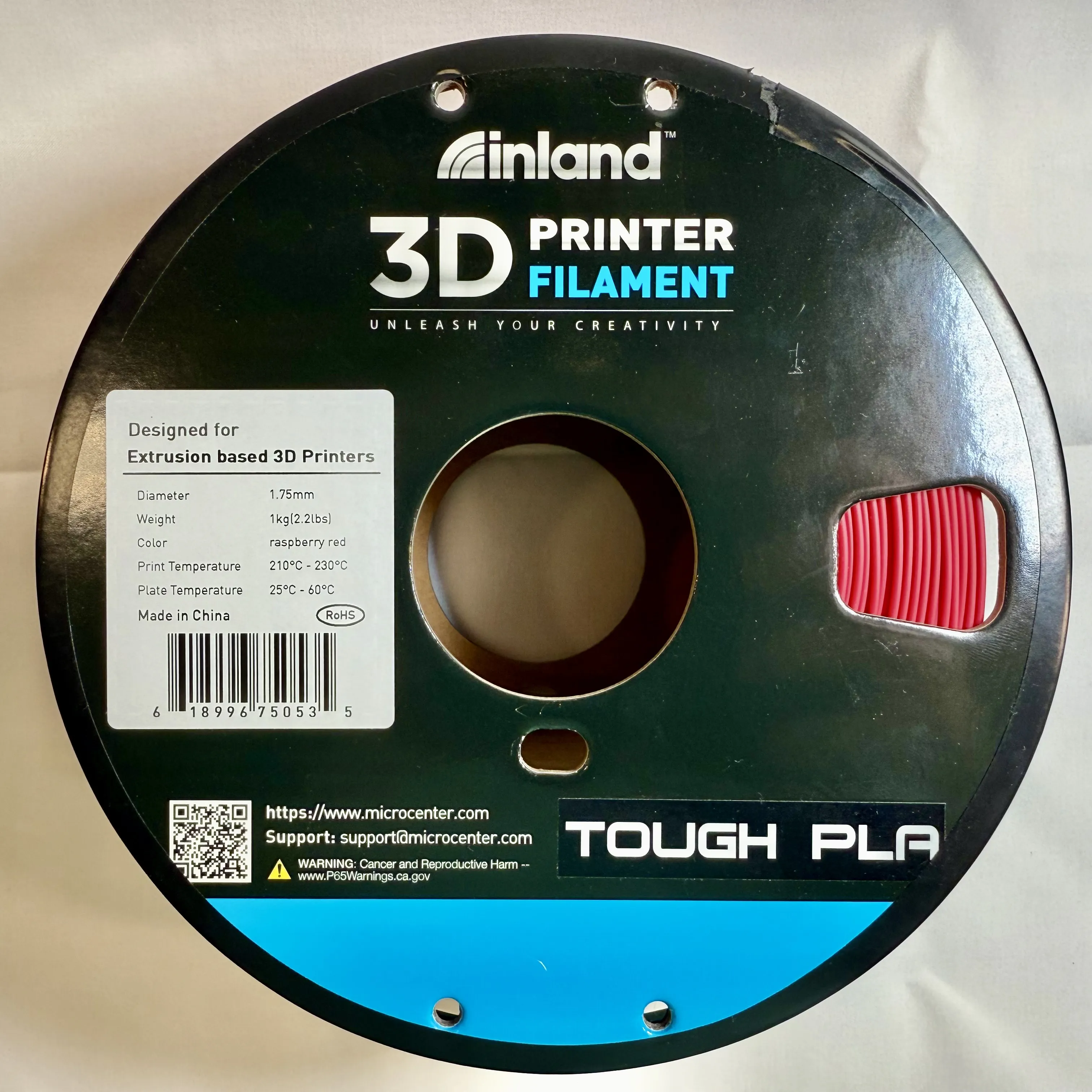
This version is designed specifically for MicroCenter Inland filament made by Polymaker. Some Inland filament is made by eSun and comes on a different spool requiring a different clip. Polymaker's Inland spools differ from Polymaker-branded spools as well.
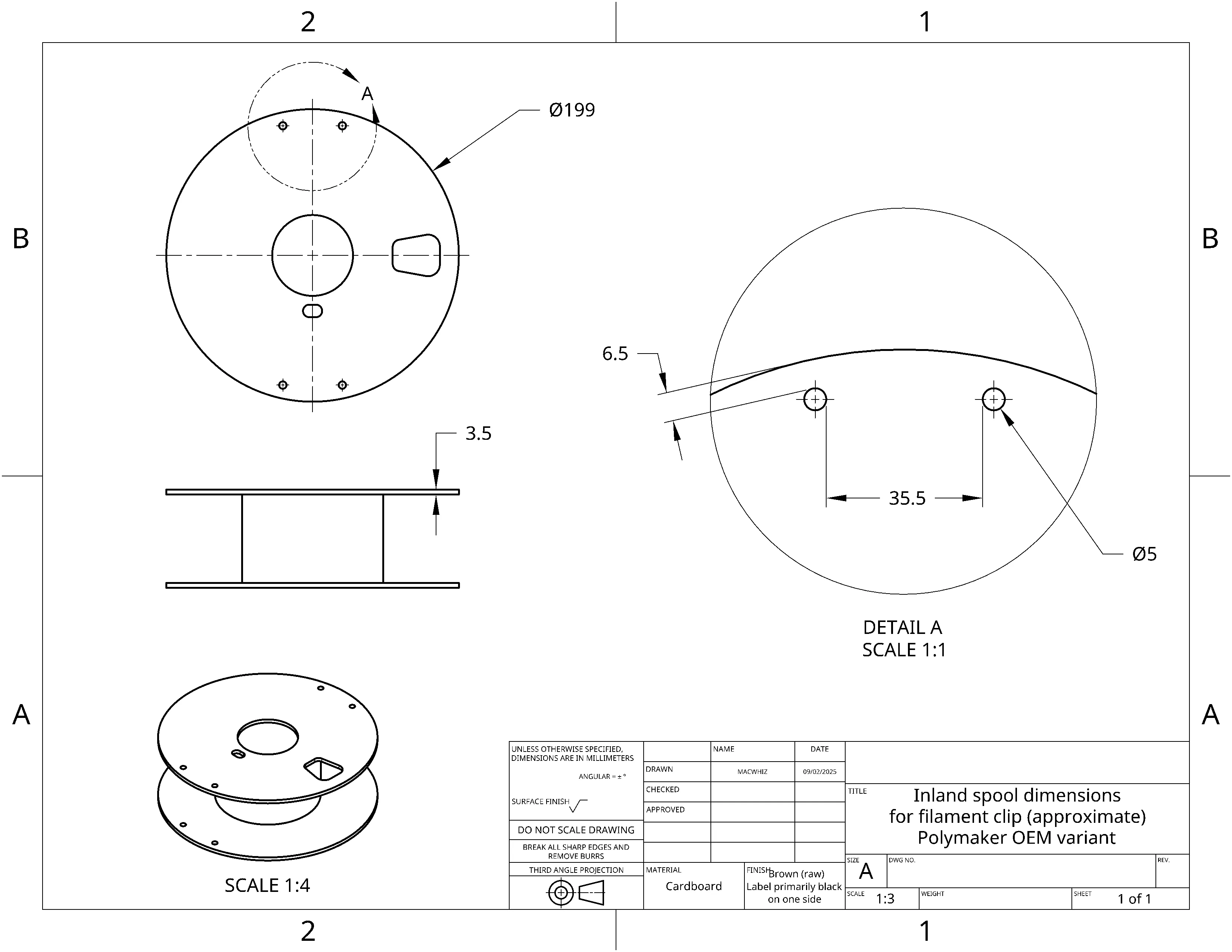
Compatible spools have these features:
- Spool diameter 199mm
- Rim thickness approximately 3.5mm
- Round holes 5mm in diameter, spaced 35.5mm apart at their closest point, inset 6.5mm from the edge of the spool; there are two pairs of holes on each side of the spool.
- These spools have one trapezoidal filament-viewing window on each side of the spool, and a small oval cutout near the center hole.
- Inland filament made by Polymaker does not have a “two green leaves” logo on the label or outer box.
One clip takes about 25 minutes to print on a Bambu Lab A1 using Bambu PETG Basic.
Not the right spool?
I have other designs for other brands, and for ELEGOO filament on plastic spools! Check my collection of press-in filament clips to see if I've got the one you need. I'm always adding more!
Temperature-resistant filament strongly recommended.
If printed from standard PLA, this clip will probably deform or melt if placed in a filament dryer. To prevent this, use a temperature-resistant filament such as PCTG, PETG, or Polymaker HT-PLA. I recommend American Filament PCTG for optimal results.
This clip is designed for 0.12mm layer height. This helps give a firm grip and good tolerances. Changing the layer height may affect how well it stays on the spool and grips filament.
Boost Me (for free)
Your boosts will encourage me to create versions of this clip for other brands of filament spool!
To install the clip:
- If you've used tape to seal the edges of the spool, cut it away from the holes if necessary, as it may prevent you from installing the clip. (These spools are often shipped with unsealed edges, which may cause problems with an AMS.)
- Push the filament clip through the round holes in the spool. If your spool has been damaged from being dropped, you may need to wiggle it or press harder. It should be a firm fit.
- Place the filament clip retainer's flat side on the spool, following the curve of the spool.
- Slide the retainer onto the clip until it's completely seated. If you have difficulty, press upward on the clip while you slide the retainer.
See the video below:
To remove the clip, slide the retainer toward the outside edge of the spool until it comes free. Then push the clip through the rim. Be careful as the clip's retaining slot may catch on the spool; if this happens, wiggle it a little until it pushes free easily to avoid damaging the spool's rim.
To insert filament, press the filament down into the groove. The fit is intentionally tight to keep the filament from becoming loose on the spool. The first time you use a clip, it may require a fair amount of force—don't worry, that first effort will “break it in” and it'll be easier to use the next time.
To remove filament, gently pull it out of the groove. Properly-stored filament won't be harmed by this. If your filament snaps on removal, it may have become brittle from excess moisture, old age, or a manufacturing defect. Some notoriously brittle filament, such as glass- or carbon-fiber filament, may be more prone to snapping if treated roughly.
License



Comment & Rating (8)