
Print Profile(0)
Description
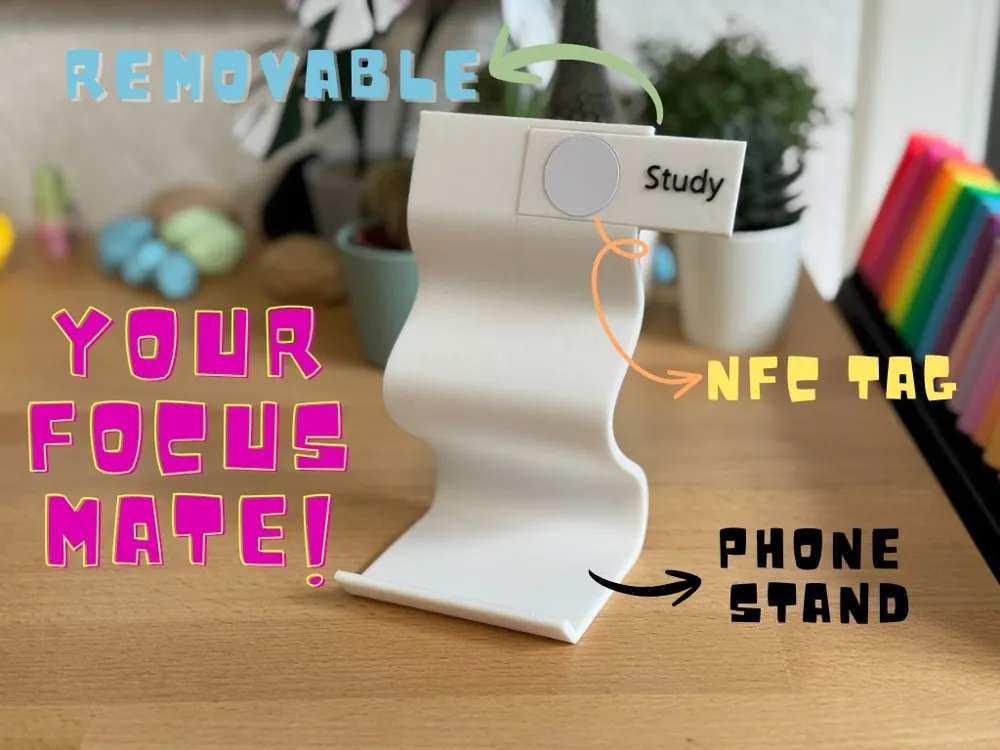

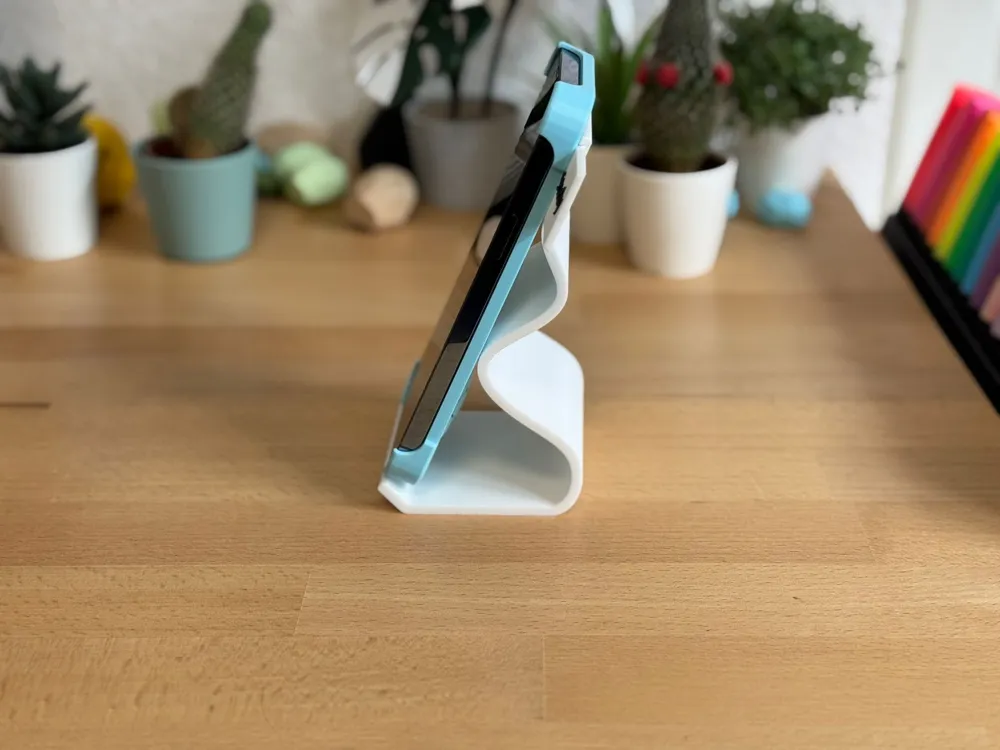
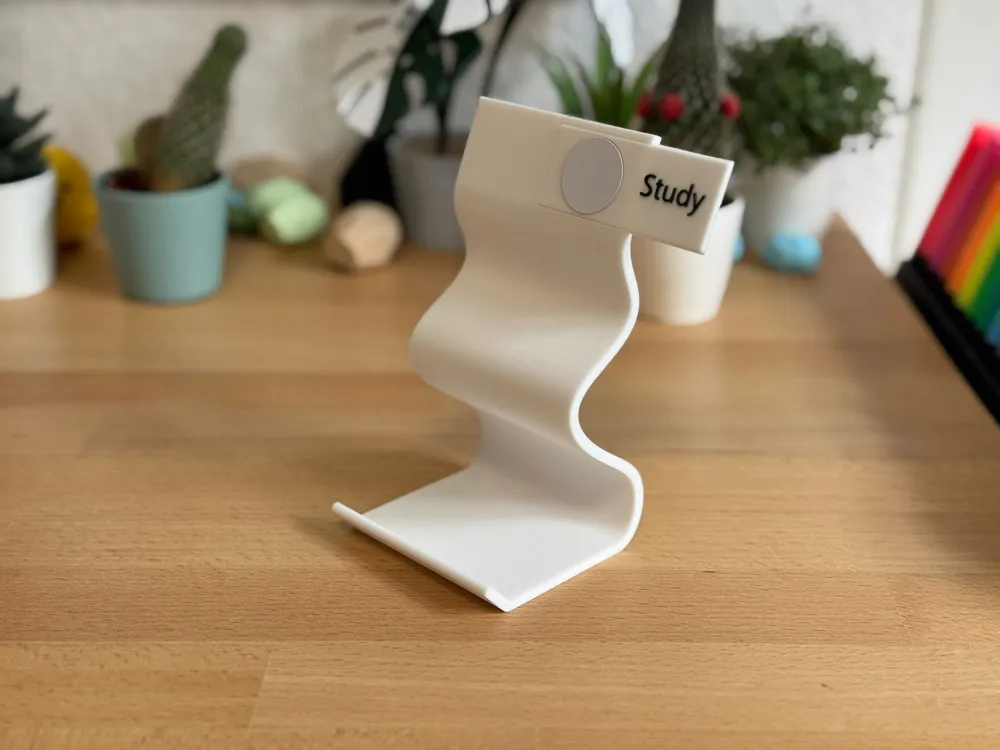
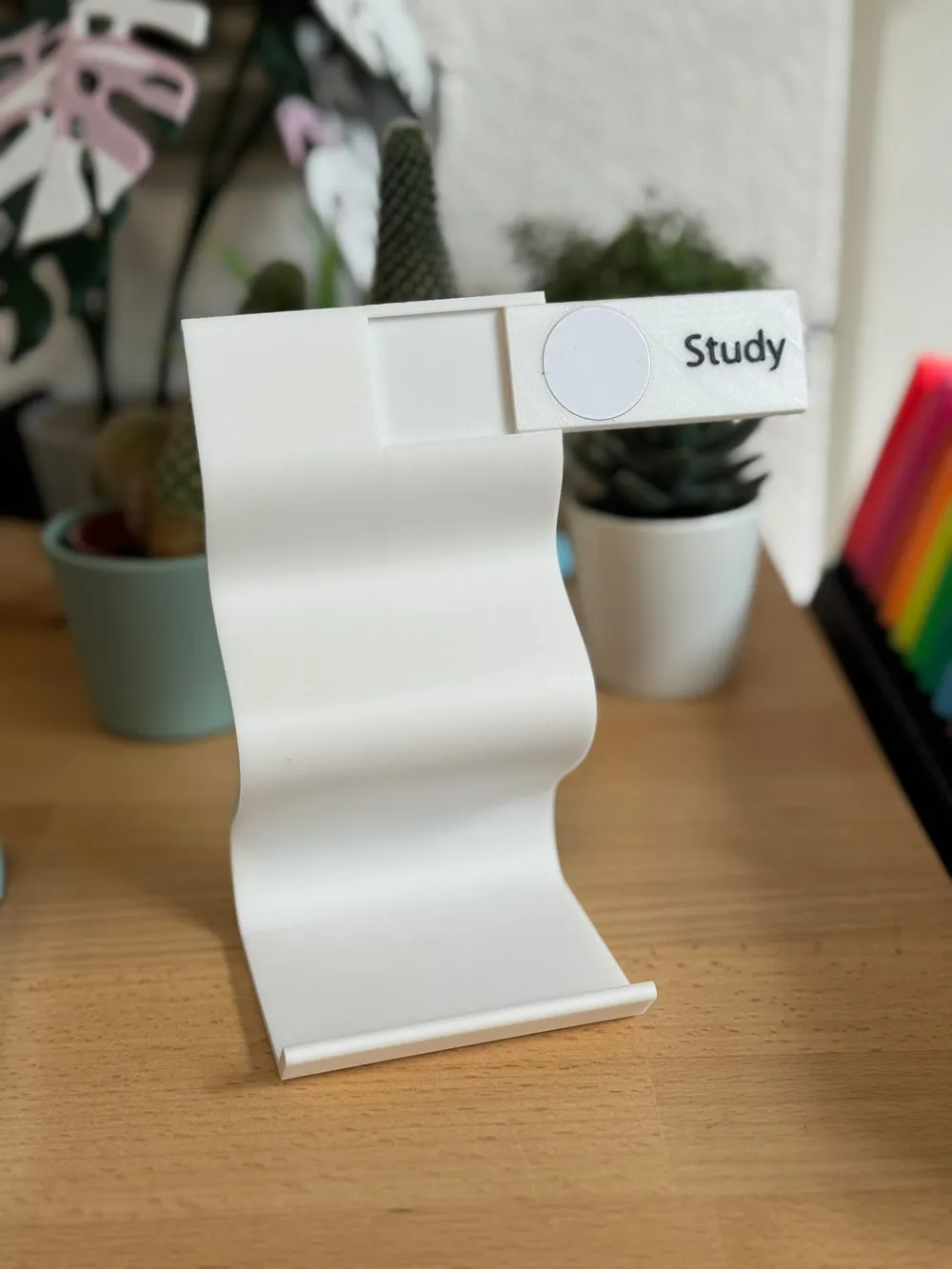
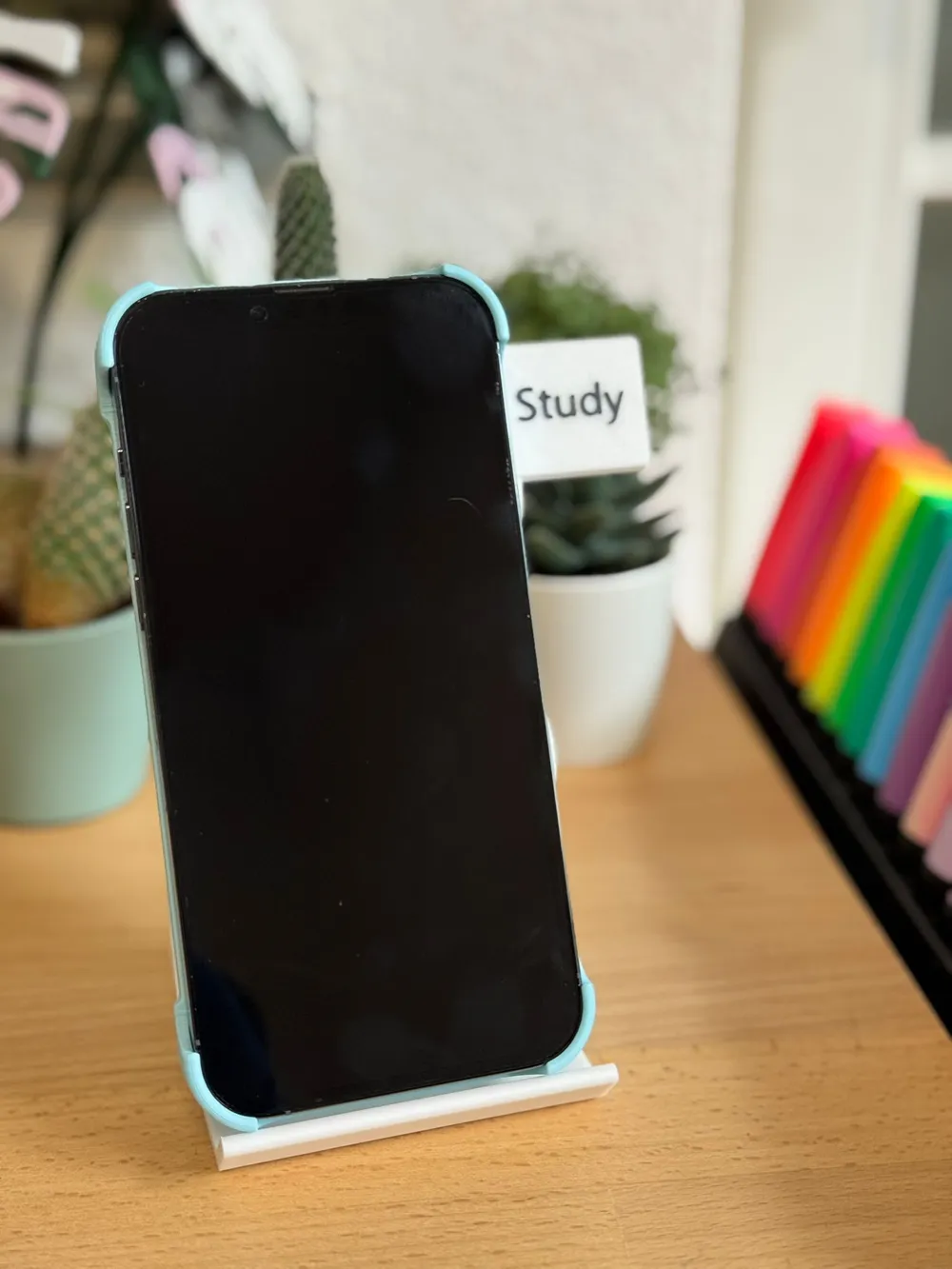
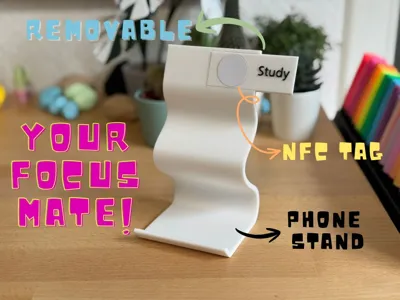
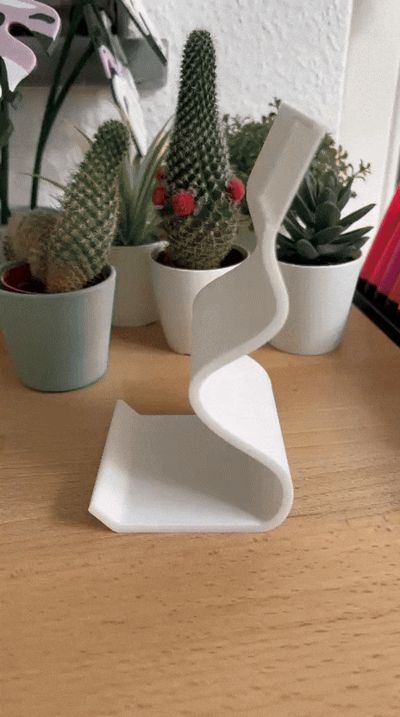
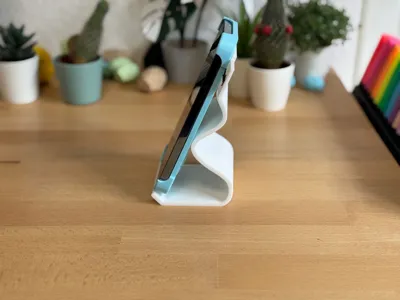
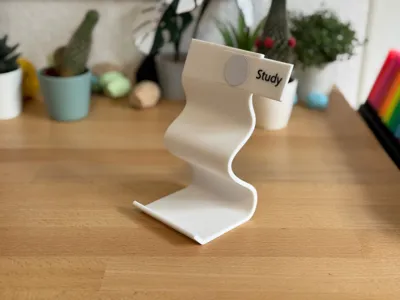
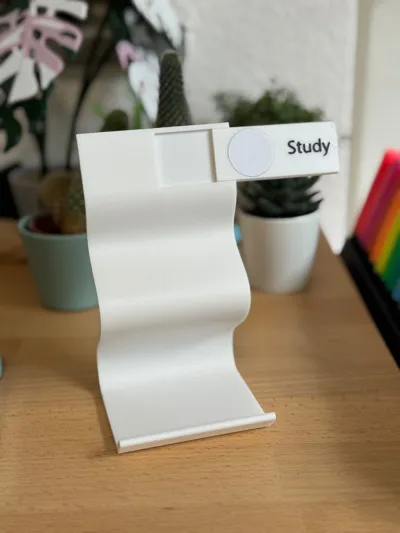
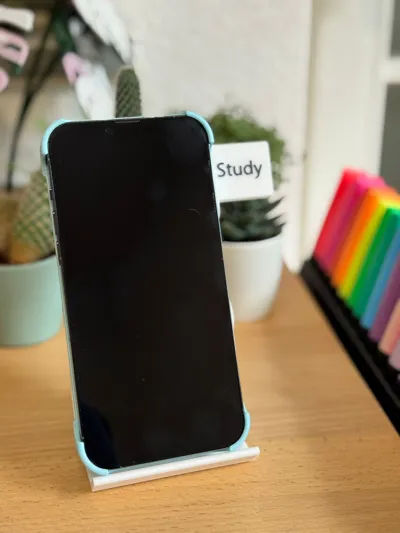
Take your study sessions to the next level with the FocusMate NFC Phone Stand! Designed with a modern, minimalist style, this stand isn’t just sleek—it’s smart. Equipped with a removable and programmable NFC tag, you can instantly set a timer or activate a study mode on your phone with a simple tap, perfectly aligned with the Pomodoro method.
Customize your workflow by programming the tag directly on your phone, or label your tags in the slicer—whether it’s “Study,” “Break,” or any personal focus mode you want. Durable, stylish, and fully functional, the FocusMate NFC Phone Stand is your ideal companion for productive back-to-school days.
How to set up your Pomodoro NFC automation on iPhone:
1. Prepare your NFC tag
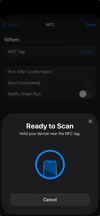
Open the Shortcuts app → tap Automation → Create Personal Automation.
Choose NFC → scan your tag → name it (e.g., Pomodoro).
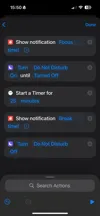
2. Build the 25-minute focus timer
Tap Add Action → search Start Timer.
Set it to 25 minutes.
3. Wait until the timer ends
Add action: Wait → set to 25 minutes.
4. Add the 5-minute break timer
After the Wait step, add Start Timer → set to 5 minutes.
5. (Optional) Notifications
Add an action before each timer: Show Notification (e.g., "Focus started!" / "Break time!").
6. Save
Tap Next → turn off Ask Before Running → Done.
Documentation (3)

License

You shall not share, sub-license, sell, rent, host, transfer, or distribute in any way the digital or 3D printed versions of this object, nor any other derivative work of this object in its digital or physical format (including - but not limited to - remixes of this object, and hosting on other digital platforms). The objects may not be used without permission in any way whatsoever in which you charge money, or collect fees.


Comment & Rating (0)