
Ultimate Sim Rig Accessory Platform (Parametric)
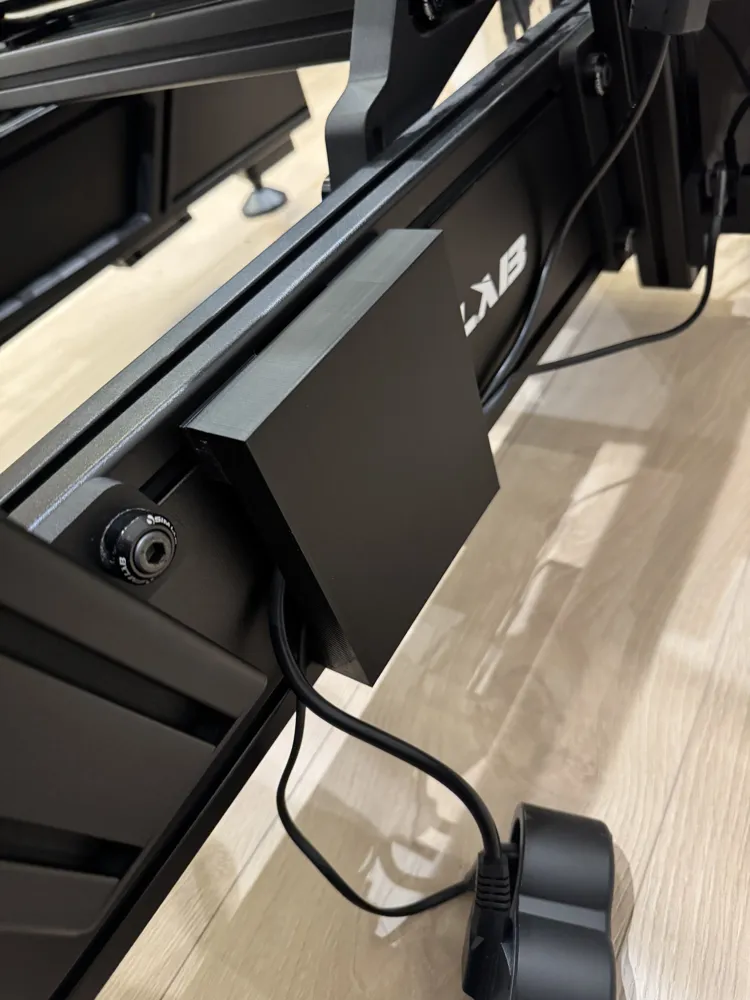
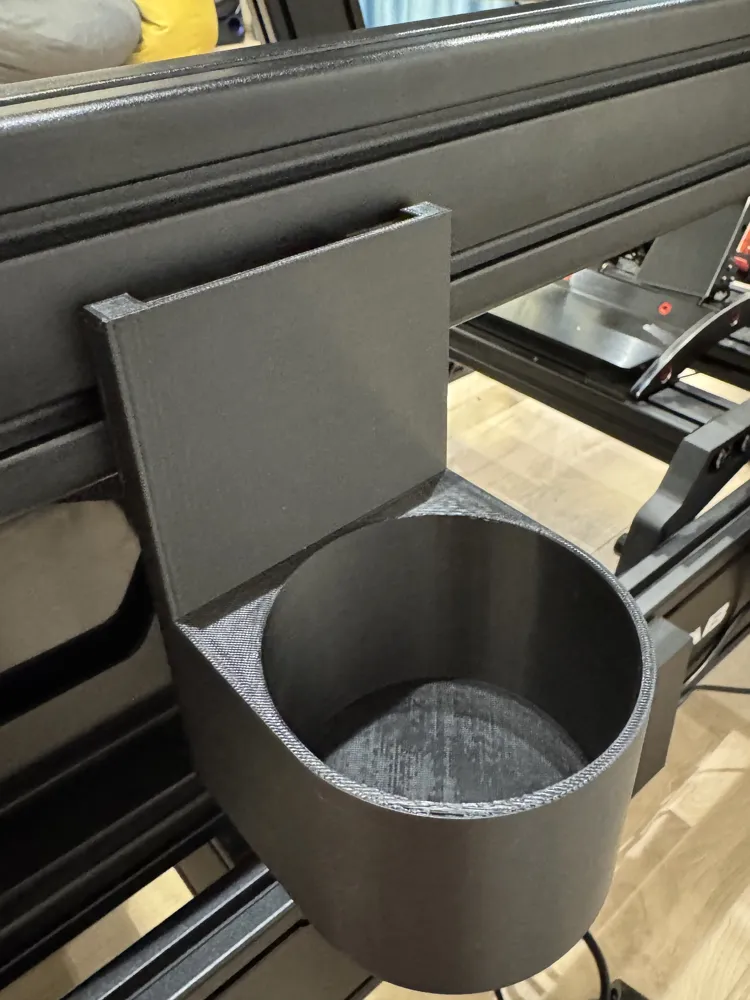
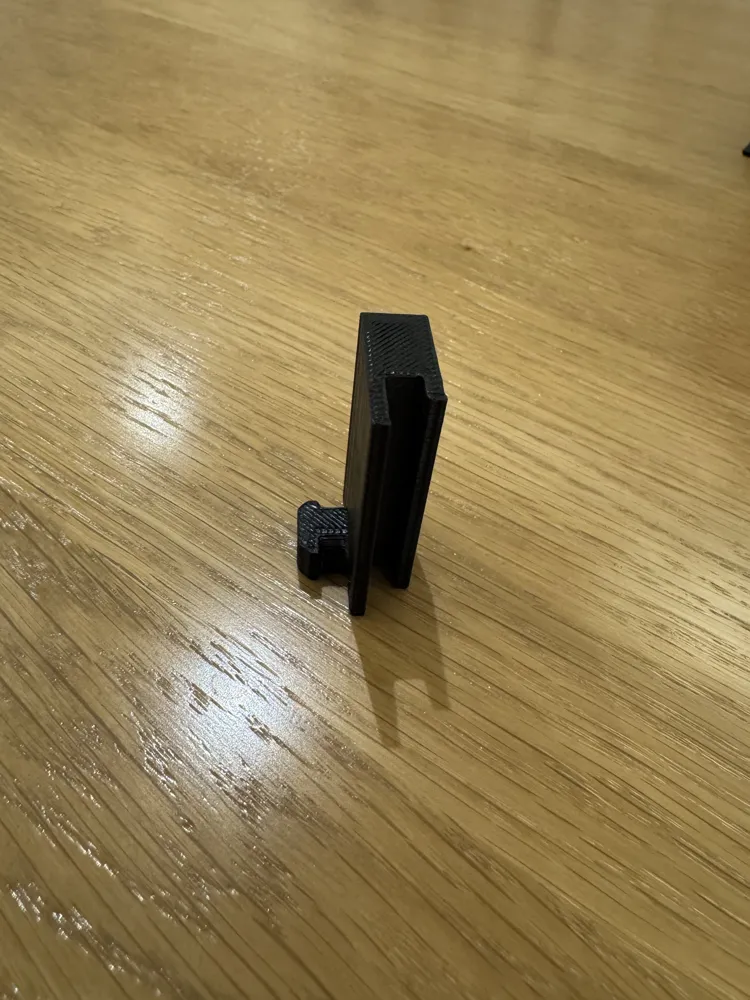
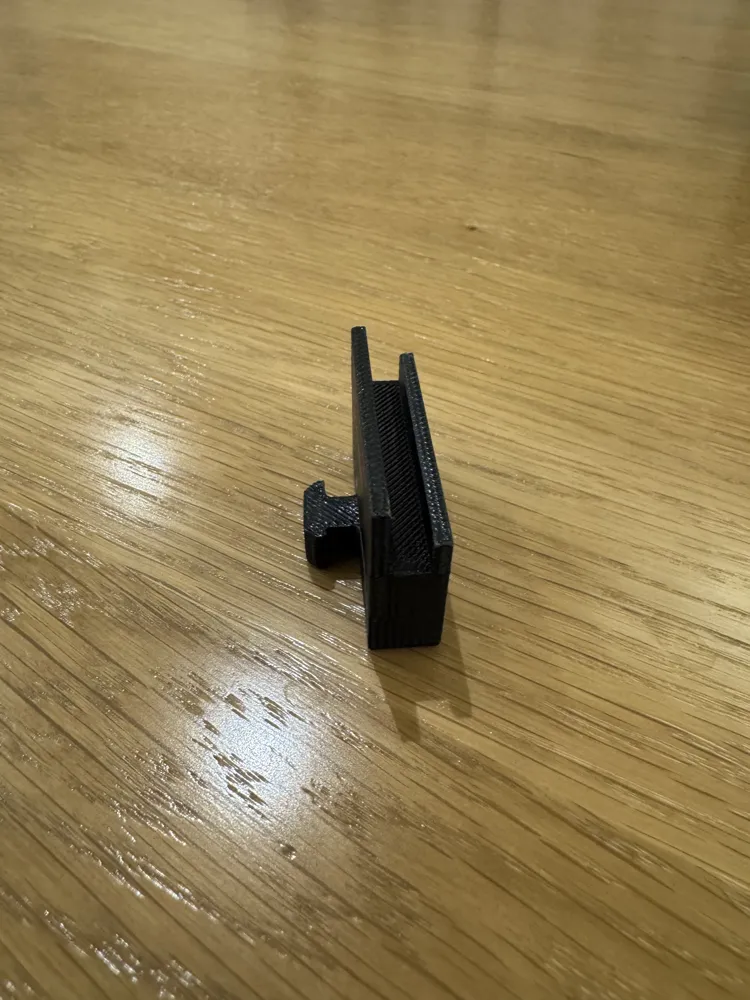
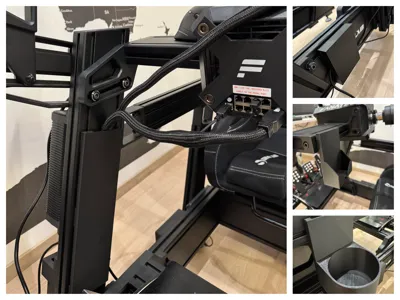
Print Profile(1)

Description
Boost Me (for free)
This project is just the start. With your boost, it can reach more makers, spark new ideas, and grow into something even bigger.
What does this project do?
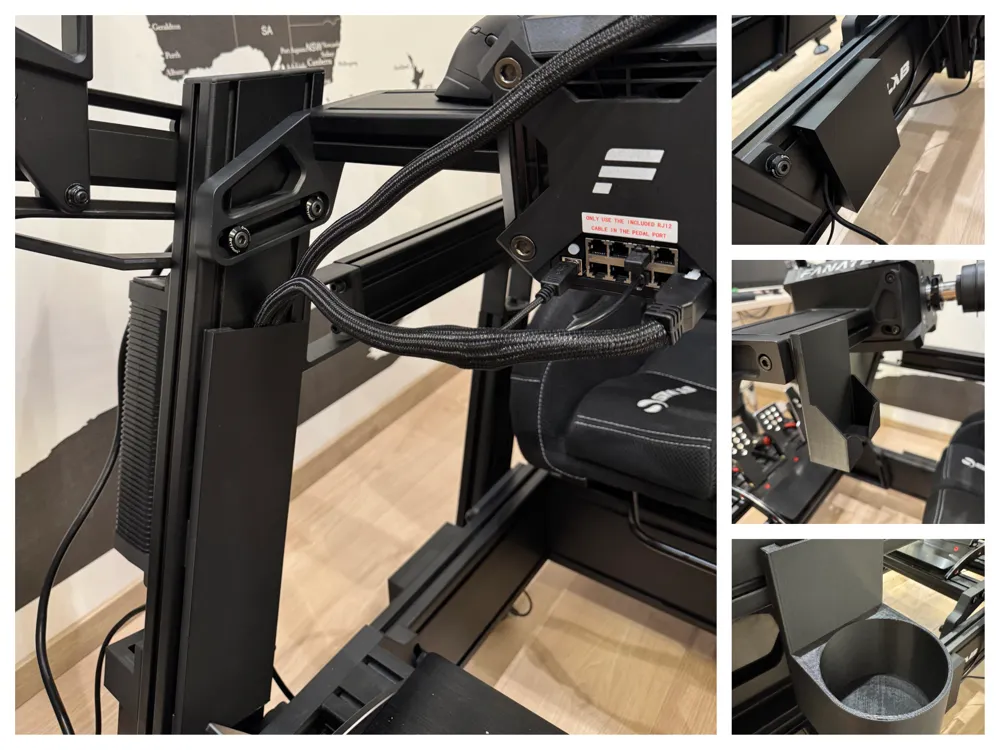
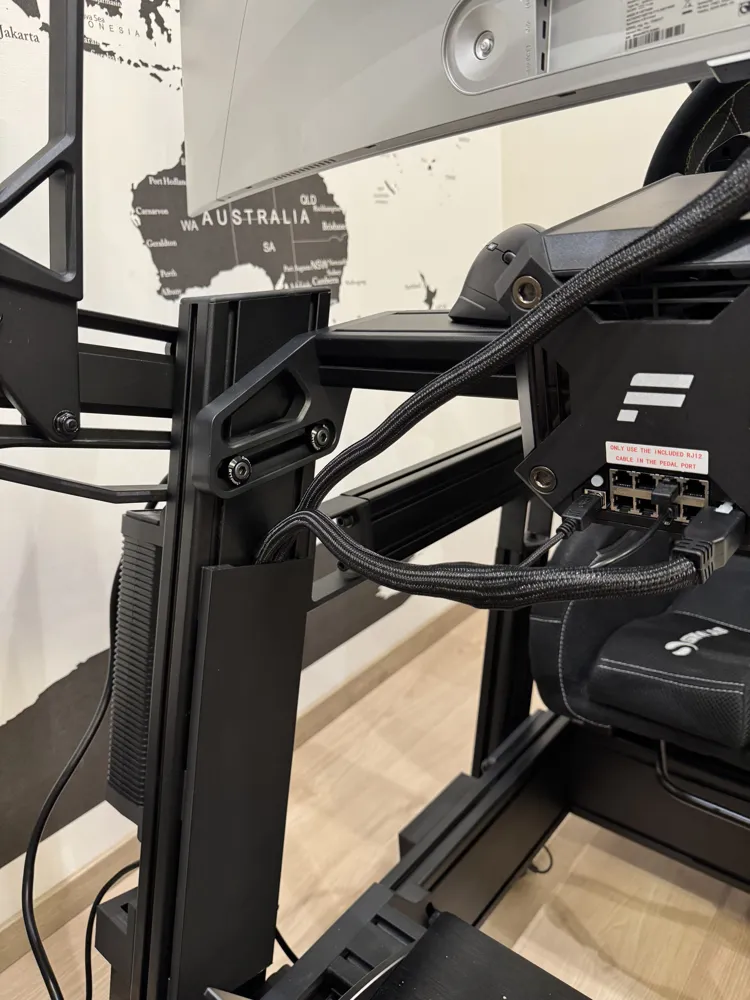
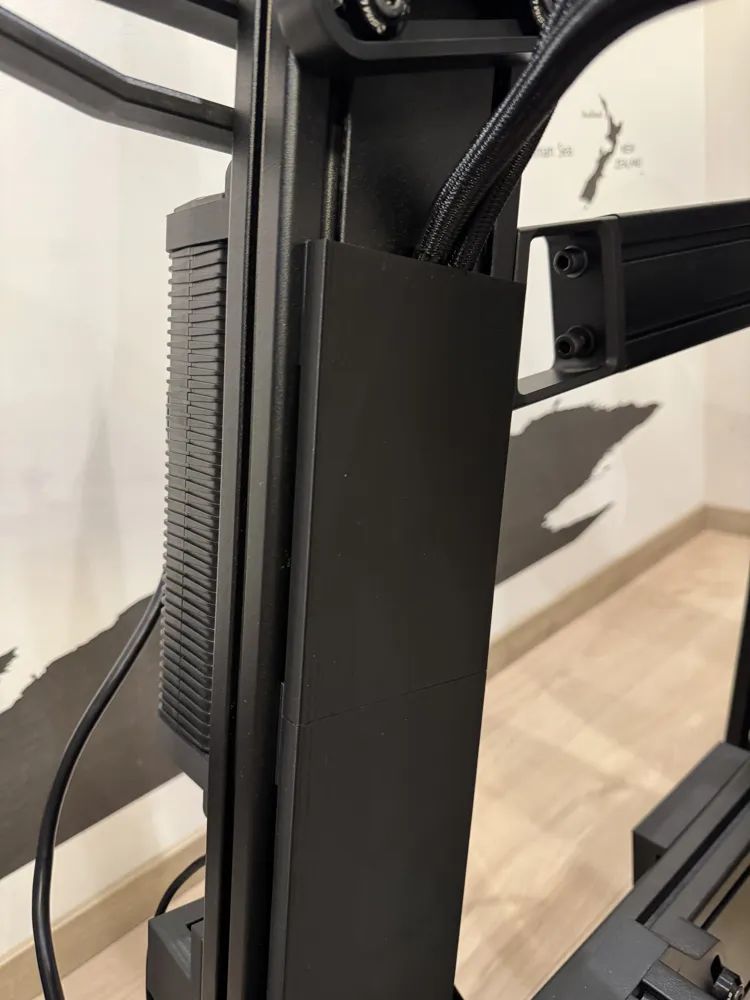
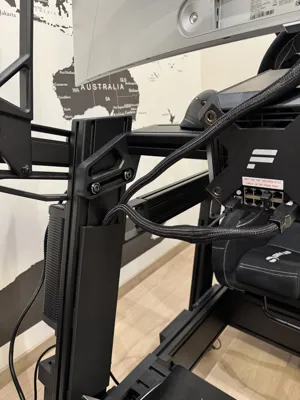
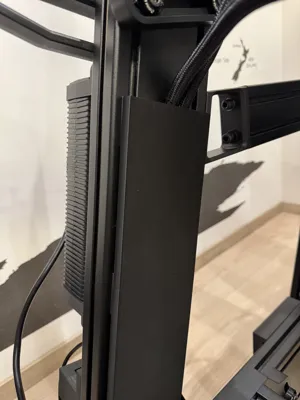
This project started out as a way to hide cables on sim rigs but it turned into a sim rig accessories platform. It is a parametric generator which means it can fit any aluminum profile, no matter the size (40mm, 80mm, 120mm, etc.). The only limiting factor is your imagination!
Parts included in this project?
There are 2 categories - mounts and components. Each part has an .stl file (exported with my personal configuration) and a parametric .f3d file in which you can fine tune the parts to your needs.
The different types of mounts are:
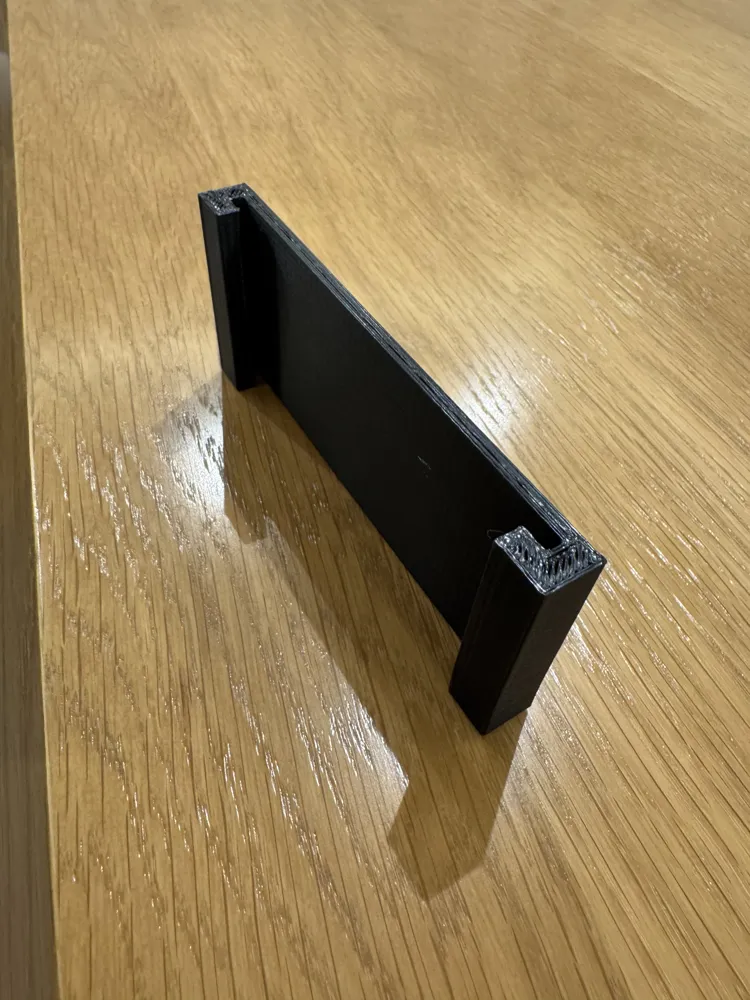
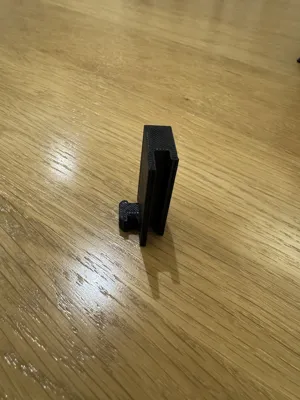
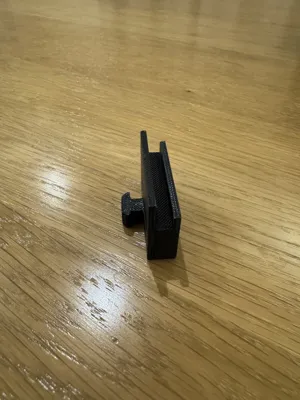
- Middle mounts (Can be used to mount all components)
- End mounts (Can be used on the end of a cable channel. Same as the mid mount but with a stopper on one side. Can only be used on cable covers)
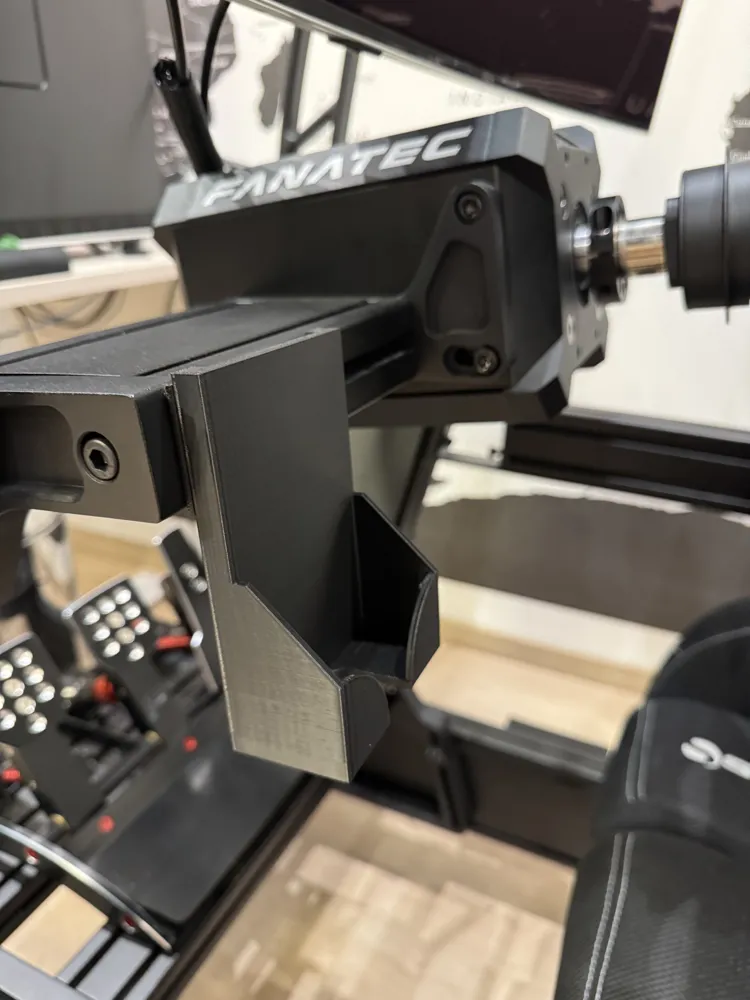
- Side mounts (Useful when the aluminum profile is horizontal. Can be used to mount all components)
The different components are:
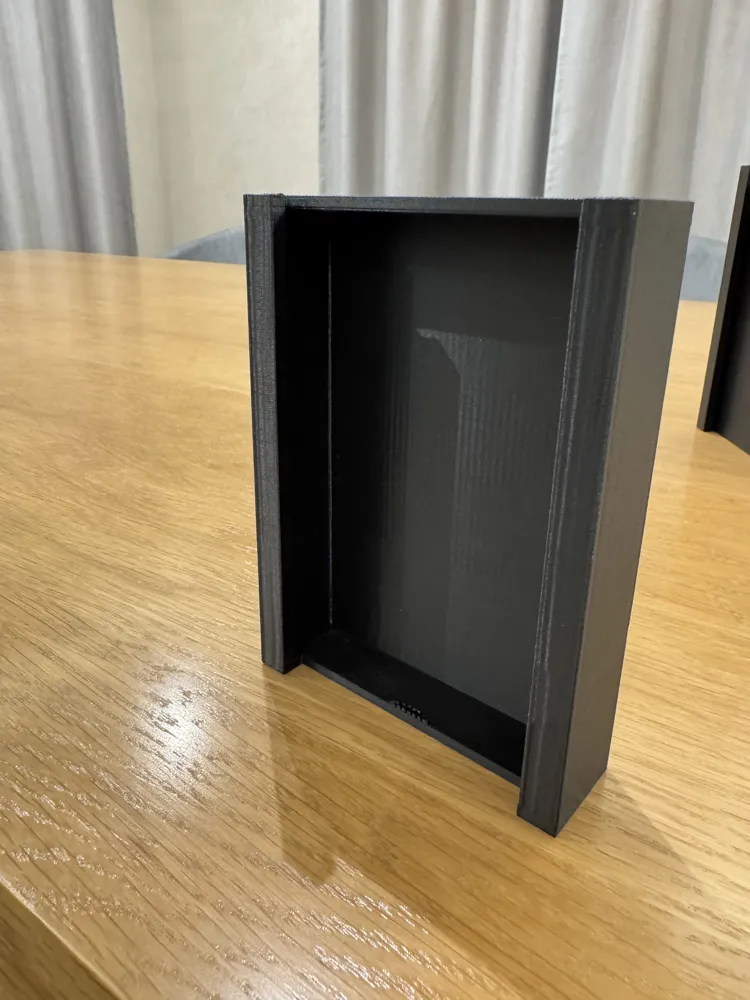
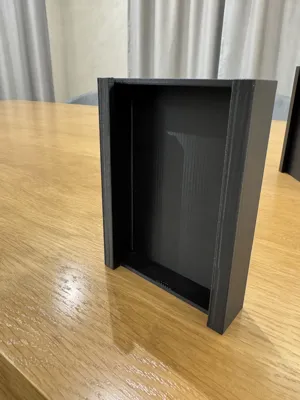
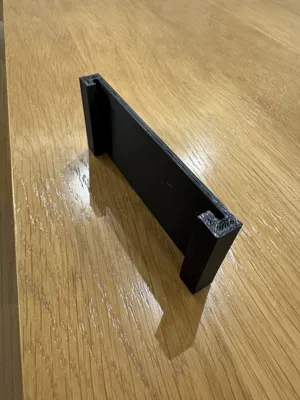
- Cable cover (Creates a hidden channel for cables to pass)
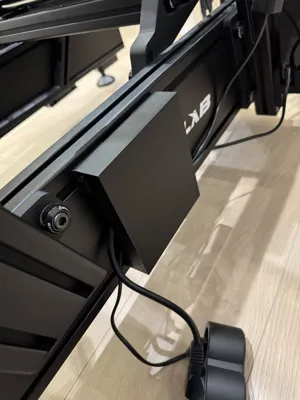
- Cable box (Can be used to fold and hide excess length on cables)
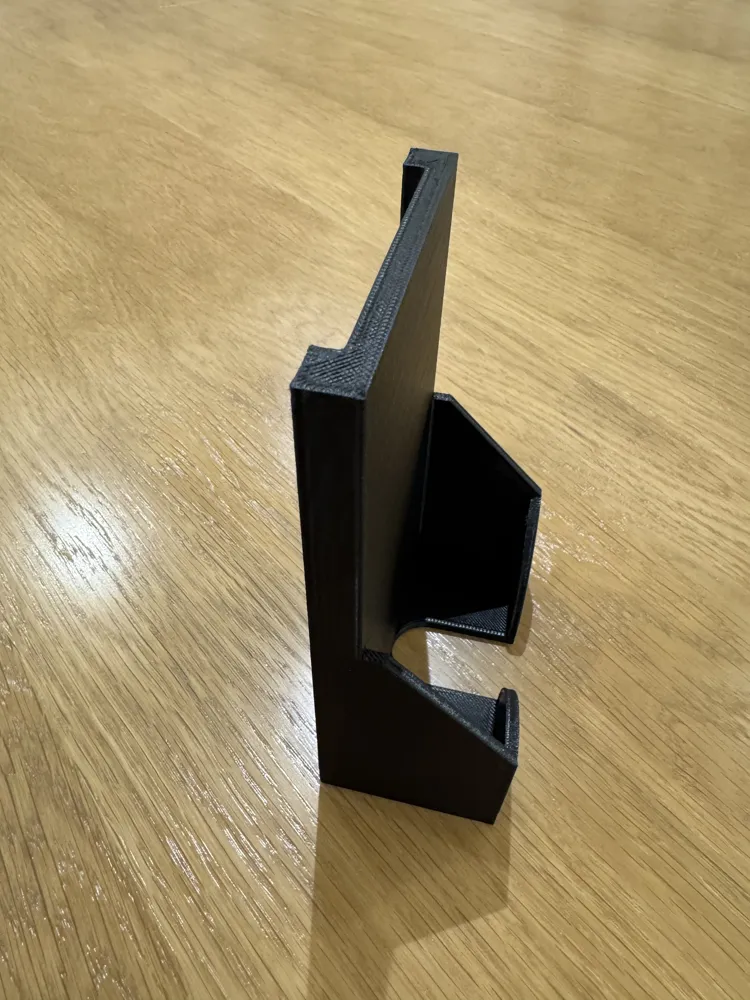
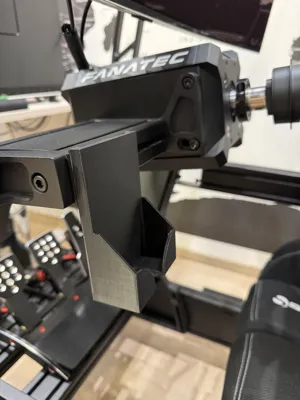
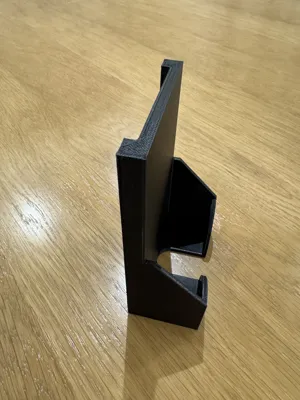
- Phone mount
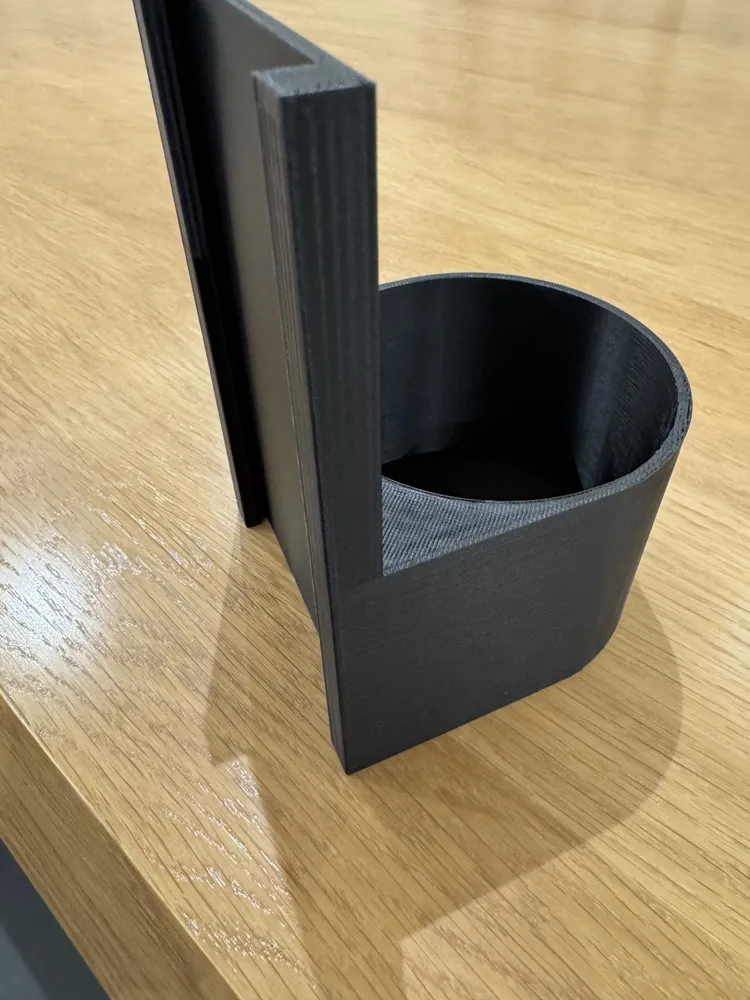
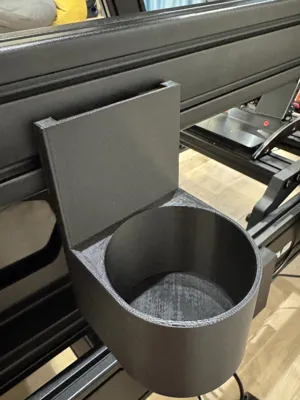
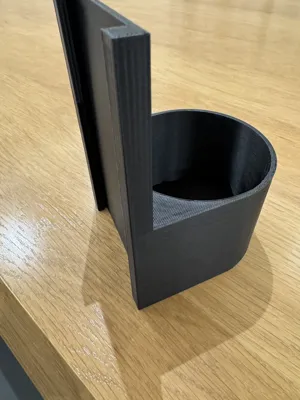
- Cup holder
Which parts and how many do I need?
That depends on what you intend to print. Here are a couple "presets" and their component list:
- Cable channel (stackable, per cable cover)
- Cover cover (x1)
- Mounts (x4) - middle and side mounts can be used (when stacking multiple covers make sure to use end mounts as the last mount pair)
- Cable box/Cup holder/Phone mount
- Cable box/Cup holder/Phone mount (x1)
- Mounts (x2 or x4) - make sure to use ONLY middle or side mounts
How do I assemble my prints?
Assembling is easy and straightforward.
1. Install the mounts on the aluminum profile by inserting them and twisting. Make sure that the mounts are paralel to the profile rails and are on the same "level" to make the component installation easier. The mounts only twist in one direction, so be careful to not snap the mounting cap.
2. Slide the component of your choice on the mounts.
If you have any questions or have anything in mind that I can add, feel free to comment!
License



Comment & Rating (7)