
Liftable SD Card Storage Box
Print Profile(1)

Description
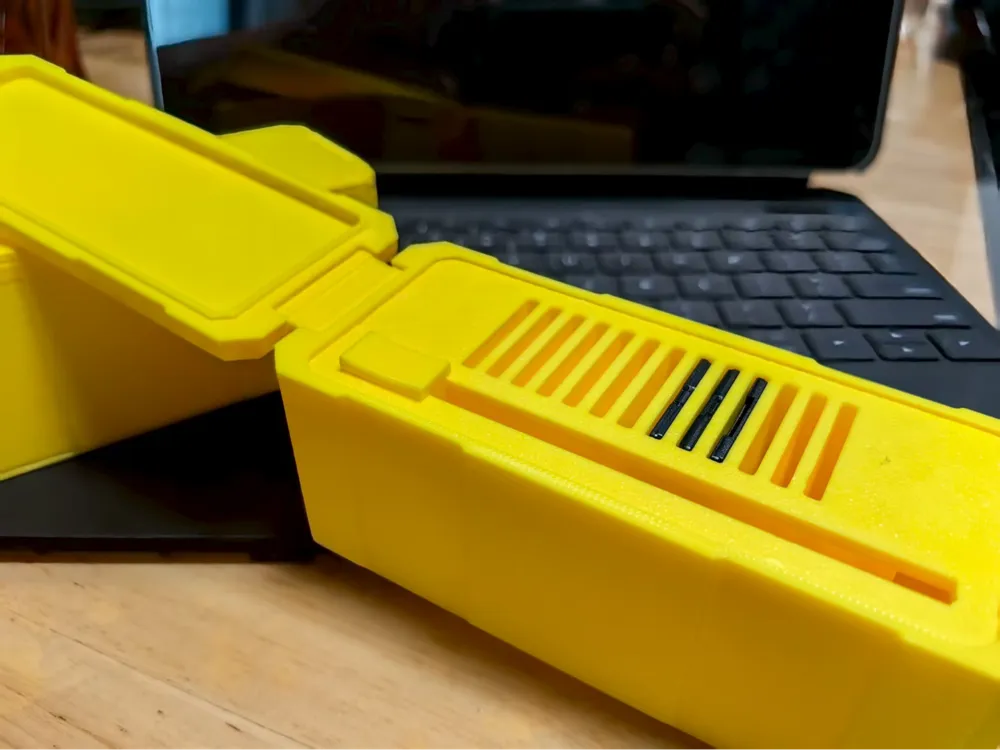
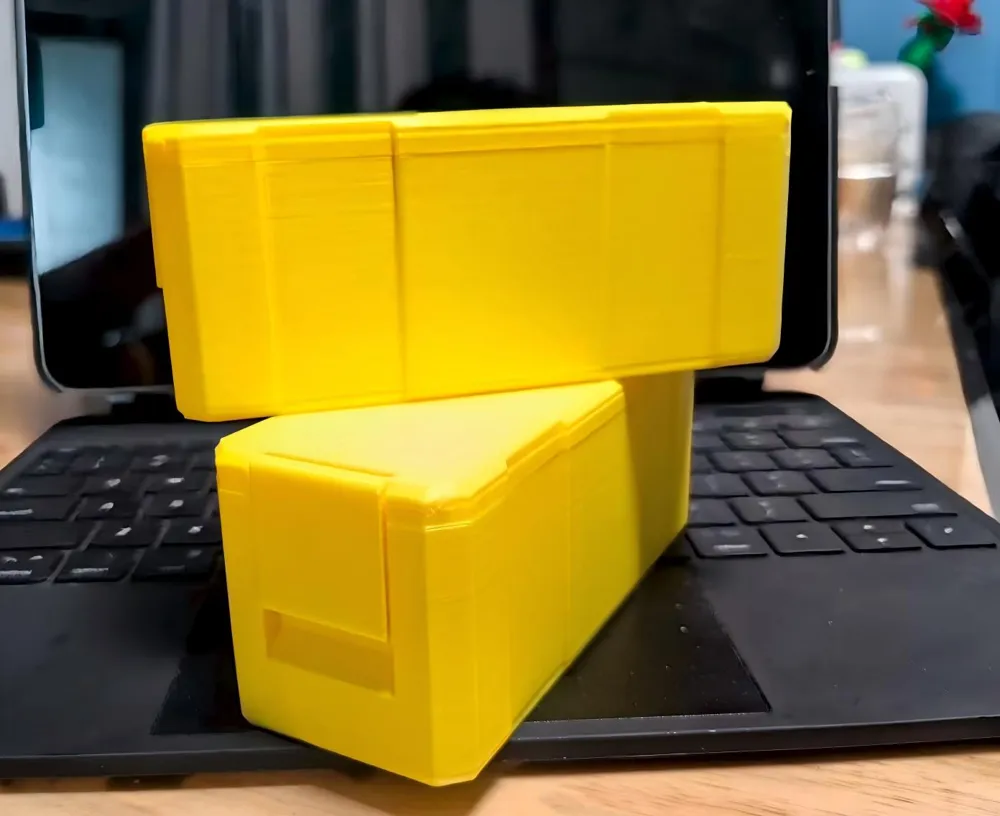
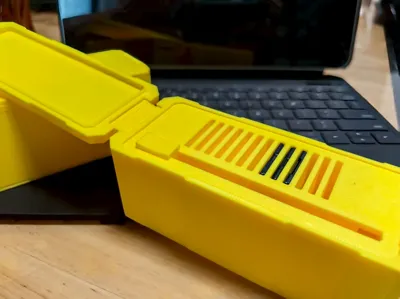
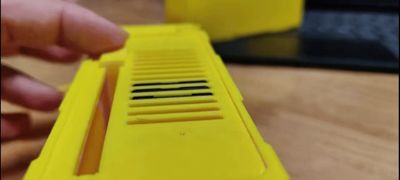
The box is connected using filament. During installation, use pliers to grip the filament and push it in little by little at the opening. You can push one full piece in, or insert from both ends and push it to the appropriate position.
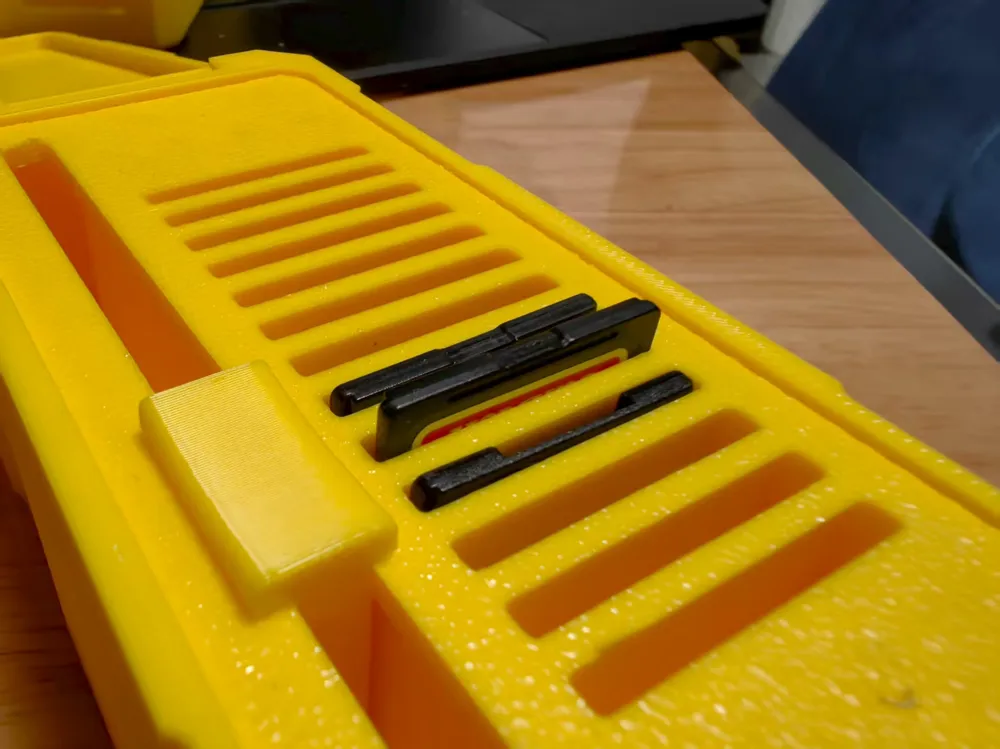

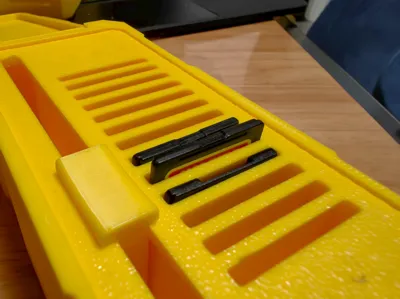
When installing the top tower and slider, first place the triangular tip of the top tower into the long slot beneath the SD card holder. After confirming the position, align the notch of the slider with the notch of the top tower. Then use super glue to bond them. Be careful when bonding, do not glue the slider and the SD card liner together.
Of course, if you only need it as a box, you don't have to print the SD card liner.
It's best to apply glue when printing.
Boost Me (for free)
License

You shall not share, sub-license, sell, rent, host, transfer, or distribute in any way the digital or 3D printed versions of this object, nor any other derivative work of this object in its digital or physical format (including - but not limited to - remixes of this object, and hosting on other digital platforms). The objects may not be used without permission in any way whatsoever in which you charge money, or collect fees.


Comment & Rating (0)