
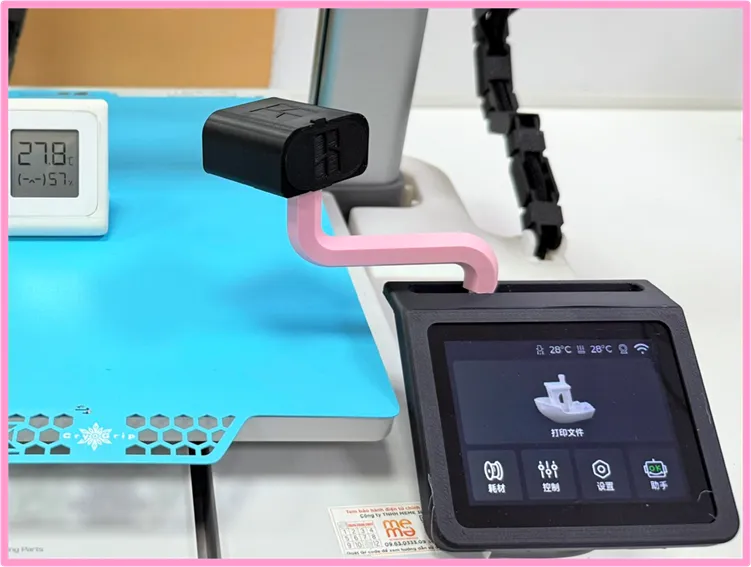
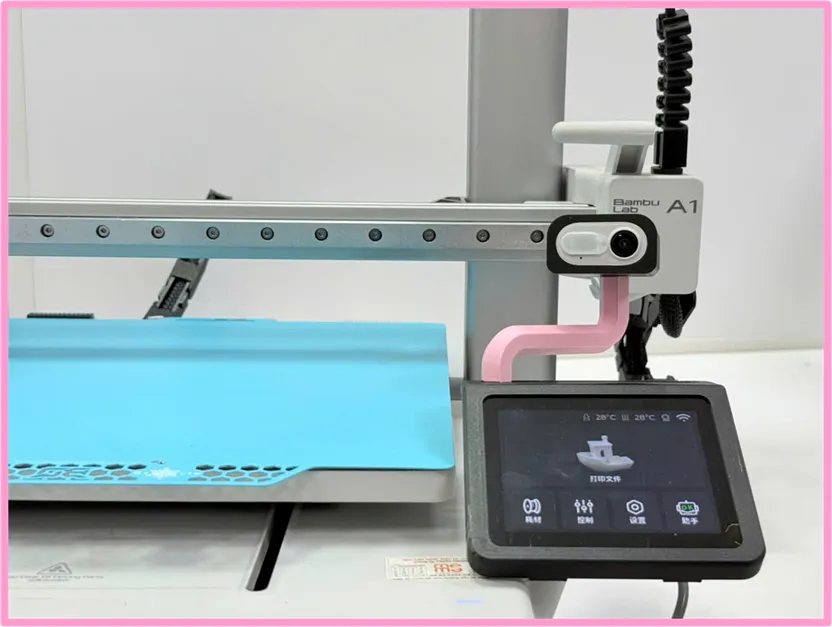
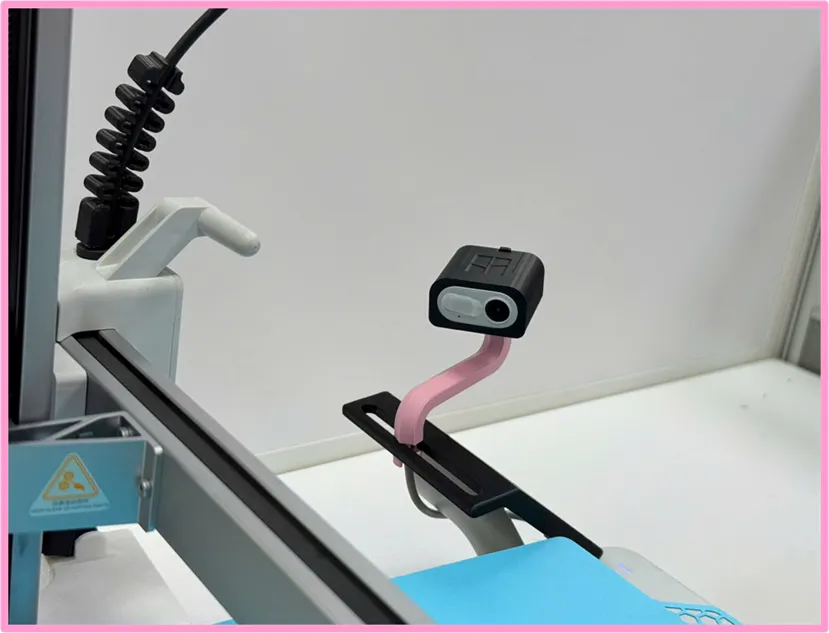
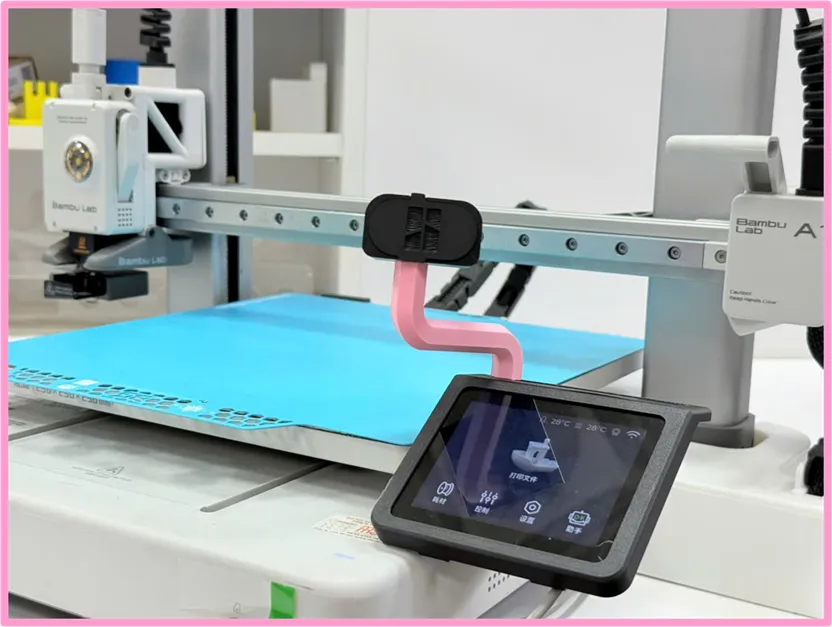
A1 Camera Relocation (Omnidirectional)
Print Profile(3)


Description
Boost Me (for free)
Your boost is the best support for my work!!
Boost Me (for free)
Your boosts are the best support for my work!!
Introduction
There are several tutorial videos demonstrating how to remove the camera and cable with great details.
( A1 Live View Camera Replacement Guide | Bambu Lab Wiki )
Though, still need to bear risks of irreversible damage to the camera
I'd like to take an easier approach with the minimum risk, so I bought a spare camera instead
Live View Camera - A1 | Bambu Lab US Store
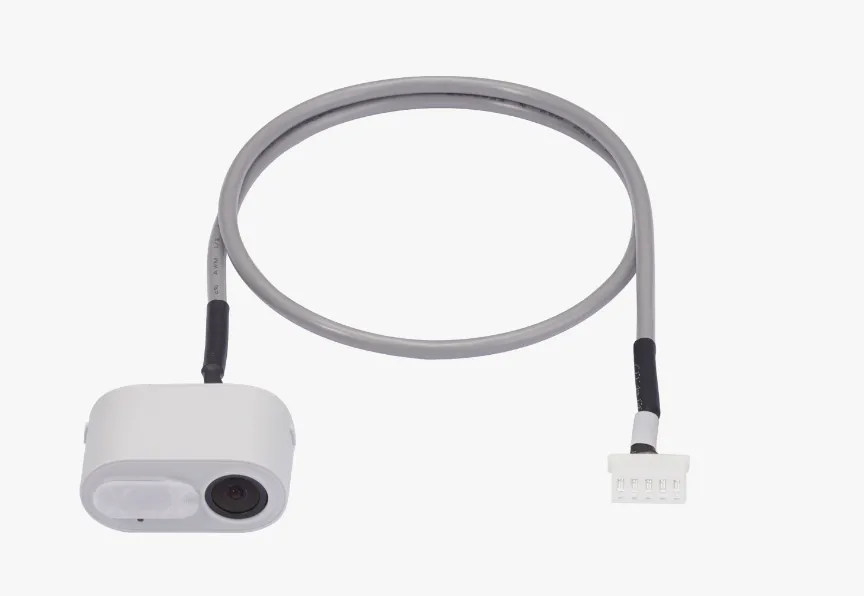
Installation Instruction
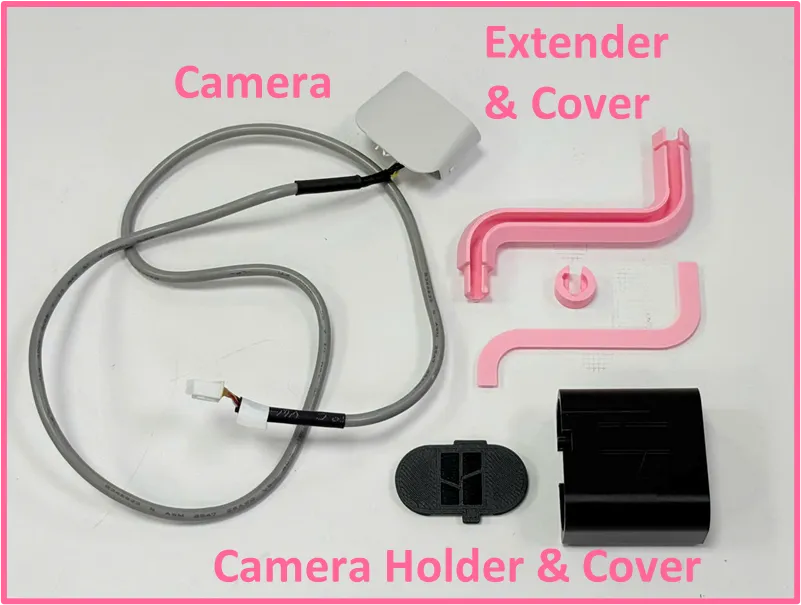
Power off the printer before conducting any work
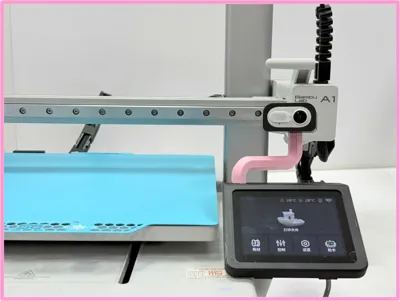
Install the display frame, just simply press on it
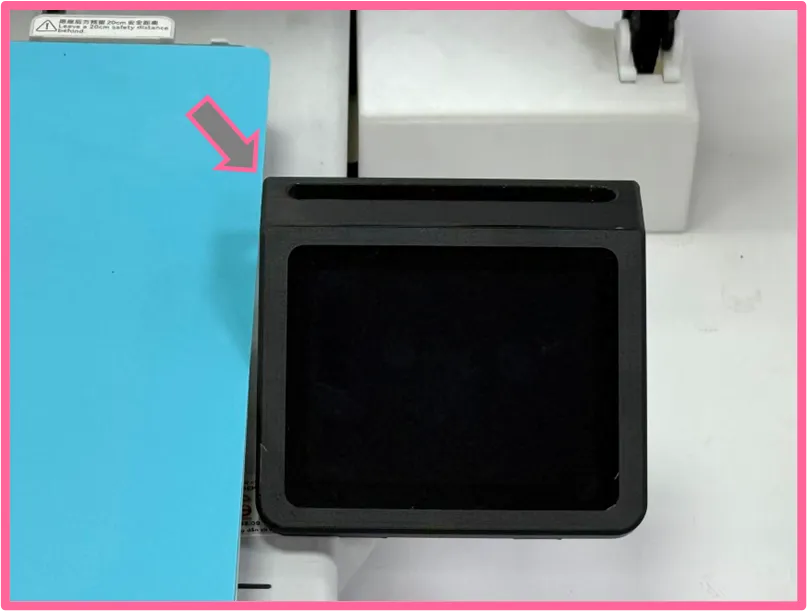
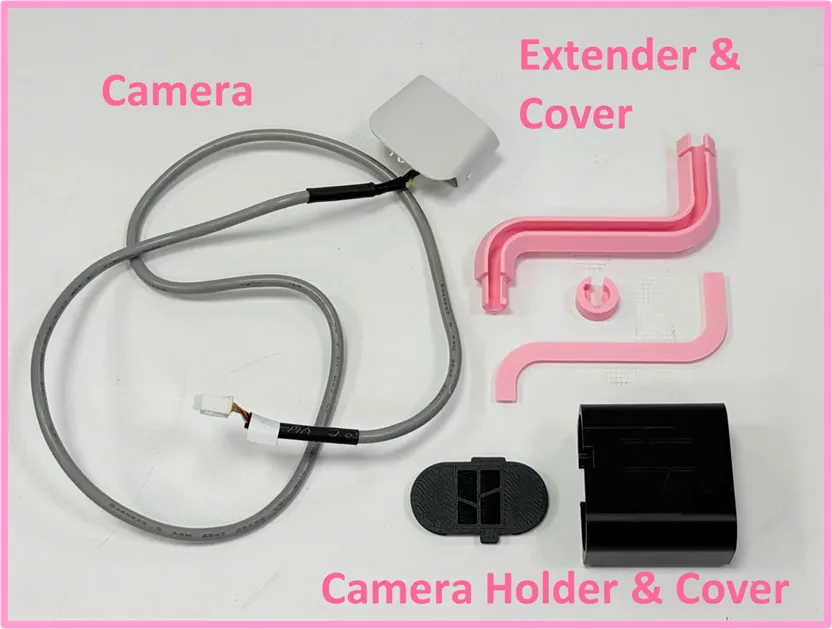
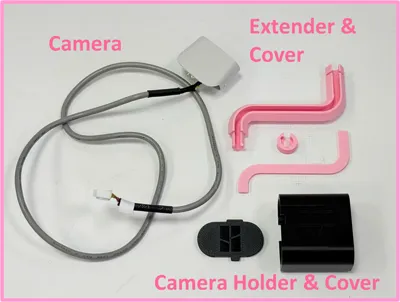
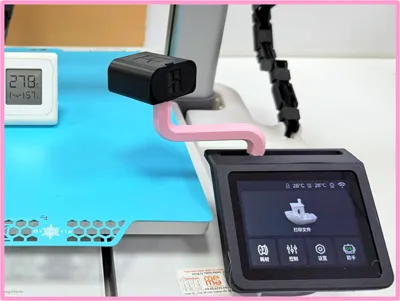
Display Frame Press the cable into the extender, leave about 9mm from the camera
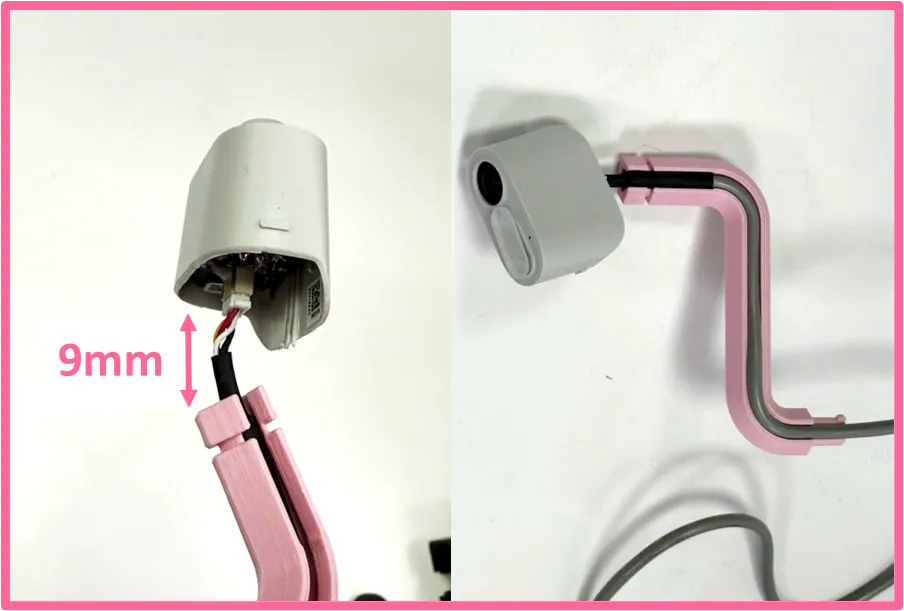
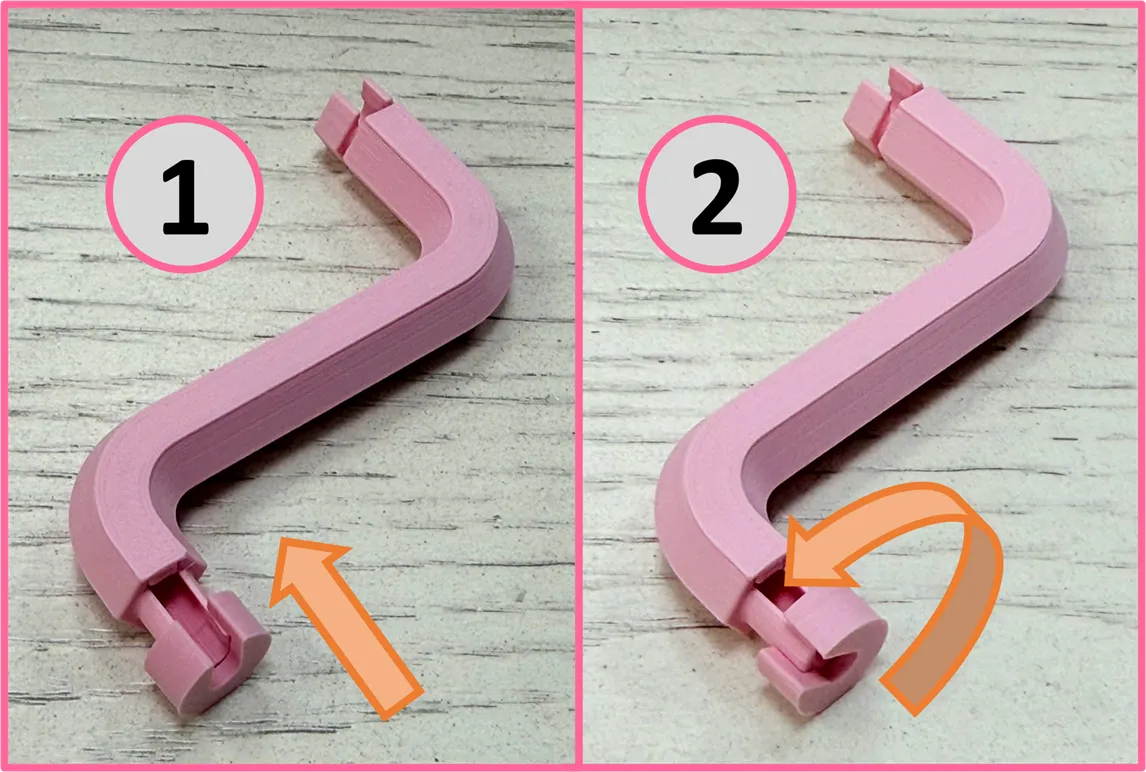
Install the cable Insert the extender to the camera holder. there are stoppers at the opening, so insert the extender from the side way, then rotate it back
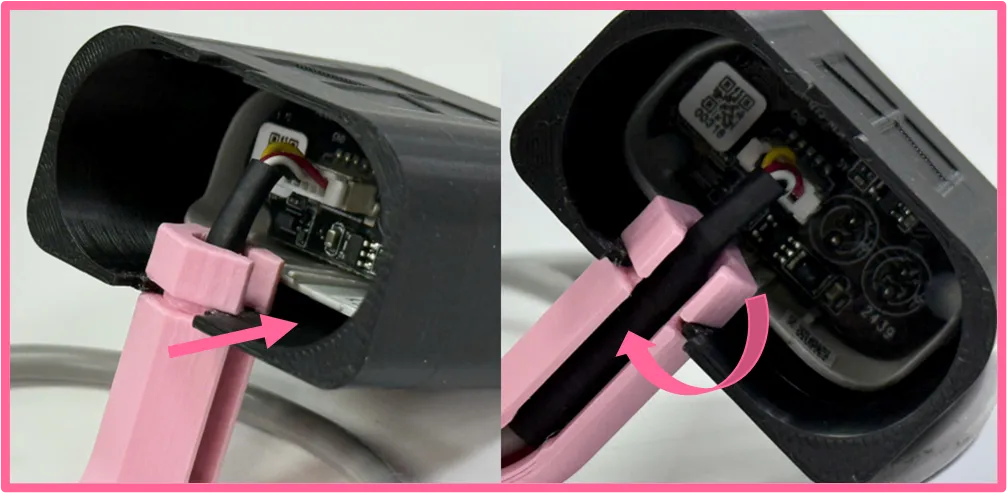
Insert the extender 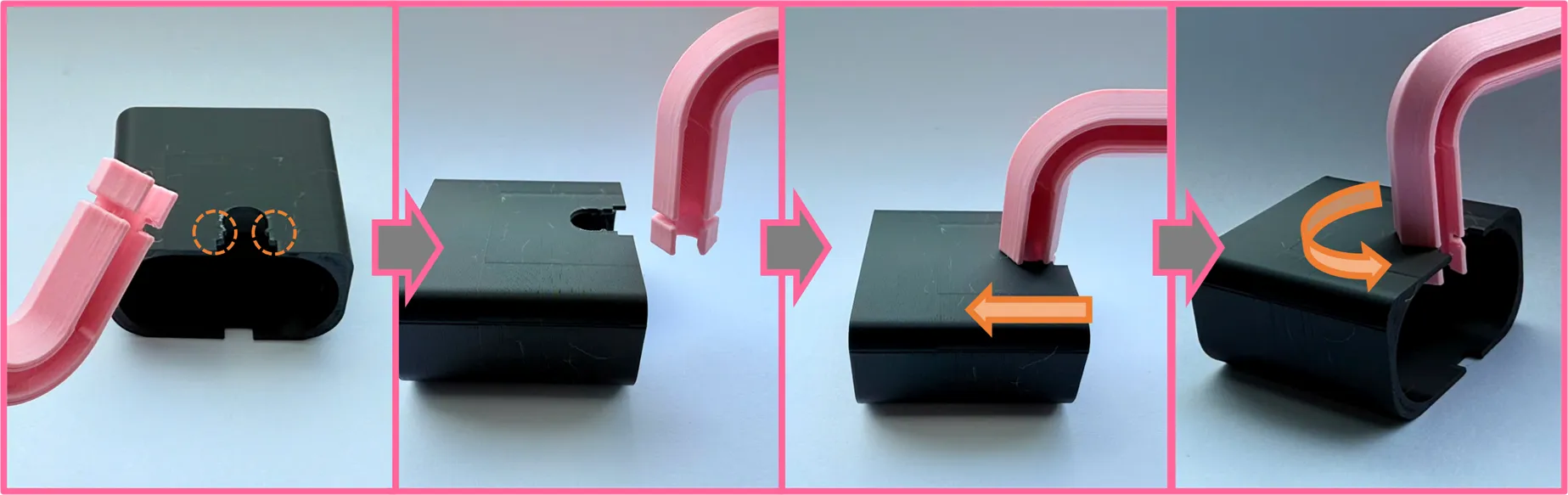
Insert the extender cover
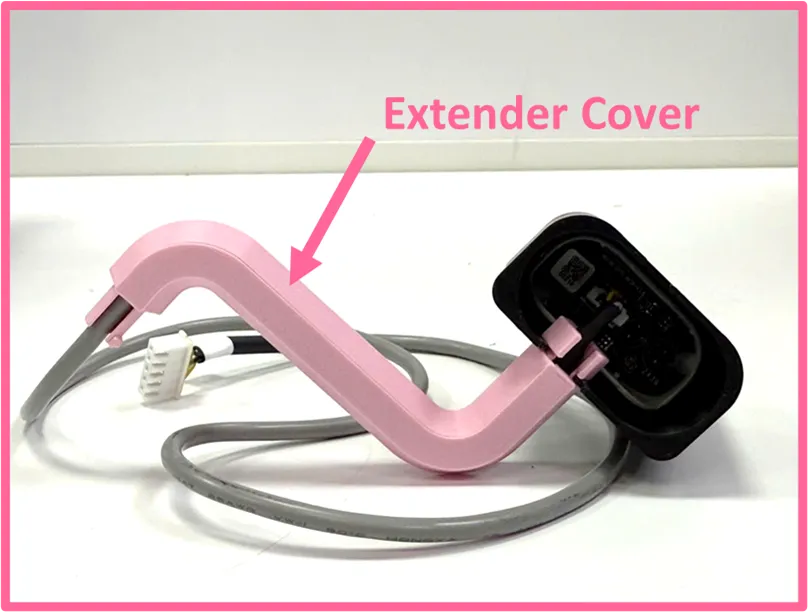
Insert the extender cover Insert the camera holder cover
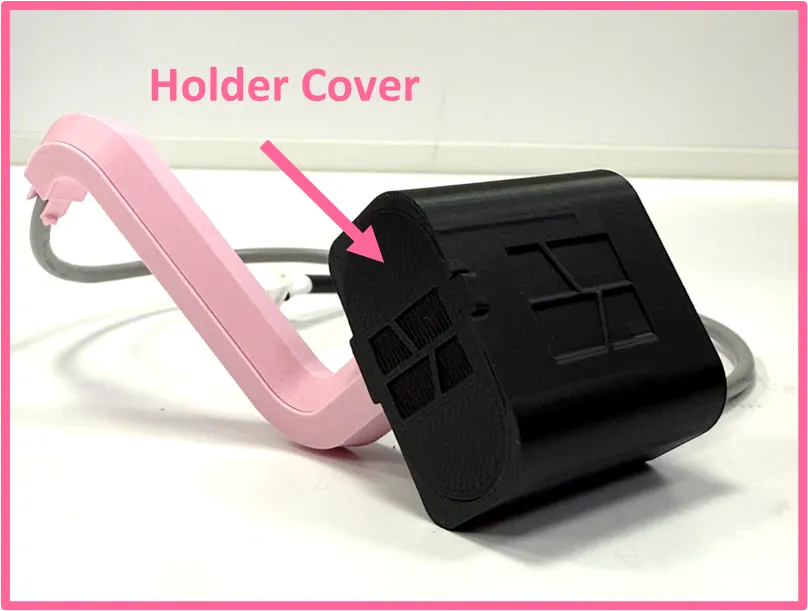
Insert the holder cover Insert camera cable through the display frame
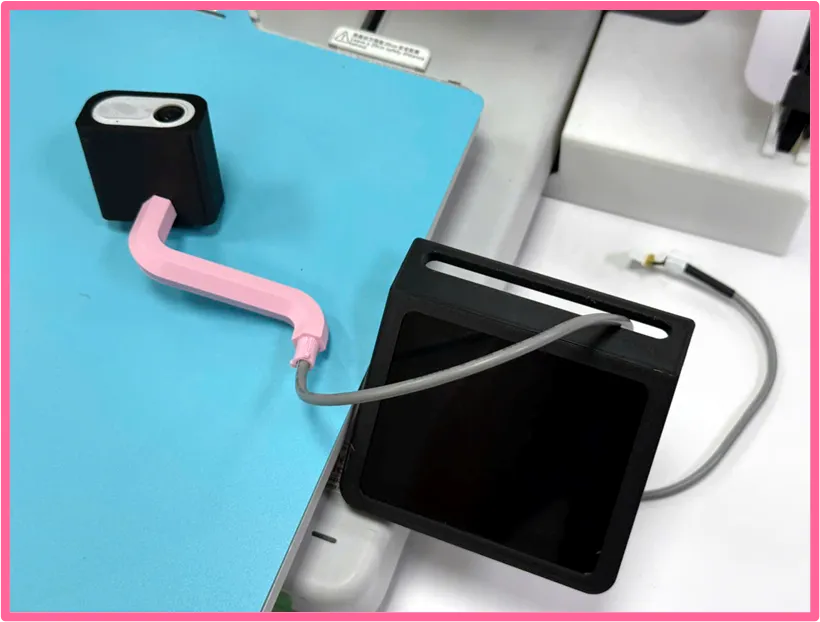
Insert the extender screw to fasten onto the display frame
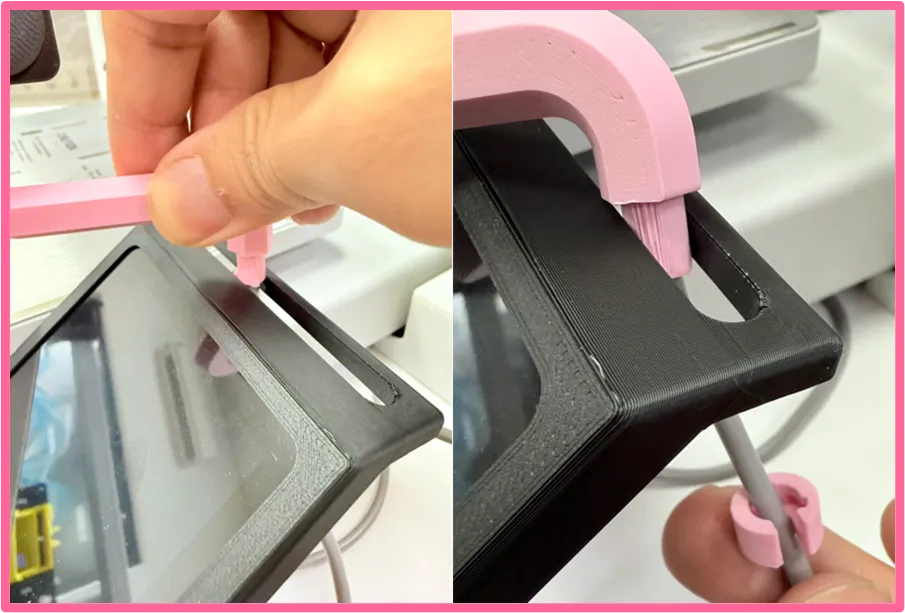
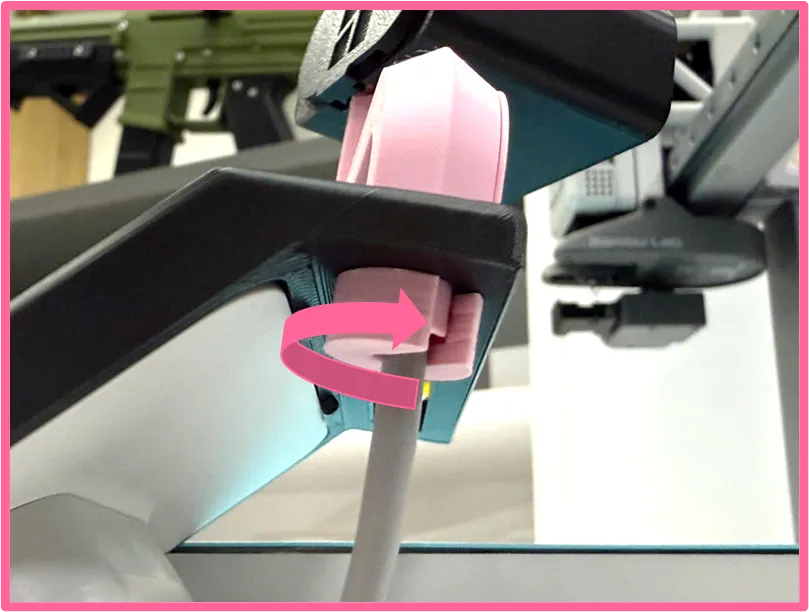
Here are more detailed steps for the installation
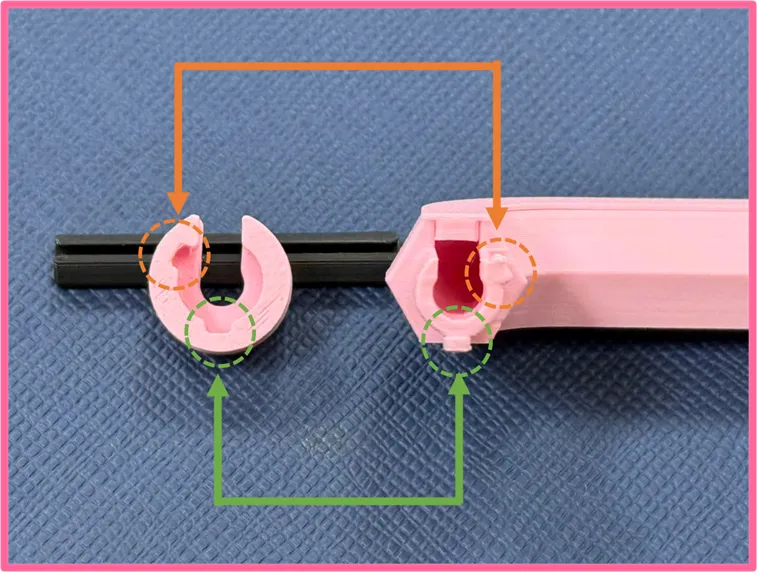
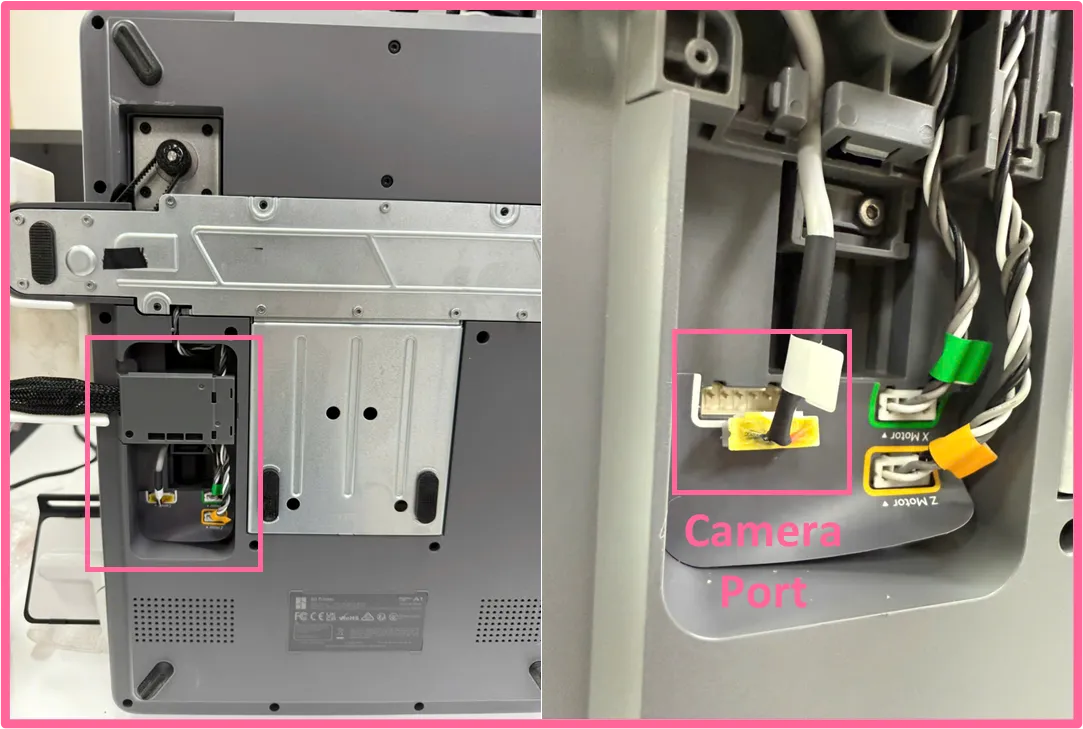
Unplug the camera cable
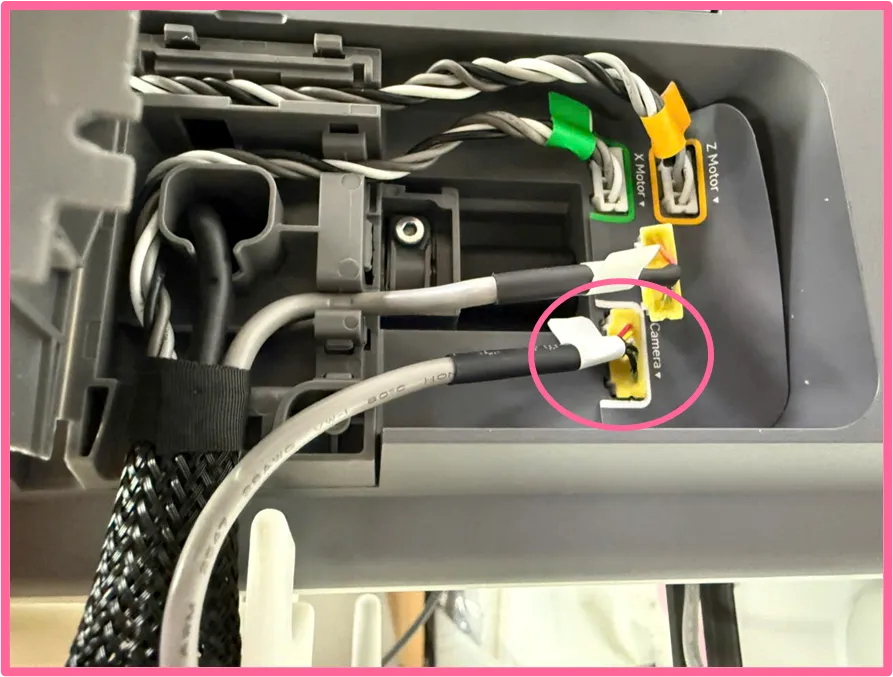
Insert the new cable for replacement
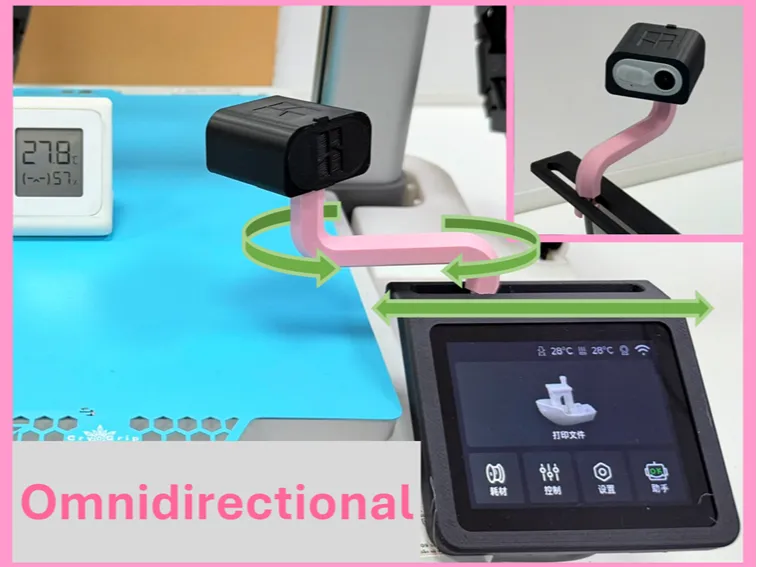
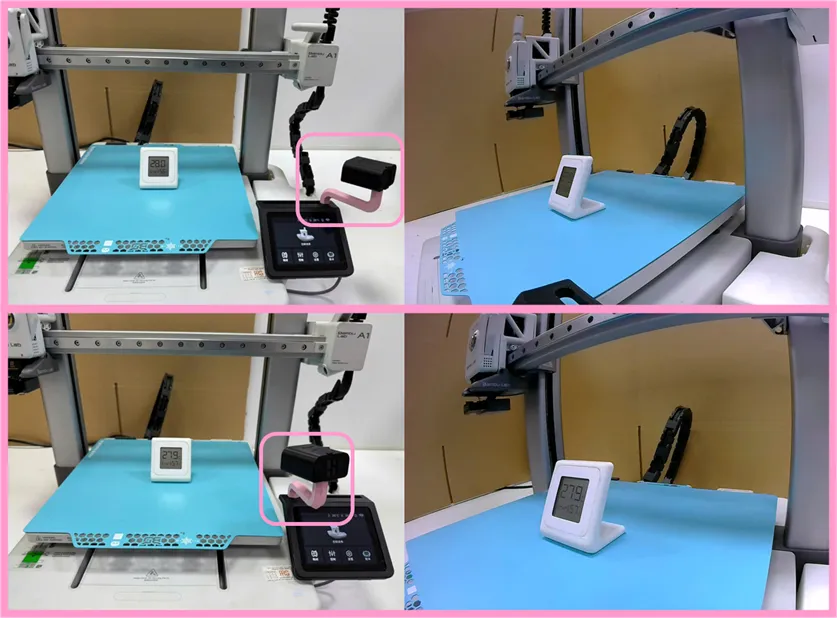
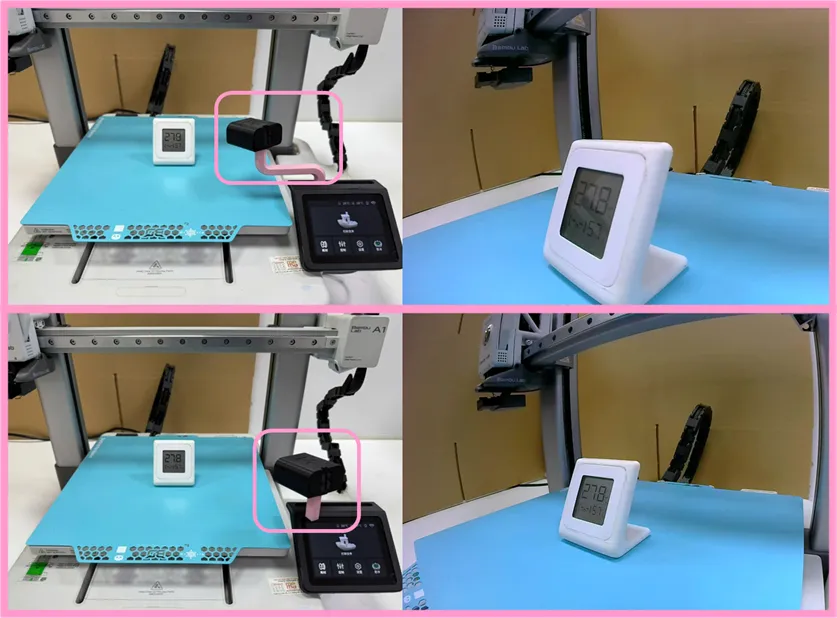
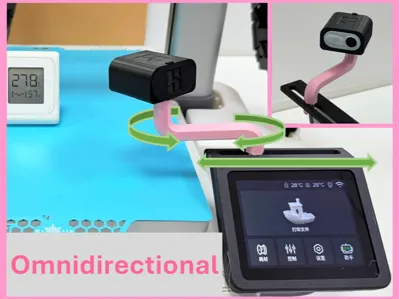
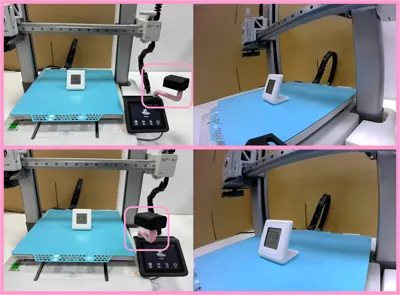
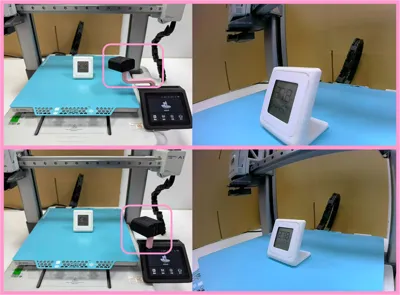
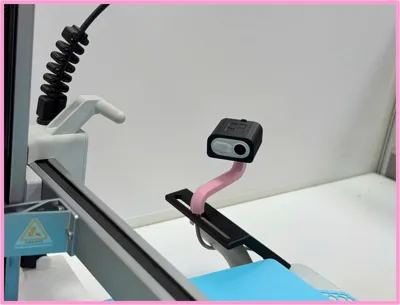
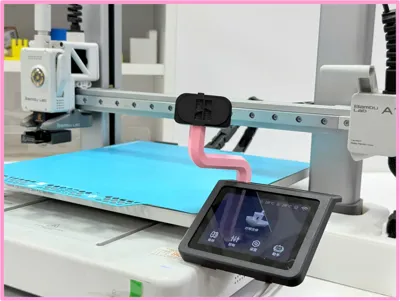
Adjust the camera position & angle for your favorite perspective
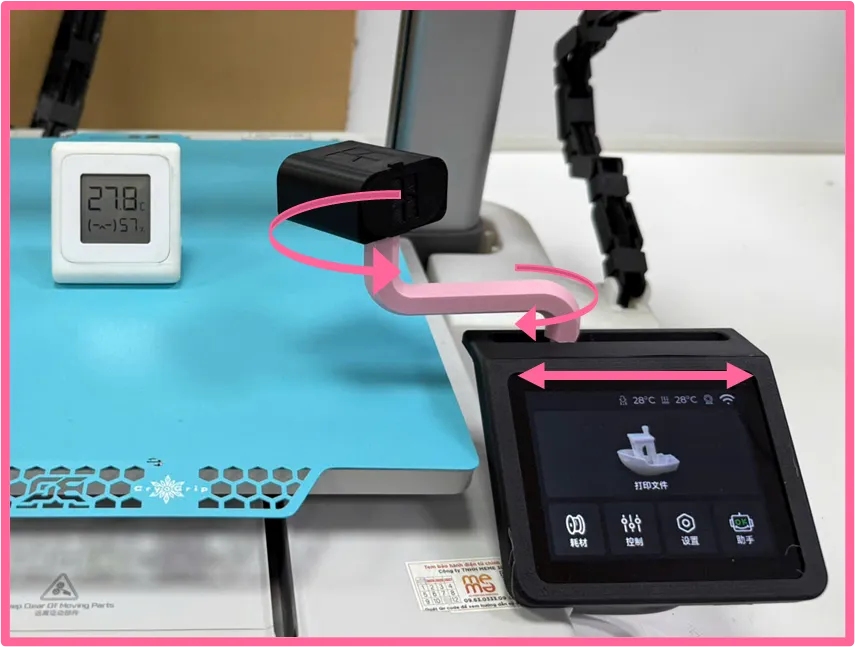
Reference for perspectives
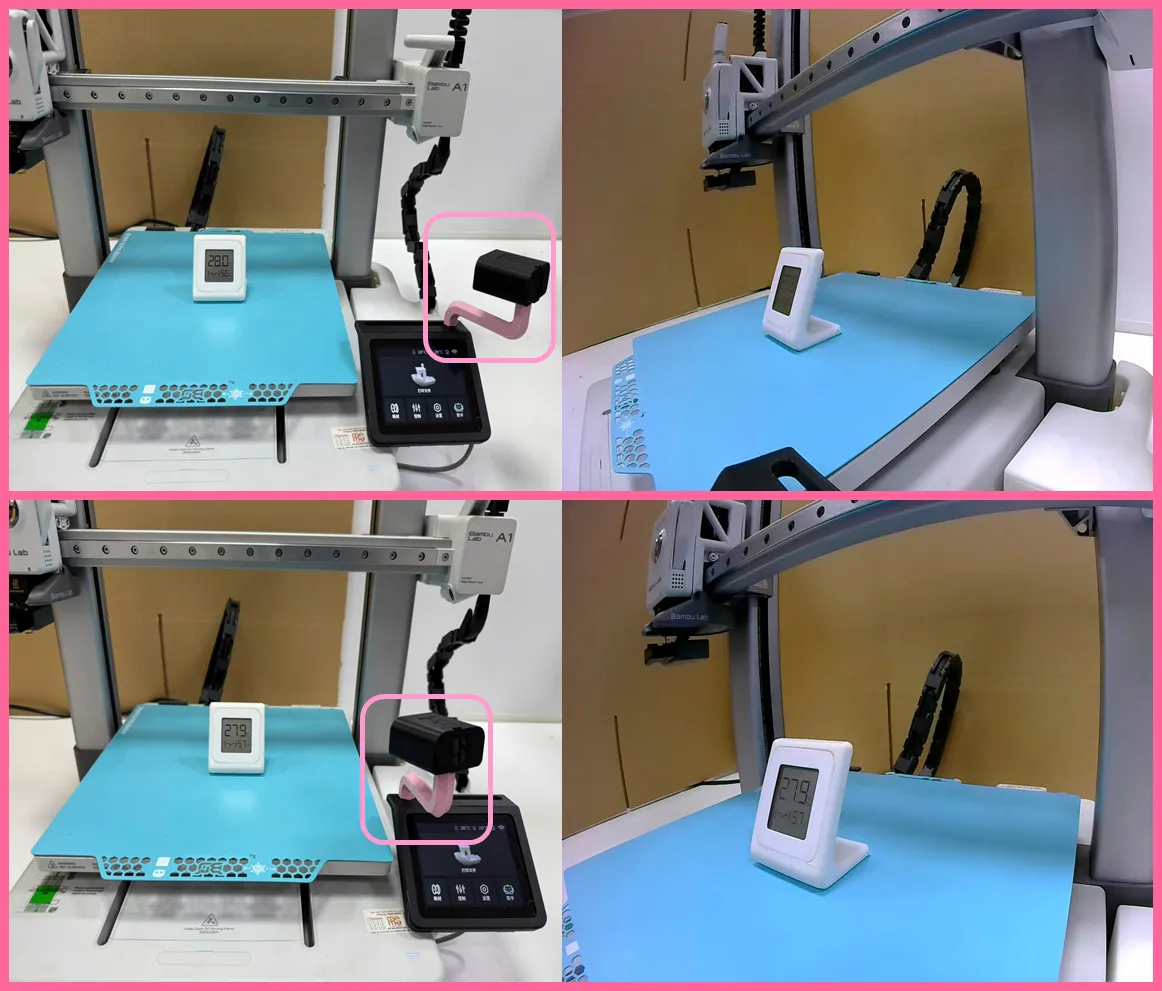
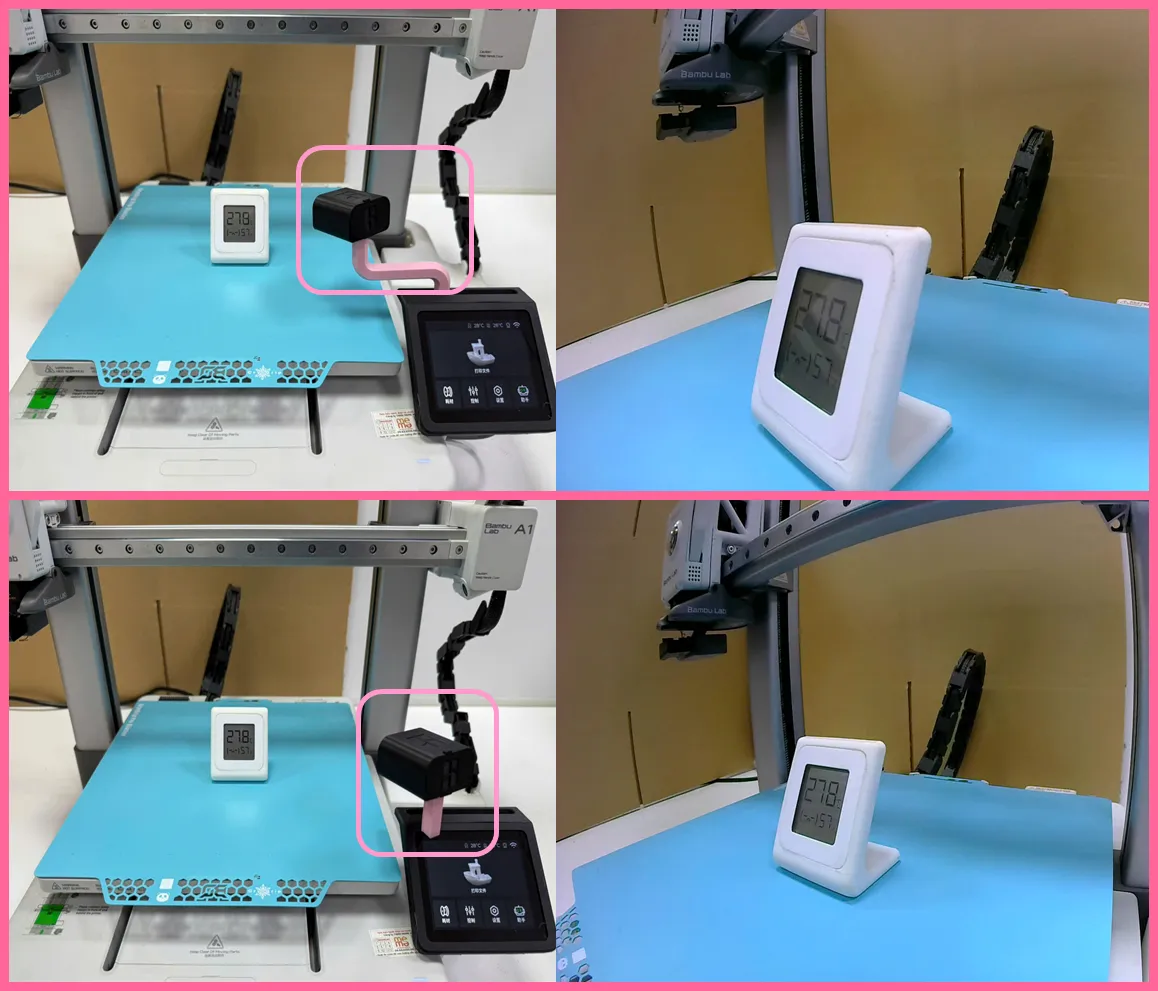
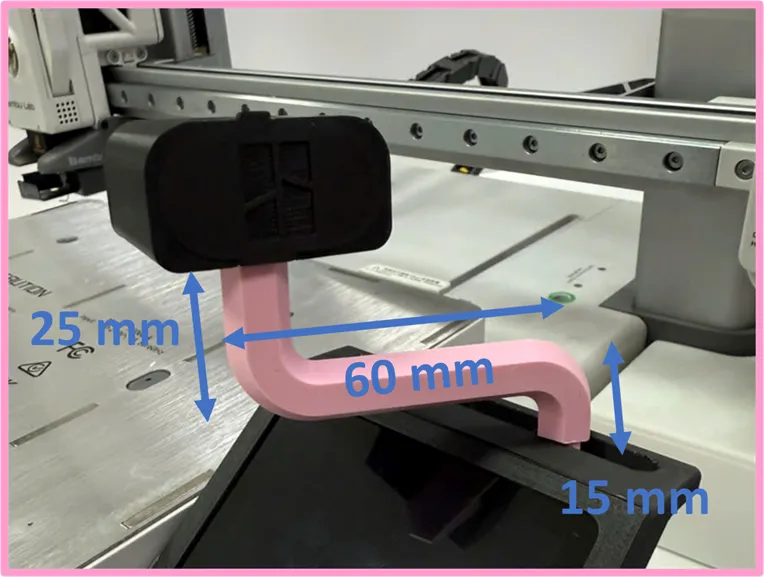
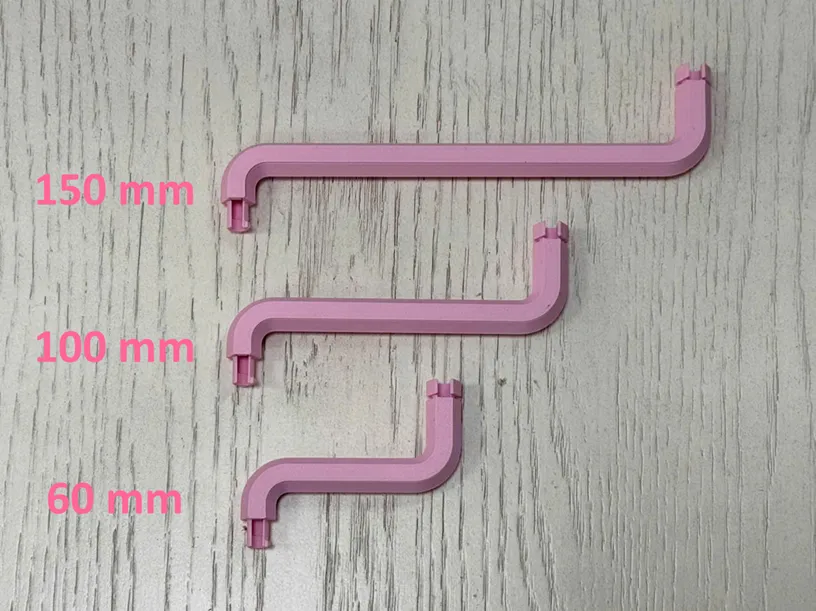
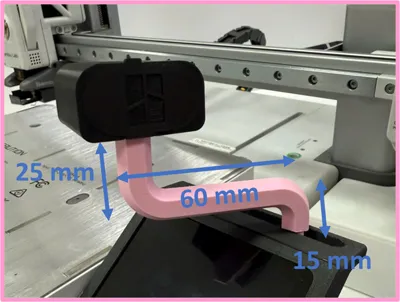
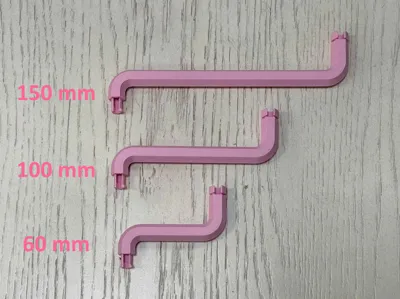
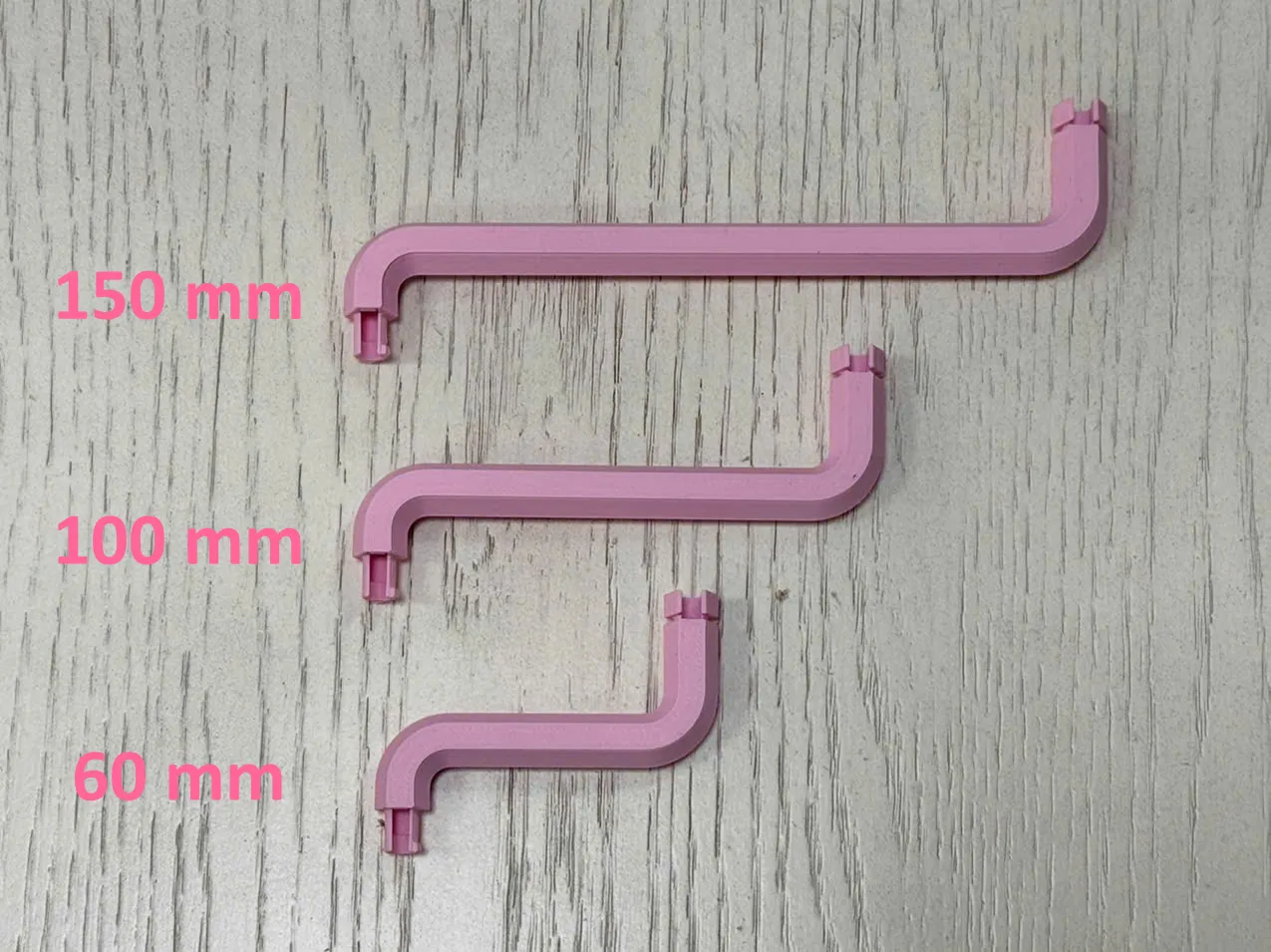
There are 3 sizes of extender
- 60mm
- 100mm
150mm
License

You shall not share, sub-license, sell, rent, host, transfer, or distribute in any way the digital or 3D printed versions of this object, nor any other derivative work of this object in its digital or physical format (including - but not limited to - remixes of this object, and hosting on other digital platforms). The objects may not be used without permission in any way whatsoever in which you charge money, or collect fees.


Comment & Rating (13)