
Filament Swatch Display Board Case


Print Profile(9)


Description
This model was designed using coffee, filament, and questionable life choices.
If it earned a spot on your printer, it might deserve a 👍 Like too. 😄
Checkout my newest release:
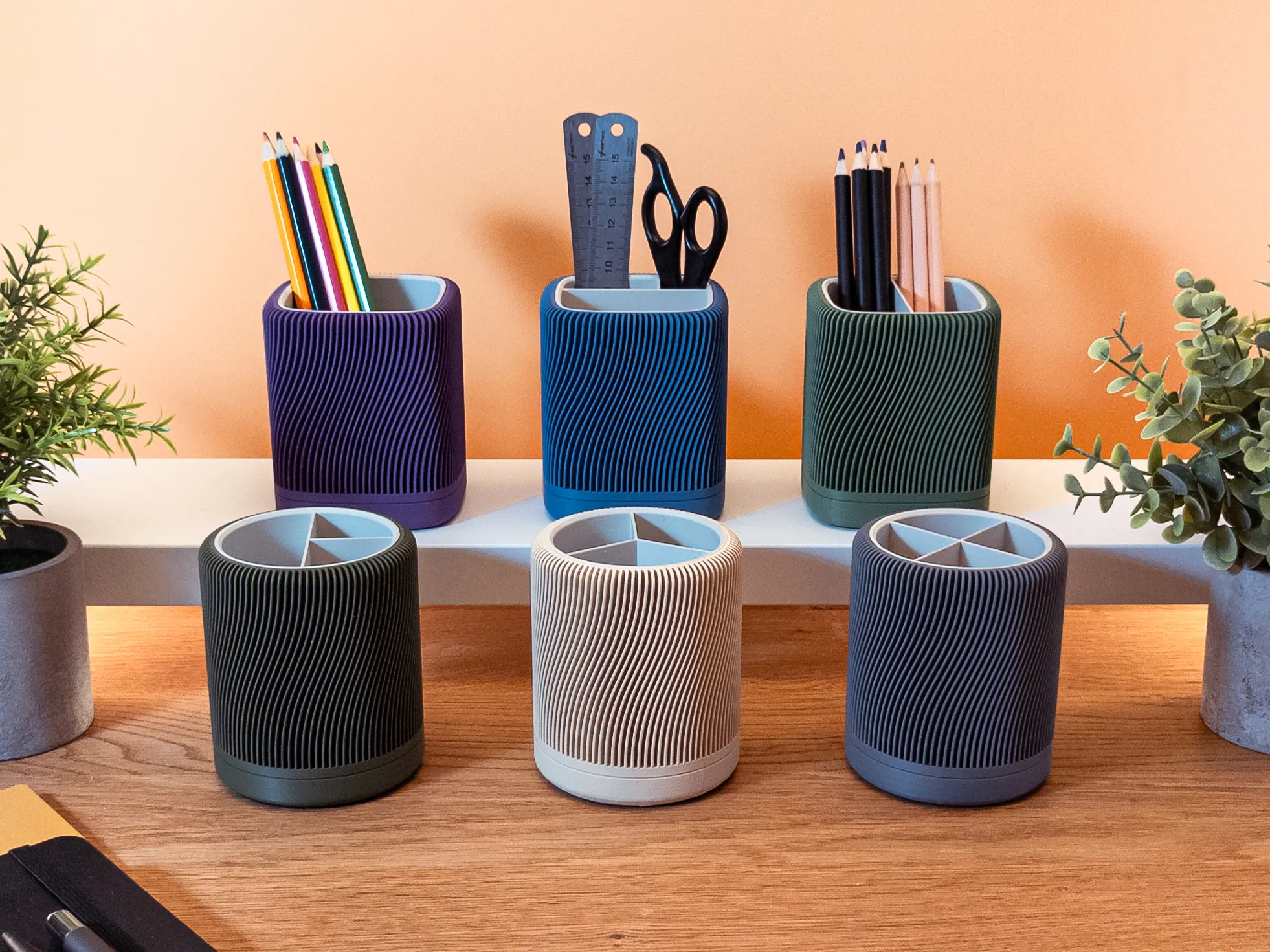
If you desire tailored presets for your boards, kindly download the source file and upload a profile that aligns perfectly with your boards. I will identify compatible boards and provide a list of available profiles. Should you require assistance, feel free to reach out to me. If you're the author of a board and contribute a profile here, it will be marked as recommended.
Please refrain from uploading profiles that include boards. This model exclusively addresses the case - kindly ensure matching boards are noted in the description. This model is intended for continual development, fostering openness. If you have suggestions or requests, please share them in the comments or via direct message.
Case for Swatch Display Boards with Fusion 360 Source Files
My Swatch Boards were constantly in disarray, with no proper place to store them. I rarely needed them but wanted them easily accessible when I did. That's why I designed this case—to accommodate the unmodified boards snugly and keep them organized.
Capable of holding up to 5 boards, this case features built-in dividers ensuring a secure fit even if you have fewer boards. Plus, a thoughtful hole at the back allows for easy retrieval of middle boards without disturbing the rest. Outer slots provide convenient access to the boards.
What's more, there is no assembly needed. Simply place your boards inside and attach the cover—it's as easy as that.
Removing the cover is also a breeze. Just press on one side of the marked areas, and it will pop out the connector, releasing the cover effortlessly.
Compatible Boards
Swatch Display Board by Bambu Lab
https://makerworld.com/en/models/14863
- 5 Slots
https://makerworld.com/en/models/180158#profileId-198192 - 8 Slots
https://makerworld.com/en/models/180158#profileId-211110 - 10 Slots
https://makerworld.com/en/models/180158#profileId-211295
Design Choices - Why I Opted for Fillets Over Chamfers
In the world of 3D printing, chamfers often steal the spotlight for their print-friendly nature, thanks to their ability to tackle overhangs at a 45° angle. However, here's where my design takes a different path. I've meticulously fine-tuned the overhangs in this model, allowing me to embrace fillets instead of chamfers.
Why? Because I believe in the power of a smooth, rounded feel along the corners. When it comes down to it, fillets and chamfers offer distinct tactile experiences. And since you're likely to interact with this object frequently, I wanted to ensure it exudes a sense of premium quality with every touch.
So, please, let's stick with fillets for now.
They are not only easy to print but also elevate the overall tactile feel of the model.
Customizing
The Fusion 360 source file is fully parametric, allowing you to customize the case for your preferred board effortlessly. Simply input the precise dimensions of your board, and the model will handle tolerances seamlessly. Adjusting the radius is as straightforward as lowering the number.
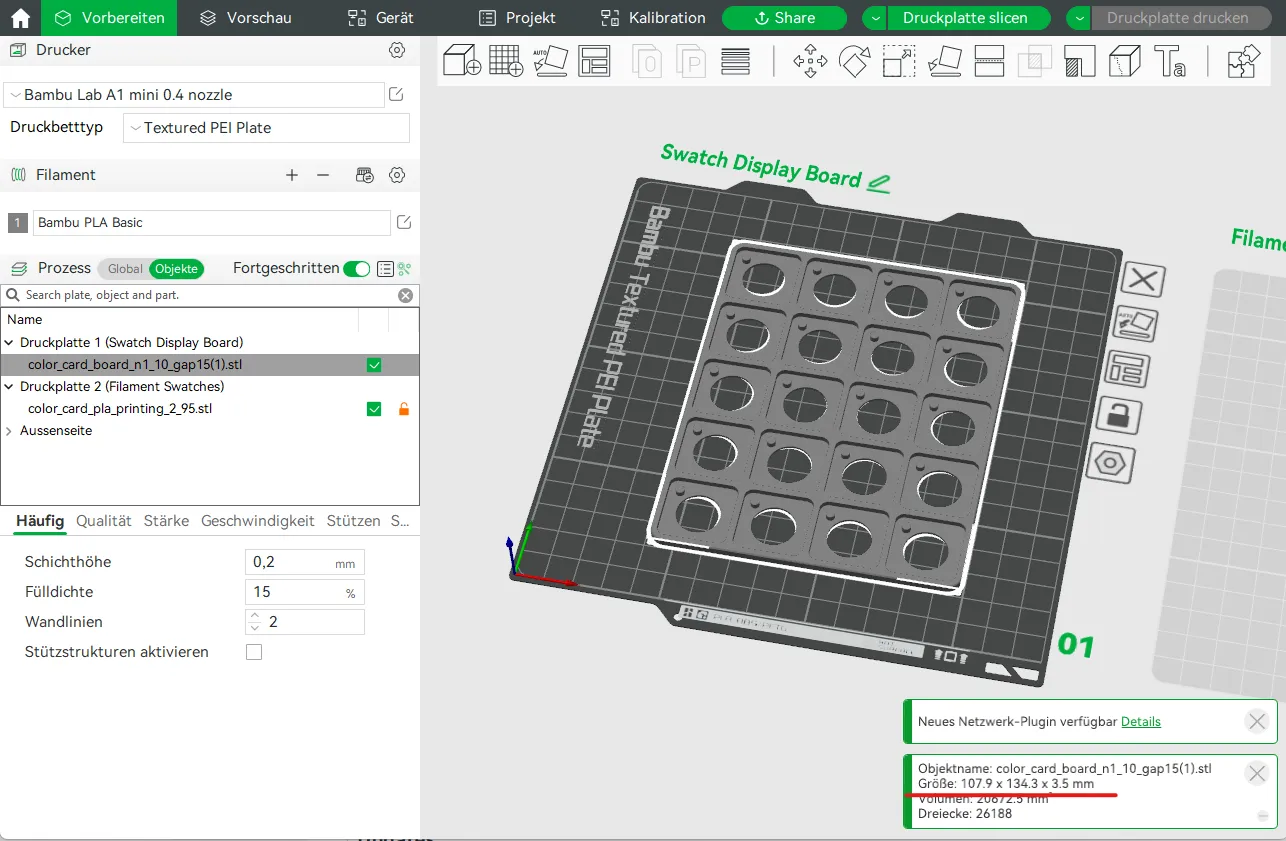
For instance, let's consider the Swatch Display Board from Bambu Labs with the following dimensions:
- With: 107.9 mm
- Length: 134.3 mm
- Depth: 3.5 mm
- Radius: 5 mm
Transferring these dimensions to Fusion 360 is now a breeze. Set the desired number of boards for storage and refine the model accordingly.
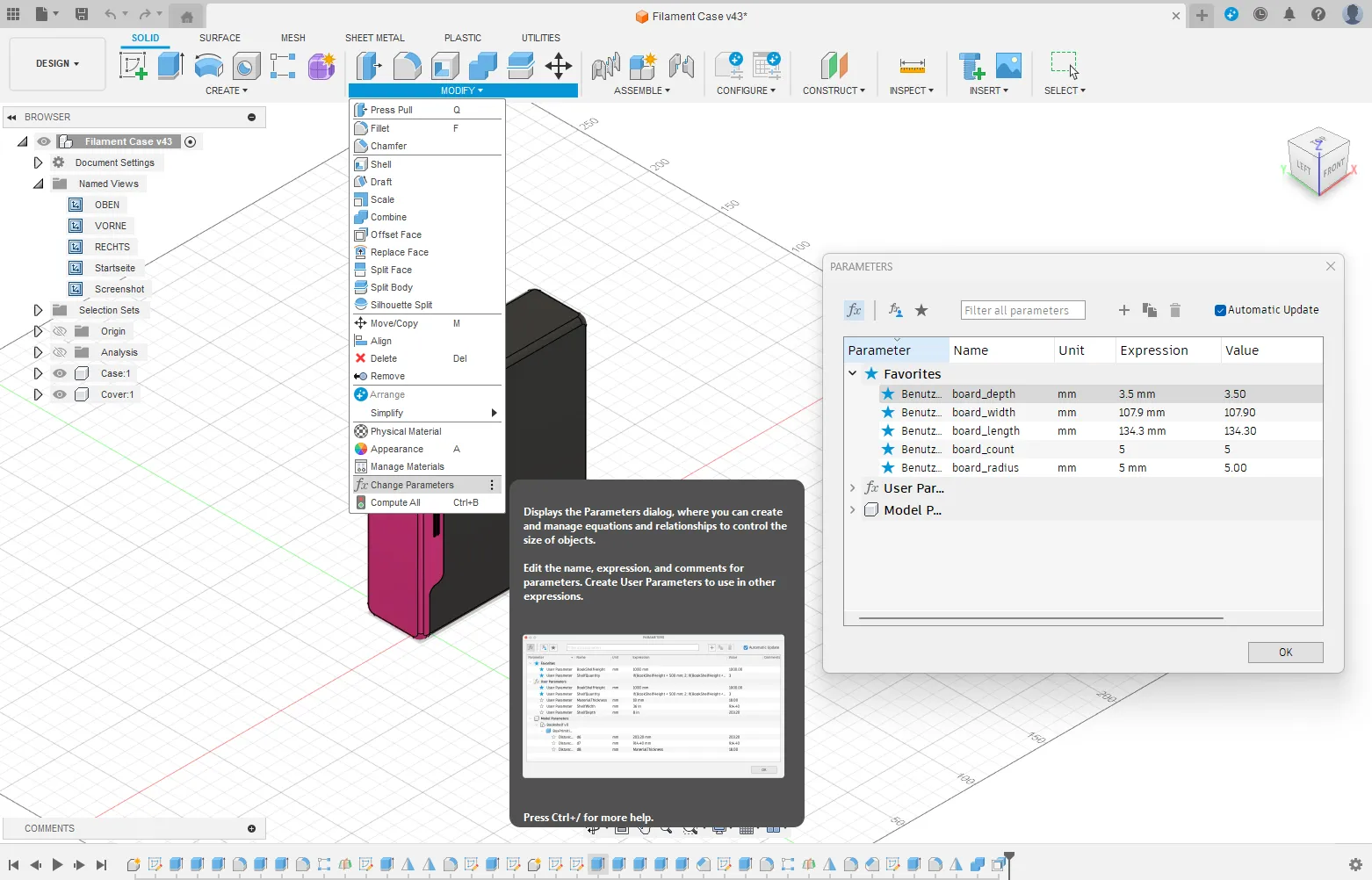
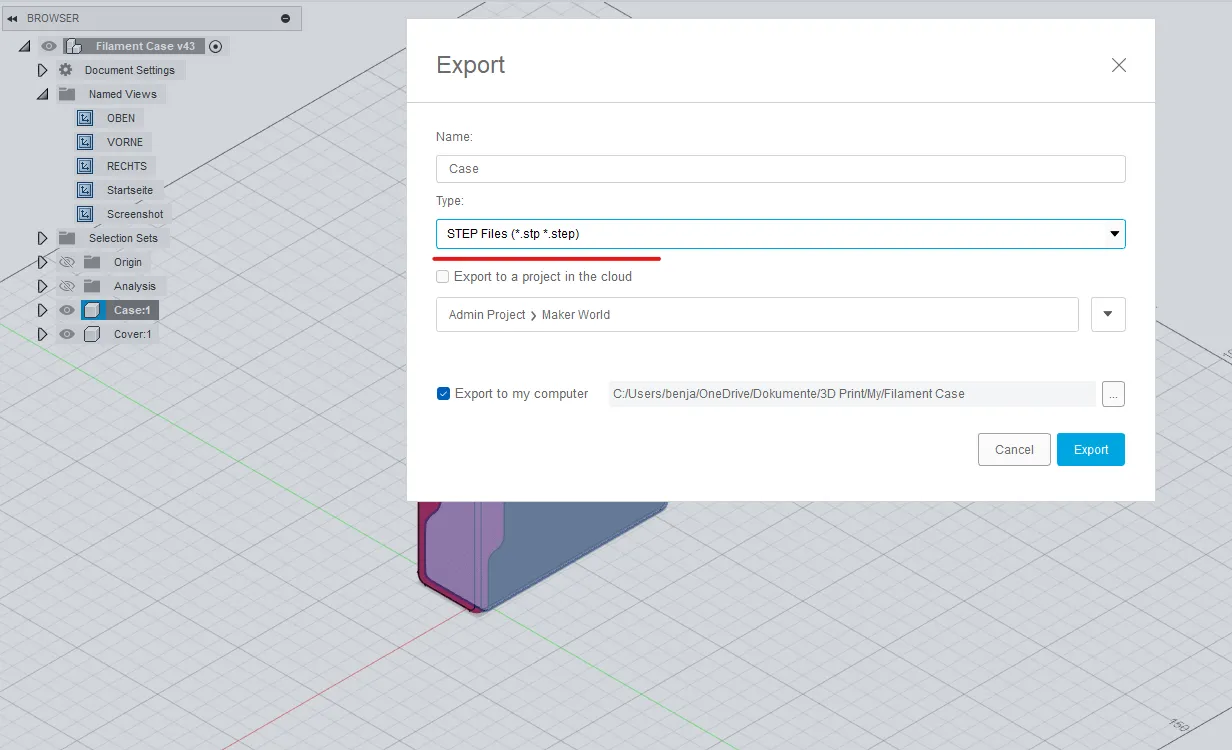
Upon completion, export the components individually.
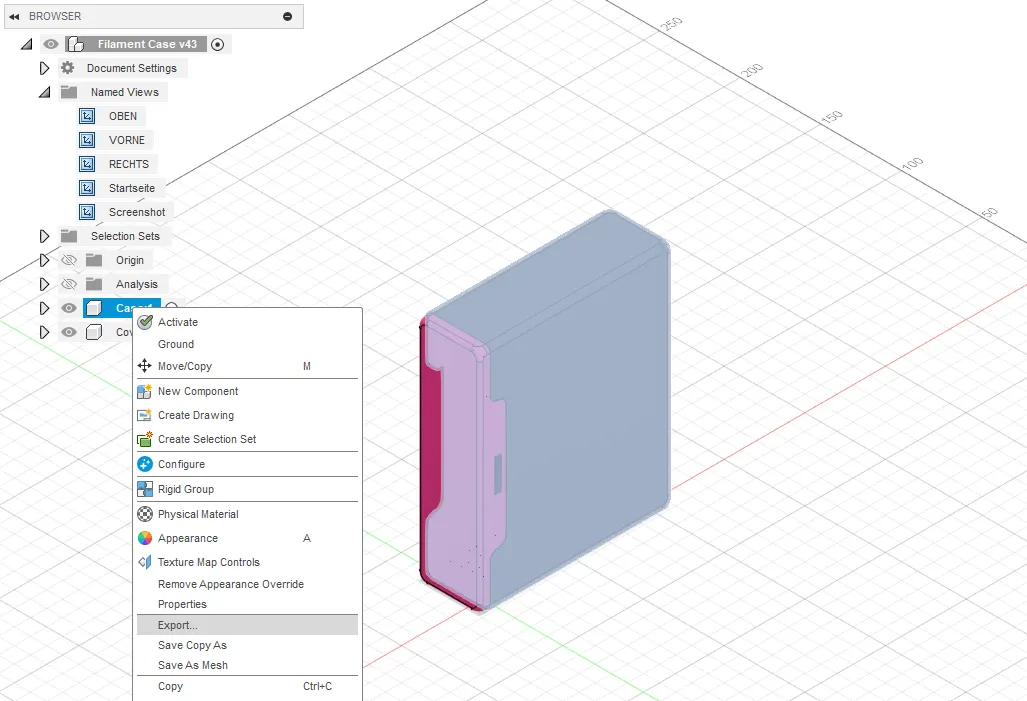
Always suggest using step files instead of stl files.
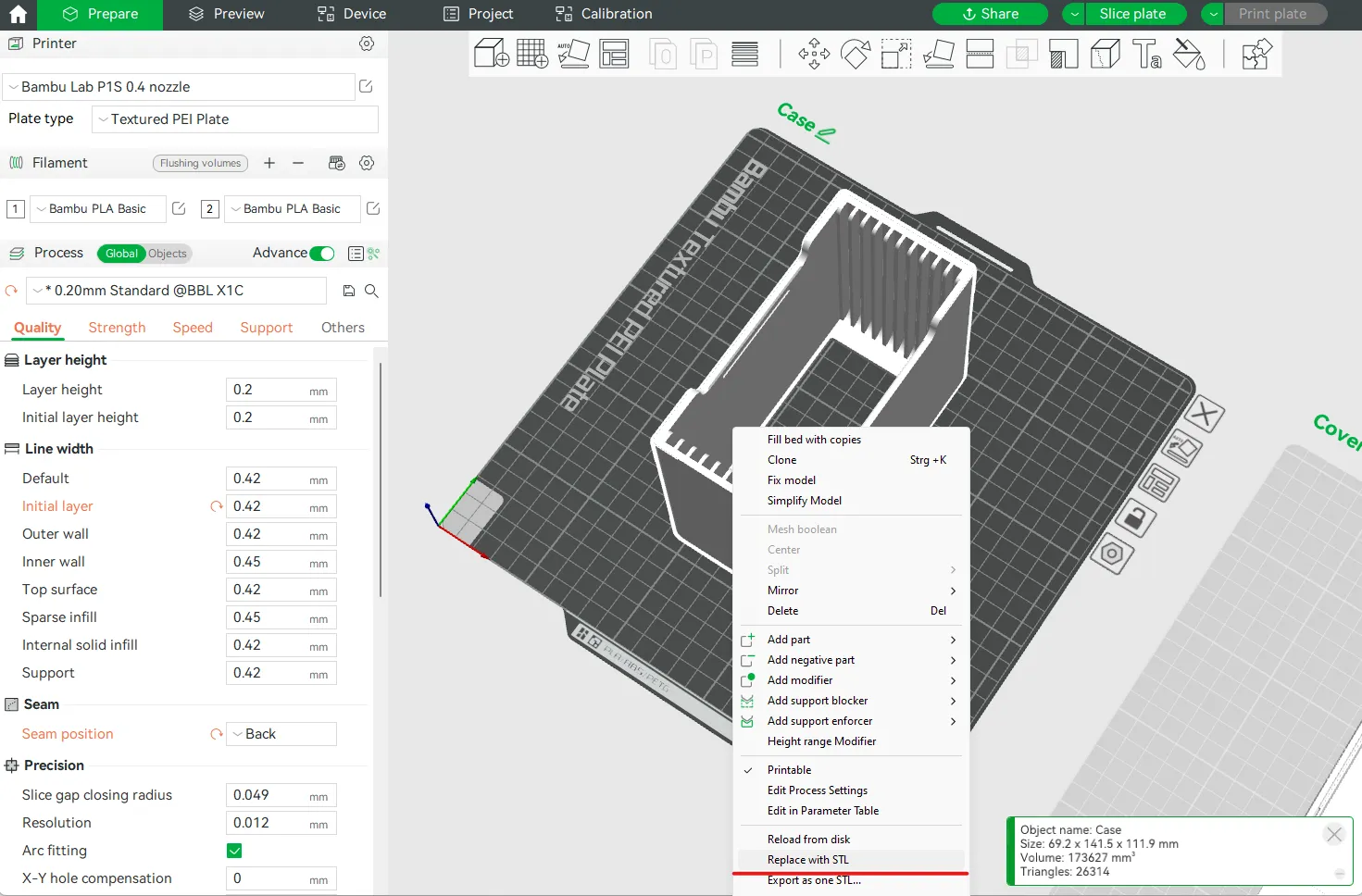
For consistently optimal print settings:
- Utilize any of my downloadable profiles.
- Choose either the Case or the Cover.
- Right-click on the object and opt for “Replace with STL.”
- Select the corresponding Step-File you've just exported.
- Ensure adaptive layer lines, particularly the top and bottom layers, are smoother for improved layer adhesion and a refined outer finish.
Now, simply hit print. 👌
Updates
18.02.2024
- Fusion 360 Source Files added
- 8 Board Version added
- 10 Board Version added
12.02.2024 - Release v2
The initial version experienced layer adhesion issues, prompting adjustments to ensure optimal layer adhesion. However, these tweaks led to compromised surface finishes and sharp corners. The update rectifies these issues, ensuring smooth surfaces and eliminating sharp edges on the case.
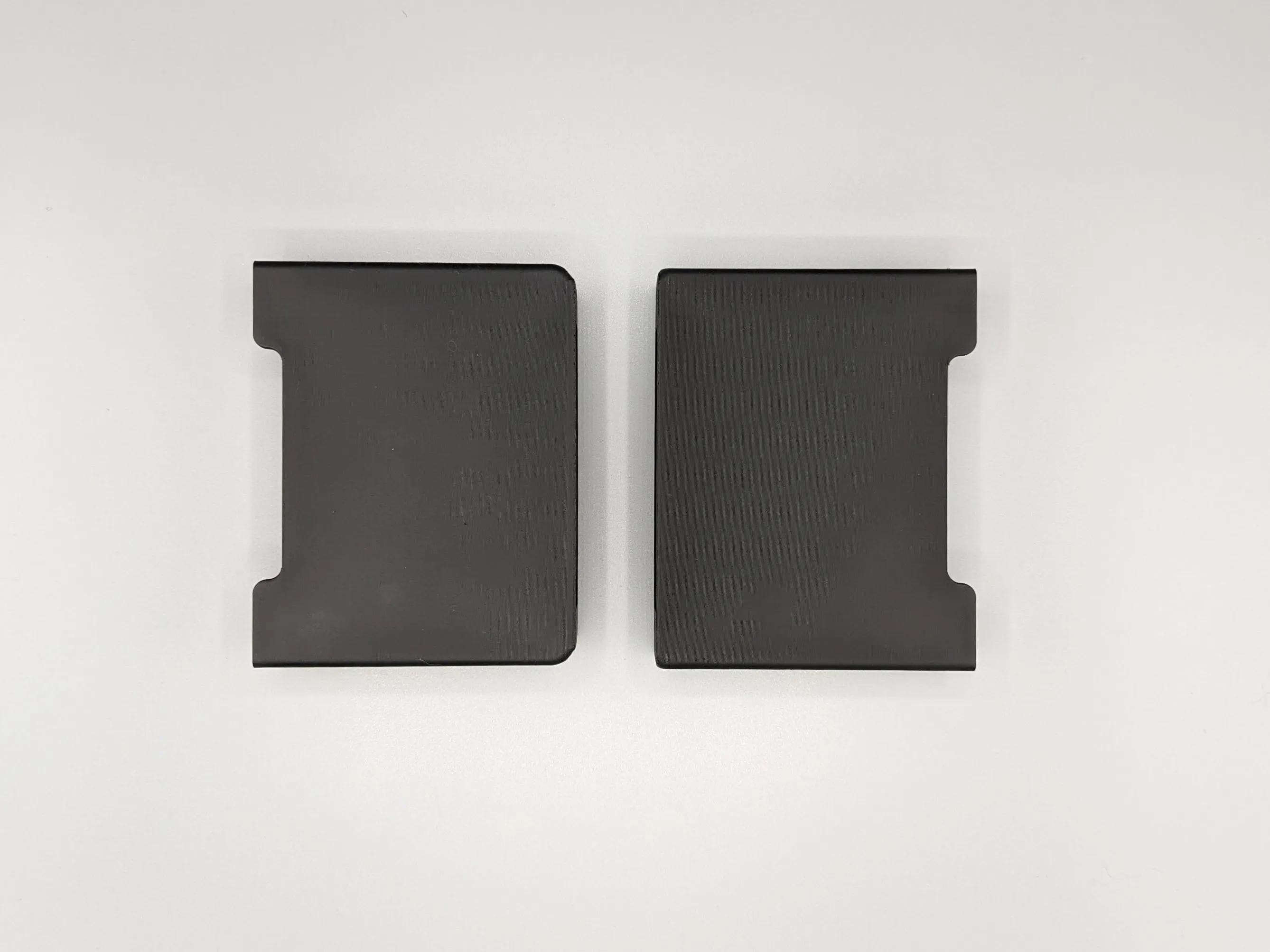 Left v1, Right v2 | 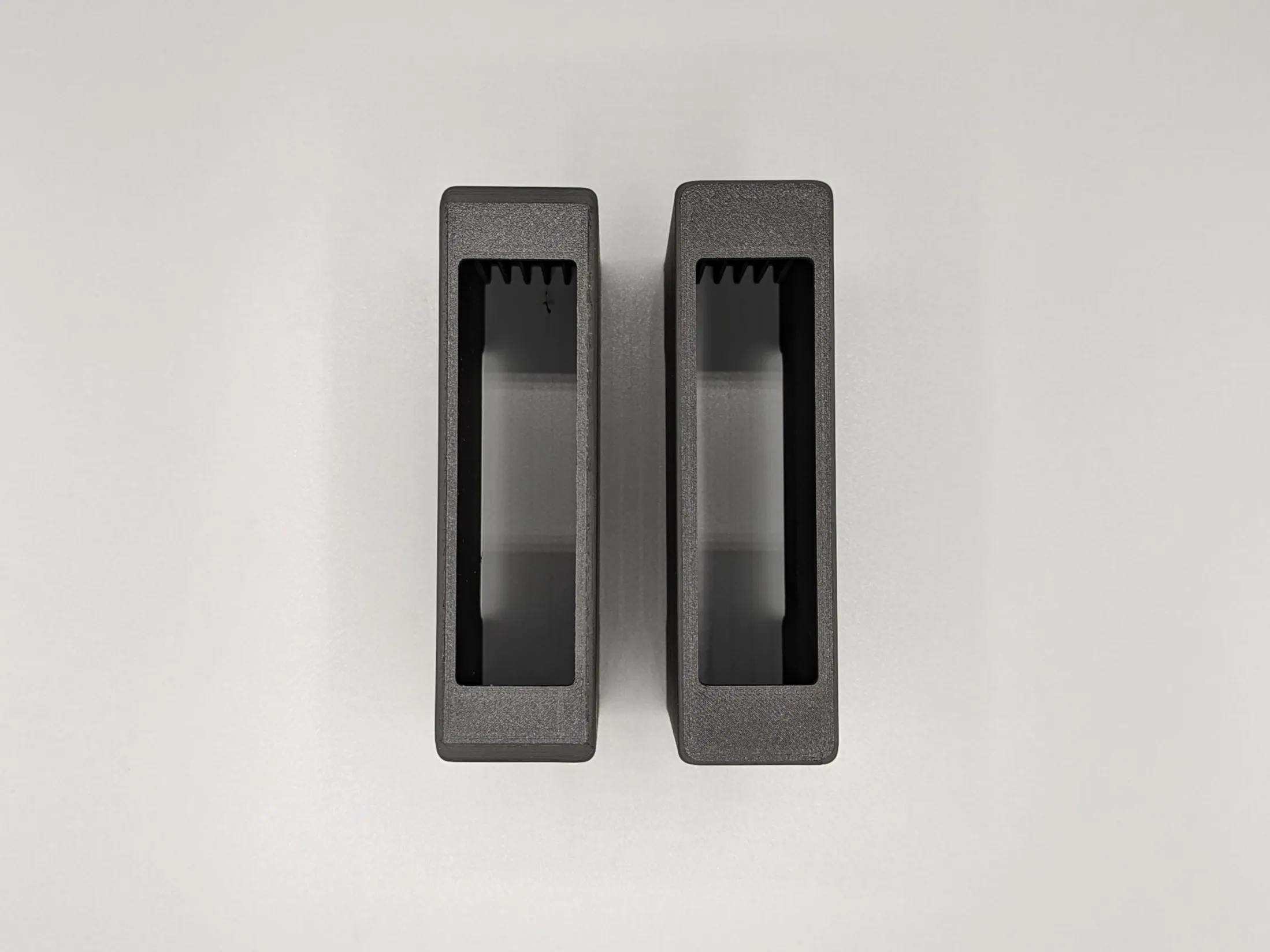 Left v1, Right v2 |
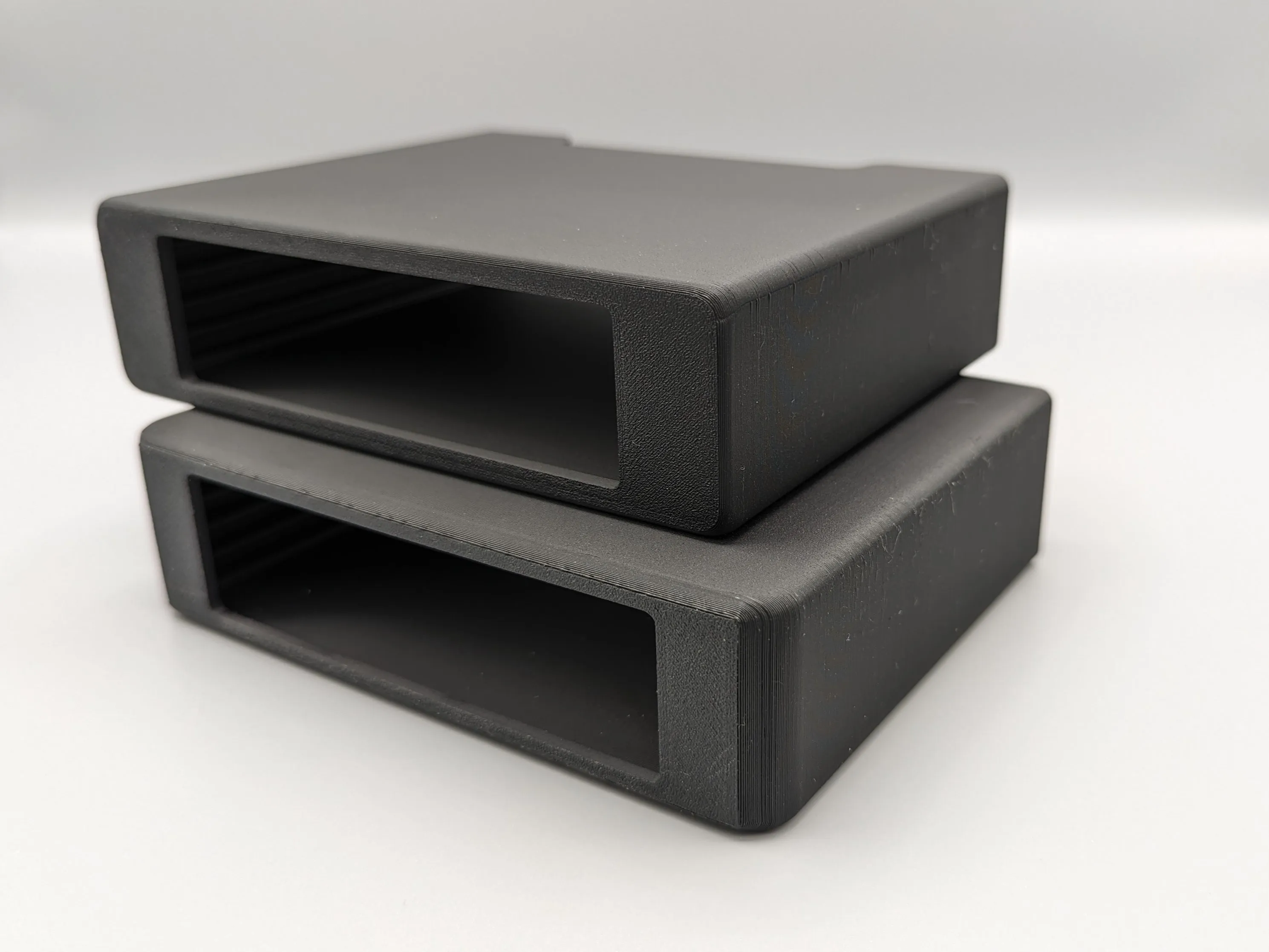 Bottom v1, Top v2 | 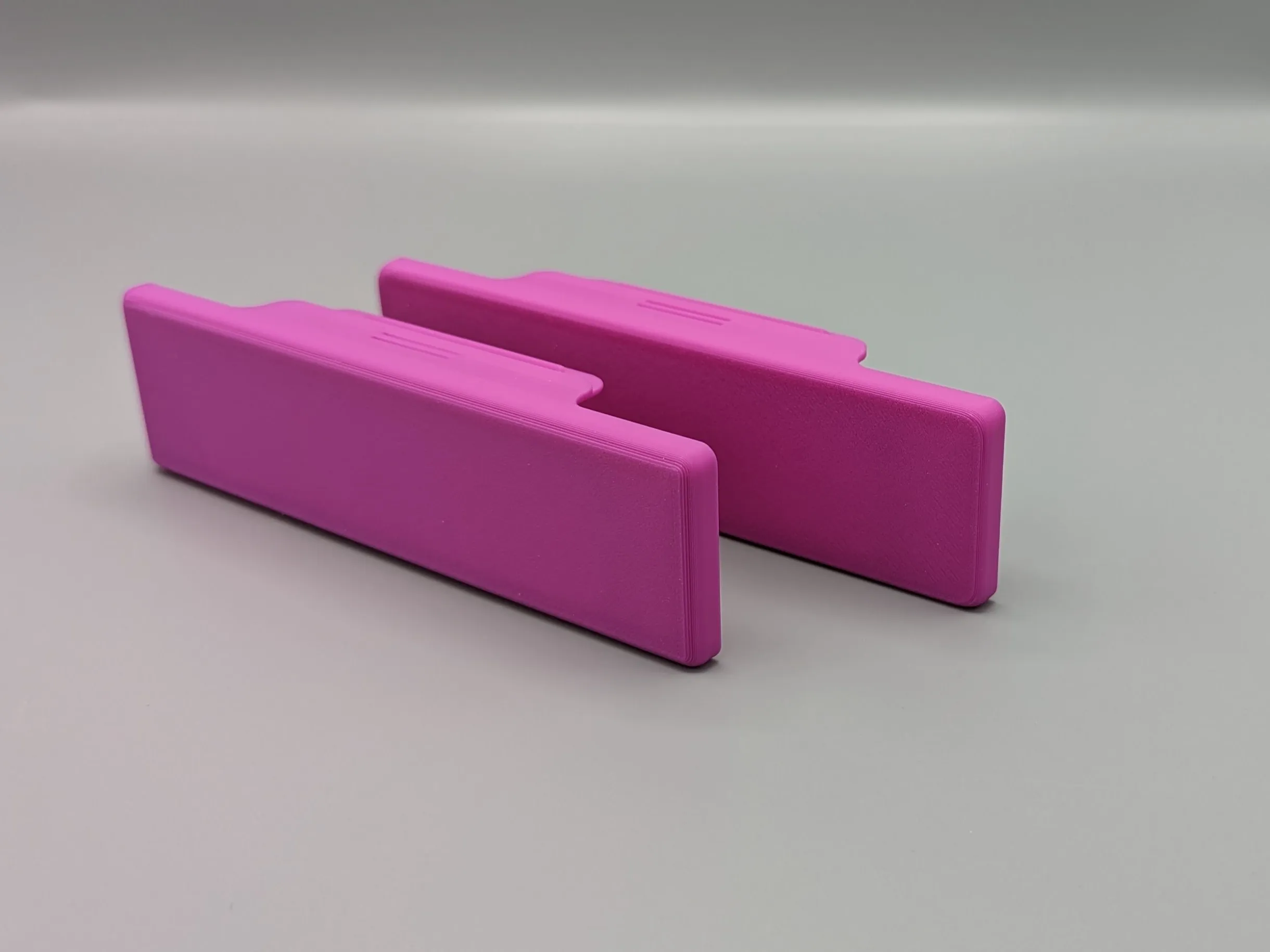 Front v1, Back v2 |
I hope you enjoy the design! Please leave a comment or rating if you like it and share your feedback!
Follow me on Instagram for unregular updates 😅.
License

You shall not share, sub-license, sell, rent, host, transfer, or distribute in any way the digital or 3D printed versions of this object, nor any other derivative work of this object in its digital or physical format (including - but not limited to - remixes of this object, and hosting on other digital platforms). The objects may not be used without permission in any way whatsoever in which you charge money, or collect fees.


Comment & Rating (1023)