
Logitech G29 F1 Style Steering Wheel Mod Formula
Print Profile(5)

Bill of Materials






Description
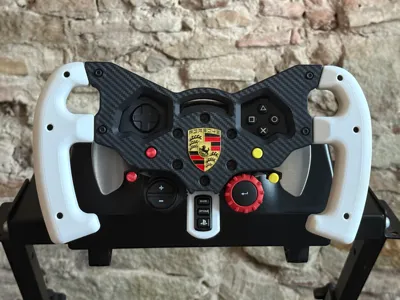
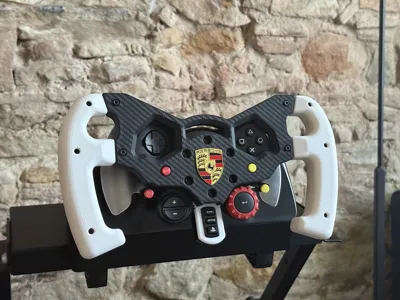
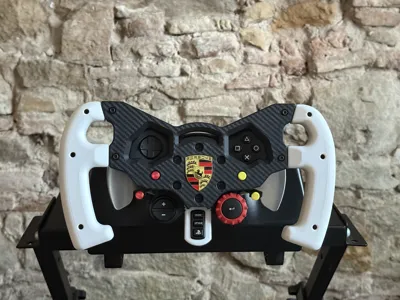
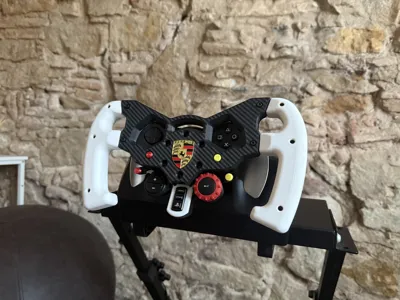
This model is a remix, fully remodeled from scratch, of the original steering wheel model. In the original post, you can find additional installation info.
✨ What’s improved
- Tighter fit around G29 / G920 / G923 buttons, no visible gaps
- Cleaner look, more realistic aesthetics and ergonomics
- Lower filament usage compared to the original model
- Bolt-on handles (M3 bolts & nuts) — no glue required
- Easier and more precise assembly thanks to integrated nut housings
🔁 Compatibility
The 3D prints can be used on any Logitech G29, Logitech G920 and Logitech G923.
The only print that's specific to a Logitech variant, is the lower bezel, which at the moment is available only for the G29, or PS4/PS5 G923, but not for the Xbox models. If someone can provide measurements for the G920 I can design the bezel also for Xbox variants. But again, this is not a functional piece, it just ties up the visuals, but you can run the wheel without this piece without any problems at all.
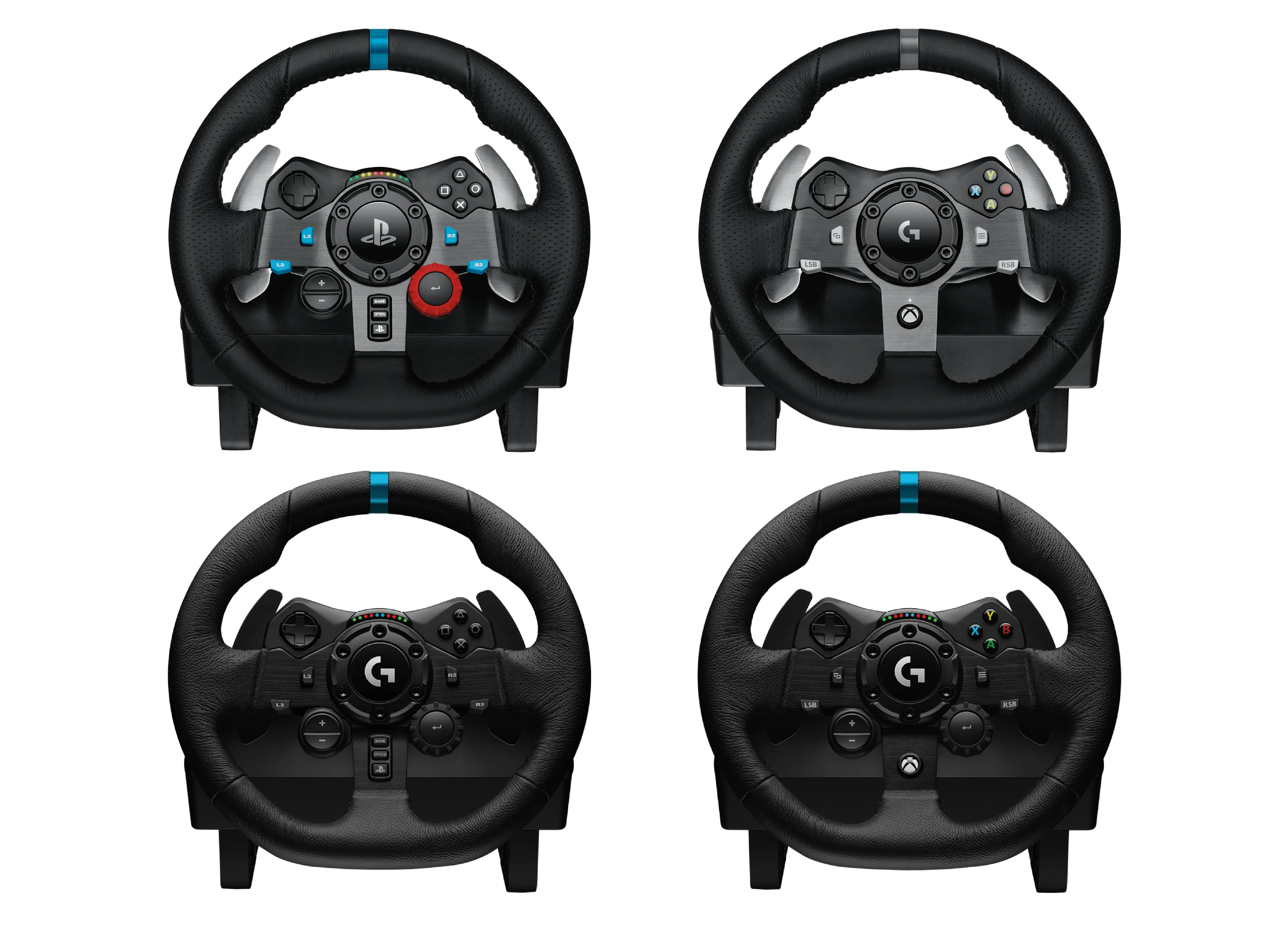
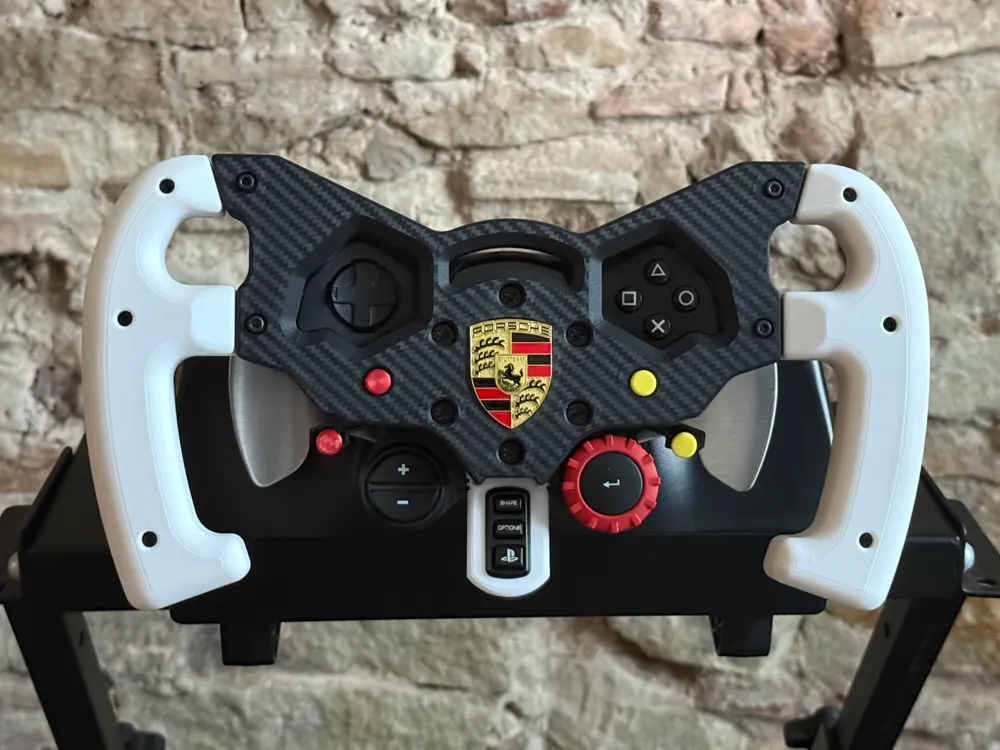
If your steering wheel looks anything like this, this mod is compatible with your wheel.
This remix is also 100% compatible with your previous prints of the original model:
- Use old glued handles with this new steering wheel body
- Use new bolt-on handles with an older steering wheel body
(Perfect if you already printed parts and want to upgrade gradually)
🔩 Assembly
Hardware required (10× M3×12 mm bolts, 10× M3 nuts) :
- Handles assembly:
6× M3×12 mm bolts + 6× M3 nuts - Mounting handles to the wheel:
4× M3×12 mm bolts + 4× M3 nuts
Buttons & bezel:
- Bezel and L2–R2 buttons are held in place by the steering wheel itself.
- L3–R3 buttons can be press-fit, but you may also reuse the original screws for a more secure installation.
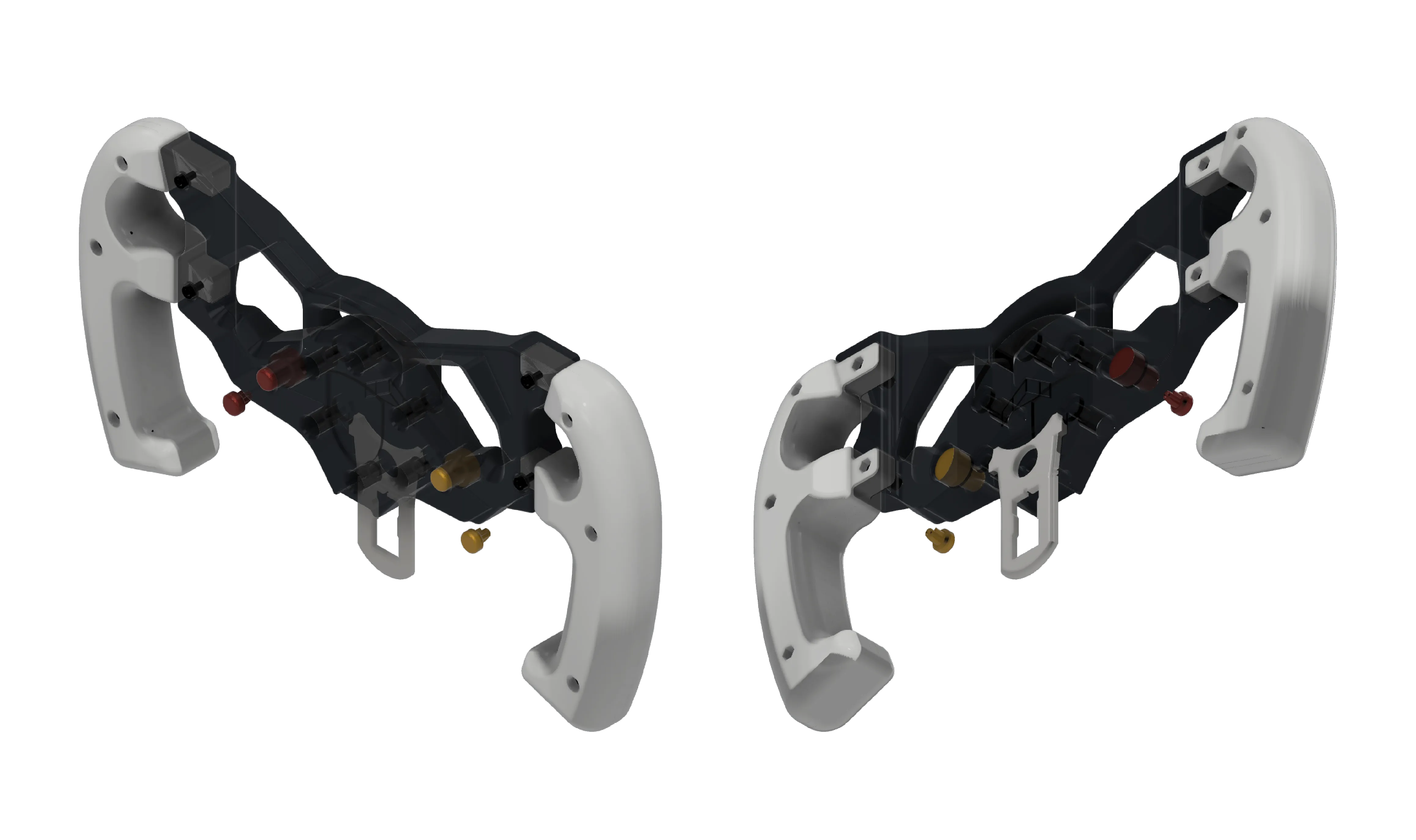
Since some of you had problems figuring out which buttons go where, here's the model with 50% opacity which should help you with the installation:
🏁 Logo
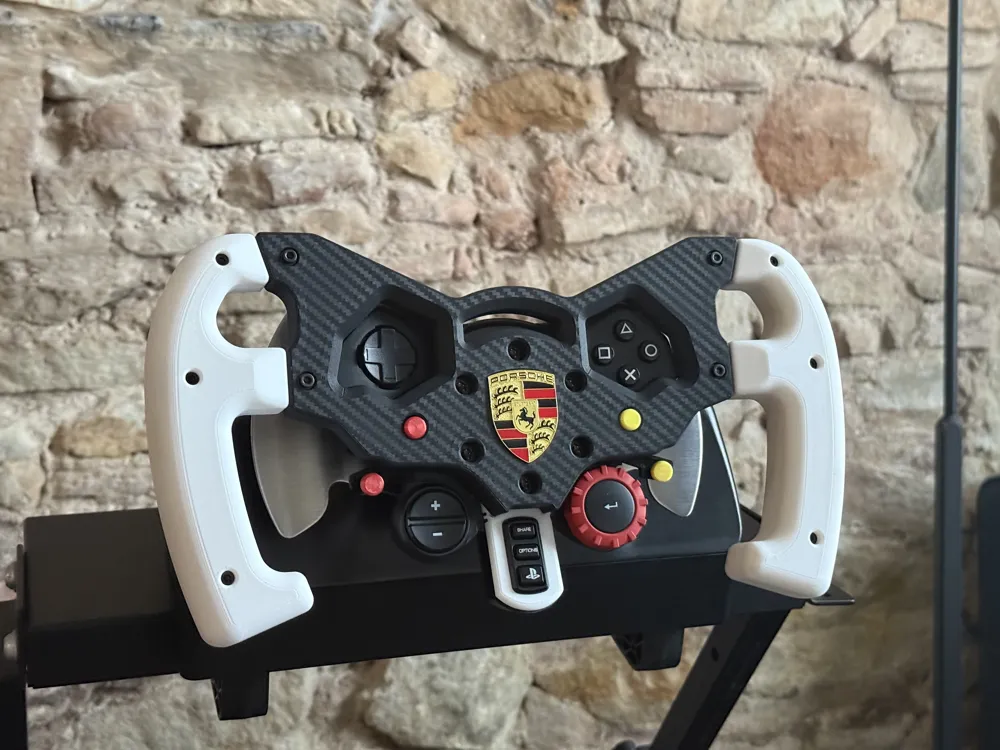
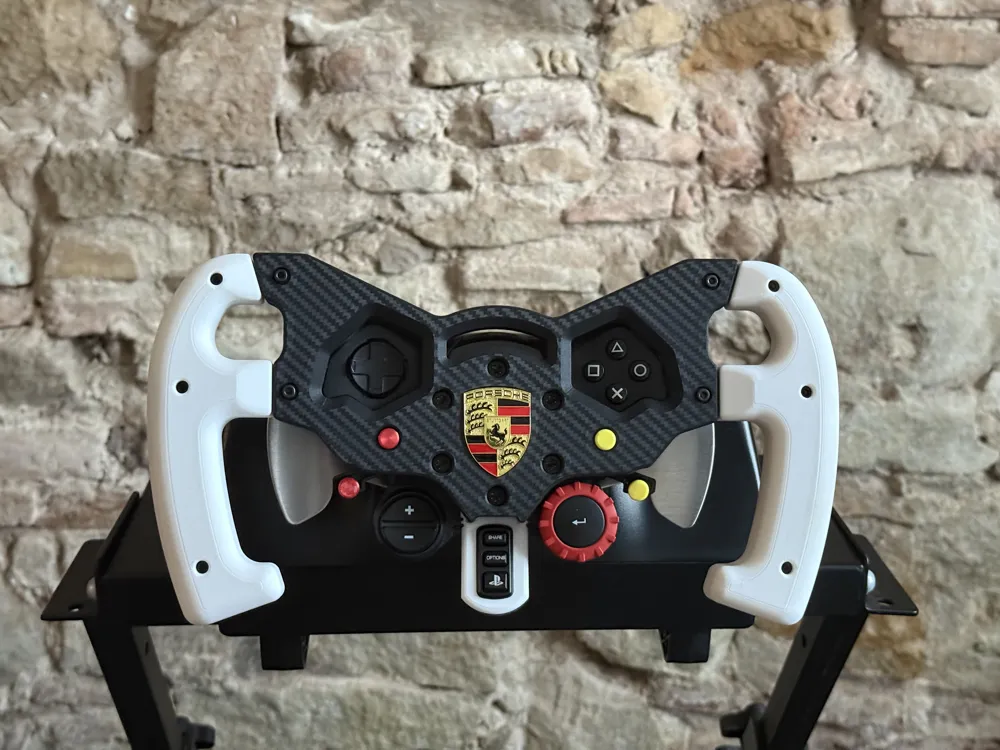
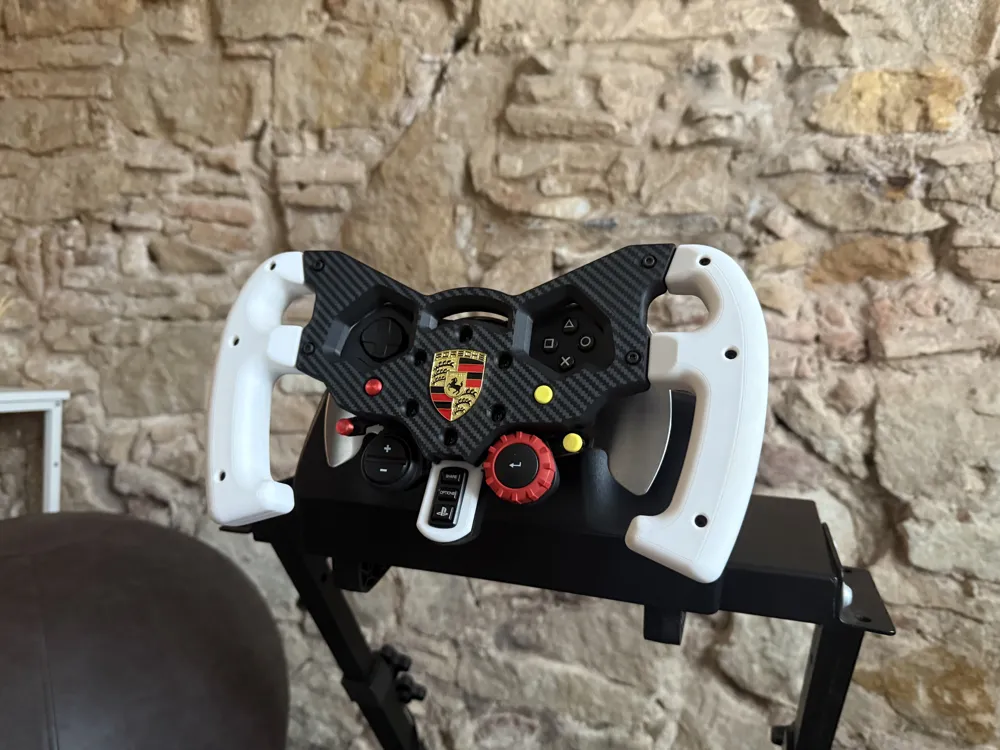
The Porsche logo shown in the photos is a 39 × 28 mm metal emblem (not 3D printed) that I sourced separately. It's actually the one used on real Porsche steering wheels, albeit the one I got was a replica. Unfortunately, it no longer seems to be available online, so I can’t reliably link to it.
Because of this, I’ve included multiple files so you can print the steering wheel with or without the logo inset, depending on your setup.
❗ Already printed the logo version?
If you already started printing the Porsche-logo version but don’t have the metal emblem, do not discard the supports for the logo inset.
You can keep the support piece and use it as a flush cap for the inset — personally, I think it looks even better than the completely flat surface of the no-logo version.
🎨 Using a different logo
If you’d like to add your own logo:
- Use the “no-logo” print profile or .stl in Bambu Studio
- Add your logo by inserting an SVG on the first layer of the steering wheel
(There are many tutorials available showing how to do this step-by-step.)
This gives you full freedom to customize the wheel with any brand or design you like.
This remix is based on


License



Comment & Rating (134)