
Pumpkin Pie Buddy and Clicker Buddy
Print Profile(4)


Bill of Materials

Description
Please take a second and follow us.
Boost Me (for free)
Your boost would mean the world to us. Thanks so much for your support. With your help, our work gets seen more!
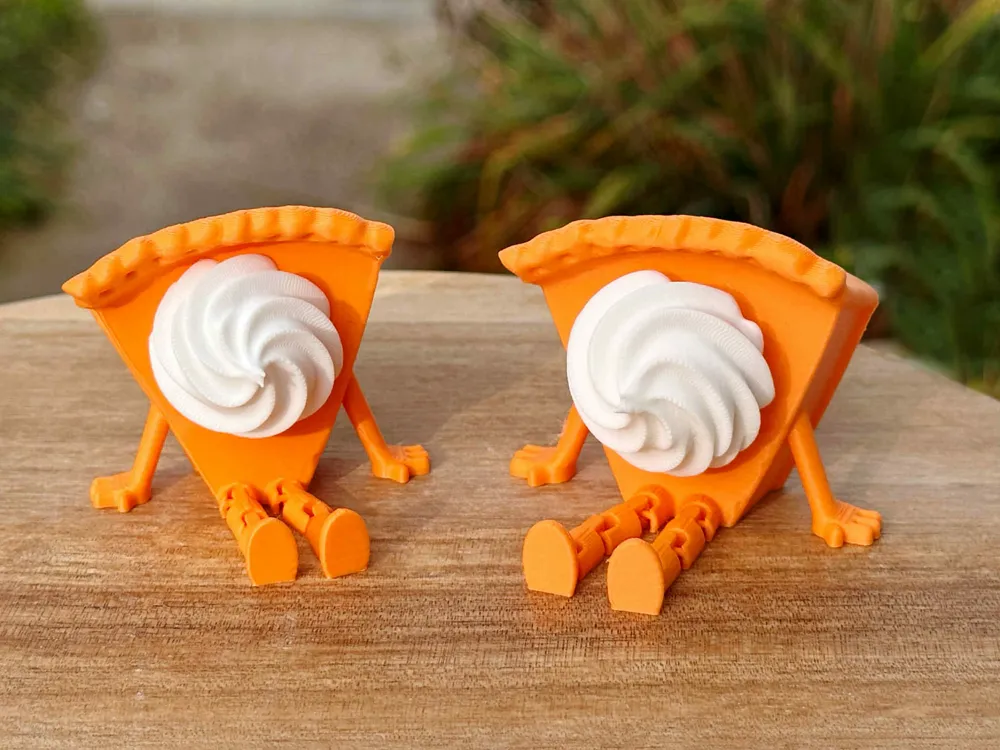
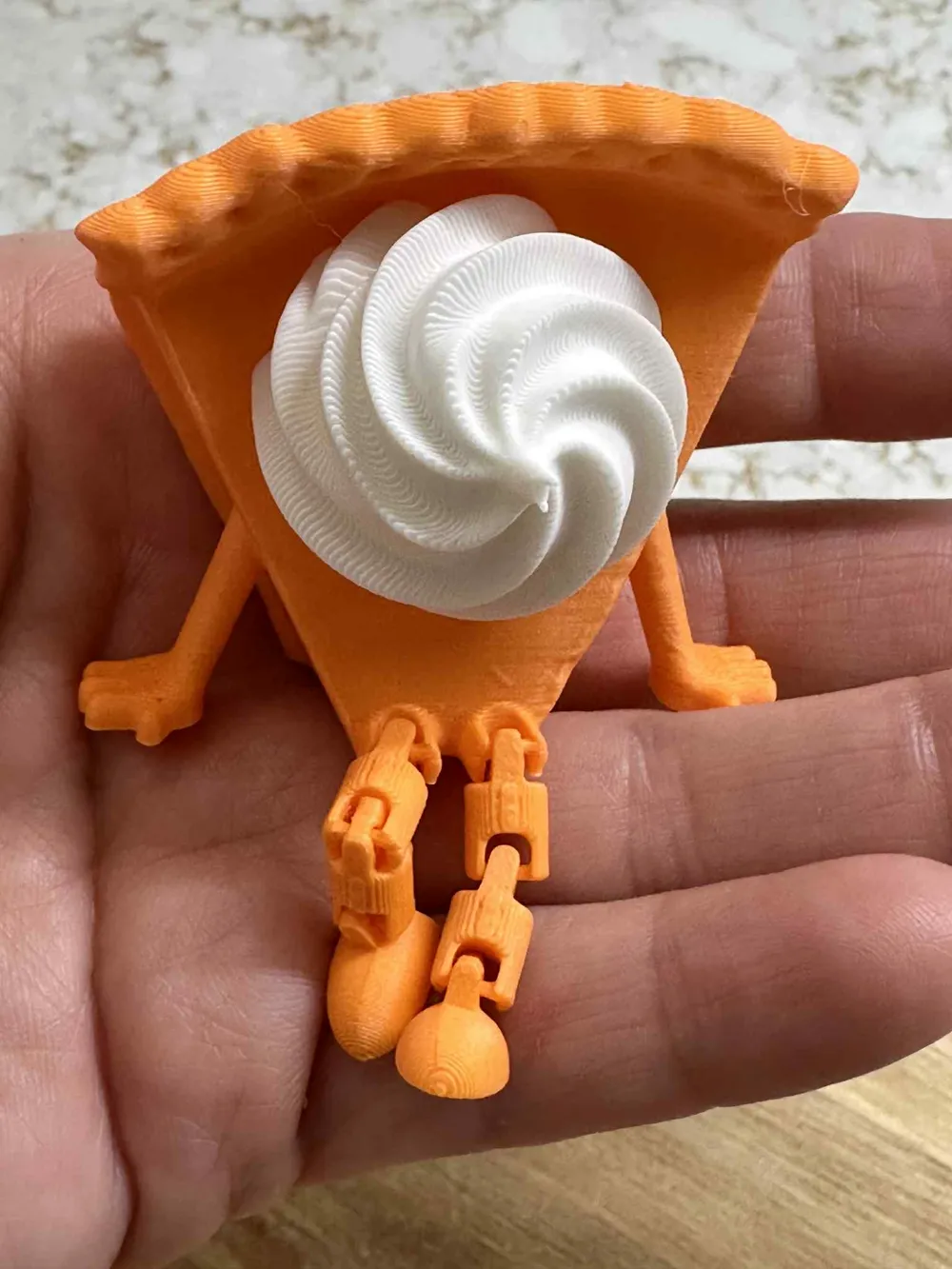
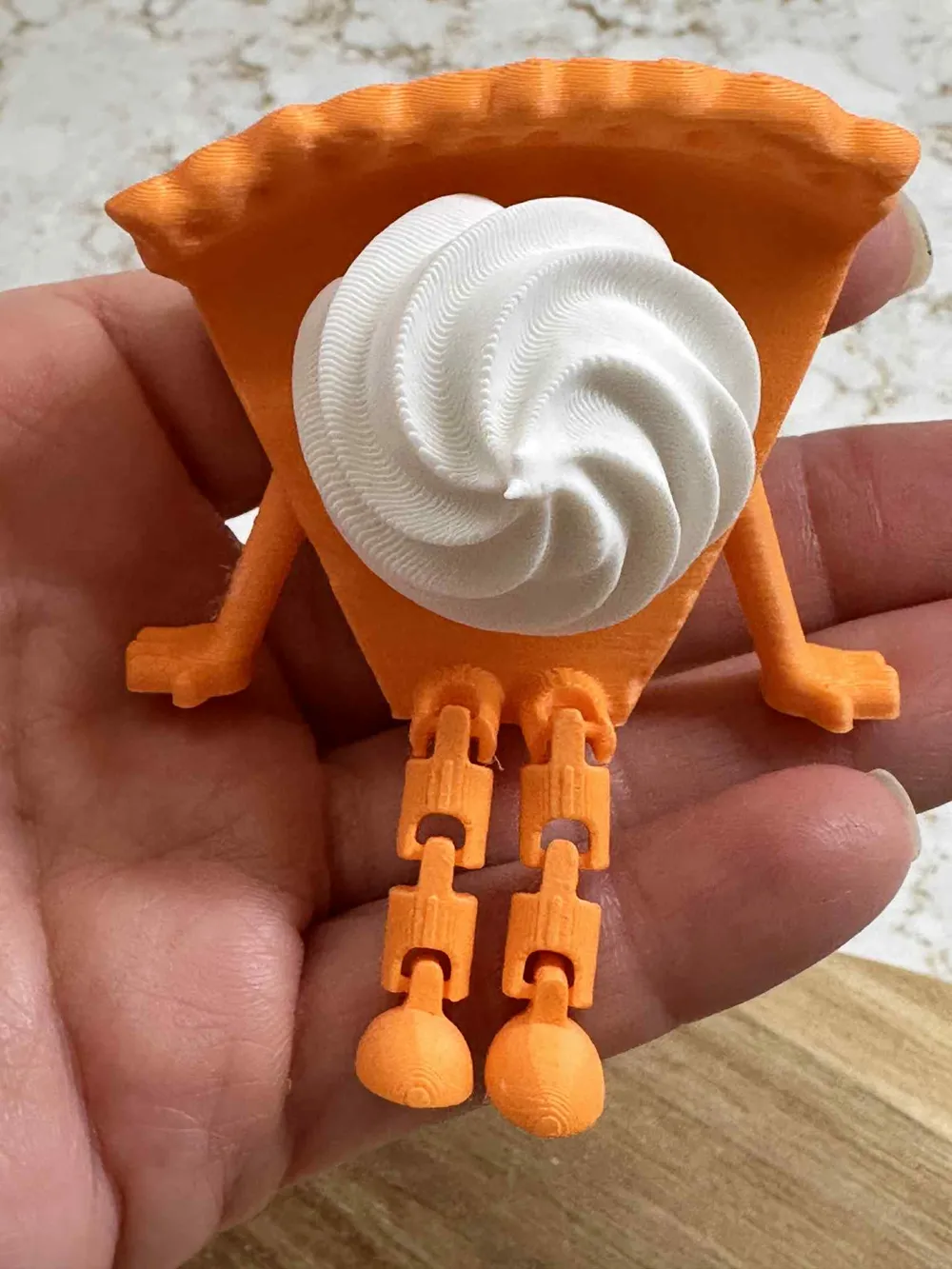
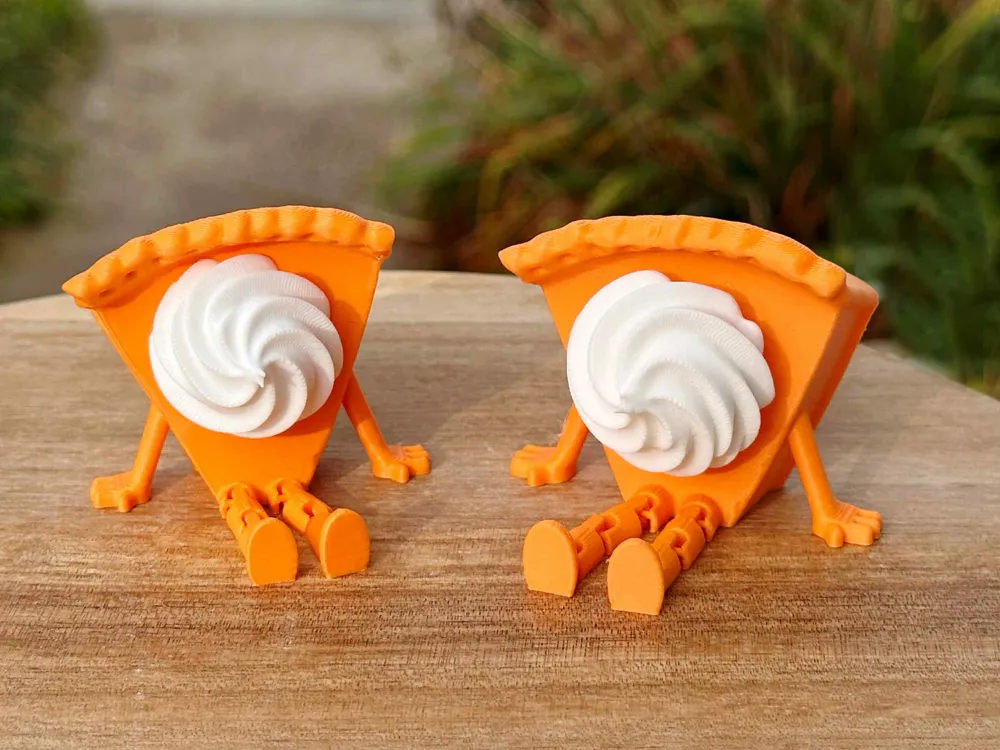
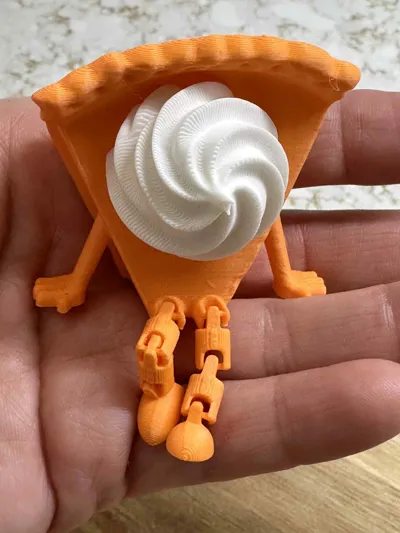
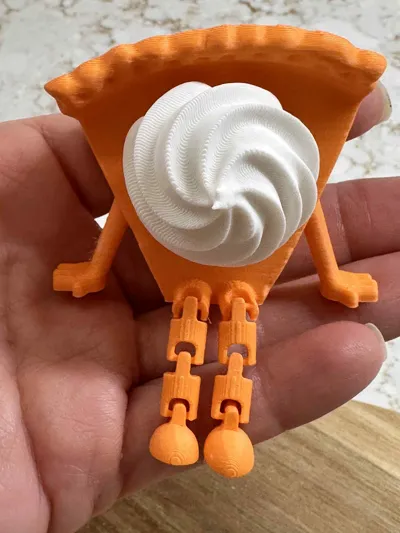
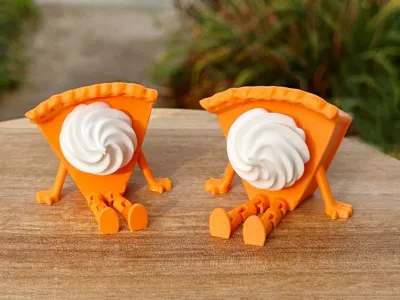
Print your cutie pumpkin pie buddies! These adorable 3D-printed pals look like mini pumpkin pies with legs and a swirl of whipped cream. Available in two versions: with a fidget clicker for some stress-relieving fun, or without for pure decorative charm. Perfect for desk decor, gifts, or a quirky addition to your Halloween or fall vibes.
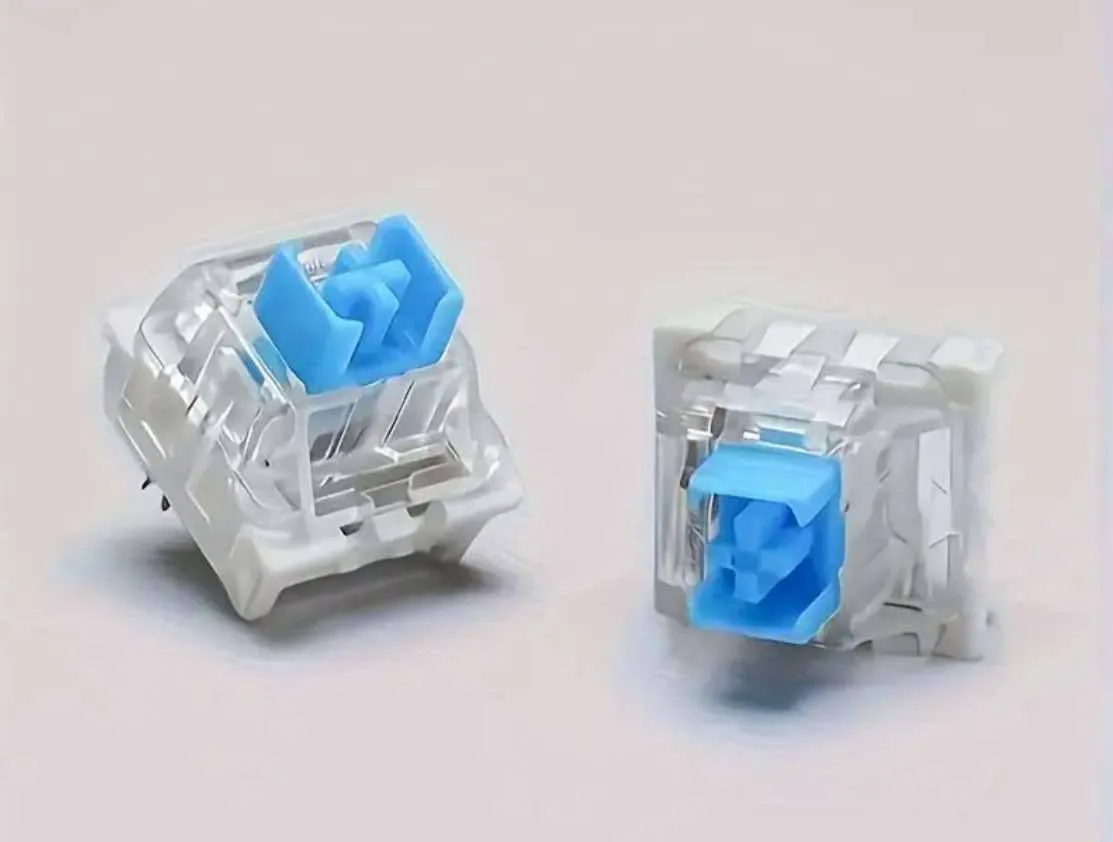
If you are printing the clicker buddy, you will need to purchase the keyboard switch. Please look at the instrucions below.
This prints in parts. You will need glue for the whipped cream and maybe the clicker keyboard switch.
3D Printed Clicker Toy Assembly Guide
Materials:
• 1 Mechanical Keyboard Switch
• 3D-Printed cross half and box hole Half
• (Optional) Small amount of super glue
Assembly Steps:
Find the cross half, box Half (holds the switch), and the switch itself.
Push the cross top of the switch into the cross half of the 3d print. It should click into place snugly. You can use glue if needed. A little glue goes a long ways. You don't want the glue to get into the switch.
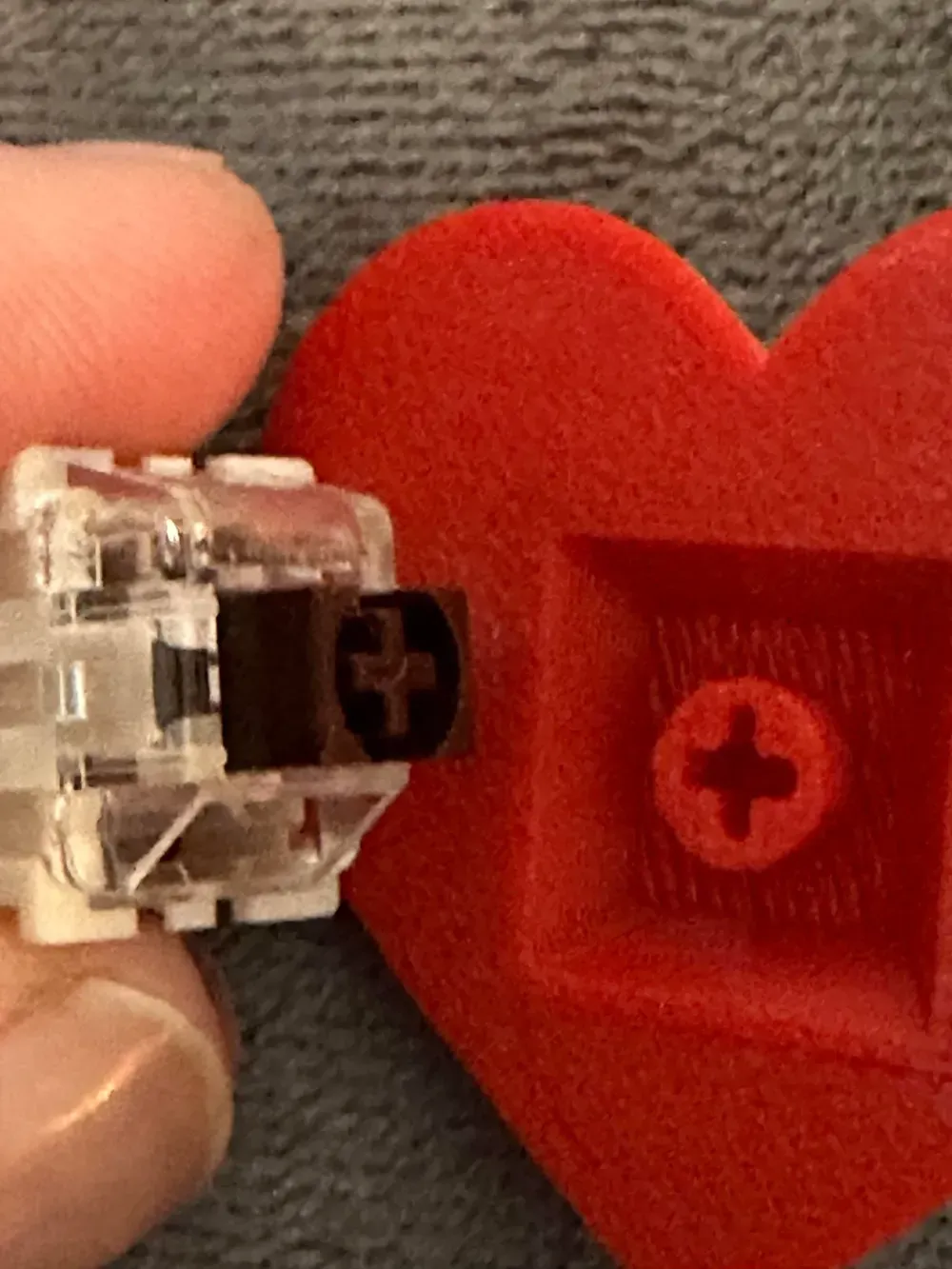
Line up the box 3d print half over the switch. Press the two halves together firmly.
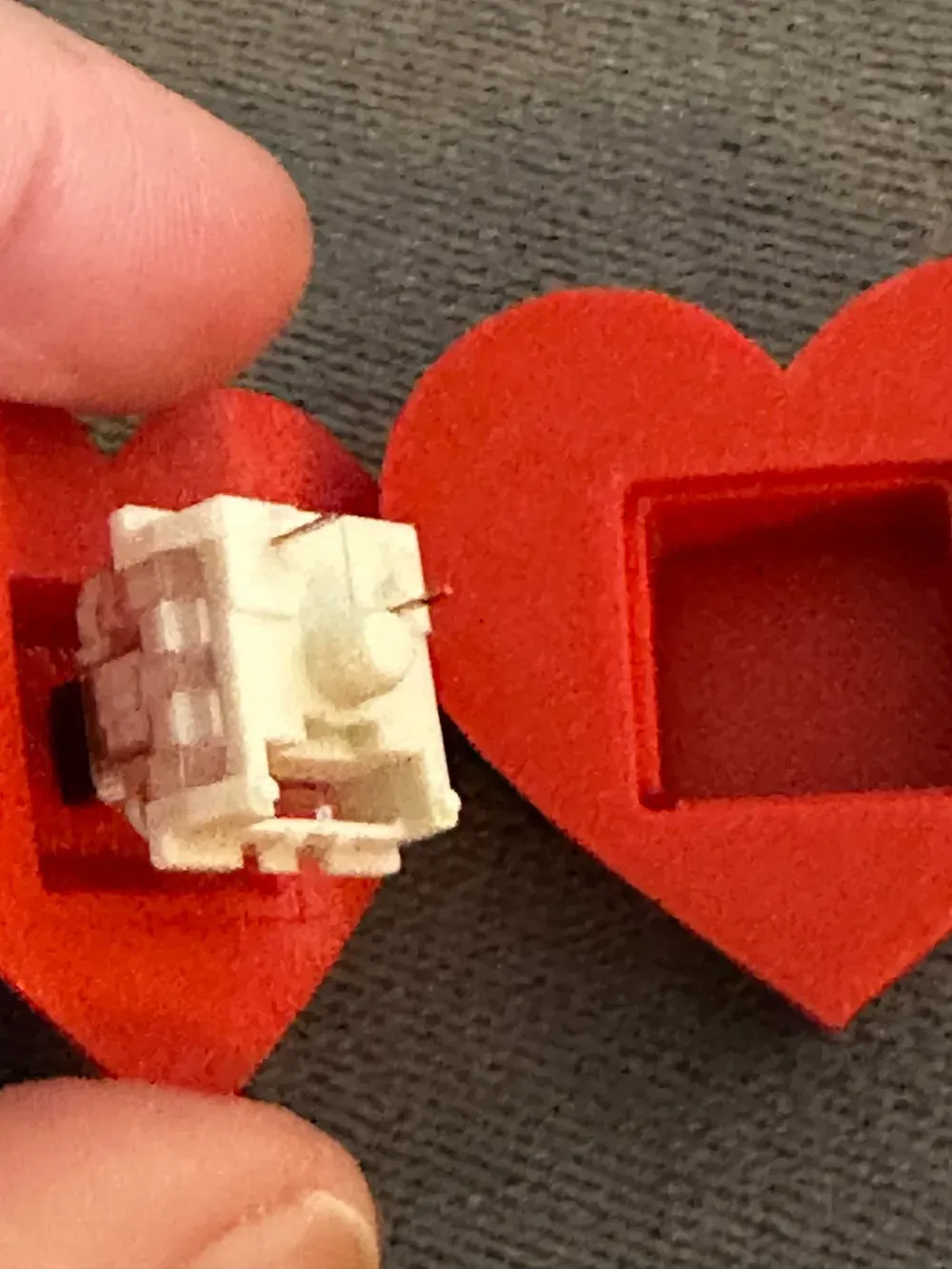
Test Your Clicker
Press down to test the click action! If the halves feel loose, use a tiny bit of glue to secure them.
Do you want to sell our items? Be sure to purchase a membership, available here and on Patreon. https://www.patreon.com/3DA1
Membership
ONLY $4! Join our creative world! Become a member and get commercial license to sell all our unique 3D print designs! *We also try our best and take your 3d print ideas to life. No additional cost to you.* Patreon provides different payment options for you. You can sell our models from both sites with any membership. patreon.com/3DA1
License

You shall not share, sub-license, sell, rent, host, transfer, or distribute in any way the digital or 3D printed versions of this object, nor any other derivative work of this object in its digital or physical format (including - but not limited to - remixes of this object, and hosting on other digital platforms). The objects may not be used without permission in any way whatsoever in which you charge money, or collect fees.


Comment & Rating (142)