
Micro ATX PC case with 2020 aluminium profiles
Print Profile(1)

Description
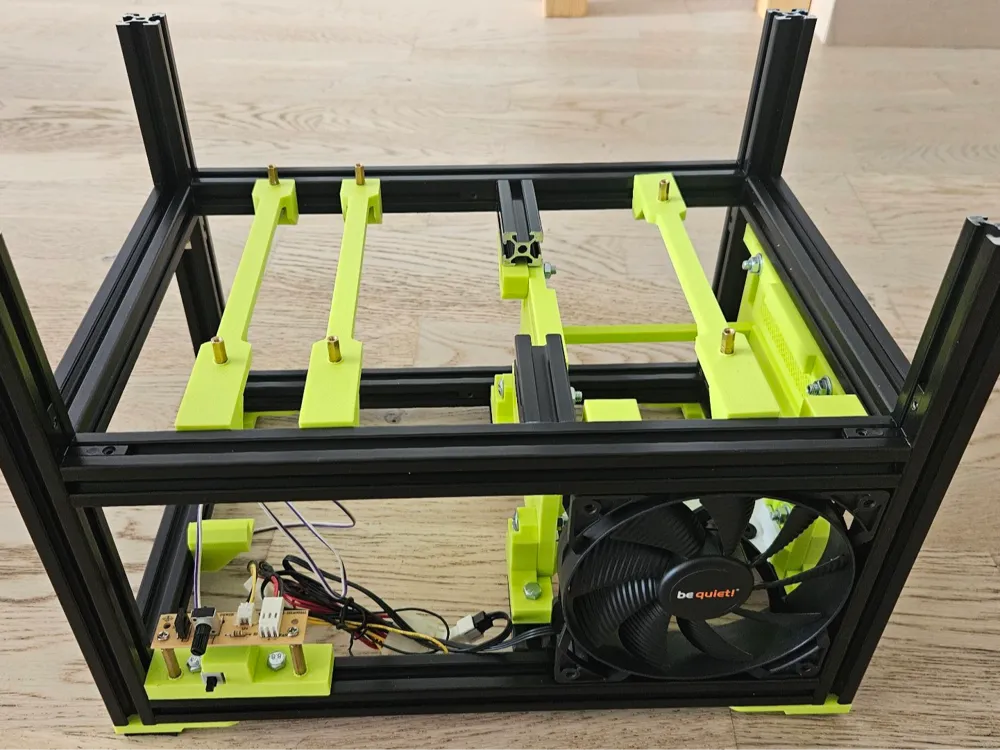
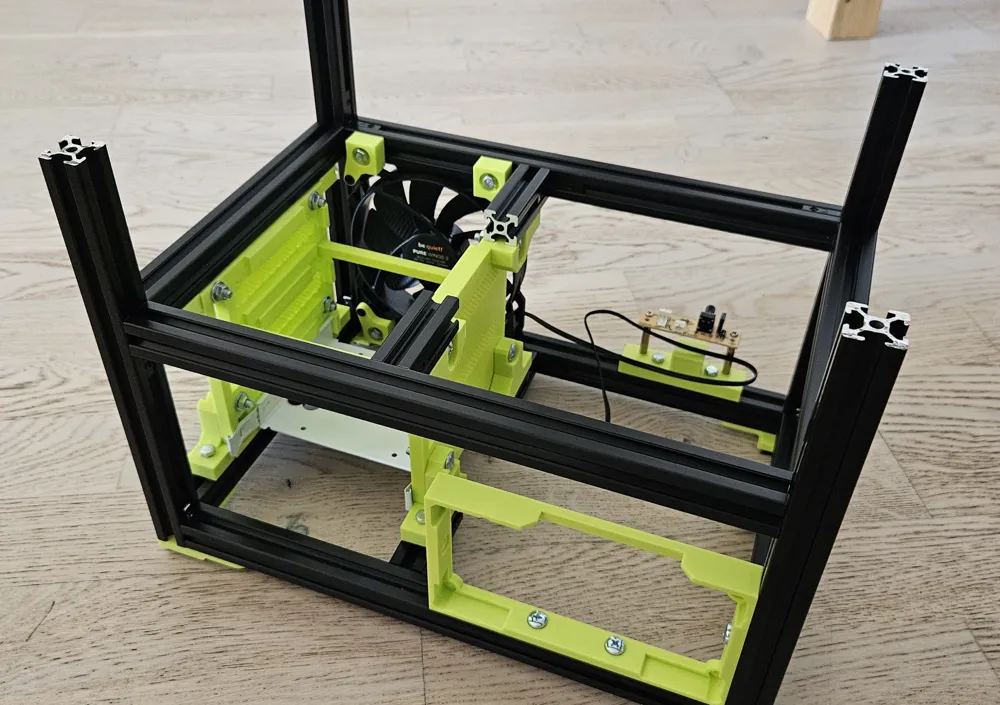
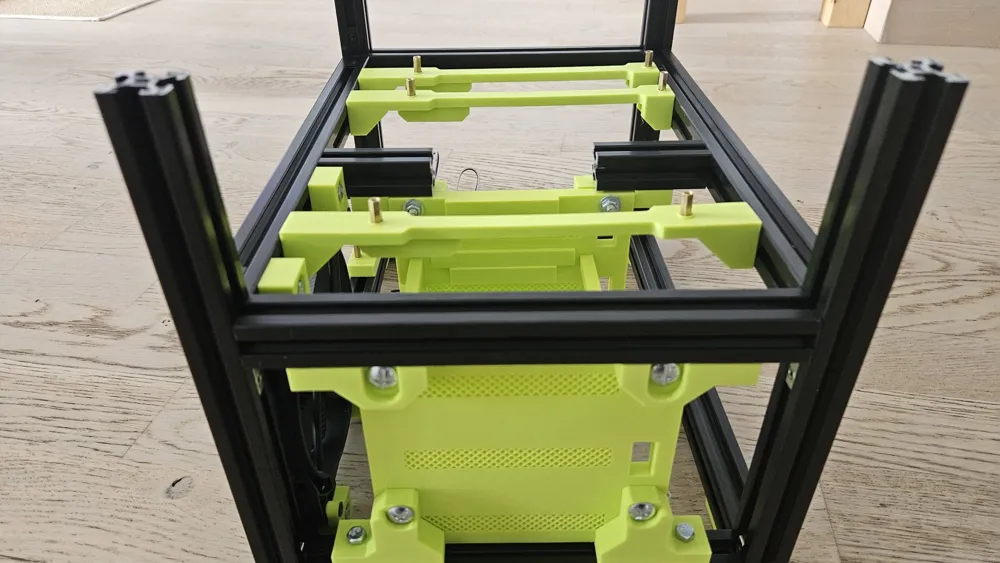
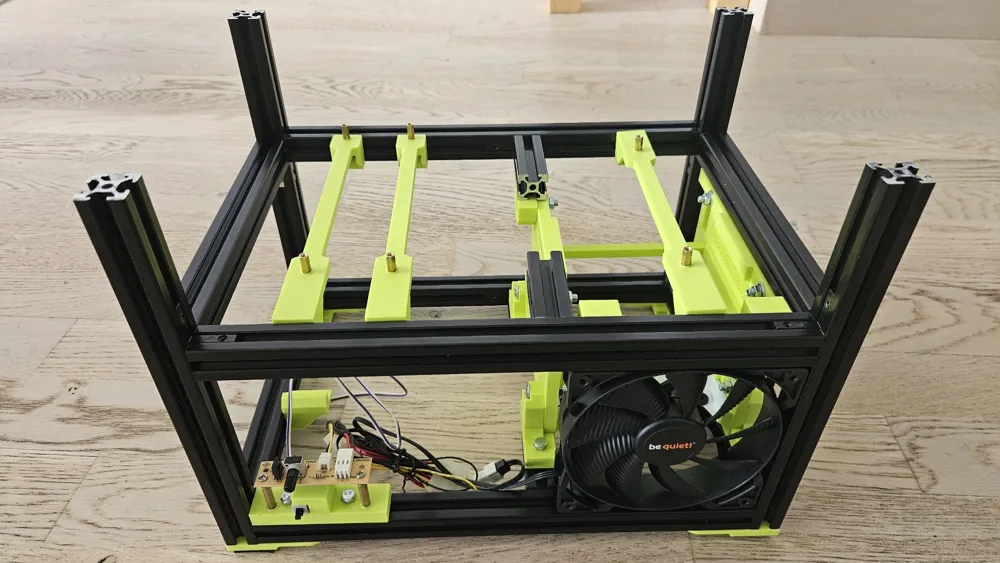
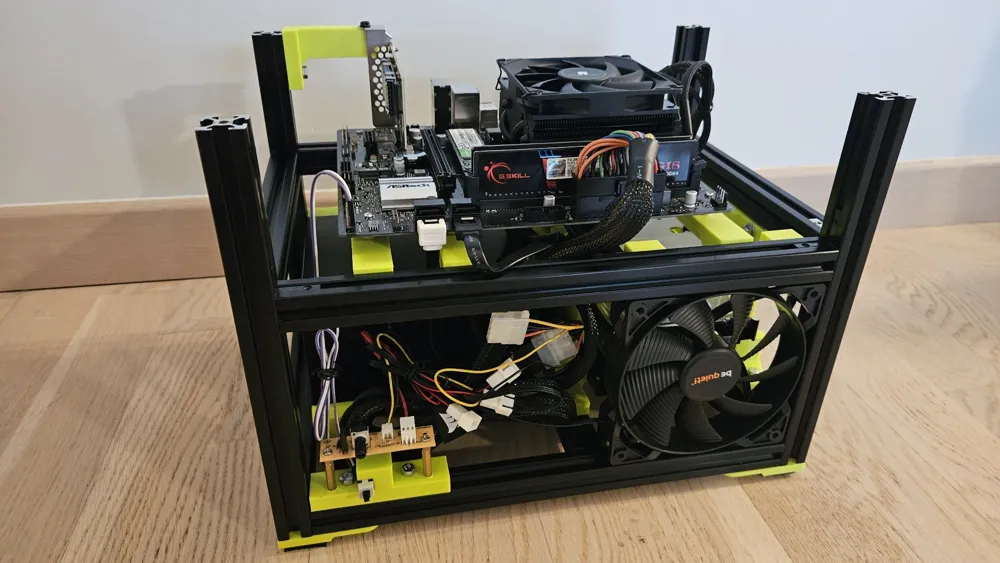
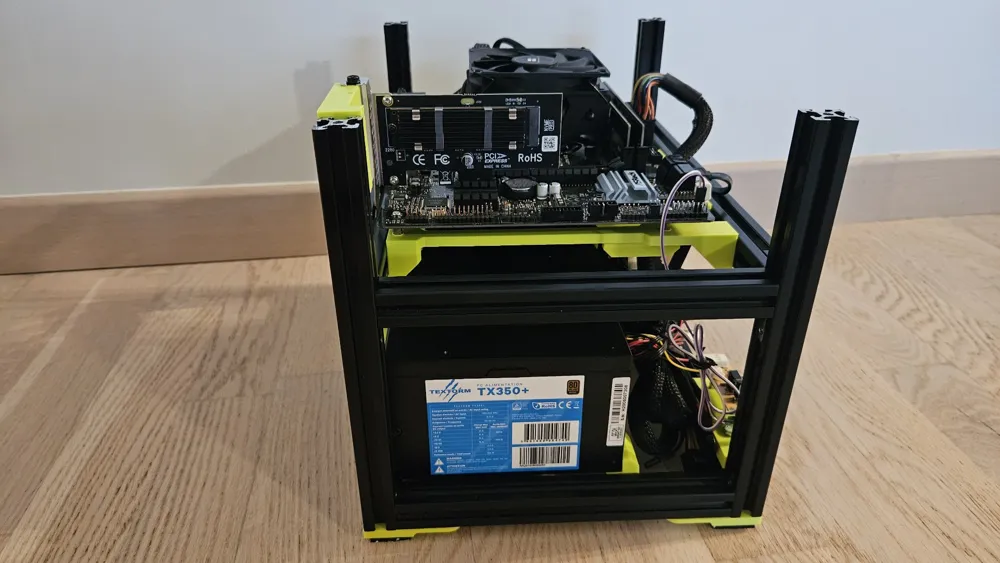
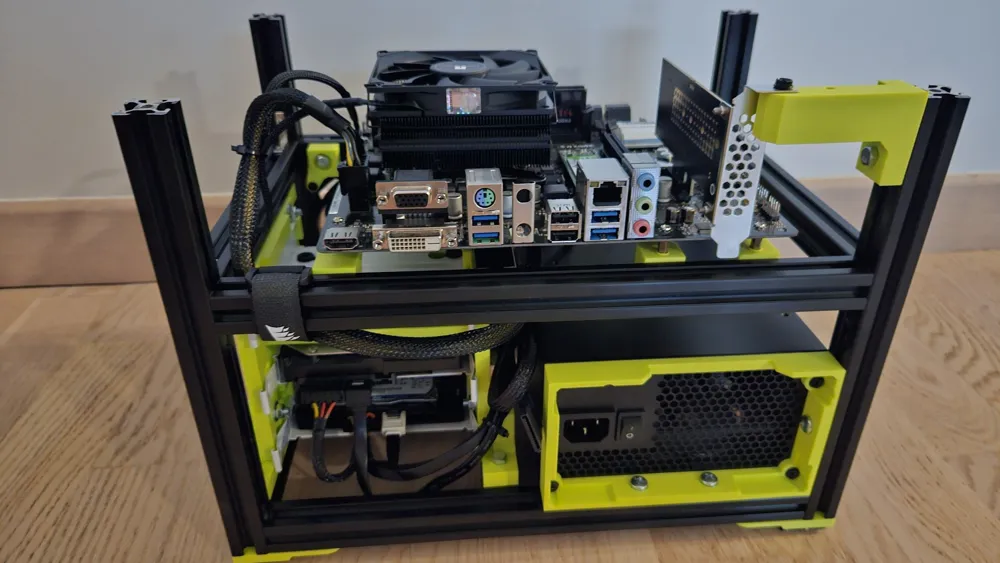
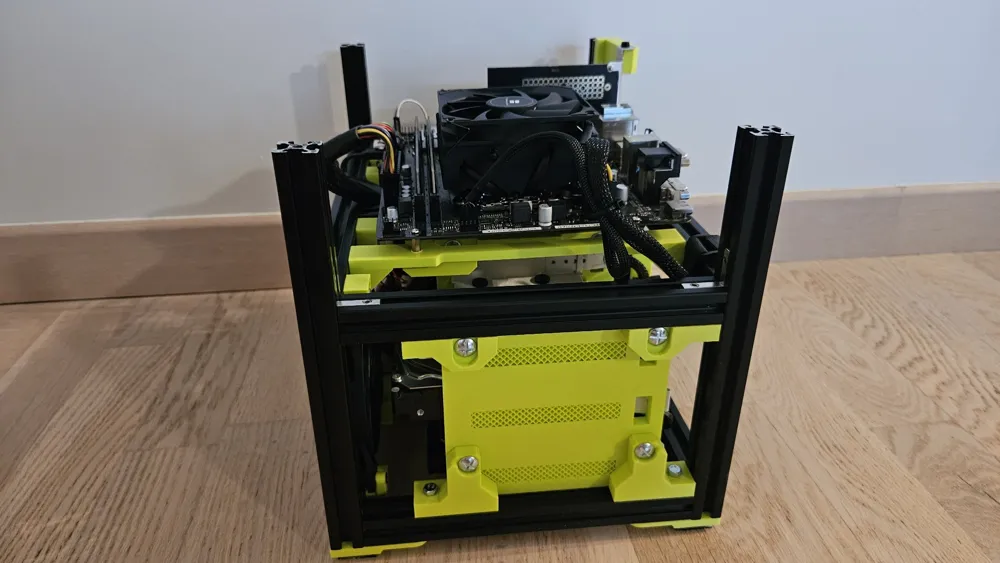
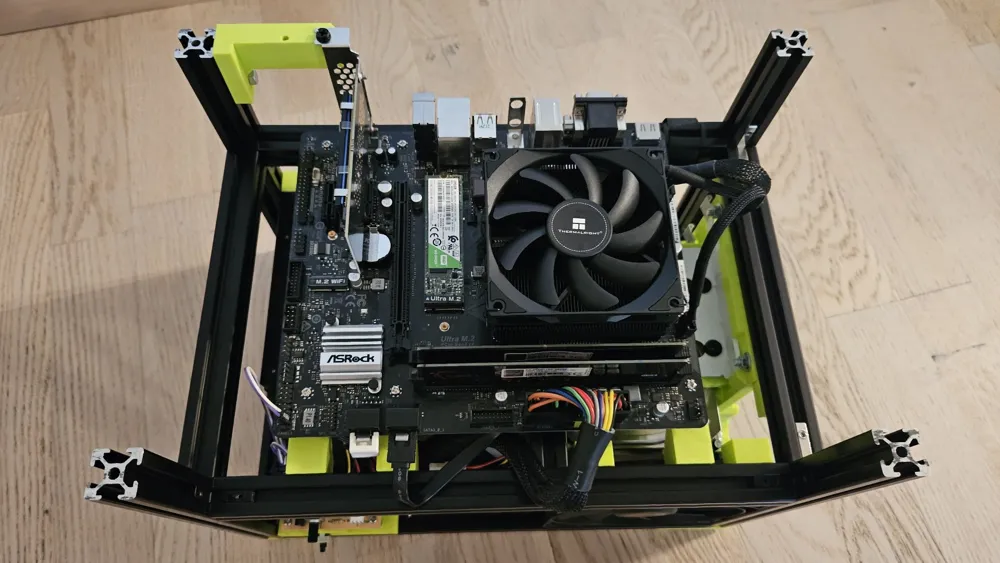
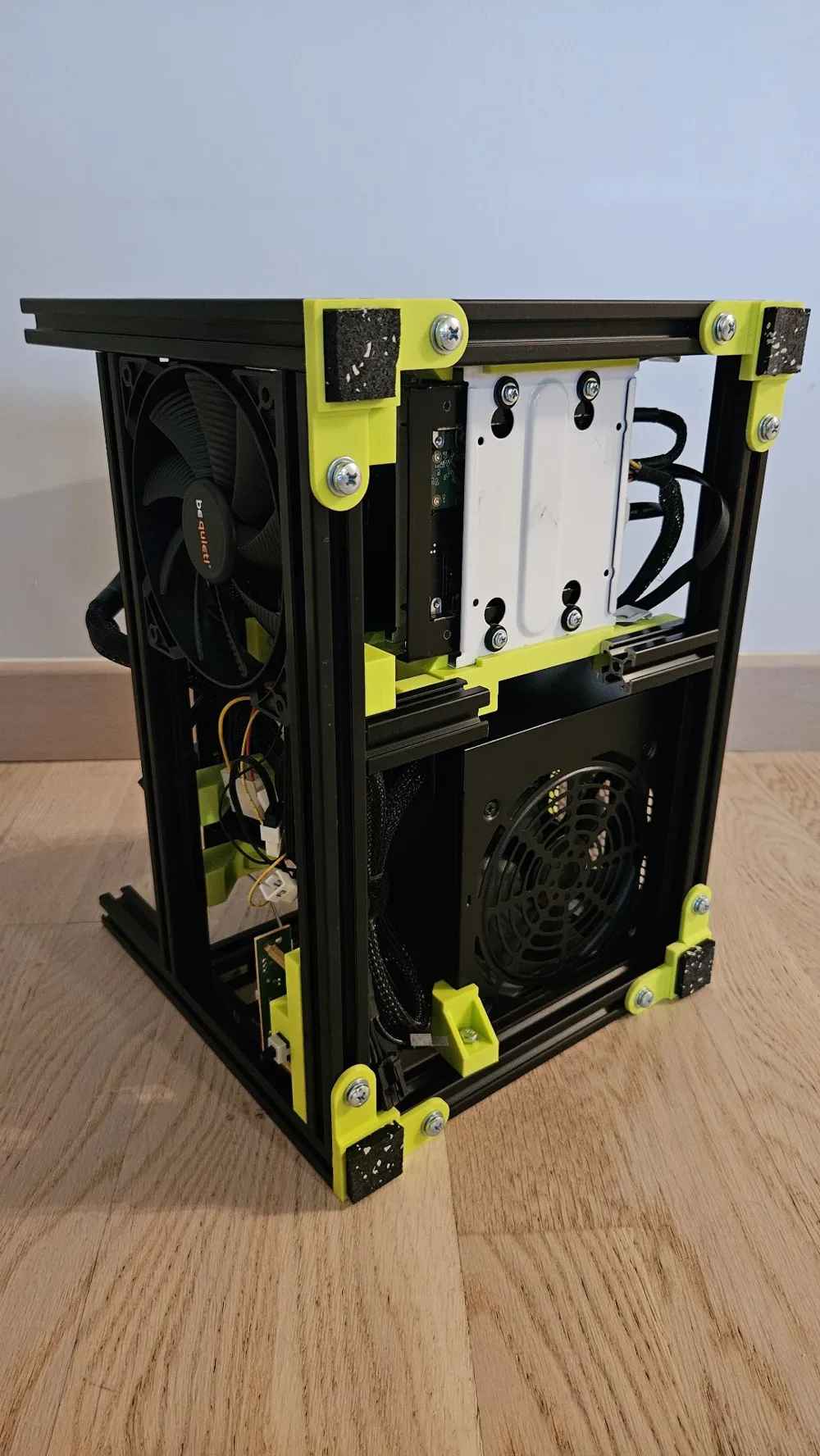
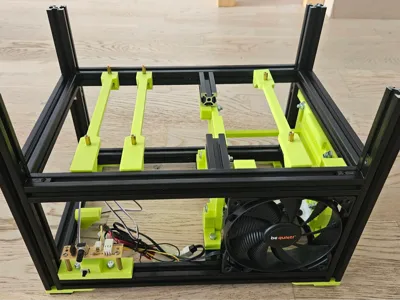
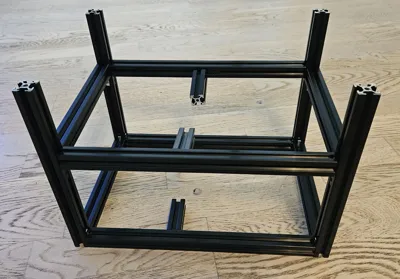
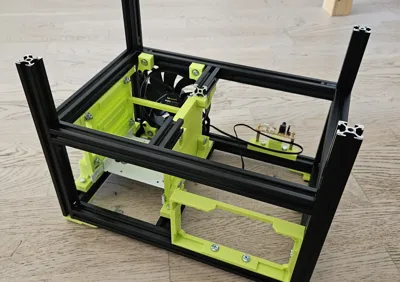
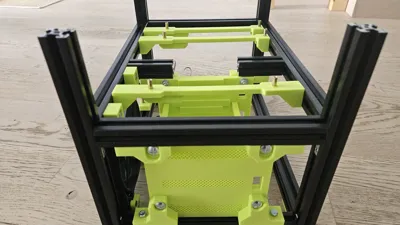
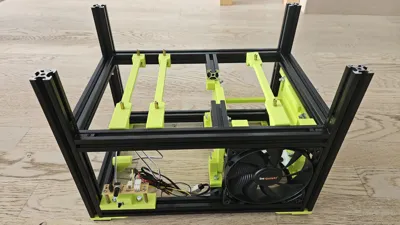
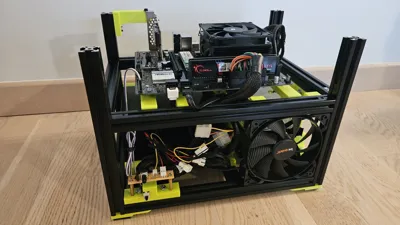
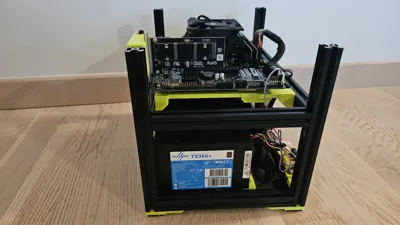
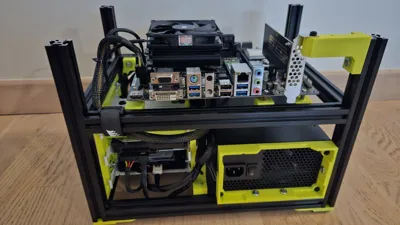
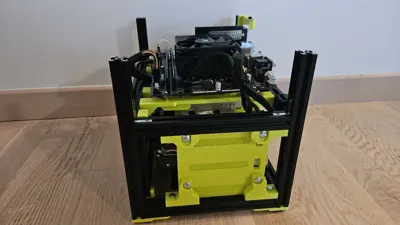
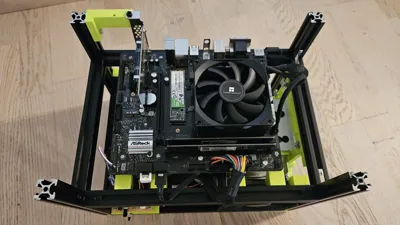
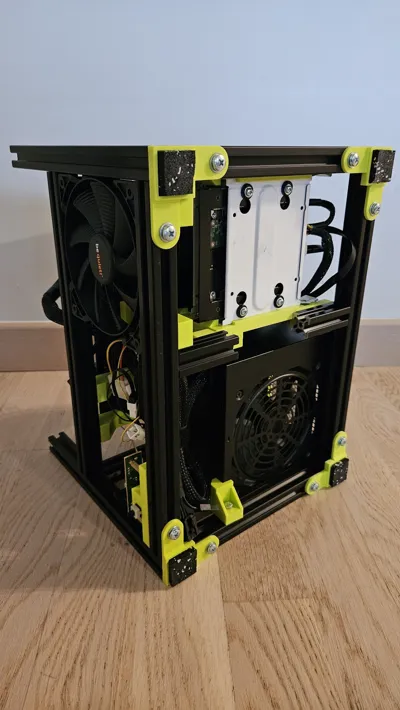
After searching for a long time for a compact micro ATX case (around 20 liters) that could take three 3.5" hard drives, a standard ATX power supply, and a low-profile PCI card, all with good ventilation, I settled on the idea of using 2020 aluminum profiles to limit the amount of PLA and have something sturdy.
Materials:
Aluminum profiles:
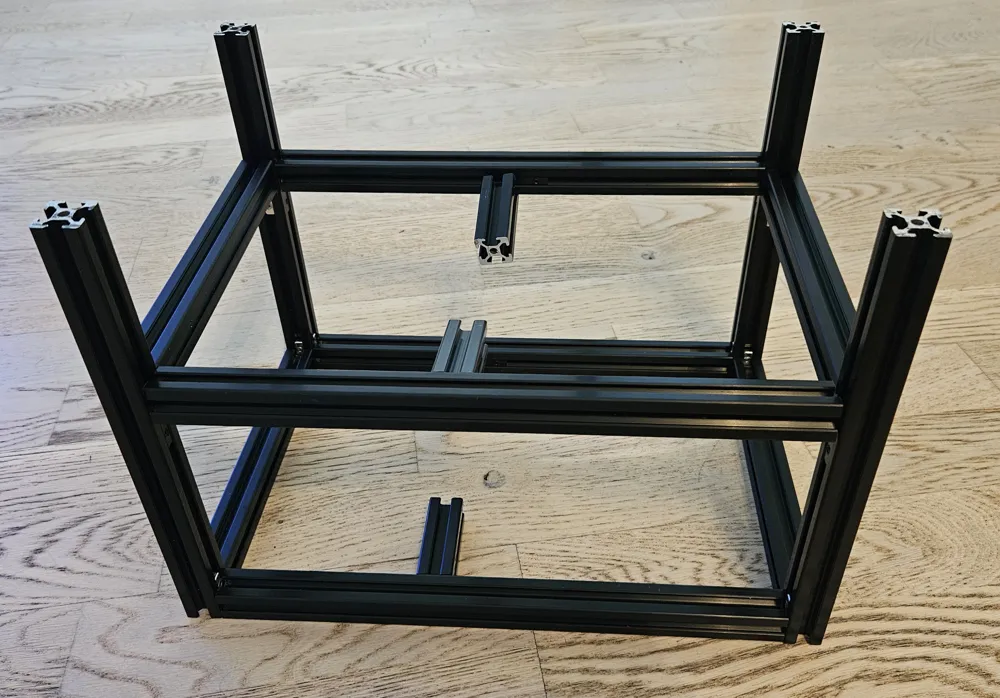
-4x 2020 200mm aluminum T-profiles
-8x 300mm 2020 aluminum T-profiles (4 used for the 300mm width, 4 cut to 240mm and the 60mm scraps reused to hold the HDD supports towards the center of the case)
-16x corner joints for aluminum T-profiles and nuts for profiles (may be supplied with the profiles)
Screws:
-screws: 4 M5x24 (connecting HDD plates to HDD brackets) 22 M5x15mm (21 if no PCI card), 3 M5x12 (for the back of the power supply support), 8 M5x10 (for the feet)
-16 M5 washers (8 for the feet, 8 for connecting the HDD plates to the HDD supports)
-6+2 M3 inserts (6 for the motherboard supports, 2 for the “front panel”)
-6+2 M3 spacers for the motherboard and front bracket (and 6+2 M3 screws)
-4 fan screws
Other:
-1 120mm fan
-3 recycled Fractal hard drive drawers
-scraps of elastomer garage tiles to stick under the feet (TPU works too)
-463g of PLA
Budget: For the profiles and corner joints, €65 on Amazon. The rest is recycled or hardware.
Designed to leave all the outer sides of the profiles free so that the case can later be closed.
Note 1: Behind the micro ATX standard, there are actually different sizes (it would appear to be 2 RAM slots, 188 mm deep, 4 slots 244 mm). My motherboard is an ASRock H470M, which is a “compact” micro ATX. So if you have a full-size micro ATX motherboard, the length of the profiles will need to be adjusted, otherwise they may stick out :)
Note 2: Think carefully about where to place the corner joints so that there is enough space when attaching elements close to the edges (fan supports, HDD supports, etc.), otherwise you will have to dismantle it again.
Note 3: depending on the PLA chosen, you may need to re-drill the M5 holes in the brackets so that the screws screw only into the nuts (and not into the PLA). I did some tests with Bambu MATTE PLA, and there was no need to re-drill.
Printing details:
On P1S, default strength profile with some supports (maybe standard profile is enough)
PLA used: Bambu basic light green
License



Comment & Rating (3)