
Our Adventure Book Box - Up Movie
Print Profile(1)

Description
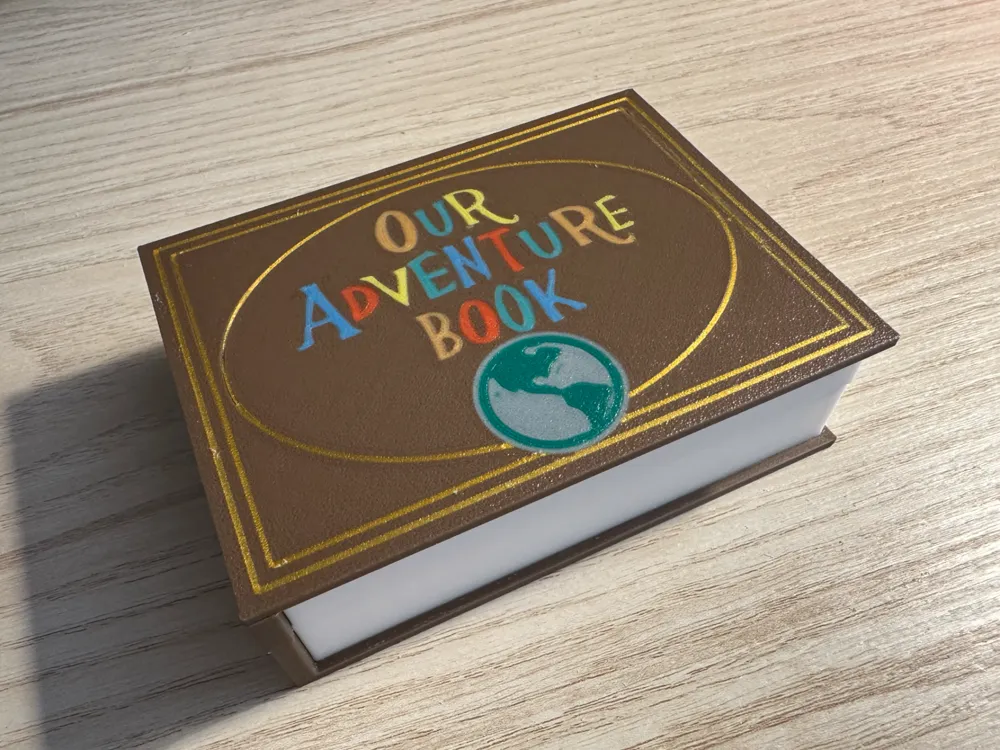

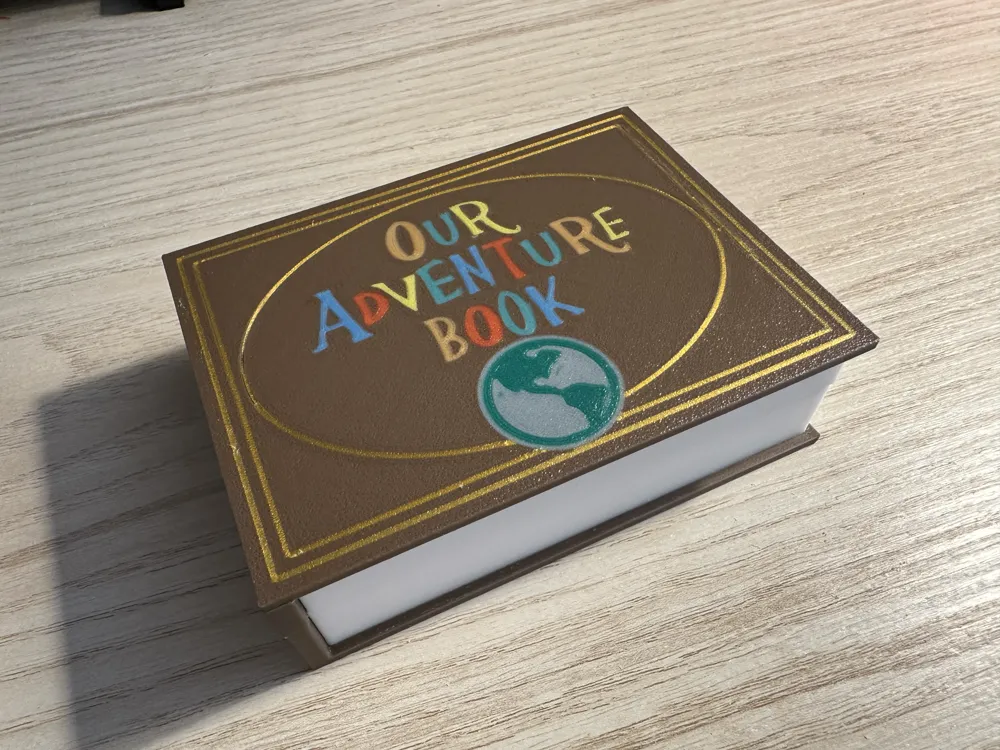
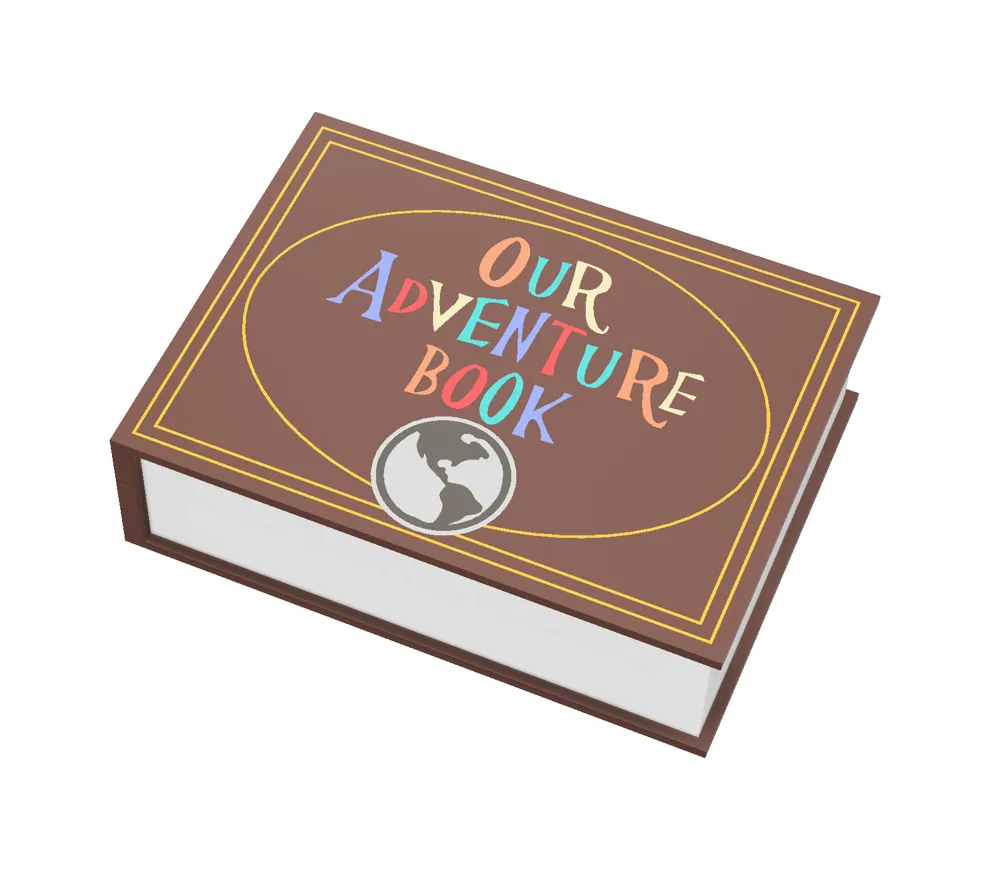
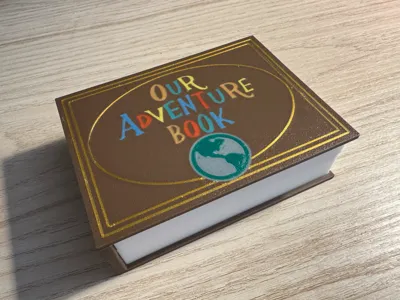
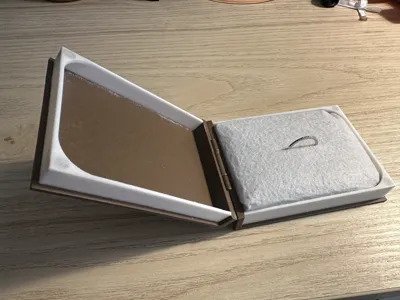
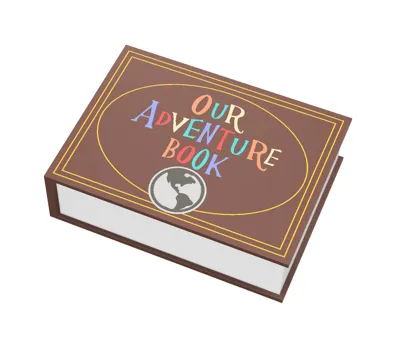
A few months ago, one of my best friends asked me to help him design a box in the shape of the book from the movie Up, Our Book of Adventures.
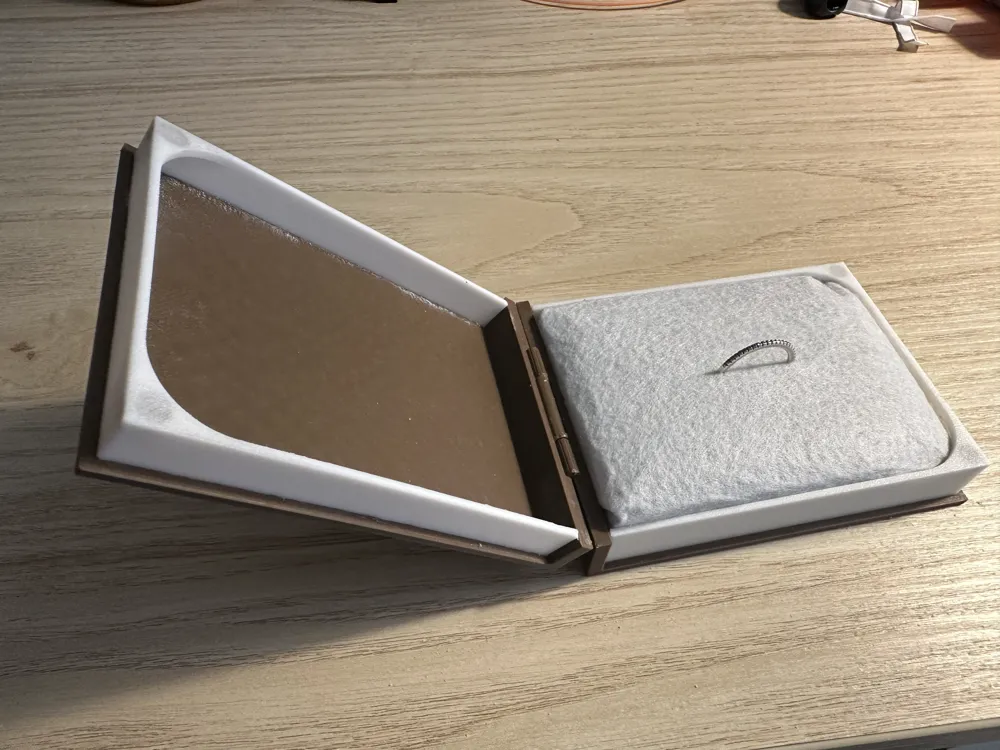
The goal was to put a ring inside to propose to his girlfriend on a trip they had planned.
Spoiler Alert: Mission accomplished!
Nothing could have made me happier than being able to be part of such an important moment in his life in the way I could, given that for various reasons I had to move to another country and live more than 10,000 km away.
I wish they all the best.
The model also features holes in the sheet file where you can pause printing at 1.5 mm height and insert magnets to make the book close perfectly, even improving the feel and experience when opening and closing the cover. This also increases security when storing items inside and prevents the box from suddenly opening.
You need to glue the pages to the book covers. I use high-quality cyanoacrylate so it doesn't bleach the material.
------------------------------------------------------------------------------------------------------------
About the process and Print Profile:
There are 2 ways to print the file.
- with AMS: there are to many different colors, so you have to make the correct changes on your/s AMS.
- No AMS: if you are just like me, and you don't have an AMS yet, you have to use this plate. The process is simple but a bit manual, you have to:
- chose the position of all objects and never change it again during the process (make sure that you choose a position where the nozzle does not touch the build plate during the start up process),
- for each of the colors that you want to use, you're going to have to do a “new” print, without removing the previously printed objects:
- enable each of the same color objects to print (eg all the parts that you want to be yellow) and disable the rest of the colors (Process > objects > No AMS Plate > check/uncheck given the color). Print that,
- when that print ends, manually set up the build plate temperature to prevent the print from ungluing from the plate,
- remove everything that got printed on the startup process except the actual crest objects (eg: skirt, nozzle cleaning line, etc),
- enable a new set of objects of the same colors (and disable the one you just printed) and change the external spool in your 3d printer to that new color you're going to print, eg blue.
- repeat the process with all the colors, make sure that the last one is the background one, in this printed example the last one would be brown.
- NEVER EVER THINK ABOUT TOUCHING OR REMOVING THE BUILD PLATE UNTIL YOU PRINT ALL COLORS!!!
- Enjoy your multi-color print without AMS!
If any of the small parts get unglued, don't get discouraged! you can choose only that object in a new print and re print just that, without needing to start over!
I know it's a pretty laborious process and seems hard at first, but feel free to reach out if you have any questions! Once you get the hang of it, it becomes easier and makes your prints more versatile!
If you liked this print and process, follow my profile to find out more about my designs. And if you loved it, you can help me out with a boost or a like, that helps me to continue to develop designs like this one :)
Boost Me (for free)
If you like my work, consider a free help boosting my models 😄
License

You shall not share, sub-license, sell, rent, host, transfer, or distribute in any way the digital or 3D printed versions of this object, nor any other derivative work of this object in its digital or physical format (including - but not limited to - remixes of this object, and hosting on other digital platforms). The objects may not be used without permission in any way whatsoever in which you charge money, or collect fees.


Comment & Rating (8)