
JLC PCB Box Drawer
Print Profile(1)

Description
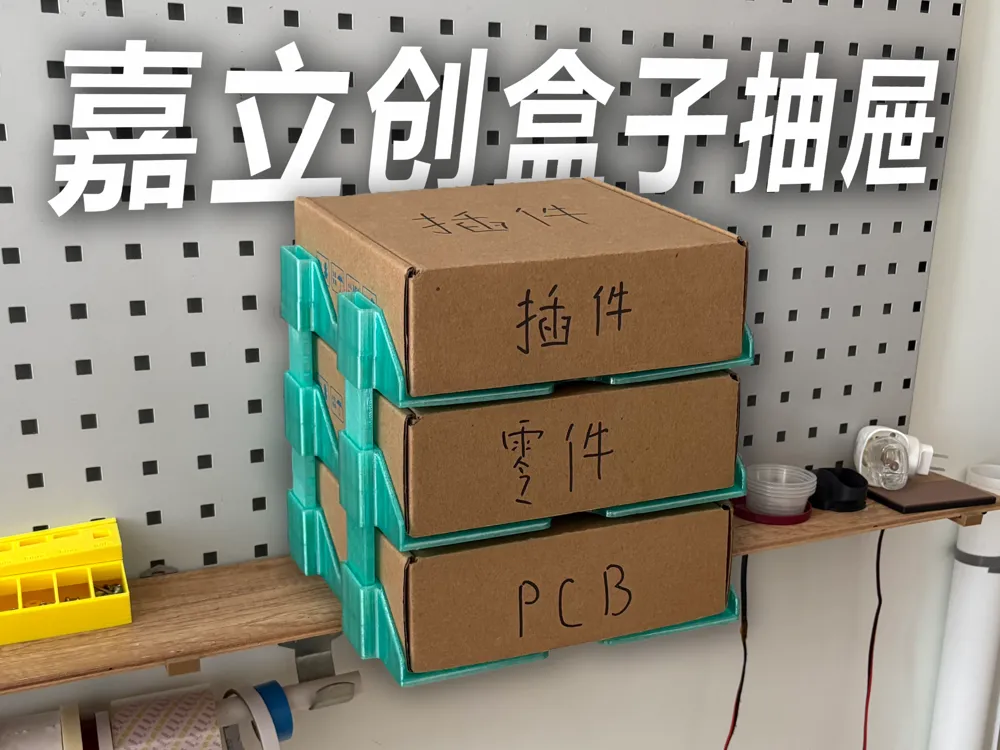
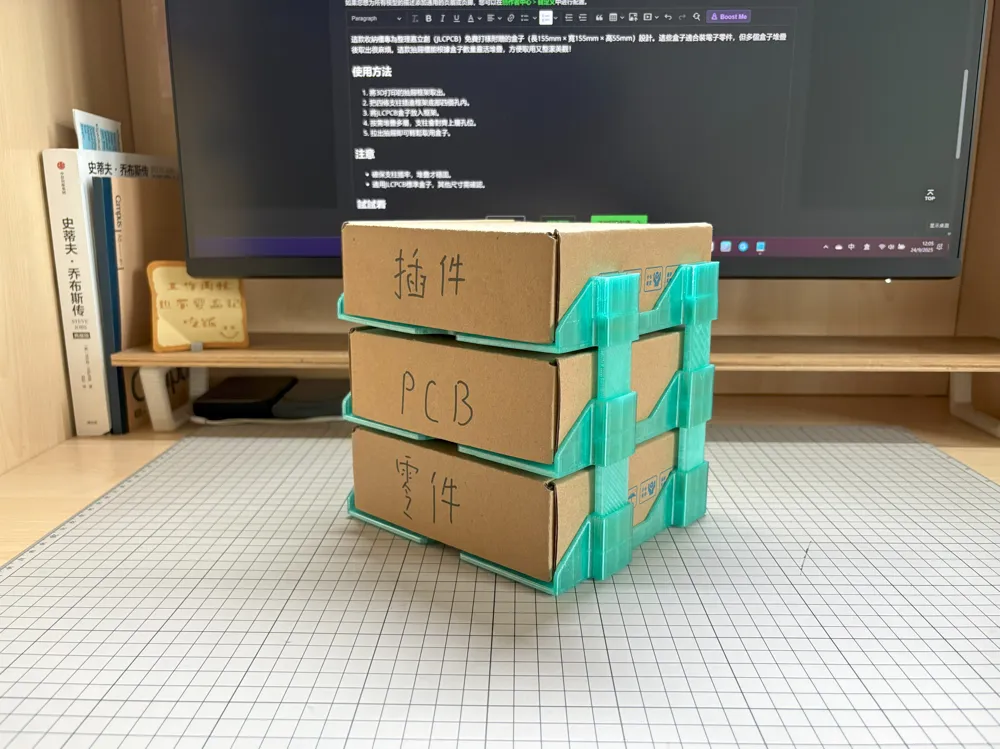
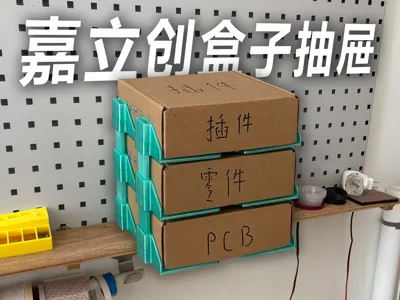
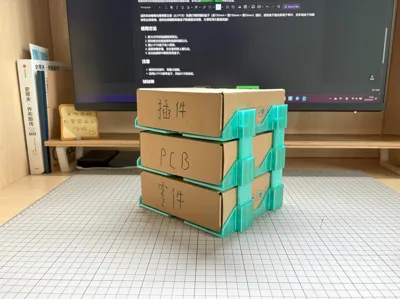
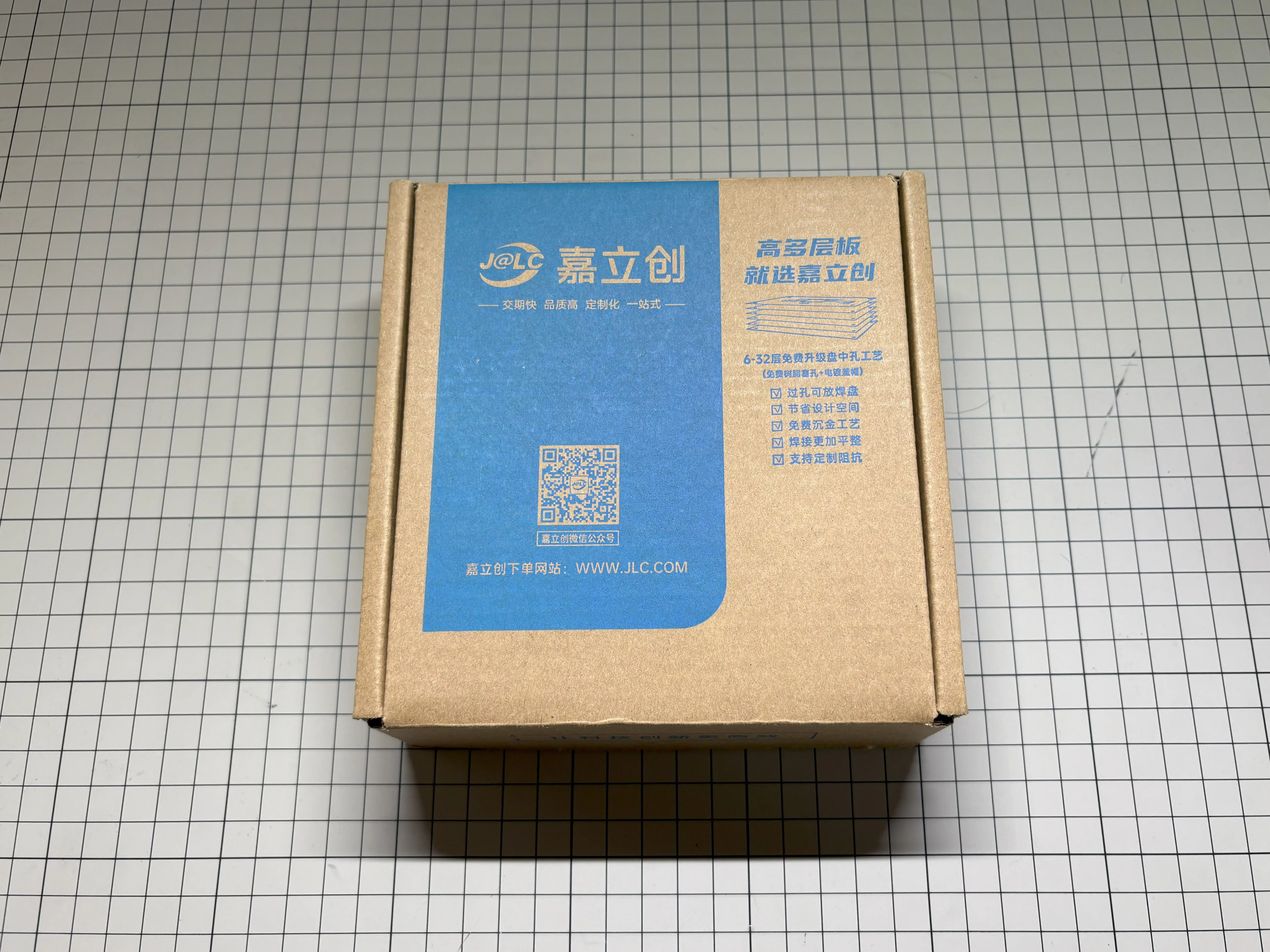
This organizer is specifically designed for the boxes (L155mm × W155mm × H55mm) included with JLCPCB's free PCB samples. These boxes are suitable for electronic components, but retrieving items from stacked boxes can be cumbersome. This drawer unit can be flexibly stacked according to the number of boxes, making them easy to access and keeping things neat and beautiful!
How to Use
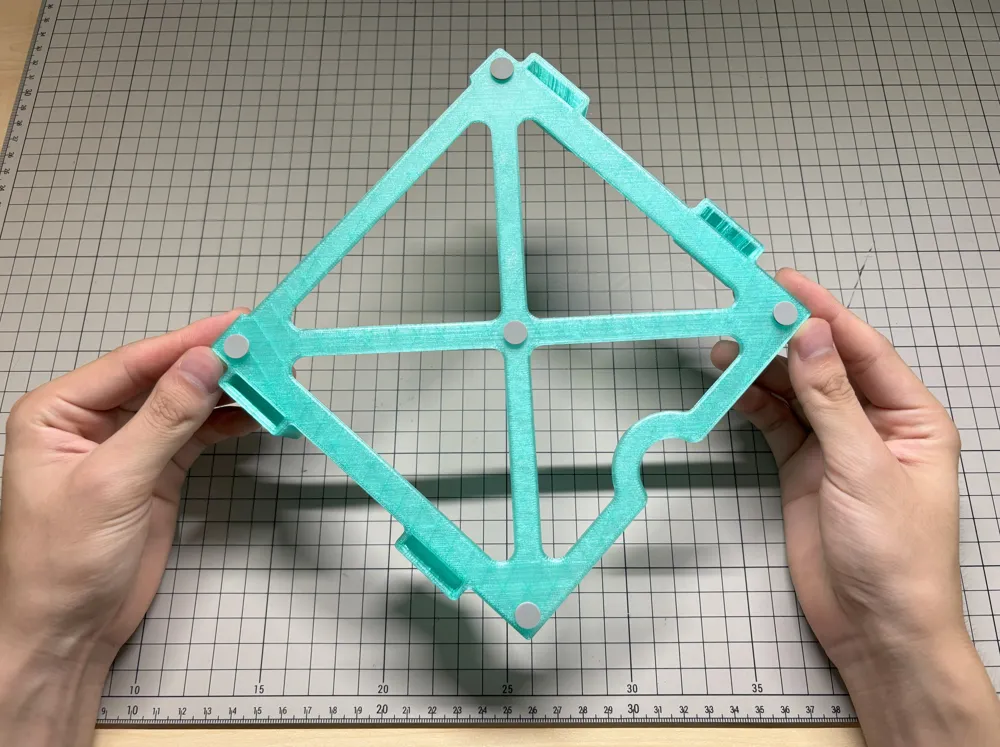
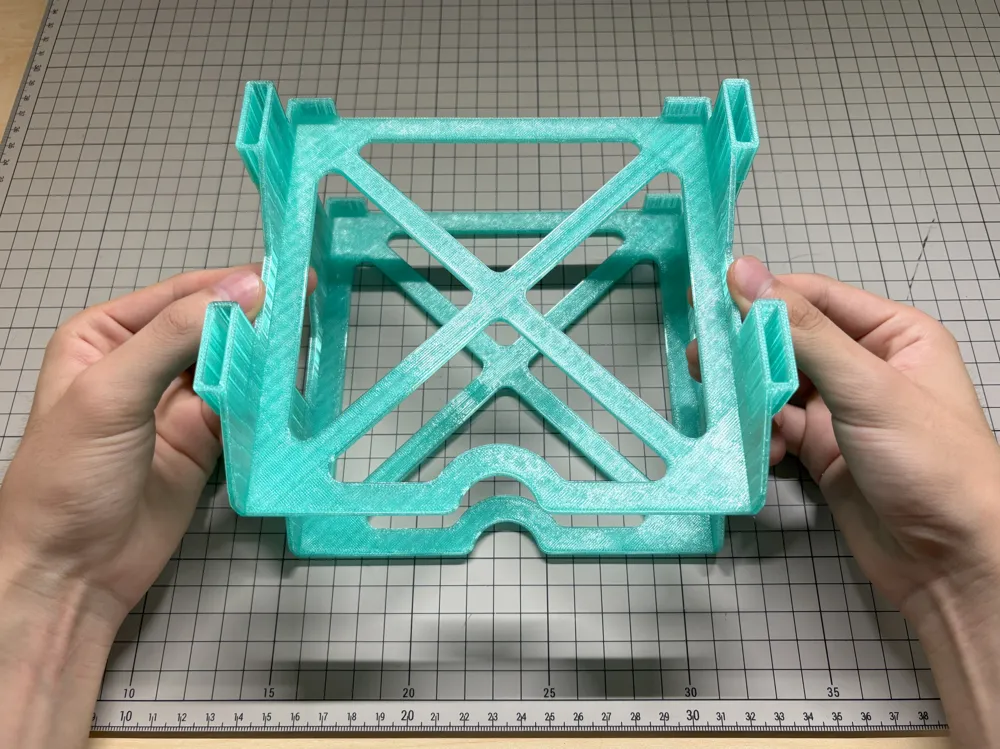
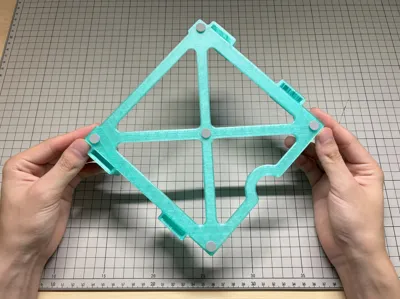
- Take out the 3D printed drawer frame.
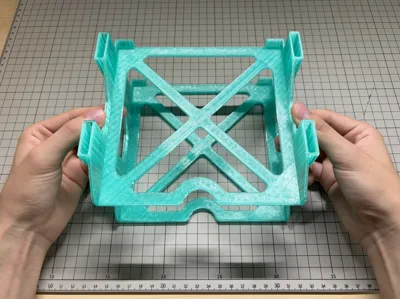
- Insert the four pillars into the four holes at the bottom of the frame.
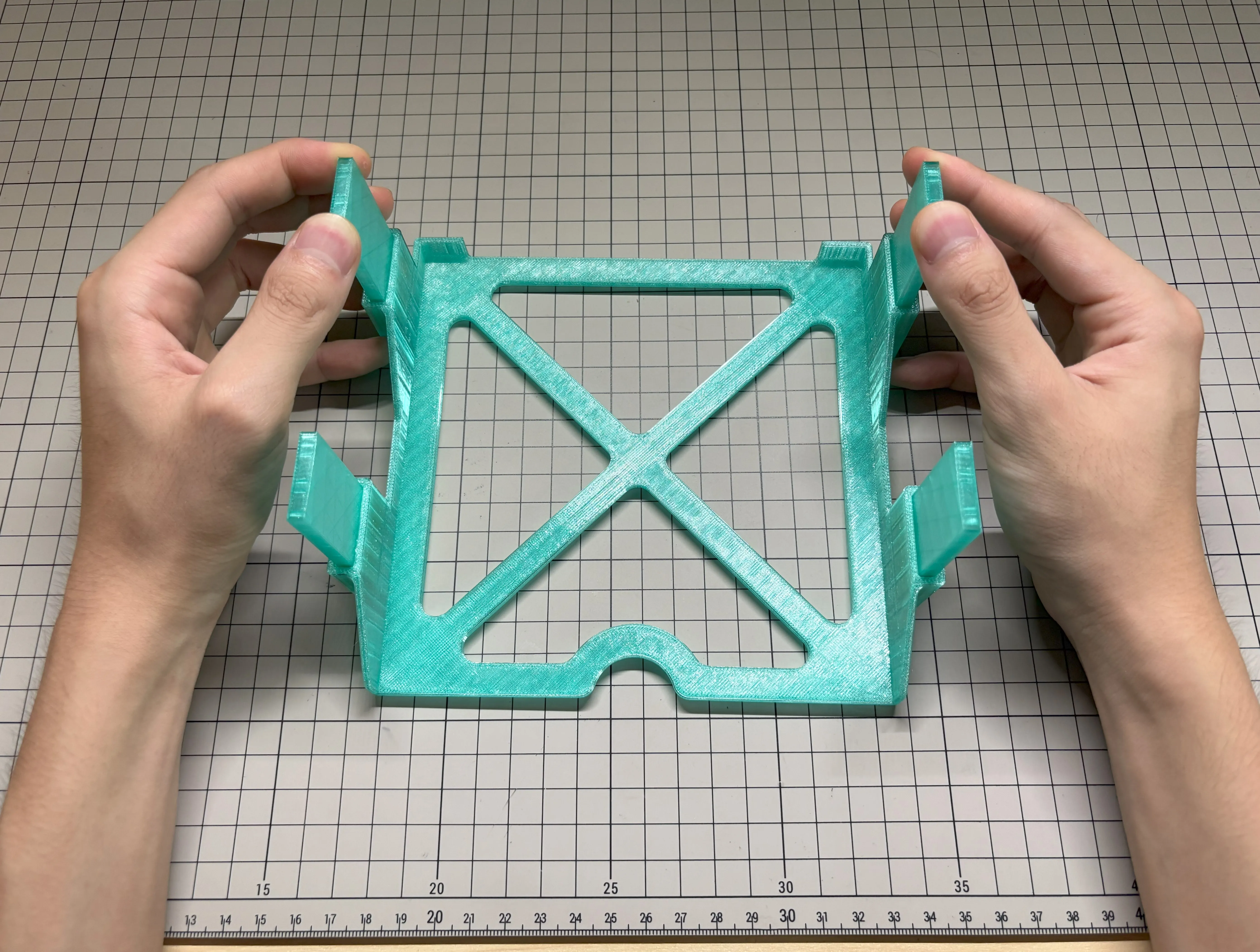
- Stack multiple layers as needed; the pillars will align with the holes of the upper layer.
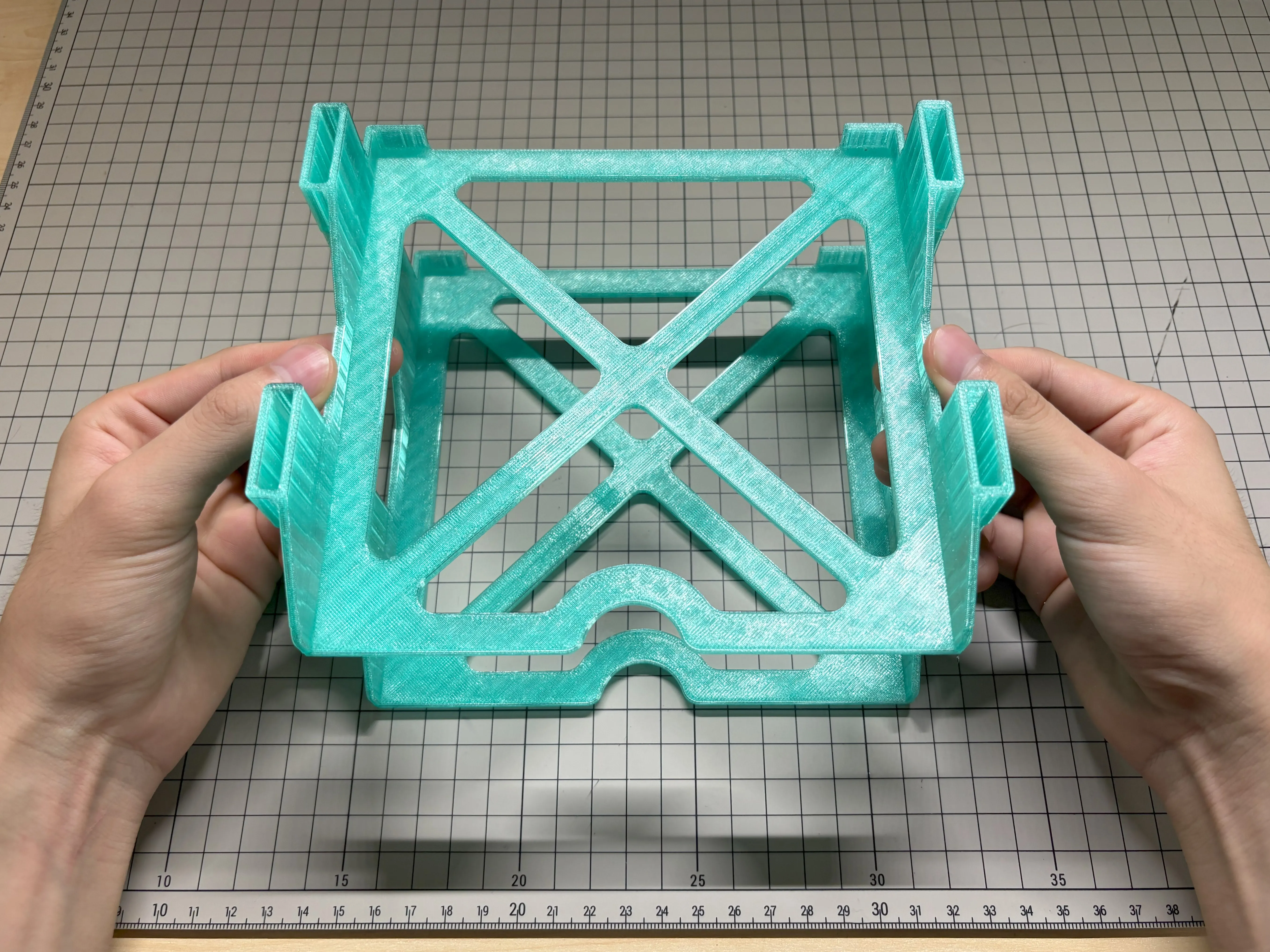
- Pull out the drawer to easily access the boxes.
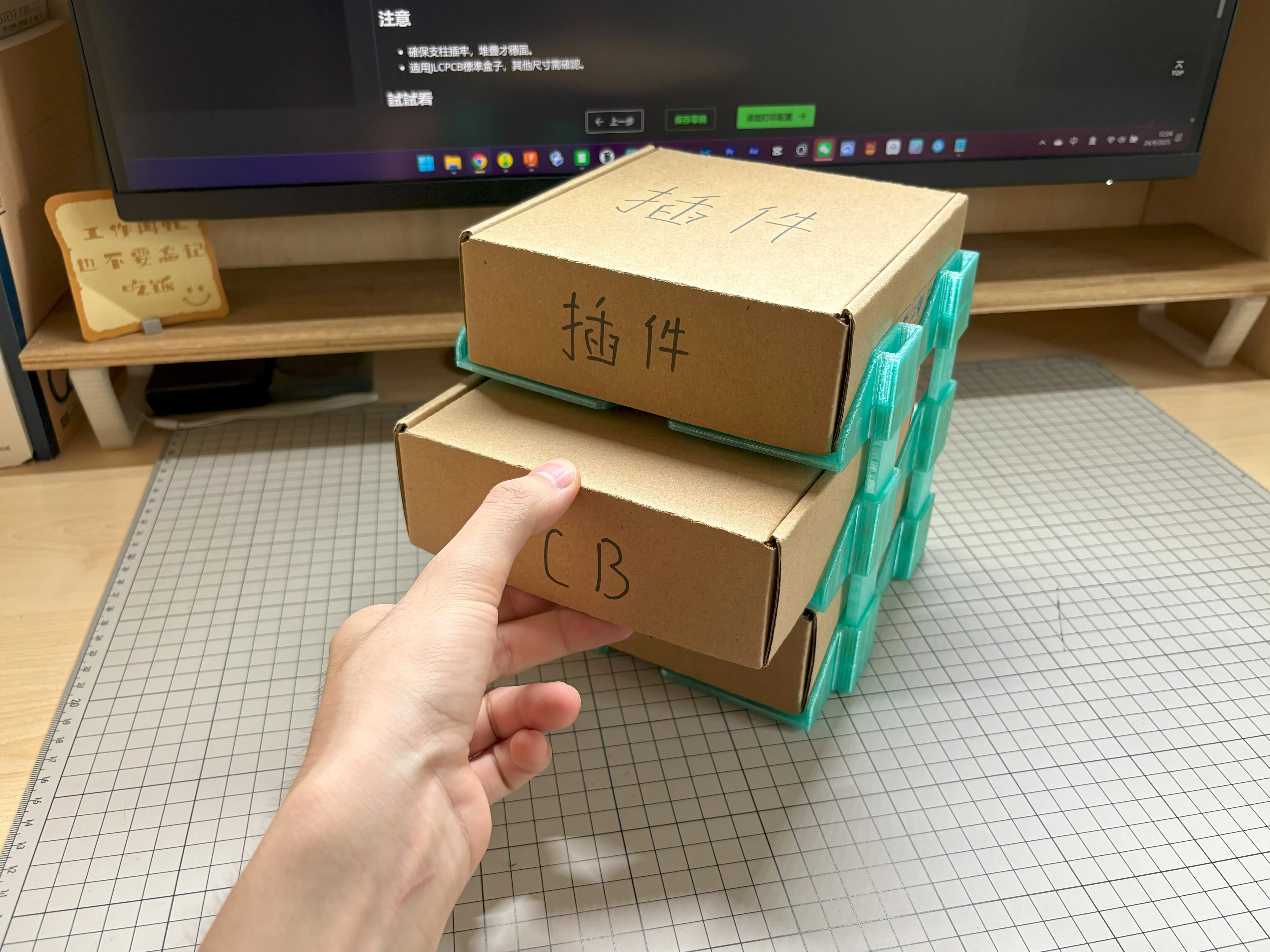
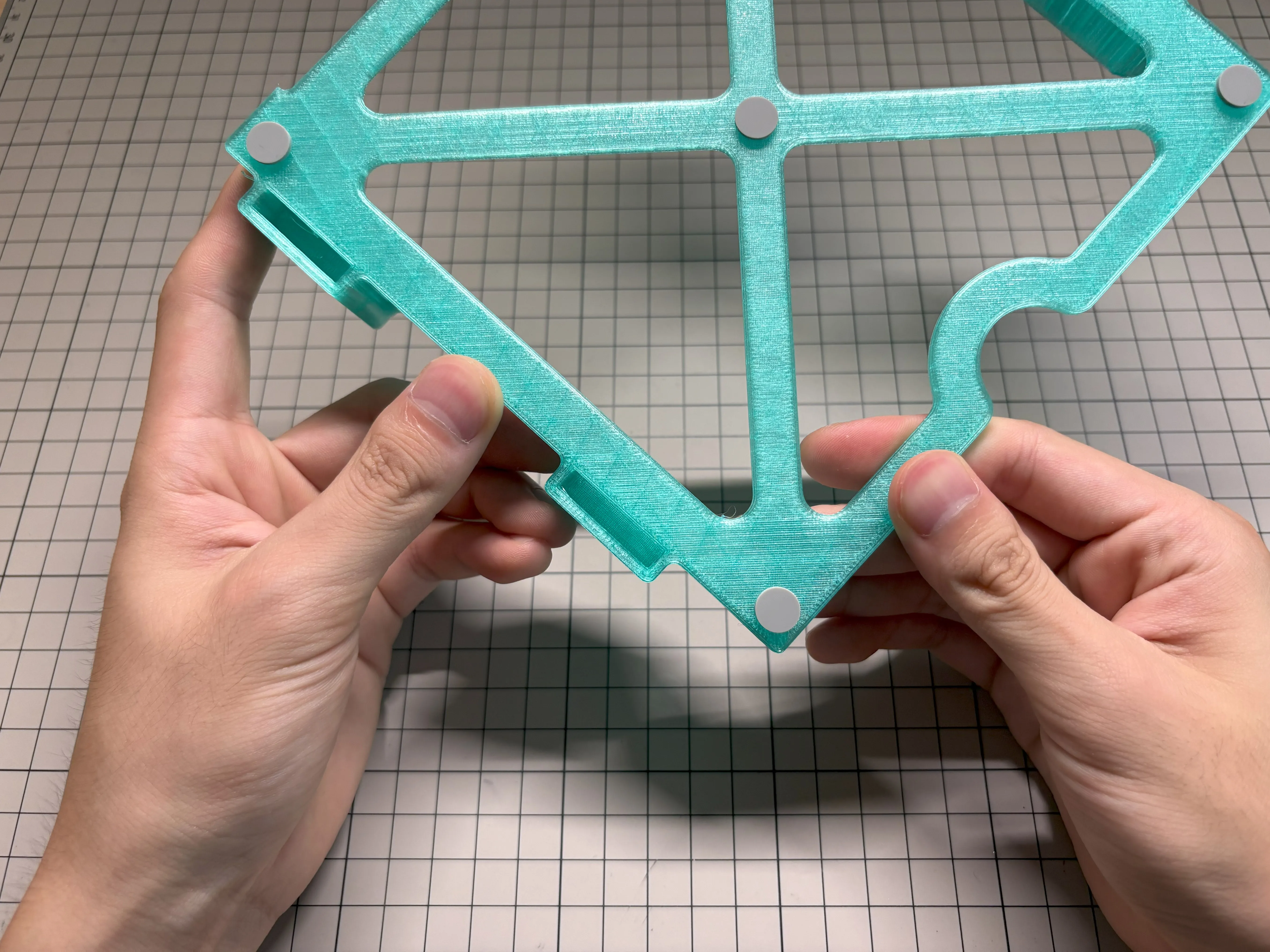
- You can also add non-slip pads to the bottom for more convenience during use.
Note
- Ensure the pillars are firmly inserted for stable stacking.
- Suitable for standard JLCPCB boxes; other sizes need to be confirmed.
Summary
Simple and practical, keeping your boxes organized! Create your storage unit! Feel free to leave a comment if you have any questions!
License

You shall not share, sub-license, sell, rent, host, transfer, or distribute in any way the digital or 3D printed versions of this object, nor any other derivative work of this object in its digital or physical format (including - but not limited to - remixes of this object, and hosting on other digital platforms). The objects may not be used without permission in any way whatsoever in which you charge money, or collect fees.


Comment & Rating (0)