
ClippyTAG: PLA Wood - Filament Clip Tag
Print Profile(1)
Bill of Materials












Description
==> !! Other materials and colors will be available VERY SOON !! <==
Anyone using 3D printers knows the struggle of managing multiple spools of filament: PLA, PETG, ABS, ASA, support materials, and various colors. Keeping them organized and easily identifiable can be a challenge.
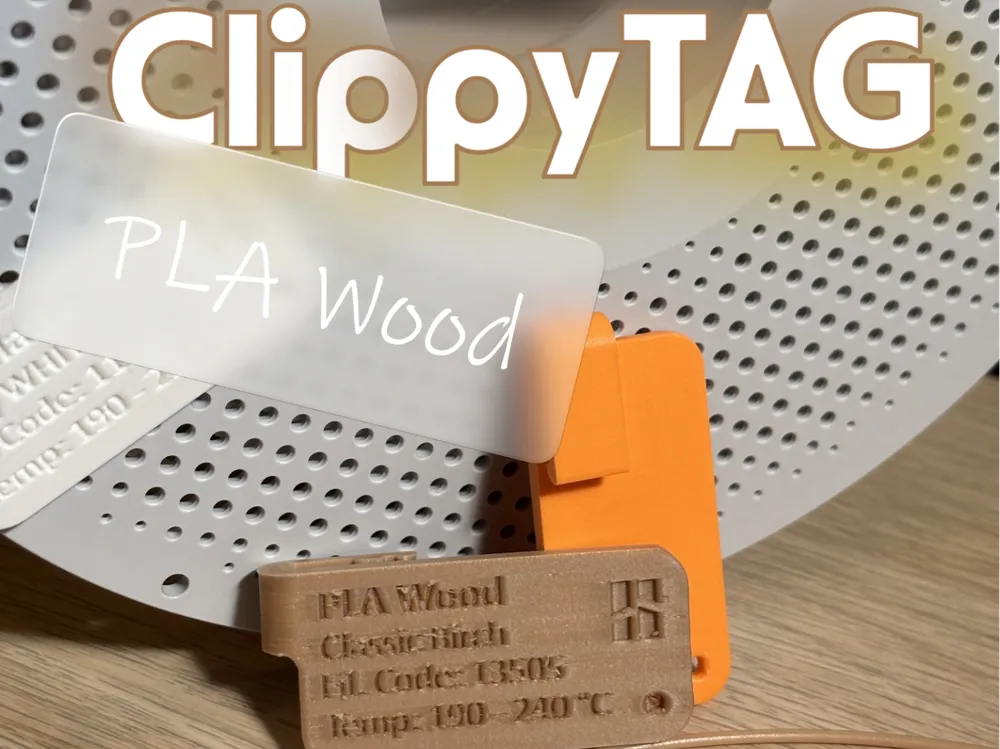
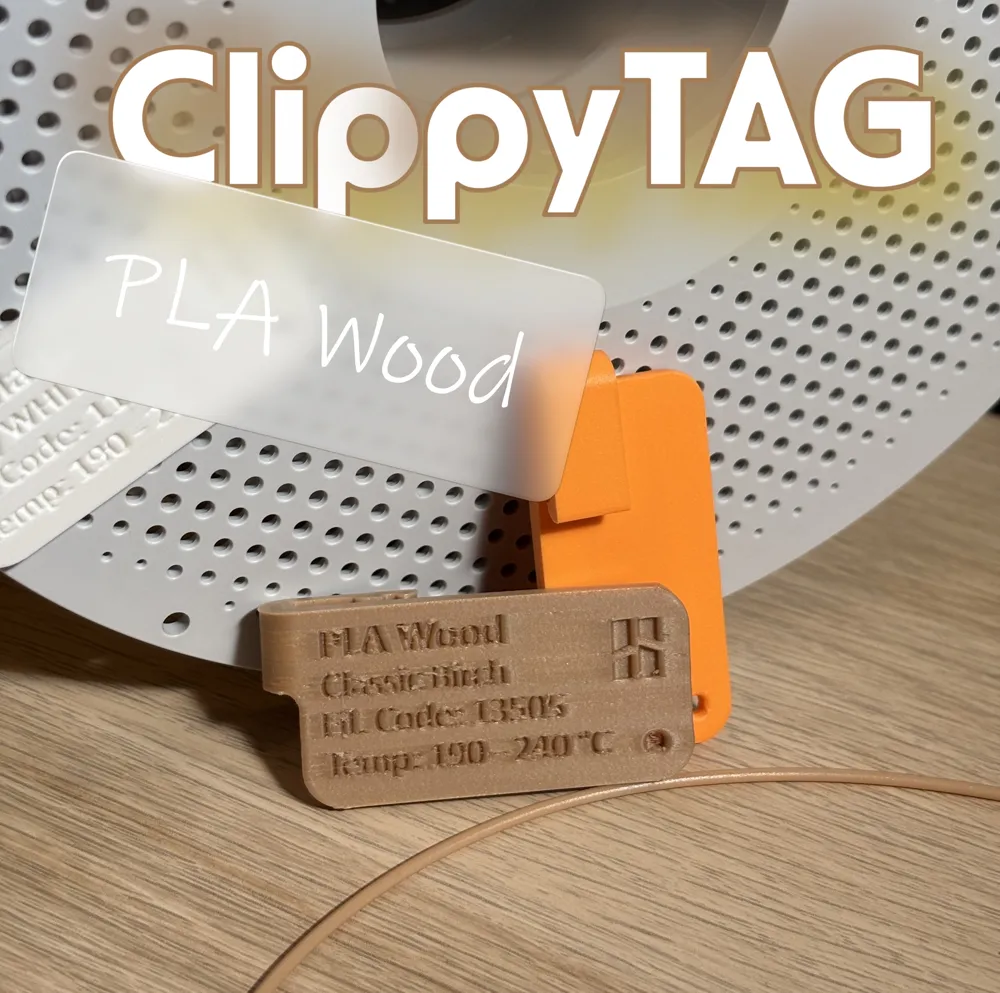
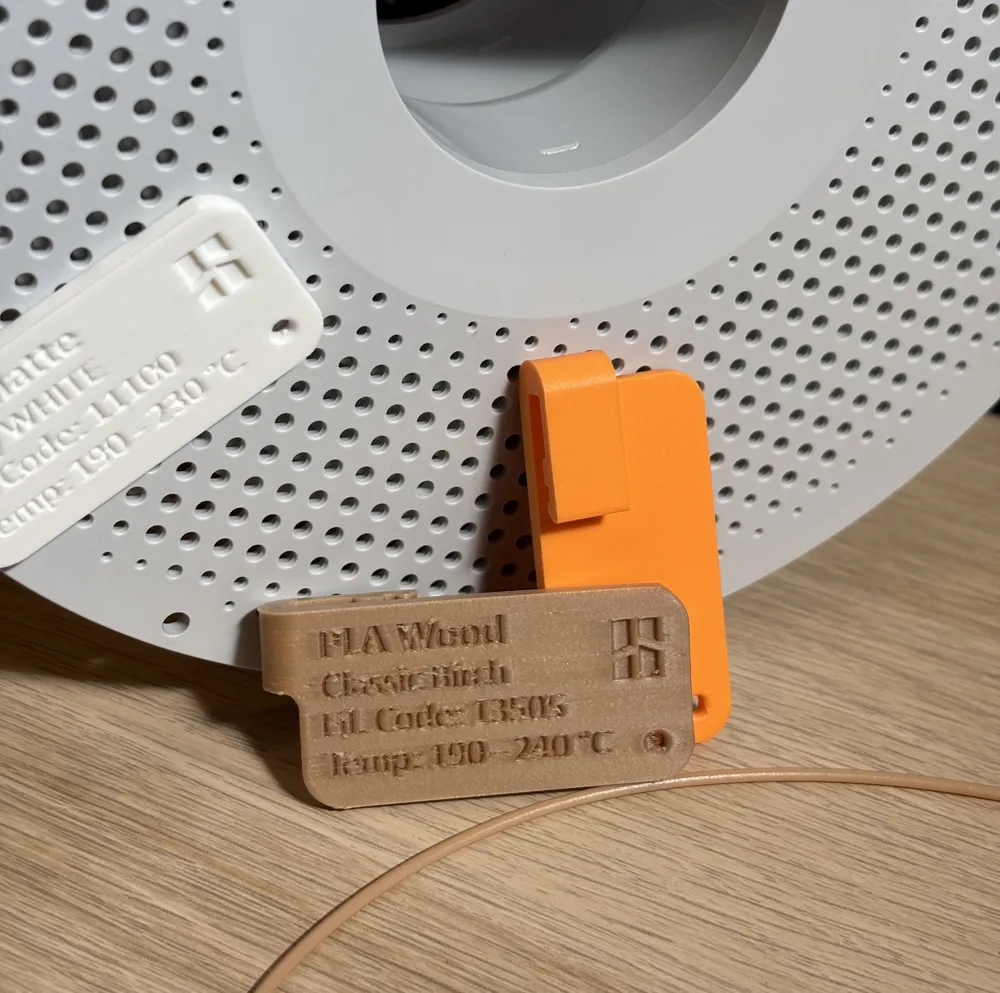
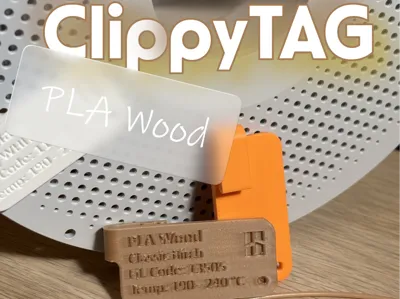
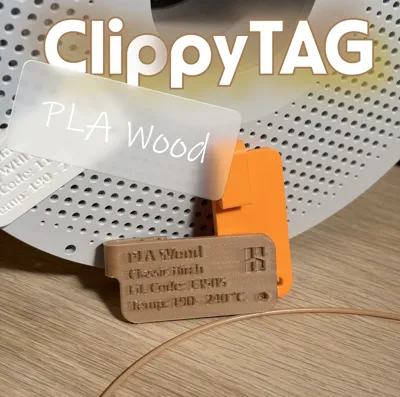
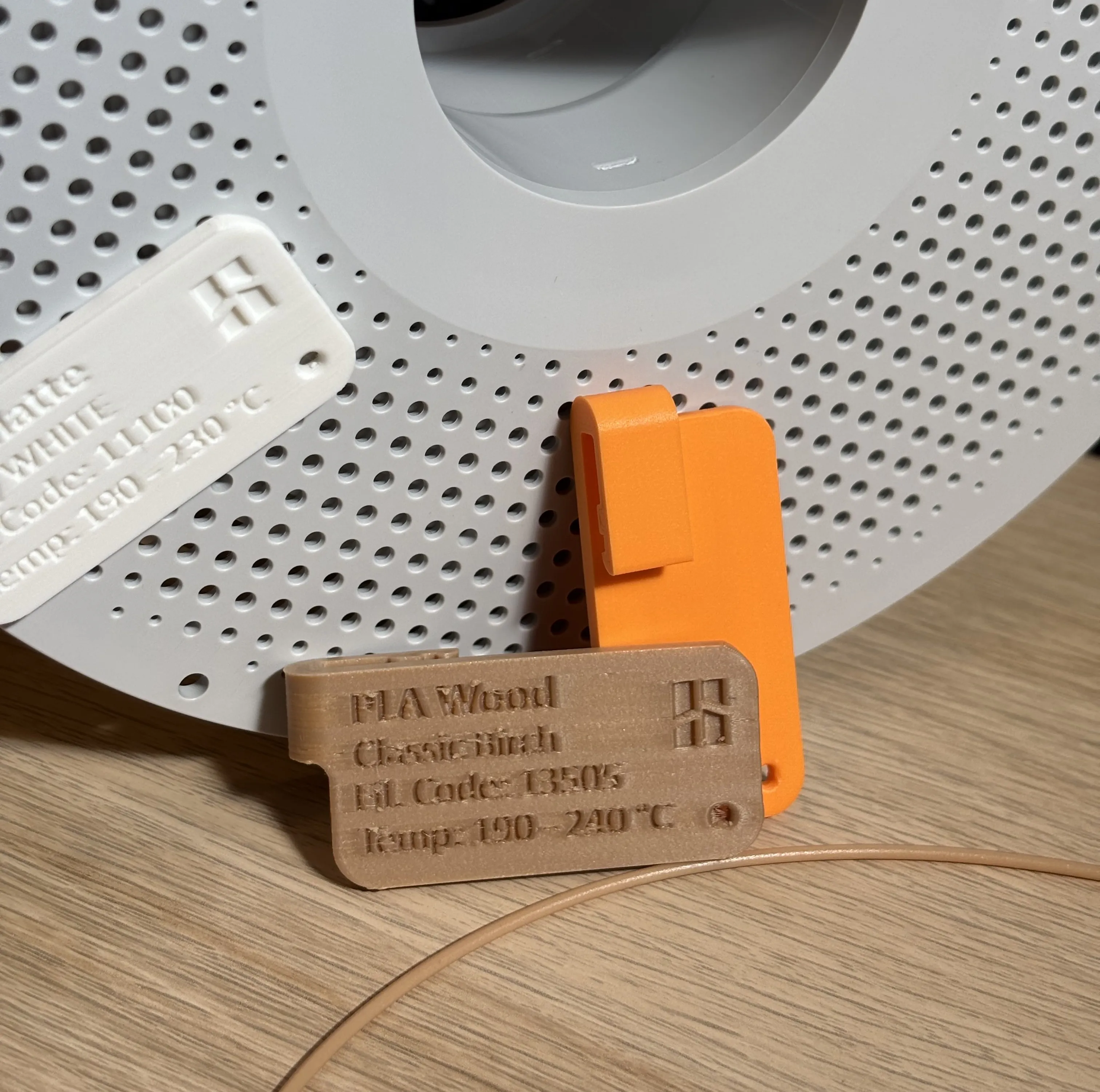
That’s why I’ve designed a comprehensive set of tags for BambuLab spools, each engraved with the precise name of the material and color. No need for any editing or customization: simply choose the tag that matches your filament and print it!
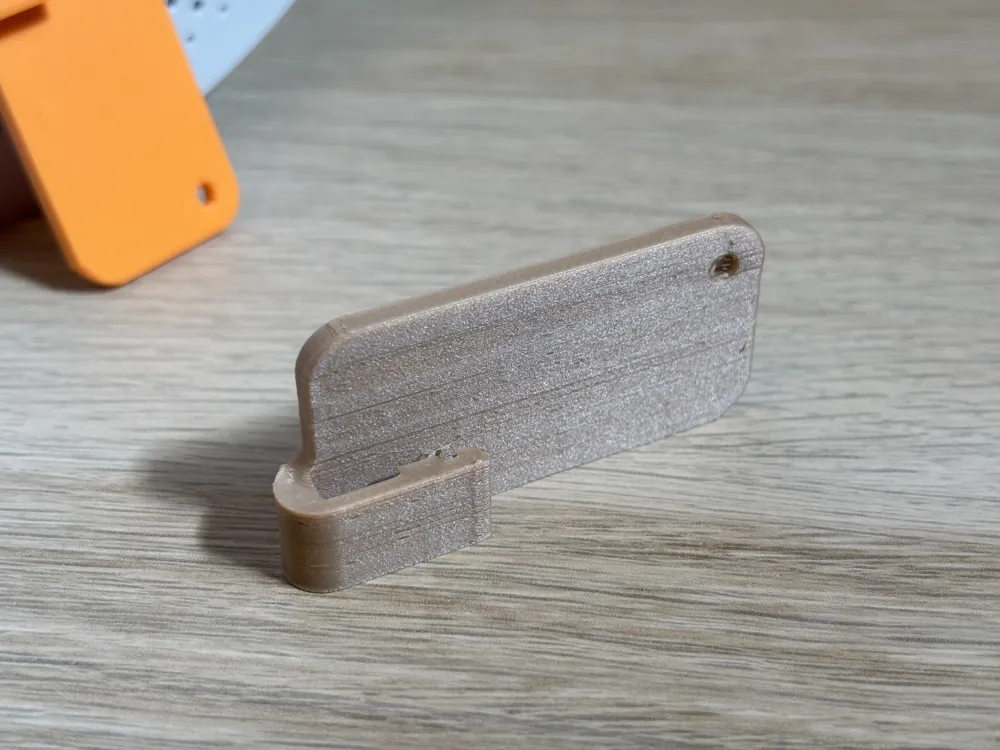
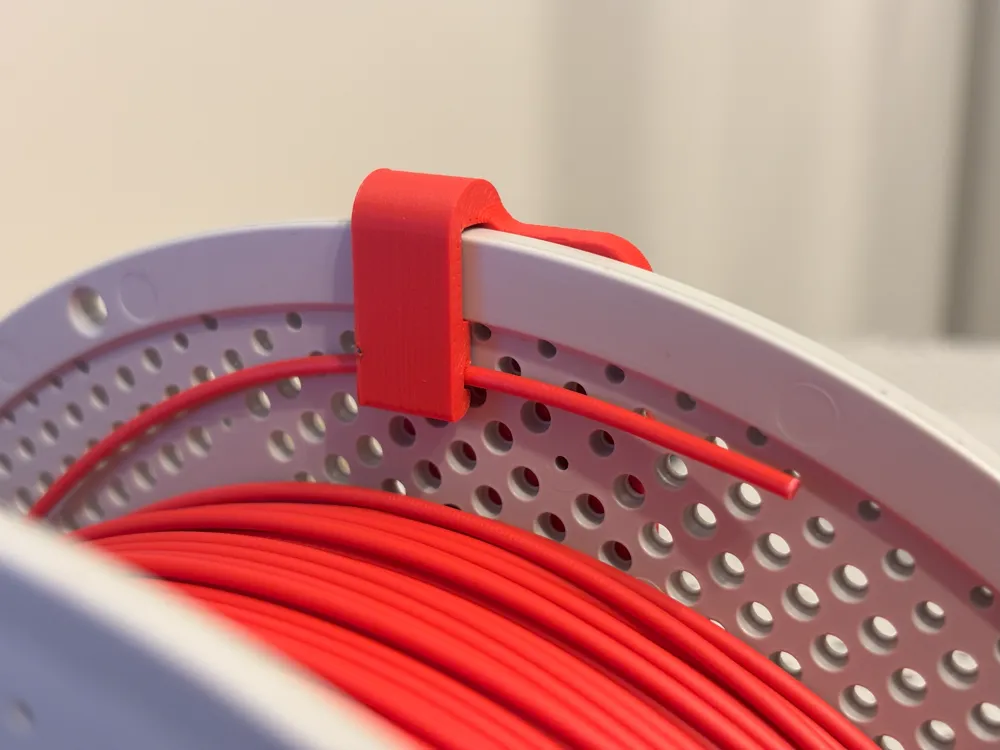
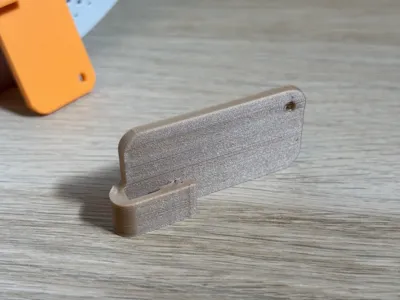
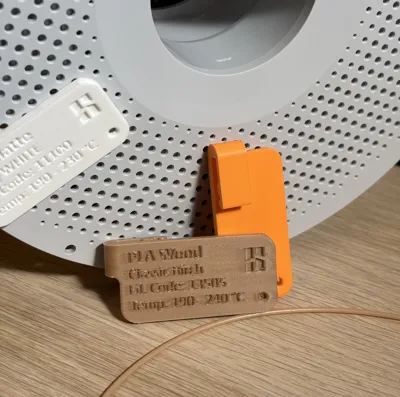
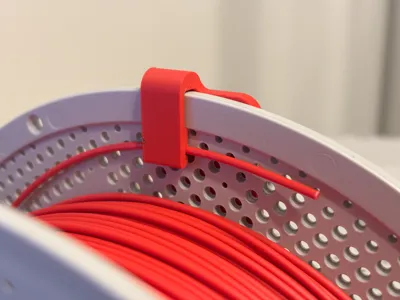
👉 But there’s more: each tag doubles as a filament clip. The clip secures to the spool and features a dedicated slot to lock the filament tip in place, preventing it from unwinding or getting tangled.
Features:
- Text engraved directly into the model, clear and easy to read
- Dual function: identification tag + integrated filament clip
- No customization required: simply print, remove from the plate, and use
- Instant organization: tidy spools, secured filaments, color and material informations ready, zero confusion
How it works:
To use it, hold the filament tip in place with one finger and, with your other hand, clip it onto the spool and the filament at the same time.

To remove it, simply slide it off the spool.

The clip is designed to be attached on either side of the spool and allows the spool to spin freely in the AMS Lite spool holder, with enough clearance to avoid interference.
Print settings (suggested):
- Layer height: 0.12 mm
- Infill: 15%
- Supports: none
- Material: All Bambulab materials
Orientation: I suggest to print it in vertical orientation to improve text resolution and clip strenght.
It is recommended to print them aligned on Y axis, to minimize ghosting effect on prints.
This project was born out of the need for a practical and consistent way to catalog BambuLab filaments, keeping the workspace neat and filaments always under control.
If you try this set, let me know how it works for you—and share pictures of your setup with the tags in action! 🚀
Other materials and color available:
- PLA Matte: ClippyTAG: Filament Clip - Spool Tag – PLA Matte
- PLA Basic: ClippyTAG: Filament Clip - Spool Tag – PLA Basic
- PLA Metal: ClippyTAG: Filament Clip - Spool Tag – PLA Metal
- PLA Silk+: ClippyTAG: Filament Clip - Spool Tag – PLA Silk+
Check out the v1 designs, Taggy!
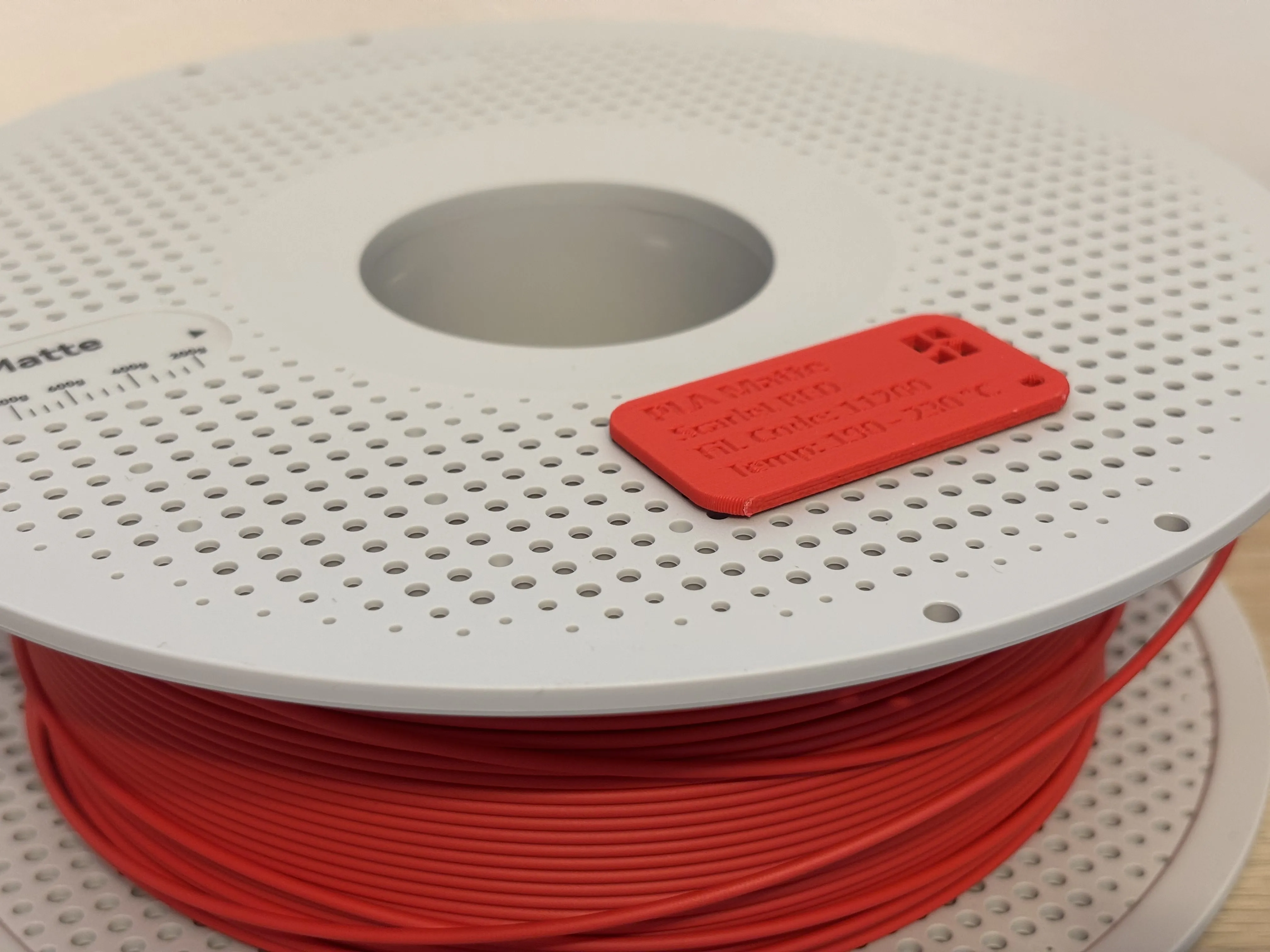
Available models:
- PLA Basic: Taggy: Snap-fit Spool - PLA Basic
- PLA MAtte: Taggy: Snap-fit Spool - PLA Matte
- PLA Metal: Taggy: Snap-fit Spool - PLA Metal
Boost Me (for free)
More materials and colors VERY SOON for Bambulab filaments!
Boost Me if you want to support me ;)
License

You shall not share, sub-license, sell, rent, host, transfer, or distribute in any way the digital or 3D printed versions of this object, nor any other derivative work of this object in its digital or physical format (including - but not limited to - remixes of this object, and hosting on other digital platforms). The objects may not be used without permission in any way whatsoever in which you charge money, or collect fees.


Comment & Rating (0)