
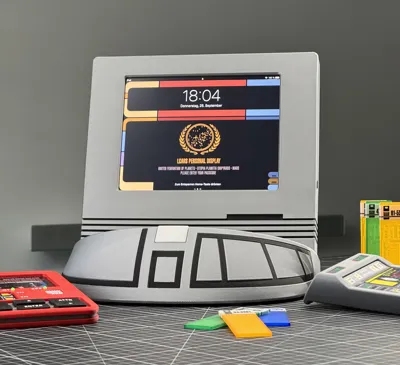
Star Trek TNG Computer Terminal for iPad mini 1-5
Print Profile(2)


Bill of Materials



Description
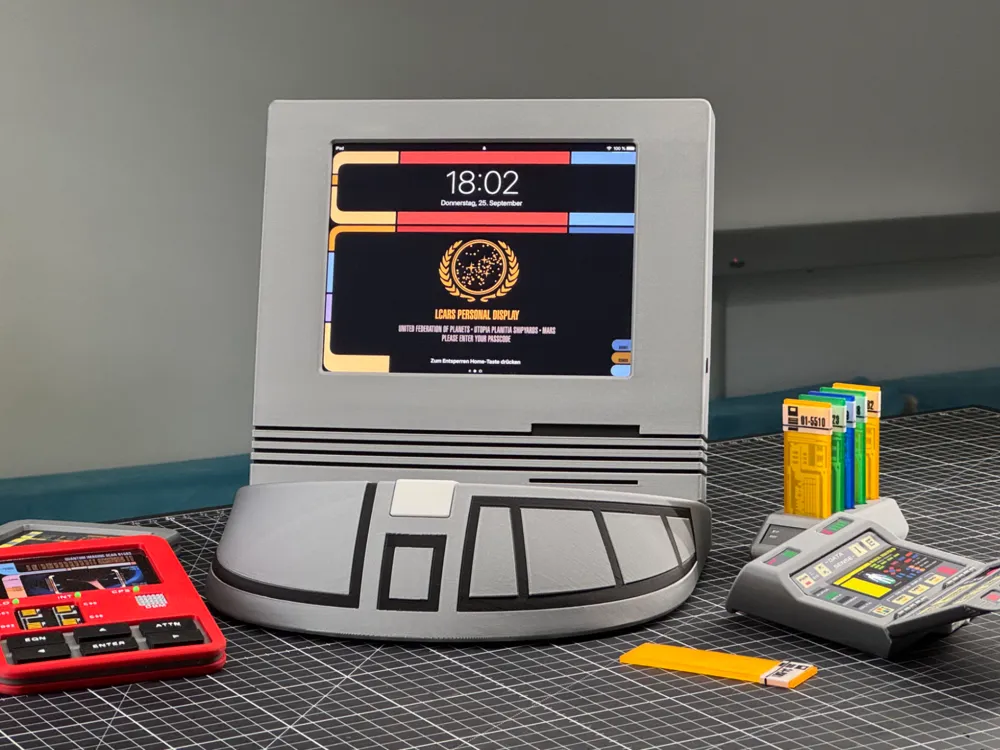
Since I love the Star Trek series of my youth (TNG, DS9, VOY, ENT) and the fantastic universe within them, I still enjoy watching the episodes often – nowadays on a streaming platform
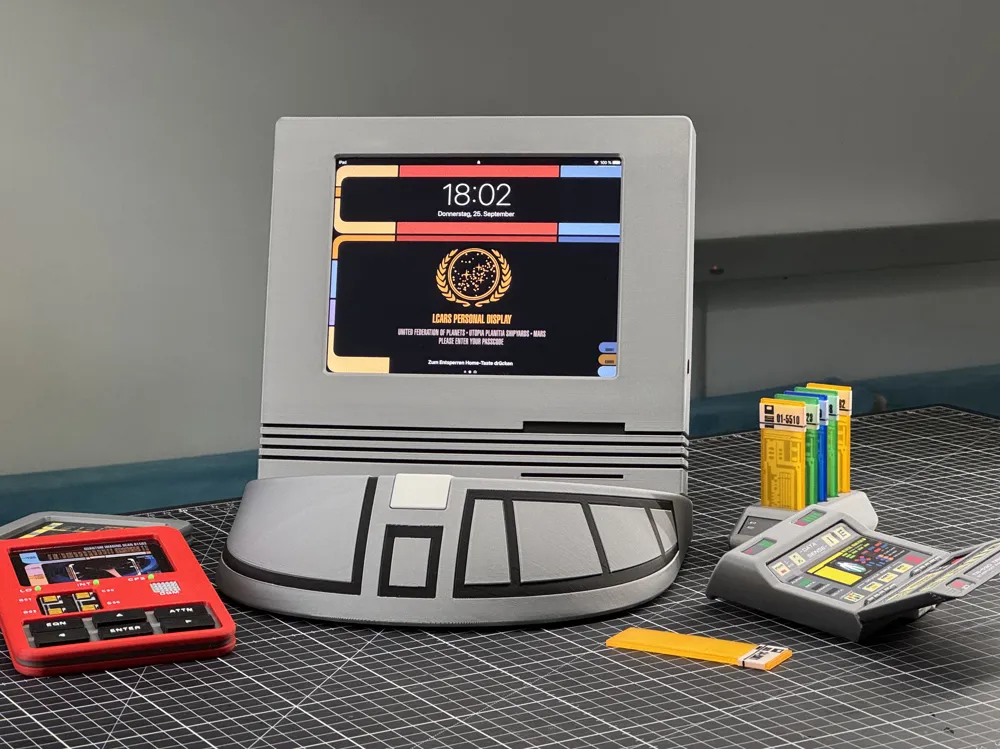
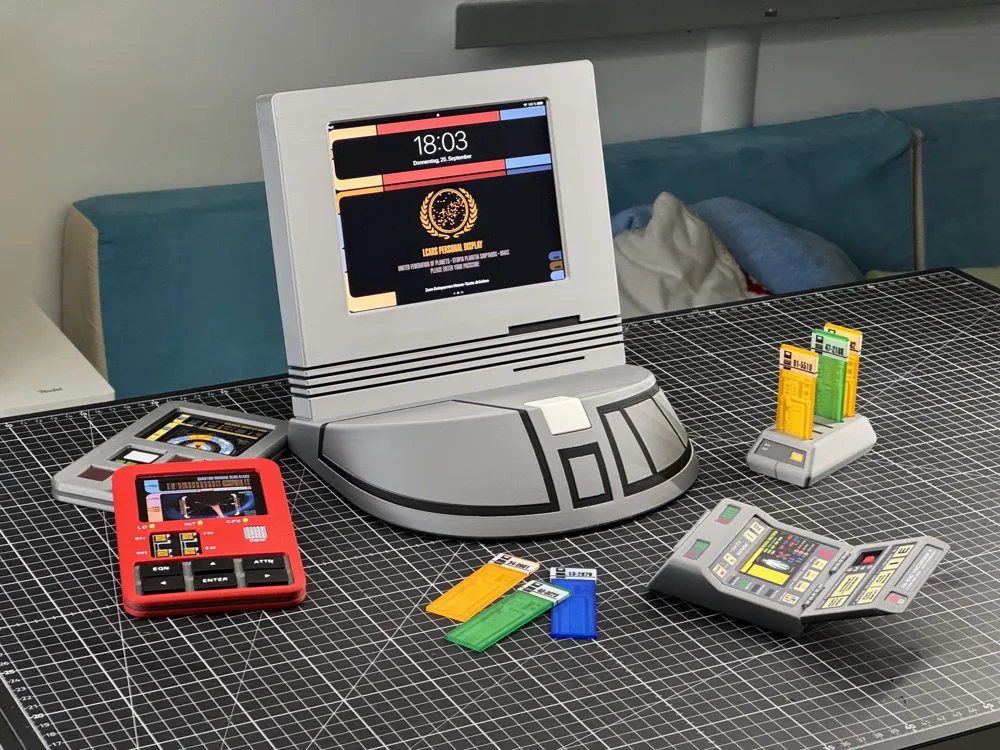
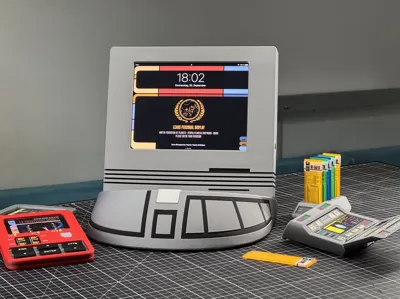
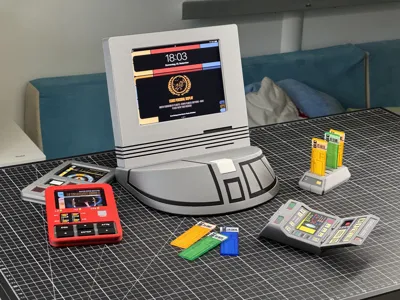
I had an old iPad mini 3 from my children lying around and thought about how I could use it as my “dedicated device” for watching the series – and as much “in universe” as possible Thereupon, it immediately occurred to me that in all series there were always these table monitors on which the actors viewed or showed all sorts of things Would that be feasible
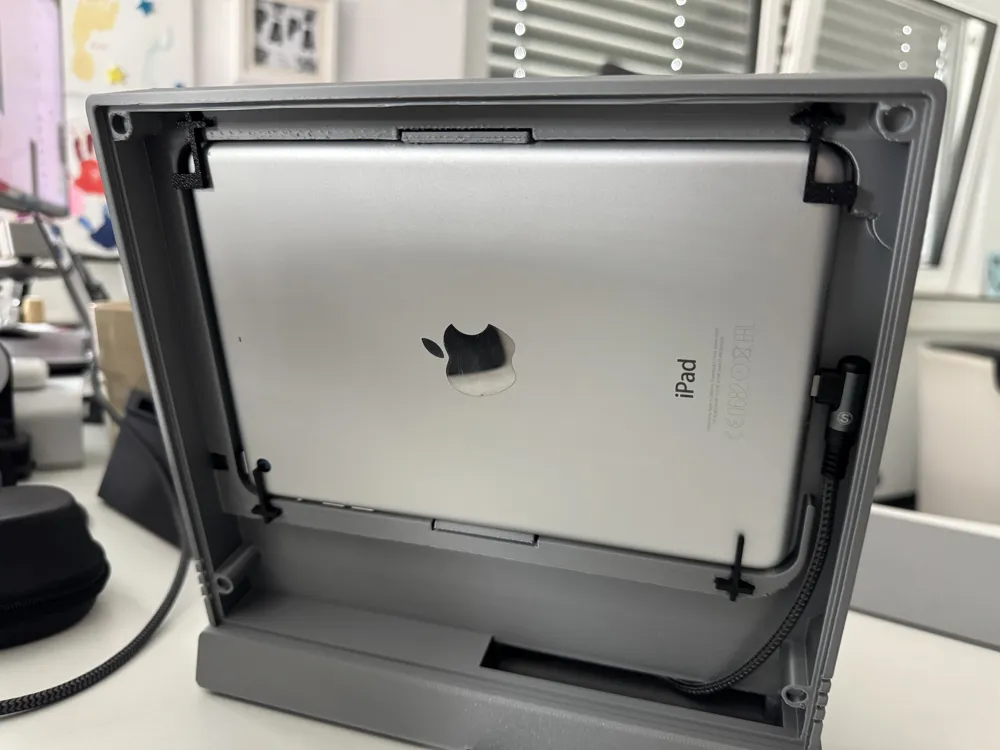
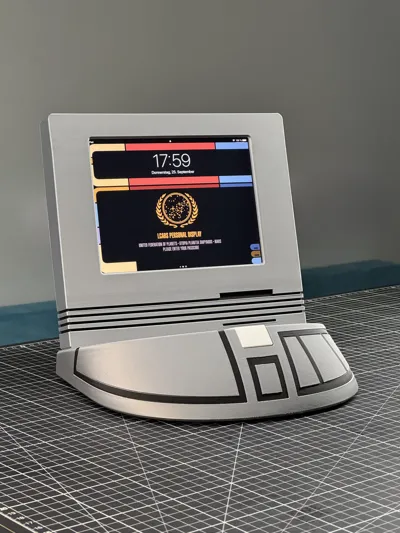
On Printables (Link: https://www.printables.com/model/62859-star-trek-tng-computer-terminal) I found the “Star Trek TNG Computer Terminal” by user Daniel (Link: https://www.printables.com/@AdmPicard) and used its geometry as a basis for extensive modification to accommodate an iPad Mini (Generation 1-5)
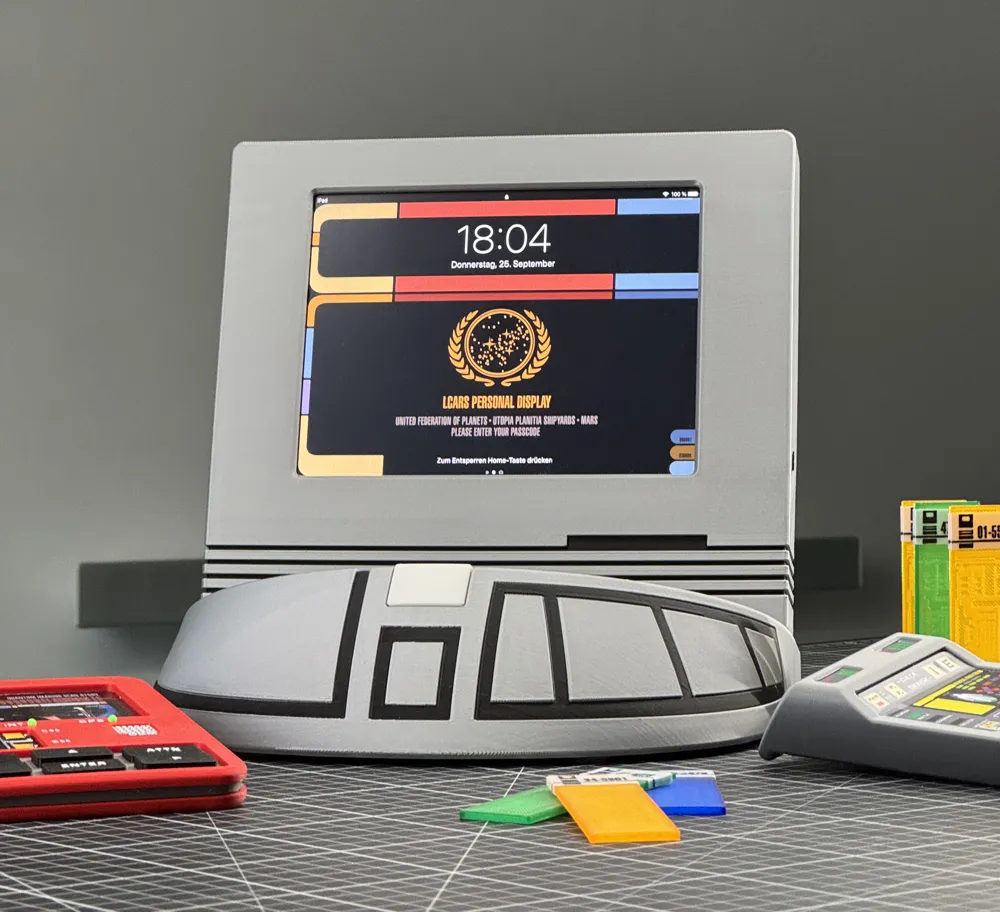
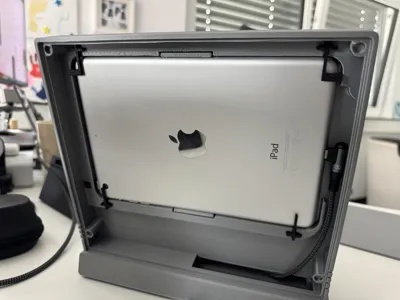
It was important to me that the iPad mini could be easily inserted and removed, that it could also be charged within the enclosure and that at least the sleep-wake button works All other buttons like volume (control works well via the user interface) and home button (its function can be performed by default with a 1-finger swipe from the bottom edge on the lock screen – otherwise by a 4-finger swipe upwards) as well as the camera, I covered, because I wanted to keep the look facing the viewer as original as possible and didn't want any holes in the front panel
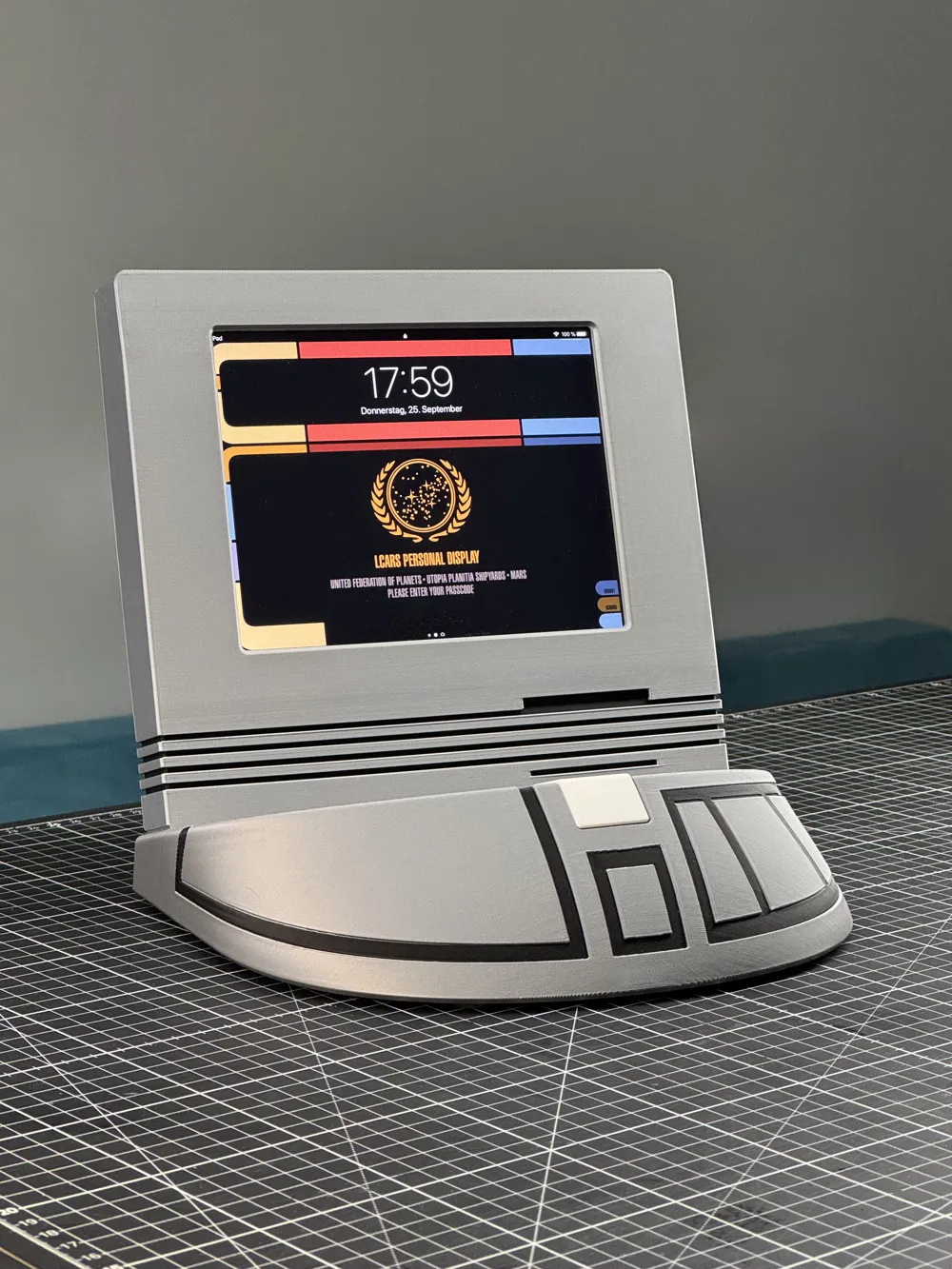
Speaking of original: Yes, these table displays in TNG were always in a beige color However, as this no longer seemed contemporary to me and I wouldn't have liked it in my rooms, I printed it for myself in silver with black accents In DS9 and VOY, these table monitors, albeit different models, were always seen in a kind of “Tricorder Silver,” as far as I know
Perhaps someone else would like to give their old iPad mini a second/longer life with this model I wish you a lot of fun printing
Recommended filaments:
- Bambu Basic Silver (my favorite filament, nice metallic look)
- Bambu Basic Black (for the accents)
- Bambu Basic White (for the button)
Recommended material:
- Angled cable (e.g. https://amzn.eu/d/0G4aPjf)
- Self-adhesive rubber feet (4 pcs)
- Possibly a matte screen protector for the iPad for a “matte” look of the display
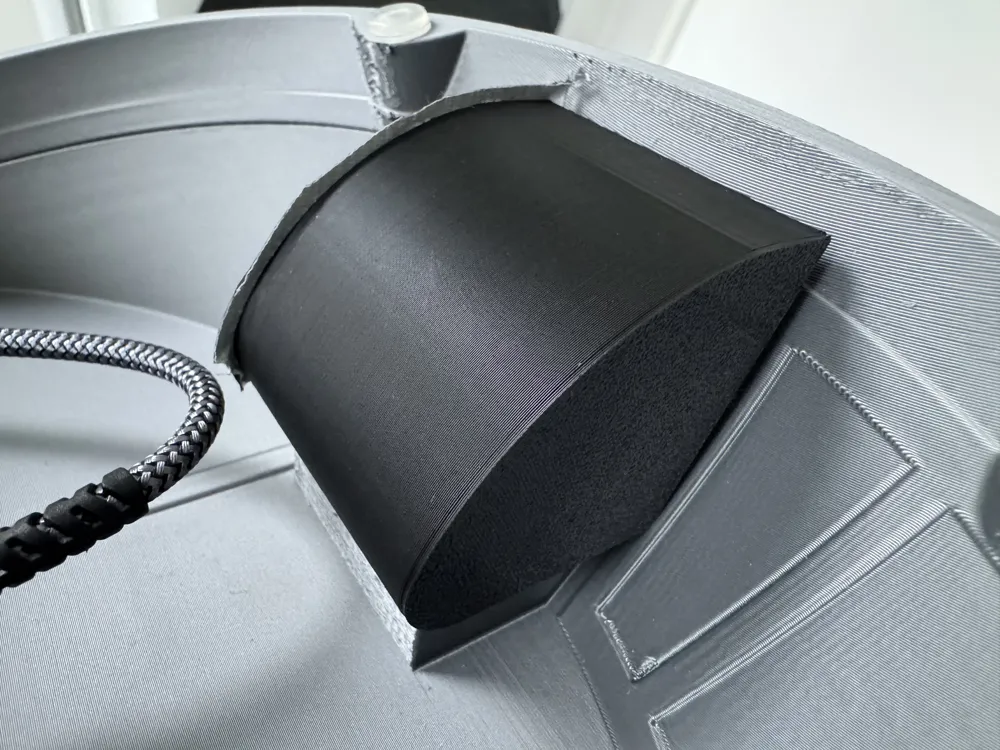
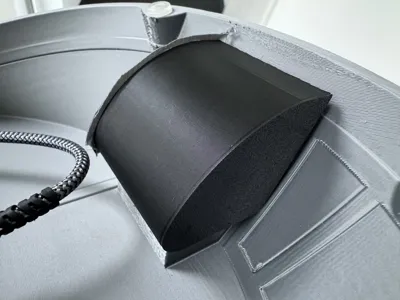
Attention: Unfortunately, during assembly, it turned out that the iPad mini is too heavy to keep the table monitor stable when in use Therefore, I created a small holder into which 5 empty AA batteries can be inserted as weight The holder is simply glued into the base (under the recess for the white button), see the last image in the gallery
License

You shall not share, sub-license, sell, rent, host, transfer, or distribute in any way the digital or 3D printed versions of this object, nor any other derivative work of this object in its digital or physical format (including - but not limited to - remixes of this object, and hosting on other digital platforms). The objects may not be used without permission in any way whatsoever in which you charge money, or collect fees.


Comment & Rating (13)