
Ironing Calibration Test Flowrate Line spacing
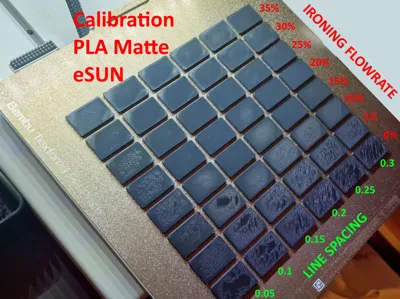
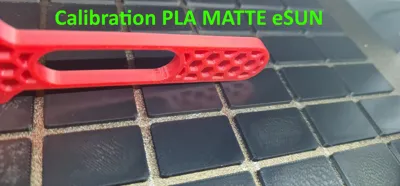
Print Profile(1)

Description
Spoiler: there are no perfect values for flow, ironing, pressure advance, retraction etc. that work for everyone.
There are good values that work better than others, but if you’re chasing perfection you’ll have to find your own.
I released a version for BambuStudio and one for OrcaSlicer.
This is the manual ironing test I use, and I’ll briefly explain how to set it up.
Preparation
Start by setting the correct filament flow ( I use Manual YOLO Test Calibration )
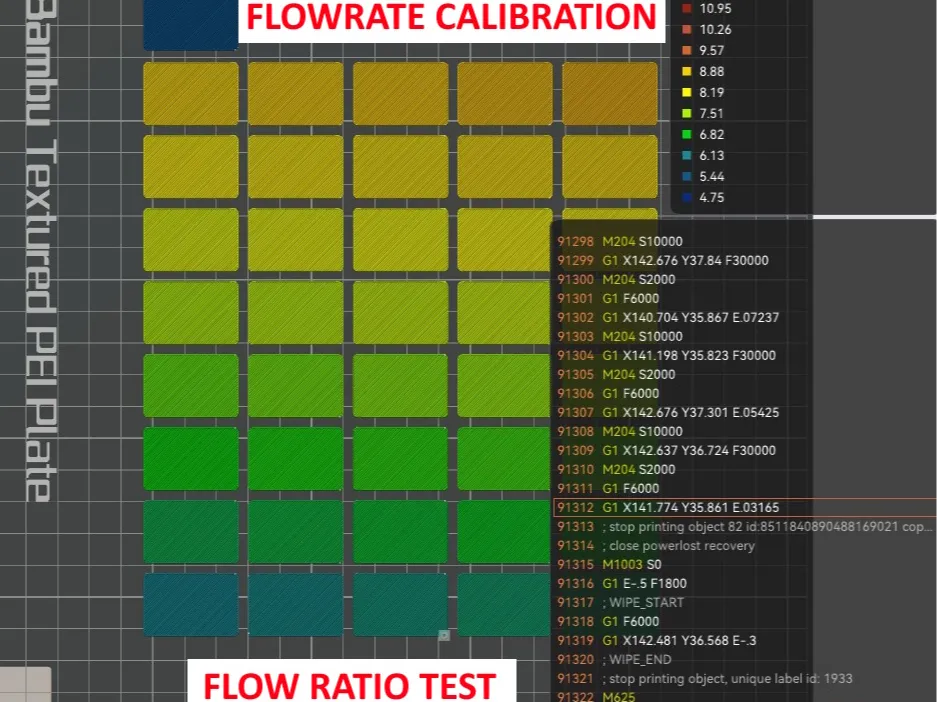
- Set a proper Pressure Advance and filament temperature for the material you want to calibrate.
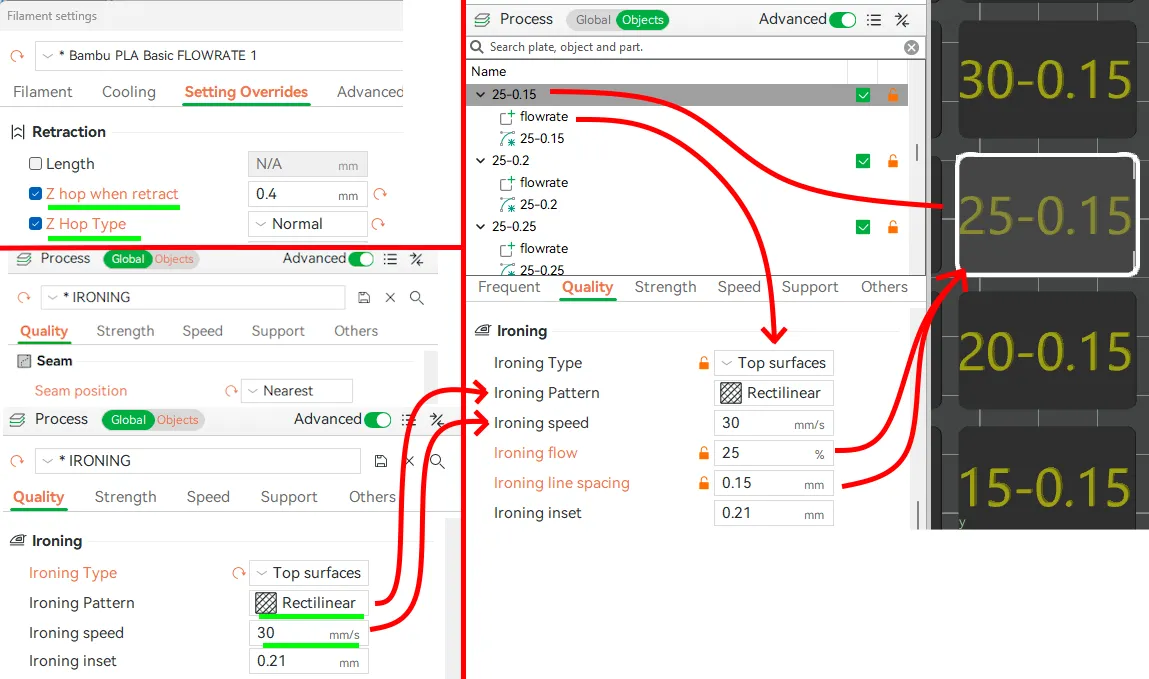
- Enable Z-hop in the filament settings.
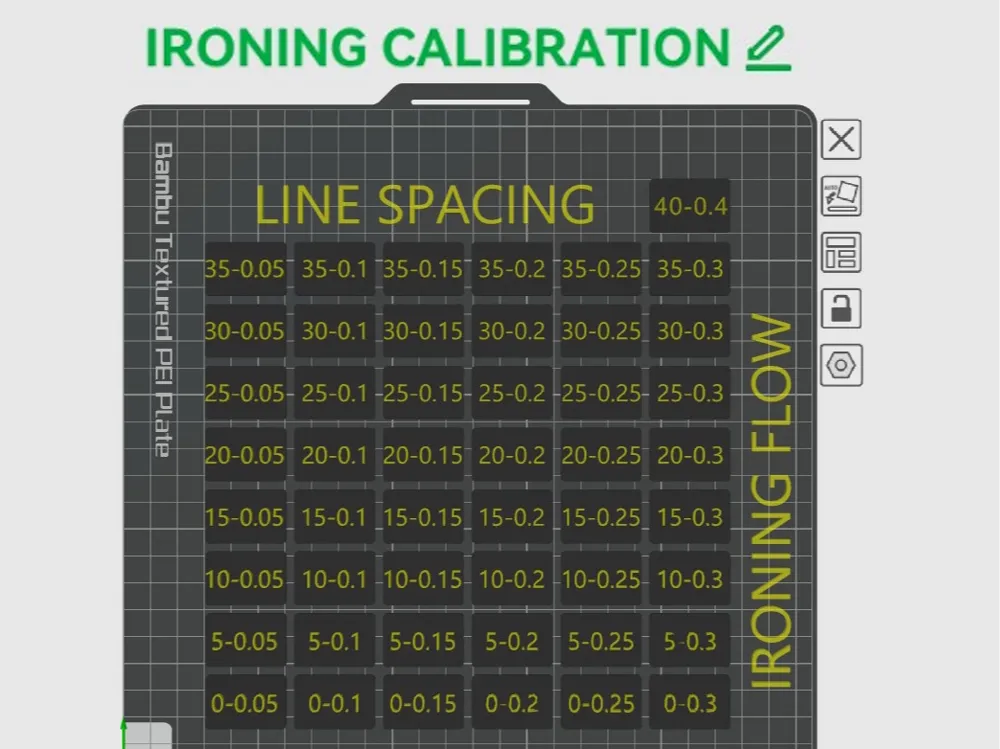
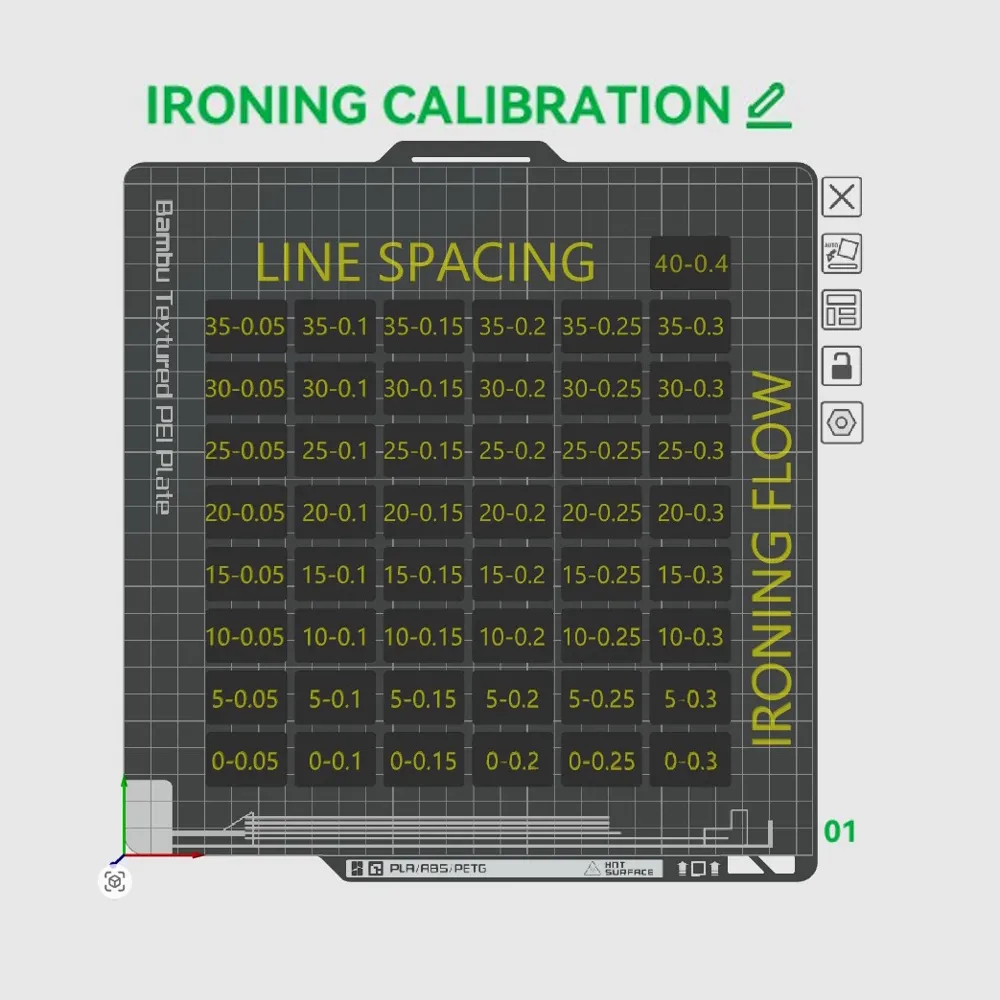
- Configure the process as shown in the image below:
- customize ironing speed and ironing pattern (use the same speed and pattern you plan to use in the final print).
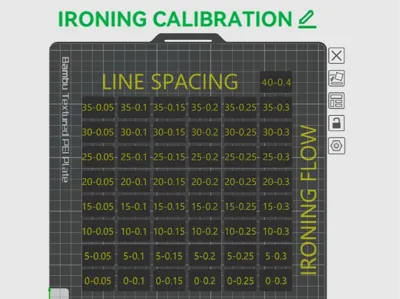
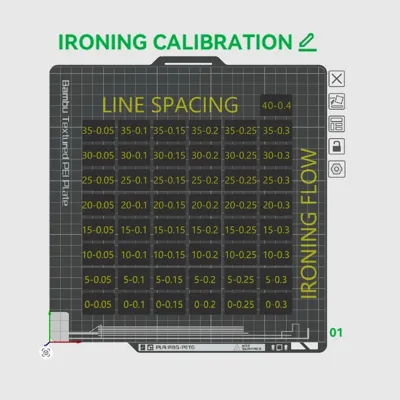
Note: Ironing flow and line spacing are incrementally changed for each object.
Checking the test
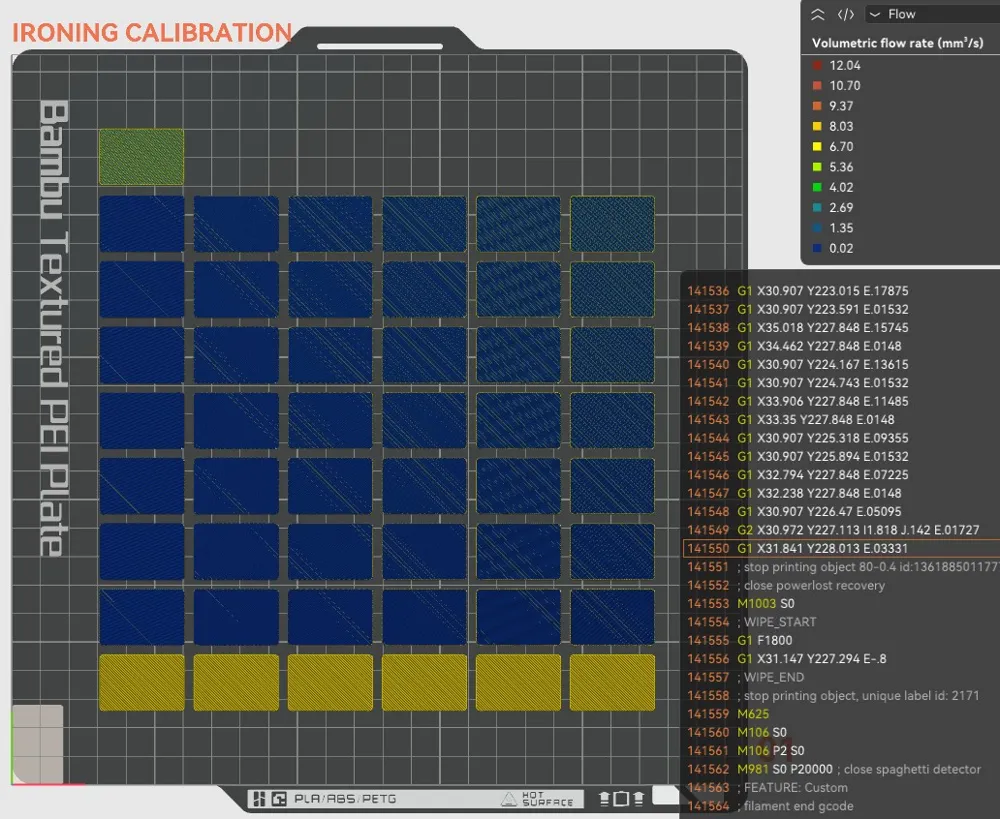
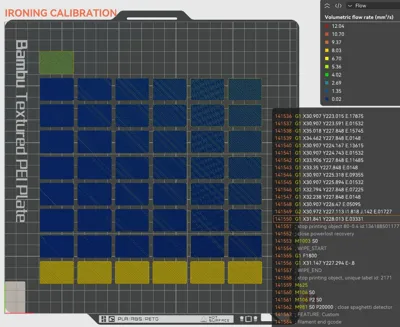
Verify that the process modifier is applied correctly by checking in Flow preview mode.
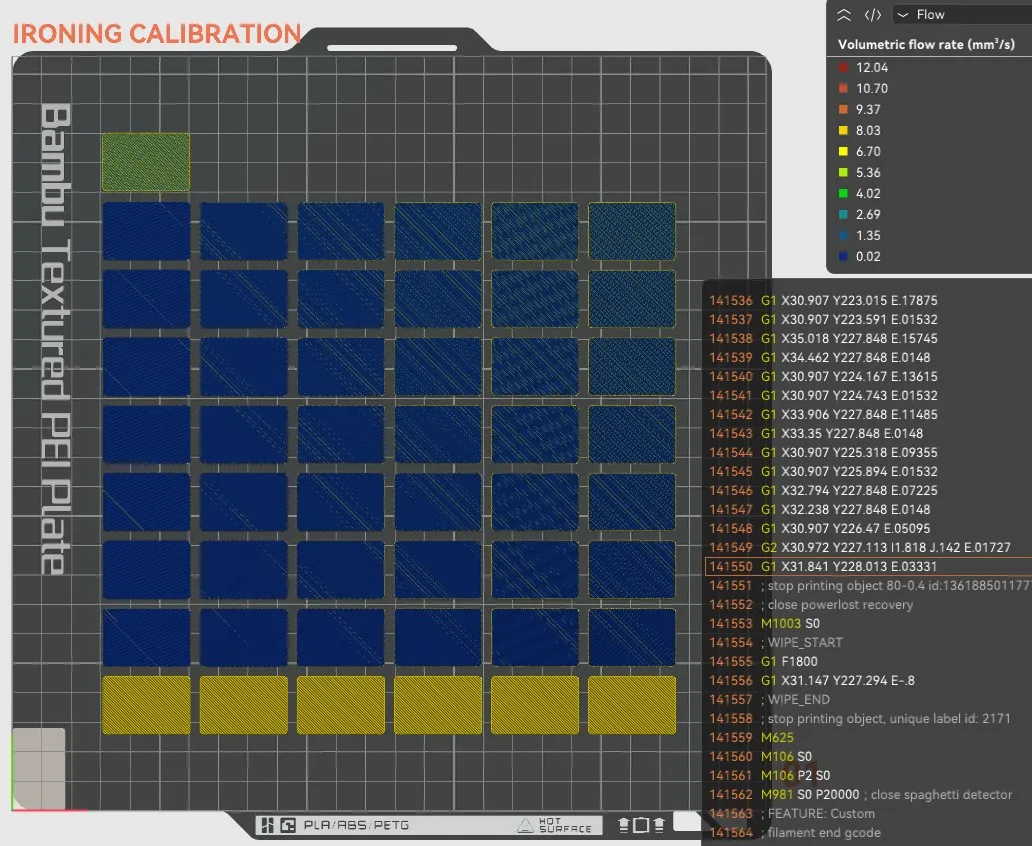
- The last (yellow) line uses 0% ironing flow, so it only shows travel moves (no extrusion).
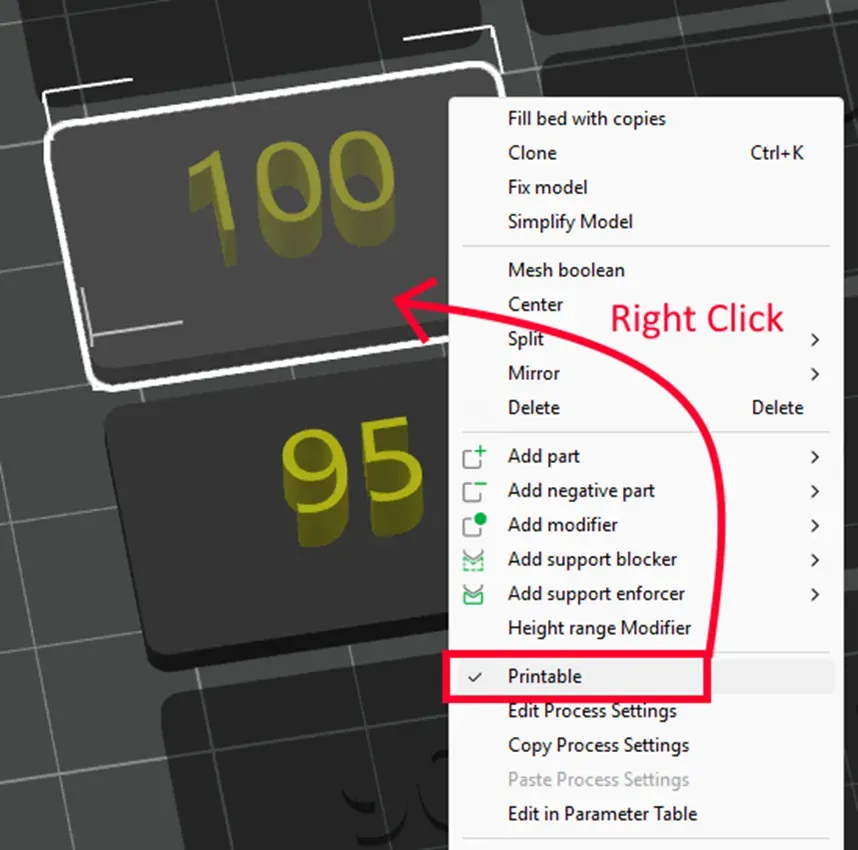
- If you want to skip some values to save material, just uncheck Printable on the objects you don’t want to print.
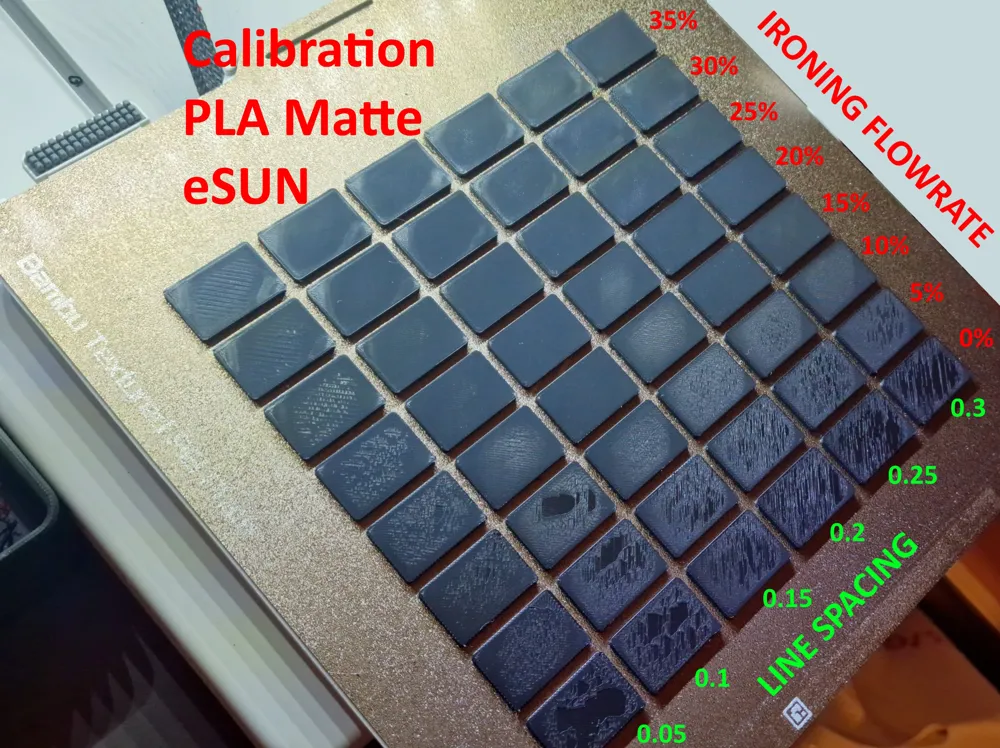
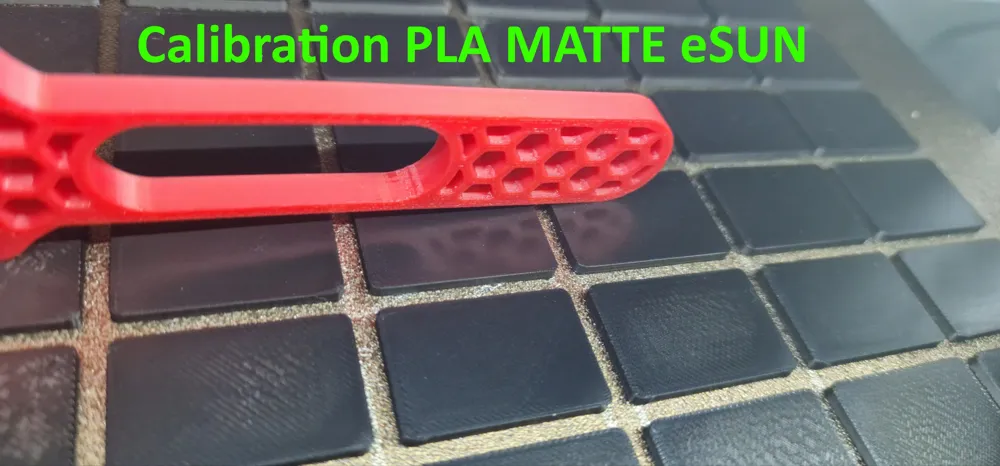
Look for the surface that appears the most mirror-like.
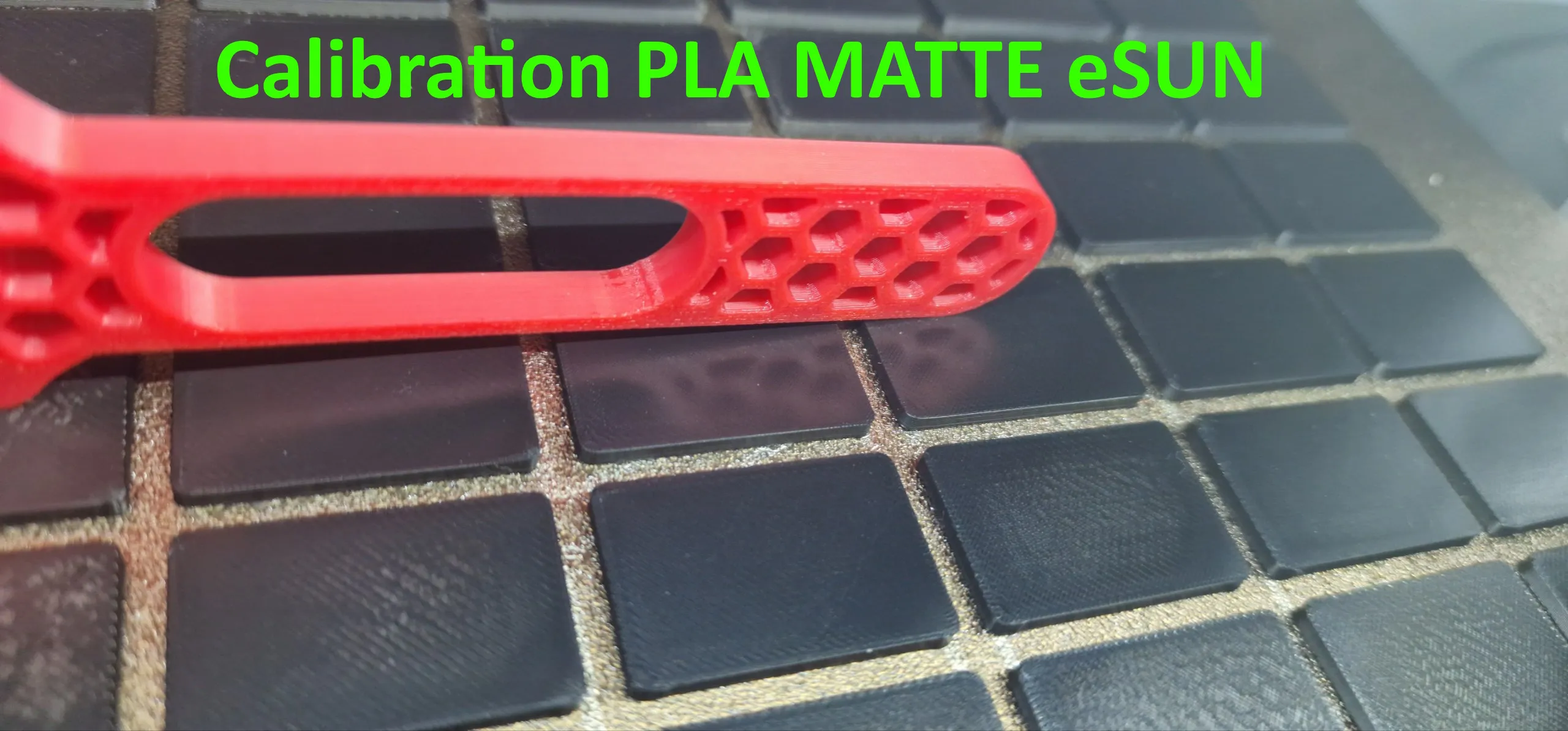
- If you notice defects along the edges, it’s probably due to an incorrectly tuned Pressure Advance (too low if you see over-extrusion).
Remember
Both the Flow Rate and the Pressure Advance values can affect the Ironing results, even with the same other parameters.
License

You shall not share, sub-license, sell, rent, host, transfer, or distribute in any way the digital or 3D printed versions of this object, nor any other derivative work of this object in its digital or physical format (including - but not limited to - remixes of this object, and hosting on other digital platforms). The objects may not be used without permission in any way whatsoever in which you charge money, or collect fees.


Comment & Rating (7)