
Sunlu S2 ventilation
Print Profile(1)

Description
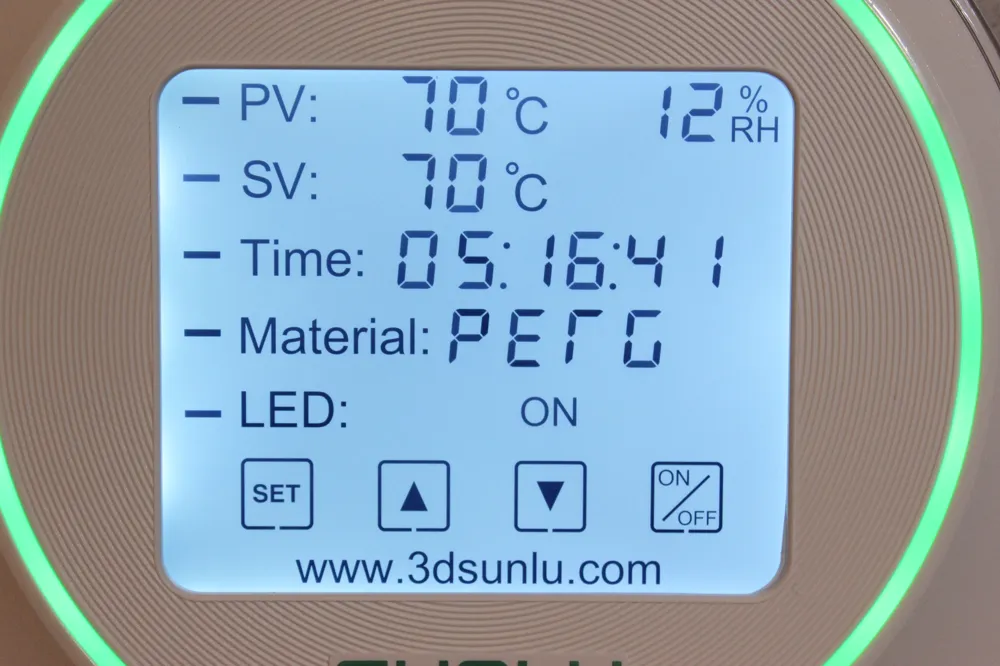
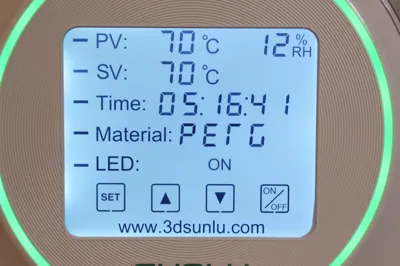
You have probably noticed that when opening the lid of your Sunlu S2 filament dryer, the displayed humidity decreased
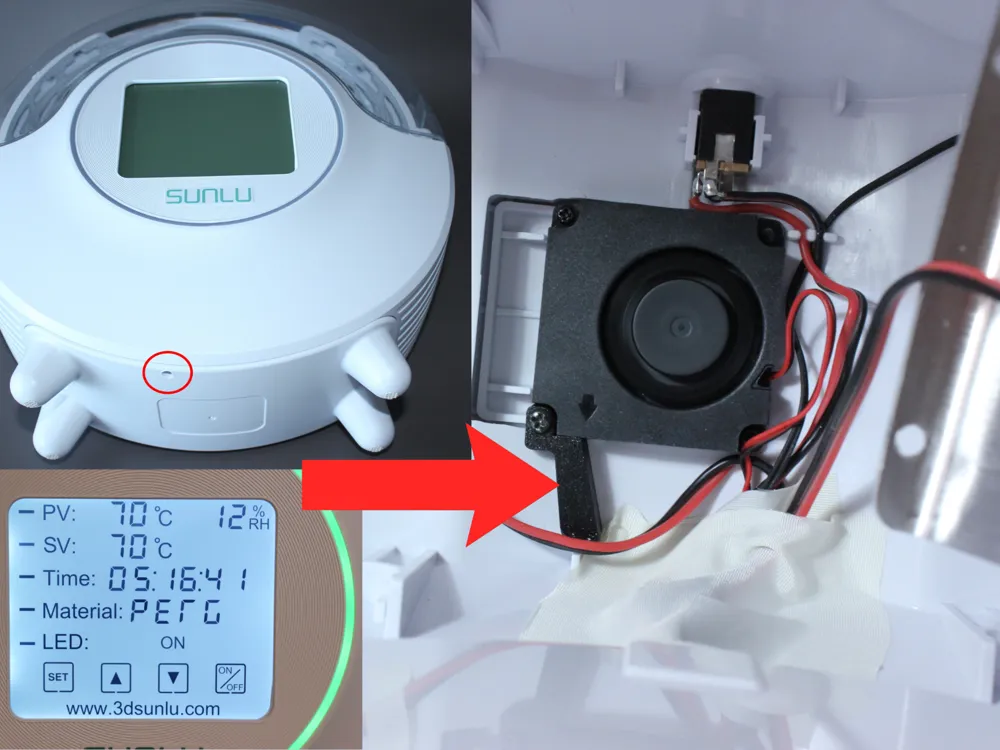
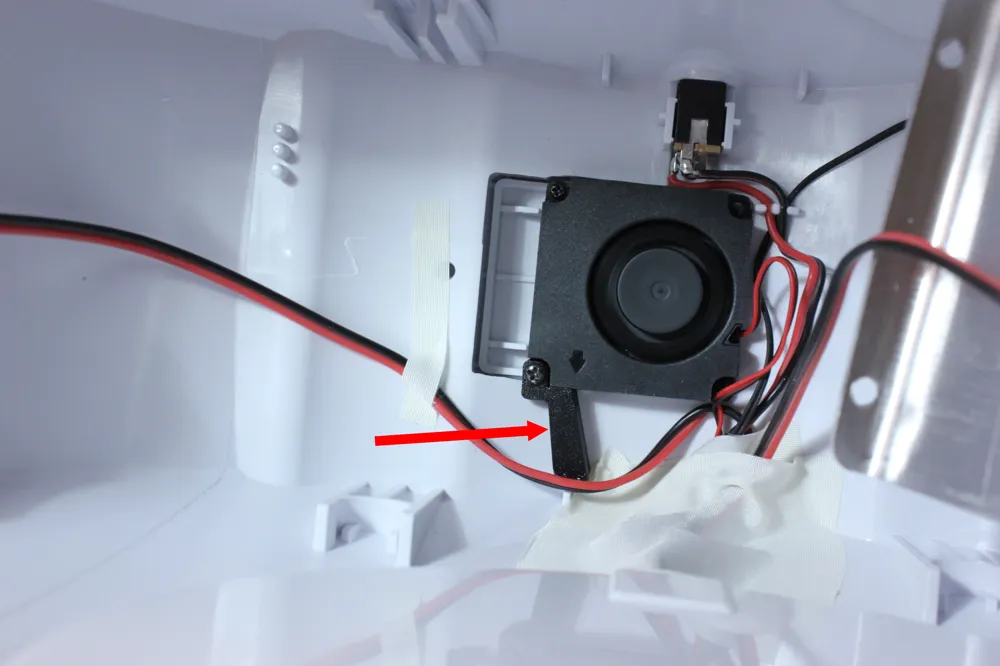
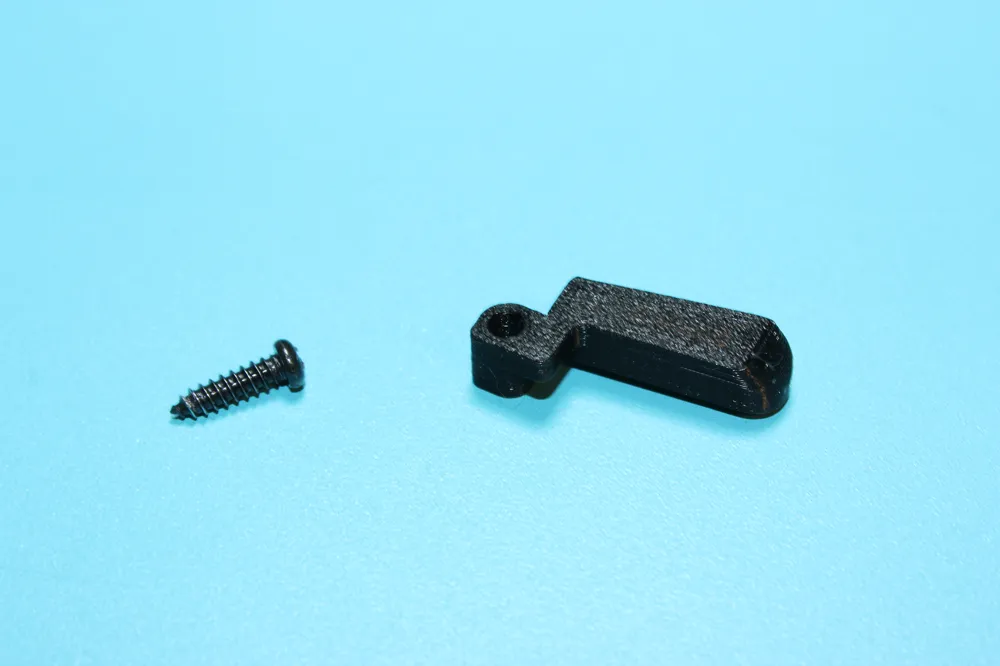
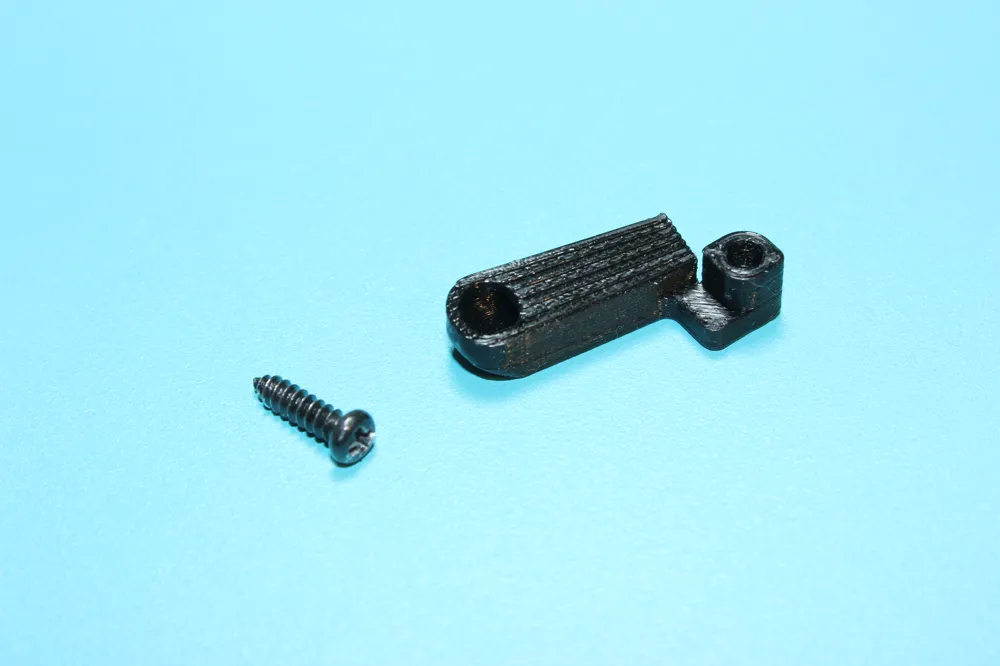
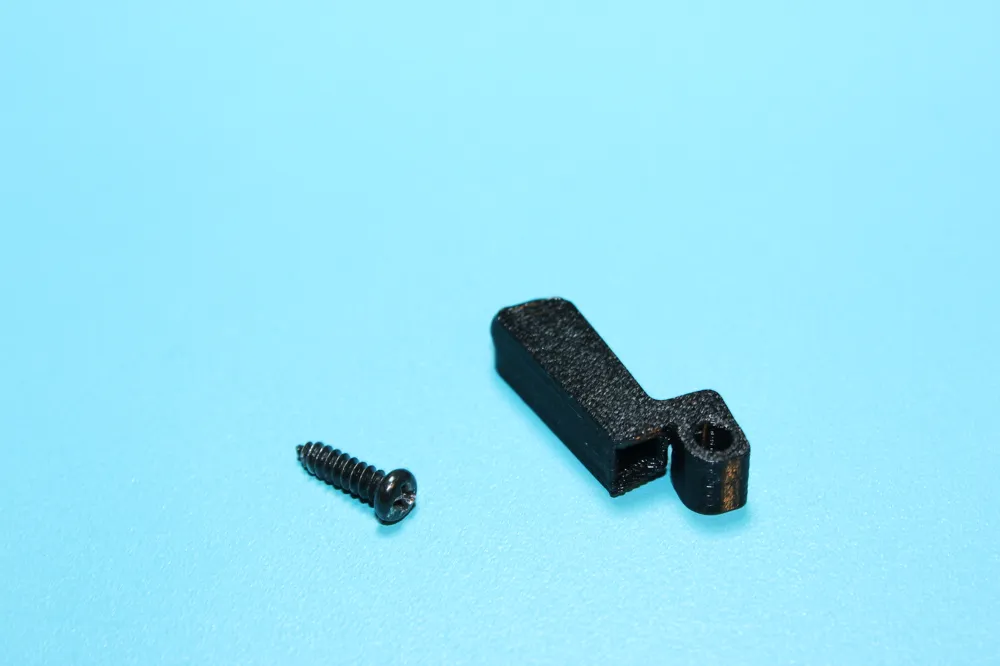
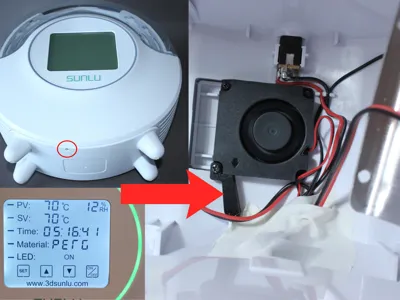
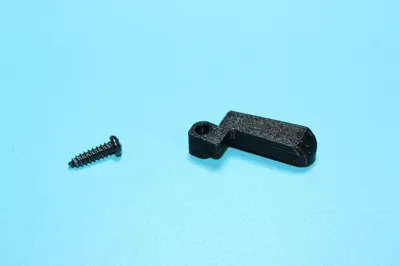
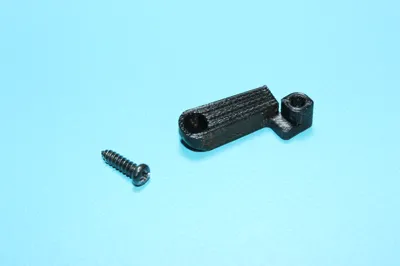
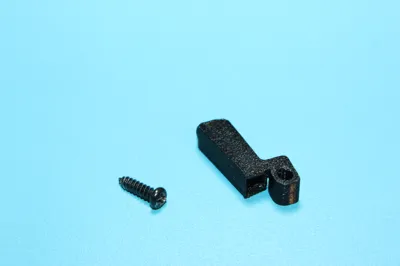
This duct uses the existing Sunlu S2 fan and diverts a very small part of the airflow outwards, in order to evacuate the humidity present in the device
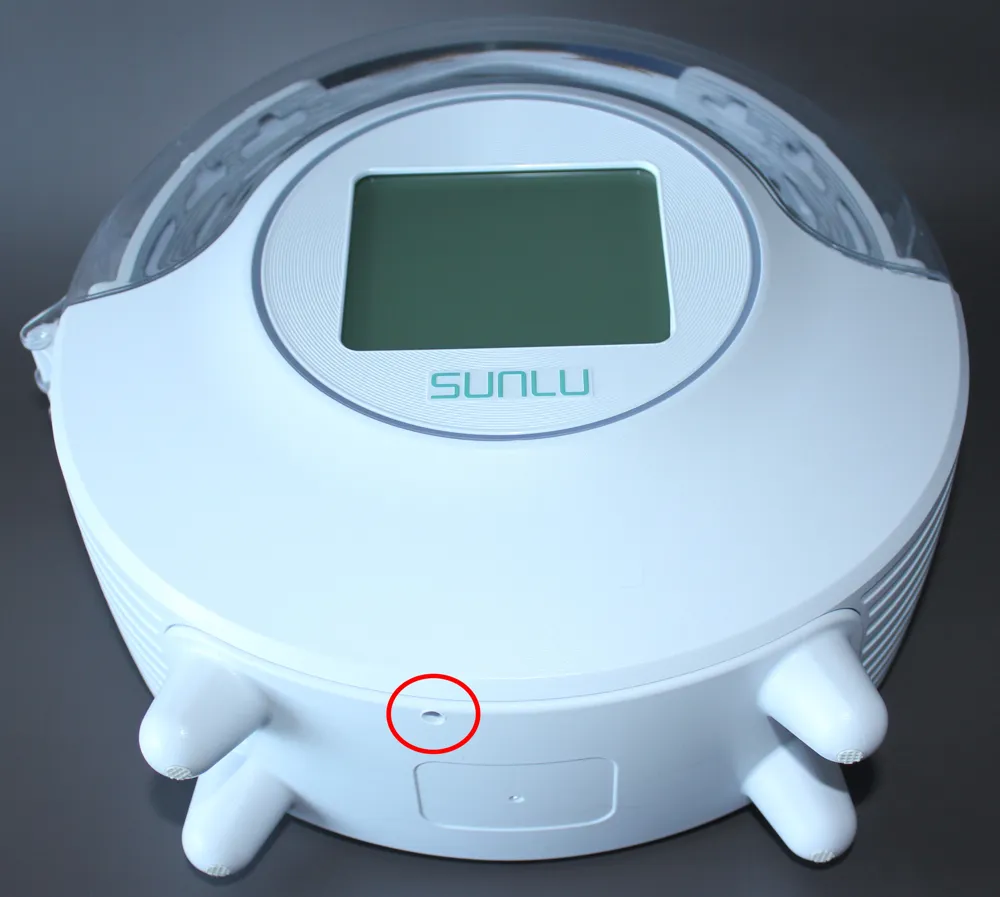
This only requires a very small drilling using an existing hole in the lower part of the dryer
The modification lowers the humidity level more quickly and makes the Sunlu S2 more efficient
Assembly instructions:
1 - Remove the metal rods and the 4 screws from the heating element:
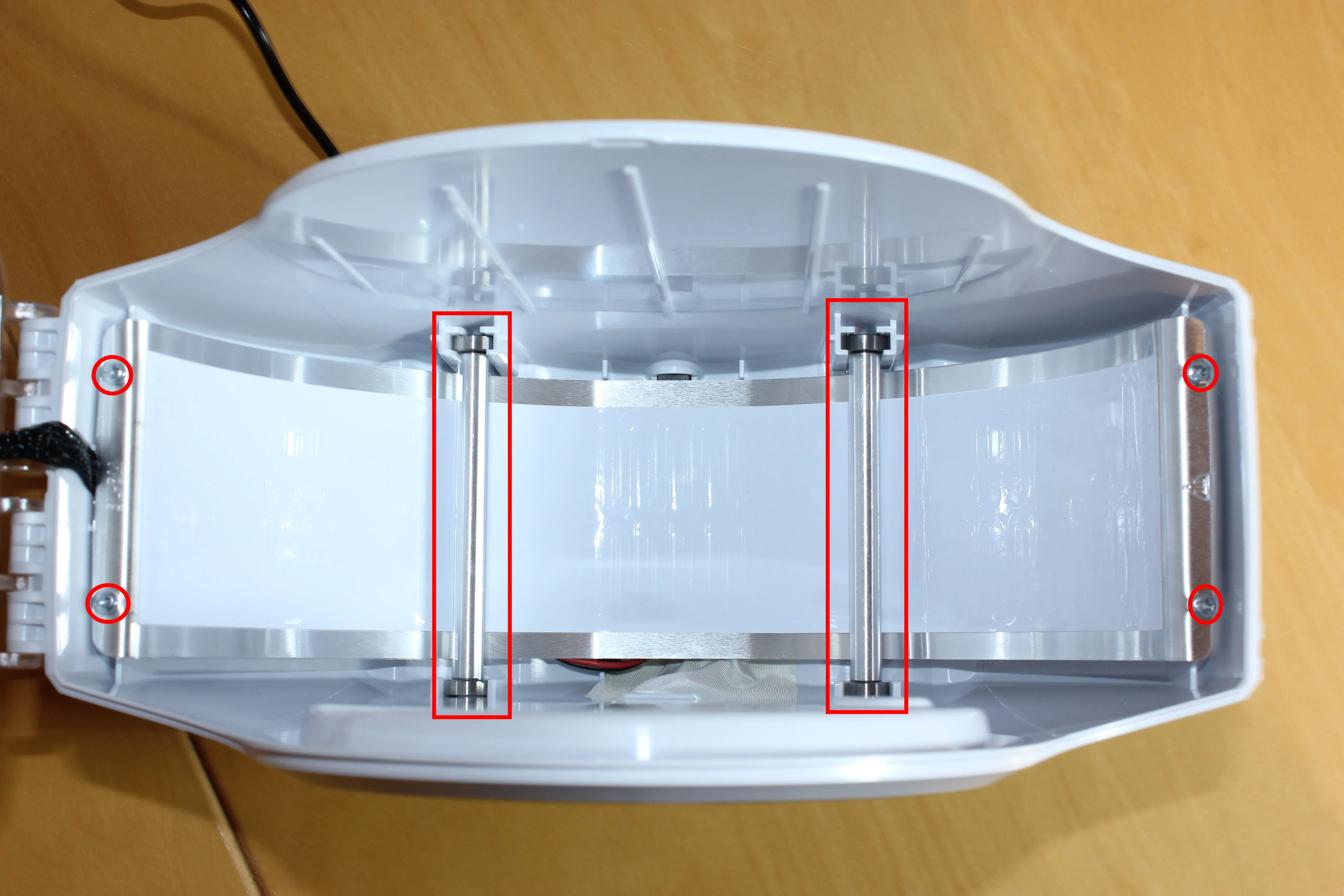
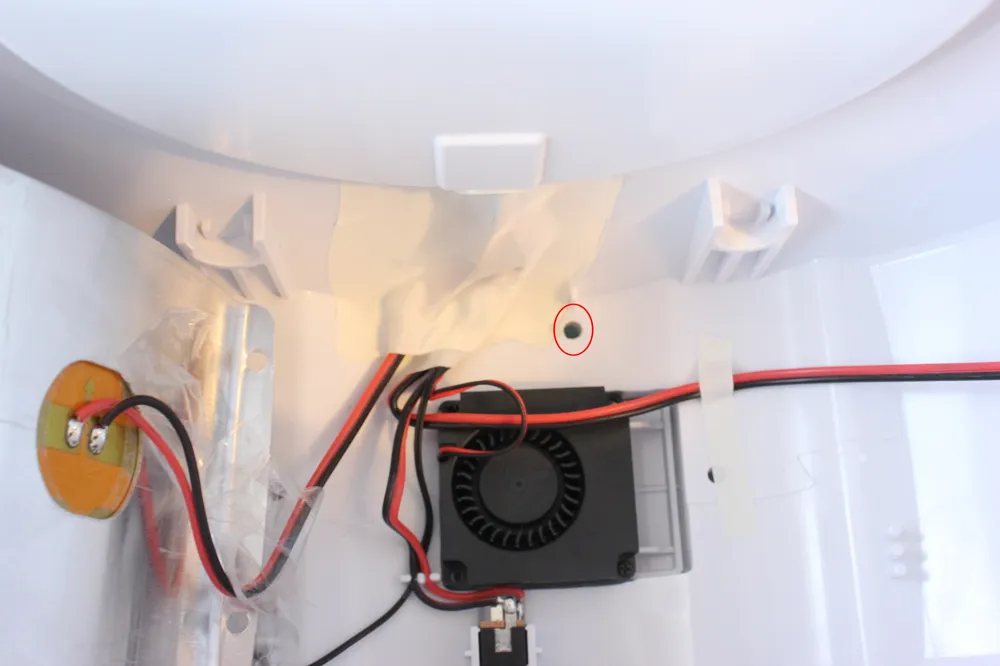
2 - Disassemble the bottom of the dryer, then the fan
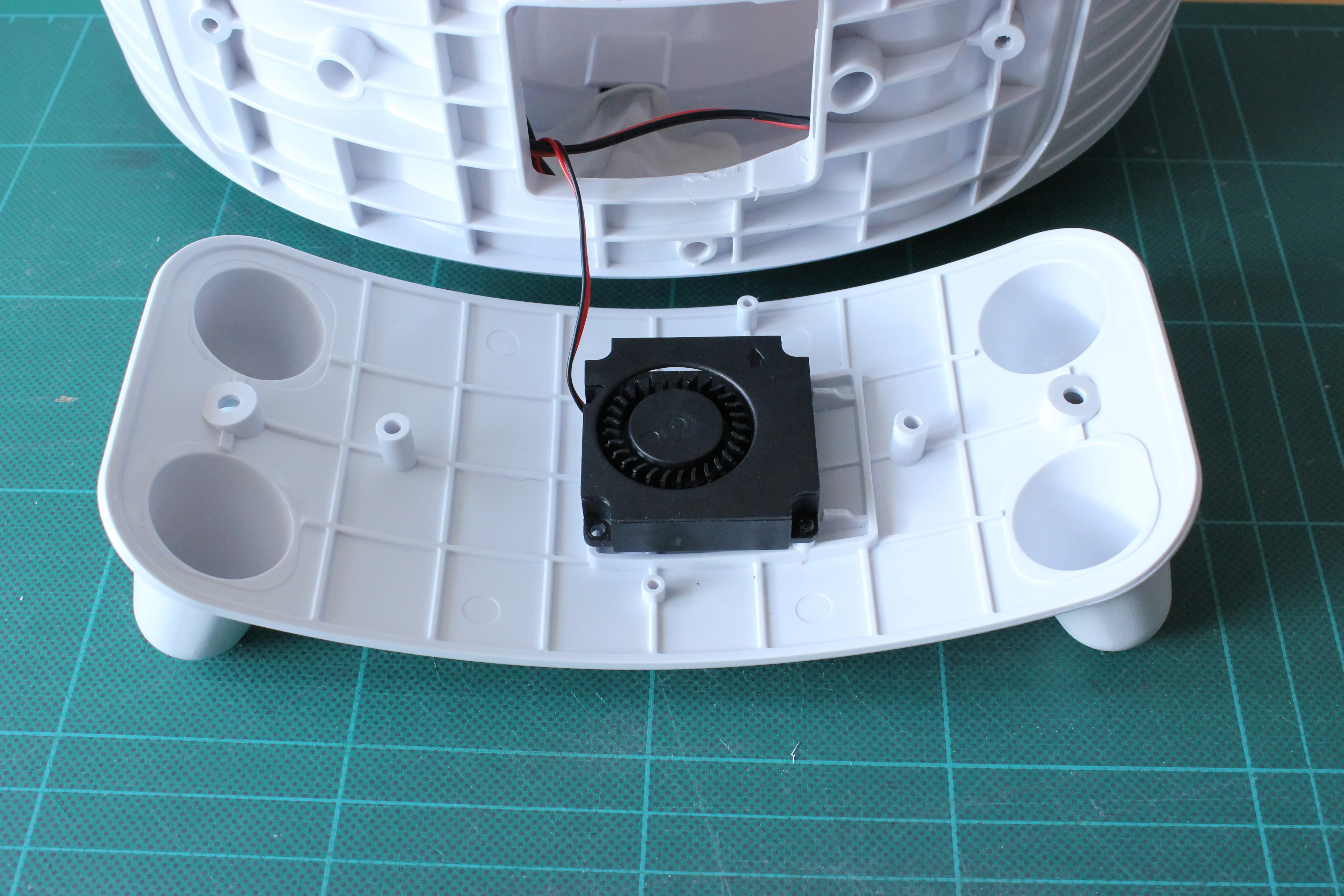
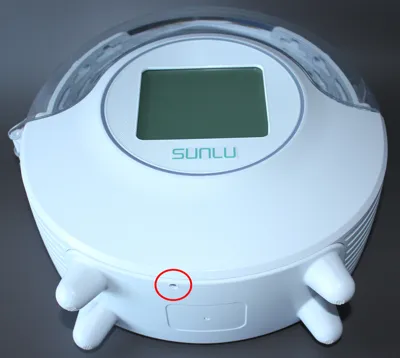
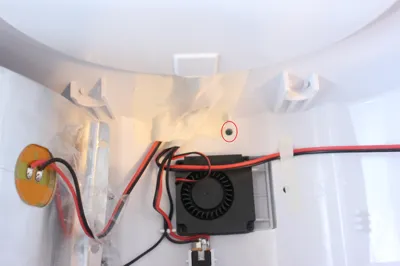
3 - Drill at the indicated location with a small drill bit (red circle)
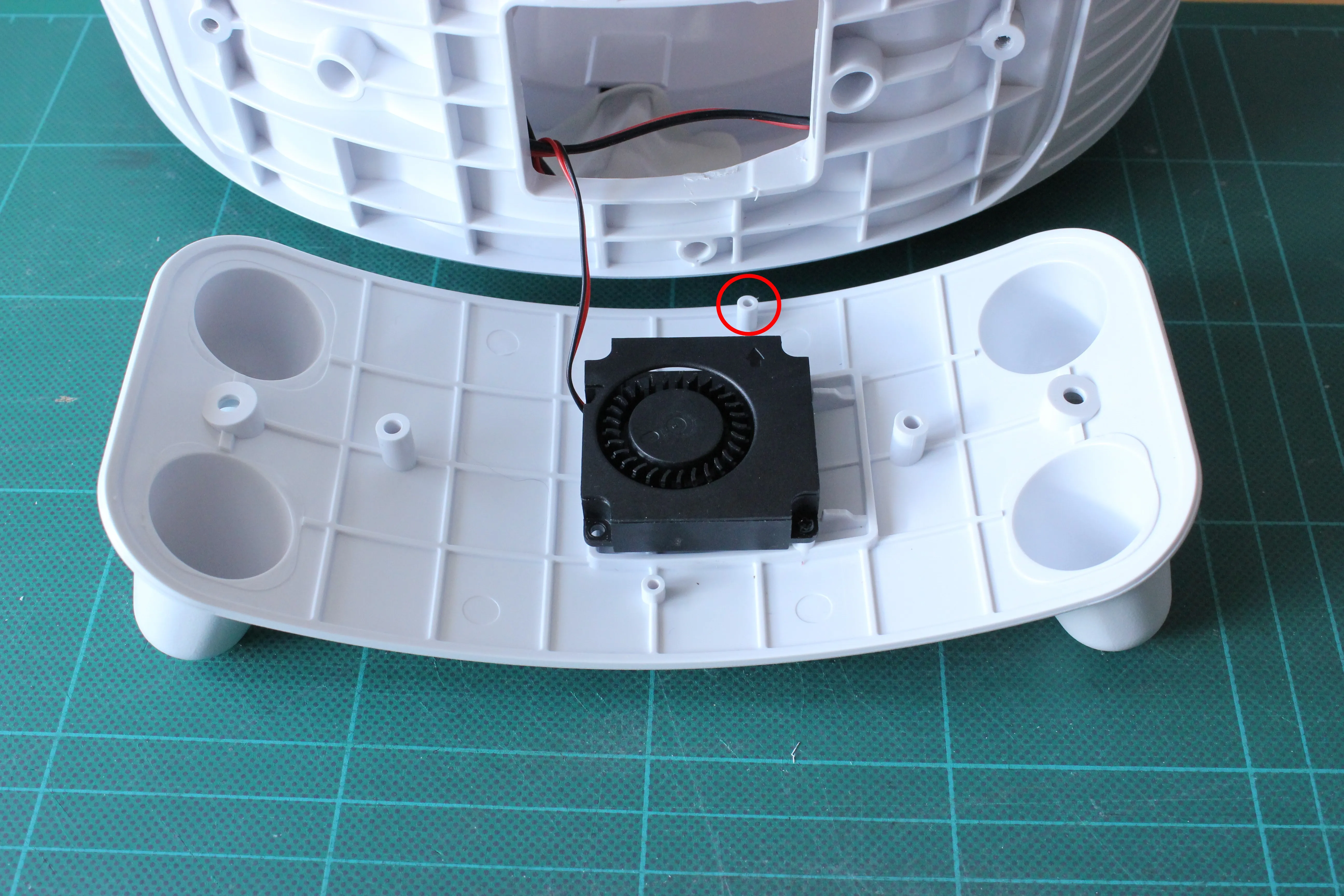
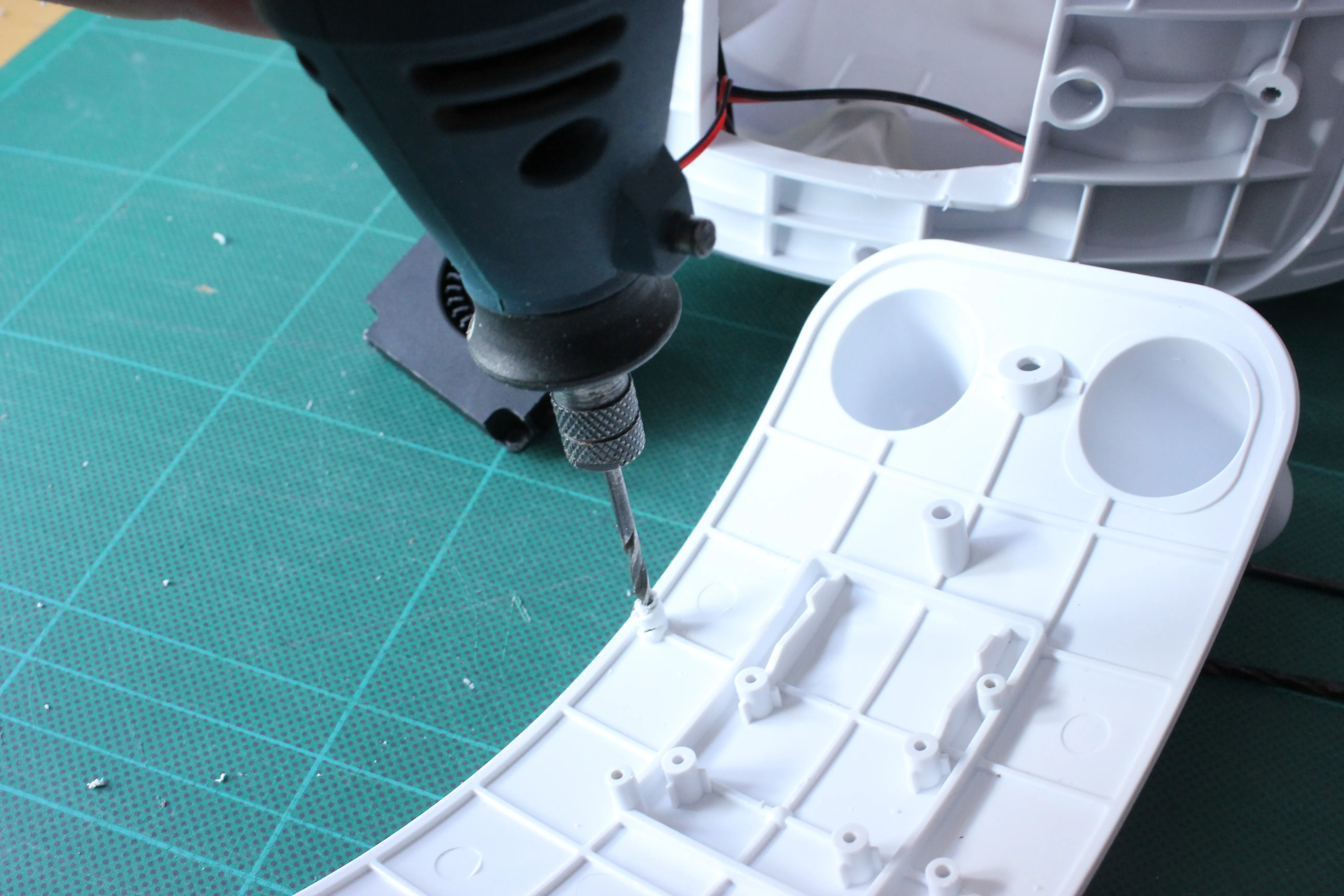
4 - Enlarge the hole with a 4.5 mm drill bit
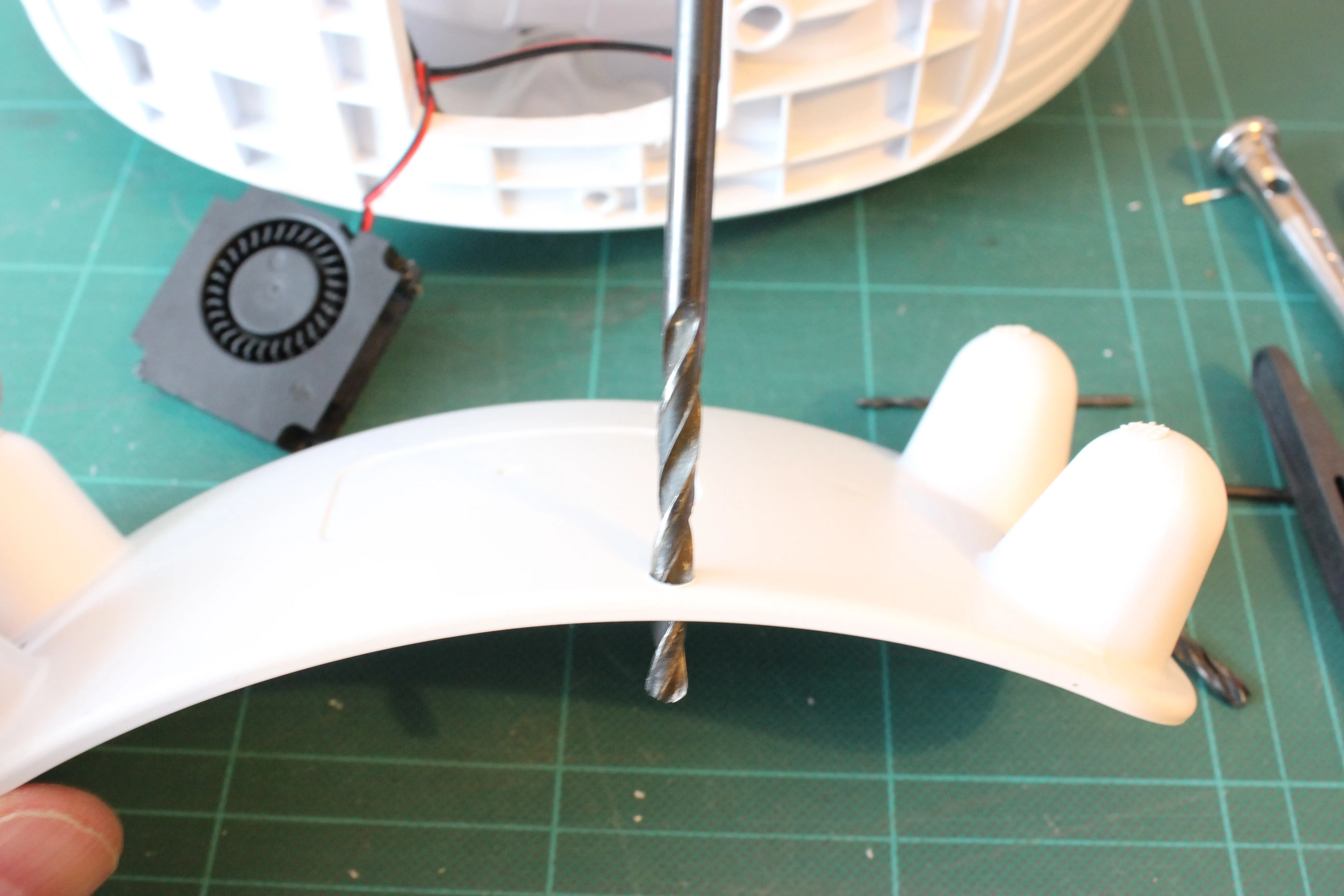
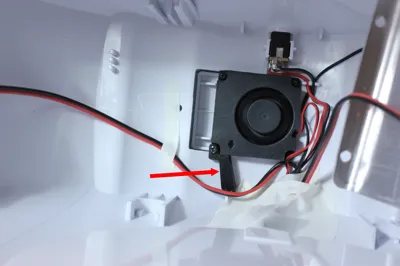
5 - Reassemble the bottom of the dryer and screw on the ventilation duct as shown in the photo
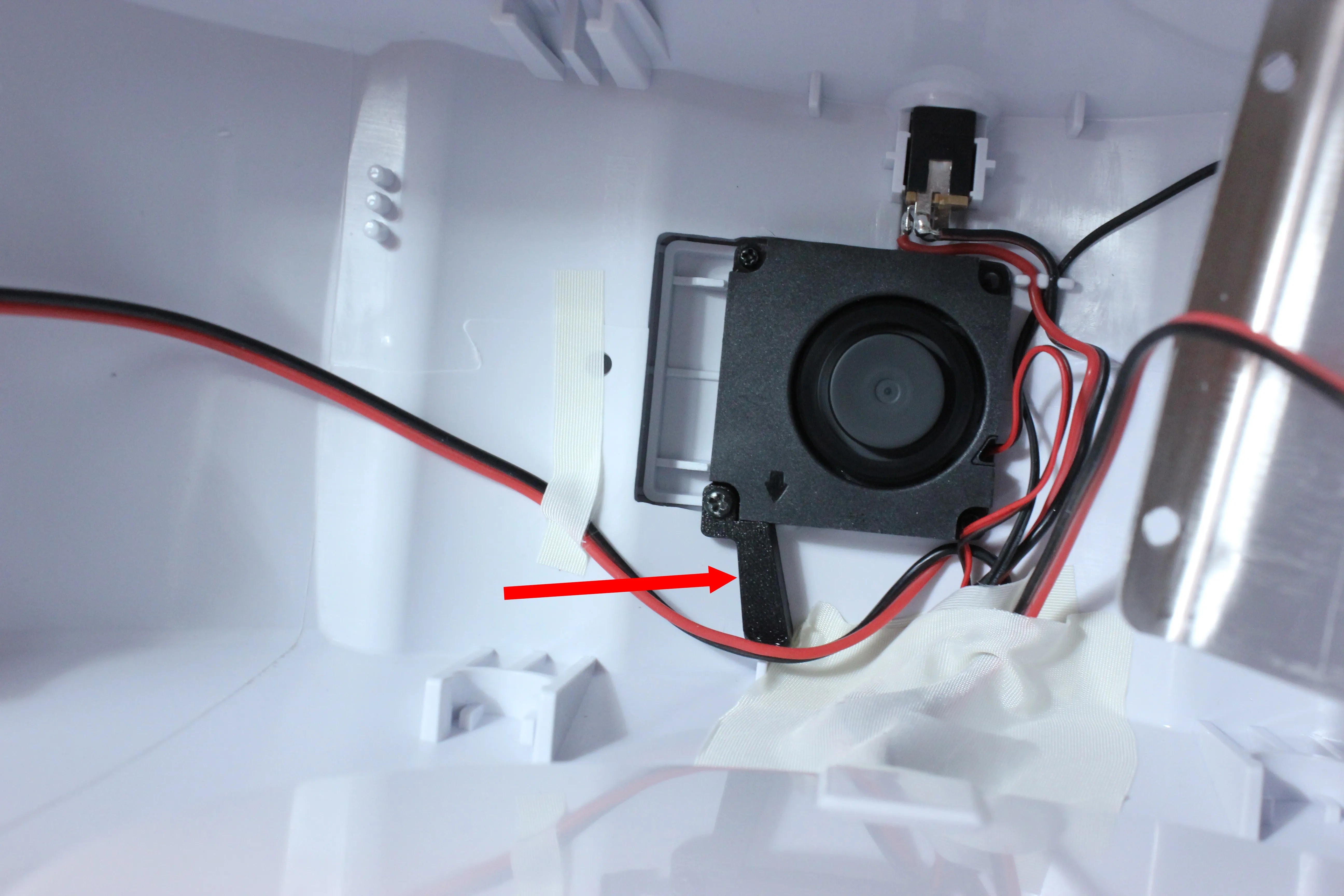
6 - Reassemble the metal rods and the heating element
License

You shall not share, sub-license, sell, rent, host, transfer, or distribute in any way the digital or 3D printed versions of this object, nor any other derivative work of this object in its digital or physical format (including - but not limited to - remixes of this object, and hosting on other digital platforms). The objects may not be used without permission in any way whatsoever in which you charge money, or collect fees.


Comment & Rating (12)