
QNAS6 6-bay NAS
Print Profile(2)


Description
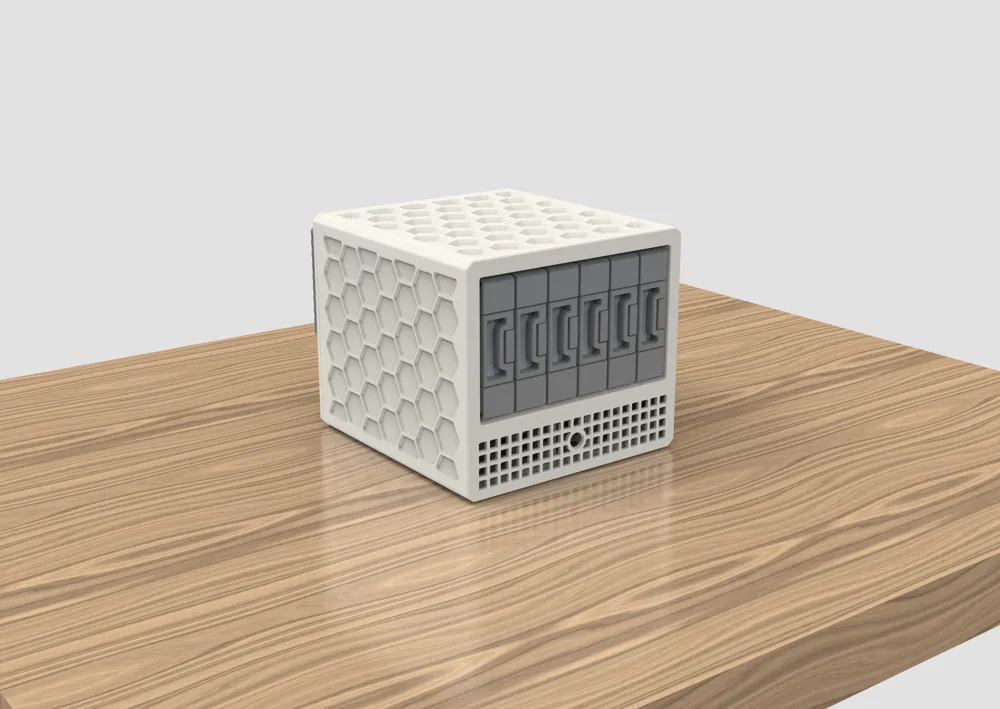
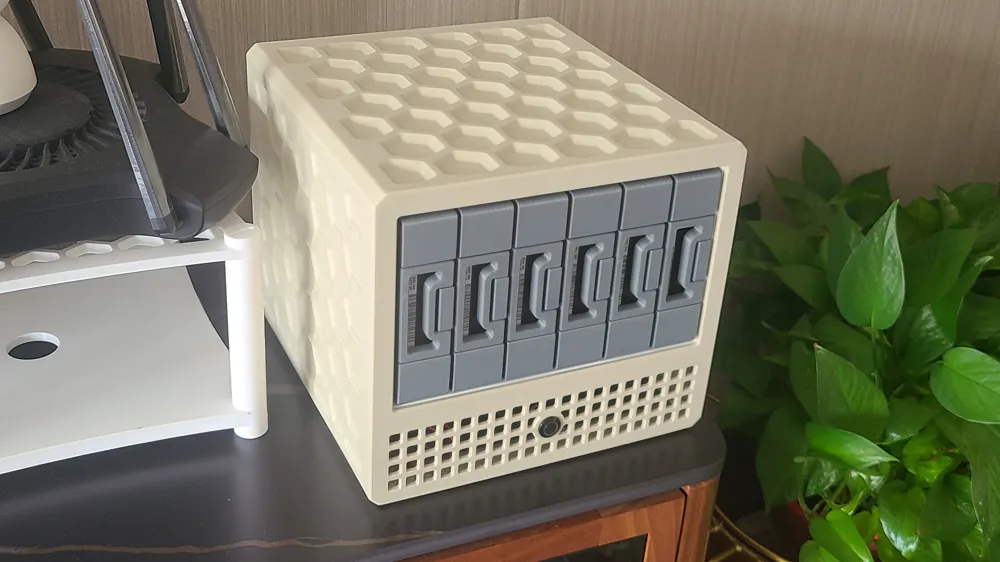
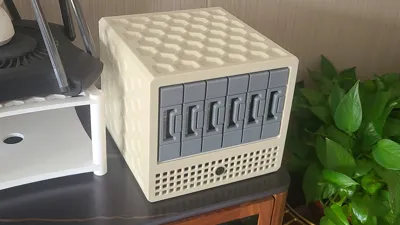
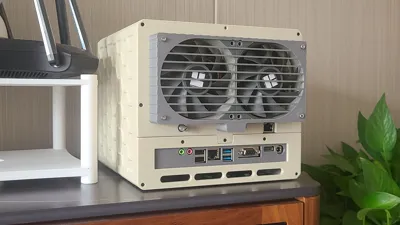
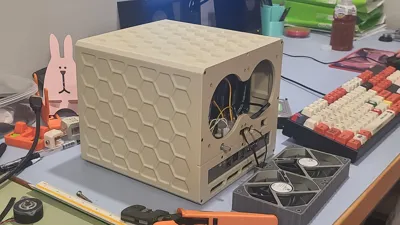
QNAS6 Official Version Released
STL files and print profiles for PETG and ABS materials have been released
STL file dimensions are true size, due to the model's large size, actual printing requires scaling up to compensate for material shrinkage
Print profiles have been scaled for ABS material with XY scaled to 100.7% and can be used directly (recommended for ABS printing, high temperature resistance, matte texture)
Print profiles have been scaled for PETG to 100.4% and can be used directly (if your machine cannot print ABS, you can use PETG as an alternative)
If using PLA, the XY dimensions need to be scaled to 100.25% (although PLA printing results are best, it is generally not recommended for use on the chassis as it can deform when heated)
Friendly reminder: As the weather gets colder, it is recommended to print ABS with equipment that has active chamber heating
BOM list link: (if there are any omissions, please contact us for feedback)
【Tencent Document】QNAS6 BOM
https://docs.qq.com/sheet/DVXFac3BzeVNYSW52
2025.11.17 Update
Updated dedicated print profiles for ABS and PETG
Optimized slicing parameters to save material
2025.10.29 Update
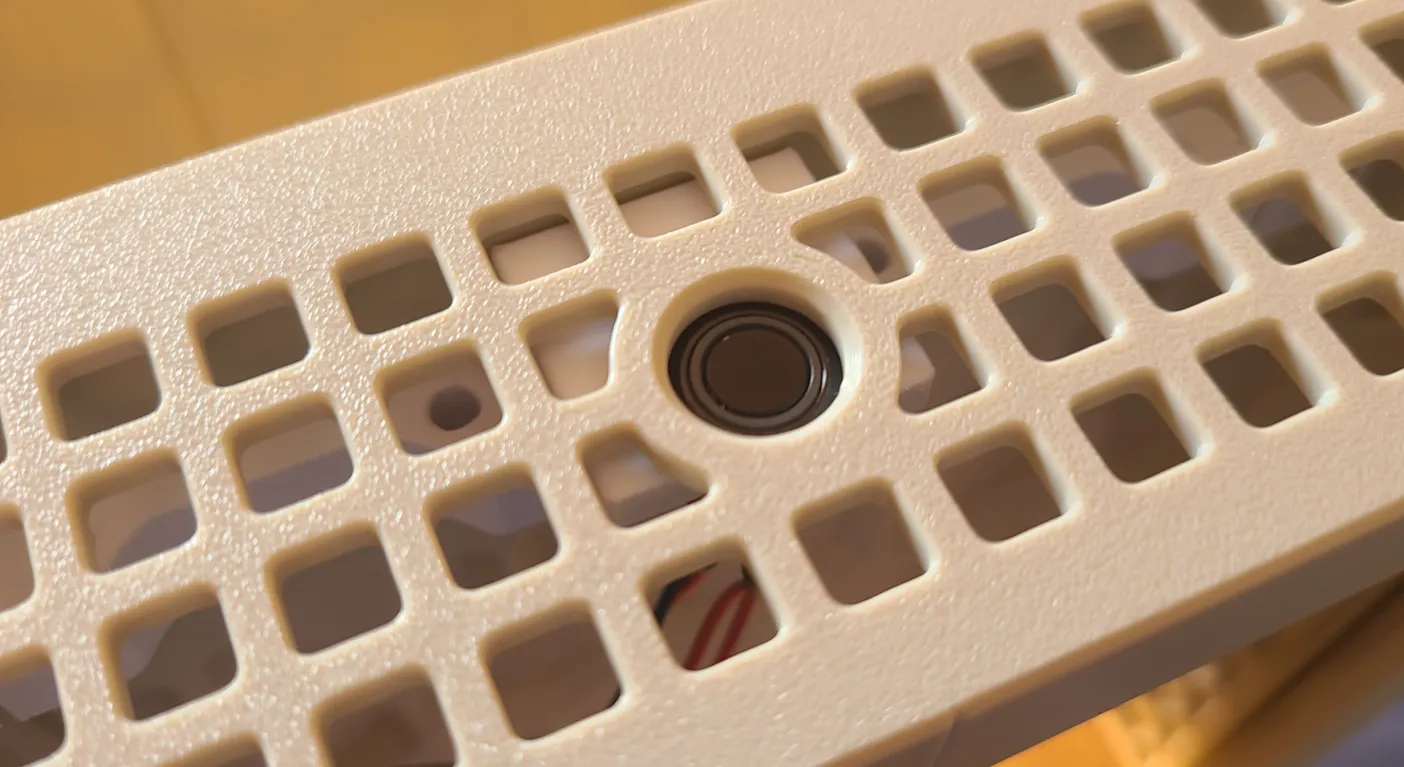
Added a front fan bracket with switch.STL
This model is used to secure the power button and fan, with the purpose of recessing the power button inside the chassis, reducing the risk of accidental activation
The effect is shown in the figure below
2025.10.10 Update
Added a 2.5-inch mounting bracket, fixed to two screws on the motherboard, for easy cable management
STL files have been uploaded and a separate print profile has been added
2025.10.8 Update
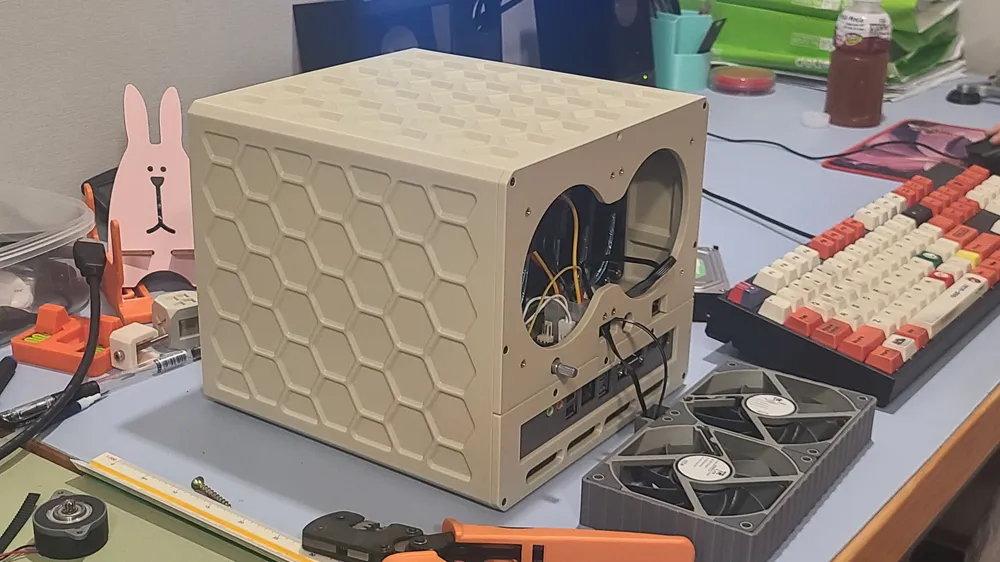
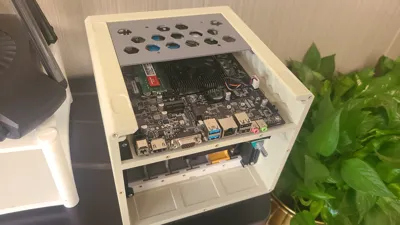
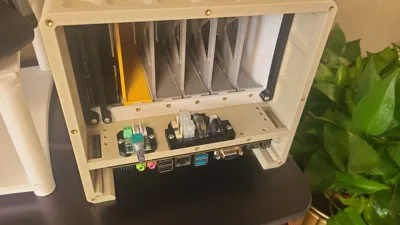
Added a split rear panel, allowing users to individually disassemble the hard drive bay or motherboard bay for easier maintenance
STL files and modified print profiles have been uploaded
Chassis Description:
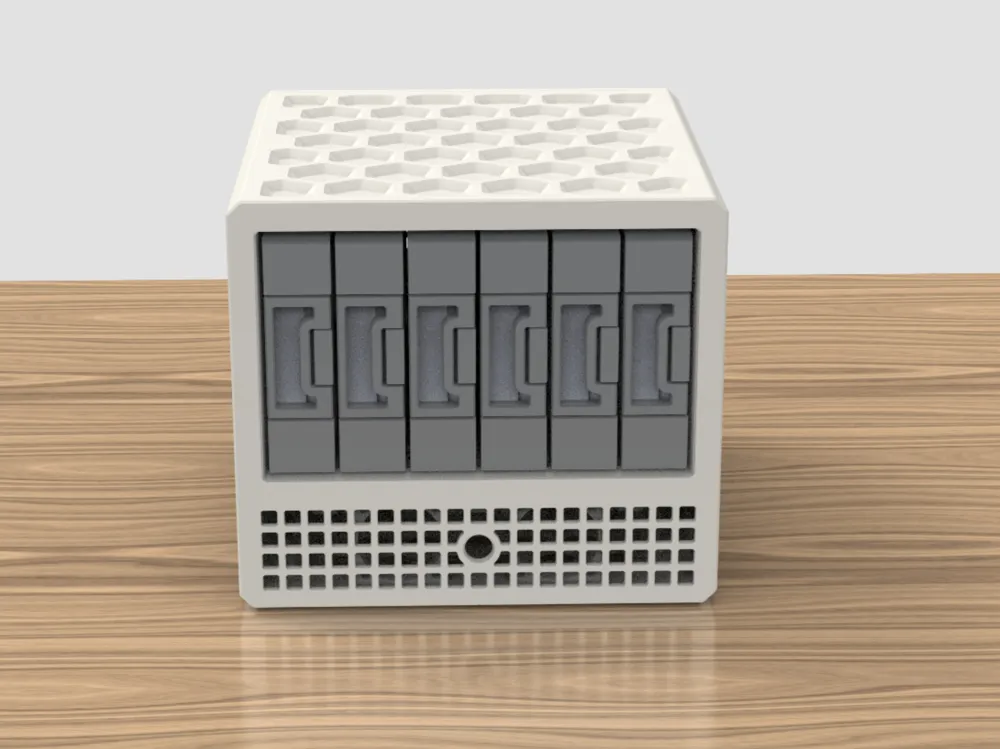
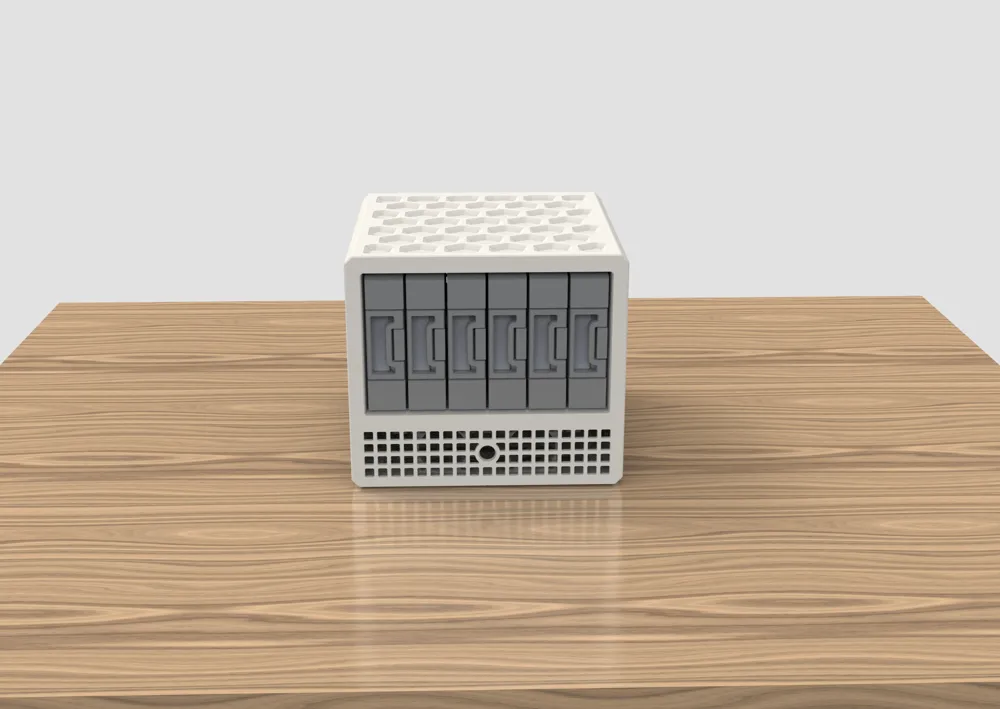
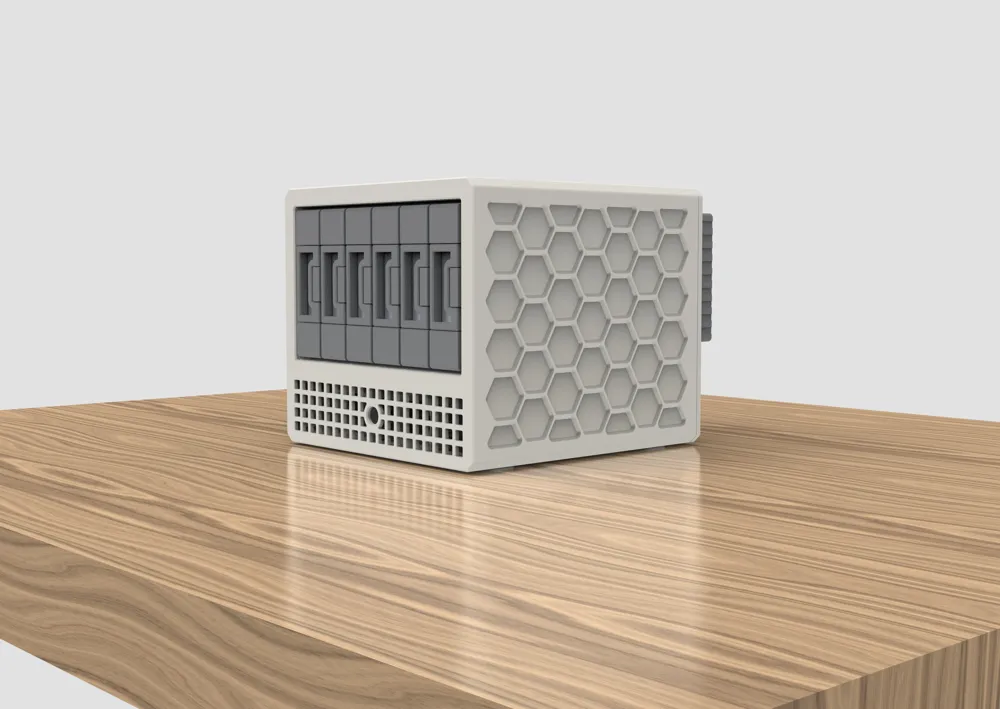
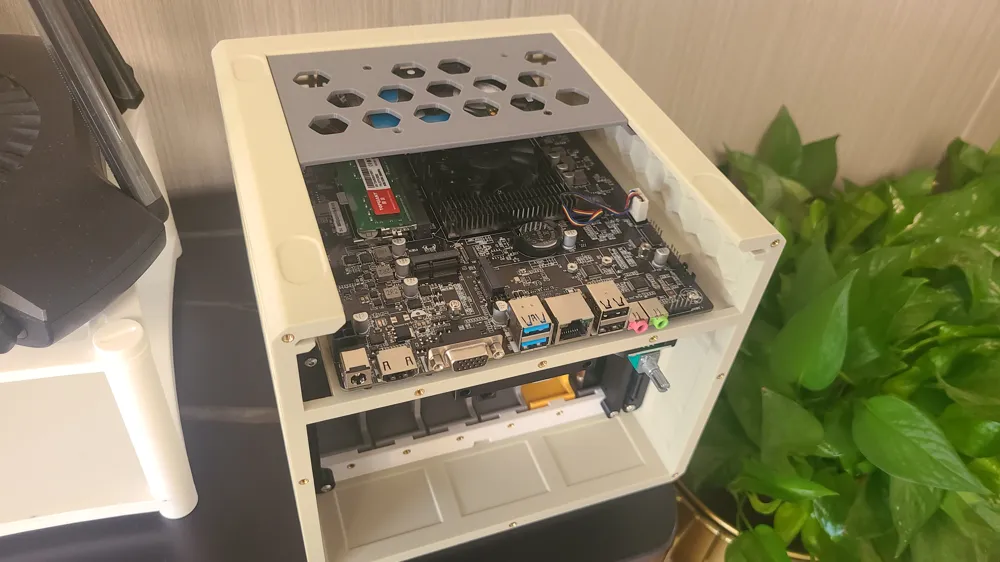
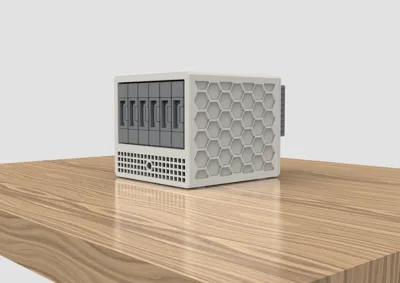
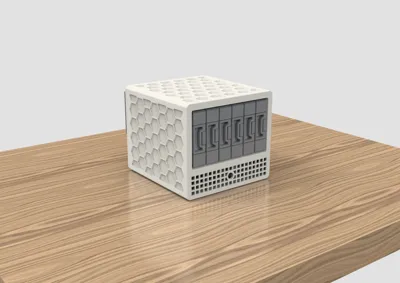
Main chassis dimensions: width 214.2 height 188.2 depth 223 volume 8.9L print color scheme warm gray + cool gray
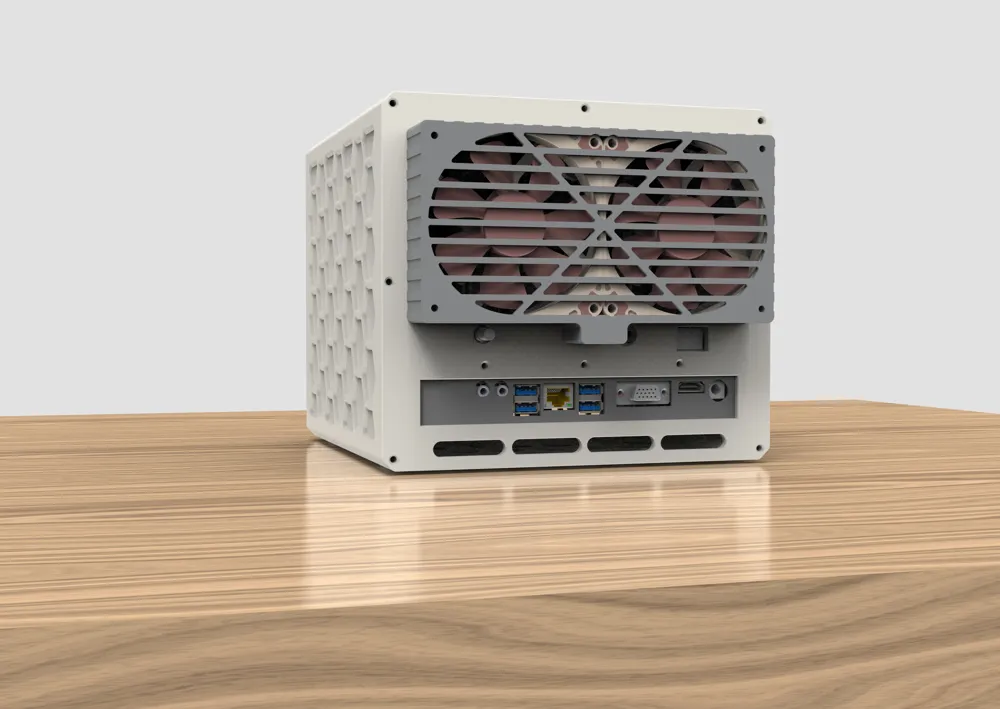
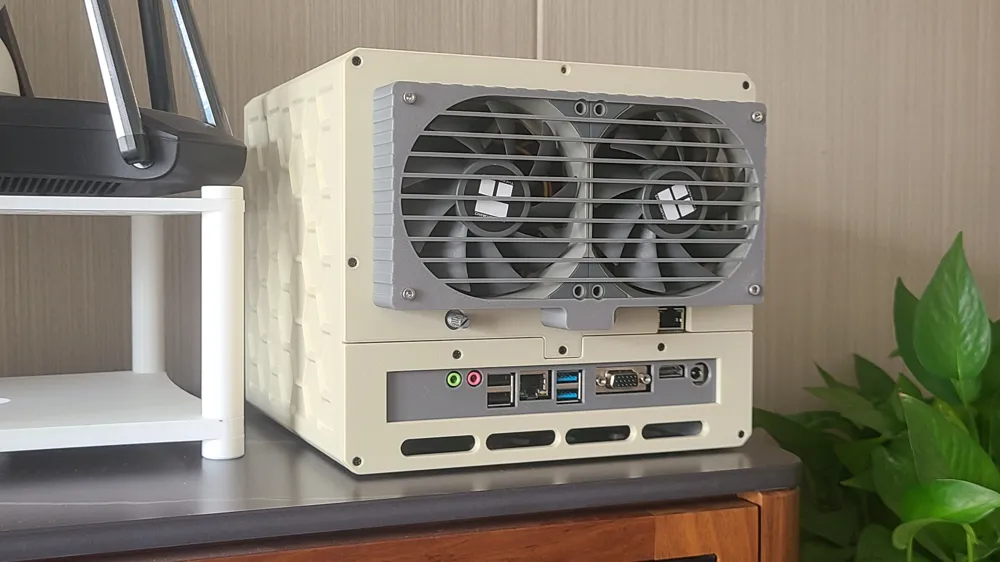
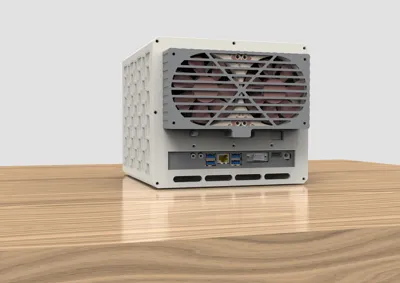
The cooling fan module is a rear-mounted type with a thickness of 27MM
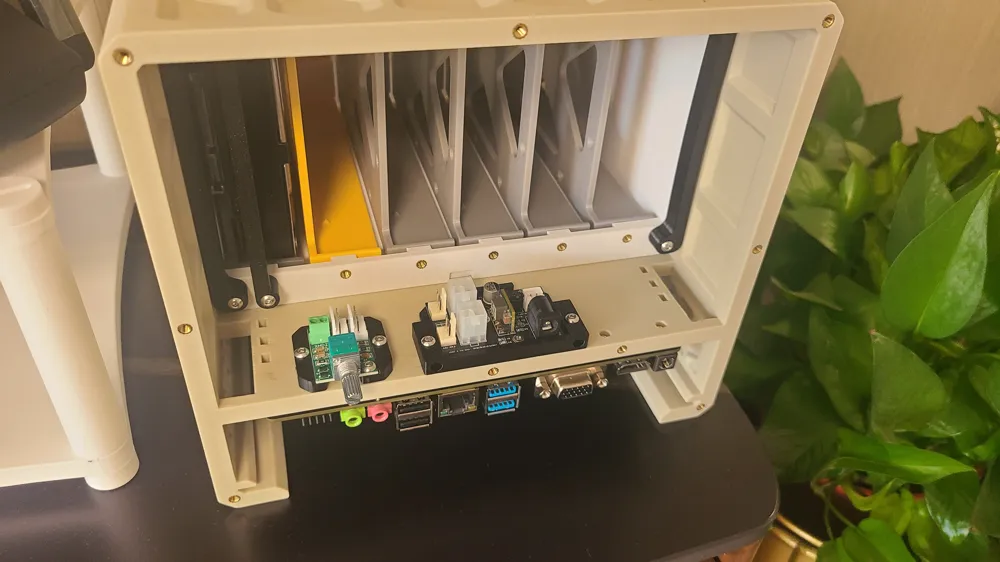
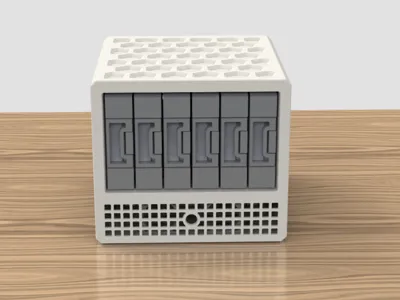
Features 6 hot-swappable 3.5-inch drive bays, allowing tool-free hard drive installation and removal, also supporting 2.5-inch drives, the trays use silicone pads for shock absorption and damping
The motherboard is DC-ITX (12V), CPU models include low-power products such as J4125, N4000, N5095, N100, motherboard price is 200-600 CNY
Two Thermalright 9225 fans for hard drive cooling, directly blowing on hard drives without obstruction, providing good cooling performance
A manual PWM speed controller is used to control the speed of the two 9225 fans, the PWM controller is powered by the 12V fan interface of the hard drive power module
Uses a 5V power module with high sales on Taobao, likely a 10A module from ZTE
A cutout for an external network port is reserved, which can be used to install a 2.5G network card
Two 4010 fan mounting positions are reserved for active cooling of the motherboard bay, the two 4010 fans can be connected to the motherboard's SYSFAN interface
The bottom plate is fixed with a two-piece slide slot, allowing an additional 1-2 2.5-inch hard drives to be secured
The entire machine requires 12V DC power supply, it is recommended to use a branded power supply of 100 watts or more, using a one-to-two splitter cable
Disclaimer:
This solution is for electronic DIY enthusiasts, only suitable for enthusiasts with sufficient experience in PC assembly. The assembly process involves cable connection, fabrication, soldering, etc
I assume no responsibility for any hardware damage or personal injury that occurs during the assembly process. Novices should fully evaluate the project's difficulty before deciding to proceed
Assembly Video:
Boost Me (for free)
Documentation (1)
License

You shall not share, sub-license, sell, rent, host, transfer, or distribute in any way the digital or 3D printed versions of this object, nor any other derivative work of this object in its digital or physical format (including - but not limited to - remixes of this object, and hosting on other digital platforms). The objects may not be used without permission in any way whatsoever in which you charge money, or collect fees.


Comment & Rating (2)