
Universal Flow Ratio Calibration (v2)
Print Profile(3)




Description
Boost Me (for free)
If you find this useful : ⚡ Boost us 👍 Like the model 💬 Comment with your feedback or show us your results 🌟 Follow KIMERA Labs France
V2-universal now supports PLAs, PETGs, ASAs, ABS, etc, and its compatible with A1 mini and all other BBL printers !!🎉🎊🥳
We passed from +30 profiles to few-master ones.
🧪 This model is part of our Calibration Test Series.
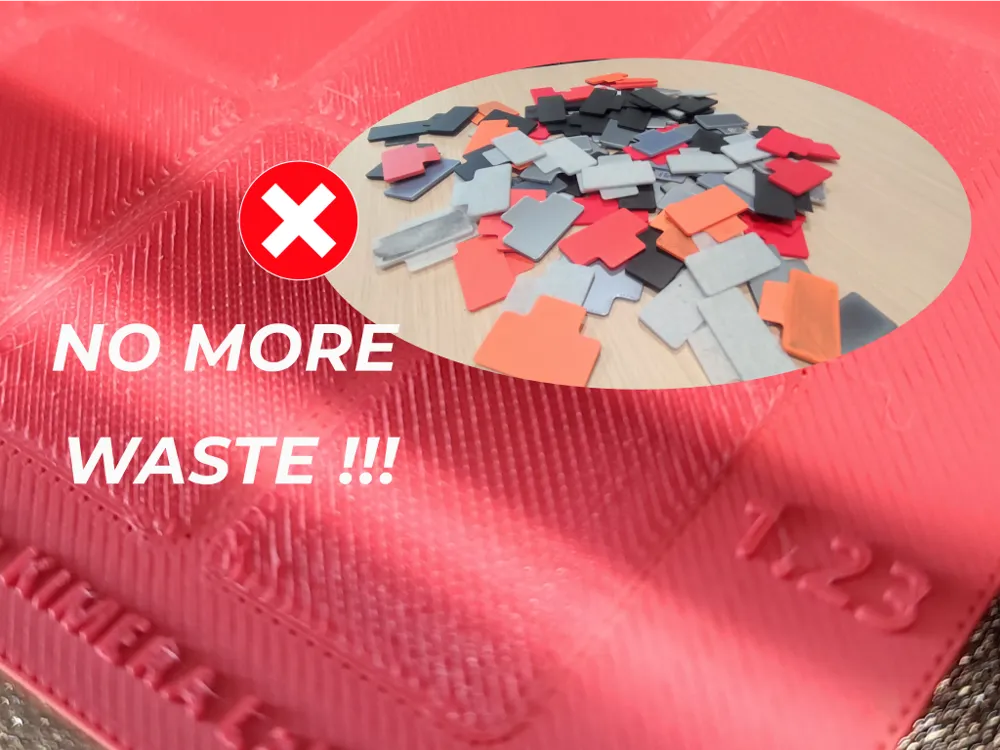
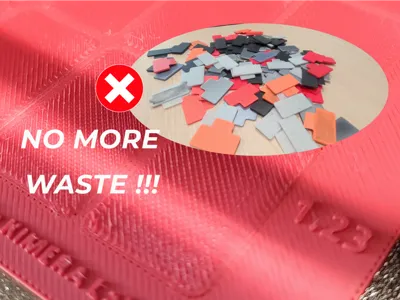
Traditional flow calibration is a fragmented, wasteful process. We were tired of printing endless squares, calculating percentages, and re-printing just to dial in the flow ratio over and over again. 😮💨!
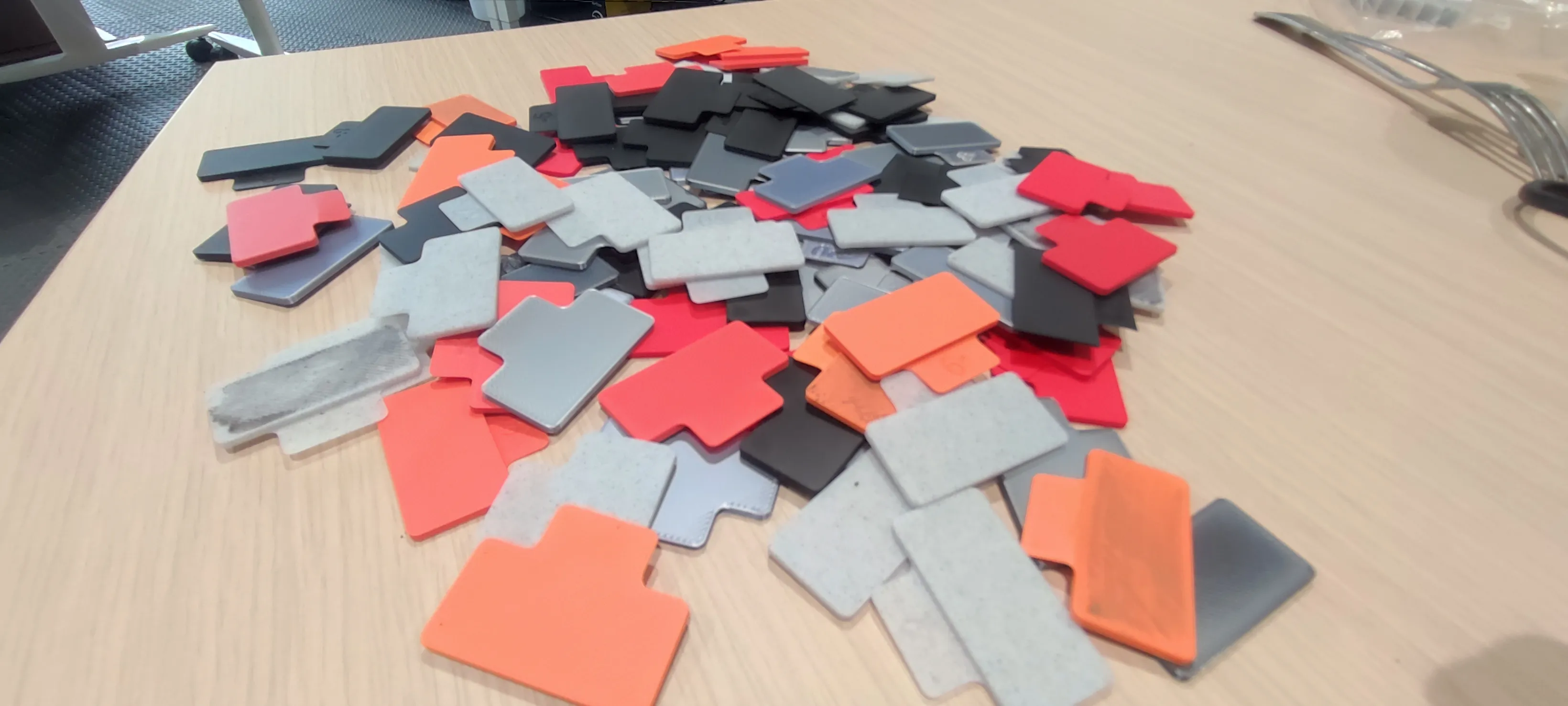
That's why we created the definitive, one-print solution to master filament extrusion for all your materials.
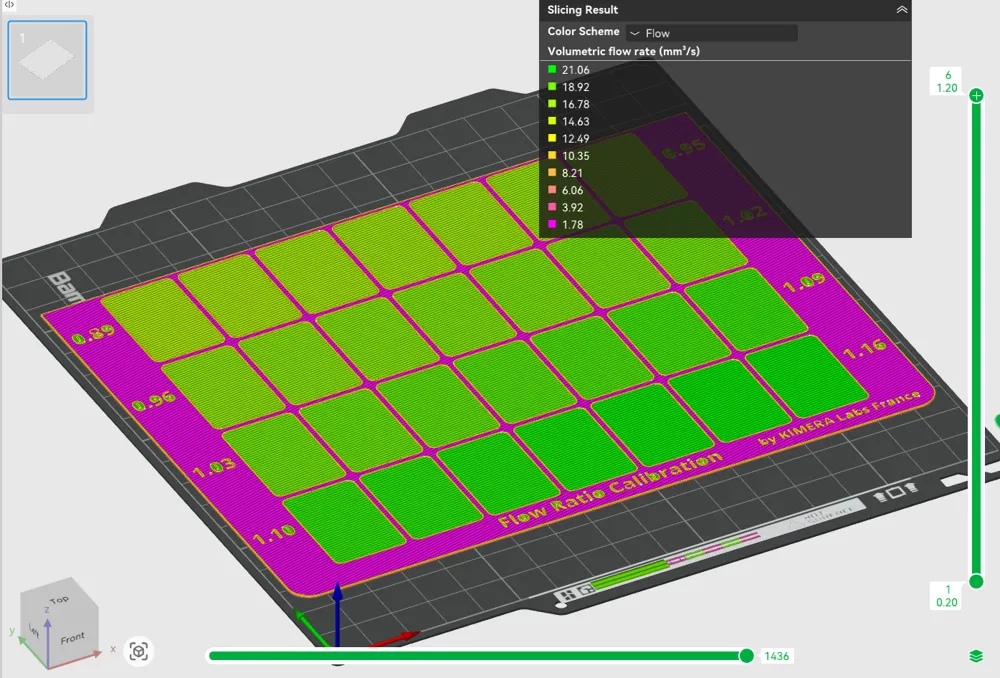
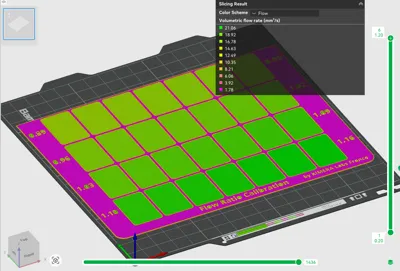
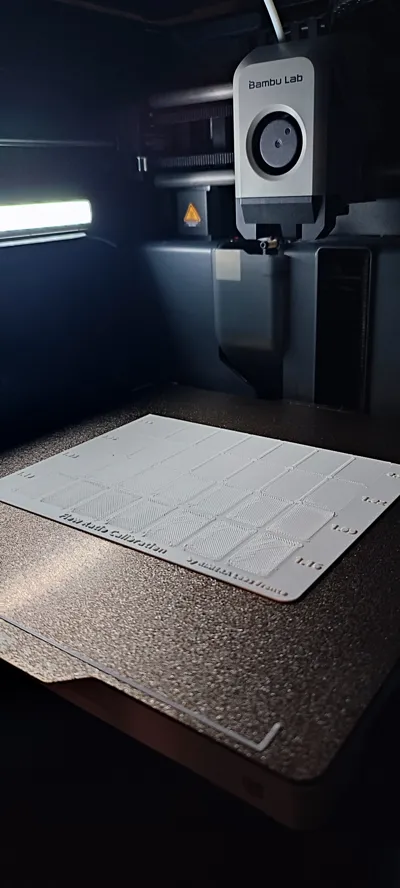
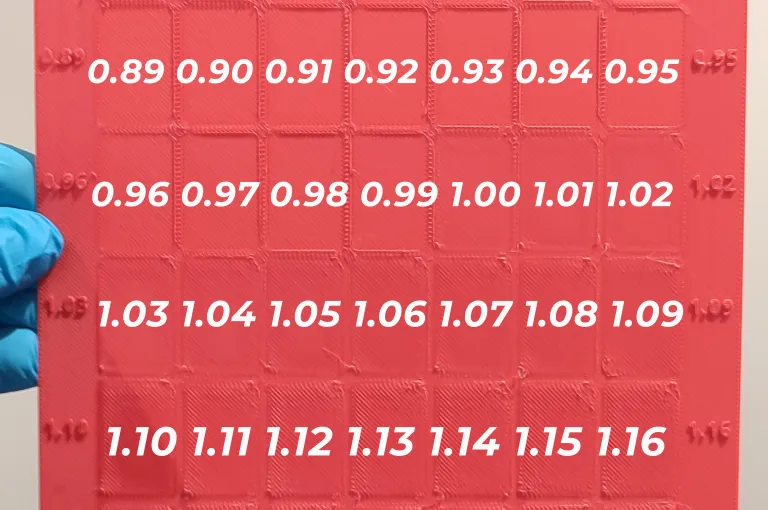
Our plate changes everything. It's a single, comprehensive tool that provides a full spectrum of absolute flow ratio values from 0.89 to 1.16 in precise 0.01 increments (based on our experience by experimentations we've performed). Print it once, find your perfect setting, and keep the plate as a permanent physical reference for your filament.
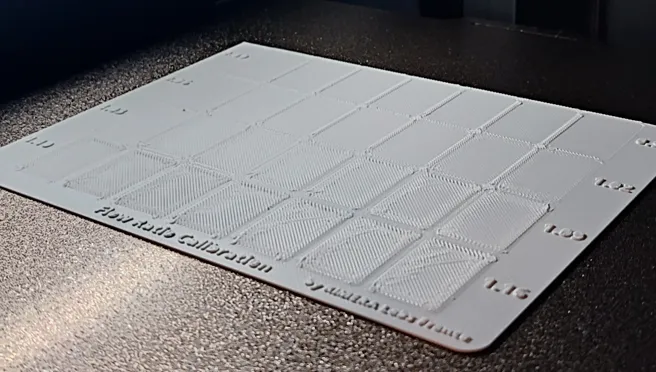
🛠 Step-by-Step Guide
⚠️ Please follow these instructions carefully for accurate results.
We fine-tuned the settings of each object in developer mode, so make sure you open the original profiles always. It changes depending on the nozzle. We guarantee it works on Bambu Studio slicer.
Open the original profile in Bambu Studio.
Note : If you ever get a message like this, it's because you opened a profile that doesn't match the nozzle of your active device (printer).
Situation 1 (your selected printer in Device tab is the intended one) : close and open the profile corresponding to its nozzle size.
Situation 2 (your selected printer in Device tab is NOT the intended one, but the opened profile corresponds to the nozzle you want) : Simply click “Later” and go to Device tab and select the right device.
- Select your printer model, and plate. We highly recommend a Textured PEI Plate.
- Add your material and (⚠️ IMPORTANT) edit the material profile (temporarily) :
- its Flow Ratio to 1.23
its Max Volumetric Speed to 60 mm³/s
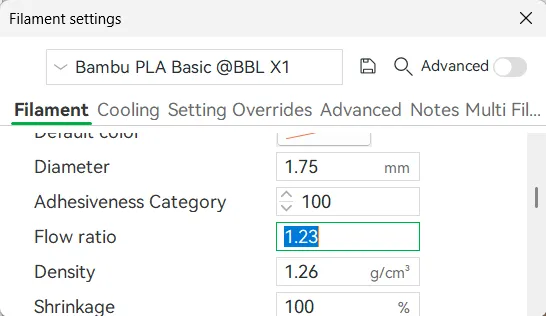
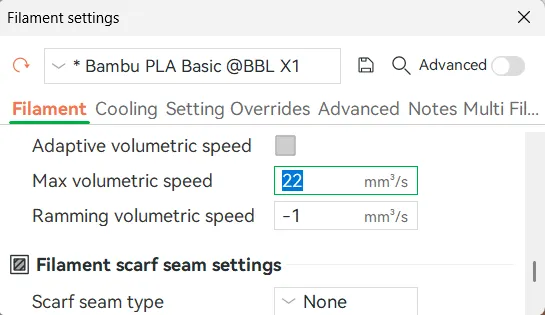
Remember to change them back after, for your regular prints!
- Put the speeds and accelerations you normally print with.
- If PLA, don't forget to leave the enclosure-door opened (if enclosed).
Send to print ✅
⚠️Disclaimer : Remember that materials from different brands, variants (basic, matte, silk, translucent, etc etc), and wet-vs-dried will generate different results. For best practices, we suggest running this test when you get new brands, new types of filament, or when your filaments remained opened for an extended period of time.
🔍 How to Interpret the Results ?
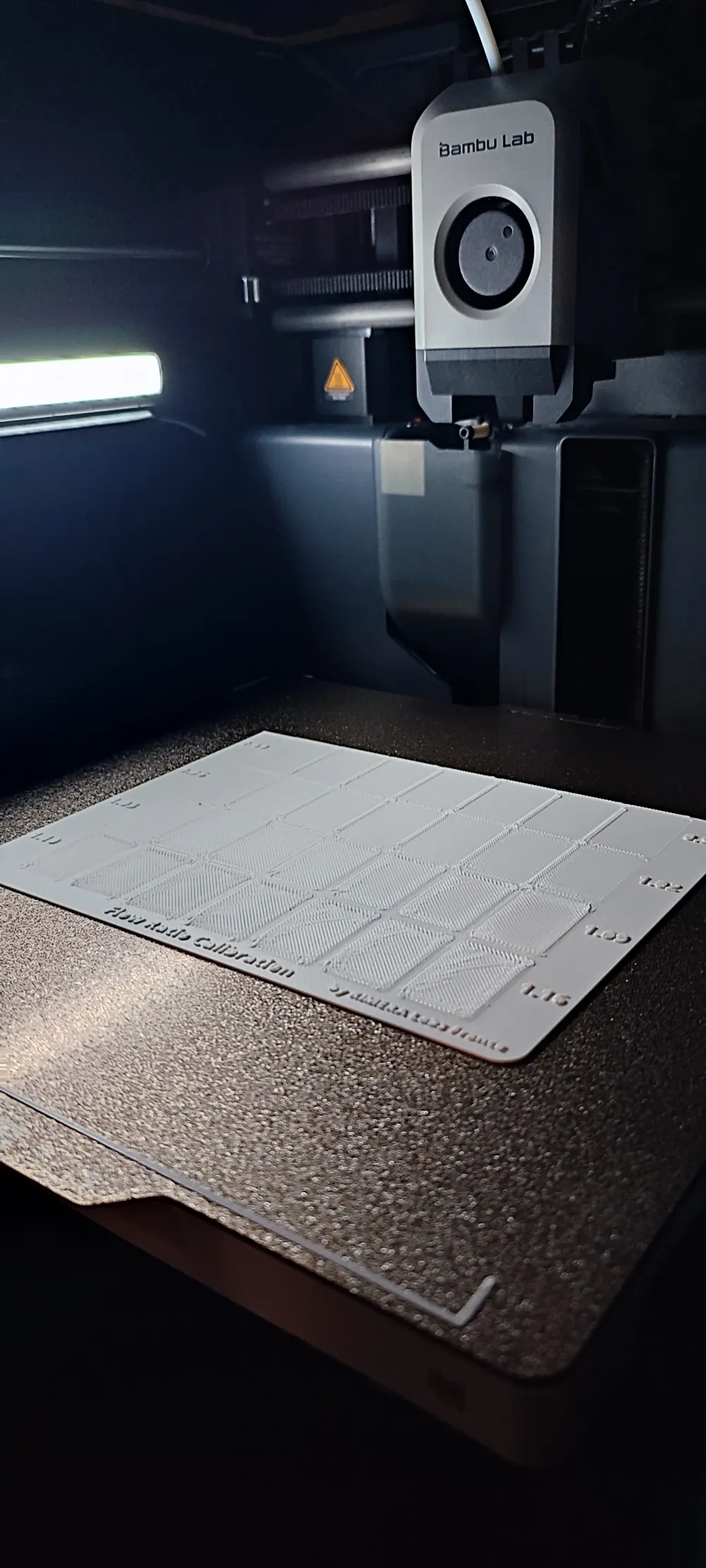
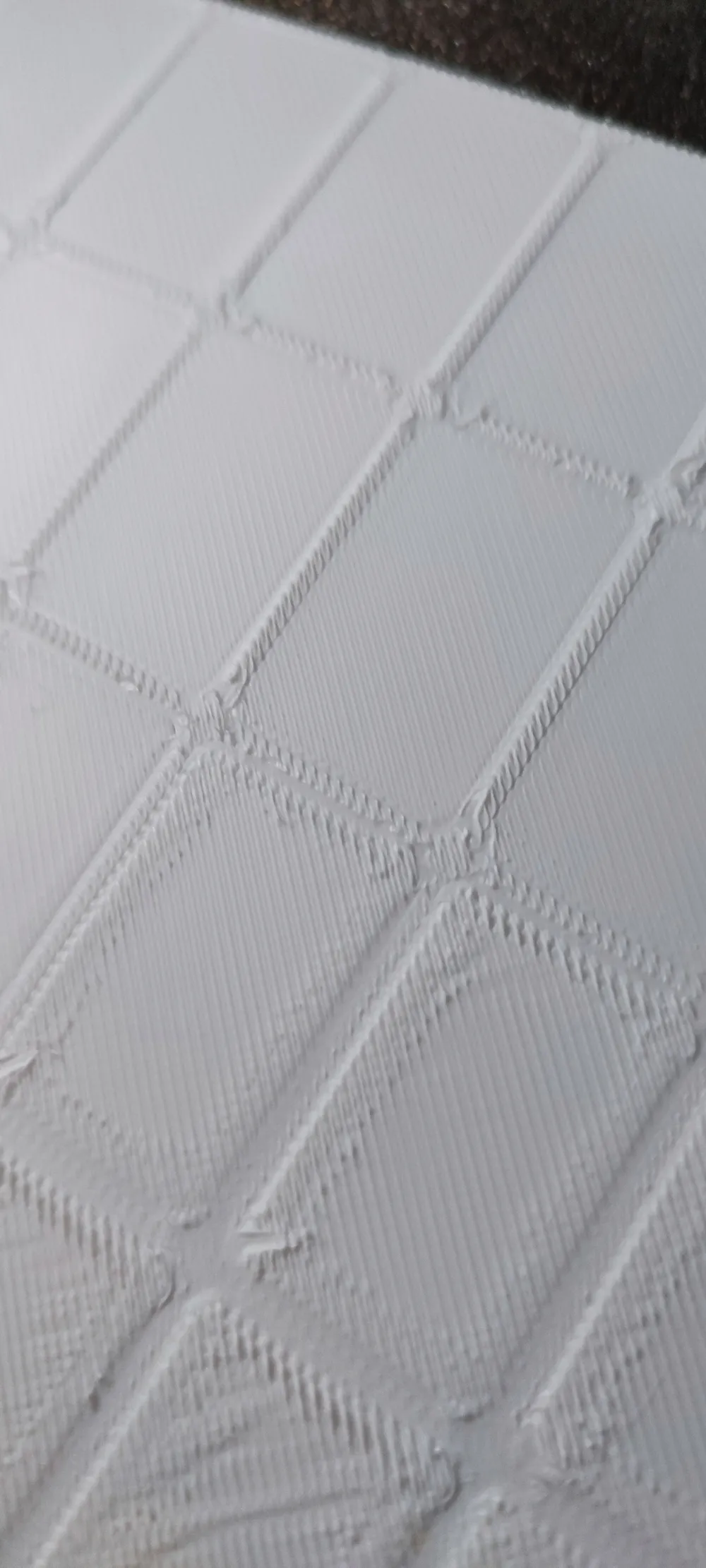
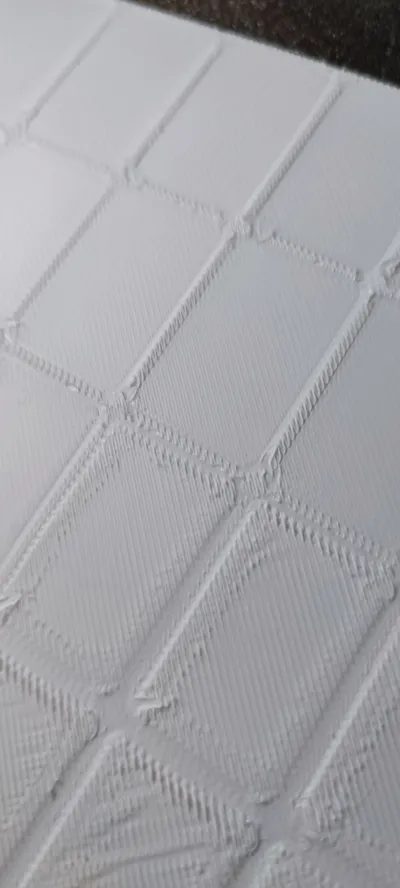
Once printed, inspect the top surface of each square. Your goal is to find the swatch that is perfectly smooth, without signs of under-extrusion or over-extrusion.
- Under-extrusion: Looks like it has gaps between lines, a rough or dull texture, and may feel scratchy. (Swatches with lower numbers).
- Over-extrusion: Looks bumpy, has ridges where the nozzle has dragged through excess plastic, and may feel lumpy to the touch. (Swatches with higher numbers).
Hold the plate up to a light source and tilt it back and forth. This will help you see subtle imperfections. The best-looking square is your ideal flow ratio. Enter that number (e.g., 0.98) into your filament preset for all future prints with that material. And that's it 🎉!!
❤️ Support Our Work
We are a small lab dedicated to creating practical tools for the maker community. If this model helps you, please support us. Merci ! 🙏🥐
Boost Me (for free)
⚡ Boost us
👍 Like the model
💬 Comment with your feedback or show us your results
🌟 Follow KIMERA Labs France
🌍 Why We Made This: A Better Way to Calibrate
We design tools to help makers achieve better results while reducing waste. This plate embodies that mission by offering:
- One-Print Efficiency: Get all the data you need from a single ~21g print, saving time and material compared to iterative methods.
- Absolute Values: The numbers on the plate are the final flow ratio values. No math, no guesswork. What you see is what you set.
- High-Resolution Grid: The wide range (0.89 to 1.16) and fine steps allow you to pinpoint the exact setting for any material, from PLA to PETG and beyond.
- Easy Comparison: Having a single plate lets you compare surfaces under different lighting angles, making it much easier to spot the perfect finish.
- A Sustainable Tool: This isn't a throwaway test. It's a durable, easy-to-store reference plate you can use for every new spool of filament.
License

You shall not share, sub-license, sell, rent, host, transfer, or distribute in any way the digital or 3D printed versions of this object, nor any other derivative work of this object in its digital or physical format (including - but not limited to - remixes of this object, and hosting on other digital platforms). The objects may not be used without permission in any way whatsoever in which you charge money, or collect fees.


Comment & Rating (33)