
Xeneon Edge & Stream Deck Mount with Cable Cutouts
Print Profile(1)

Bill of Materials


Description
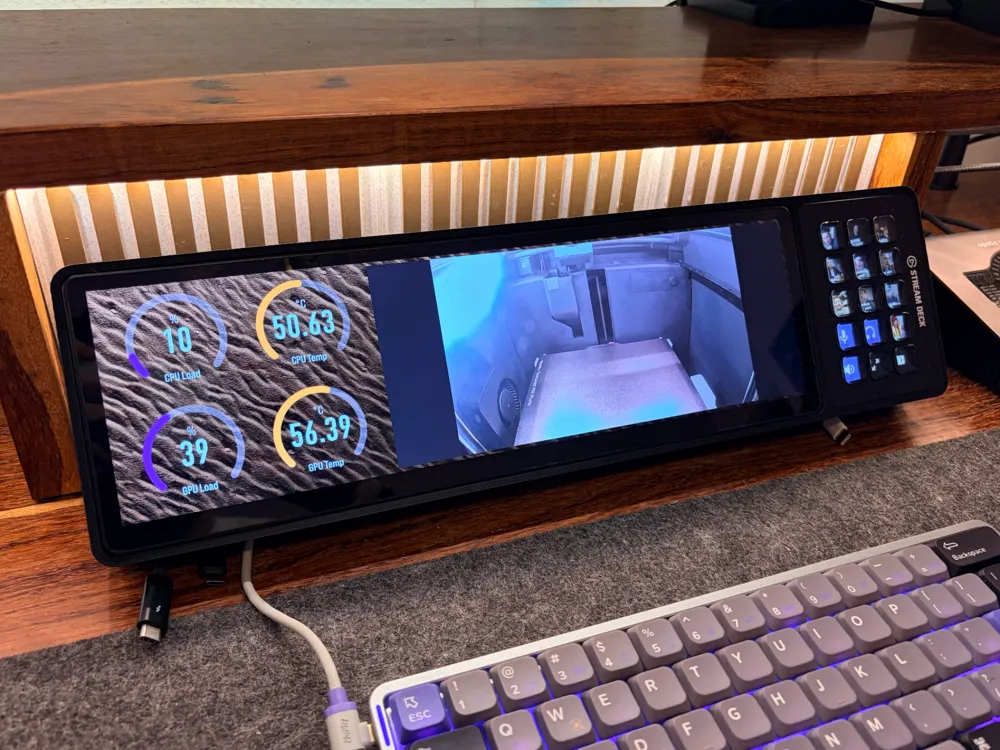
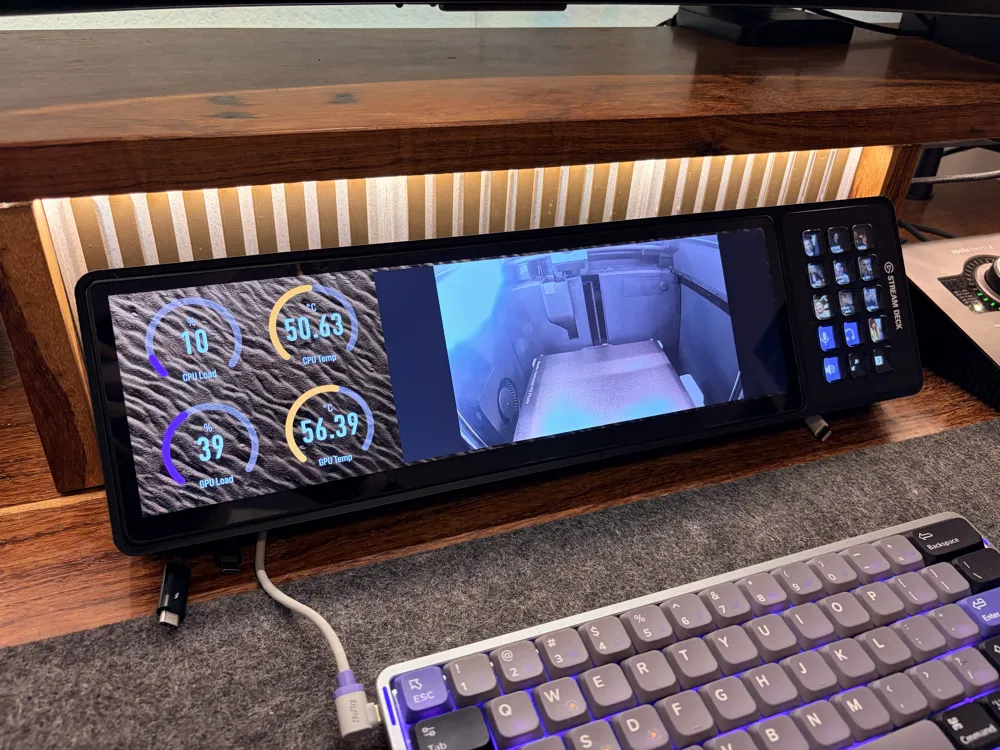
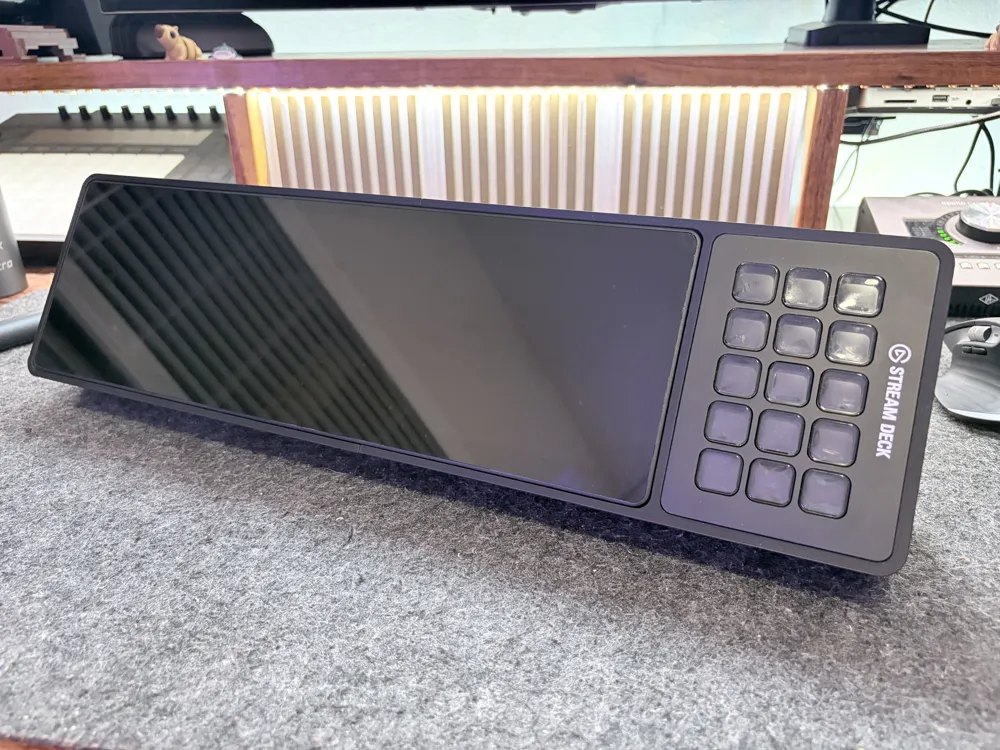
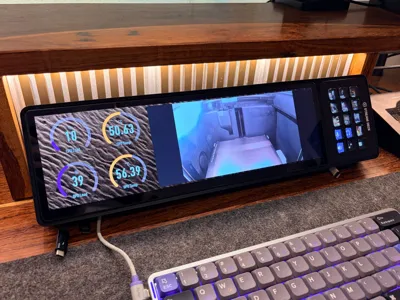
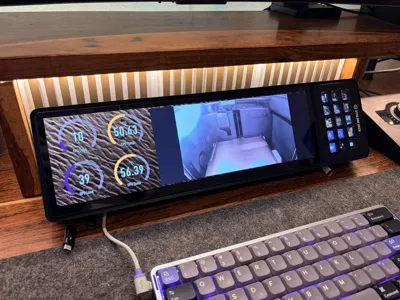
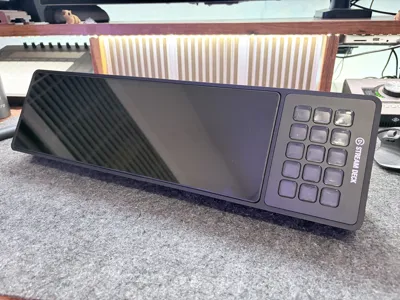
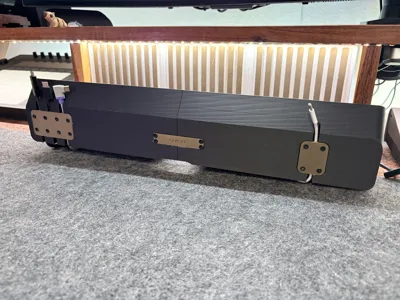
I love the Corsair Xeneon Edge and the Elgato Stream Deck Mk. 2, but wanted a way to keep them both beside each other and at the same angle on my desk. This is why we all have 3D Printers, right??
Enter, the Xenon Edge & Stream Deck Mount!
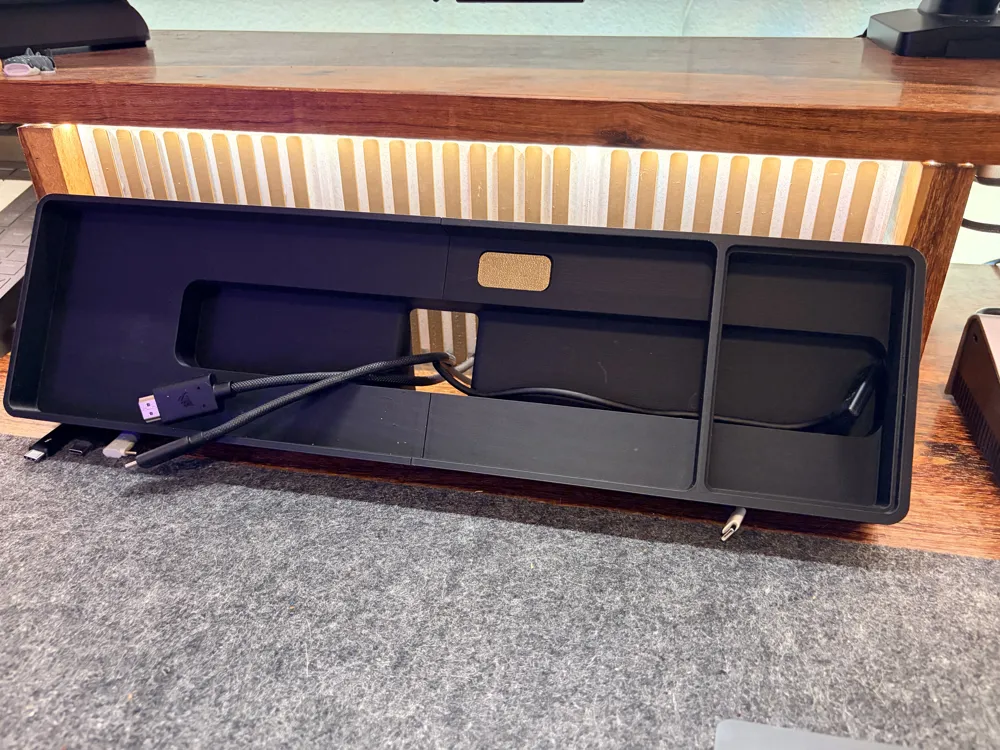
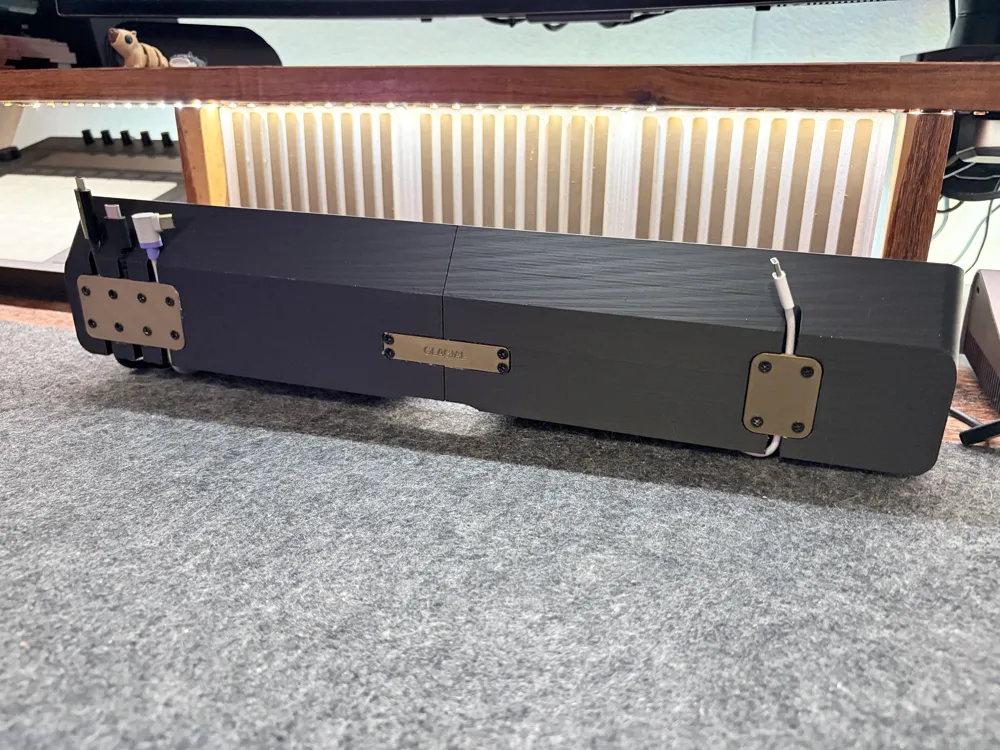
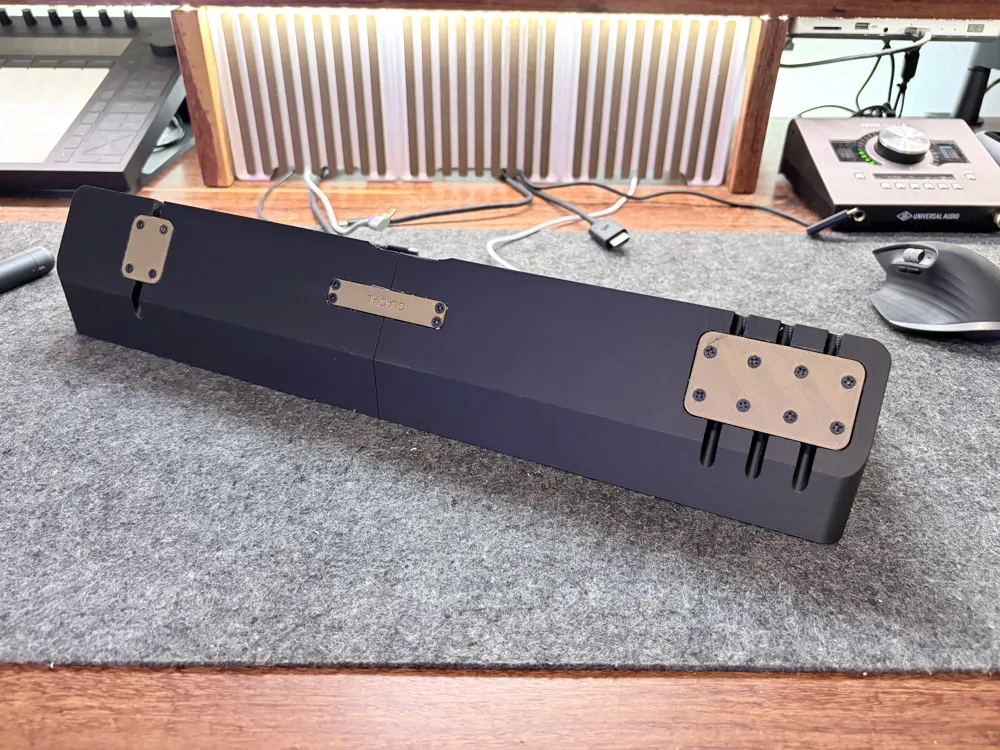
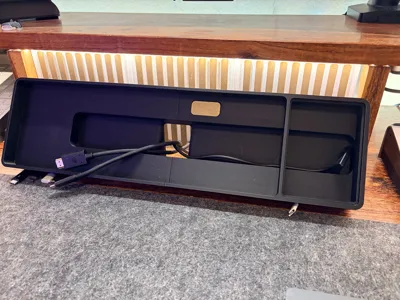
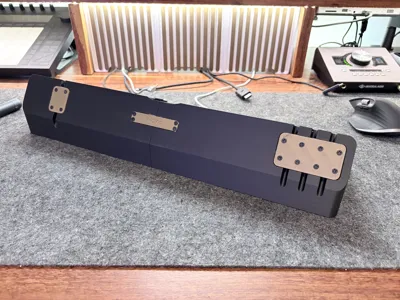
This is a very wide piece at 470mm wide, I included slots for cables for various desk components to slide underneath, like a keyboard, game controller, and extra charging or connectivity cables. These slots should fit any cable up to 6mm in diameter. I even tested it with super chunky Thunderbolt 5 cables! There are plates to secure these cables, so pulling them or retracting them won't cause them to dislodge from their slots.
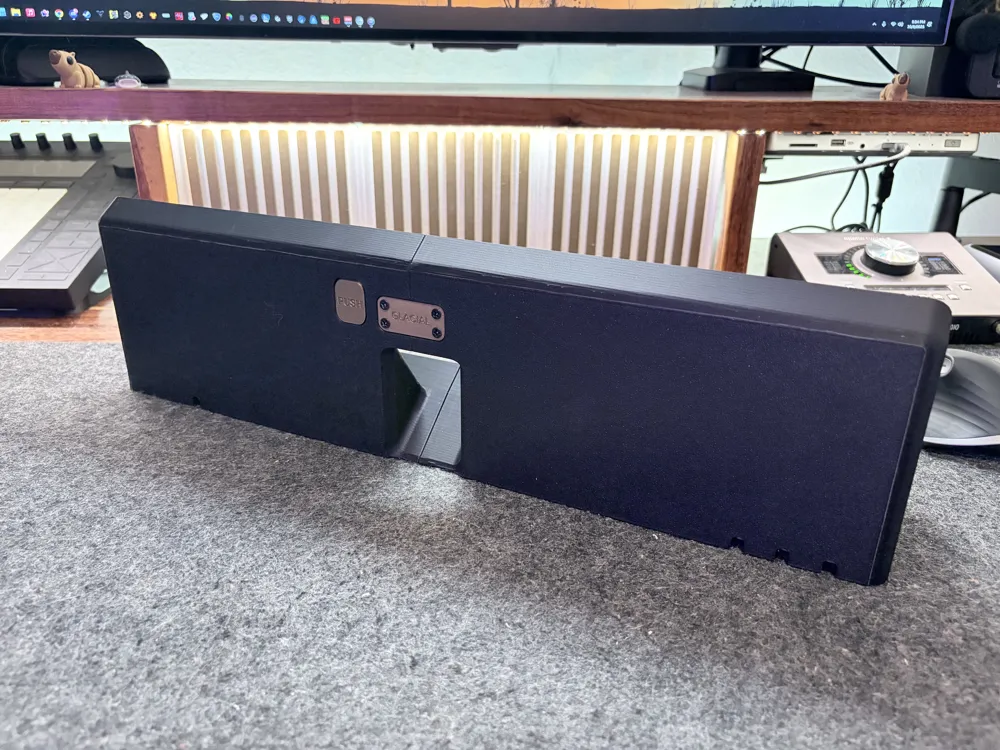
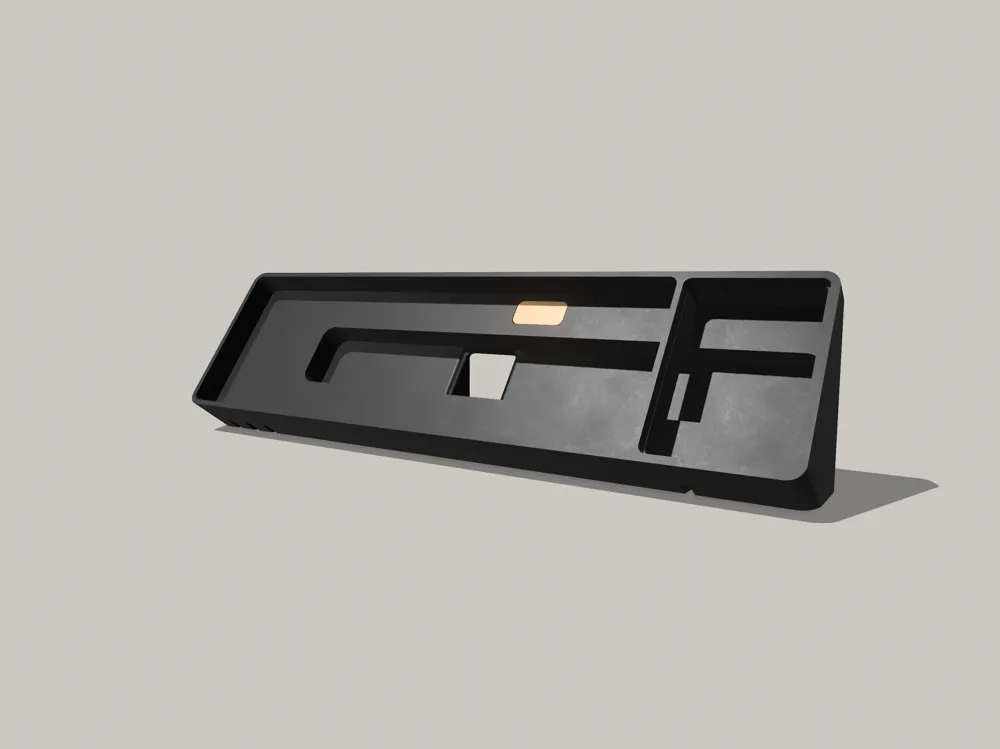
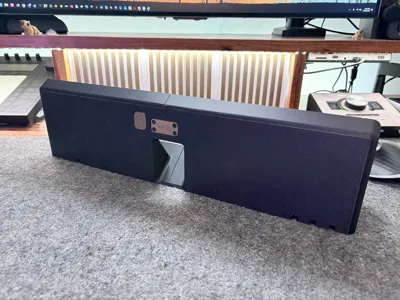
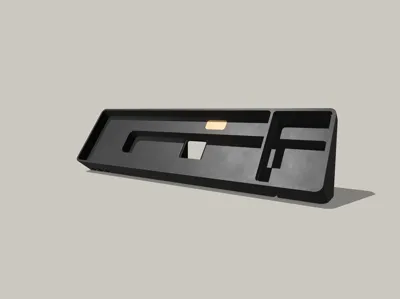
There is a channel for the Xeneon Edge and Stream Deck cables that has wiggle room for non-fuss installation, and there is a push button to help dislodge the Xeneon Edge from the mount for easy access when needed.
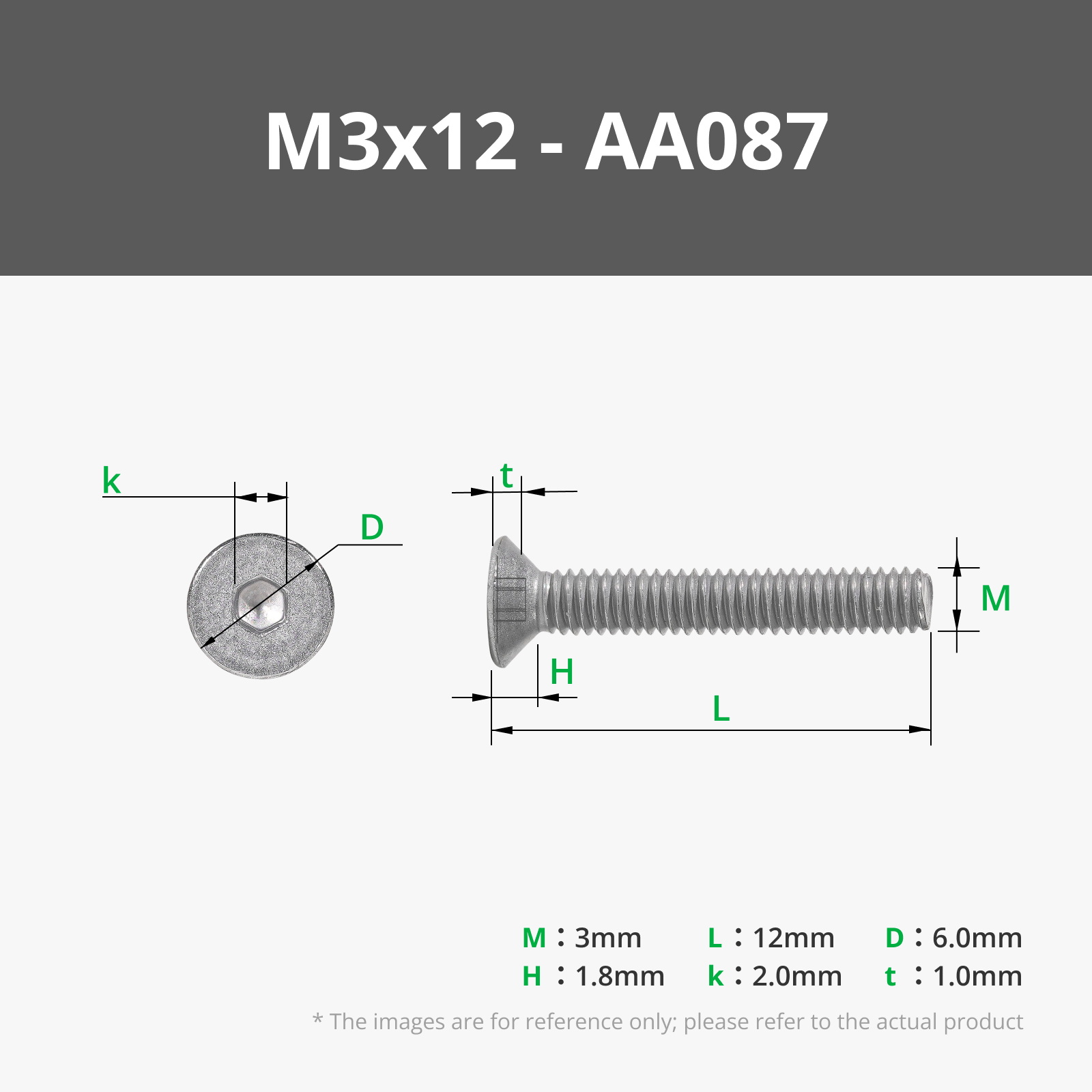
To install, first screw the two halves of the mount together with the two Link Plates. These are screwed into place using four M3x12 countersunk screws per plate. Next, simply route the cable for the Stream Deck and gently press the Stream Deck into place. It's press fit, so while it should be snug, you shouldn't have to use a lot of force. Once that has been installed, route the cables for the Xeneon Edge, plug it in, and drop the display into place. The holder should cradle the display with no force needed to install. Including the plates used to secure the cables underneath, this design uses 20 M3x12mm countersunk screws.
To remove the components, press the button on the rear to life the Xeneon Edge, then reach inside the channel to push the Stream Deck out. Simple!
I love feedback and want to work to make this design better, so post pictures and leave comments with your thoughts! I have plans to get a Bambu Lab H2S with the cutter module, so when I do, I'll post a profile that includes cutter templates to add a felt or cork bottom!
I printed the main mount with Bambu Lab's Matte PLA in black, and the plates and push release button with Bambu Lab's PLA Basic in bronze.
Boost Me (for free)
Boost this design to help support further iterations of this design!
License



Comment & Rating (91)