
Hanging Bookshelf Signs | Customizable Text
Print Profile(2)


Bill of Materials



Description
♥ Patreon / Gallery / Discord / Instagram / Tiktok ♥
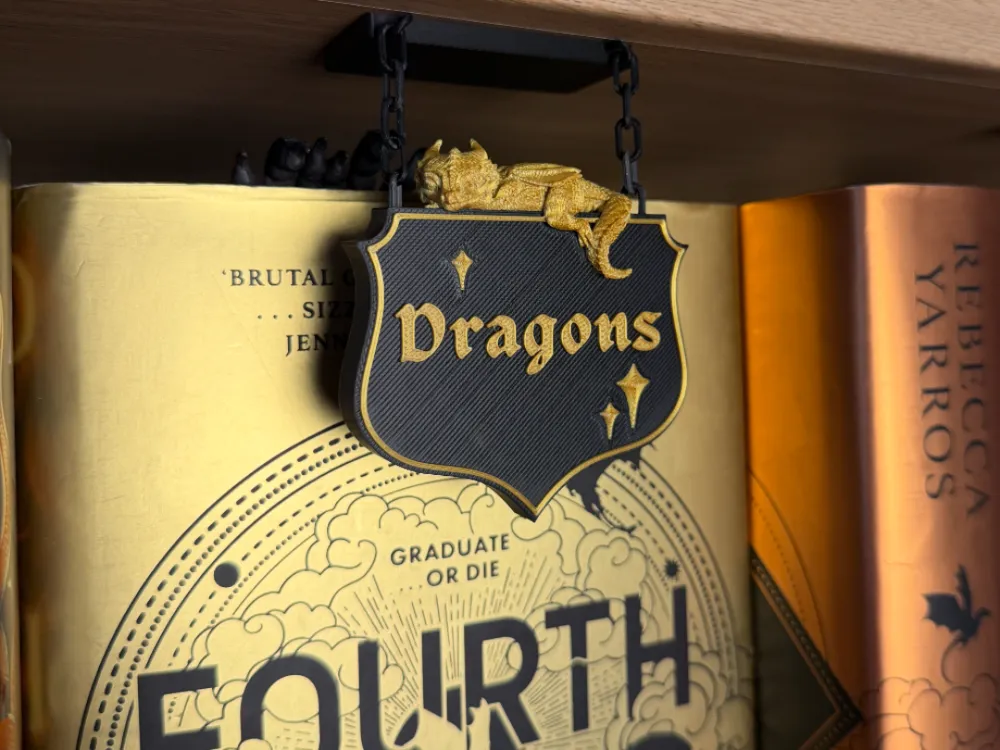
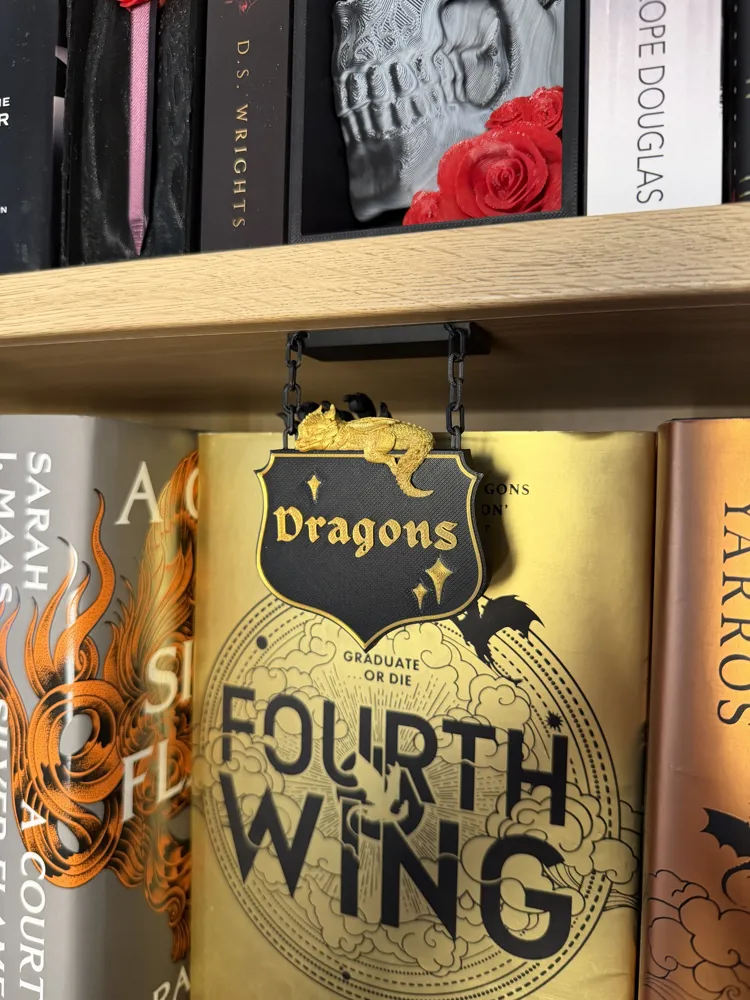
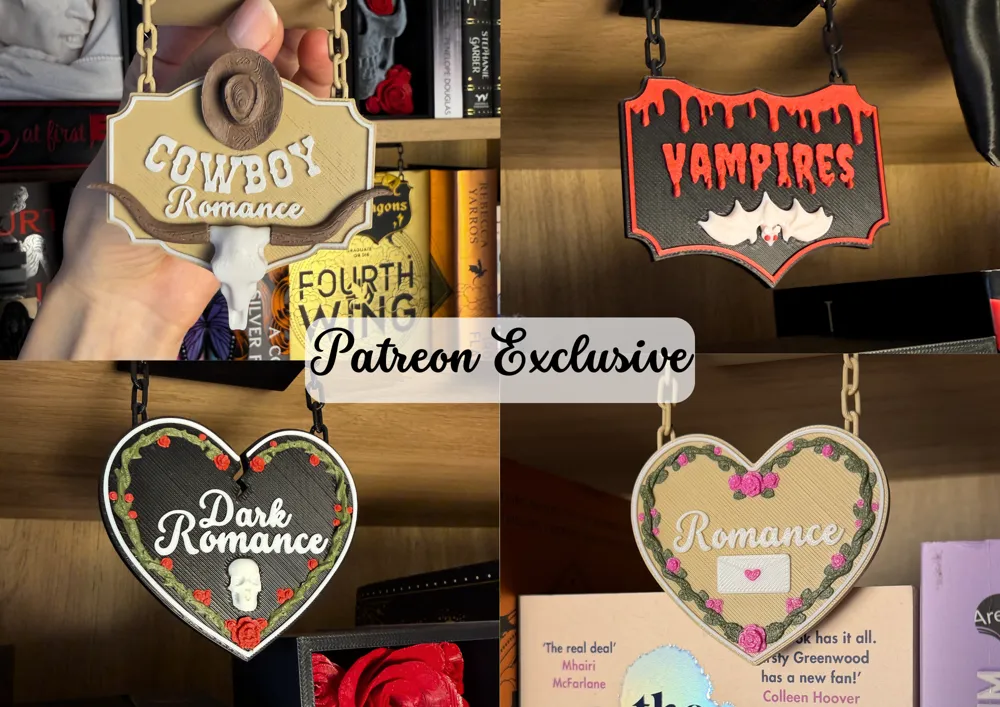
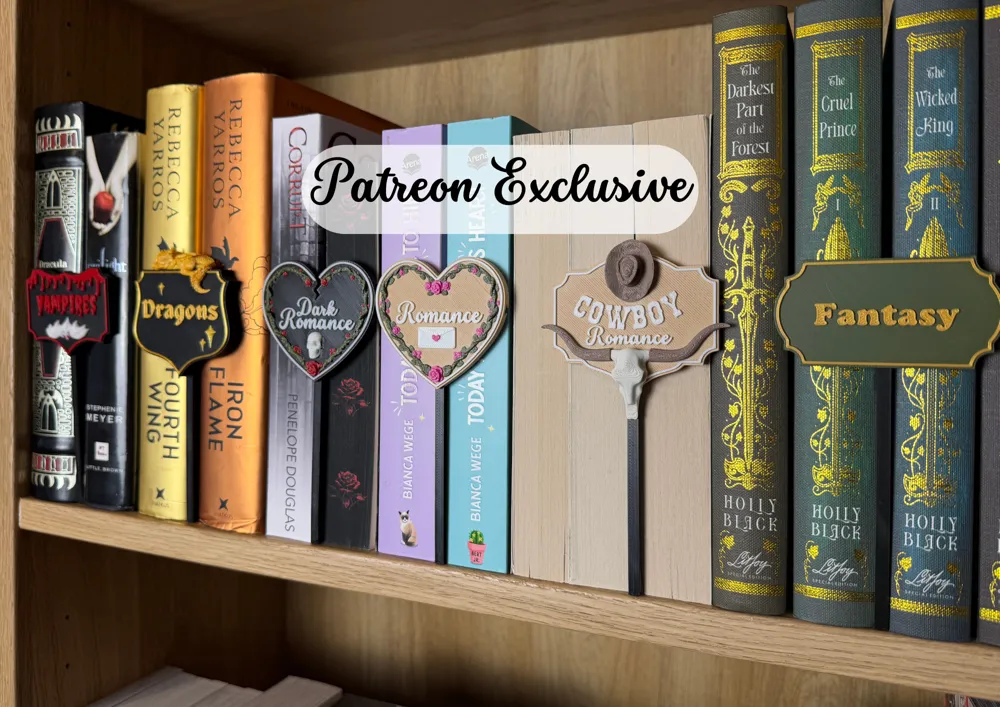
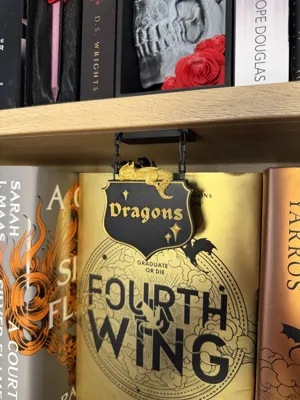
Because of the positive feedback on my hanging book counter, I decided to use the same technique for my new mini bookshelf signs.
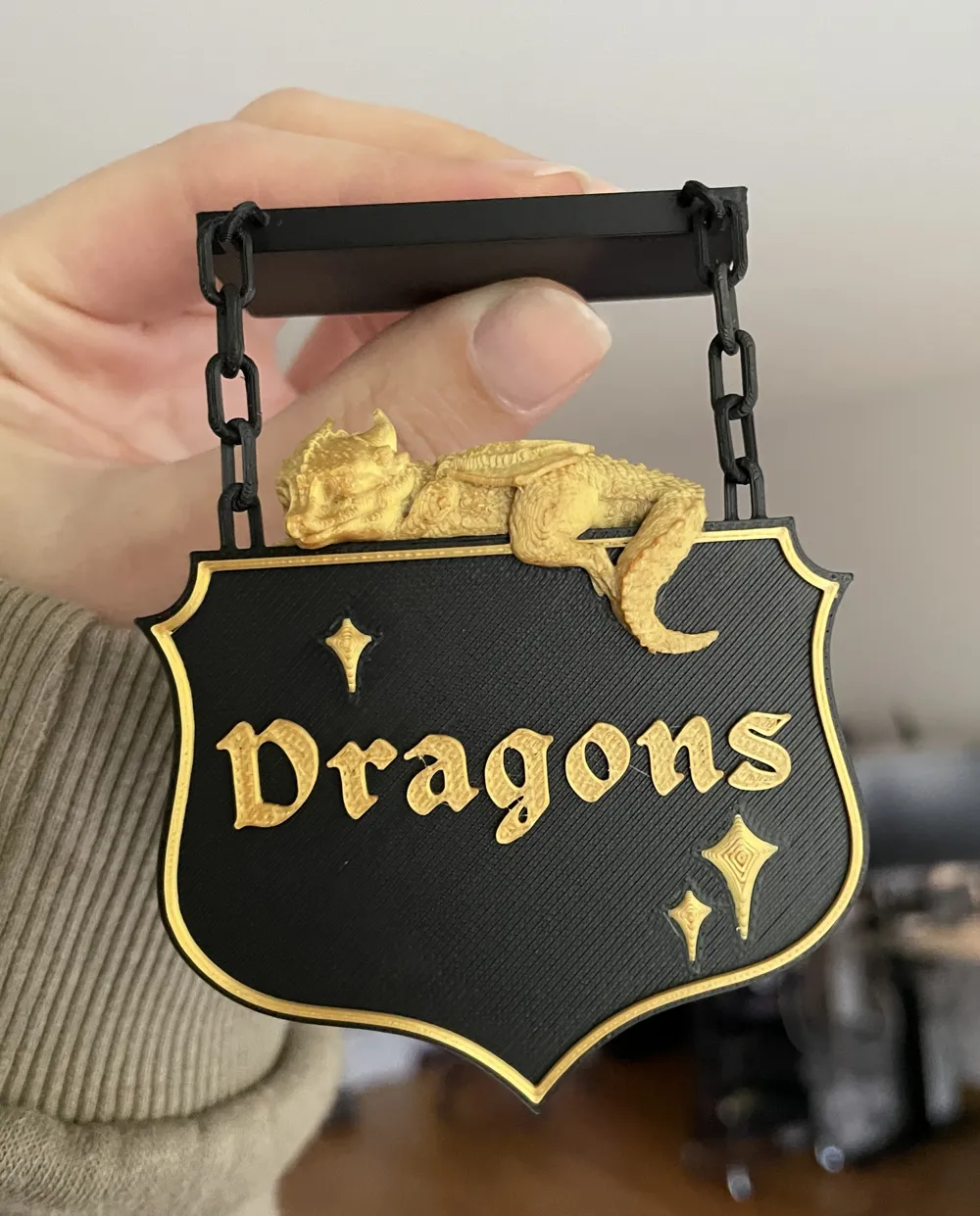
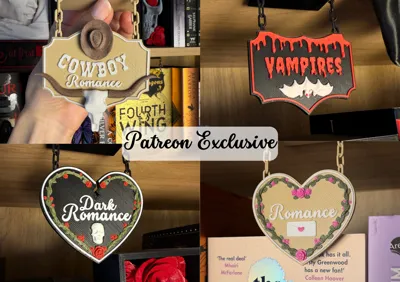
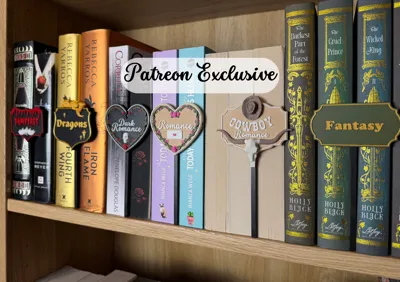
These signs were requested by my Patron, SeluuxShop ♥ thank you so much! I decided to spice them up with cute little 3D objects that match each genre. As always, everything is modeled by me, by hand, without using AI.
• What is included
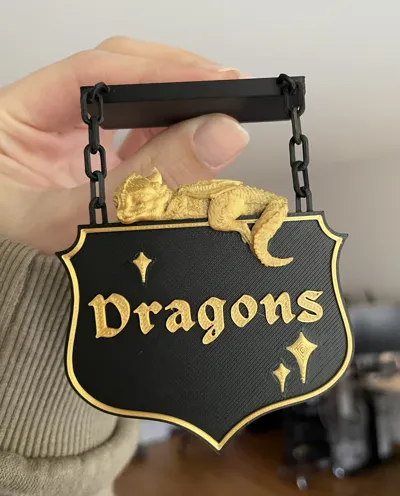
This free set on MakerWorld includes the Dragon Sign and a blank sign, which you can customize as you like. To get the full set and a commercial license for all my current and future designs, please consider subscribing to my Patreon. If you like my dragon, check out the shelf version and the page holder ♥
• Printing
You’ll need perfect (!!!) bed adhesion for the chains. A freshly cleaned cool plate with a thin layer of glue (glue stick) works perfectly for me. If you have trouble printing the chains, you can replace them with metal ones or simply use a piece of string or wool.
Dragon Sign: 0.12 mm layer height is recommended. The dragon needs supports, tree supports work fine.
• Customizable Text
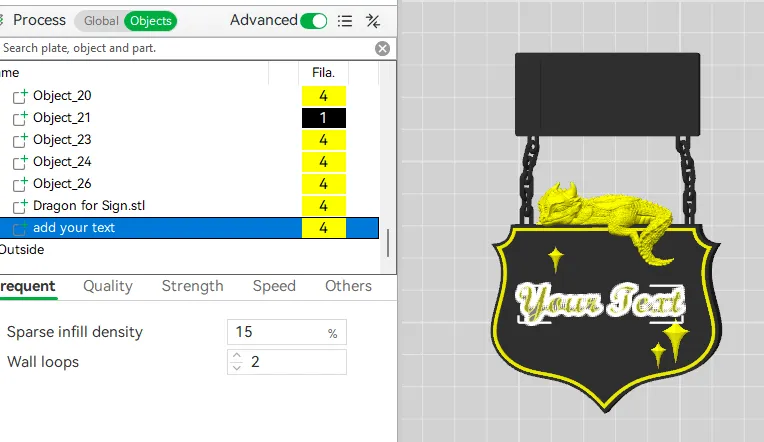
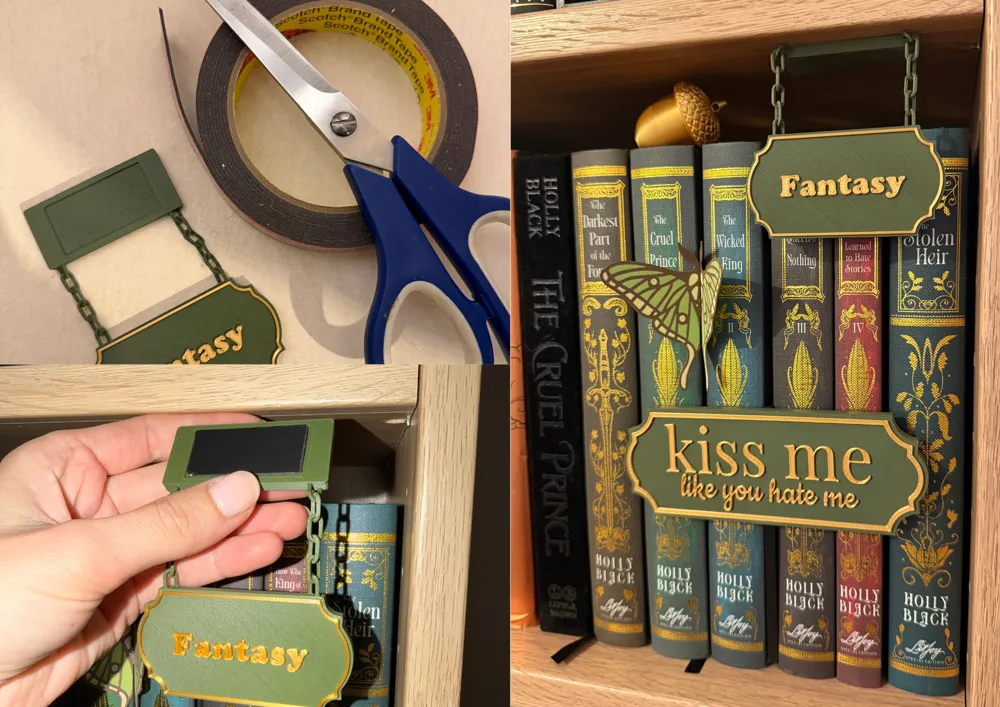
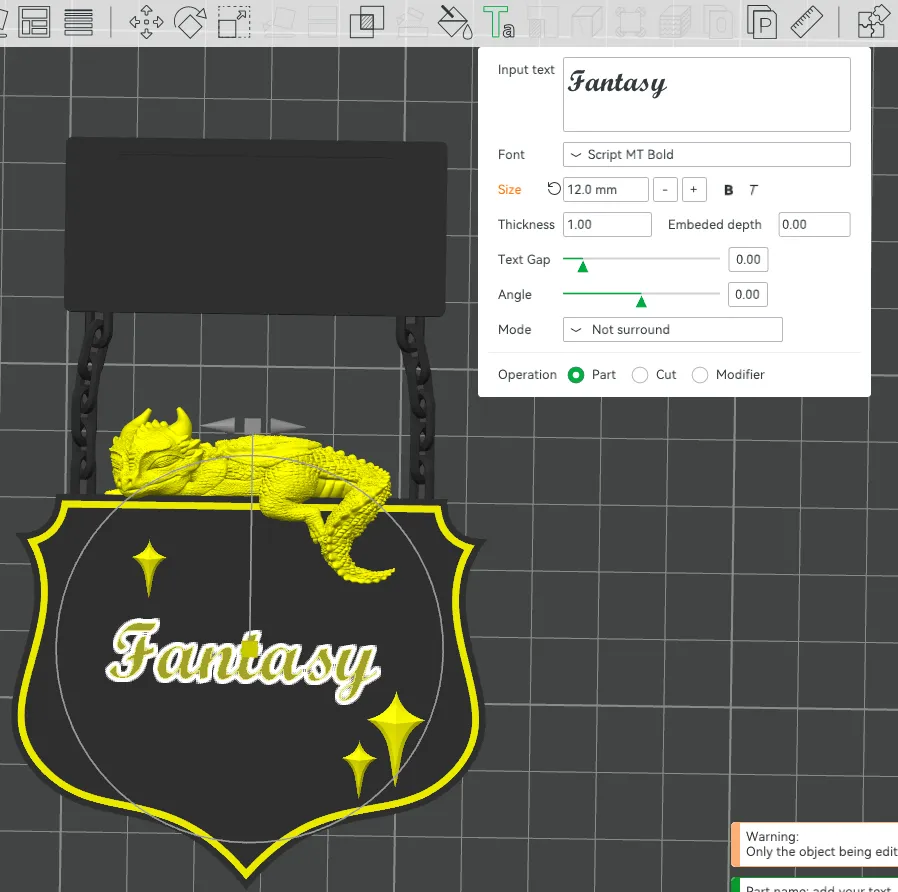
To change the text, select the object called “add your text” in the object menu in the Bambu Slicer.
Then, with the object selected, click the text edit tool = Text shape (T). Here, you can customize the text as you like. To adjust the position, switch to the position tool = Move (M). Please make sure to slice and check that your text appears correctly before printing. Some fonts might be too thin and may need to be scaled up first!
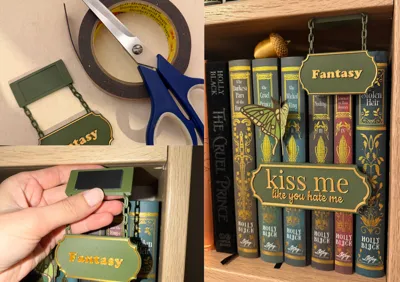
How to attach the sign to your bookshelf:
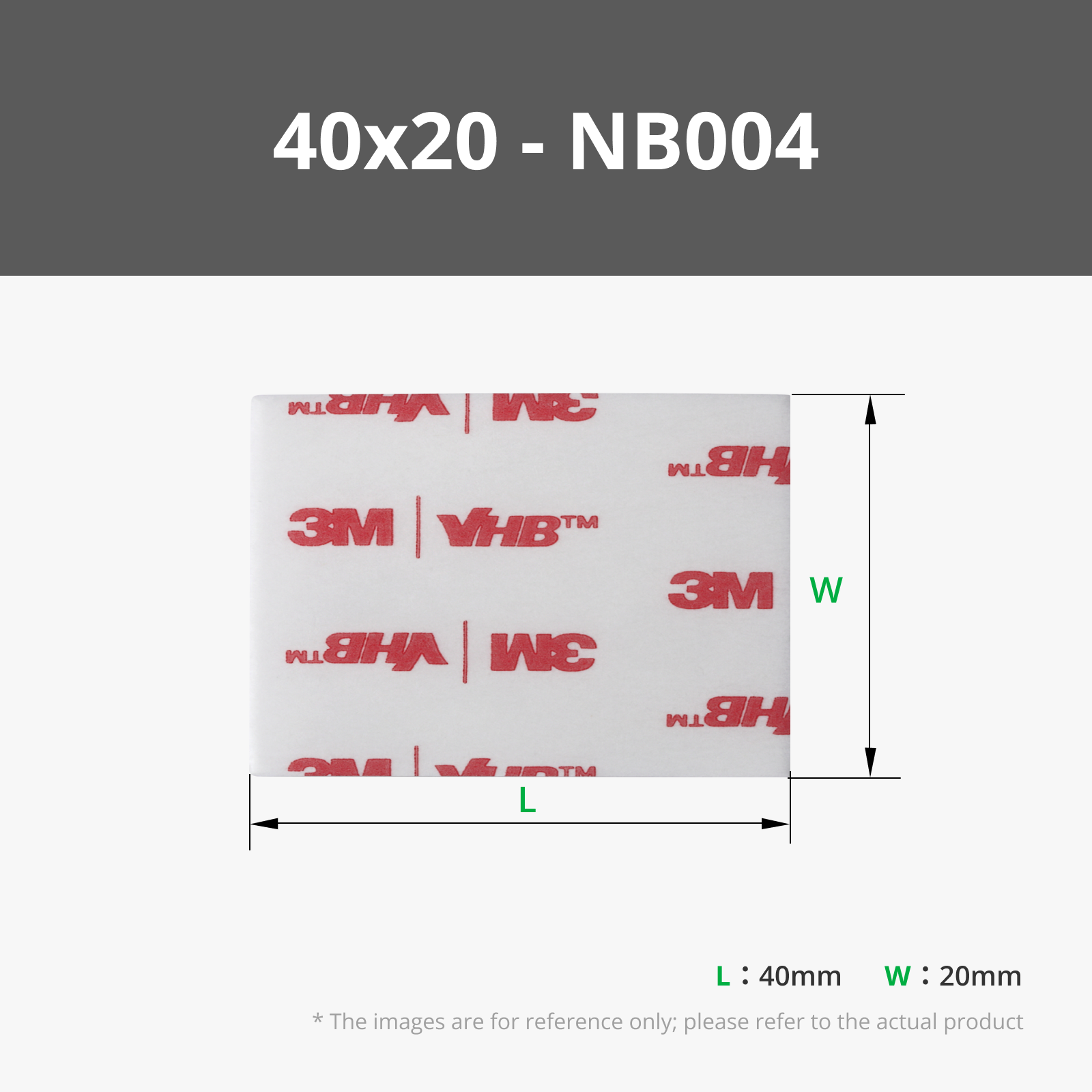
The sign holder has a cutout designed to fit a piece of double-sided tape (the one from bambu is linked below, the one I used is unnecessary strong). Simply add the tape to the holder and attach it underneath a shelf. To remove it, slide a thin object underneath and gently push down. A metal spatula, the same one I use to remove 3D prints from the plate, works best for me.
Gold Silk Filament used here is the one from TeqStone.
Happy printing! ♥
Boost Me (for free)
Cool people press this buttom
License

You shall not share, sub-license, sell, rent, host, transfer, or distribute in any way the digital or 3D printed versions of this object, nor any other derivative work of this object in its digital or physical format (including - but not limited to - remixes of this object, and hosting on other digital platforms). The objects may not be used without permission in any way whatsoever in which you charge money, or collect fees.


Comment & Rating (16)