

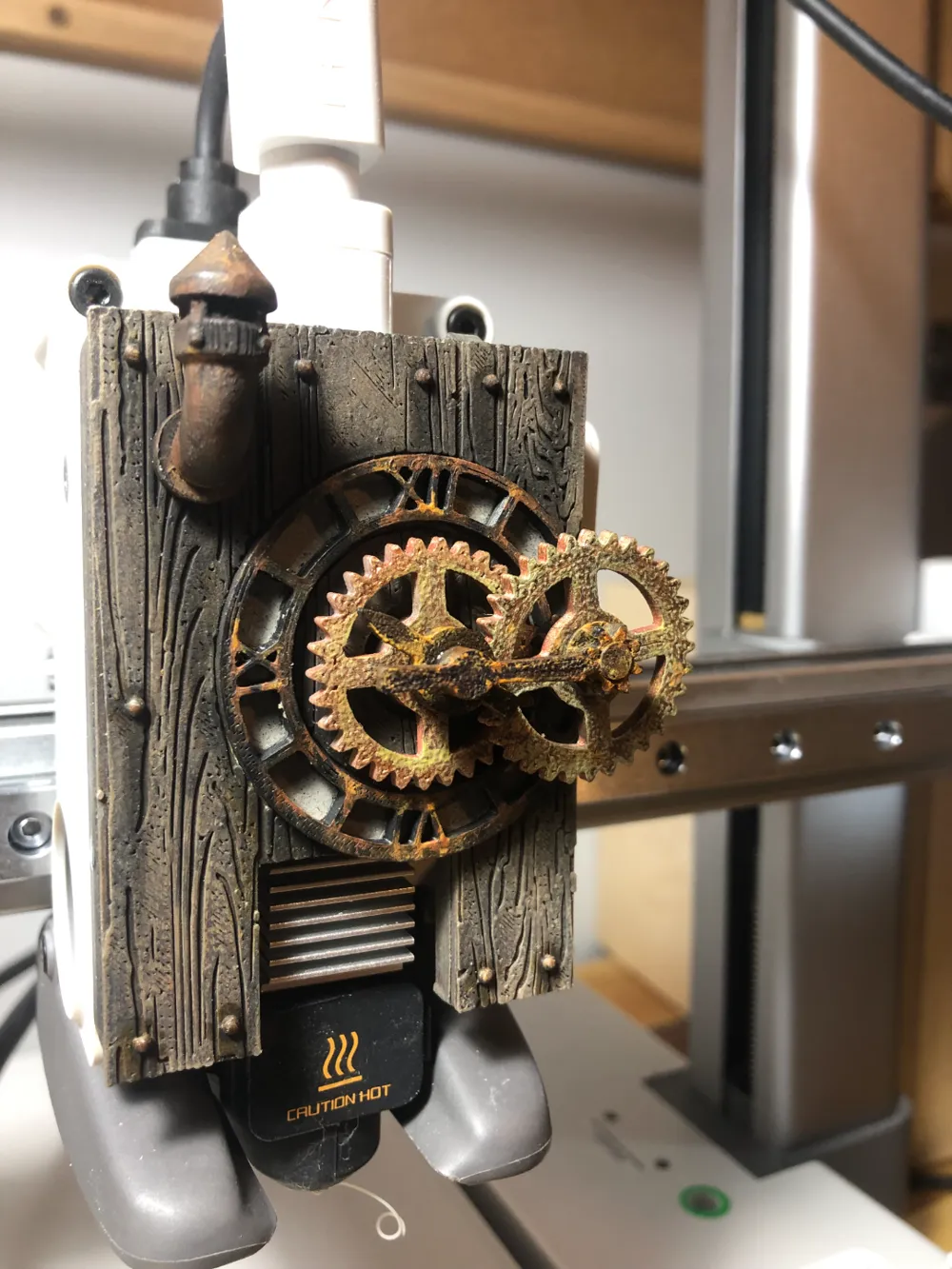
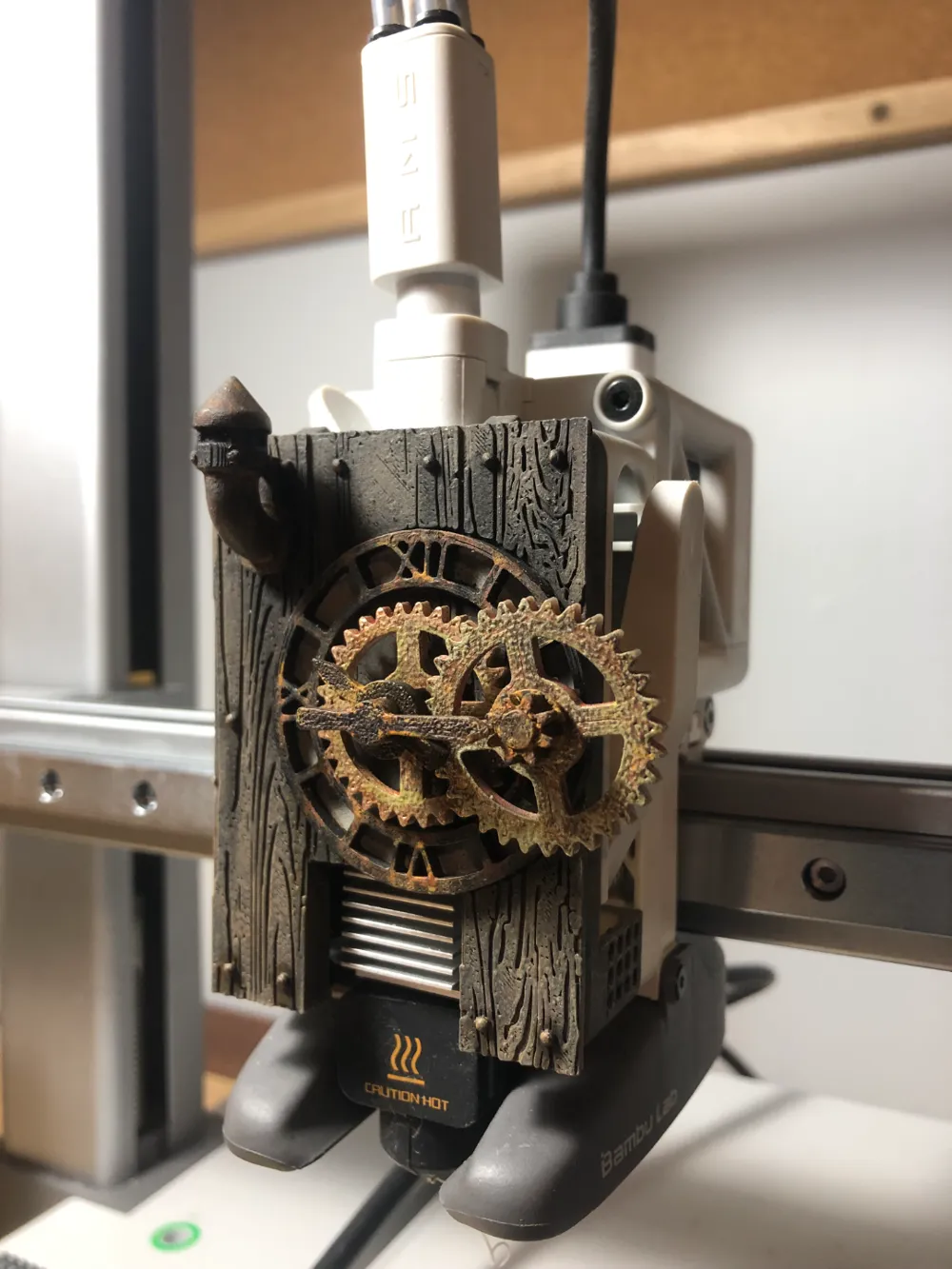
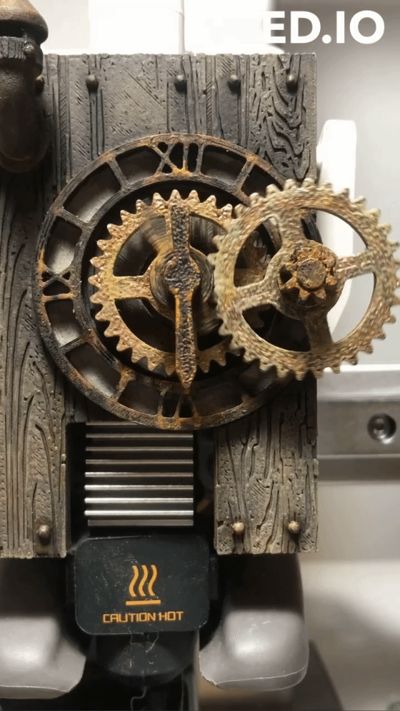
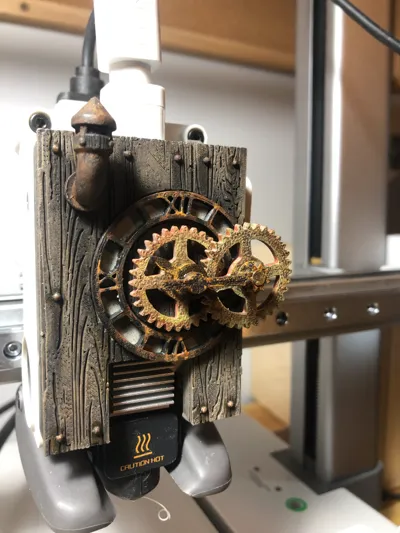
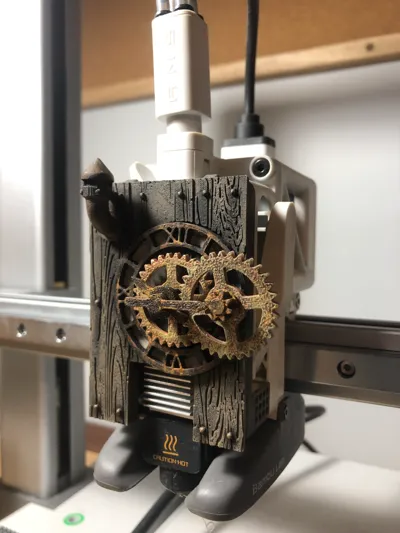
A1 Steampunk Gear Clock Extruder Cover
Print Profile(1)

Description
Boost Me (for free)
Your boost is always appreciate
1) Glue the 3 parts of the cover
2) Insert and glue the outside gear shaft in the little hole on the right of the cover
3) Assemble the central guide. All flat faces on the front. Glue the big hand shaft in the gear. Make sure that the small hand freely rotate.
4) Insert at the same time the 2 gears. put the cap on the outside gear (it’s a bit loose, it’s ok).
5) Make some adjustment, put little drop of Bambu oil to lubricate gears and voilà!
Based on 4 files: Dial: NegativeB - Rotation Gear: Eric - Wood texture: Onebitpixel - Air Vent: SevenUnited
License

You shall not share, sub-license, sell, rent, host, transfer, or distribute in any way the digital or 3D printed versions of this object, nor any other derivative work of this object in its digital or physical format (including - but not limited to - remixes of this object, and hosting on other digital platforms). The objects may not be used without permission in any way whatsoever in which you charge money, or collect fees.


Comment & Rating (36)